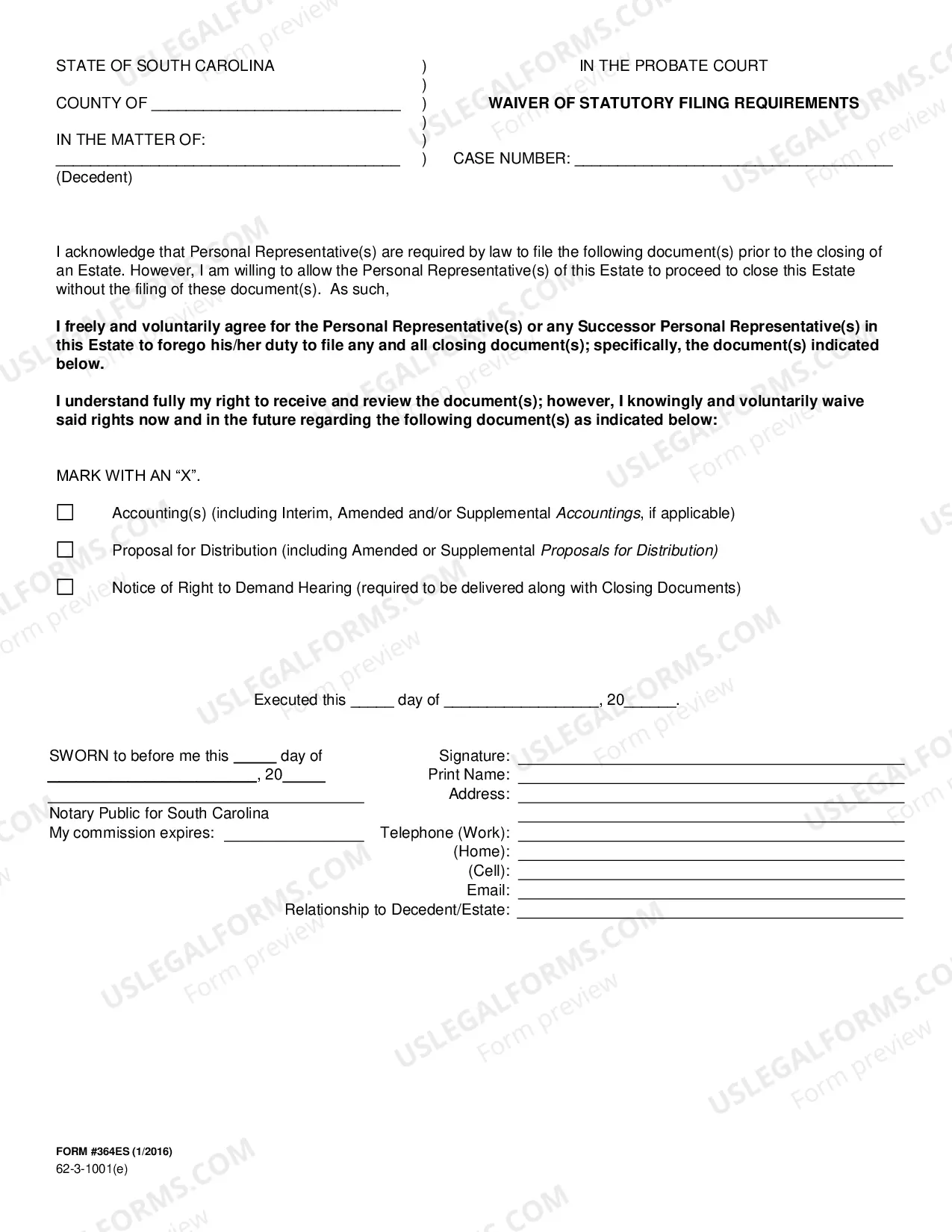
South Carolina Waiver of Filing Requirements
Description

Get your form ready online
Our built-in tools help you complete, sign, share, and store your documents in one place.
Make edits, fill in missing information, and update formatting in US Legal Forms—just like you would in MS Word.
Download a copy, print it, send it by email, or mail it via USPS—whatever works best for your next step.
Sign and collect signatures with our SignNow integration. Send to multiple recipients, set reminders, and more. Go Premium to unlock E-Sign.
If this form requires notarization, complete it online through a secure video call—no need to meet a notary in person or wait for an appointment.
We protect your documents and personal data by following strict security and privacy standards.

Make edits, fill in missing information, and update formatting in US Legal Forms—just like you would in MS Word.

Download a copy, print it, send it by email, or mail it via USPS—whatever works best for your next step.

Sign and collect signatures with our SignNow integration. Send to multiple recipients, set reminders, and more. Go Premium to unlock E-Sign.

If this form requires notarization, complete it online through a secure video call—no need to meet a notary in person or wait for an appointment.

We protect your documents and personal data by following strict security and privacy standards.
Looking for another form?
How to fill out South Carolina Waiver Of Filing Requirements?
Working with official documentation requires attention, accuracy, and using properly-drafted blanks. US Legal Forms has been helping people across the country do just that for 25 years, so when you pick your South Carolina Waiver of Filing Requirements template from our service, you can be sure it complies with federal and state regulations.
Working with our service is simple and quick. To obtain the required document, all you’ll need is an account with a valid subscription. Here’s a brief guide for you to find your South Carolina Waiver of Filing Requirements within minutes:
- Remember to attentively check the form content and its correspondence with general and law requirements by previewing it or reading its description.
- Search for an alternative formal blank if the previously opened one doesn’t match your situation or state regulations (the tab for that is on the top page corner).
- Log in to your account and download the South Carolina Waiver of Filing Requirements in the format you prefer. If it’s your first experience with our service, click Buy now to continue.
- Create an account, select your subscription plan, and pay with your credit card or PayPal account.
- Decide in what format you want to obtain your form and click Download. Print the blank or add it to a professional PDF editor to submit it paper-free.
All documents are created for multi-usage, like the South Carolina Waiver of Filing Requirements you see on this page. If you need them in the future, you can fill them out without re-payment - simply open the My Forms tab in your profile and complete your document whenever you need it. Try US Legal Forms and accomplish your business and personal paperwork quickly and in full legal compliance!
Form popularity
FAQ
Is Probate Required in South Carolina? In most cases, the answer is ?yes.? Probate will be a necessary step in distributing he assets of the estate. The court monitors this process to ensure the decedent's wishes are followed as indicated in the will.
In South Carolina, the following assets are subject to probate: Property only held in the deceased's name. Any real estate that the decedent held as a tenant in common. The deceased's interest in an LLC, corporation or a partnership.
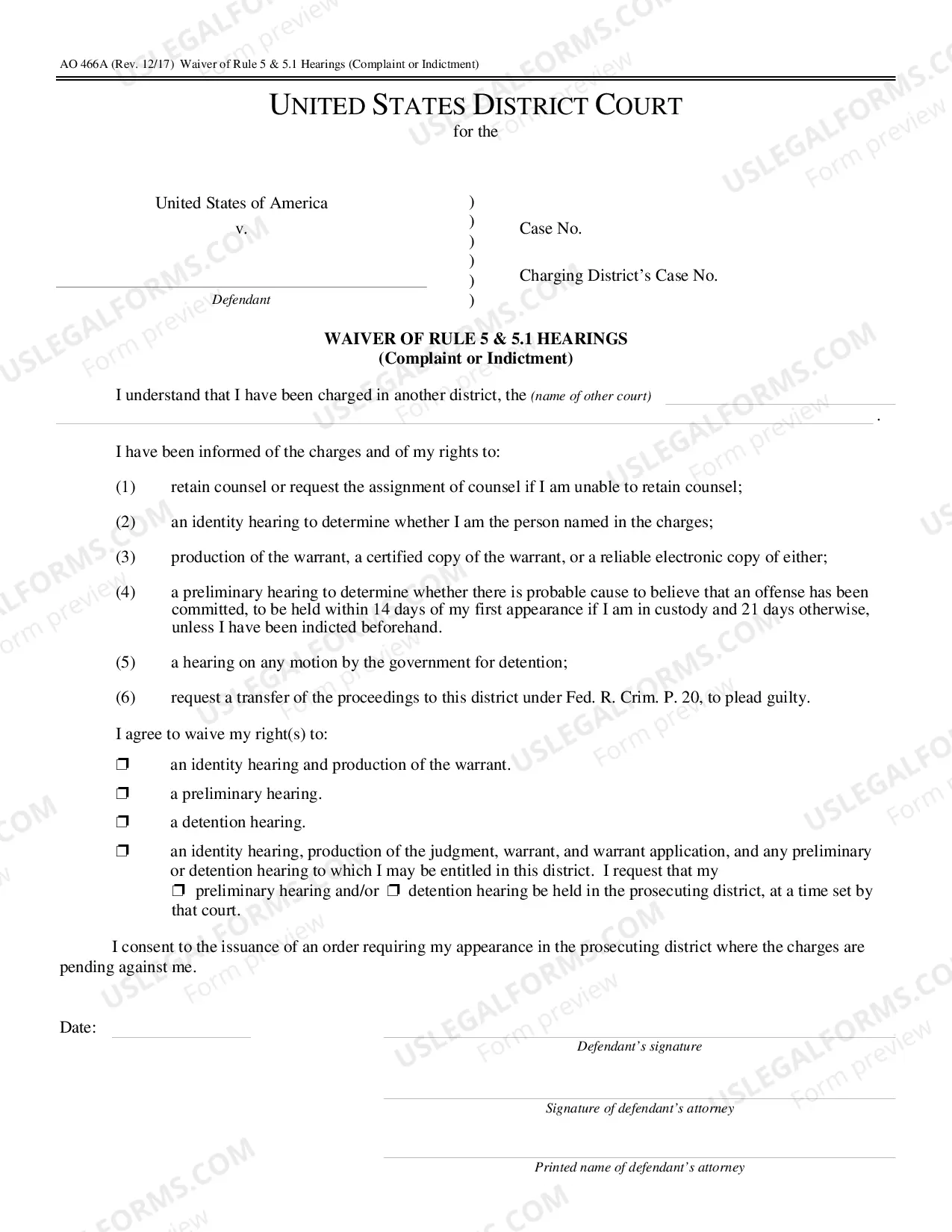
Waiver of statutory filing requirements: If filed by all of the necessary parties, the estate can be administered without the need for a Final Accounting, Proposal for Distribution, or Notice of Right to Demand Hearing.
In South Carolina, you can use an Affidavit if an estate value is less than $25,000. You must wait 30 days after the death, and a probate judge will need to approve it. There is also potential to use a summary probate procedure, which is a possibility when an estate value is less than $25,000.
In South Carolina, you can make a living trust to avoid probate for virtually any asset you own?real estate, bank accounts, vehicles, and so on. You need to create a trust document (it's similar to a will), naming someone to take over as trustee after your death (called a successor trustee).
Opening an Estate. Filing Will and Probatings - The South Carolina ( SC ) Probate Code of Laws requires that the Last Will and Testament be delivered to the Probate Court within 30 days of the decedent's death.