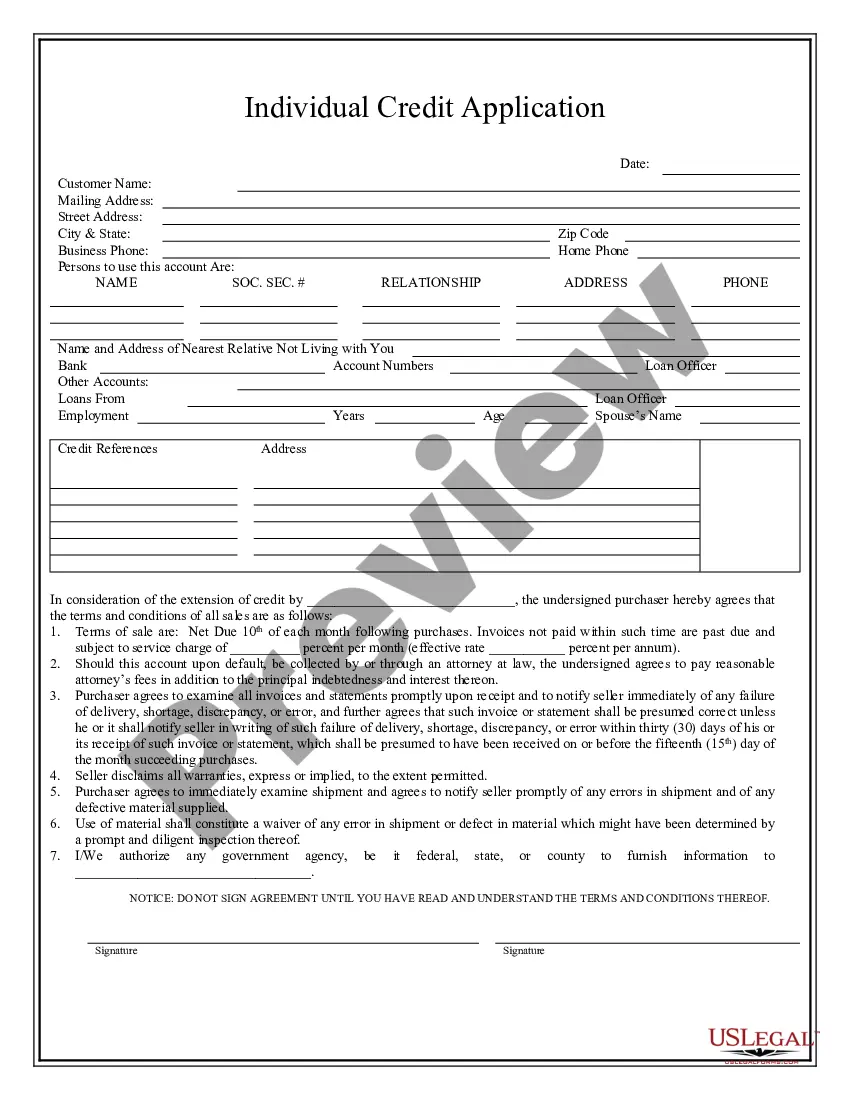
South Carolina Individual Credit Application
Overview of this form
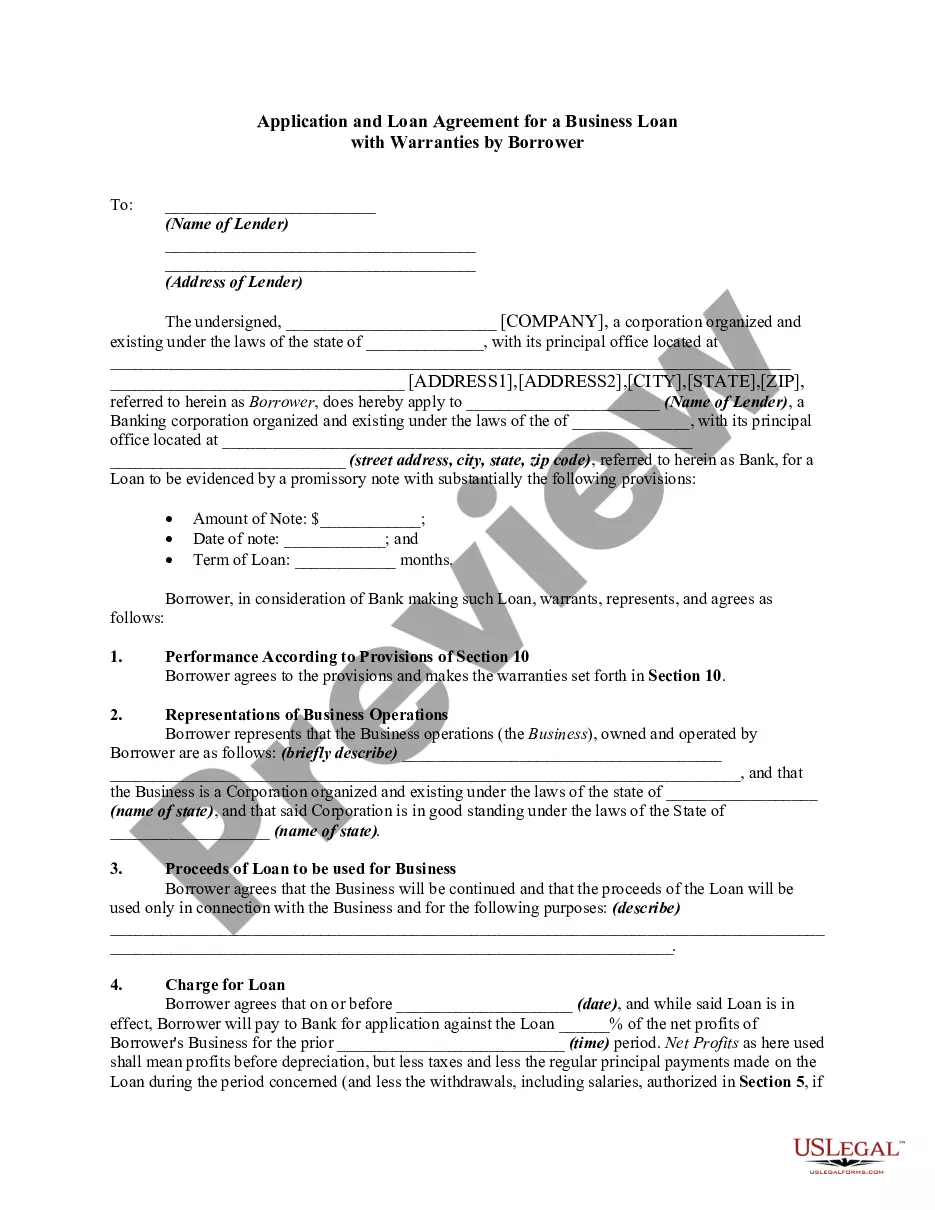
The Individual Credit Application is a legal document that an individual completes to request credit for purchases. This form outlines the terms of credit, repayment conditions, and the rights of both the purchaser and the seller. It is specifically designed for individuals seeking personal credit, differentiating it from commercial credit applications used by businesses.
Key parts of this document
- Identification of the seller and purchaser.
- Terms of sale, including payment due dates and interest rates.
- Provisions regarding default and attorney fees in case of non-payment.
- Statement requiring the purchaser to promptly examine invoices and notify of discrepancies.
- Disclaimer of warranties by the seller.
- Authorization for the seller to obtain personal information from government agencies.
When to use this form
This form should be used when an individual intends to apply for credit to make purchases. Scenarios include applying for credit to buy furniture, electronics, or other personal goods where the seller offers financing. It is essential to use this form to ensure that both parties are clear on the payment terms and obligations.
Who can use this document
- Individuals seeking credit for personal purchases.
- Buyers who need financing options from sellers.
- Sellers wishing to formalize the credit terms with purchasers.
How to complete this form
- Identify the seller and purchaser by entering their names and addresses.
- Specify the terms of sale, including payment due dates and interest rates.
- Review the repayment conditions and acknowledge them by signature.
- Indicate any charges applicable for late payments.
- Grant permission for the seller to obtain relevant personal information as needed.
- Read the entire form and sign only when you fully understand the terms.
Notarization guidance
Notarization is not commonly needed for this form. However, certain documents or local rules may make it necessary. Our notarization service, powered by Notarize, allows you to finalize it securely online anytime, day or night.
Get your form ready online
Our built-in tools help you complete, sign, share, and store your documents in one place.
Make edits, fill in missing information, and update formatting in US Legal Forms—just like you would in MS Word.
Download a copy, print it, send it by email, or mail it via USPS—whatever works best for your next step.
Sign and collect signatures with our SignNow integration. Send to multiple recipients, set reminders, and more. Go Premium to unlock E-Sign.
If this form requires notarization, complete it online through a secure video call—no need to meet a notary in person or wait for an appointment.
We protect your documents and personal data by following strict security and privacy standards.

Make edits, fill in missing information, and update formatting in US Legal Forms—just like you would in MS Word.

Download a copy, print it, send it by email, or mail it via USPS—whatever works best for your next step.

Sign and collect signatures with our SignNow integration. Send to multiple recipients, set reminders, and more. Go Premium to unlock E-Sign.

If this form requires notarization, complete it online through a secure video call—no need to meet a notary in person or wait for an appointment.

We protect your documents and personal data by following strict security and privacy standards.
Common mistakes to avoid
- Failing to read the terms and conditions thoroughly before signing.
- Not notifying the seller of any discrepancies in invoices promptly.
- Omitting signatures or not providing correct personal information.
Why use this form online
- Convenient access from anywhere, eliminating the need for physical paperwork.
- Editable templates allow for customization based on specific needs.
- Reliable templates crafted by licensed attorneys to ensure legal compliance.
Looking for another form?


Form popularity
FAQ
Please be aware that South Carolina will not accept the federal extension form as an extension for your South Carolina tax return. The extended tax return deadline is October 15, 2021 (for e-filed and mailed returns).
No, Post Offices do not have tax forms available for customers. However, you can view, download, and print specific tax forms and publications at the "Forms, Instructions & Publications" page of the IRS website.Your local government offices may have tax forms available for pickup.
During the tax filing season, many libraries and post offices offer free tax forms to taxpayers. Some libraries also have copies of commonly requested publications. Many large grocery stores, copy centers and office supply stores have forms you can photocopy or print from a CD. By Mail.
Download them from IRS.gov. Order by phone at 1-800-TAX-FORM (1-800-829-3676)
The credit is calculated on South Carolina Form I-385, Motor Fuel Income Tax Credit. This form must be included with the resident taxpayer's income tax return. The credit is available for up to two private passenger motor vehicles or motorcycles per taxpayer.
Extensions - South Carolina allows an automatic extension to October 15 if no additional tax is due and if a federal extension is filed. When the state return is filed, include a copy of the Federal extension request (Form 4868).
South Carolina's version of the federal EITC was adopted in 2018 and is being phased in over six years. For tax year 2019, eligible taxpayers could claim up to 41.67% of the federal credit.By tax year 2023, South Carolina taxpayers will be able to claim 125% of the federal EITC.
South Carolina Fillable Forms is a FREE product and is only for filing your South Carolina return. South Carolina Fillable Forms provides the option to fill out your return online and mail it to the SCDOR OR to submit your return the SCDOR electronically.
If you qualify for a paper copy of a tax form based on these criteria, you can email your paper form request to forms@dor.sc.gov or call 1-844-898-8542 to speak to a representative. You will need to provide your name, address, and the form you are requesting.