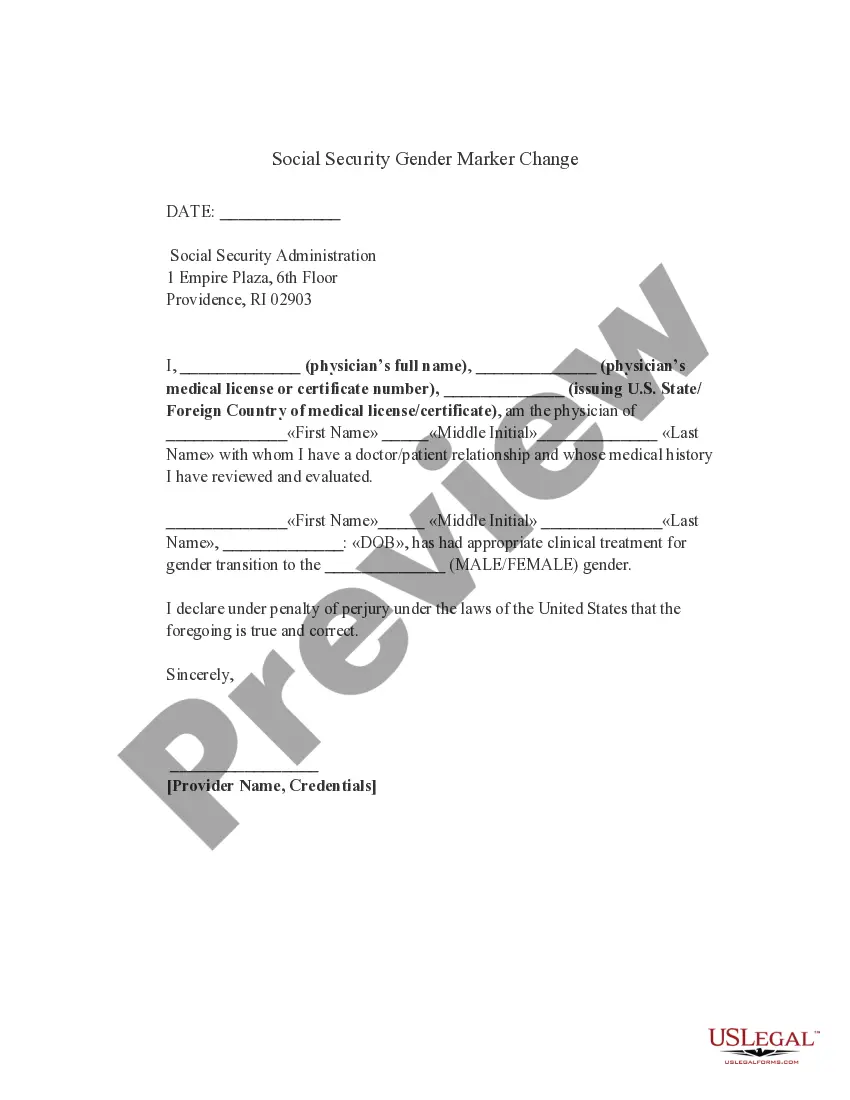
Rhode Island Social Security Gender Marker Change
What is this form?
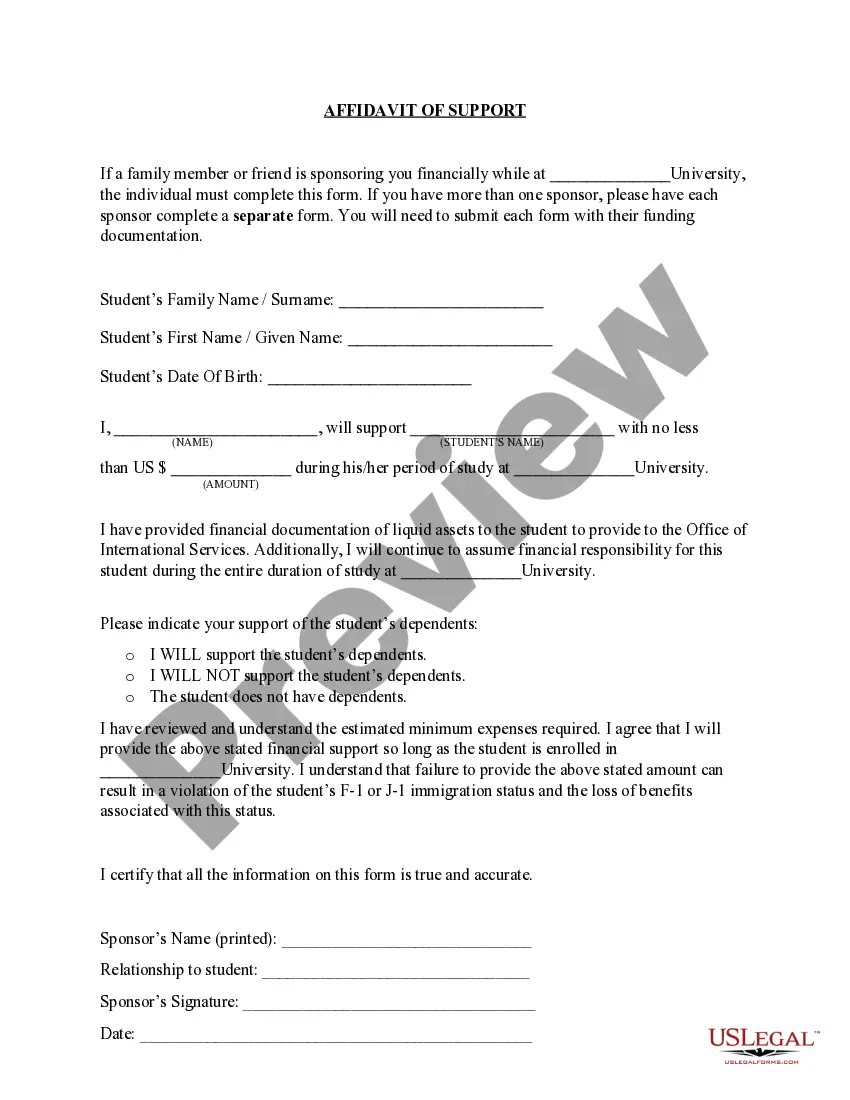
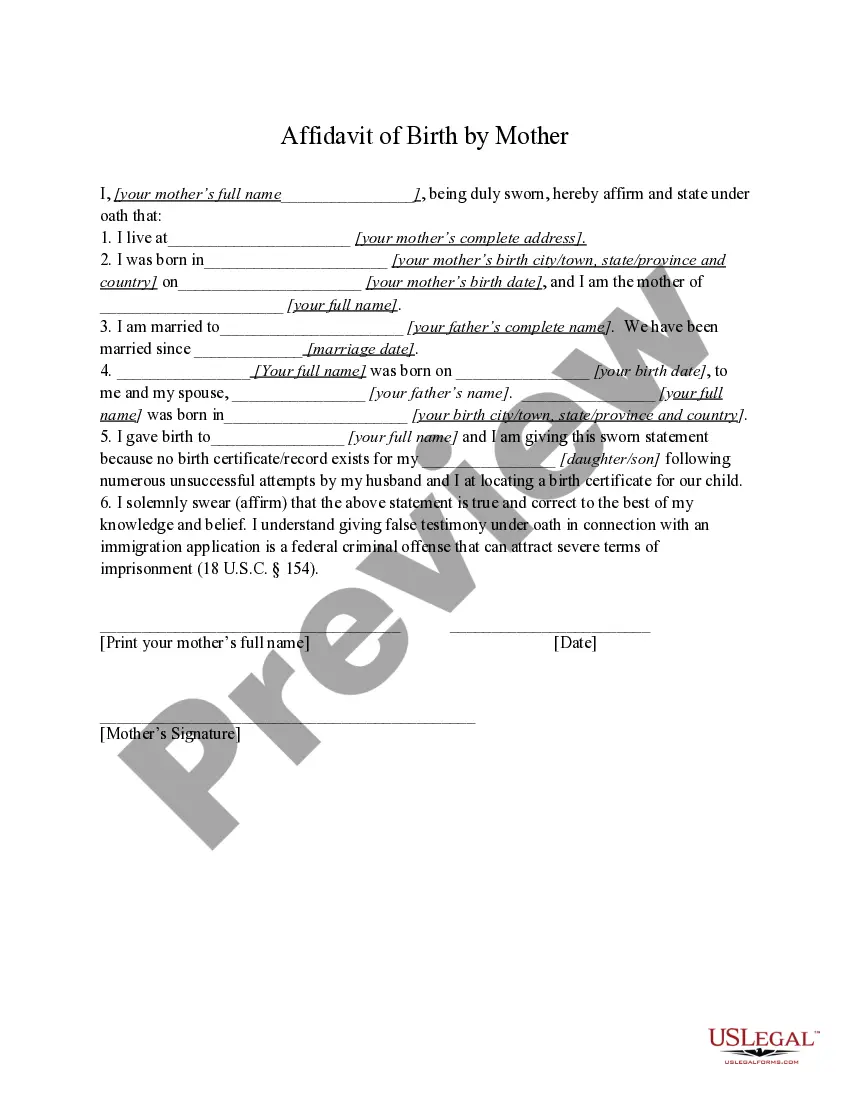
The Social Security Gender Marker Change form allows individuals to self-select their gender with the Social Security Administration. This form differs from other identity documentation as it does not require supporting documentation of the individual's sex designation, making it more accessible for those undergoing gender transition.
What’s included in this form
- Physician's declaration confirming the patientâs gender transition treatment.
- Patient's name and date of birth for identification purposes.
- Physicianâs details including name, medical license number, and state of issuance.
- Signature from the physician affirming the truthfulness of the content.
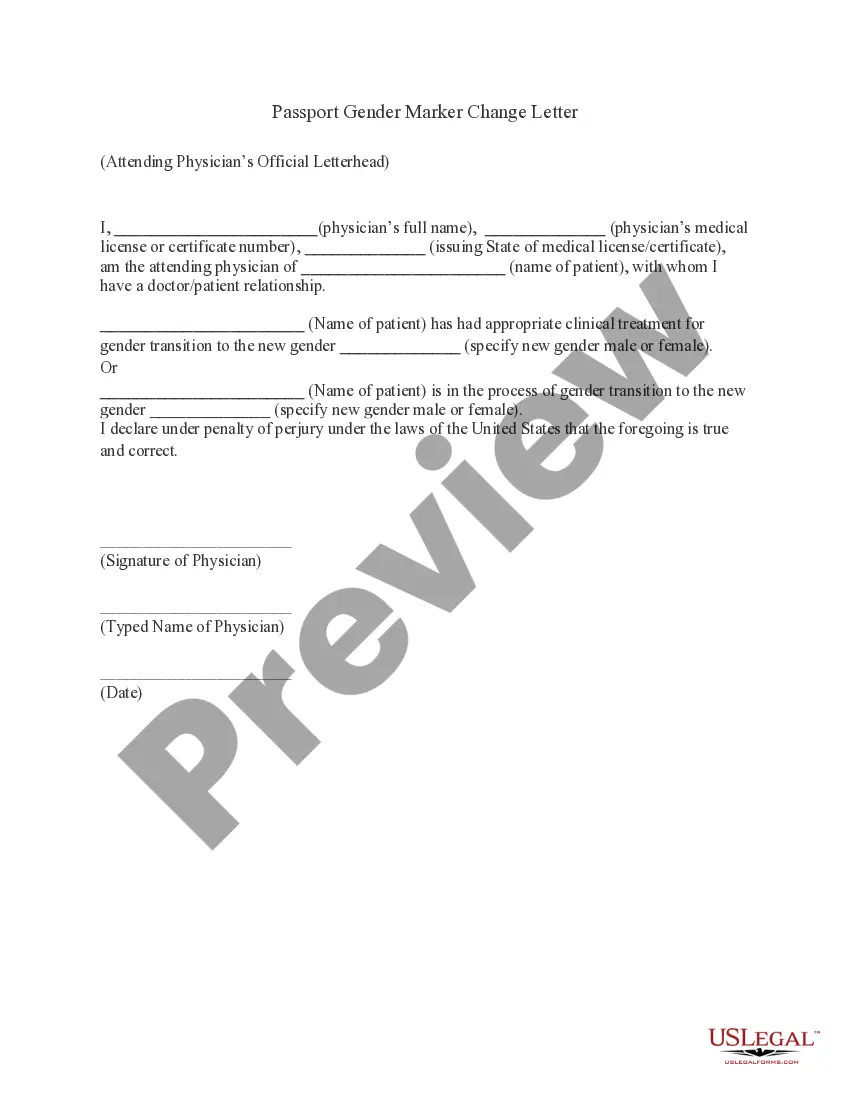
When to use this form
This form should be used when an individual seeks to update their gender marker with the Social Security Administration without providing extensive documentation. It is typically needed during or after a gender transition when an individual wants their government records to reflect their gender identity.
Who needs this form
- Individuals who are transitioning and require a change in gender marker.
- Those who prefer to self-identify their gender without extensive documentation.
- Patients who have received medical treatment related to their gender transition.
Instructions for completing this form
- Enter the date at the top of the form.
- Fill in the patient's full name and date of birth.
- Include the physician's full name, medical license number, and issuing state.
- Indicate the gender designation (male or female) the patient is self-selecting.
- Have the physician sign the document, confirming the details provided.
Does this form need to be notarized?
This form does not typically require notarization unless specified by local law. However, it is recommended to verify compliance with state requirements to prevent delays in processing with the Social Security Administration.
Get your form ready online
Our built-in tools help you complete, sign, share, and store your documents in one place.
Make edits, fill in missing information, and update formatting in US Legal Forms—just like you would in MS Word.
Download a copy, print it, send it by email, or mail it via USPS—whatever works best for your next step.
Sign and collect signatures with our SignNow integration. Send to multiple recipients, set reminders, and more. Go Premium to unlock E-Sign.
If this form requires notarization, complete it online through a secure video call—no need to meet a notary in person or wait for an appointment.
We protect your documents and personal data by following strict security and privacy standards.

Make edits, fill in missing information, and update formatting in US Legal Forms—just like you would in MS Word.

Download a copy, print it, send it by email, or mail it via USPS—whatever works best for your next step.

Sign and collect signatures with our SignNow integration. Send to multiple recipients, set reminders, and more. Go Premium to unlock E-Sign.

If this form requires notarization, complete it online through a secure video call—no need to meet a notary in person or wait for an appointment.

We protect your documents and personal data by following strict security and privacy standards.
Typical mistakes to avoid
- Failing to properly fill in the physicianâs contact details.
- Leaving the gender designation field blank.
- Not having the form signed by the physician.
- Failing to review the patientâs information for accuracy prior to submission.
Benefits of completing this form online
- Convenient access to legally vetted templates available for download.
- Editability allows customization for specific needs without hassle.
- Reliable templates drafted by licensed attorneys ensure compliance.
What to keep in mind
- The Social Security Gender Marker Change form facilitates updating gender markers easily.
- No extensive documentation is required for the process.
- It should be completed with accurate physician information to ensure validity.
Looking for another form?


Form popularity
FAQ
Applicants requesting a change of the gender designation on their driver's license or identification card from that showing on their identity proof documents must: Surrender any current state-issued license or identification card; Submit a completed Gender Designation form; and Pay applicable fees for new or updated
In all 50 states, transgender individuals can legally change their gender on their driver's license.
Will Changing My Gender With SSA Affect My Social Security Benefits? No. Social Security benefits do not depend on your gender.
How do I change the sex identification on my Social Security record? To change the sex identification on your Social Security record, you do not need to provide medical or legal evidence of your sex designation. You will need to provide evidence to prove your identity, and sometimes citizenship or immigration status.
In order to update the gender on a Rhode Island driver's license or ID, the applicant should: Complete a Gender Designation Form signed by the applicant. Submit current RI license or ID. Take a new photograph. Pay applicable fees.
You must contact the State of RI Department of Health. They are the only entity that can make any changes to records.
A Gender Recognition Certificate. a new birth or adoption certificate showing your acquired gender. a letter from your doctor or medical consultant confirming your change of gender is likely to be permanent.