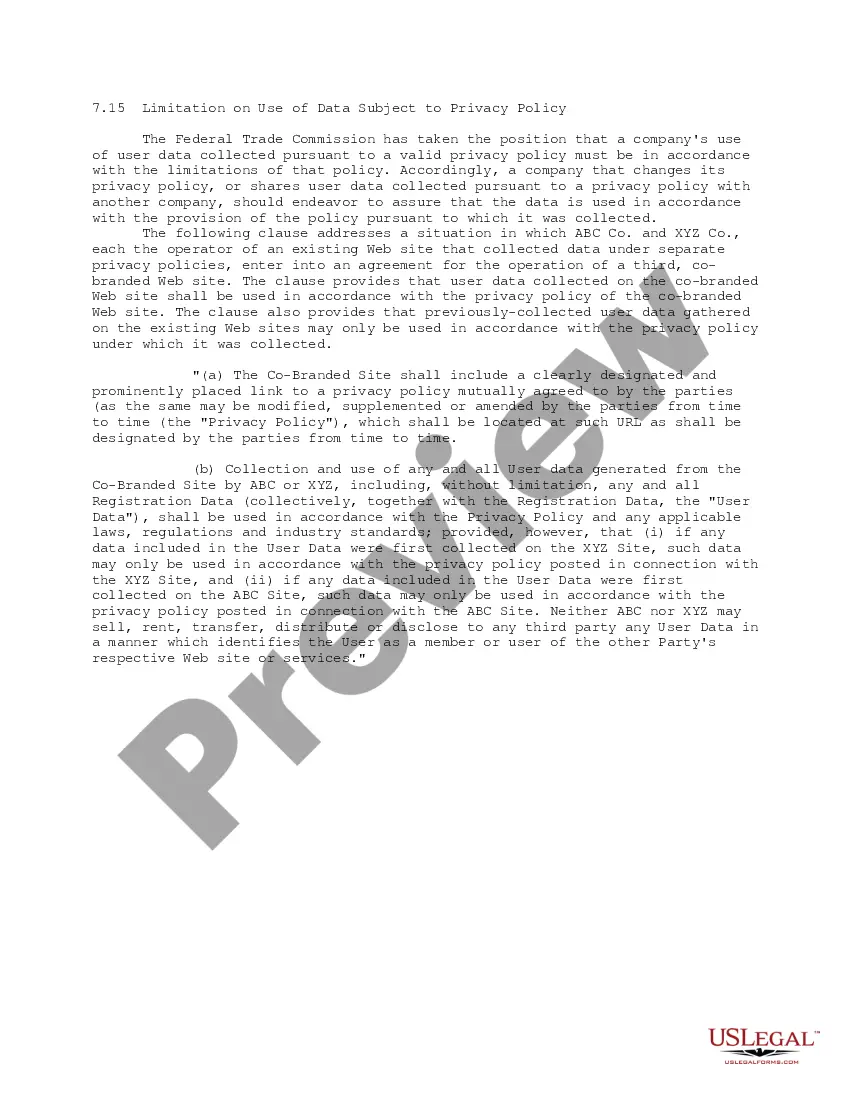
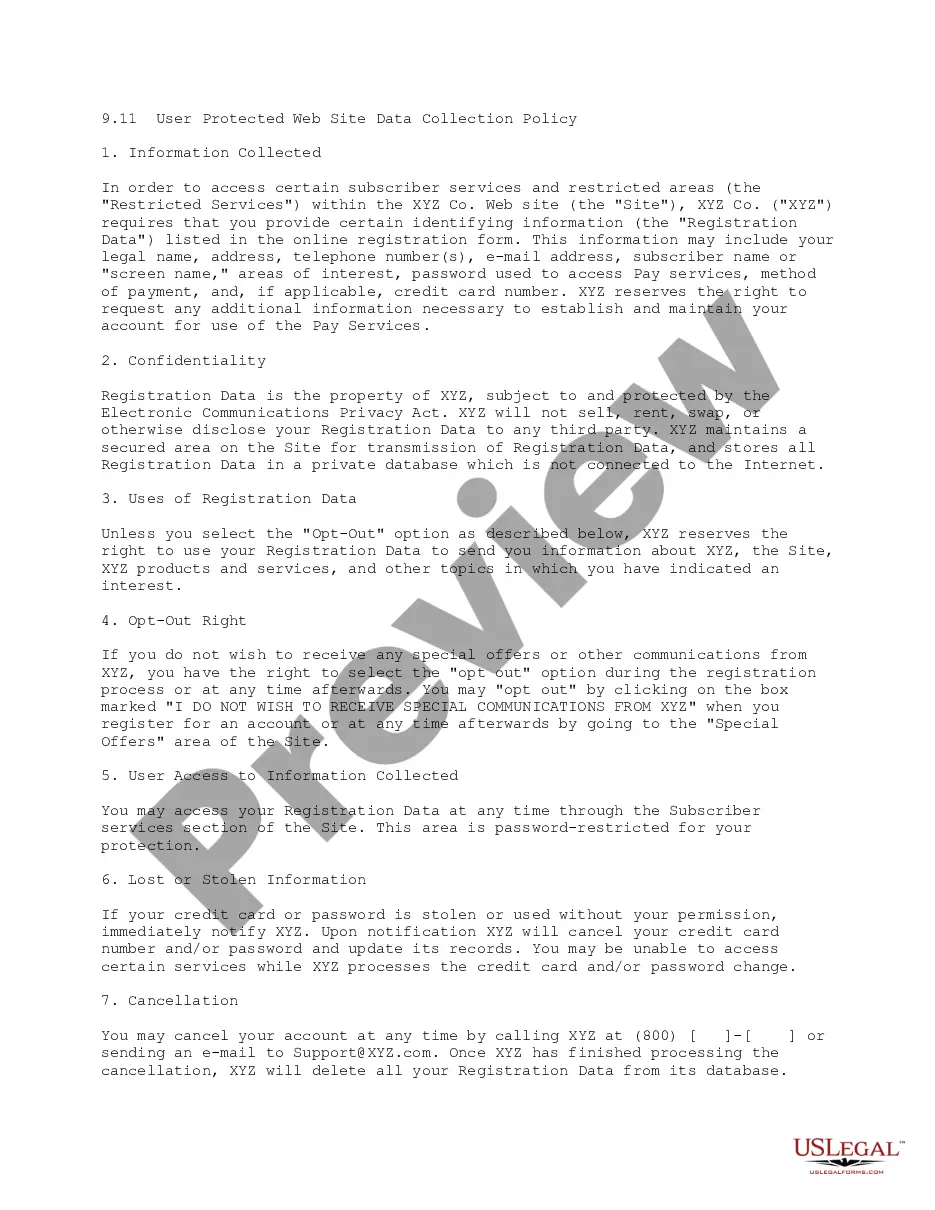
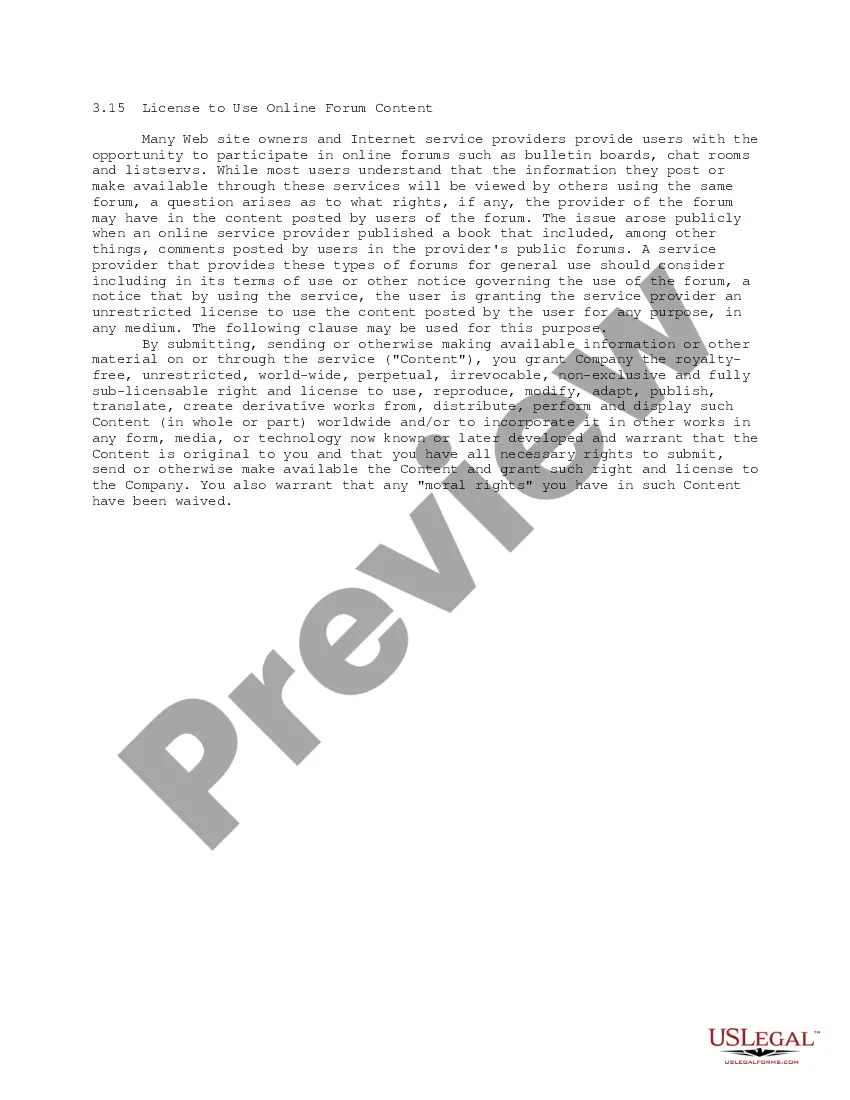
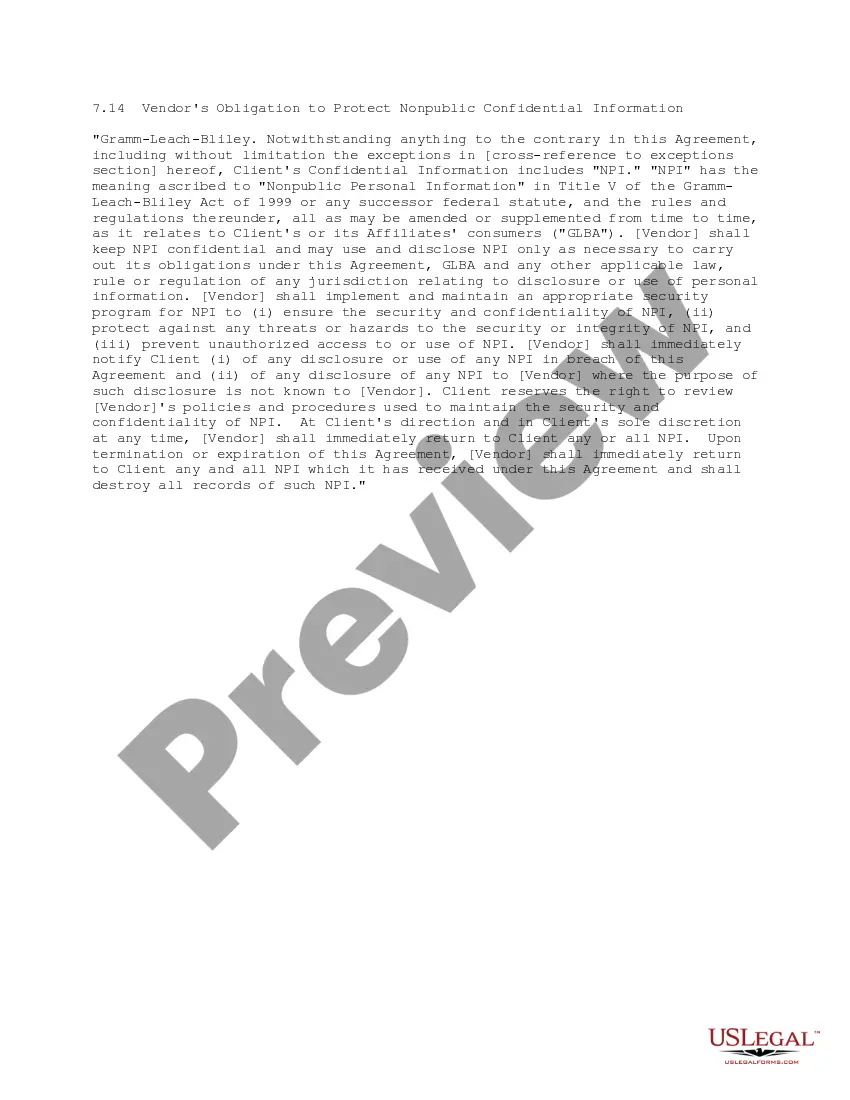
This form is a Limitation on Use of Data Subject to Privacy Policy that enables a company that changes its privacy policy, or shares user data collected pursuant to a privacy policy with another company, to endeavor to assure that the data is used in accordance with the provision of the privacy policy pursuant to which it was collected.
Pennsylvania Limitation on Use of Data Subject to Privacy Policy
Category:
State:
Multi-State
Control #:
US-IP0715
Format:
Word;
PDF;
Rich Text
Instant download
Description
How to fill out Limitation On Use Of Data Subject To Privacy Policy?
US Legal Forms - one of the largest repositories of legal documents in the United States - provides a variety of legal document templates you can download or print.
By using the website, you can access thousands of forms for business and personal purposes, categorized by types, claims, or keywords. You can find the latest versions of documents like the Pennsylvania Limitation on Use of Data Subject to Privacy Policy in moments.
If you already have a monthly subscription, Log In and obtain the Pennsylvania Limitation on Use of Data Subject to Privacy Policy from the US Legal Forms library. The Download option will appear on each form you view. You can access all previously downloaded forms from the My documents tab of your account.
Process the transaction. Use your credit card or PayPal account to complete the transaction. Select the file format and download the form to your device.
Make edits. Fill out, modify, print, and sign the downloaded Pennsylvania Limitation on Use of Data Subject to Privacy Policy. Each template you add to your account has no expiration date and is yours indefinitely. So, to download or print another copy, just go to the My documents section and click on the form you need.
- If you are using US Legal Forms for the first time, here are simple steps to help you get started.
- Ensure you have selected the correct form for your area/county.
- Choose the Review option to check the form's content.
- Check the form details to ensure you have selected the right document.
- If the form does not meet your needs, use the Search field at the top of the screen to find one that does.
- If you are satisfied with the form, confirm your choice by clicking the Purchase now button.
- Then, select the pricing plan you prefer and provide your details to create an account.
Form popularity
FAQ
A privacy policy checklist typically includes essential elements such as data collection methods, usage purposes, user rights, data retention periods, and security measures. It is crucial to ensure that your checklist reflects the Pennsylvania limitation on use of data subject to privacy policy. Following a checklist can help maintain compliance and build trust with users. USLegalForms offers resources to help you create a thorough checklist.
A privacy policy question 5 options document outlines various ways organizations may use personal information, ensuring transparency and compliance with the Pennsylvania limitation on use of data subject to privacy policy. This document should provide users with choices, allowing them to opt-in or opt-out of certain uses. Clarity is vital, and USLegalForms can help you create this document effectively.
A data privacy statement should clearly convey how you collect, use, and protect personal data. Ensure it aligns with the Pennsylvania limitation on use of data subject to privacy policy by specifying user rights and your data protection measures. Use straightforward language to enhance understanding. USLegalForms can assist you in crafting a comprehensive statement with their user-friendly templates.
Writing a data privacy policy requires a detailed approach. Begin by detailing what personal information you collect, how you use it, and your commitment to the Pennsylvania limitation on use of data subject to privacy policy. Offer transparency about data sharing with third parties and outline user rights regarding their information. USLegalForms can provide templates that simplify this process, ensuring you cover all necessary aspects.
Yes, Pennsylvania has enacted data privacy laws that focus on protecting personal information. These laws highlight the Pennsylvania limitation on use of data subject to privacy policy, ensuring that organizations handle data responsibly. It is essential for businesses operating in PA to be aware of these regulations to avoid penalties. USLegalForms offers guidance and templates tailored to Pennsylvania's legal requirements.
The seven principles of data privacy include legality, fairness, transparency, purpose limitation, data minimization, accuracy, and storage limitation. Each principle emphasizes the necessity of protecting personal information while adhering to the Pennsylvania limitation on use of data subject to privacy policy. Understanding these principles can help organizations build trust with users. Consider using resources from USLegalForms to implement these principles effectively.
To write a GDPR compliant privacy policy, start by identifying the personal data you collect and how you intend to use it. Clearly outline the legal basis for processing this data, ensuring you respect the Pennsylvania limitation on use of data subject to privacy policy. Include sections on user rights, data retention, and contact details for inquiries. Utilizing USLegalForms can streamline this process with templates that ensure compliance.
Paul Miller's Law, officially known as the 'Right to Know Law,' enhances transparency in government by allowing citizens to request access to public records. This law promotes accountability and protects citizens' rights regarding their personal information. Understanding this law can help you navigate your rights under the Pennsylvania Limitation on Use of Data Subject to Privacy Policy effectively.
Article 3, Section 32 of the Pennsylvania Constitution addresses the right to privacy. It asserts that individuals have a right to be secure in their privacy and personal information. This provision plays a significant role in understanding your rights regarding the Pennsylvania Limitation on Use of Data Subject to Privacy Policy and how your data should be handled.
In Pennsylvania, it is generally illegal to record a conversation without the consent of all parties involved. This is known as a 'two-party consent' law. Violating this law can lead to legal penalties, so it is important to be aware of these regulations when considering data recording and the Pennsylvania Limitation on Use of Data Subject to Privacy Policy.