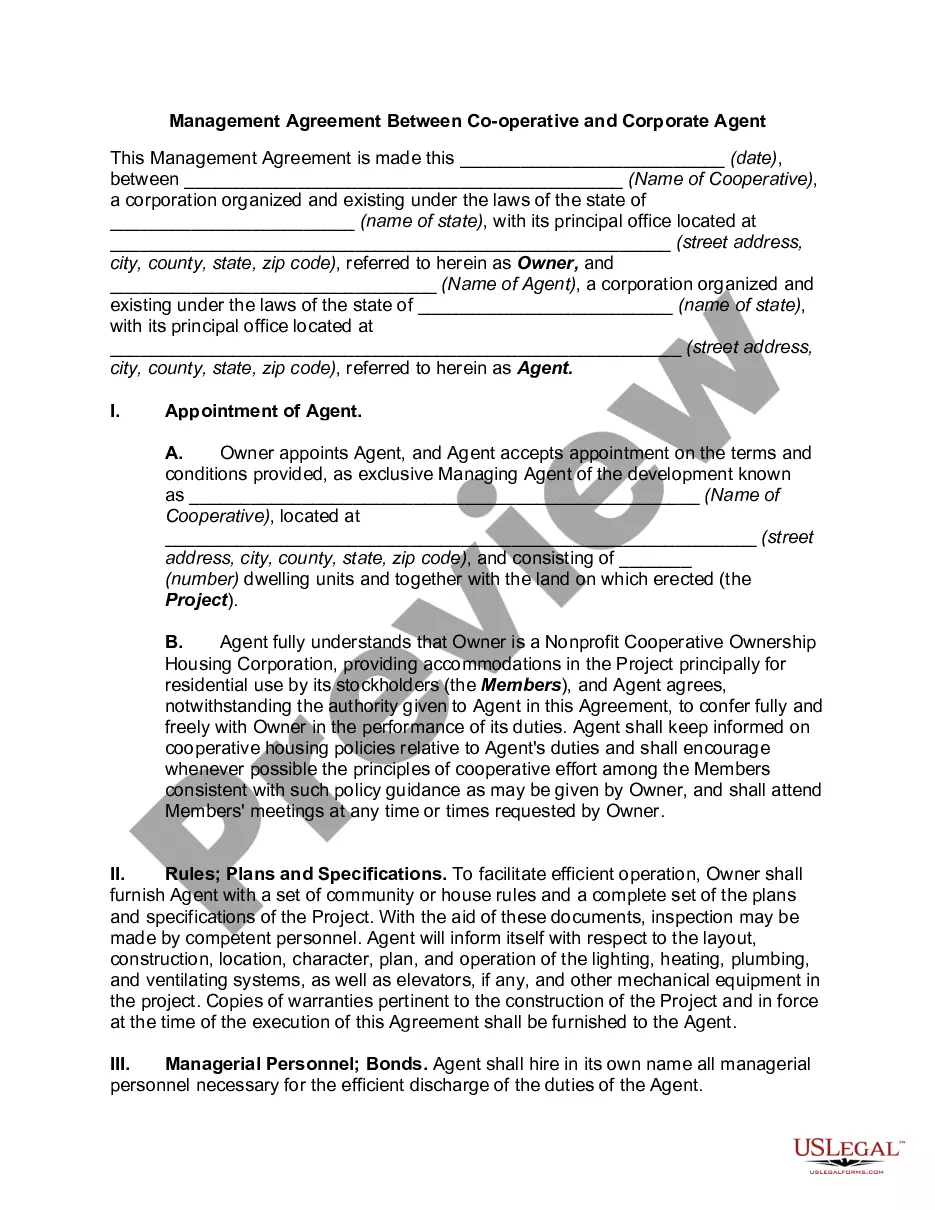
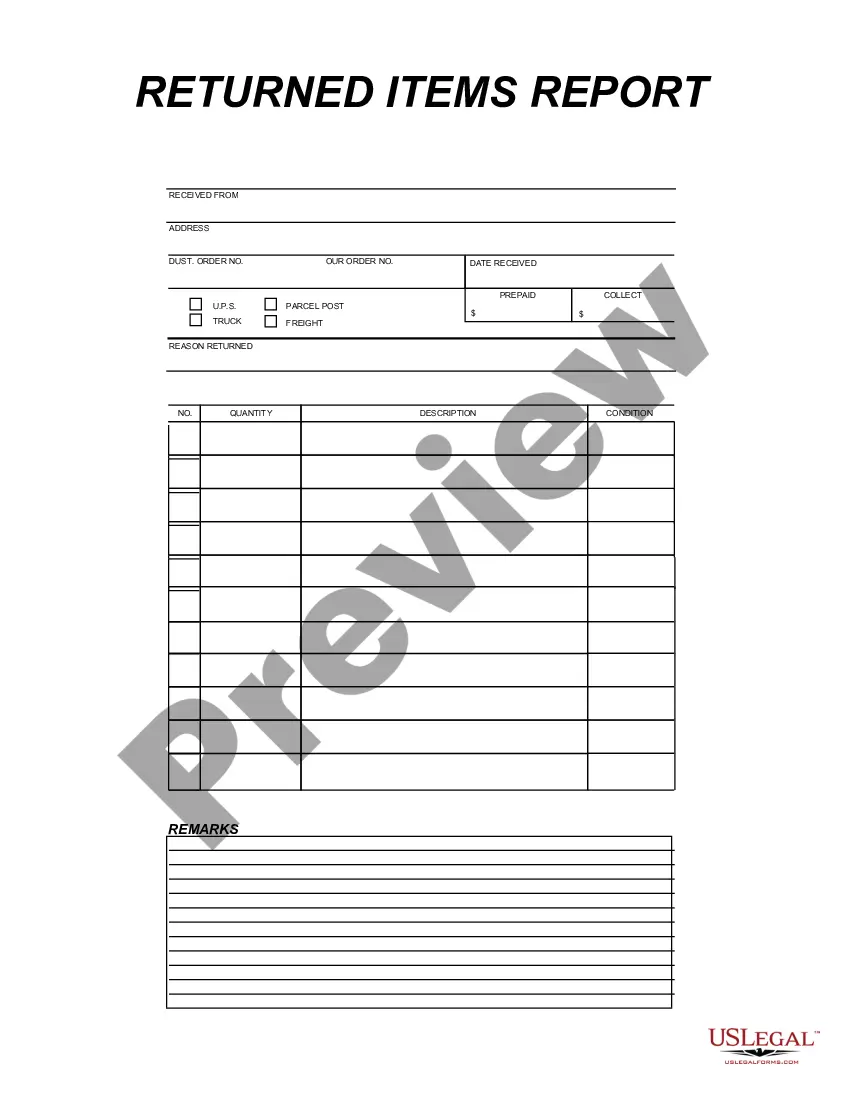
This form is a business type form that is formatted to allow you to complete the form using Adobe Acrobat or Word. The word files have been formatted to allow completion by entry into fields. Some of the forms under this category are rather simple while others are more complex. The formatting is worth the small cost.
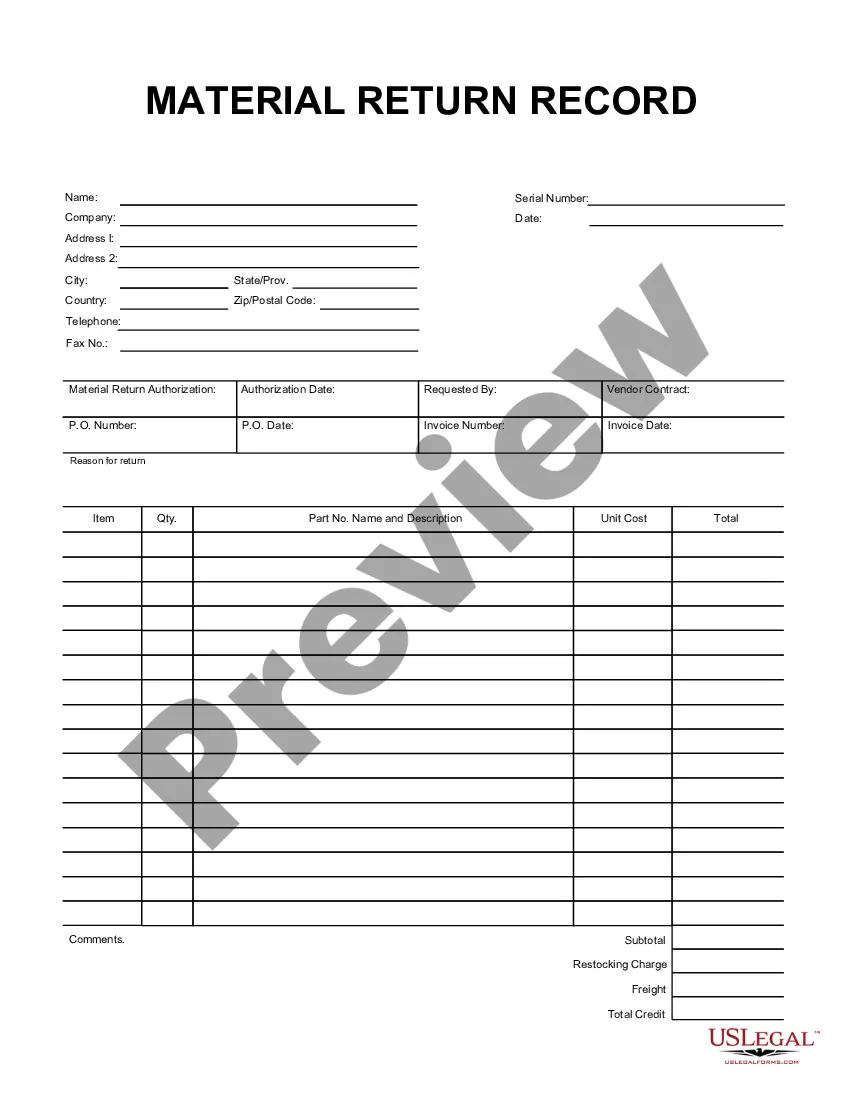
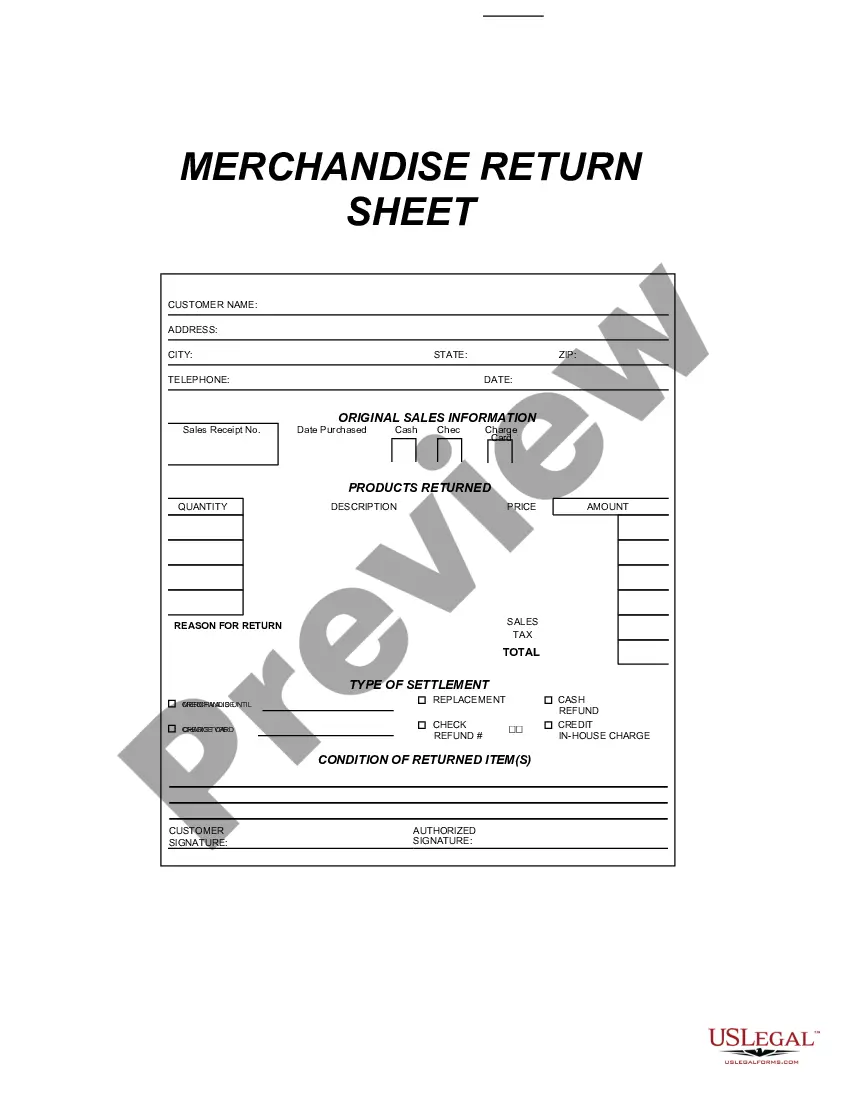
Pennsylvania Returned Items Report
Category:
State:
Multi-State
Control #:
US-199-AZ
Format:
Word;
PDF;
Rich Text
Instant download
Description
Get your form ready online
Our built-in tools help you complete, sign, share, and store your documents in one place.
Built-in online Word editor
Make edits, fill in missing information, and update formatting in US Legal Forms—just like you would in MS Word.
Export easily
Download a copy, print it, send it by email, or mail it via USPS—whatever works best for your next step.
E-sign your document
Sign and collect signatures with our SignNow integration. Send to multiple recipients, set reminders, and more. Go Premium to unlock E-Sign.
Notarize online 24/7
If this form requires notarization, complete it online through a secure video call—no need to meet a notary in person or wait for an appointment.
Store your document securely
We protect your documents and personal data by following strict security and privacy standards.

Make edits, fill in missing information, and update formatting in US Legal Forms—just like you would in MS Word.

Download a copy, print it, send it by email, or mail it via USPS—whatever works best for your next step.

Sign and collect signatures with our SignNow integration. Send to multiple recipients, set reminders, and more. Go Premium to unlock E-Sign.

If this form requires notarization, complete it online through a secure video call—no need to meet a notary in person or wait for an appointment.

We protect your documents and personal data by following strict security and privacy standards.
Looking for another form?



How to fill out Returned Items Report?
Are you in a situation where you frequently need to obtain documents for corporate or specific purposes nearly every day? There are numerous legal document templates accessible online, but finding reliable forms can be challenging. US Legal Forms offers thousands of document templates, such as the Pennsylvania Returned Items Report, created to comply with federal and state regulations.
If you are already familiar with the US Legal Forms website and have an account, simply Log In. Afterwards, you can download the Pennsylvania Returned Items Report template.
If you do not have an account and wish to start using US Legal Forms, follow these steps.
- Obtain the form you need and ensure it is for your correct city/county.
- Use the Preview button to review the document.
- Read the description to ensure you have selected the right form.
- If the form does not meet your requirements, utilize the Search field to find the document that suits your needs.
- Once you find the correct form, click on Get now.
- Select the payment plan you prefer, fill in the required information to create your account, and complete your purchase using PayPal or Visa or Mastercard.
- Choose a convenient file format and download your copy.
Form popularity
FAQ
You can easily check the status of your PA return by visiting the state treasury's official website. They provide a user-friendly interface for querying your information, including access to the Pennsylvania Returned Items Report. If you need additional help, consider using the resources available on the uslegalforms platform, which can guide you through the process of claiming your property effectively. This proactive step ensures you stay informed and can retrieve any unclaimed funds.
All copies of Forms W-2, 1099-R, 1099-MISC, 1099-NEC and any other documents reporting compensation must be included with the tax return. Form 1099-R Filing Tips have been added to the compensation instructions for taxpayers required to include those documents.
Yes, if you live in Pennsylvania the state law requires all taxpayers to file a Local Earned Income Tax Return.
HARRISBURG, Pa (WHTM) The Pennsylvania Department of Revenue is encouraging taxpayers to use the free online option to file. Taxpayers can visit mypath.pa.gov to file their Pennslyvania tax returns.
40 form is the Pennsylvania Department of Revenue's official paper form that the state's residents use to file state income taxes. Pennsylvania is one of the 41 U.S. states that require residents to pay a personal income tax each year.
MyPATH provides many self-service options such as the ability to register an account, file returns, pay balances, and manage your account online. Users are also able to review correspondence received from the department, submit correspondence, and communicate electronically with department representatives.
What documents do I need to file my taxes?Social Security documents.Income statements such as W-2s and MISC-1099s.Tax forms that report other types of income, such as Schedule K-1 for trusts, partnership and S corporations.Tax deduction records.Expense receipts.
MyPATH is a free, user-friendly option that allows most taxpayers to seamlessly file the Pennsylvania Income Tax Return (PA-40) and make income tax payments, as well as offering other services. The deadline to submit 2020 personal income tax returns is April 15, 2021.
You should keep a copy of your return, the related notice of assessment, and any notice of reassessment. These can help you complete your return for the next year. For example, your notice of assessment or reassessment includes your unused tuition, education, and textbook amounts carried forward from prior years.
If you are mailing in your state return, you can send in the state tax copy of your W-2 forms along with the return.