Pennsylvania Appearance
Description
Get your form ready online
Our built-in tools help you complete, sign, share, and store your documents in one place.
Make edits, fill in missing information, and update formatting in US Legal Forms—just like you would in MS Word.
Download a copy, print it, send it by email, or mail it via USPS—whatever works best for your next step.
Sign and collect signatures with our SignNow integration. Send to multiple recipients, set reminders, and more. Go Premium to unlock E-Sign.
If this form requires notarization, complete it online through a secure video call—no need to meet a notary in person or wait for an appointment.
We protect your documents and personal data by following strict security and privacy standards.

Make edits, fill in missing information, and update formatting in US Legal Forms—just like you would in MS Word.

Download a copy, print it, send it by email, or mail it via USPS—whatever works best for your next step.

Sign and collect signatures with our SignNow integration. Send to multiple recipients, set reminders, and more. Go Premium to unlock E-Sign.

If this form requires notarization, complete it online through a secure video call—no need to meet a notary in person or wait for an appointment.

We protect your documents and personal data by following strict security and privacy standards.
Looking for another form?
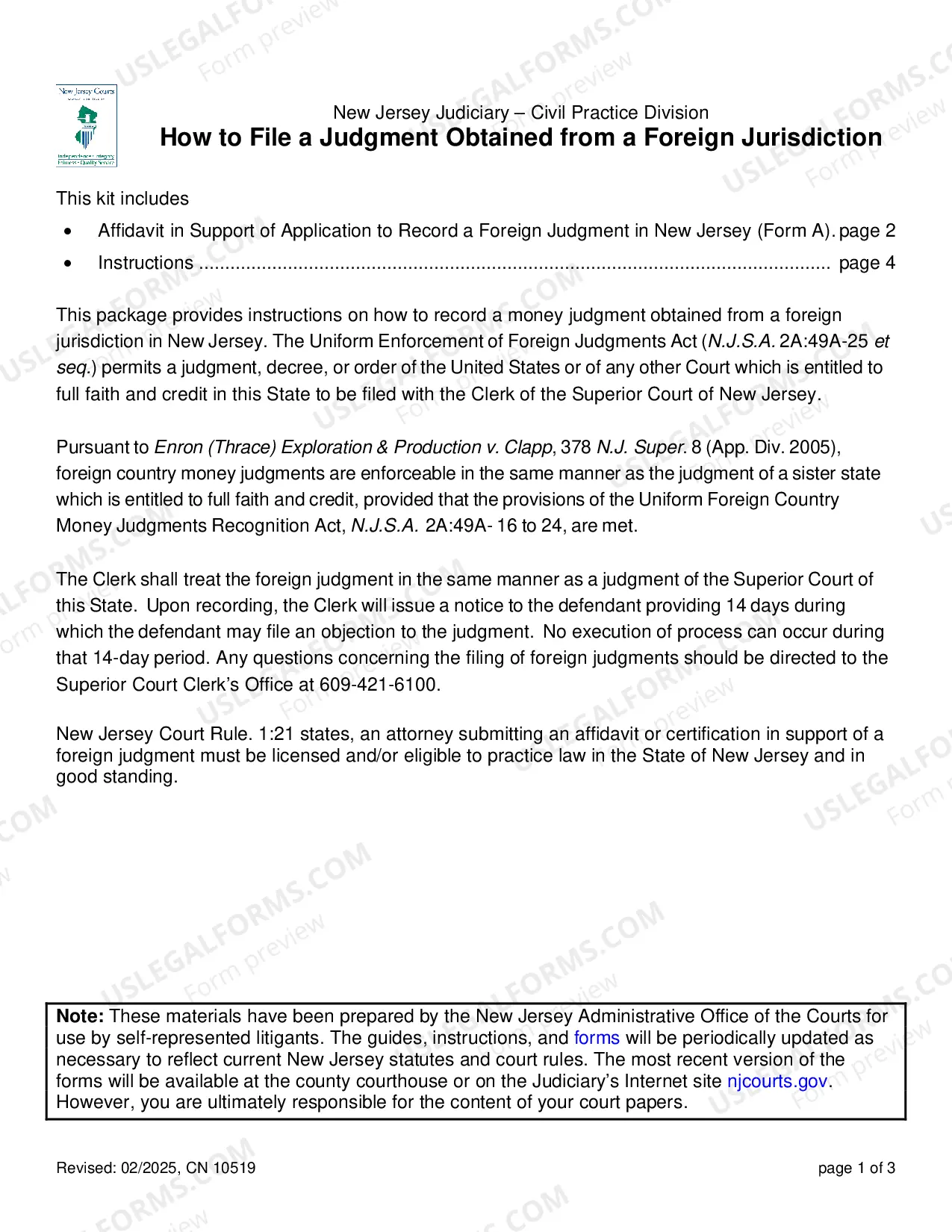
How to fill out Pennsylvania Appearance?
Coping with legal documentation requires attention, precision, and using properly-drafted blanks. US Legal Forms has been helping people nationwide do just that for 25 years, so when you pick your Pennsylvania Appearance template from our library, you can be sure it meets federal and state regulations.
Working with our service is simple and fast. To obtain the required paperwork, all you’ll need is an account with a valid subscription. Here’s a quick guide for you to get your Pennsylvania Appearance within minutes:
- Make sure to attentively examine the form content and its correspondence with general and law requirements by previewing it or reading its description.
- Look for an alternative official blank if the previously opened one doesn’t suit your situation or state regulations (the tab for that is on the top page corner).
- Log in to your account and save the Pennsylvania Appearance in the format you need. If it’s your first time with our website, click Buy now to continue.
- Register for an account, select your subscription plan, and pay with your credit card or PayPal account.
- Decide in what format you want to save your form and click Download. Print the blank or add it to a professional PDF editor to submit it paper-free.
All documents are drafted for multi-usage, like the Pennsylvania Appearance you see on this page. If you need them one more time, you can fill them out without re-payment - just open the My Forms tab in your profile and complete your document any time you need it. Try US Legal Forms and accomplish your business and personal paperwork rapidly and in full legal compliance!
Form popularity
FAQ
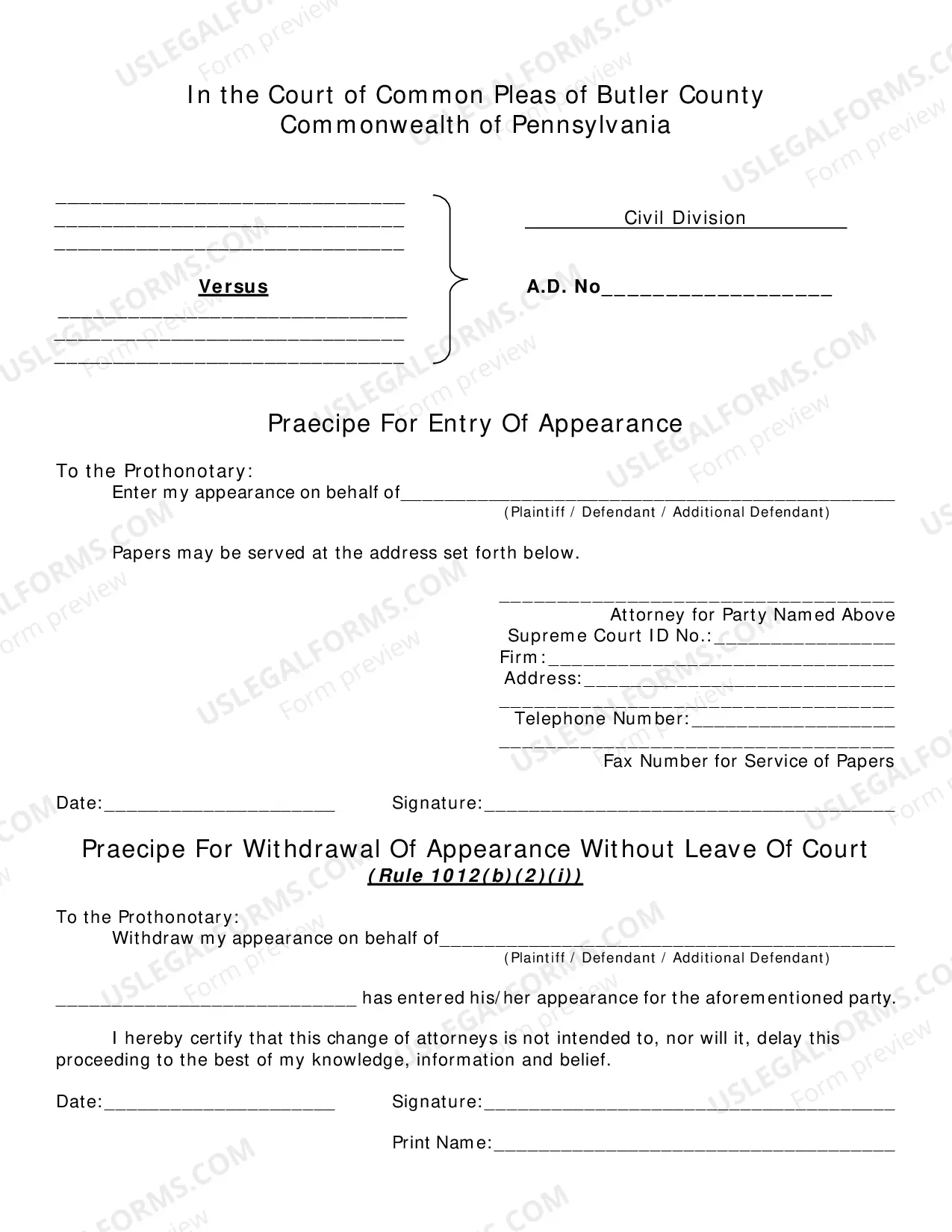
Rule 1012 - Entry and Withdrawal of Appearance (A)Entry of Appearance. In order to prevent delay of the litigation, an attorney who enters an appearance for a party shall be deemed to be available and ready to try the case on the assigned hearing or trial date.
The praecipe simply asks the prothonotary to issue a writ of summons against the defendant. Plaintiffs typically file a praecipe for writ of summons: To commence a lawsuit quickly when the statute of limitations is about to expire on the plaintiff's claims.
A document that a plaintiff files with the prothonotary to commence a civil action in a Pennsylvania court of common pleas before filing a complaint (Pa.
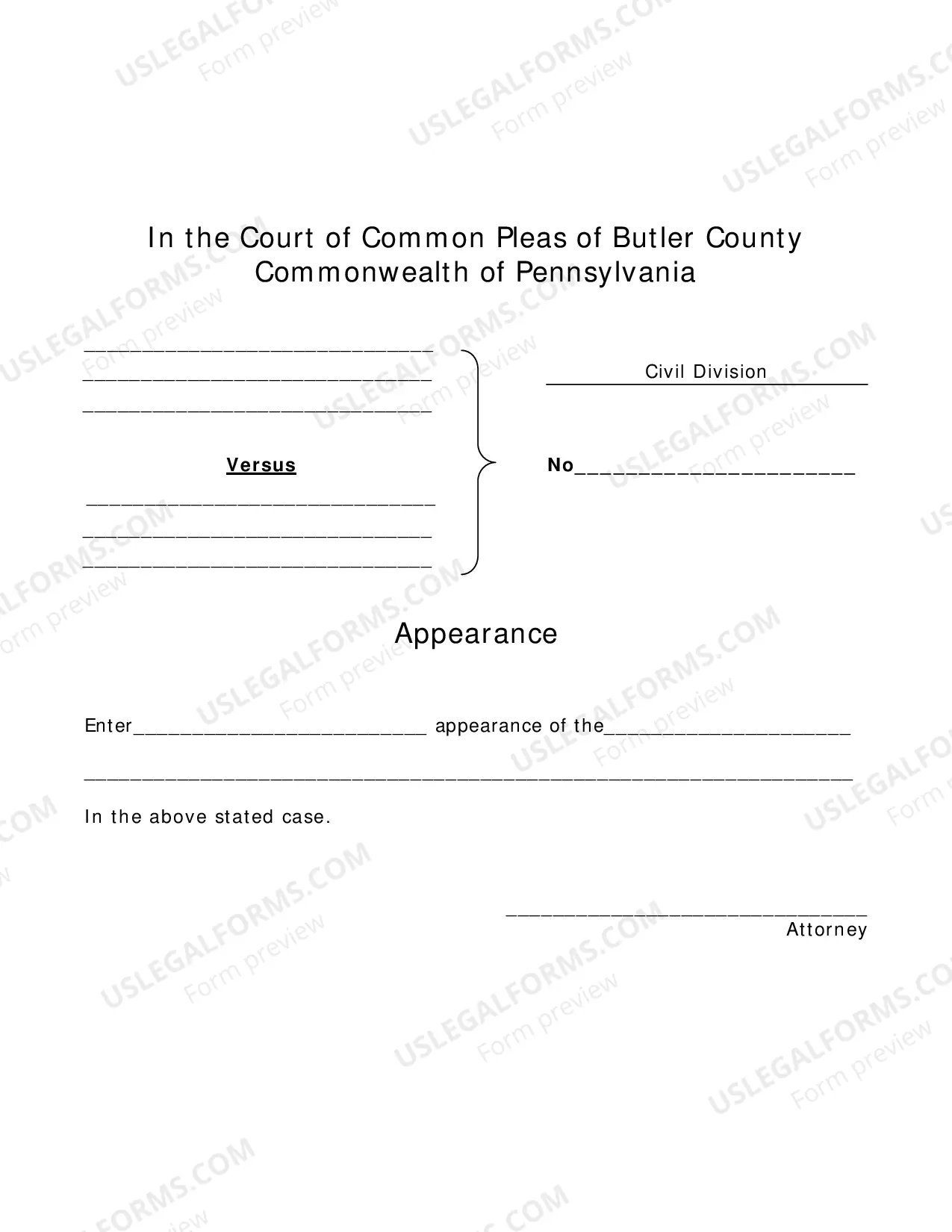
A sample praecipe (request) for entry of appearance that an attorney may use to enter an appearance on behalf of a client in a civil action in a Pennsylvania court of common pleas. This Standard Document contains integrated notes with important explanations and drafting tips.
Rule 212.2 - Praecipe For Trial (a) Either party may file a praecipe to list the case for trial upon filing the following certificate: (1) that no motions are outstanding and that discovery has been completed and the case is ready for trial; or (2) that no motions are outstanding and that an order of the Court has been
Commanding a defendant to perform an act or to demonstrate why he or she should not perform that act. Requesting that the court perform some action, such as entering a judgment or setting the date for a trial, and that the clerk of the court issue a writ therefor.