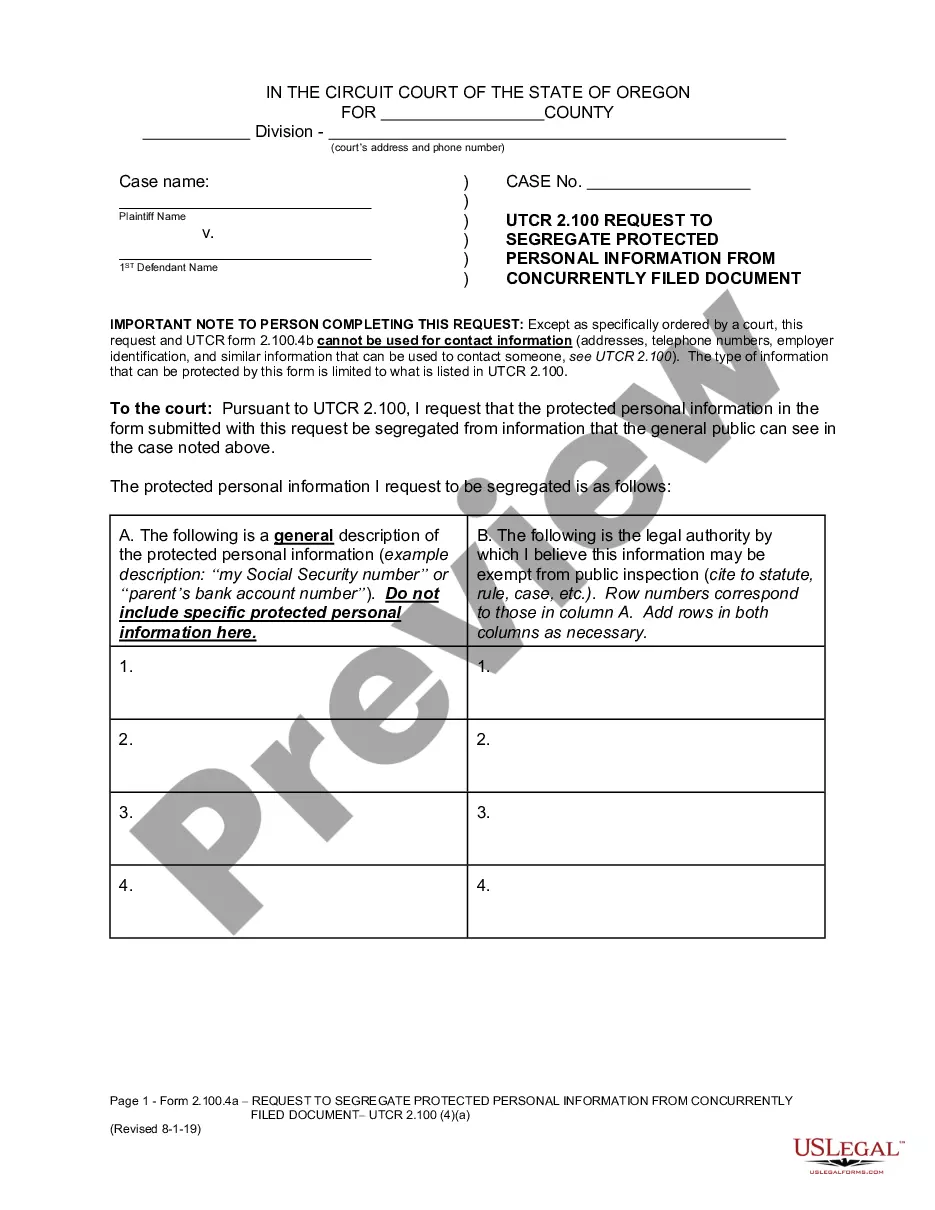
Oregon Request to Segregate Protected Personal Information From Concurrently Filed Document is a document used by parties in a legal proceeding in the state of Oregon. This document serves to protect personal information from being included in a document that is filed with the court. This document can be used to protect sensitive information such as Social Security numbers, dates of birth, phone numbers, addresses, bank accounts, and other personal information. There are three types of Oregon Request to Segregate Protected Personal Information From Concurrently Filed Document: 1) Request to Segregate Protected Personal Information From Document Filed with Court; 2) Request to Segregate Protected Personal Information From Document Filed with Clerk; and 3) Request to Segregate Protected Personal Information From Document Filed With Other Parties. All three requests are meant to protect the privacy of individuals and to ensure that any information that is filed with the court is not unnecessarily exposed.
Oregon Request to Segregate Protected Personal Information From Concurrently Filed Document
Description



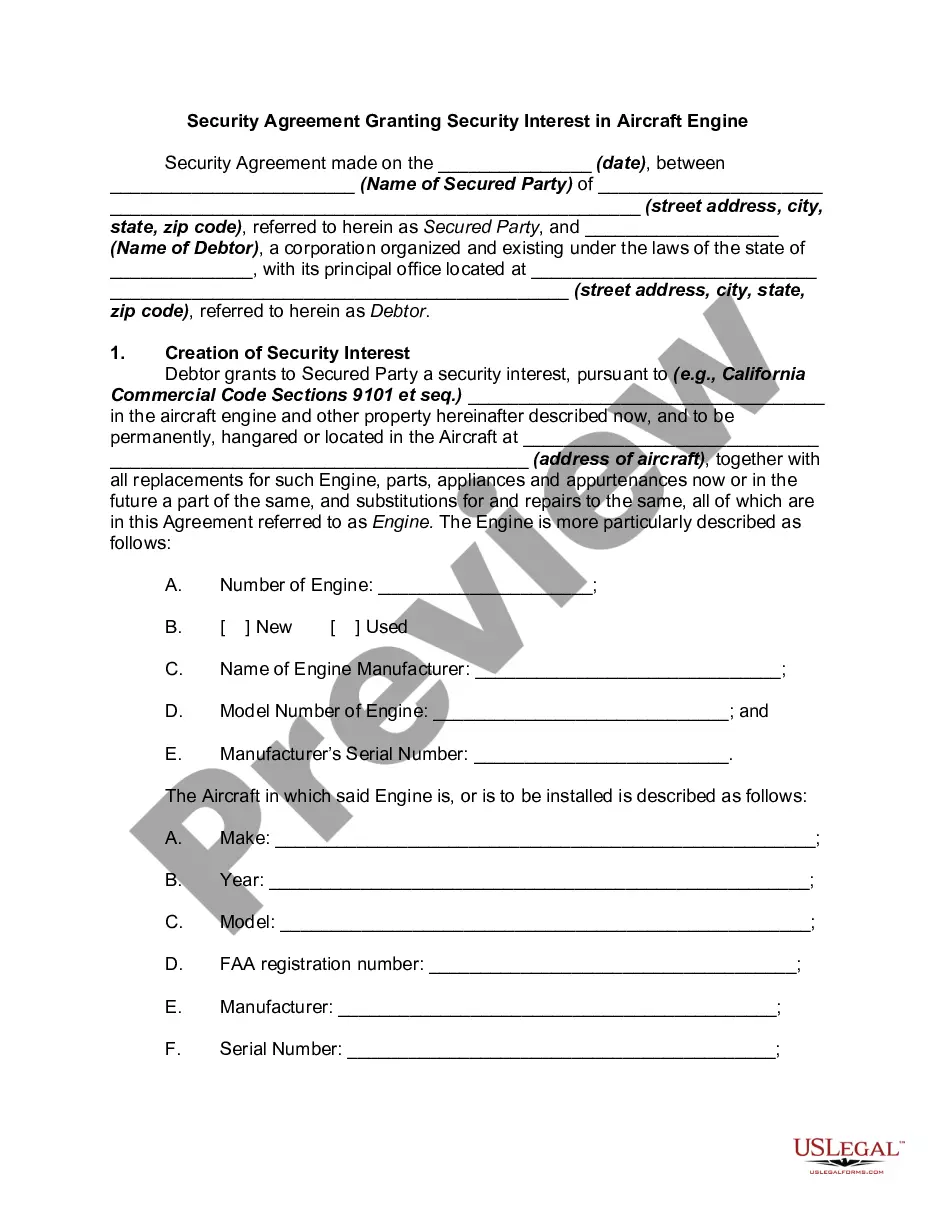
How to fill out Oregon Request To Segregate Protected Personal Information From Concurrently Filed Document?
If you’re looking for a way to properly complete the Oregon Request to Segregate Protected Personal Information From Concurrently Filed Document without hiring a legal professional, then you’re just in the right place. US Legal Forms has proven itself as the most extensive and reliable library of formal templates for every personal and business scenario. Every piece of documentation you find on our online service is drafted in accordance with nationwide and state laws, so you can be certain that your documents are in order.
Adhere to these simple instructions on how to get the ready-to-use Oregon Request to Segregate Protected Personal Information From Concurrently Filed Document:
- Ensure the document you see on the page meets your legal situation and state laws by checking its text description or looking through the Preview mode.
- Type in the form name in the Search tab on the top of the page and select your state from the dropdown to find an alternative template in case of any inconsistencies.
- Repeat with the content verification and click Buy now when you are confident with the paperwork compliance with all the demands.
- Log in to your account and click Download. Sign up for the service and choose the subscription plan if you still don’t have one.
- Use your credit card or the PayPal option to pay for your US Legal Forms subscription. The blank will be available to download right after.
- Decide in what format you want to get your Oregon Request to Segregate Protected Personal Information From Concurrently Filed Document and download it by clicking the appropriate button.
- Upload your template to an online editor to complete and sign it quickly or print it out to prepare your hard copy manually.
Another wonderful thing about US Legal Forms is that you never lose the paperwork you acquired - you can pick any of your downloaded blanks in the My Forms tab of your profile whenever you need it.