Oregon UTCR 2.100 Affidavit with Request to Segregate Protected Personal Information from Concurrently Filed Document (Long Form)
What is this form?
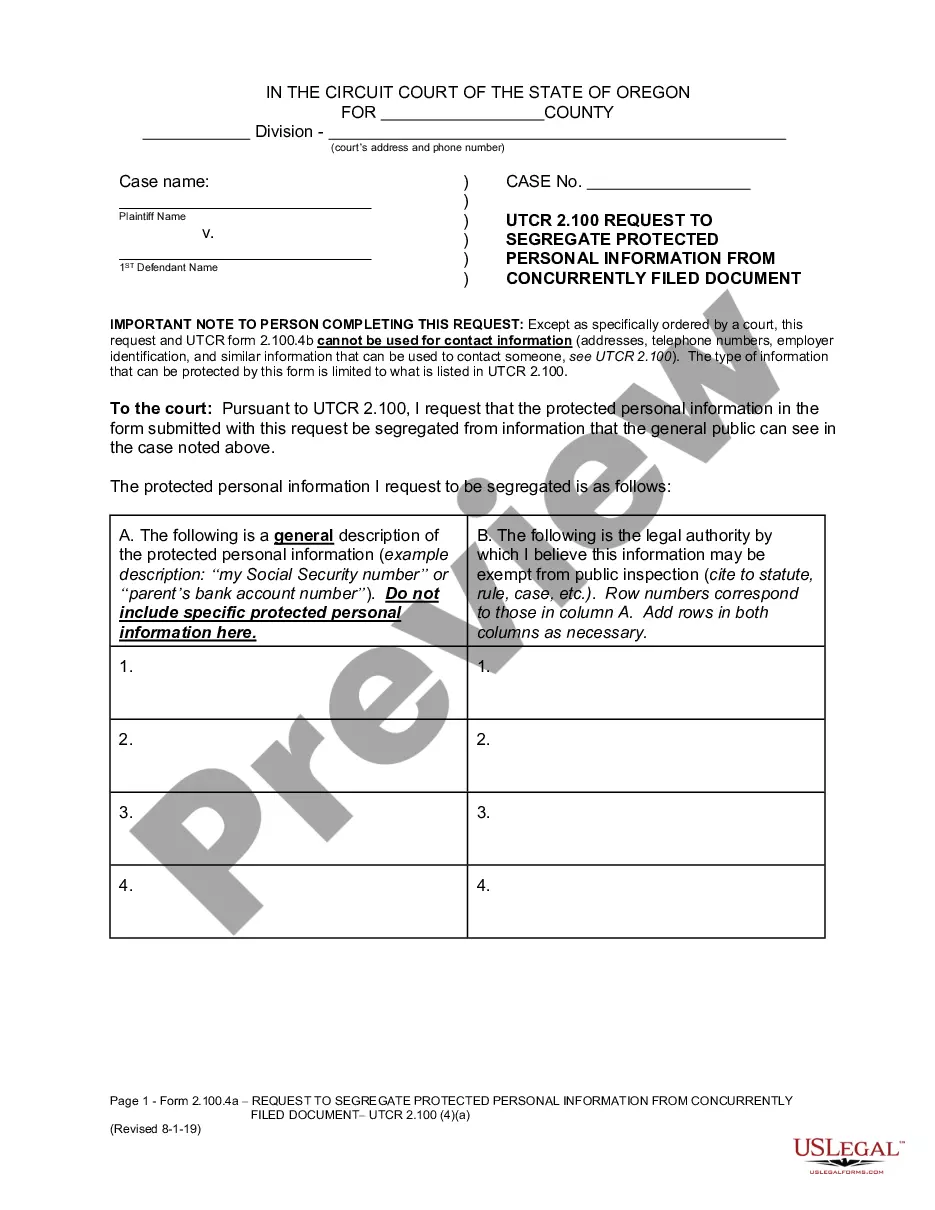
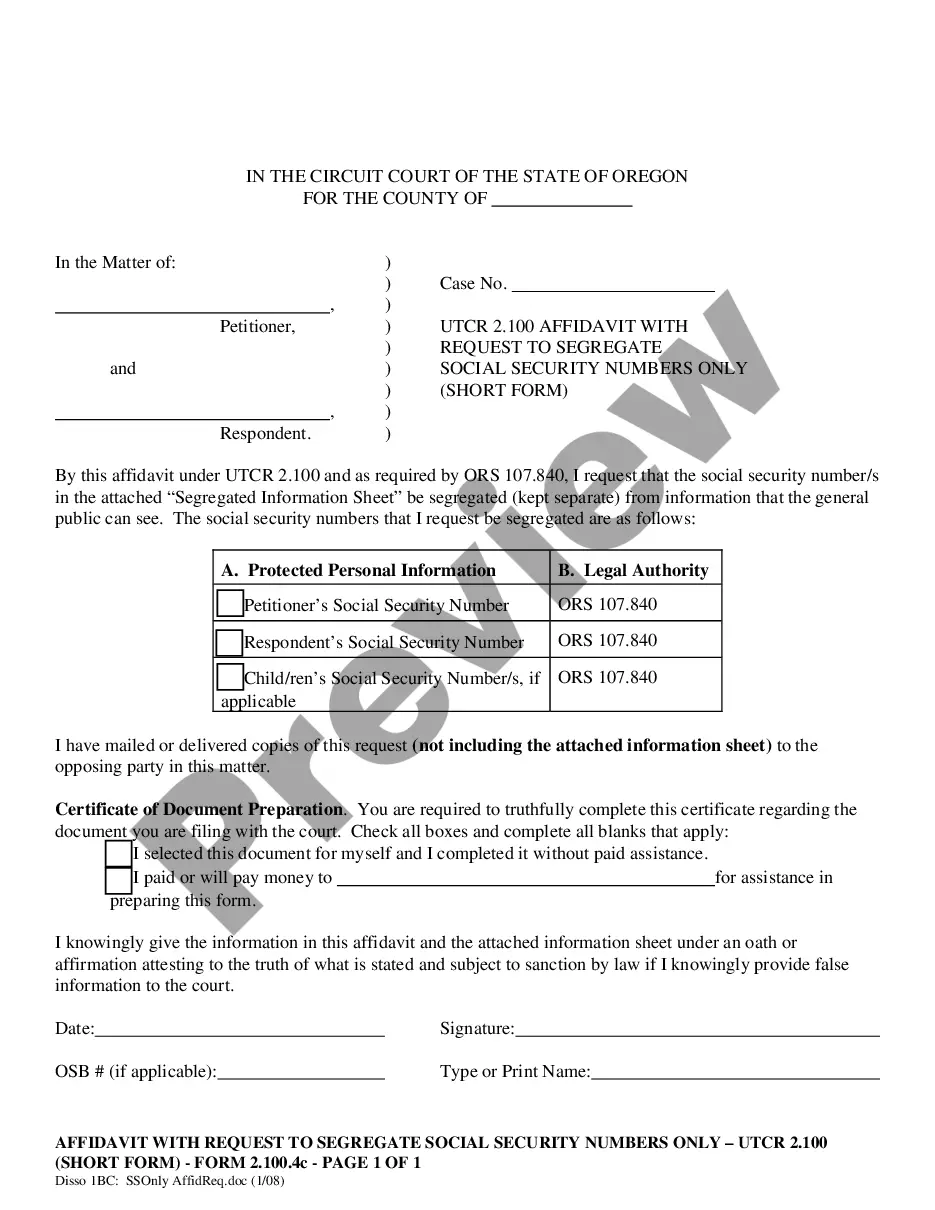
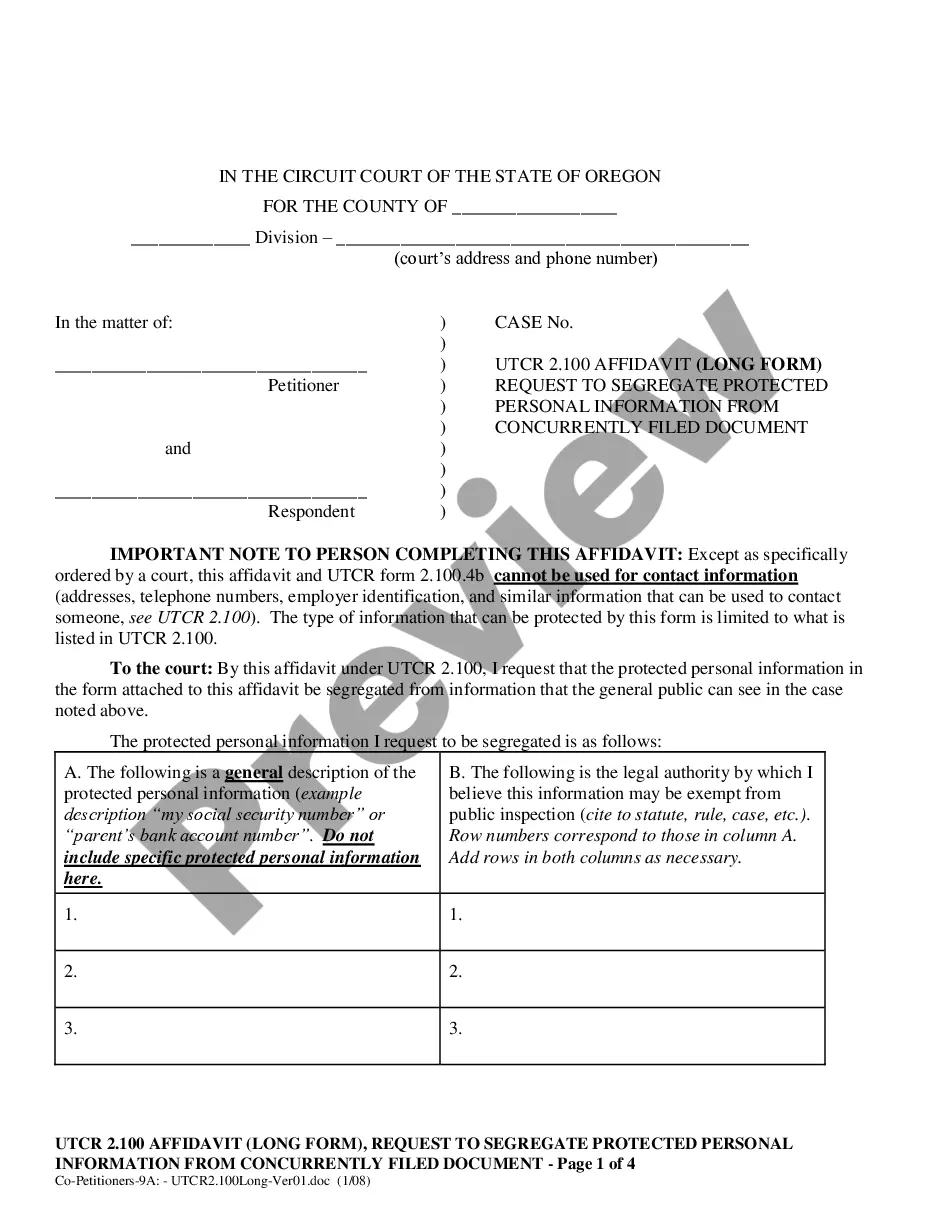
The UTCR 2.100 Affidavit with Request to Segregate Protected Personal Information from Concurrently Filed Document (Long Form) is designed for use during legal proceedings in Oregon, specifically in cases of dissolution, separation, and annulment. This form allows individuals to request the court to keep sensitive personal information, such as Social Security numbers, confidential from public access. The long form is specifically suited for those who wish to segregate additional protected personal information beyond what is typically required.
What’s included in this form
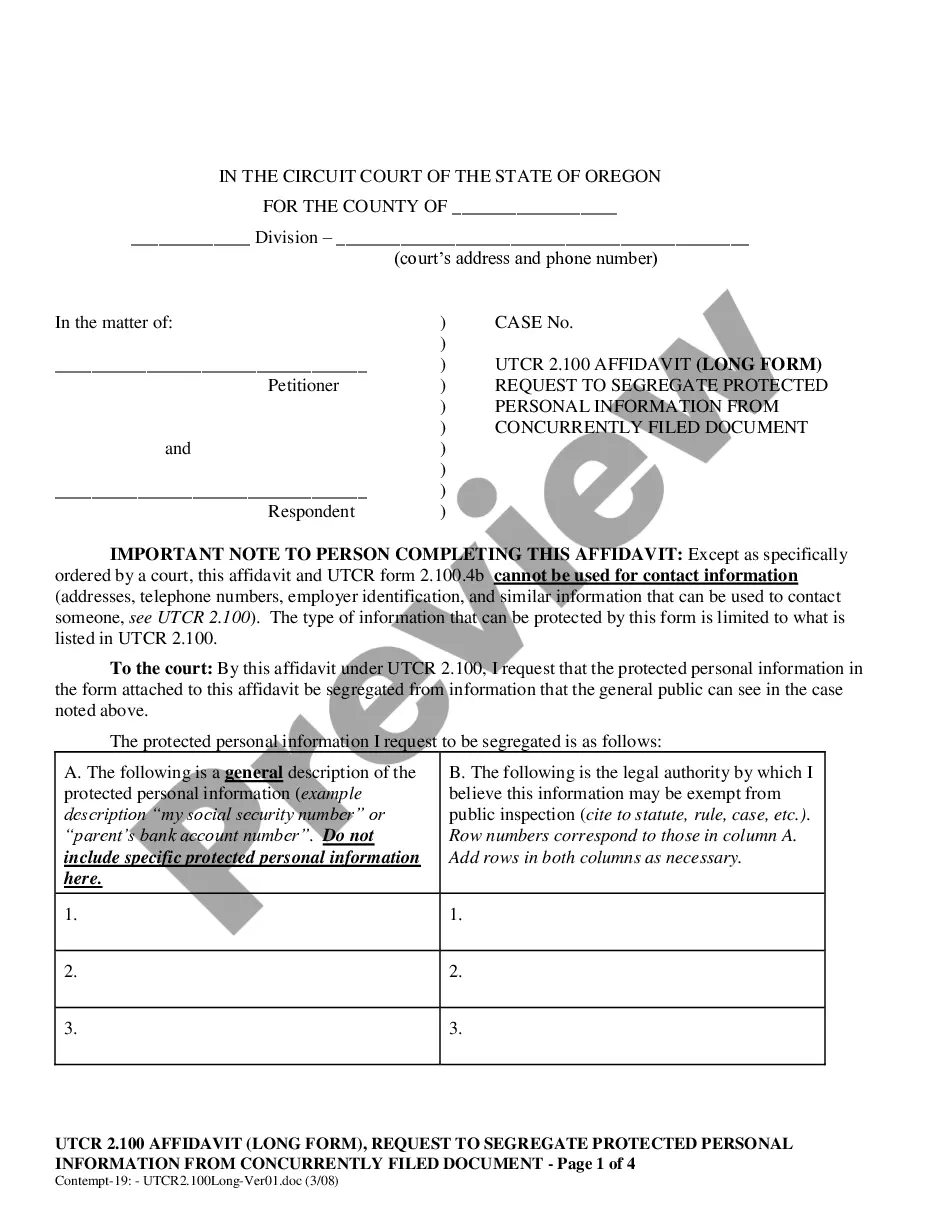
- Case details: Includes sections to fill out case name and case number.
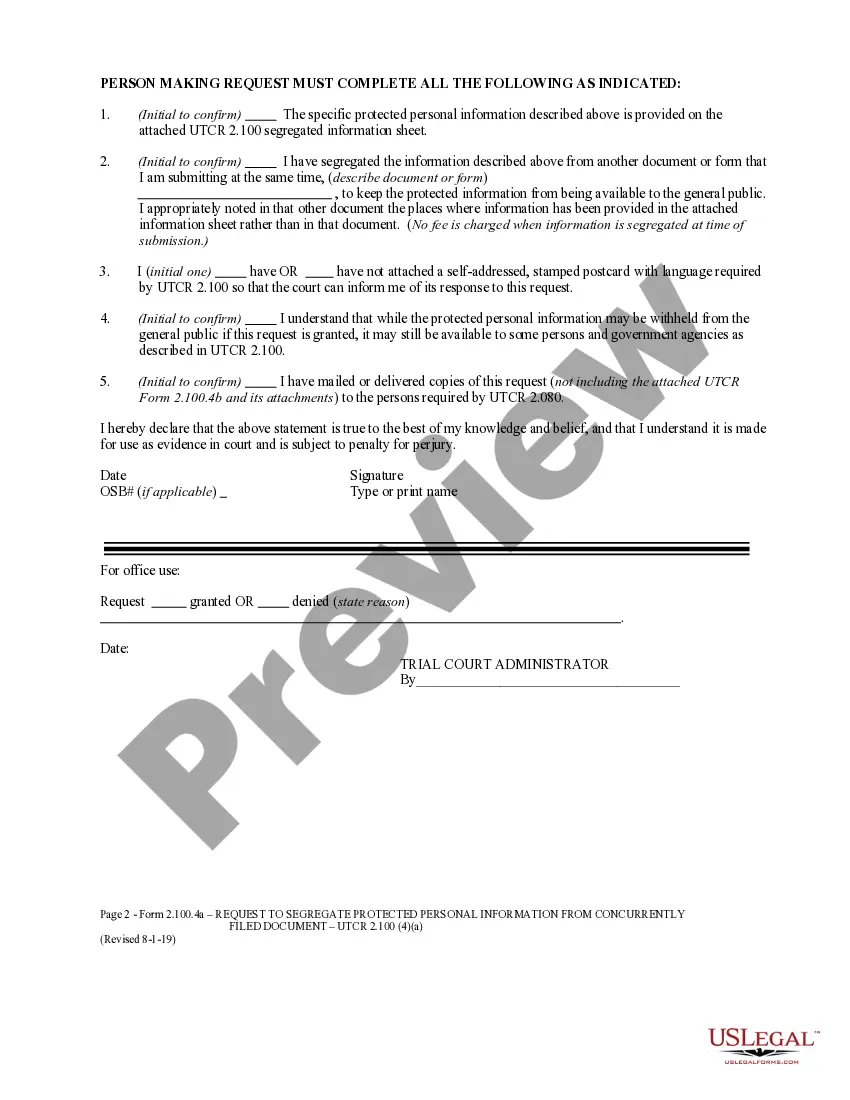
- Protected personal information description: A placeholder for general descriptions of information being protected.
- Legal authority justification: Space for citing relevant statutes or court rules exempting the information from public inspection.
- Confirmation sections: Areas to confirm the completion of necessary attachments and notifications required by the court.
- Signature and date: Final area for the requestor to sign and date the affidavit.
When this form is needed
This form is essential when you are involved in a dissolution, separation, or annulment case in Oregon and need to keep specific personal information confidential. Use this form if you are required to submit sensitive data that you wish to protect from public access, ensuring it is segregated from the publicly viewable court documents.
Who should use this form
- Individuals undergoing a divorce or dissolution process in Oregon.
- Parties in legal separation or annulment proceedings.
- Any person or legal representative needing to protect personal information during court submissions.
Steps to complete this form
- Start by filling out the case details, including the court name, county, and case number.
- Provide a general description of the protected personal information you want kept confidential.
- Cite the legal authority that allows for the protection of this information as indicated in the form.
- Initial the confirmations regarding the Segregated Information Sheet and mailing notifications to necessary parties.
- Sign and date the affidavit at the bottom of the form.
Notarization requirements for this form
This form does not typically require notarization unless specified by local law. However, always check with the court or a legal professional to confirm specific requirements in your jurisdiction.
Get your form ready online
Our built-in tools help you complete, sign, share, and store your documents in one place.
Make edits, fill in missing information, and update formatting in US Legal Forms—just like you would in MS Word.
Download a copy, print it, send it by email, or mail it via USPS—whatever works best for your next step.
Sign and collect signatures with our SignNow integration. Send to multiple recipients, set reminders, and more. Go Premium to unlock E-Sign.
If this form requires notarization, complete it online through a secure video call—no need to meet a notary in person or wait for an appointment.
We protect your documents and personal data by following strict security and privacy standards.

Make edits, fill in missing information, and update formatting in US Legal Forms—just like you would in MS Word.

Download a copy, print it, send it by email, or mail it via USPS—whatever works best for your next step.

Sign and collect signatures with our SignNow integration. Send to multiple recipients, set reminders, and more. Go Premium to unlock E-Sign.

If this form requires notarization, complete it online through a secure video call—no need to meet a notary in person or wait for an appointment.

We protect your documents and personal data by following strict security and privacy standards.
Avoid these common issues
- Failing to provide a general description or legal authority for the information being protected.
- Neglecting to initial all required sections, which may lead to processing delays.
- Forgetting to mail or deliver copies of the request to all required parties.
Advantages of online completion
- Convenience of downloading the form from anywhere, at any time.
- Editability allows for easy customization to fit your specific case needs.
- Access to reliable templates designed and reviewed by licensed attorneys.