Oregon Acknowledgment for Certifying to a Copy of a Document
What is this form?
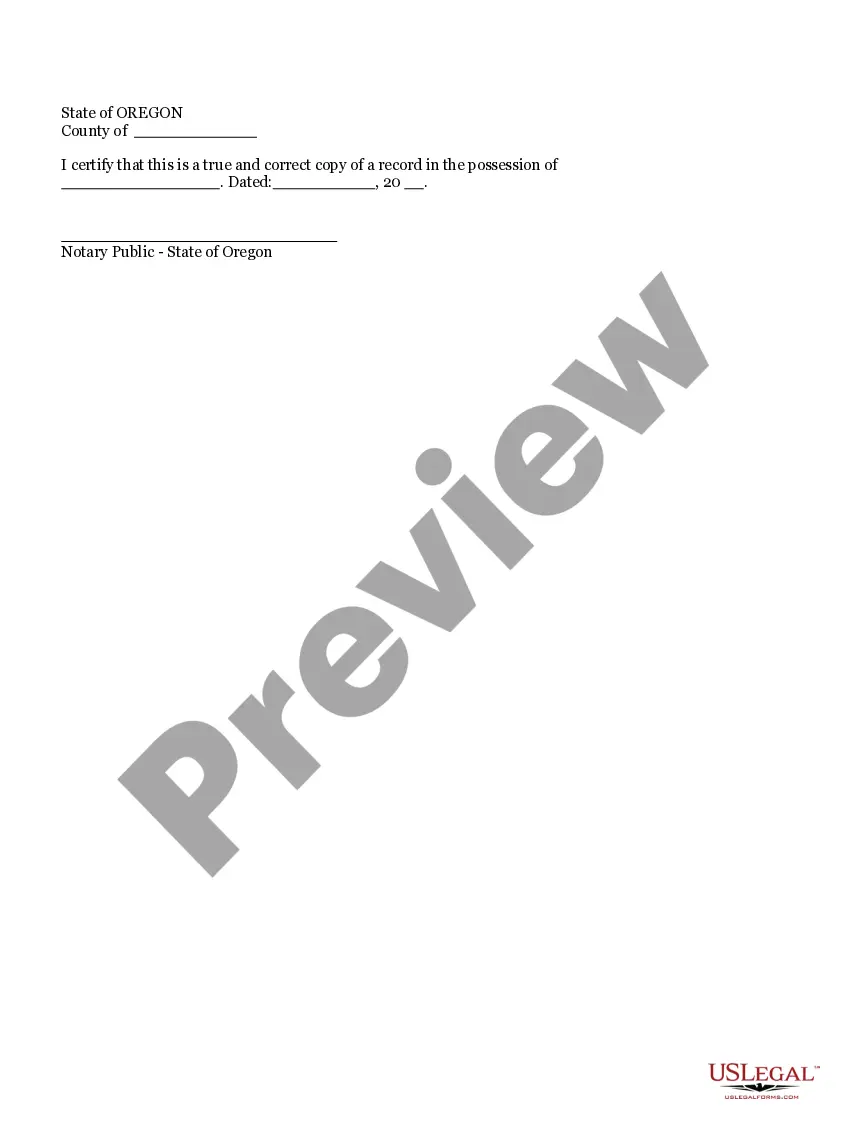
The Acknowledgment for Certifying to a Copy of a Document is a legal document used to validate that a copy of a record is a true and accurate reproduction of the original. This form is distinct from other certification forms as it specifically focuses on acknowledging the authenticity of document copies, which may be necessary in various legal and administrative contexts.
What’s included in this form
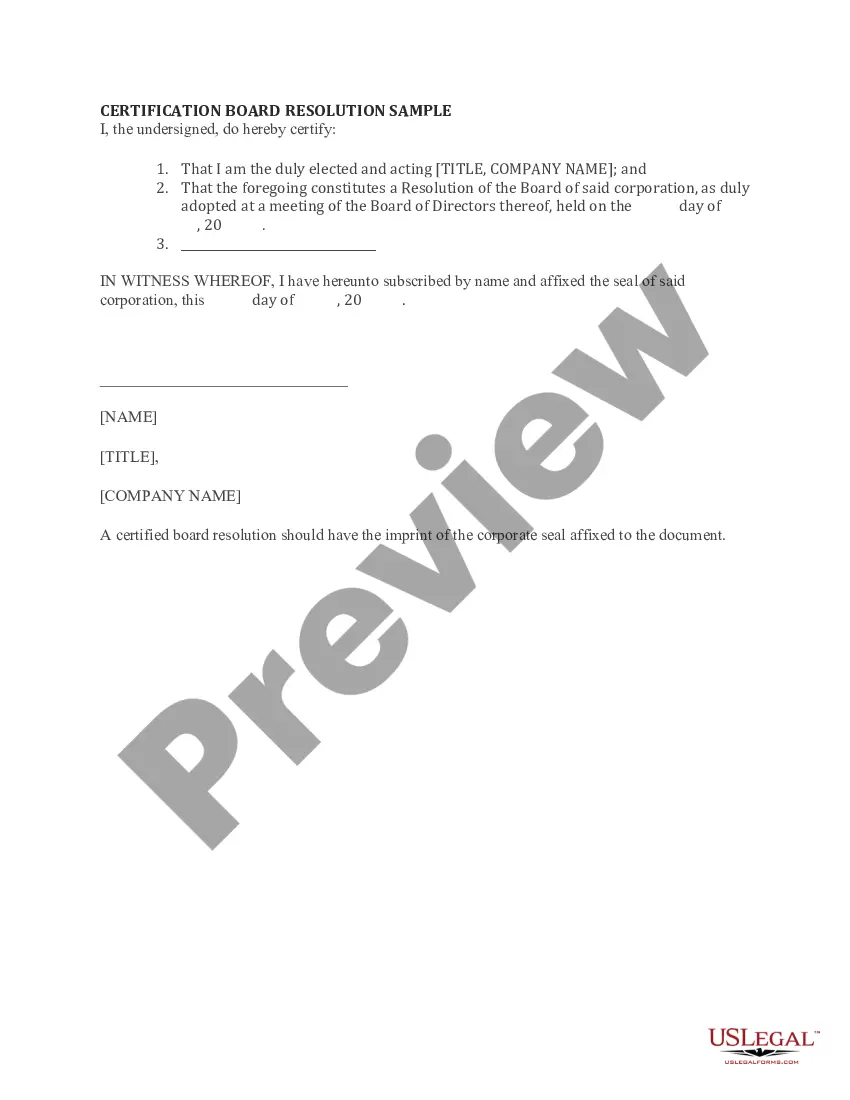
- Certifying Statement: A declaration by the individual affirming that the copy is accurate and true.
- Date of Acknowledgment: Section where the date of the certification is noted.
- Signature Line: A designated space for the individual certifying the document to sign.
- Notary Acknowledgment: If applicable, an area for a notary to confirm the identity of the signer and the authenticity of the signature.

Common use cases
This form is typically used when individuals or entities need to provide a certified copy of an important document, such as legal records, financial statements, or academic transcripts. It may be necessary in situations like applying for government benefits, submitting evidence for court cases, or fulfilling verification requirements for licensing or credentialing purposes.
Who should use this form
- Individuals needing to certify a copy of their personal documents, such as birth certificates or diplomas.
- Businesses requiring certified copies of corporate documents for legal compliance.
- Attorneys who need to submit verified copies of evidence in legal proceedings.
- Anyone involved in processes where document authenticity is crucial.
How to prepare this document
- Identify the document you are certifying and ensure you have the original on hand.
- Fill in the certifying statement, affirming that the copy is true and accurate.
- Enter the date on which you are completing the acknowledgment.
- Sign the document in the designated signature line.
- If notarization is required, present the form to a notary public for their signature or stamp.
Notarization requirements for this form
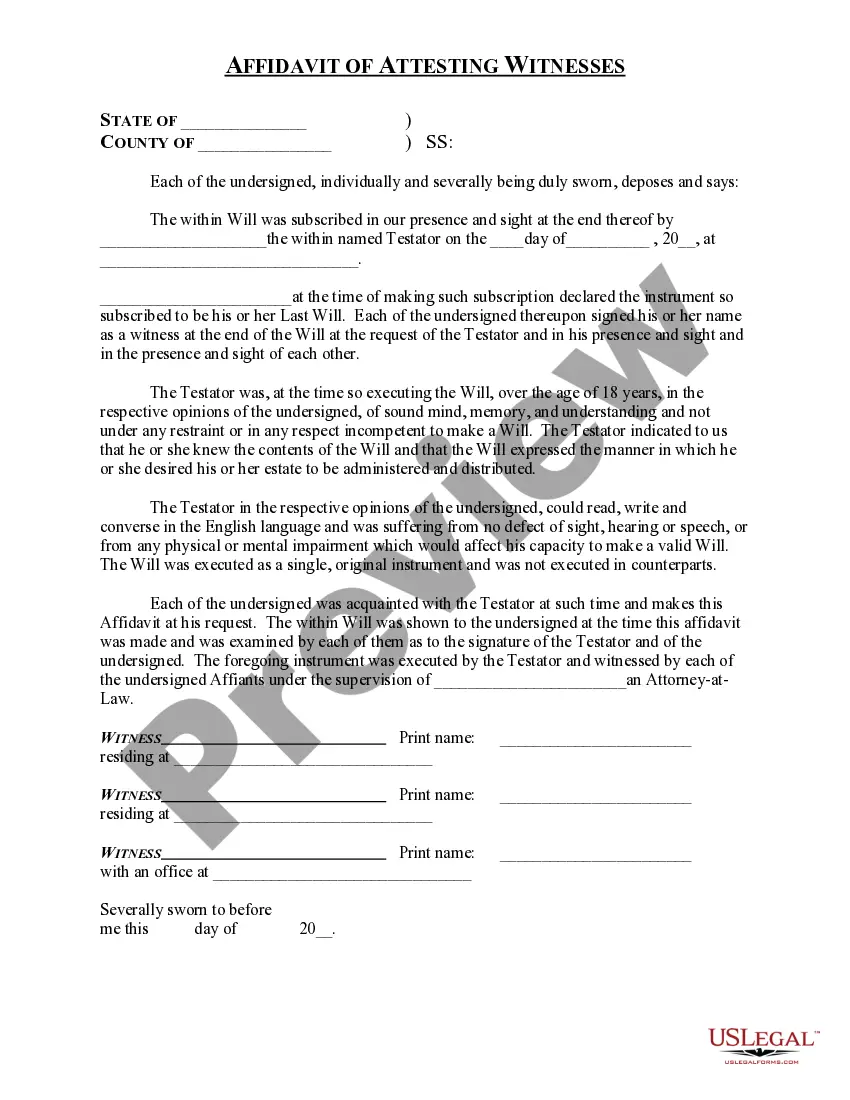
Notarization is required for this form to take effect. Our online notarization service, powered by Notarize, lets you verify and sign documents remotely through an encrypted video session, available 24/7.
Get your form ready online
Our built-in tools help you complete, sign, share, and store your documents in one place.
Make edits, fill in missing information, and update formatting in US Legal Forms—just like you would in MS Word.
Download a copy, print it, send it by email, or mail it via USPS—whatever works best for your next step.
Sign and collect signatures with our SignNow integration. Send to multiple recipients, set reminders, and more. Go Premium to unlock E-Sign.
If this form requires notarization, complete it online through a secure video call—no need to meet a notary in person or wait for an appointment.
We protect your documents and personal data by following strict security and privacy standards.

Make edits, fill in missing information, and update formatting in US Legal Forms—just like you would in MS Word.

Download a copy, print it, send it by email, or mail it via USPS—whatever works best for your next step.

Sign and collect signatures with our SignNow integration. Send to multiple recipients, set reminders, and more. Go Premium to unlock E-Sign.

If this form requires notarization, complete it online through a secure video call—no need to meet a notary in person or wait for an appointment.

We protect your documents and personal data by following strict security and privacy standards.
Mistakes to watch out for
- Failing to sign the form, resulting in an invalid certification.
- Not entering the correct date, which can cause confusion or invalidate the form.
- Providing incomplete information regarding the document being certified.
- Forgetting to consult a notary when required, which may lead to legal complications.
Benefits of using this form online
- Convenience: Access and download the form anytime, from anywhere.
- Editability: Easily fill in the required fields with your document details.
- Reliability: Use forms drafted by licensed attorneys, ensuring legal compliance.
Looking for another form?
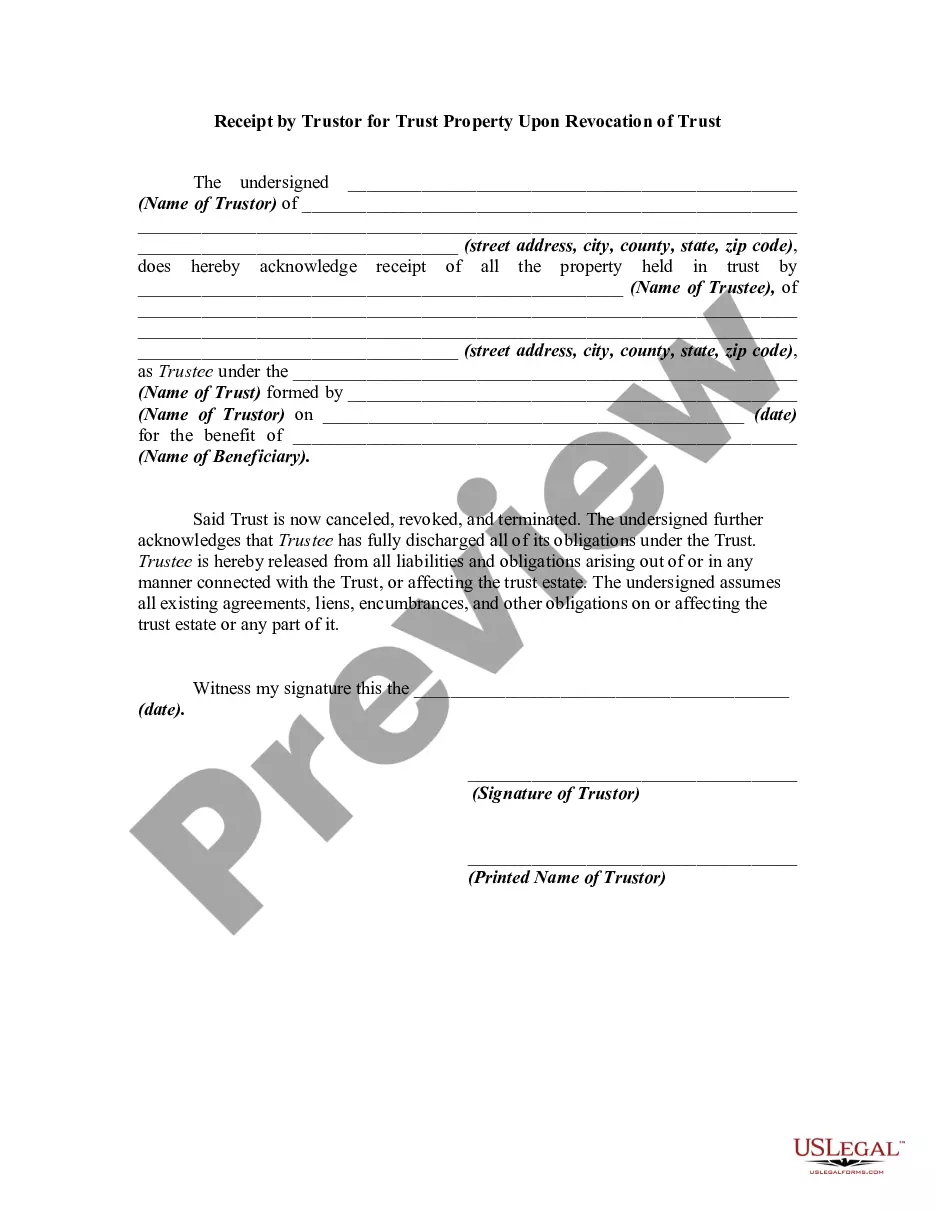
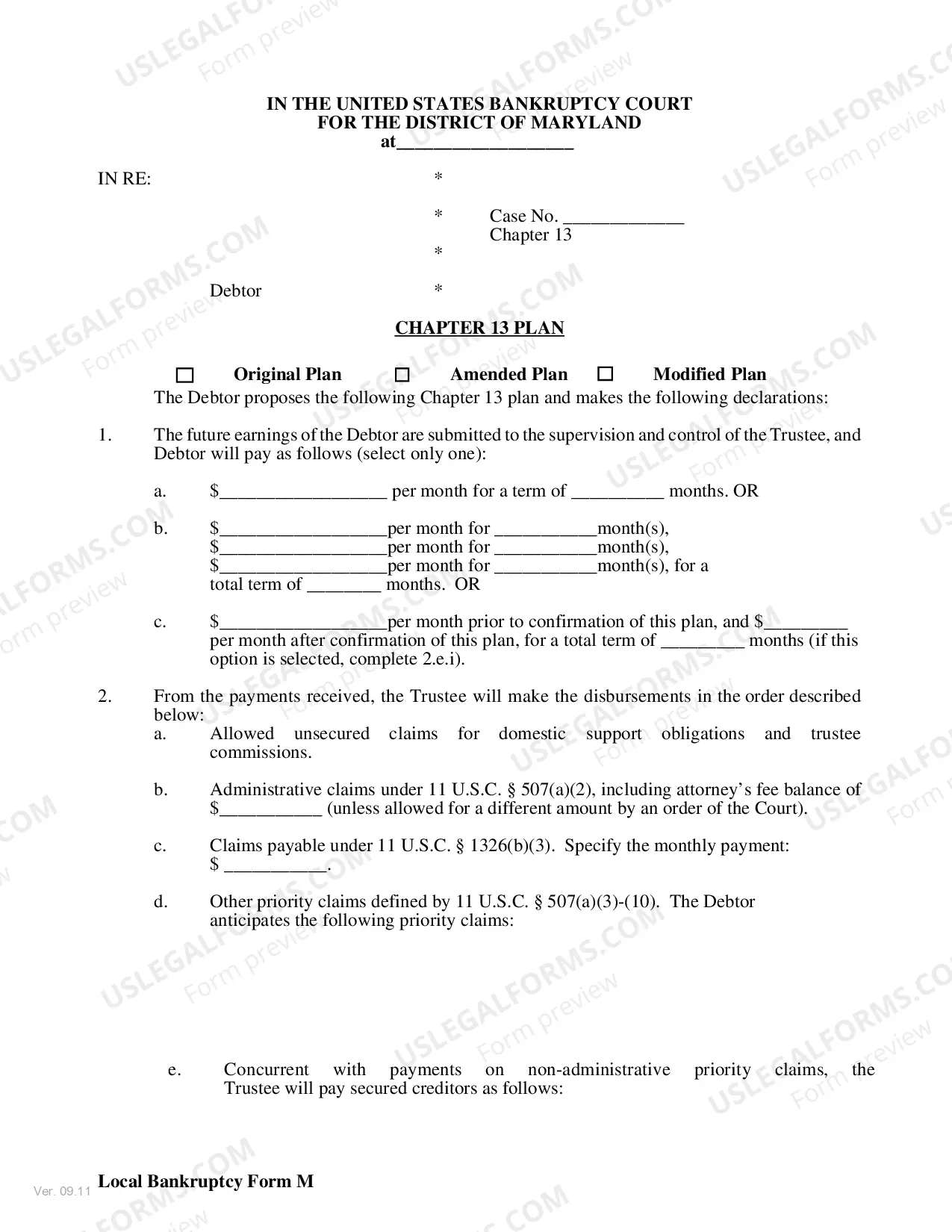
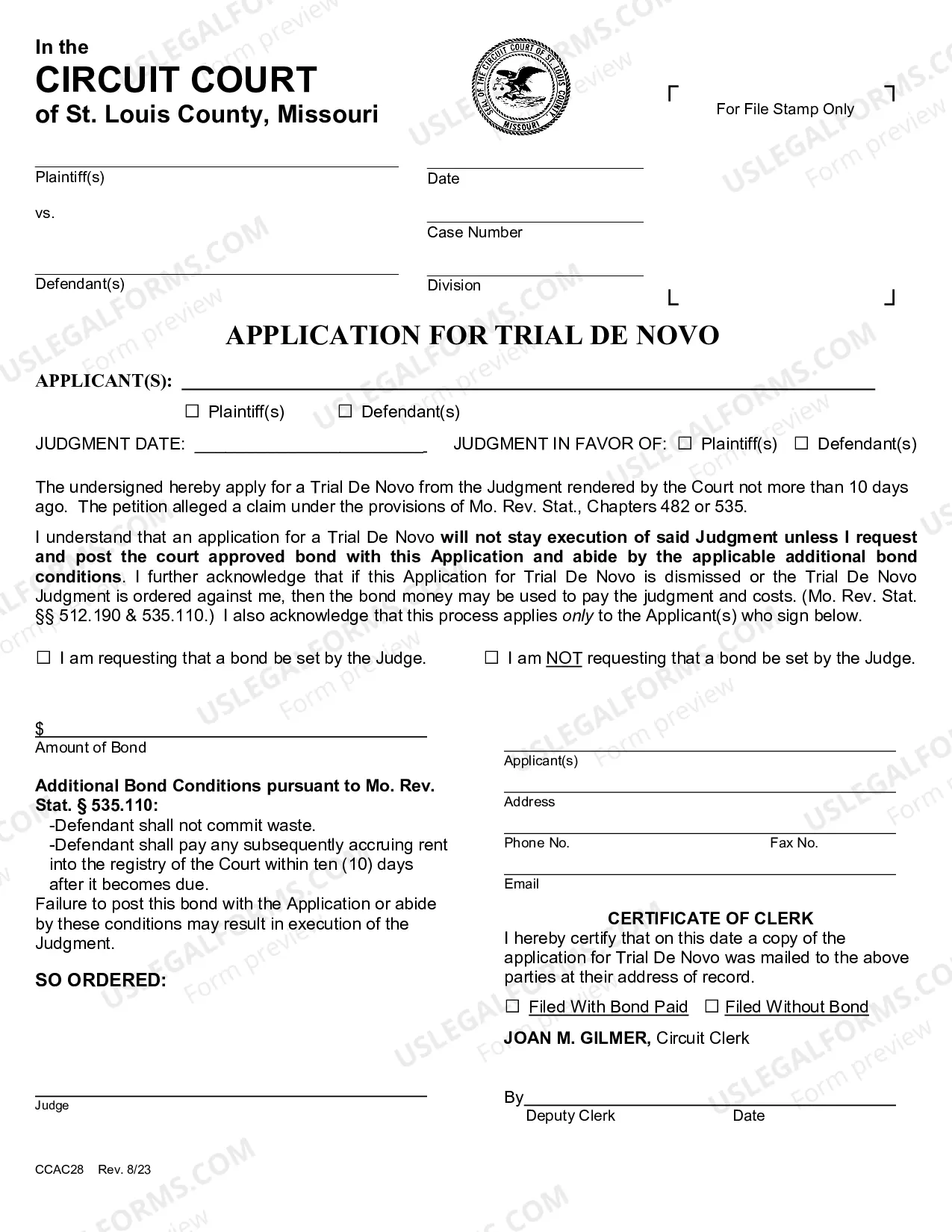
Form popularity
FAQ
In order to notarize a document, the signing individual(s) must appear in person before the notary and prove their identity. The notary will then review the documents, review the signatures of the signer(s), and complete the acknowledgment form to finalize the process.
What is notarisation? Notarisation is the first step, in which a notary will certify the document in a certain way, depending what is required. They may, for example, certify a person's signature on the document to prove that the person signing is the person named in the document.
As a general rule, Notaries cannot certify copies 200bof birth, death or marriage certificates because these documents are vital records public records that cannot be certified by a Notary Public.
Notarizing for Relatives:Notaries may not notarize a document in which a spouse is named or directly benefits from.
Step 1: Require Personal Appearance. Step 2: Check Over The Document. Step 3: Carefully Identify The Signer. Step 4: Record Your Journal Entry. Step 5: Complete The Notarial Certificate. A Last Note: Never Give Advice.
It depends. You may notarize a document that does not have pre-printed notarial wording as long as the signer tells you what type of notarization is needed.As nonattorneys, Notaries cannot decide the type of notarization to perform on a document because the choice can have important legal ramifications.
A notary public shall not charge, attempt to charge, or receive a notary fee that is more than $10 per notarial act: $10 for taking an acknowledgement. $10 for taking a verification upon an oath or affirmation. $10 for certifying a copy of a document. $10 for witnessing or attesting a signature.
200b200b200b200b200b200b200b200b200b200b200b200b200b200bThe Oregon Legislature passed HB 4212200b, which was signed into law by the Governor on June 30, 2020. While this bill contained many concepts, part of it legalizes Remote Online Notarization (RON) through July 2021.
What Is An Acknowledgment? The purpose of an acknowledgment is for a signer, whose identity has been verified, to declare to a Notary or notarial officer that he or she has willingly signed a document.The signer may either sign the document before appearing before you, or in your presence.