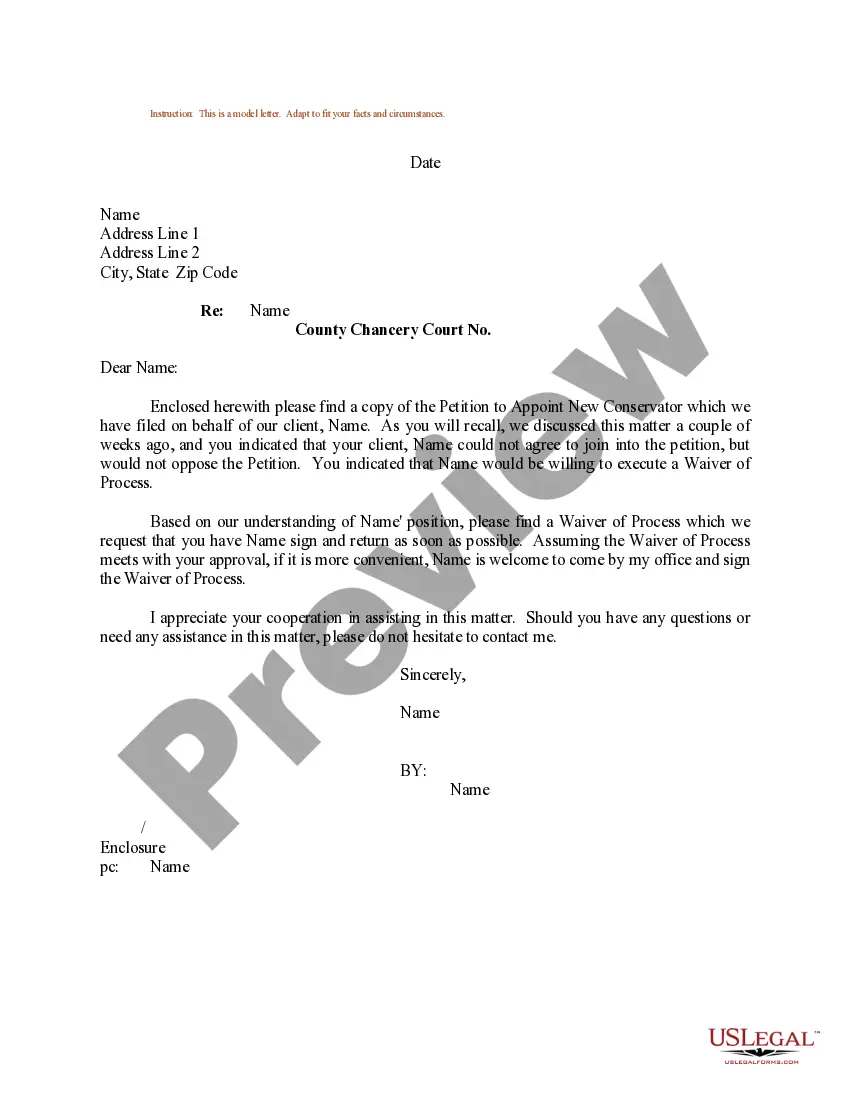
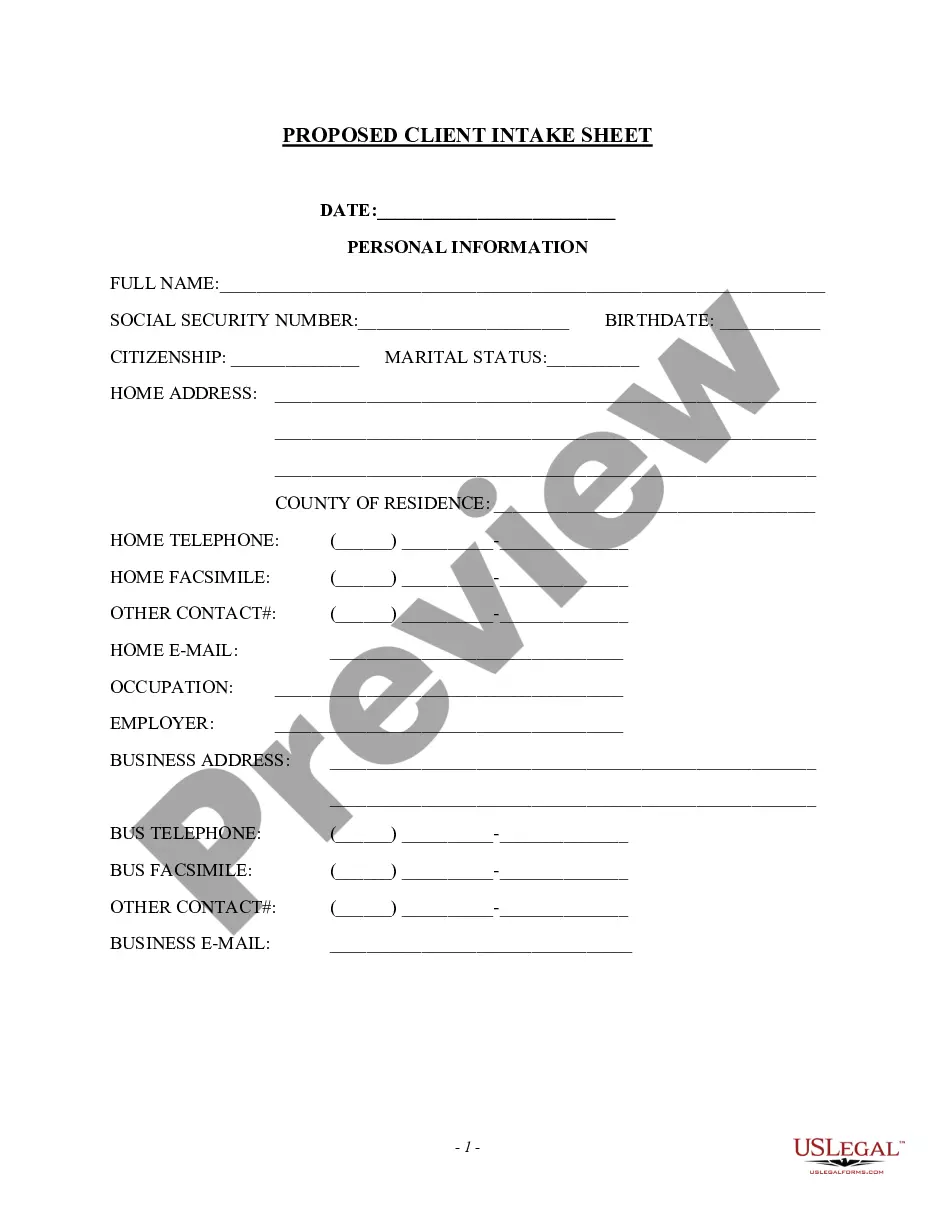
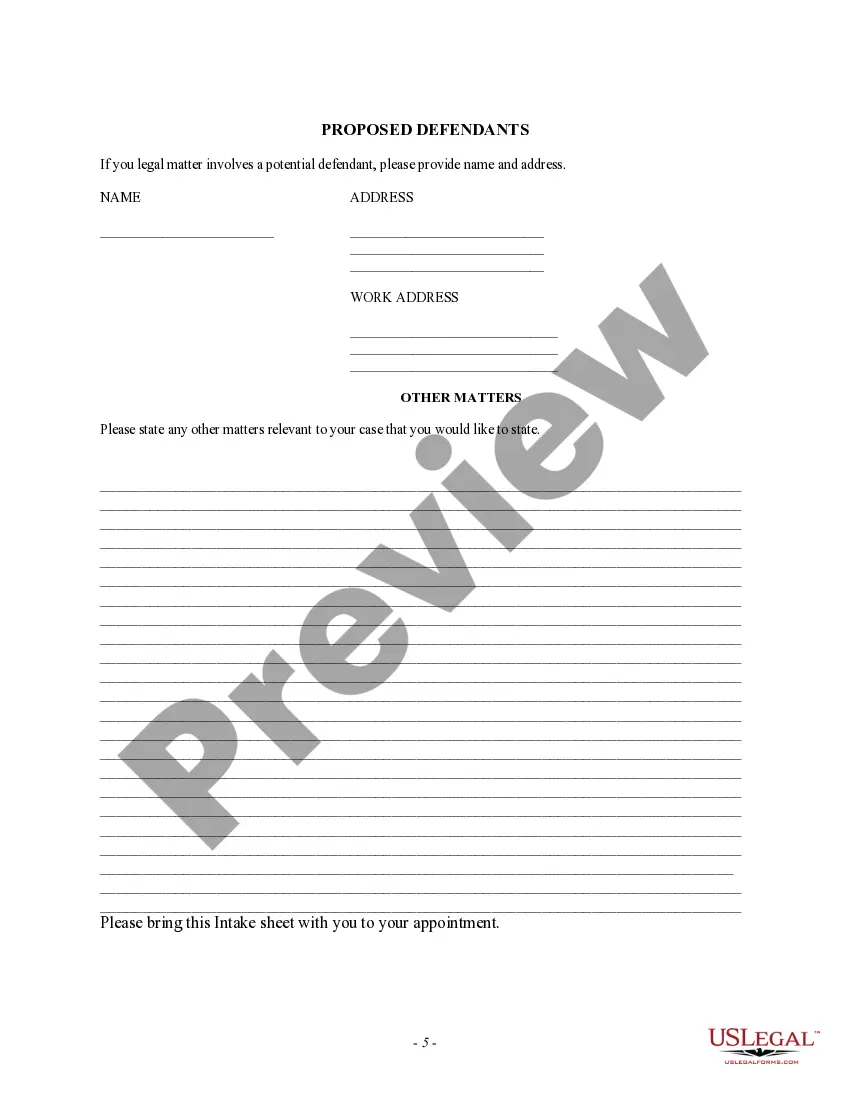
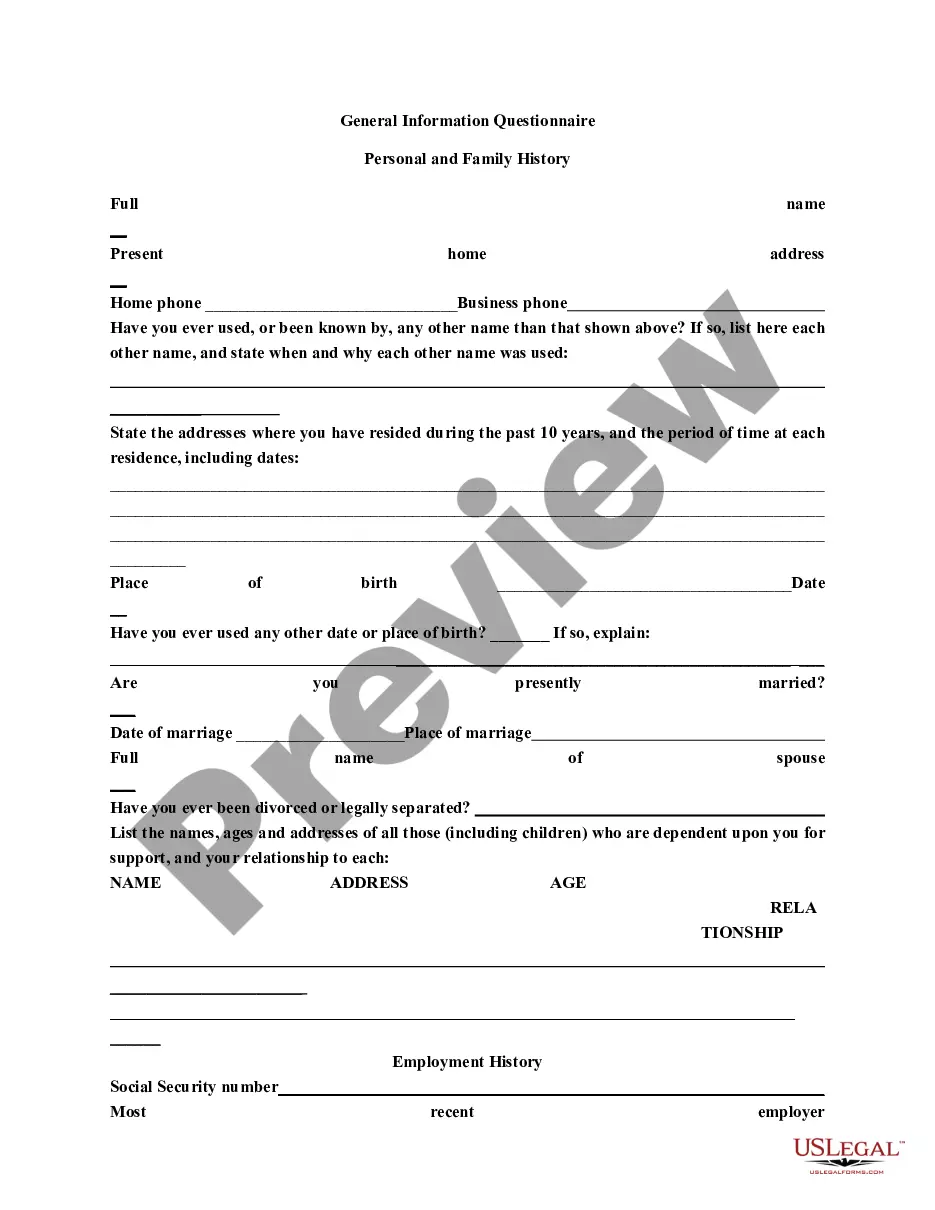
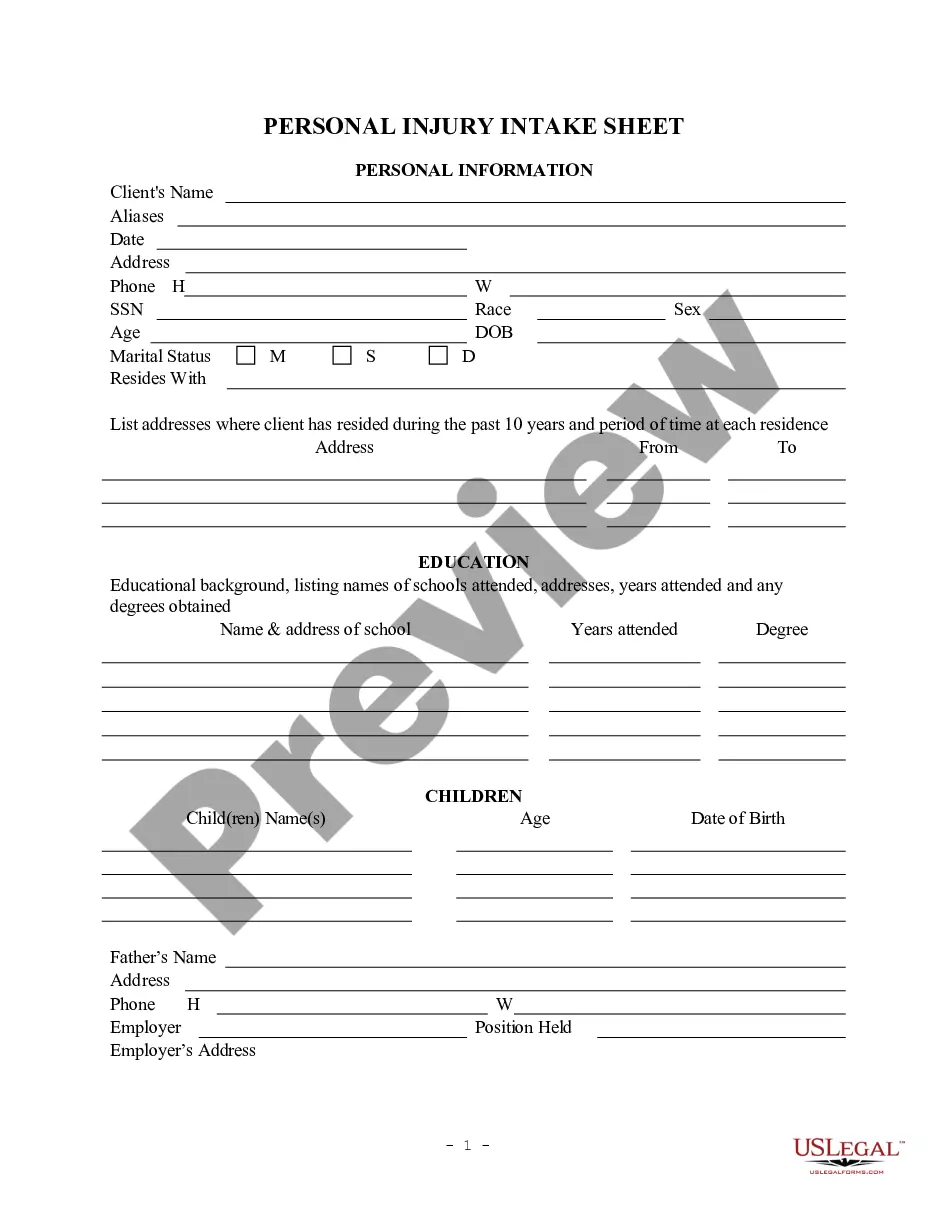
Oklahoma Proposed Client Intake Sheet - General
Description




Get your form ready online
Our built-in tools help you complete, sign, share, and store your documents in one place.
Make edits, fill in missing information, and update formatting in US Legal Forms—just like you would in MS Word.
Download a copy, print it, send it by email, or mail it via USPS—whatever works best for your next step.
Sign and collect signatures with our SignNow integration. Send to multiple recipients, set reminders, and more. Go Premium to unlock E-Sign.
If this form requires notarization, complete it online through a secure video call—no need to meet a notary in person or wait for an appointment.
We protect your documents and personal data by following strict security and privacy standards.

Make edits, fill in missing information, and update formatting in US Legal Forms—just like you would in MS Word.

Download a copy, print it, send it by email, or mail it via USPS—whatever works best for your next step.

Sign and collect signatures with our SignNow integration. Send to multiple recipients, set reminders, and more. Go Premium to unlock E-Sign.

If this form requires notarization, complete it online through a secure video call—no need to meet a notary in person or wait for an appointment.

We protect your documents and personal data by following strict security and privacy standards.
Looking for another form?


How to fill out Proposed Client Intake Sheet - General?
You can devote several hours on-line trying to find the legitimate document design that suits the federal and state specifications you need. US Legal Forms offers a large number of legitimate types that are examined by experts. You can actually down load or produce the Oklahoma Proposed Client Intake Sheet - General from our services.
If you have a US Legal Forms bank account, you may log in and then click the Acquire button. Next, you may total, modify, produce, or indication the Oklahoma Proposed Client Intake Sheet - General. Every single legitimate document design you purchase is yours forever. To have one more copy of the purchased form, check out the My Forms tab and then click the corresponding button.
If you work with the US Legal Forms internet site the very first time, adhere to the easy recommendations listed below:
- Initially, be sure that you have selected the proper document design to the county/city that you pick. See the form information to ensure you have picked out the appropriate form. If available, utilize the Preview button to check through the document design at the same time.
- If you want to discover one more edition from the form, utilize the Search industry to discover the design that meets your needs and specifications.
- After you have discovered the design you desire, click on Purchase now to move forward.
- Select the prices program you desire, key in your qualifications, and register for your account on US Legal Forms.
- Total the purchase. You may use your Visa or Mastercard or PayPal bank account to pay for the legitimate form.
- Select the file format from the document and down load it in your gadget.
- Make changes in your document if required. You can total, modify and indication and produce Oklahoma Proposed Client Intake Sheet - General.
Acquire and produce a large number of document templates using the US Legal Forms site, which offers the greatest assortment of legitimate types. Use expert and status-certain templates to handle your company or specific demands.
Form popularity
FAQ
This is your chance to ask your clients questions and smoothly transition them into your business. Your client intake process should include everything you will do once you begin communicating with that person. This includes email, phone calls, and in-person meetings.
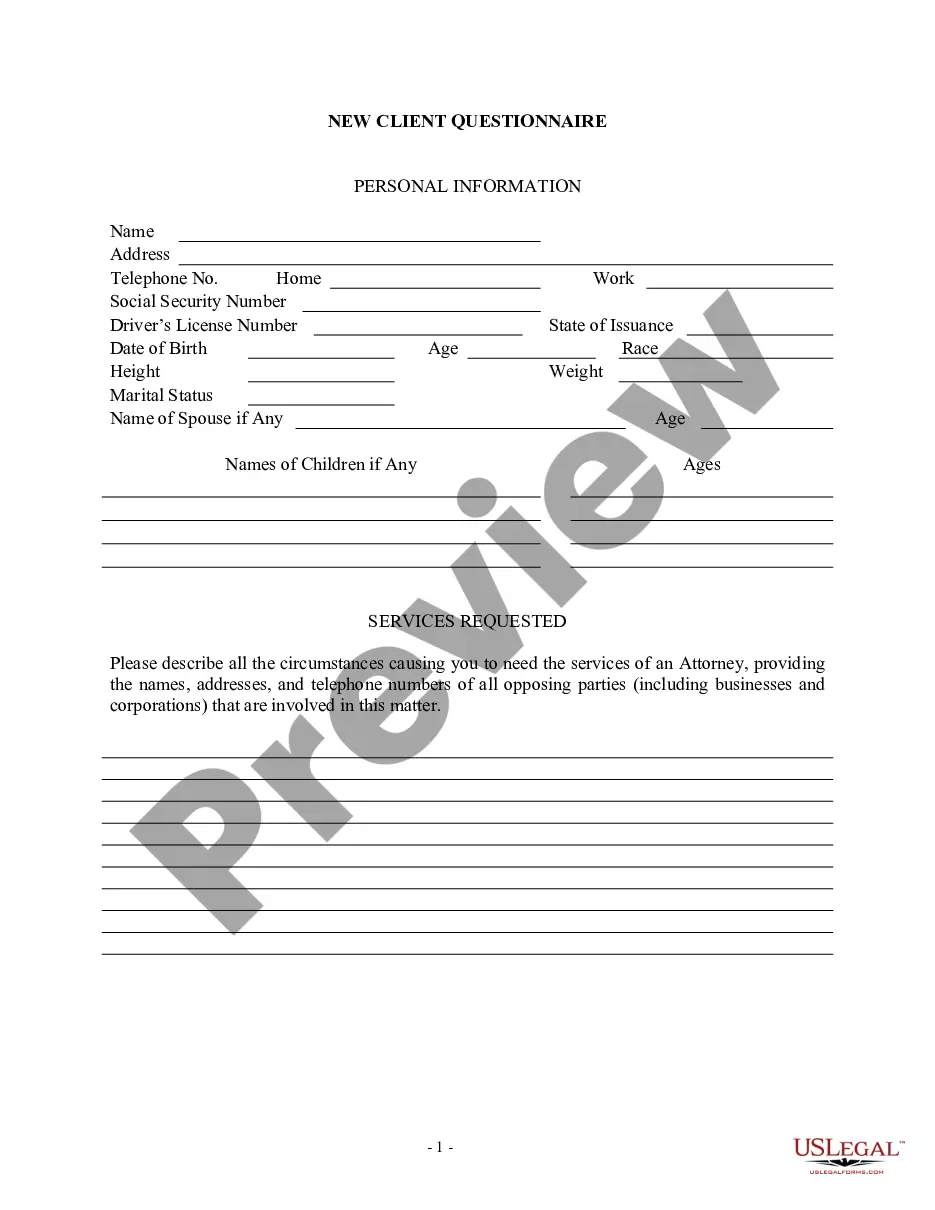
Questions to include in your new client intake form Your client's name, surname, and contact information (mobile number, email address, home address, website, etc) Information about your client's business and brand (if applicable) Your client's budget (if applicable)
Create a client intake form using a fillable PDF. Launch Acrobat. Click Tools > Prepare Form. Select a file or scan a document. Add new form fields. These form fields can ask for a name, email, reason for requesting services, and more. Click Distribute to collect responses automatically.
Things to Remember When Writing a Client Intake Form Choose the right questions based on your industry and services you provide. ... Select between a digital or physical form. ... Make use of different types of fields. ... Tailor the form. ... Don't forget to include instructions ? if applicable.
What to include on your client intake form Include a welcome message. ... Asking for contact information is essential. ... Ask your client about their company background. ... What do they need from you and what services do they require? ... Ask them to fill in a checklist as they complete your intake form.
Here are some key elements you can include on your project intake form to ensure your team has all the information they need to be successful: Client contact information. ... Type of project. ... Objective. ... Target audience or end-user. ... Budget. ... Deadline. ... Determine the format. ... Make a list of important questions.
Intake Form are made up of five parts: General, Appointment Type, Profile Fields, Questionnaires and Consents.
Create a client intake form using a fillable PDF. Launch Acrobat. Click Tools > Prepare Form. Select a file or scan a document. Add new form fields. These form fields can ask for a name, email, reason for requesting services, and more. Click Distribute to collect responses automatically.