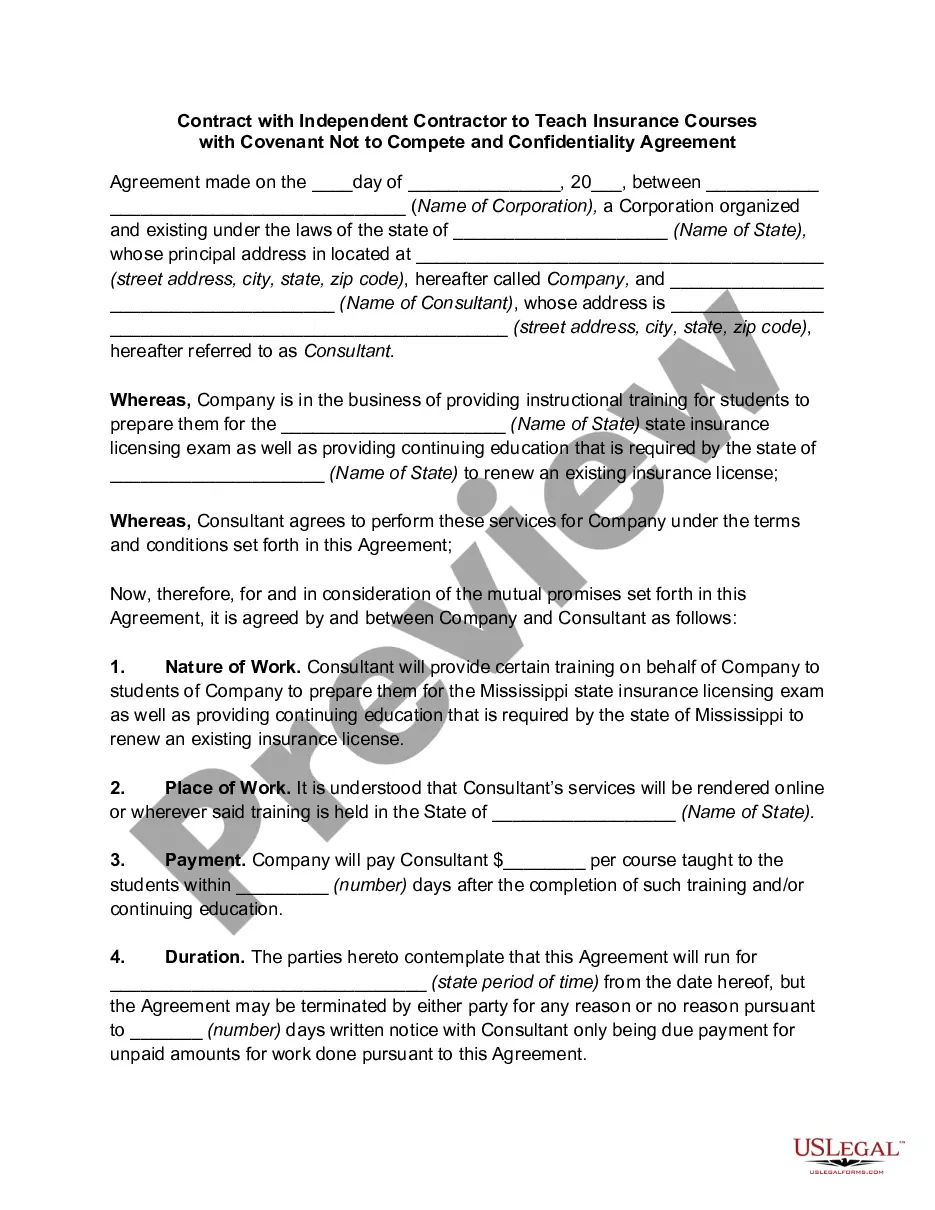
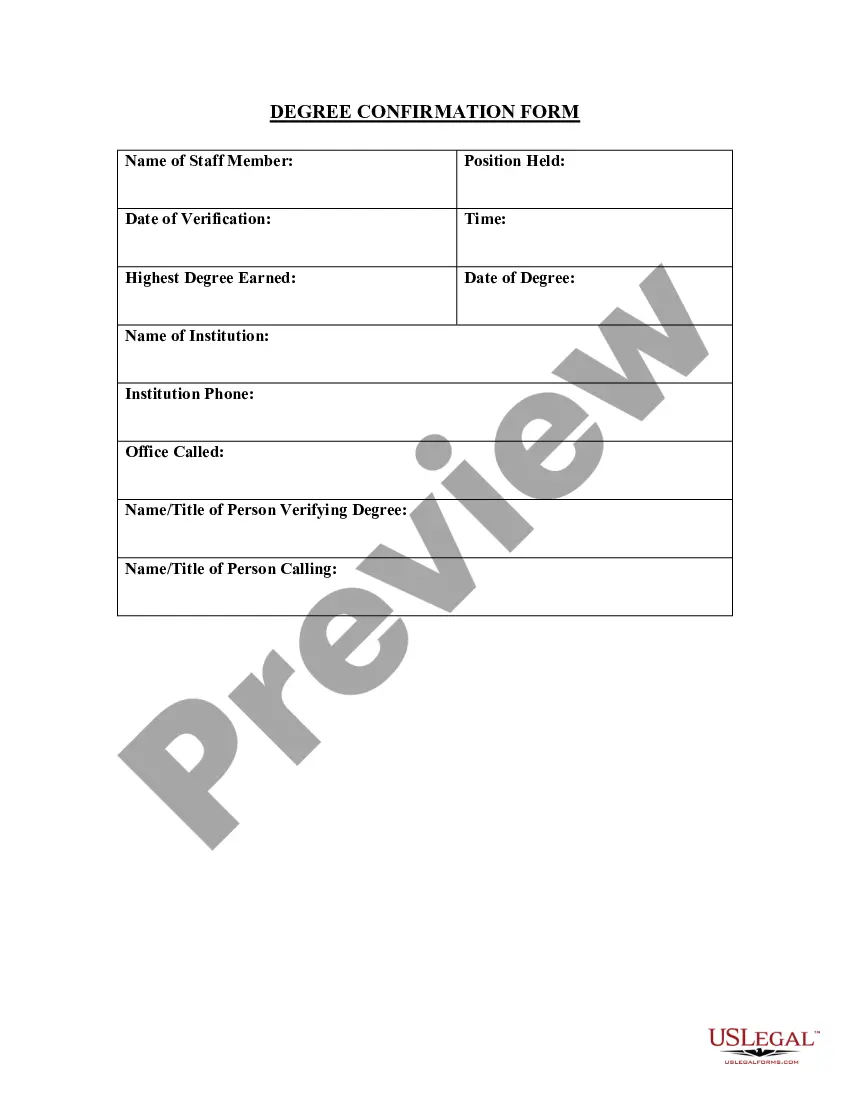
Oklahoma Degree Confirmation Form
Description

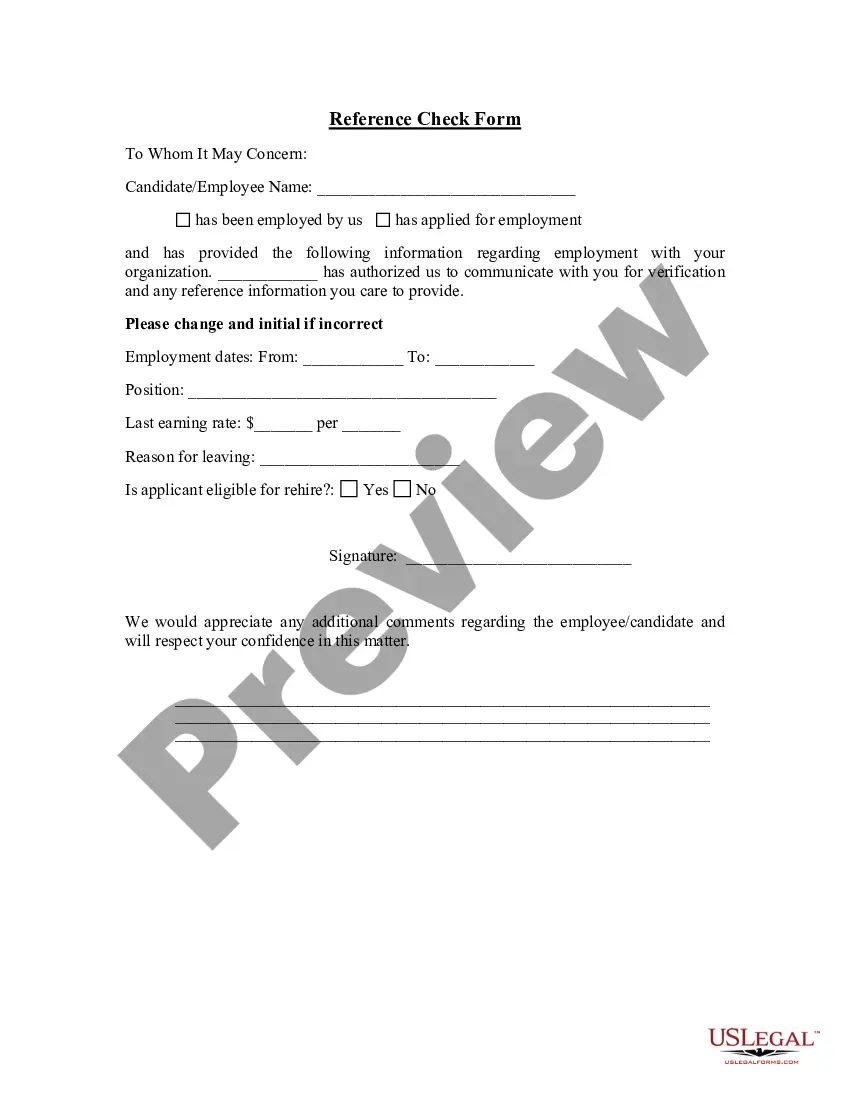
Get your form ready online
Our built-in tools help you complete, sign, share, and store your documents in one place.
Make edits, fill in missing information, and update formatting in US Legal Forms—just like you would in MS Word.
Download a copy, print it, send it by email, or mail it via USPS—whatever works best for your next step.
Sign and collect signatures with our SignNow integration. Send to multiple recipients, set reminders, and more. Go Premium to unlock E-Sign.
If this form requires notarization, complete it online through a secure video call—no need to meet a notary in person or wait for an appointment.
We protect your documents and personal data by following strict security and privacy standards.

Make edits, fill in missing information, and update formatting in US Legal Forms—just like you would in MS Word.

Download a copy, print it, send it by email, or mail it via USPS—whatever works best for your next step.

Sign and collect signatures with our SignNow integration. Send to multiple recipients, set reminders, and more. Go Premium to unlock E-Sign.

If this form requires notarization, complete it online through a secure video call—no need to meet a notary in person or wait for an appointment.

We protect your documents and personal data by following strict security and privacy standards.
Looking for another form?

How to fill out Degree Confirmation Form?
Selecting the appropriate authorized document template can be challenging.
Indeed, there is a multitude of templates accessible online, but how do you find the legal form you require.
Utilize the US Legal Forms website.
If you are a first-time user of US Legal Forms, here are simple steps to follow: Initially, ensure you have selected the correct form for your region/county. You can preview the document using the Preview button and read the description to confirm it is the correct one for your needs.
- The service offers a vast array of templates, including the Oklahoma Degree Confirmation Form, suitable for business and personal purposes.
- All forms are vetted by experts and comply with state and federal regulations.
- If you are already registered, Log In to your account and click the Download button to retrieve the Oklahoma Degree Confirmation Form.
- Leverage your account to review the legal forms you have previously obtained.
- Visit the My documents section of your account to acquire another copy of the document you need.
Form popularity
FAQ
To request records from the University of Oklahoma, start by identifying the type of record needed and visit the records office's page on their website. Fill out the appropriate request form, and don’t forget to include the Oklahoma Degree Confirmation Form if applicable. This will help streamline the process and ensure you receive the records promptly. Keep an eye on any deadlines or fees that may be associated with your request.
Requesting open records from the University of Oklahoma involves submitting an official request through the university’s open records office. Provide necessary details about the information you're seeking for efficient processing. It might also be beneficial to attach the Oklahoma Degree Confirmation Form if your request relates to your academic records. This helps the office identify and process your request more effectively.
Access to the Online Major Change Application As an advisor, you will find the link to access the new Online Curriculum/Major Change system under the Advisor tab of the portal as well as in the menu of the student profile. You can find additional information for requesting Banner Access on our website here.
How do I change my major? Undergraduate students see the academic advisor or advising office responsible for the major; the advising staff will submit a change of academic program through our online process.
Degree Award means a qualification granted by a University, which has been approved by the Board.
Send your request to Academic Records either by mail to University of Oklahoma, Academic Records, 1000 Asp Ave., Room 230, Norman, OK 73019-4076, or fax to (405) 325-7047. You also need to include the address to which you want the diploma mailed and $50.00 per diploma for postage and handling.
About Confirmation of Degree AwardedThis document includes the student's full name, the degree conferred and the date of graduation.
Apply to GraduateLogin to the my.okstate.edu portal.Click on the Self-Service icon.From the Student tab, select Student Records.Select Graduation Application (Apply).If you are eligible to apply for graduation, the first page will present your latest curriculum (degree/major programs) for you to select.More items...
About Confirmation of Degree AwardedThis document includes the student's full name, the degree conferred and the date of graduation.
Access to the Online Major Change Application As an advisor, you will find the link to access the new Online Curriculum/Major Change system under the Advisor tab of the portal as well as in the menu of the student profile. You can find additional information for requesting Banner Access on our website here.