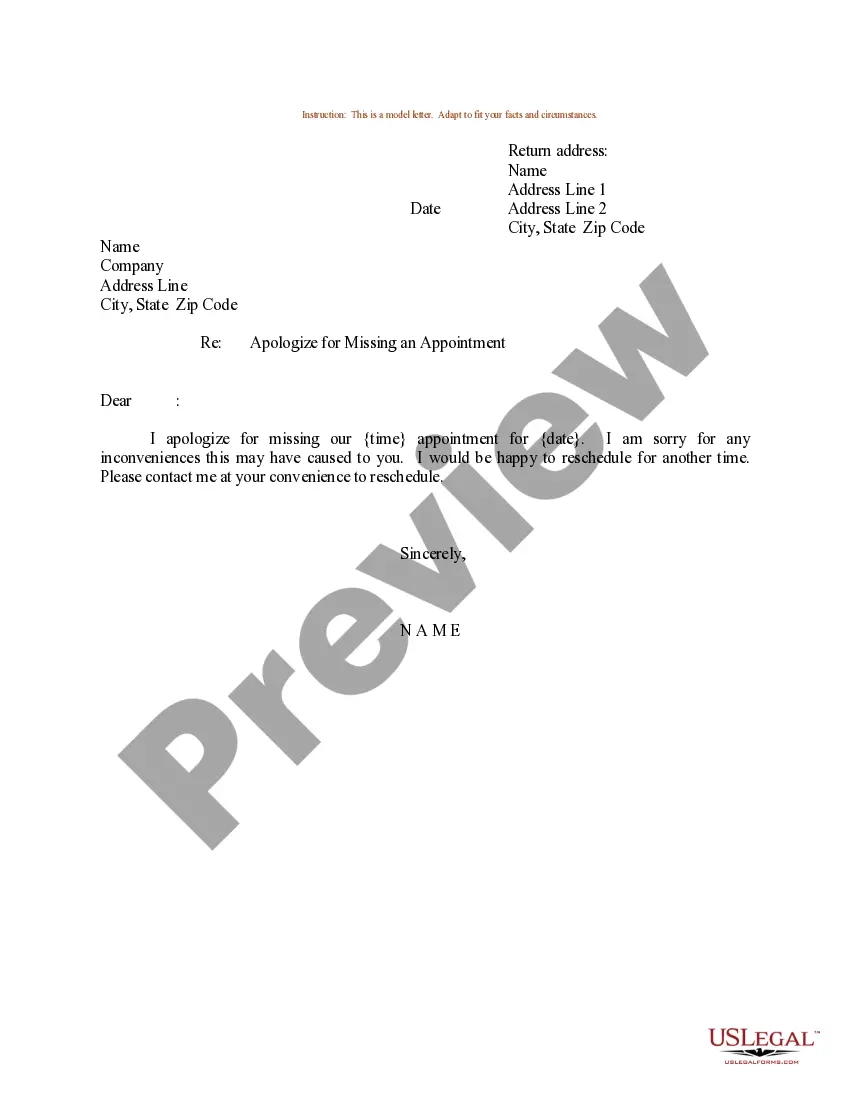
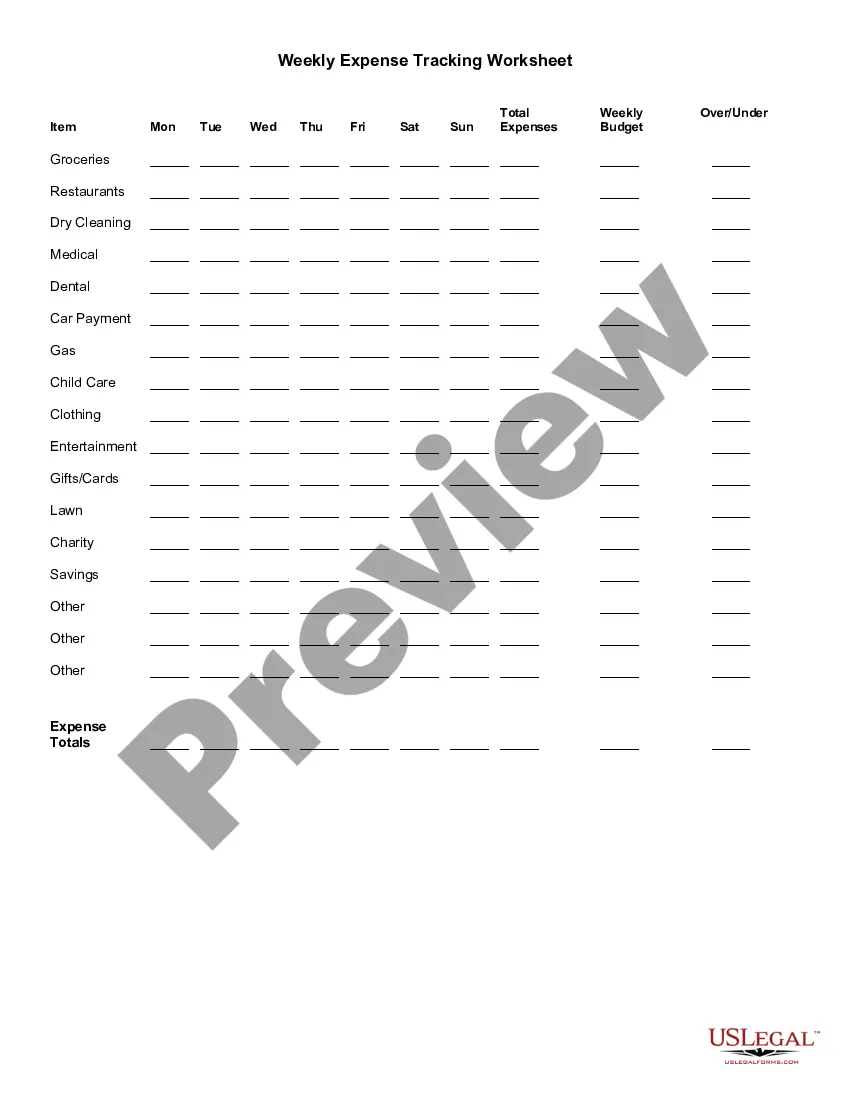
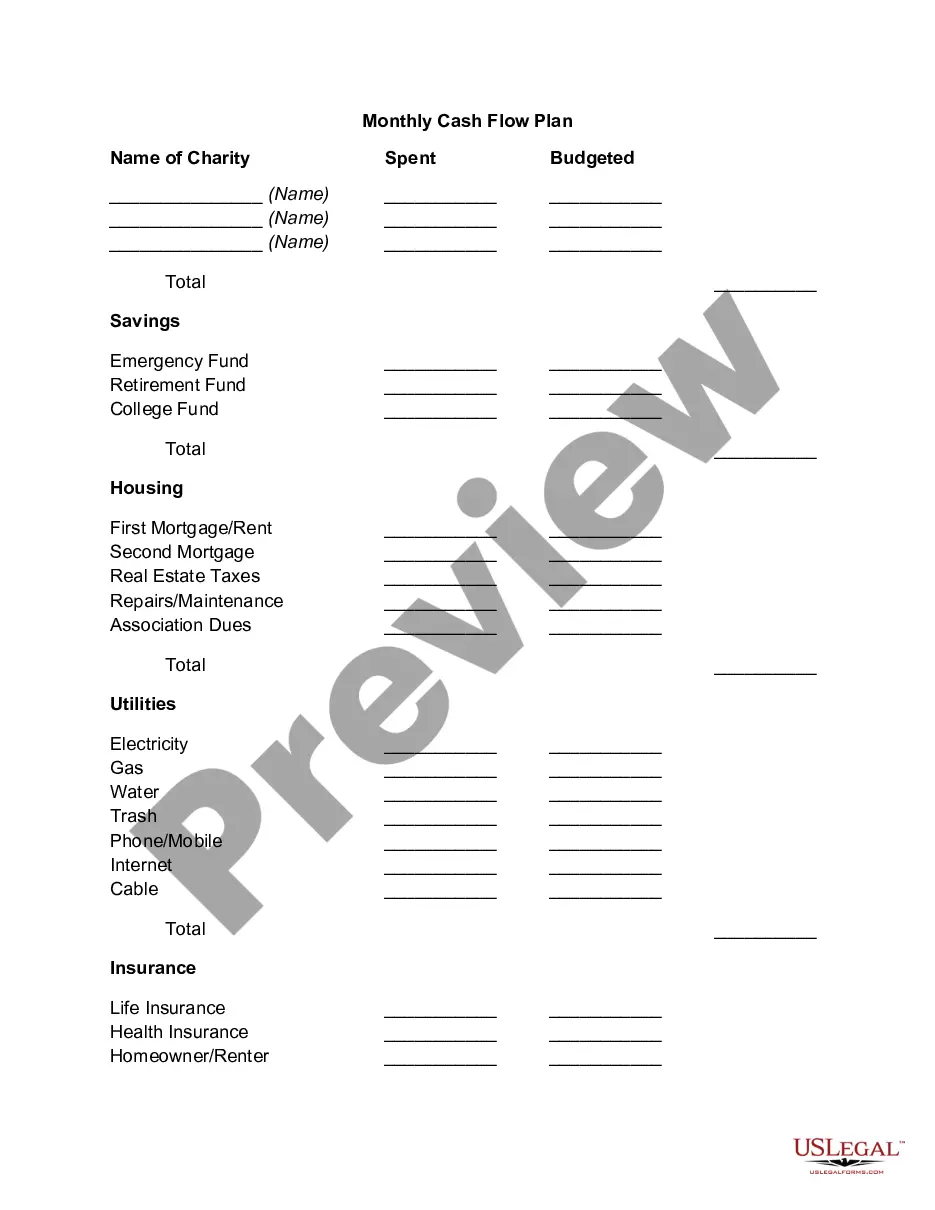
Oklahoma Weekly Expense Tracking Worksheet
Description

Get your form ready online
Our built-in tools help you complete, sign, share, and store your documents in one place.
Make edits, fill in missing information, and update formatting in US Legal Forms—just like you would in MS Word.
Download a copy, print it, send it by email, or mail it via USPS—whatever works best for your next step.
Sign and collect signatures with our SignNow integration. Send to multiple recipients, set reminders, and more. Go Premium to unlock E-Sign.
If this form requires notarization, complete it online through a secure video call—no need to meet a notary in person or wait for an appointment.
We protect your documents and personal data by following strict security and privacy standards.

Make edits, fill in missing information, and update formatting in US Legal Forms—just like you would in MS Word.

Download a copy, print it, send it by email, or mail it via USPS—whatever works best for your next step.

Sign and collect signatures with our SignNow integration. Send to multiple recipients, set reminders, and more. Go Premium to unlock E-Sign.

If this form requires notarization, complete it online through a secure video call—no need to meet a notary in person or wait for an appointment.

We protect your documents and personal data by following strict security and privacy standards.
Looking for another form?









How to fill out Weekly Expense Tracking Worksheet?
Selecting the most suitable valid document format can be quite challenging.
Of course, there are numerous web templates accessible online, but how can you find the authentic one you require.
Utilize the US Legal Forms website.
If you are a new user of US Legal Forms, here are simple instructions to follow: First, ensure you have selected the correct form for your city/county. You can browse the form using the Review button and read the form description to confirm it's the right one for you. If the form does not meet your needs, use the Search area to find the appropriate form. Once you are confident the form is suitable, click the Buy now button to obtain the form. Choose the pricing plan you need and enter the required information. Create your account and place an order using your PayPal account or credit card. Select the file format and download the valid document format onto your device. Complete, edit, print, and sign the downloaded Oklahoma Weekly Expense Tracking Worksheet. US Legal Forms is the largest repository of legal forms where you can find various document templates. Use the service to acquire properly crafted paperwork that meet state standards.
- The service offers a significant number of templates, including the Oklahoma Weekly Expense Tracking Worksheet, which can be utilized for business and personal needs.
- All forms are reviewed by experts and comply with state and federal regulations.
- If you are already registered, Log In to your account and click the Obtain button to download the Oklahoma Weekly Expense Tracking Worksheet.
- Use your account to search through the legal forms you have previously acquired.
- Visit the My documents section of your account to download another copy of the form you need.
Form popularity
FAQ
Here's how to get started tracking your monthly expenses.Check your account statements.Categorize your expenses.Use a budgeting or expense-tracking app.Explore other expense trackers.Identify room for change.
How to Keep Track of Spending Using a Weekly PlannerStep 1: Write down ALL expenses and income. Expenses.Step 2: Add it all up. At the end of the month, add up all your expenses.Step 3: Compare Income to Expenses. Next it's time to compare the money coming in versus the money going out.
Best expense tracker appsBest overall free app: Mint.Best app for beginners: Goodbudget.Best app for serious budgeters: You Need a Budget (YNAB)Best app for small business owners: QuickBooks Online.Best app for business expenses: Expensify.
Best Expense Tracker Apps for Personal FinanceSpendee. Credit: Google PlayStore.Pocket Expense with Sync. Credit: Google PlayStore.Expensify. Credit: Google PlayStore.Household Account Book. Credit: Google PlayStore.Budget Calculator (My Budget) Credit: Apple App Store.Monny. Credit: Google PlayStore.Zenmoney.Money Lover.More items...
Our 50/30/20 calculator divides your take-home income into suggested spending in three categories: 50% of net pay for needs, 30% for wants and 20% for savings and debt repayment.
What is the 50/30/20 rule? The 50/30/20 rule is an easy budgeting method that can help you to manage your money effectively, simply and sustainably. The basic rule of thumb is to divide your monthly after-tax income into three spending categories: 50% for needs, 30% for wants and 20% for savings or paying off debt.
Senator Elizabeth Warren popularized the so-called "50/20/30 budget rule" (sometimes labeled "50-30-20") in her book, All Your Worth: The Ultimate Lifetime Money Plan. The basic rule is to divide up after-tax income and allocate it to spend: 50% on needs, 30% on wants, and socking away 20% to savings.
How to Keep Track of Spending Using a Weekly PlannerStep 1: Write down ALL expenses and income. Expenses.Step 2: Add it all up. At the end of the month, add up all your expenses.Step 3: Compare Income to Expenses. Next it's time to compare the money coming in versus the money going out.
Best expense tracker appsBest overall free app: Mint.Best app for beginners: Goodbudget.Best app for serious budgeters: You Need a Budget (YNAB)Best app for small business owners: QuickBooks Online.Best app for business expenses: Expensify.
Best expense tracker appsBest overall free app: Mint.Best app for beginners: Goodbudget.Best app for serious budgeters: You Need a Budget (YNAB)Best app for small business owners: QuickBooks Online.Best app for business expenses: Expensify.