Ohio Form I-9
Description
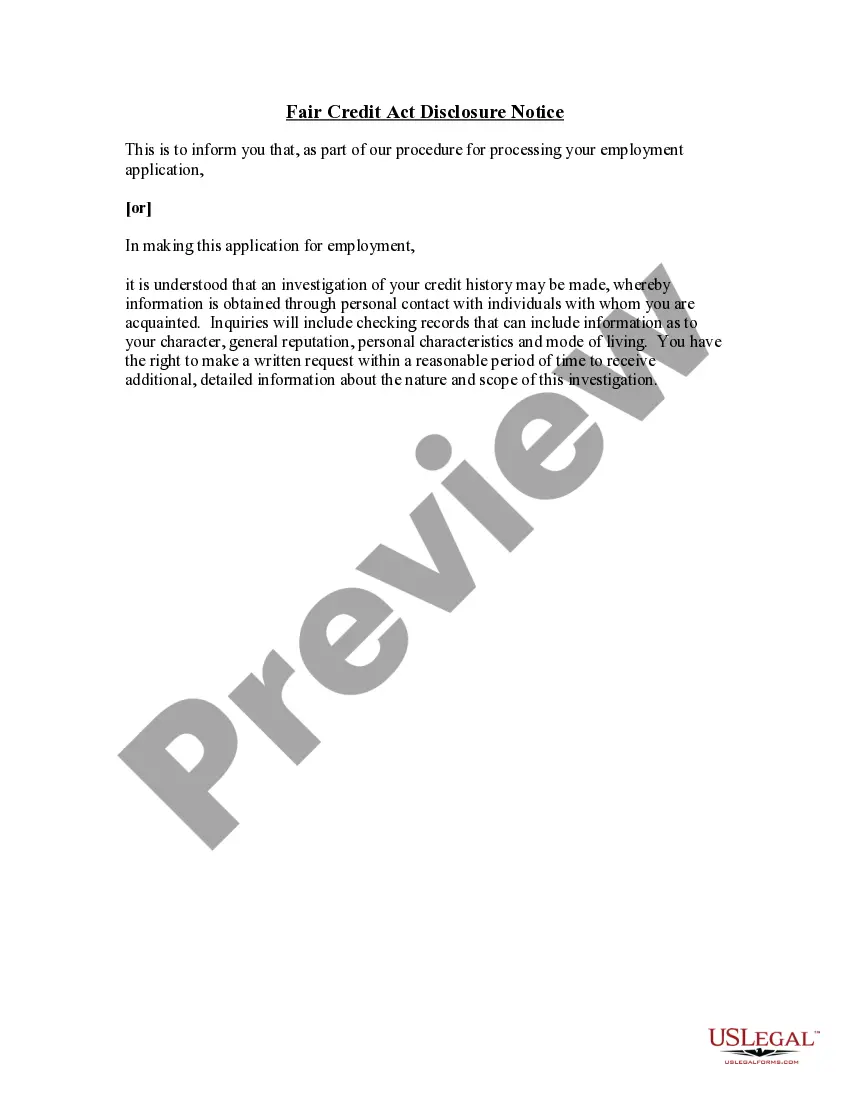
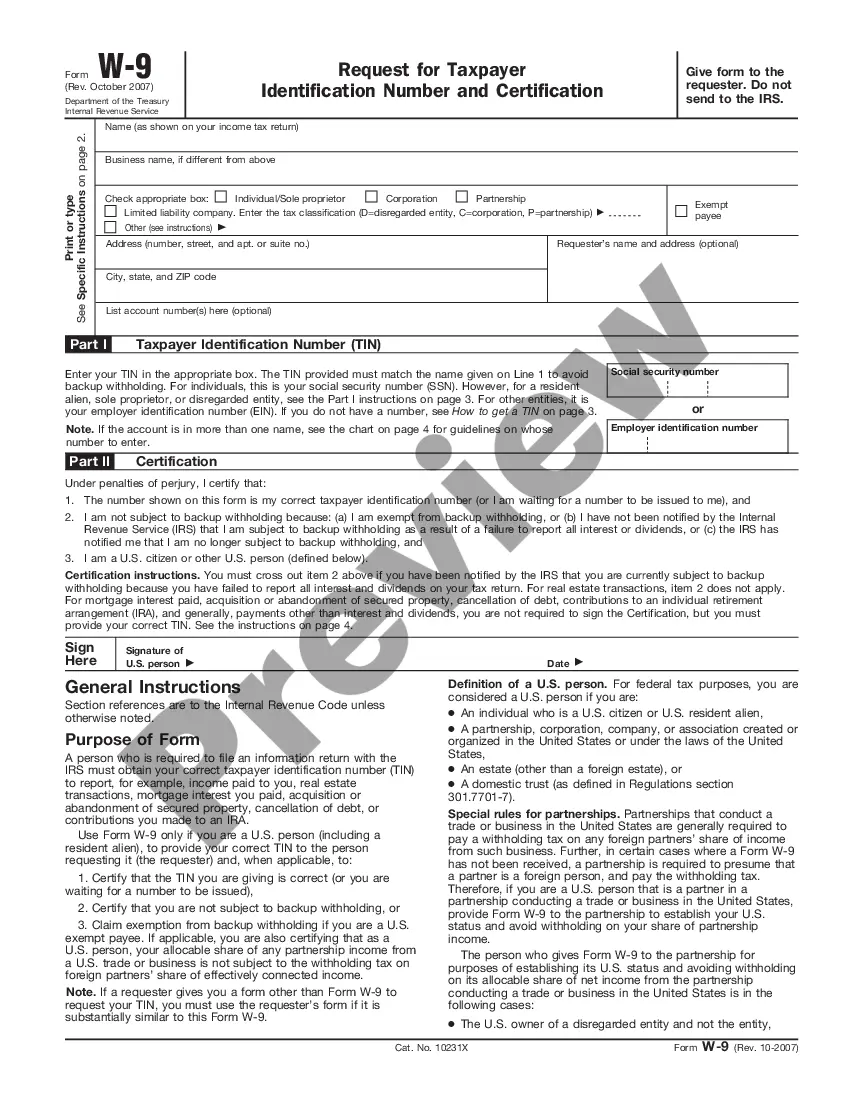
Get your form ready online
Our built-in tools help you complete, sign, share, and store your documents in one place.
Make edits, fill in missing information, and update formatting in US Legal Forms—just like you would in MS Word.
Download a copy, print it, send it by email, or mail it via USPS—whatever works best for your next step.
Sign and collect signatures with our SignNow integration. Send to multiple recipients, set reminders, and more. Go Premium to unlock E-Sign.
If this form requires notarization, complete it online through a secure video call—no need to meet a notary in person or wait for an appointment.
We protect your documents and personal data by following strict security and privacy standards.

Make edits, fill in missing information, and update formatting in US Legal Forms—just like you would in MS Word.

Download a copy, print it, send it by email, or mail it via USPS—whatever works best for your next step.

Sign and collect signatures with our SignNow integration. Send to multiple recipients, set reminders, and more. Go Premium to unlock E-Sign.

If this form requires notarization, complete it online through a secure video call—no need to meet a notary in person or wait for an appointment.

We protect your documents and personal data by following strict security and privacy standards.
Looking for another form?


How to fill out Form I-9?
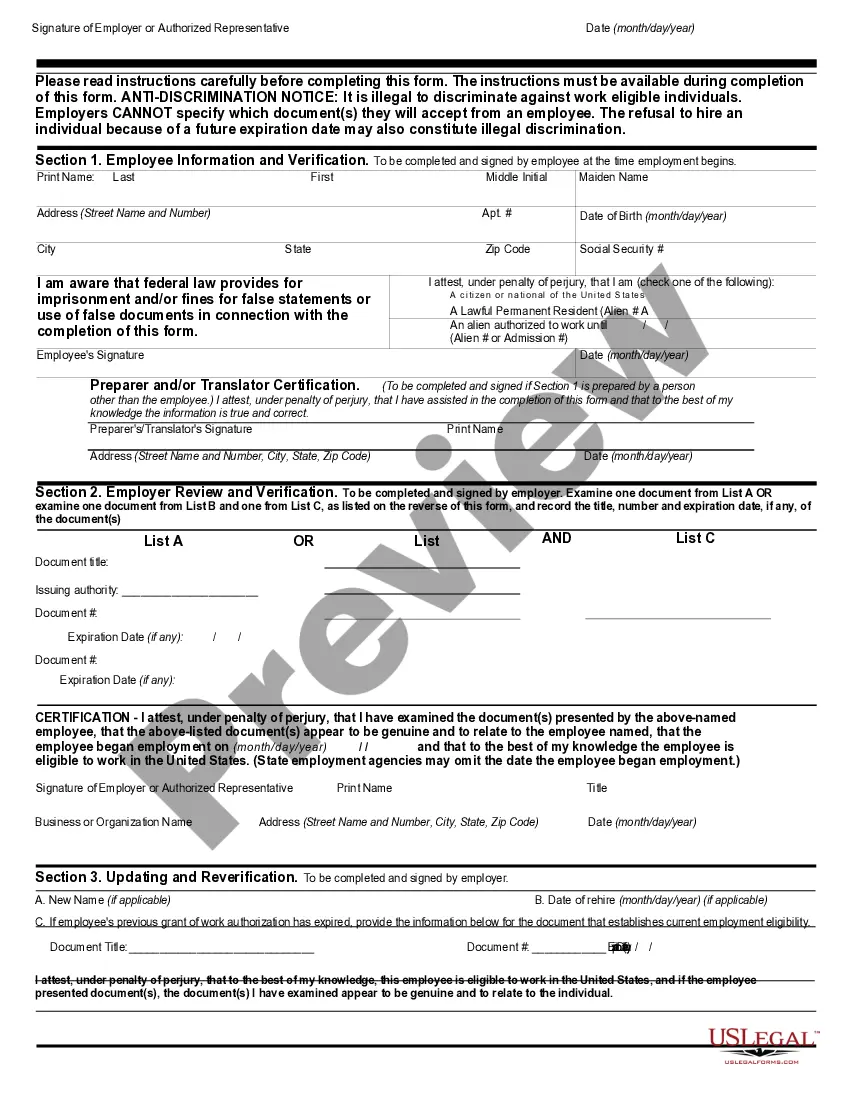
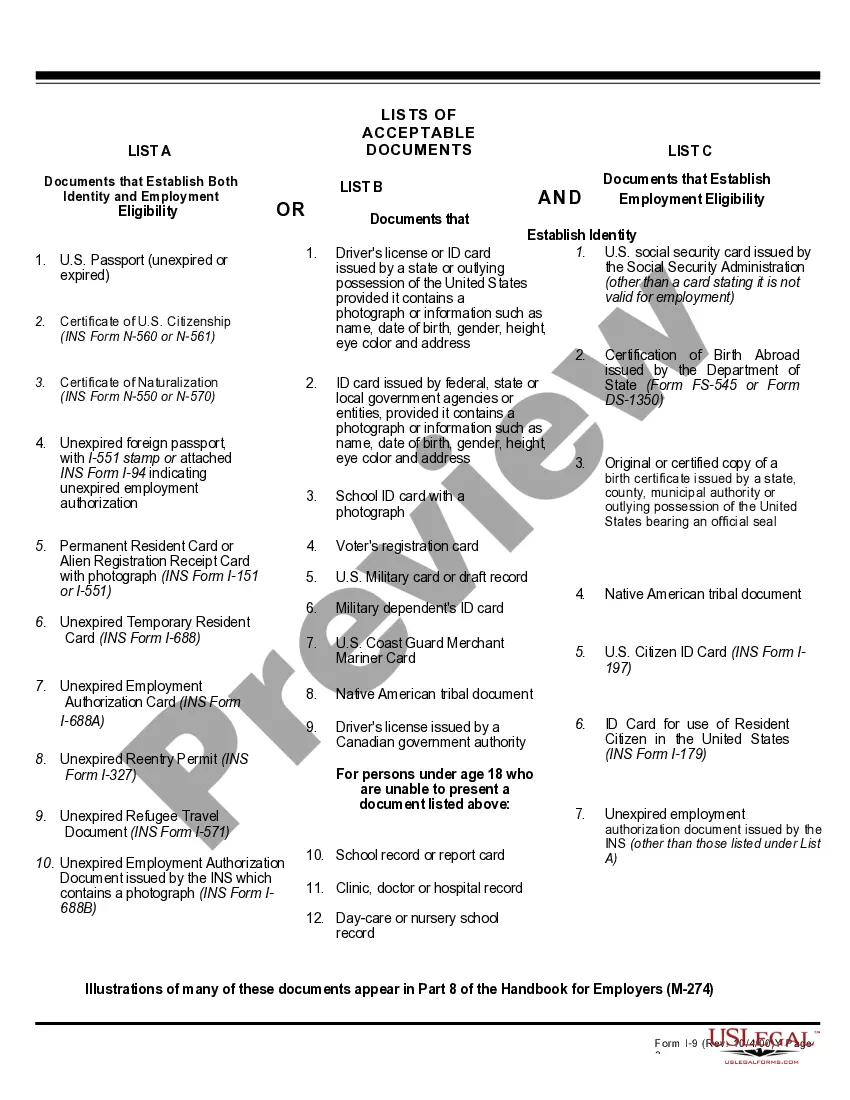
Discovering the right legal document template could be a battle. Naturally, there are a lot of web templates available on the Internet, but how will you find the legal kind you will need? Use the US Legal Forms internet site. The assistance provides thousands of web templates, for example the Ohio Form I-9, which you can use for company and private requires. All the types are checked by specialists and meet up with federal and state specifications.
Should you be currently signed up, log in to the accounts and click on the Acquire button to obtain the Ohio Form I-9. Use your accounts to appear through the legal types you may have ordered earlier. Proceed to the My Forms tab of your accounts and get another backup of your document you will need.
Should you be a fresh end user of US Legal Forms, listed below are easy guidelines for you to comply with:
- First, ensure you have chosen the proper kind for your city/area. You can check out the shape making use of the Review button and study the shape description to ensure this is the right one for you.
- In case the kind will not meet up with your needs, use the Seach field to obtain the right kind.
- Once you are certain that the shape would work, click the Acquire now button to obtain the kind.
- Opt for the rates prepare you would like and enter the required information. Design your accounts and purchase an order with your PayPal accounts or Visa or Mastercard.
- Opt for the file structure and acquire the legal document template to the device.
- Complete, modify and print and indication the received Ohio Form I-9.
US Legal Forms may be the greatest collection of legal types that you can see numerous document web templates. Use the company to acquire professionally-made paperwork that comply with condition specifications.
Form popularity
FAQ
Below are the states that require all or most businesses to use the E-Verify system when hiring new employees: Alabama. Arizona. Florida. Georgia. Louisiana. Mississippi. North Carolina. South Carolina.
Lists states that require E-verify. Ohio is not one of them.
The E-Verify® information for Ohio State is: Company Name: The Ohio State University. E-Verify® Company Identification Number: 317601.
Most California employers are not required to use E-Verify. In 2012, it became unlawful in California for the state or a city, county, or special district to require an employer to use an electronic employment verification system, such as E-Verify.
Only licensed attorneys, individuals authorized under federal law to provide immigration services, and individuals qualified and bonded as immigration consultants may act as the representatives authorized for remote I-9 verification.
