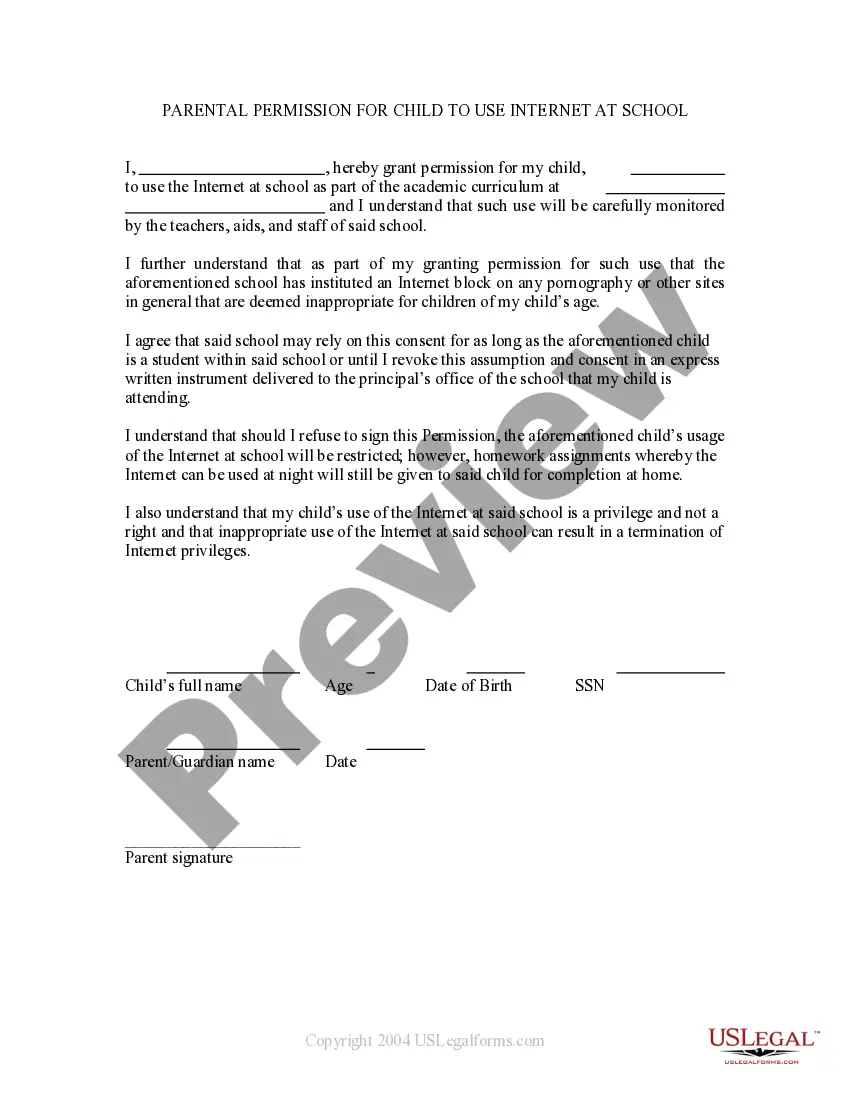
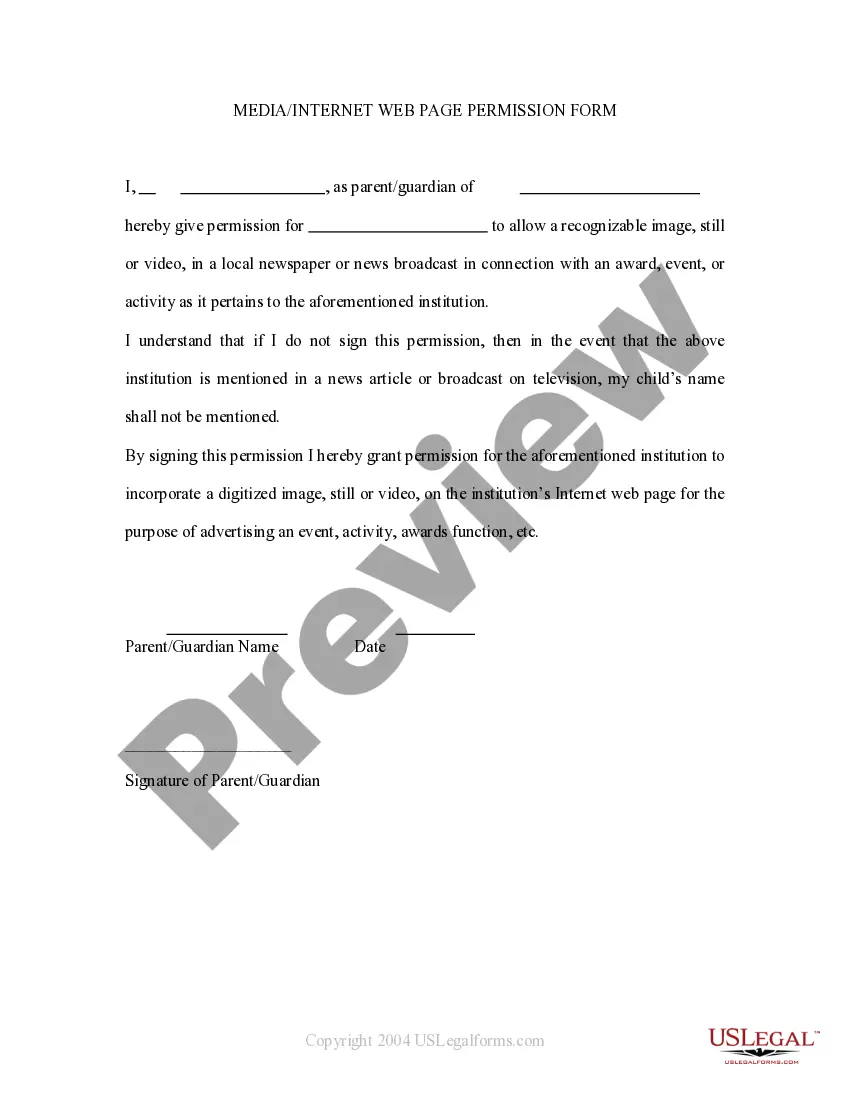
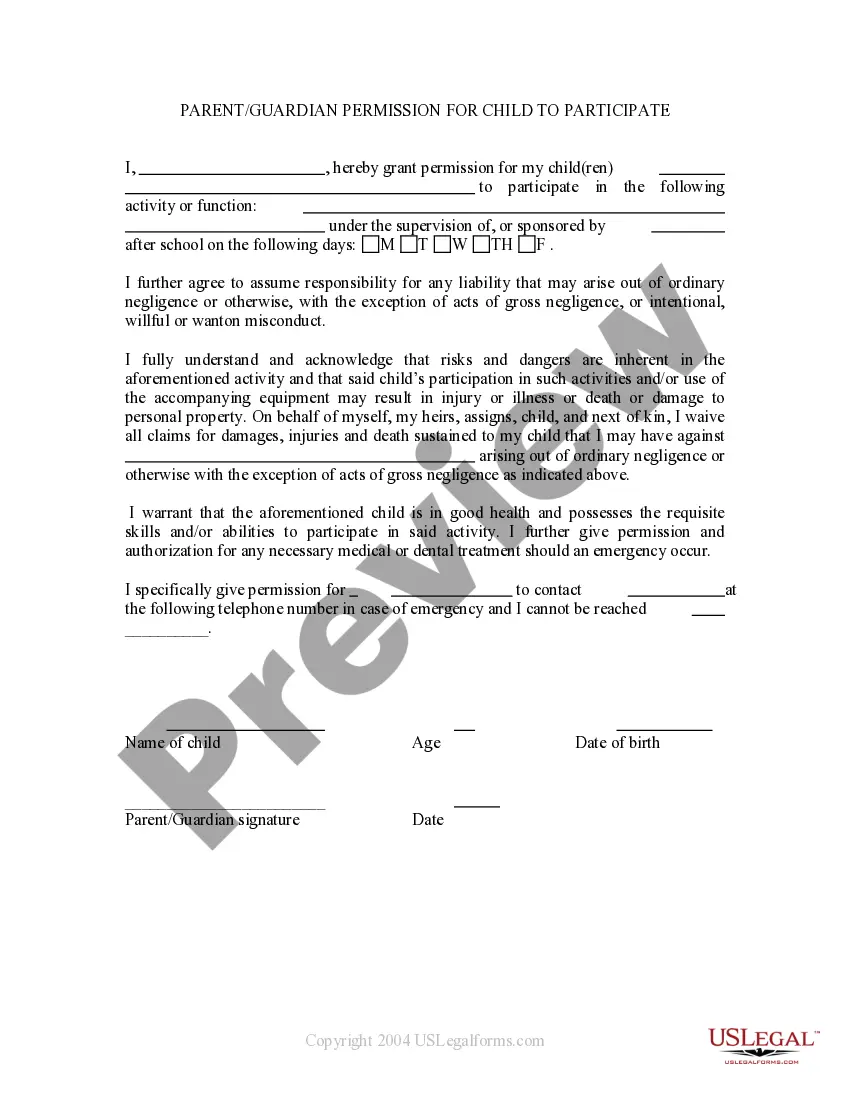
This form is signed by a parent who is granting permission for his/her child to use the Internet at school as part of the academic curriculum, and under the supervision of a teacher, aid, administrator etc.
New Mexico Parental Permission For Child To Use Internet At School
Category:
State:
Multi-State
Control #:
US-PRM-28
Format:
Word;
Rich Text
Instant download
Description
How to fill out Parental Permission For Child To Use Internet At School?
Finding the appropriate valid document format can be quite a challenge. Clearly, there are countless templates accessible online, but how can you locate the valid form you need? Utilize the US Legal Forms platform. This service offers thousands of templates, including the New Mexico Parental Consent For Child To Access Internet At School, which you can use for both business and personal purposes. All forms are verified by experts and comply with state and federal regulations.
If you are already registered, sign in to your account and click the Obtain button to access the New Mexico Parental Consent For Child To Access Internet At School. Use your account to view the valid forms you have previously acquired. Navigate to the My documents section of your account and obtain another copy of the document you need.
If you are a new user of US Legal Forms, here are simple steps that you should adhere to: First, ensure you have selected the correct form for your city/state. You can browse the document using the Review option and examine the document summary to confirm it is the right one for you. If the form does not meet your requirements, utilize the Search field to find the correct form. Once you are certain that the form is accurate, click the Get now button to obtain the form. Choose the pricing plan you desire and enter the required information. Create your account and complete your purchase using your PayPal account or credit card. Select the file format and download the valid document format to your device. Finally, complete, edit, print, and sign the acquired New Mexico Parental Consent For Child To Access Internet At School.
This platform is ideal for anyone seeking reliable legal forms that meet all necessary legal standards.
- US Legal Forms is the largest repository of valid forms where you can find numerous document templates.
- Utilize the service to download professionally crafted documents that adhere to state regulations.
- Access a wide range of legal templates for various needs.
- Experience a user-friendly interface for easy navigation.
- Receive expert-verified forms to ensure compliance.
- Enjoy secure payment options for your purchases.
Form popularity
FAQ
The 9 minute rule encourages parents to limit children's screen time to a maximum of 9 minutes for every hour spent engaged in other activities. This rule promotes a healthy balance between online and offline activities. By utilizing the New Mexico Parental Permission For Child To Use Internet At School, parents can implement this rule effectively in their child's internet usage plan.
The 777 rule suggests that children should have 7 hours of sleep, 7 hours of physical activity, and 7 hours of screen time each week. This approach helps ensure a balanced lifestyle for kids. When parents set boundaries with the New Mexico Parental Permission For Child To Use Internet At School, they can incorporate this rule into their family's internet usage policy.
Access to the internet should depend on the child's ability to understand and follow safety rules. Generally, children as young as 7 can start using the internet with parental guidance. The New Mexico Parental Permission For Child To Use Internet At School serves as a helpful tool for parents to set expectations and manage their child's online activities effectively.
The appropriate age for a child to start using the internet varies by individual maturity. Many experts suggest that children can begin using the internet around age 5, with supervision. The New Mexico Parental Permission For Child To Use Internet At School allows parents to outline their guidelines and ensure that their child engages with online content safely and responsibly.
In New Mexico, there is no specific legal age for leaving a child home alone. However, parents should consider the child's maturity and ability to handle emergencies. Understanding the New Mexico Parental Permission For Child To Use Internet At School can help parents feel more comfortable when making decisions about leaving children at home while they access online resources.
Parents often establish guidelines for internet use to ensure safety and responsible behavior. These policies may include time limits, approved websites, and monitoring online activities. The New Mexico Parental Permission For Child To Use Internet At School is a crucial document that helps parents communicate their expectations to schools, ensuring a shared understanding of internet use.
While it seems like something out of the pages of 1984, Google is monitoring every little click you make online, from the items you purchase to the videos you watch. What does Google know about me? Quite a bit, actually. Google tracks your search and browsing history, keeping tabs on every website you visit.
Use these easy tips to make hybrid learning in Google Classroom more secureAccess to Google Classrooms for Users in Your Domain.Access to Google Classrooms for Users Outside Your Domain.Verify Teachers and Set Teacher Permissions.Audit Orphan Classrooms and Transfer Ownership.More items...?06-Aug-2020
Hello! Welcome to the Google for Education forum! If you are logged into your school account on your personal device and also logged into the browser with your school account, the user account is managed by your school so they will be able to track your activity.
Our systems and data centers are among the industry's most secure and G Suite for Education data gets the same multi-layer safeguards that Google uses for our own operations. Our engineers work around the clock to ensure the security of our products and quickly respond to any threats that may emerge.