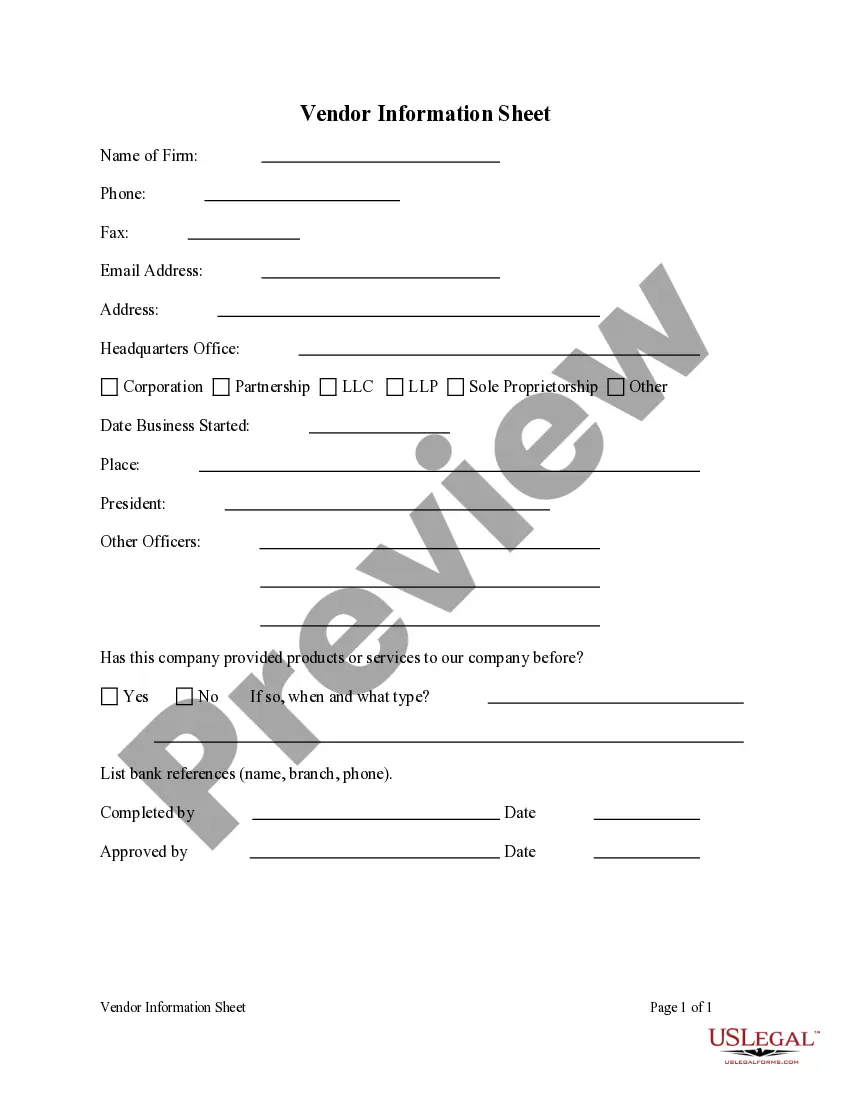
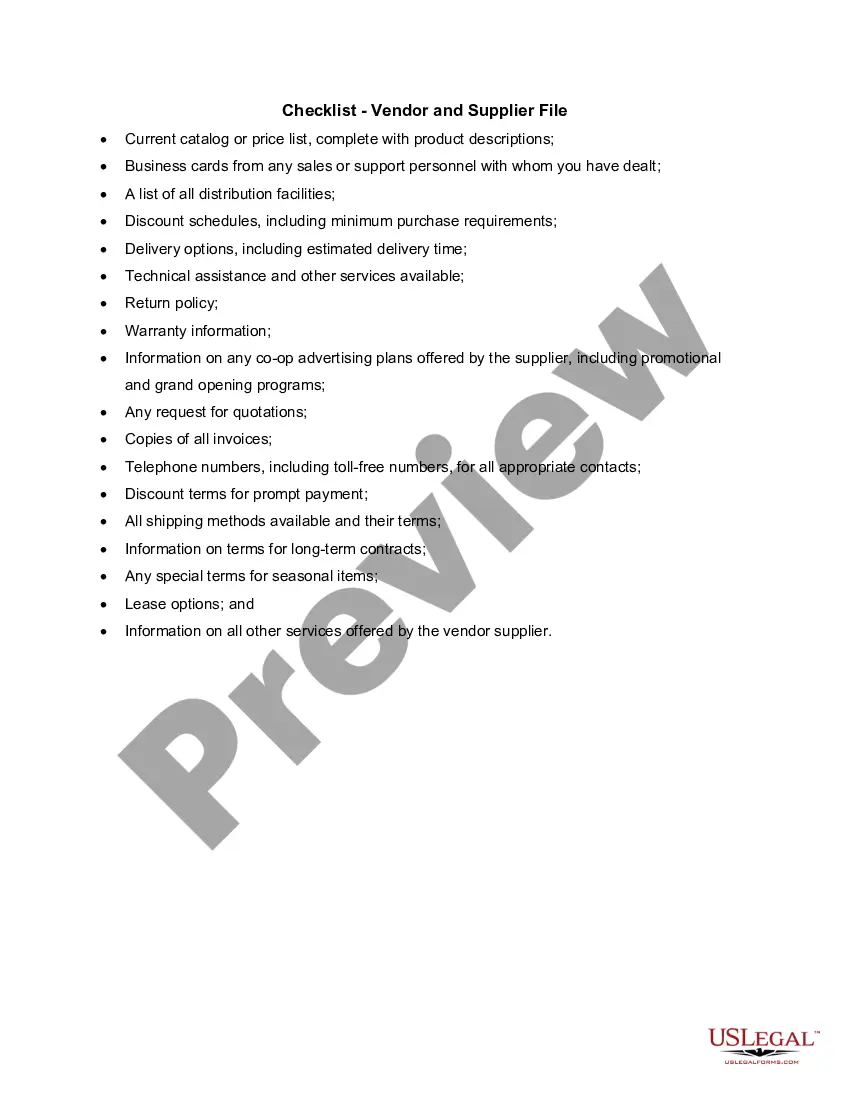
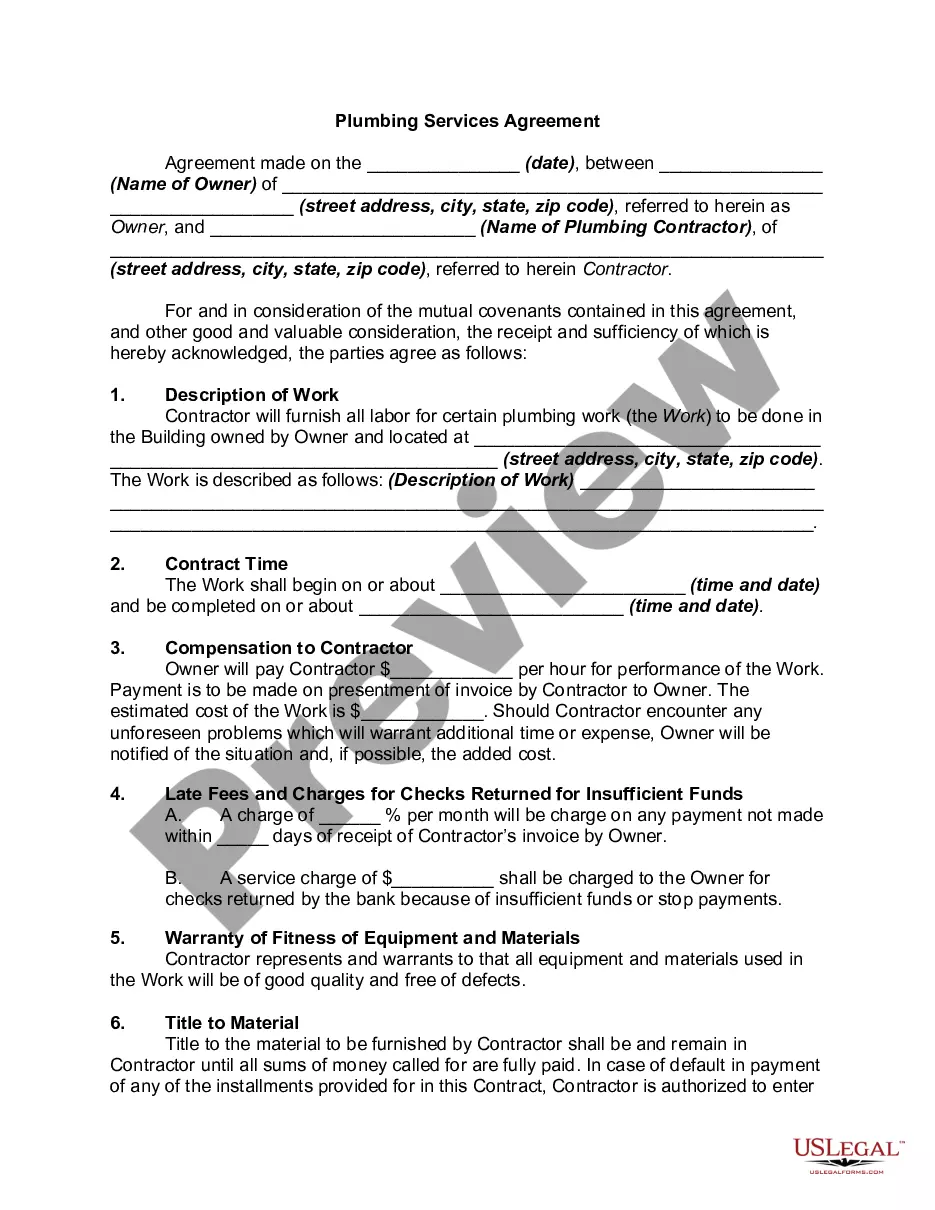
New Jersey Vendor Information Sheet
Description
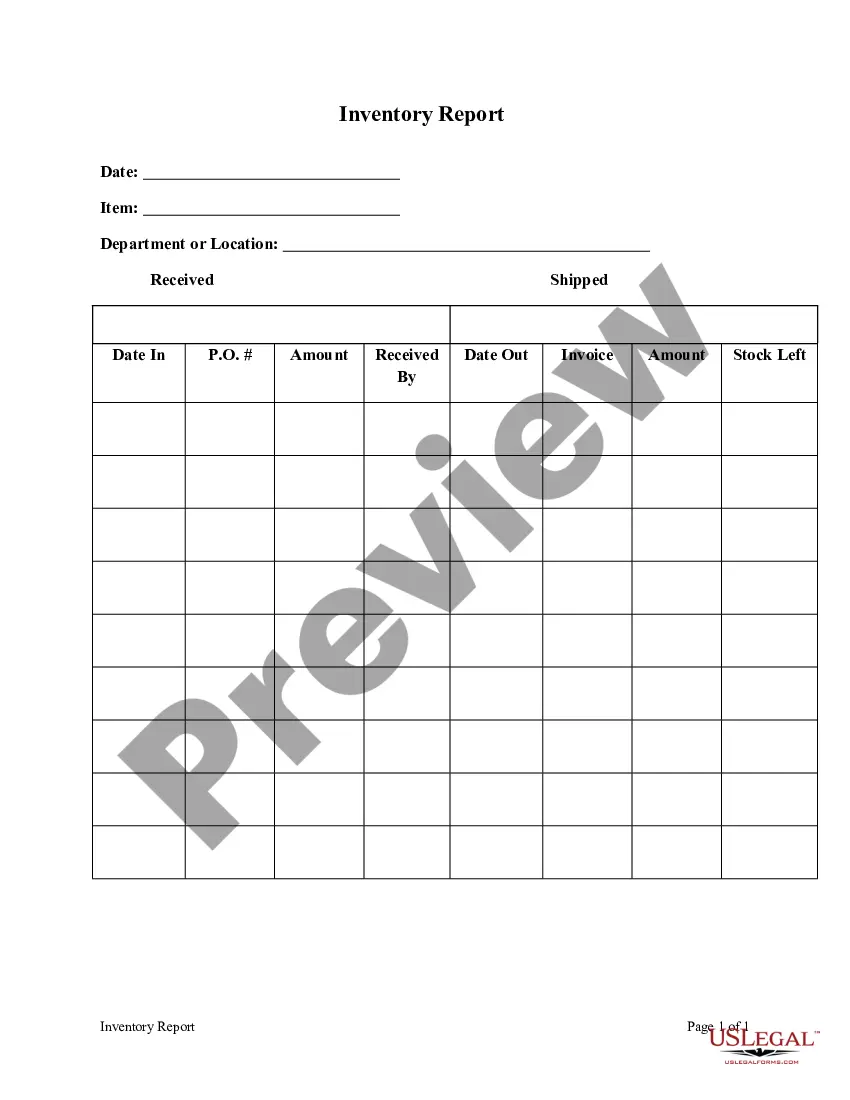
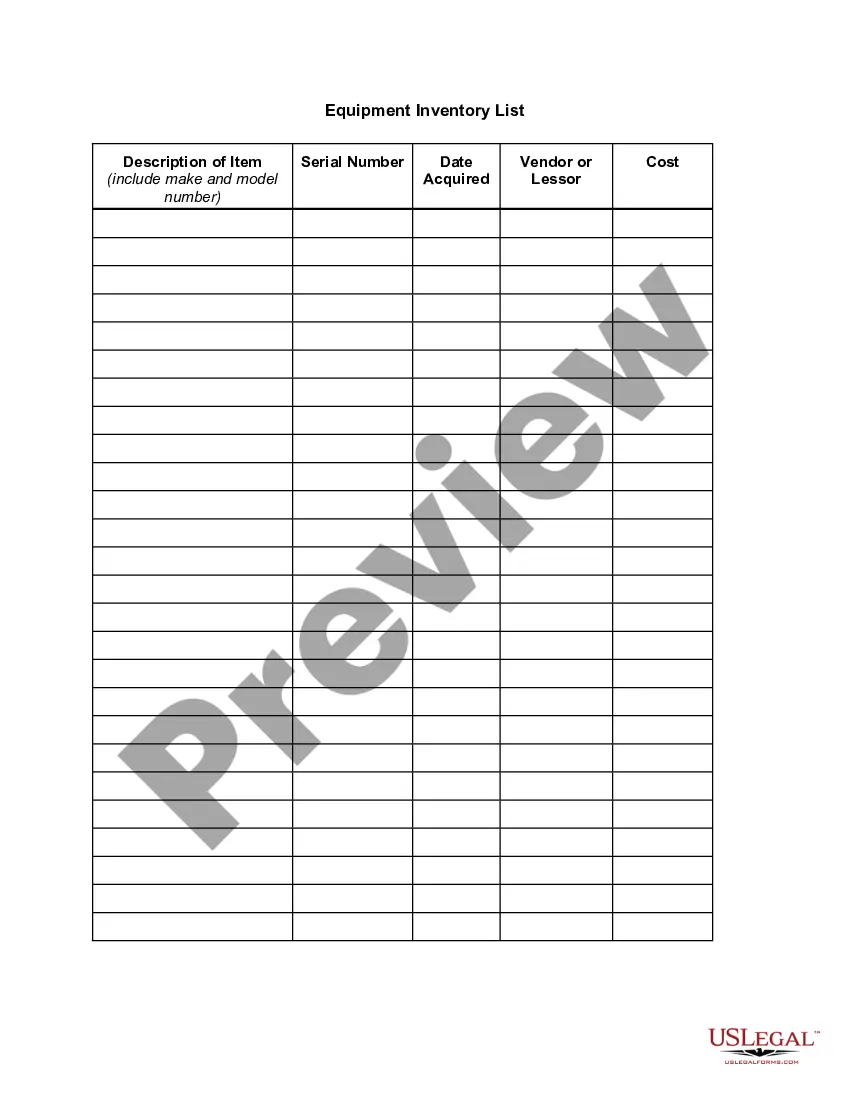
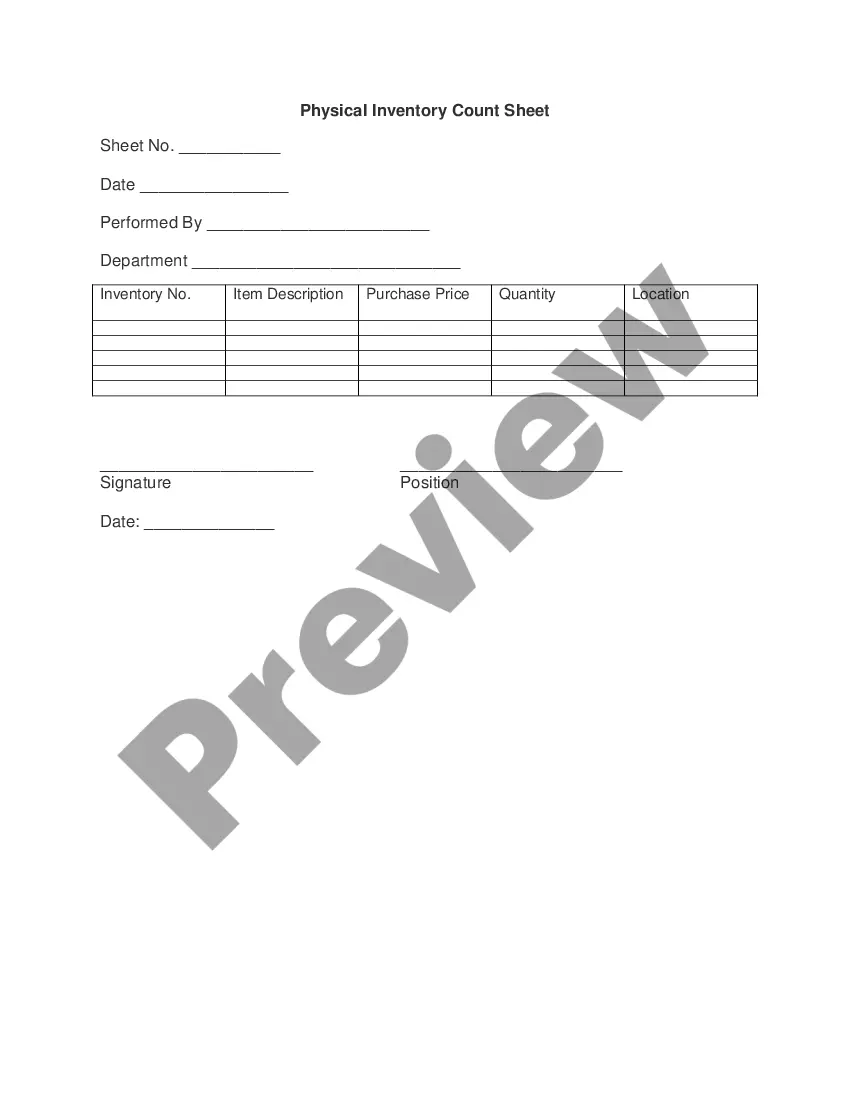
Get your form ready online
Our built-in tools help you complete, sign, share, and store your documents in one place.
Make edits, fill in missing information, and update formatting in US Legal Forms—just like you would in MS Word.
Download a copy, print it, send it by email, or mail it via USPS—whatever works best for your next step.
Sign and collect signatures with our SignNow integration. Send to multiple recipients, set reminders, and more. Go Premium to unlock E-Sign.
If this form requires notarization, complete it online through a secure video call—no need to meet a notary in person or wait for an appointment.
We protect your documents and personal data by following strict security and privacy standards.

Make edits, fill in missing information, and update formatting in US Legal Forms—just like you would in MS Word.

Download a copy, print it, send it by email, or mail it via USPS—whatever works best for your next step.

Sign and collect signatures with our SignNow integration. Send to multiple recipients, set reminders, and more. Go Premium to unlock E-Sign.

If this form requires notarization, complete it online through a secure video call—no need to meet a notary in person or wait for an appointment.

We protect your documents and personal data by following strict security and privacy standards.
Looking for another form?
How to fill out Vendor Information Sheet?
If you want to thorough, obtain, or print official document templates, use US Legal Forms, the largest collection of legal forms available online.
Utilize the site’s simple and user-friendly search to locate the documents you need.
Various templates for commercial and personal uses are organized by categories and states, or keywords. Use US Legal Forms to locate the New Jersey Vendor Information Sheet in just a few clicks.
Every legal document format you purchase is yours indefinitely.
You have access to all forms you downloaded in your account. Click the My documents section and select a form to print or download again.
- Step 1. Ensure you have chosen the correct form for your city/state.
- Step 2. Use the Review option to examine the form’s details. Be sure to read the information.
- Step 3. If you are not satisfied with the form, utilize the Search field at the top of the page to find other types of your legal form format.
- Step 4. After you have found the form you need, click the Purchase now button. Select the payment plan that suits you and provide your credentials to register for the account.
- Step 5. Process the transaction. You can use your credit card or PayPal account to complete the transaction.
- Step 6. Choose the format of your legal form and download it to your device.
- Step 7. Complete, modify, and print or sign the New Jersey Vendor Information Sheet.
Form popularity
FAQ
Welcome to NJSTART, the New Jersey Department of Treasury's new eProcurement system, which puts the power to do business with the State into your hands. On October 15, 2015, the NJSTART vendor registration interface to the New Jersey Comprehensive Financial System (NJCFS) was implemented.
Welcome to NJSTART, the State of New Jersey's new eProcurement portal! This solution is designed to streamline the procurement process and make it more efficient for companies looking to do business with the State. If you haven't registered yet, ENROLL NOW. Registration is easy and takes only a few minutes.
WELCOME. The Division of Purchase and Property (DPP), within the Department of the Treasury, was created under N.J.S.A. A-3 and serves as the State's central procurement agency.
To obtain a State contract, vendors compete for an award by responding to a Request for Proposal (RFP) when issued by the Division of Purchase and Property. RFPs are posted on the Division's website. RFPs are also posted on the NJSTART website.
Step 1: BUSINESS REGISTRATION - Register as a business with the State of New Jersey's Division of Revenue (if not previously registered) Step 2: NJSTART - Register as a vendor in NJSTART (if not previously registered) Step 3: AFFIRMATIVE ACTION COMPLIANCE Provide a photocopy of a valid Certificate of Employee
The maximum bid threshold for those contracting units subject to the Public School Contracts Law (N.J.S.A. 18A:18A-1 et seq.) that do not have a Qualified Purchasing Agent has been increased from $29,000 to $32,000.
To obtain a State contract, vendors compete for an award by responding to a Request for Proposal (RFP) when issued by the Division of Purchase and Property. RFPs are posted on the Division's website. RFPs are also posted on the NJSTART website.
Bid on Government Contracts: Step-by-StepFind the contract opportunity that you are interested in.Make sure that you can provide the products or services needed.Read the proposal submission guidelines closely and follow them to the letter.Research closed bid information.More items...
Welcome to NJSTART, the State of New Jersey's new eProcurement portal! This solution is designed to streamline the procurement process and make it more efficient for companies looking to do business with the State. If you haven't registered yet, ENROLL NOW. Registration is easy and takes only a few minutes.
Step 1: BUSINESS REGISTRATION - Register as a business with the State of New Jersey's Division of Revenue (if not previously registered) Step 2: NJSTART - Register as a vendor in NJSTART (if not previously registered) Step 3: AFFIRMATIVE ACTION COMPLIANCE Provide a photocopy of a valid Certificate of Employee