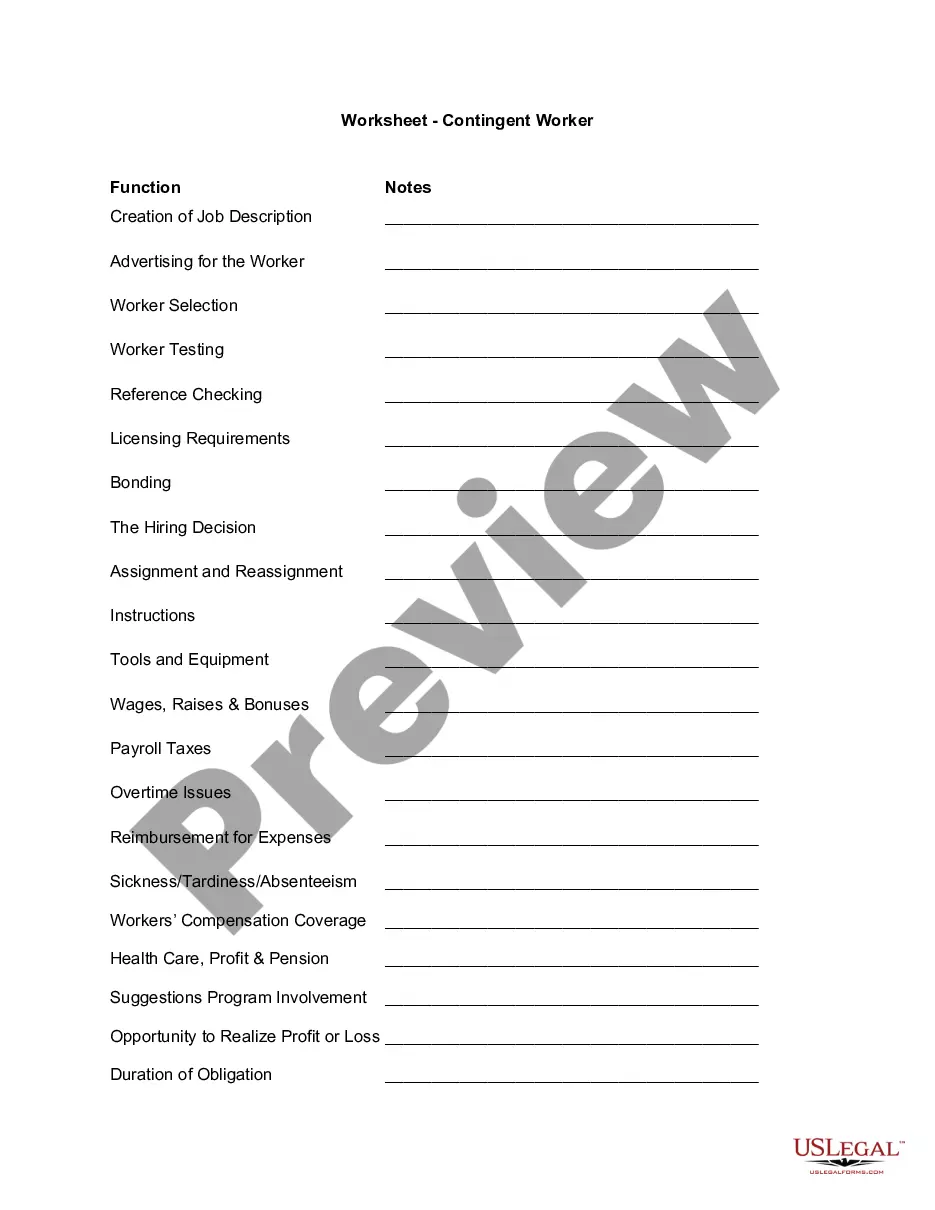
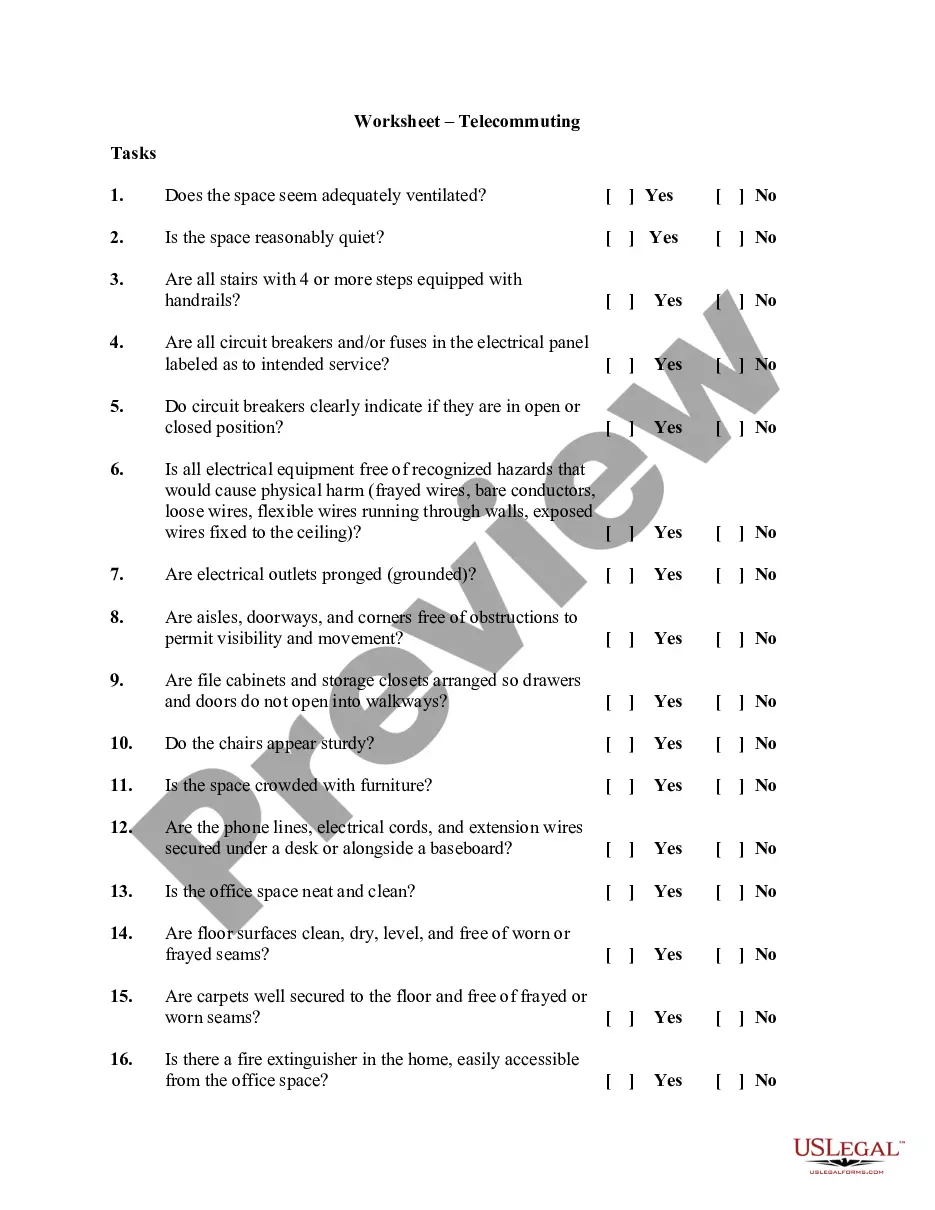
New Jersey Worksheet - Telecommuting

State:
Multi-State
Control #:
US-04022BG
Format:
Word; 
Rich Text
Instant download

Description

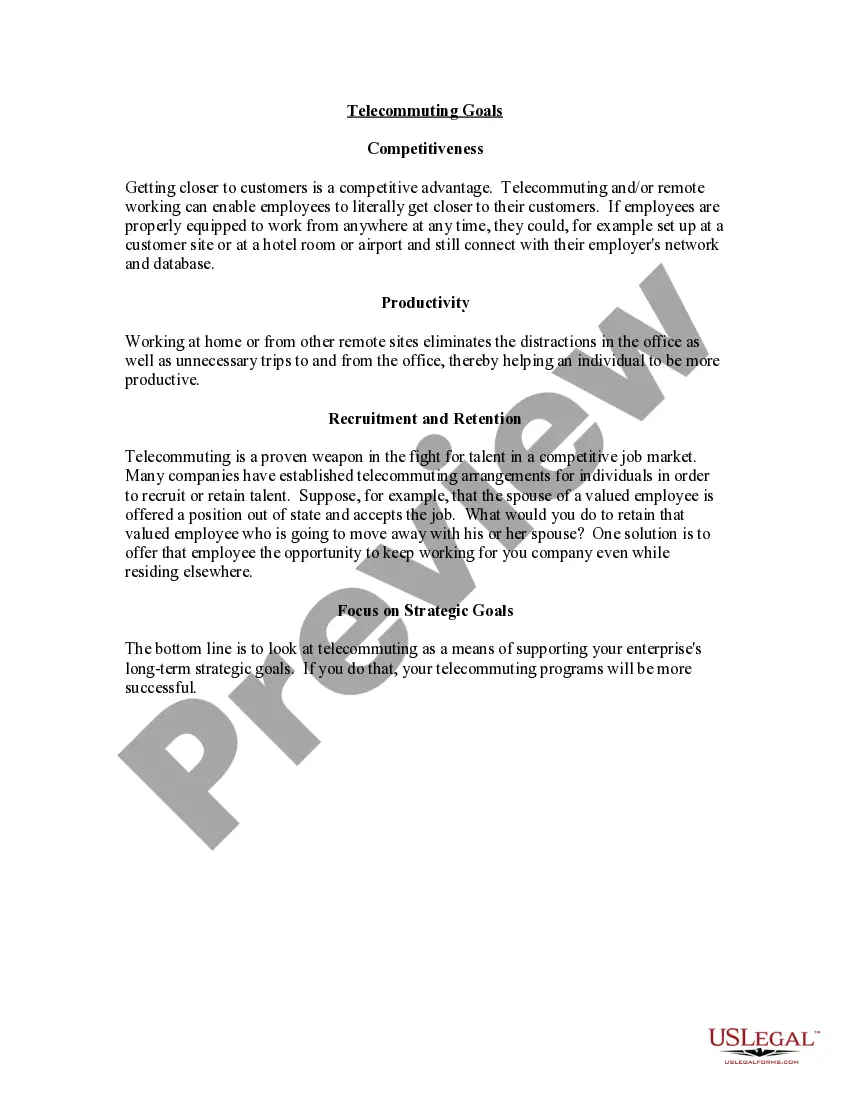
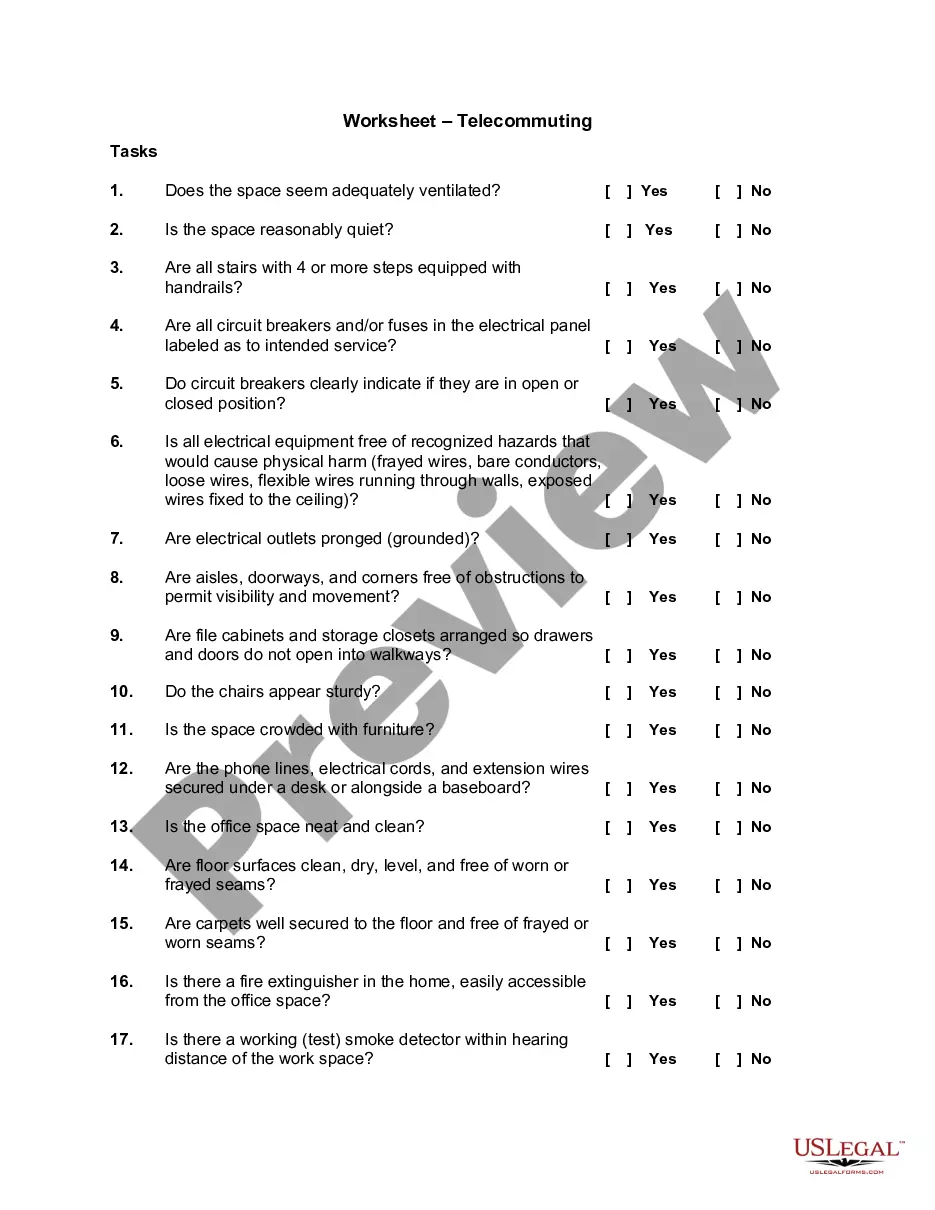
Telecommuting is a cooperative agreement between an employee and the State involving work that an employee performs on a routine basis, independent of others, and can be accomplished by the employee outside of the office environment. Anticipated benefits may include:


" Trip Reduction;

" Energy Conservation;

" Better Employee Morale;

" Increased Productivity; and

" Increased Employee Retention.


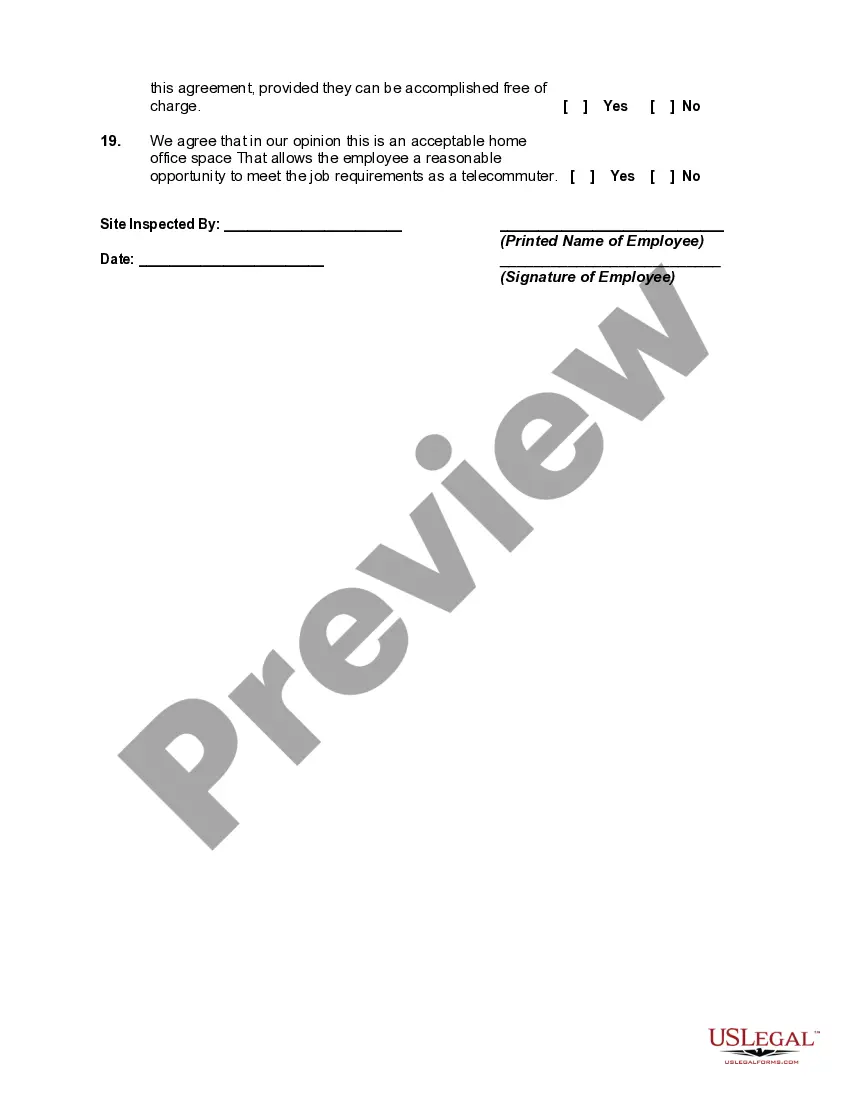
This worksheet should be completed before setting up your employees' office space. The success of the telecommuting arrangement depends on the assessment of the work space and the ability of the employees to successfully complete the required work in this environment.
Free preview
  • Preview Worksheet - Telecommuting
  • Preview Worksheet - Telecommuting

How to fill out Worksheet - Telecommuting?

US Legal Forms - one of the largest collections of legal documents in the United States - offers a variety of legal paper templates that you can obtain or print.

By using the website, you can access thousands of forms for business and personal purposes, categorized by types, states, or keywords. You can find the latest form like the New Jersey Worksheet - Telecommuting within moments.

If you possess a subscription, Log In to download the New Jersey Worksheet - Telecommuting from the US Legal Forms library. The Download button will appear on every form you view. You have access to all previously acquired forms in the My documents section of your account.

Complete the transaction. Use your credit card or PayPal account to finalize the transaction.

Select the format and download the form to your device. Make edits. Fill out, modify, print, and sign the downloaded New Jersey Worksheet - Telecommuting. Each template you added to your account has no expiration date and is yours permanently. Therefore, if you wish to download or print another copy, just navigate to the My documents section and click on the form you need. Obtain access to the New Jersey Worksheet - Telecommuting with US Legal Forms, the most extensive library of legal document templates. Utilize thousands of professional and state-specific templates that fulfill your business or personal needs and specifications.

  1. If using US Legal Forms for the first time, here are simple steps to get started.
  2. Ensure you have selected the correct form for your area/county.
  3. Click the Review button to inspect the content of the form.
  4. Check the form description to confirm you have chosen the right form.
  5. If the form does not meet your needs, use the Search field at the top of the page to find one that does.
  6. If you are satisfied with the form, confirm your choice by clicking the Buy now button.
  7. Then, select the pricing plan you prefer and provide your details to register for an account.

Form popularity

FAQ

Although we do not require electronic filing of the NJ-W-3 for 2019, we strongly encourage you to file electronically since it is the fastest and most secure way to transmit your year-end filings. You must submit Form NJ-W-3 electronically. We will not accept paper filings by mail.

A single filer with no children should claim a maximum of 1 allowance, while a married couple with one source of income should file a joint return with 2 allowances. You can also claim your children as dependents if you support them financially and they're not past the age of 19.

A single person who lives alone and has only one job should place a 1 in part A and B on the worksheet giving them a total of 2 allowances. A married couple with no children, and both having jobs should claim one allowance each.

How to Complete the New Form W-4Step 1: Provide Your Information. Provide your name, address, filing status, and Social Security number.Step 2: Indicate Multiple Jobs or a Working Spouse.Step 3: Add Dependents.Step 4: Add Other Adjustments.Step 5: Sign and Date Form W-4.

How Do You File a WR-30? All WR-30 forms must be completed and submitted through the State of New Jersey, Division of Taxation website. To do so, you will need a New Jersey taxpayer identification number and Personal Identification Number (PIN).

Effective October 1, 2021, the New Jersey Division of Taxation (the NJDT) ended the temporary relief period with regard to employers' obligation to withhold income taxes for teleworking employees who work in New Jersey.

By placing a 0 on line 5, you are indicating that you want the most amount of tax taken out of your pay each pay period. If you wish to claim 1 for yourself instead, then less tax is taken out of your pay each pay period. 2.

mail requests to eGovServices@treas.nj.gov For current WR30 Filers, use the same Axway login profile to access the website. Once the site has been accessed, choose the Browse option to locate the W2 file on your computer. Name the file W2Report. When the file is located, choose open.

NJ-W-3M NJ Gross Income Tax Reconciliation of Tax Withheld.

How to e-file NJ-W3Go to the Employees menu and choose Payroll Tax Forms & W-2s.Select Process Payroll Forms.From the Other Activities list, pick Change Filing Methods.Click Federal Form W-2/W-3 and hit the Edit button. Ensure filing method is listed as e-file, then select finish.

Trusted and secure by over 3 million people of the world’s leading companies

New Jersey Worksheet - Telecommuting