New Jersey Telecommuting Agreement

State:
Multi-State
Control #:
US-0454BG
Format:
Word; 
Rich Text
Instant download

Description

Telecommuting is working from a remote location outside of a traditional office. The remote location can be from home, a coffee shop, or hotel room. The Internet, faxes, phones, webcams, and instant messaging are some of the technological advances that enable this type of work arrangement. Most telecommuters work in the financial, high-tech, and communications industries.


This form is a generic example that may be referred to when preparing such a form for your particular state. It is for illustrative purposes only. Local laws should be consulted to determine any specific requirements for such a form in a particular jurisdiction.

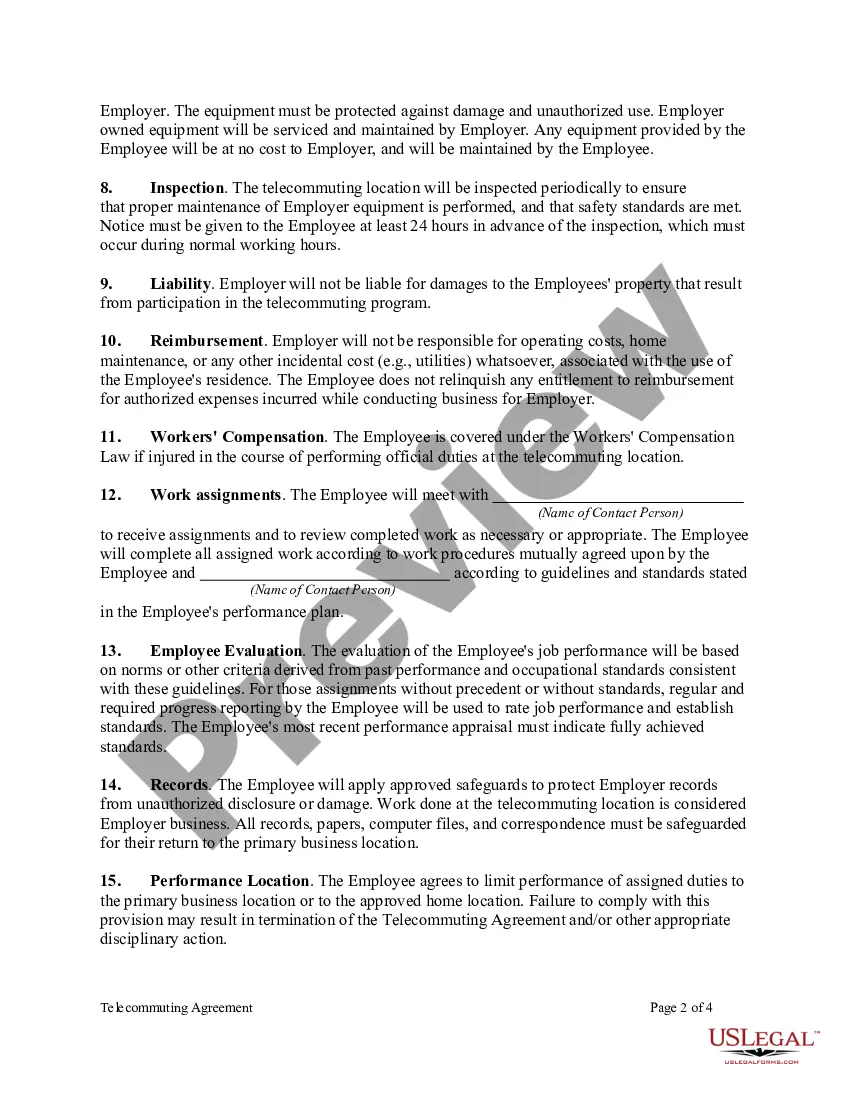
Free preview
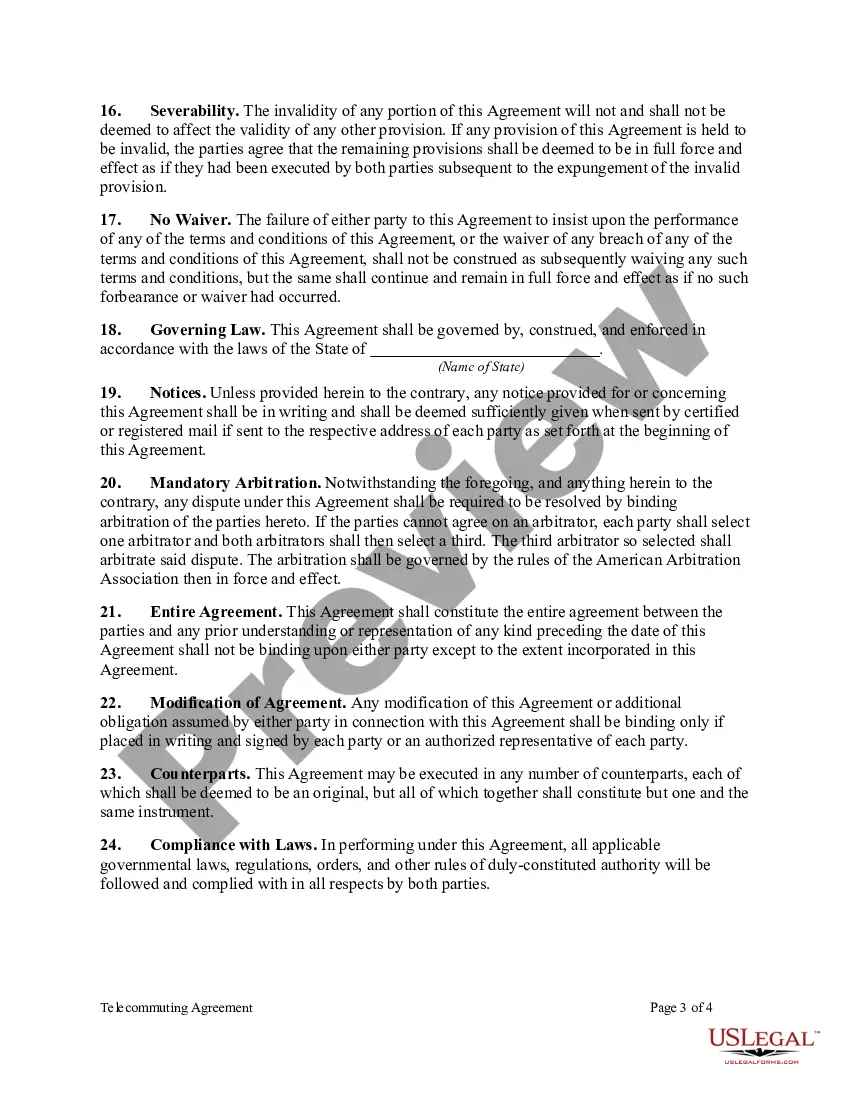
  • Preview Telecommuting Agreement
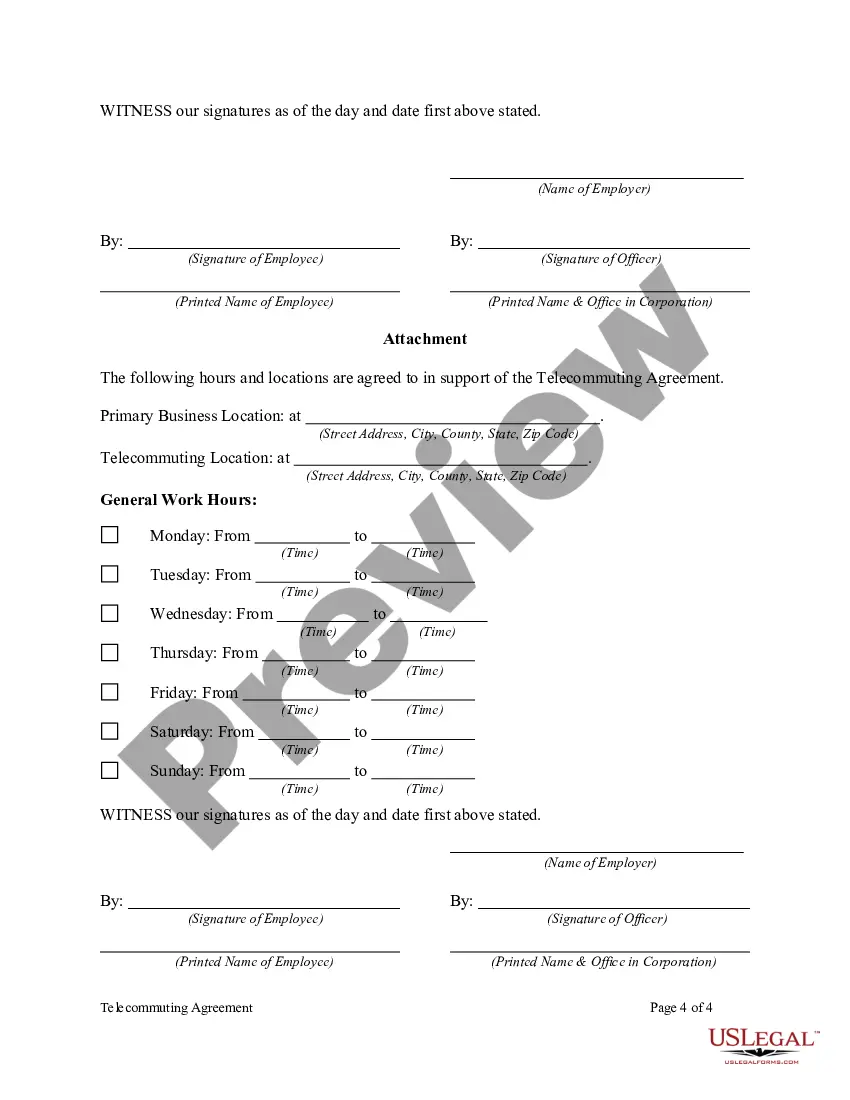
  • Preview Telecommuting Agreement
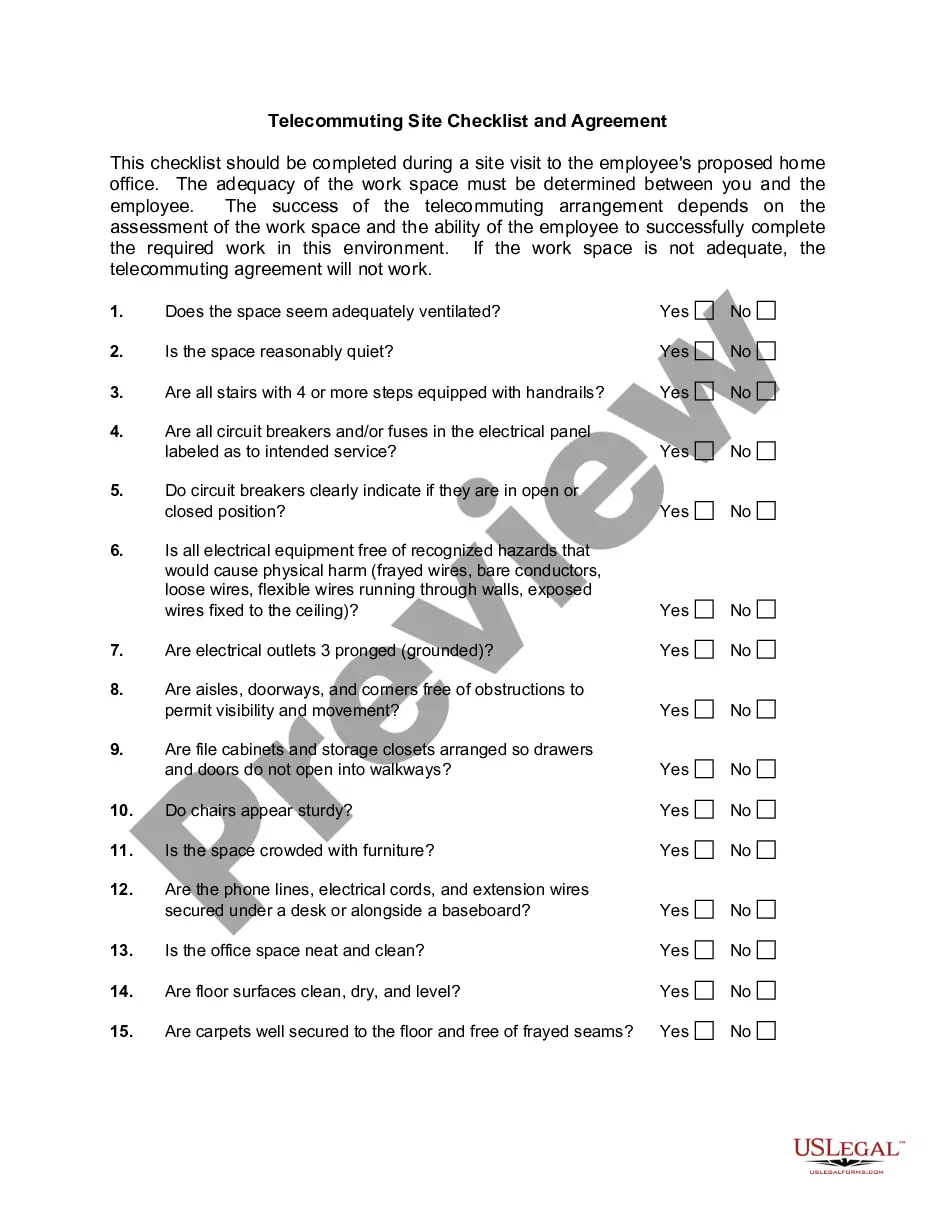
  • Preview Telecommuting Agreement
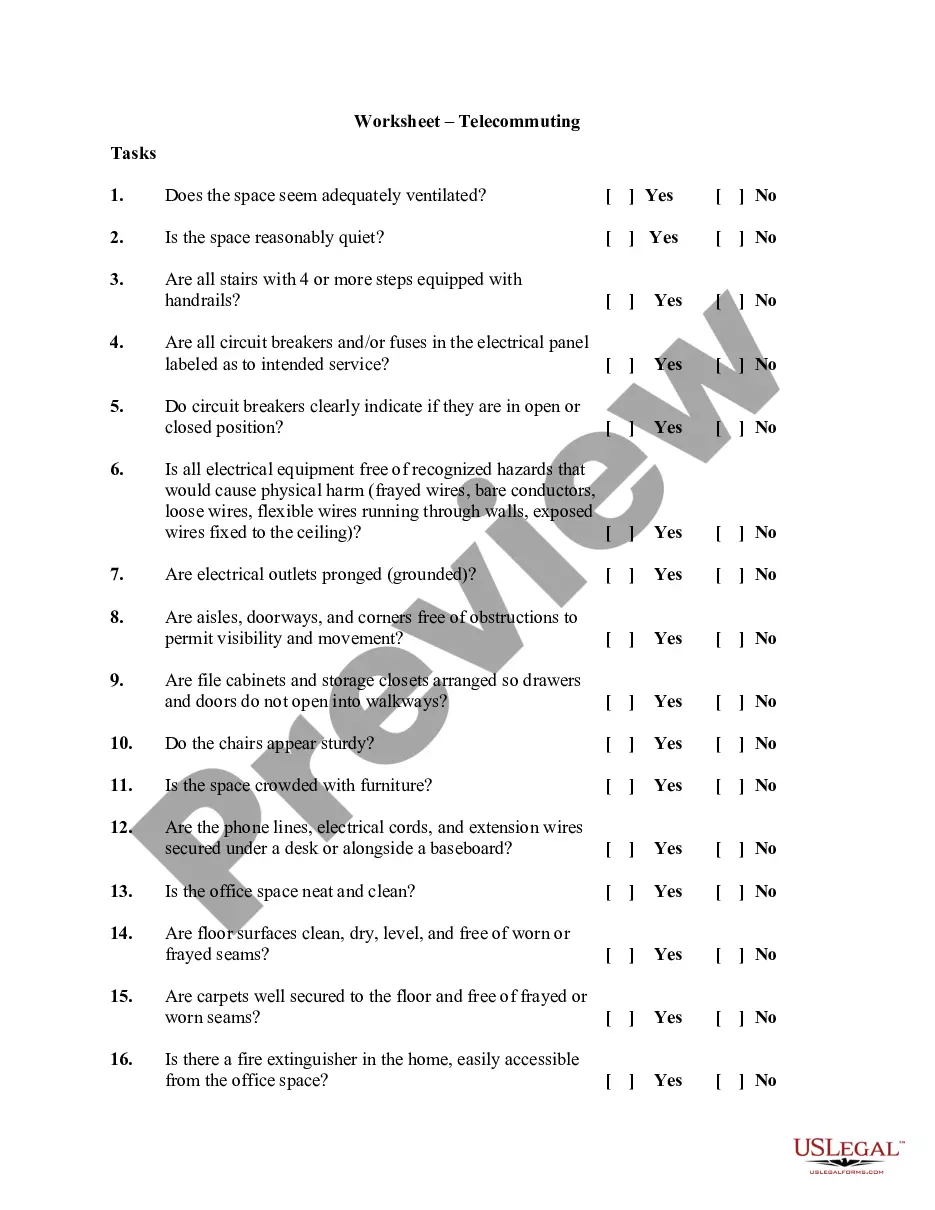
  • Preview Telecommuting Agreement

How to fill out Telecommuting Agreement?

If you need to finish, download, or create authentic document templates, utilize US Legal Forms, the largest assortment of legal forms, that are accessible online.

Employ the site’s straightforward and user-friendly search to find the documents you require.

A range of templates for business and personal purposes are organized by categories and states, or keywords.

Step 3. If you are not satisfied with the form, utilize the Search field at the top of the screen to find other versions of the legal form format.

Step 4. Once you have located the form you want, select the Purchase now button. Choose your preferred pricing plan and enter your details to register for the account.

  1. Use US Legal Forms to acquire the New Jersey Telecommuting Agreement with just a few clicks.
  2. If you are already a US Legal Forms user, Log In to your account and click the Download button to obtain the New Jersey Telecommuting Agreement.
  3. You can also access forms you have previously acquired in the My documents section of your account.
  4. If you are using US Legal Forms for the first time, follow the steps below.
  5. Step 1. Ensure you have selected the form for the correct city/state.
  6. Step 2. Use the Preview option to review the form’s content. Don’t forget to read the instructions.

Form popularity

FAQ

Connecticut, Delaware, Nebraska, New Jersey, New York, and Pennsylvania have a convenience of the employer rule, which states that if the employer requires the employee to work in another state (i.e., for the employer's convenience), then withholding is only taken in the location where the work is performed.

The most tax-friendly U.S. states are Wyoming, South Dakota, Alaska, Florida, and Montana. The least tax-friendly states are Minnesota, Connecticut, New York, California, and New Jersey.

The most tax-friendly U.S. states are Wyoming, South Dakota, Alaska, Florida, and Montana. The least tax-friendly states are Minnesota, Connecticut, New York, California, and New Jersey.

New Jersey It ranks low for wage policies but high for worker protection and right to organize.

The convenience of employer test mandates that any employee expenses paid for by the employer must be solely for the convenience of the employer, and must be incurred on the employer's premises if applicable. If this is the case, those expenses are not included in the employee's income.

Employees' state of residence and the state where they work affect which state and local taxes they pay. Sometimes, if employees live in one state but have been working in another, they'll receive a credit on their resident tax return to offset the nonresident state tax liability.

Effective October 1, 2021, the New Jersey Division of Taxation (the NJDT) ended the temporary relief period with regard to employers' obligation to withhold income taxes for teleworking employees who work in New Jersey.

As of now, there are five states which apply the convenience rule: Arkansas, Delaware, Nebraska, New York, and Pennsylvania.

Wrongful Termination Is Unlawful in New Jersey In most states, employment is at will. This means that the employer can fire the employee for no reason or any reason. However, there are two main reasons why a termination may be illegal: discrimination or retaliation.

Trusted and secure by over 3 million people of the world’s leading companies

New Jersey Telecommuting Agreement