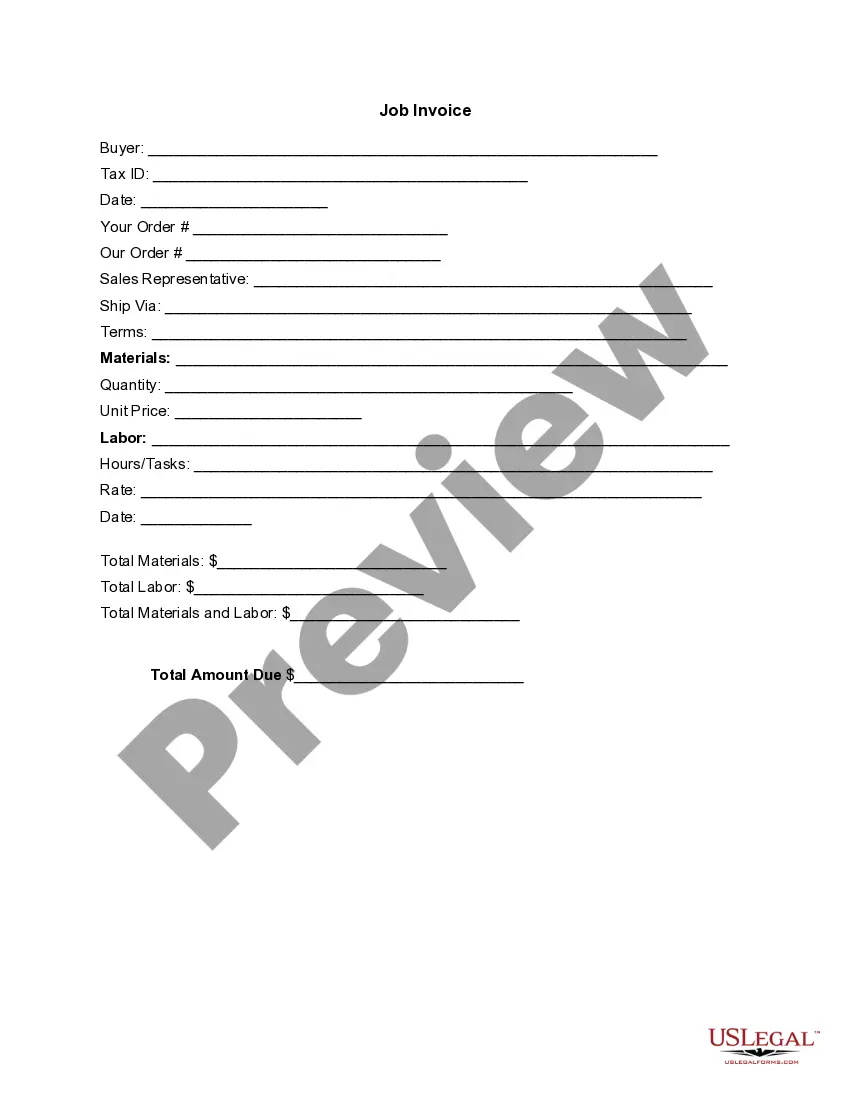
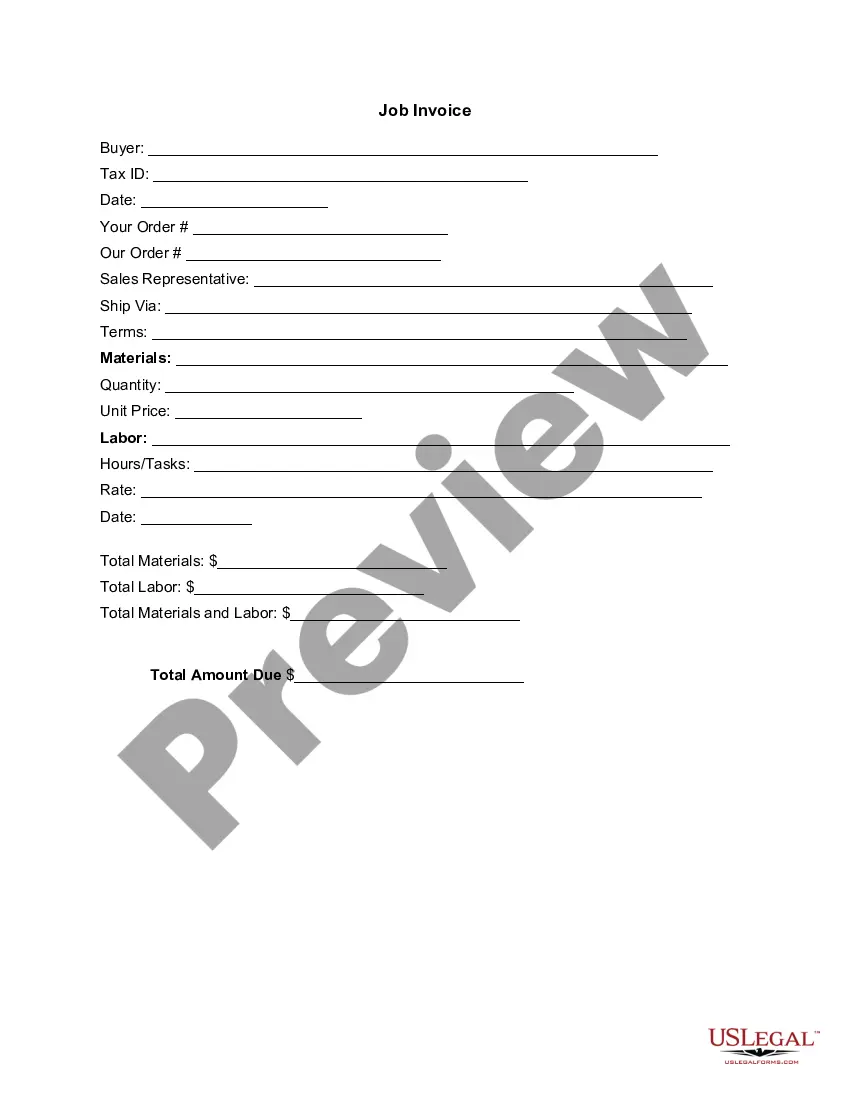
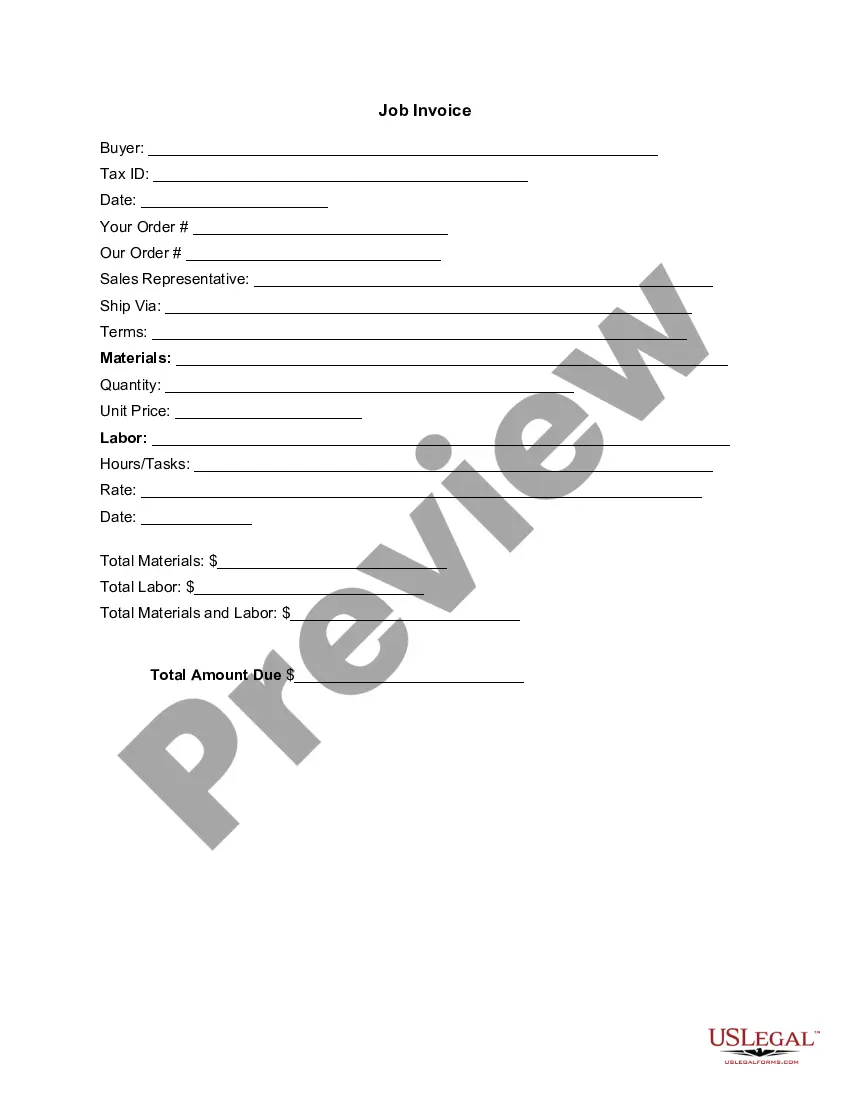
New Jersey Invoice Template for Waiting Staff
Description
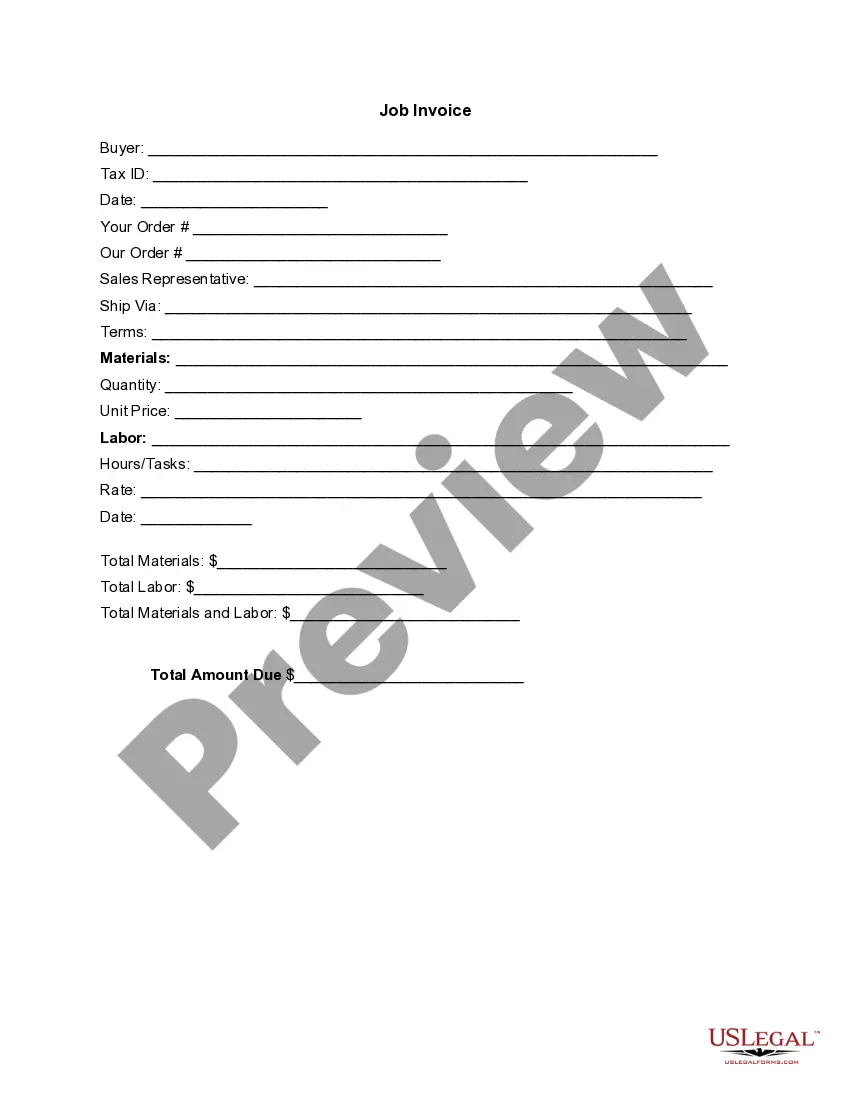
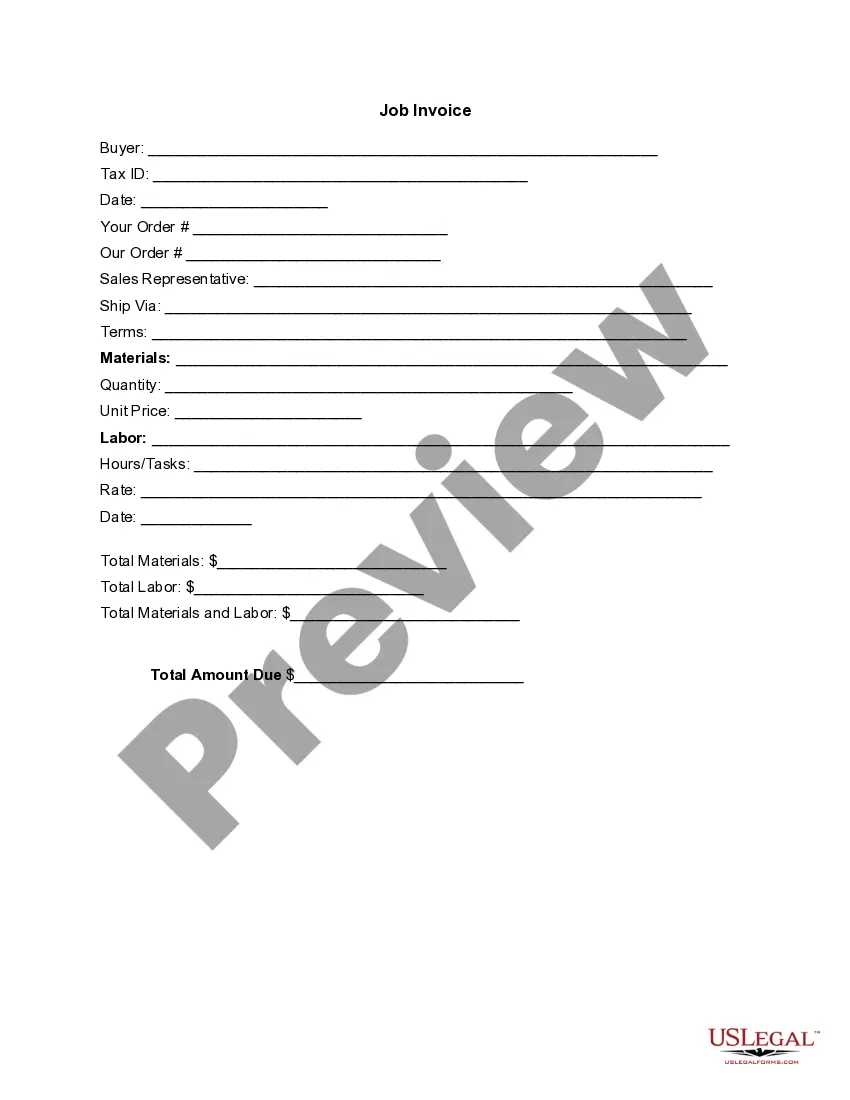


How to fill out Invoice Template For Waiting Staff?
US Legal Forms - one of the biggest repositories of legal documents in the United States - provides a range of legal document templates you can download or print.
While navigating the website, you can discover numerous forms for business and personal needs, categorized by type, state, or keywords. You can access the latest iterations of documents such as the New Jersey Invoice Template for Waiting Staff in moments.
If you already have an account, Log In and acquire the New Jersey Invoice Template for Waiting Staff from the US Legal Forms library. The Download button will show up on every document you view. You can access all previously downloaded forms from the My documents section of your account.
Make modifications. Complete, edit, print, and sign the downloaded New Jersey Invoice Template for Waiting Staff.
Each template you add to your account has no expiration date and is yours indefinitely. Therefore, to download or print another copy, simply go to the My documents section and click on the form you want.
- If you want to use US Legal Forms for the first time, here are straightforward steps to get started.
- Ensure you have selected the correct form for your local area/state. Click on the Review button to evaluate the form's details. Examine the form description to confirm that you have selected the correct form.
- If the form does not suit your requirements, utilize the Search field at the top of the page to find one that does.
- If you are satisfied with the form, validate your choice by clicking the Purchase now button. Then, select the payment plan you desire and provide your information to sign up for the account.
- Process the transaction. Use your credit card or PayPal account to complete the transaction.
- Choose the format and download the form to your device.
Form popularity
FAQ
Creating an invoice for work done involves summarizing all services performed using the New Jersey Invoice Template for Waiting Staff. Clearly describe each task alongside the total hours and any materials or expenses incurred. Using this systematic approach not only enhances your professional image but also ensures prompt payment from clients.
To create an invoice for hours worked, use the New Jersey Invoice Template for Waiting Staff to accurately list all hours completed. Start with specifying the date, the total hours, and your hourly rate. This method ensures that you provide clients with a clear and professional invoice, making it easy for them to process your payment.
Invoicing a timesheet involves transferring your recorded hours into the New Jersey Invoice Template for Waiting Staff. Begin by reviewing your timesheet for accuracy, and then summarize the hours worked by day or task. Presenting this information clearly helps clients see the basis of your invoice and simplifies the payment process.
To create an invoice for time worked, first track your hours accurately and then enter them into the New Jersey Invoice Template for Waiting Staff. Ensure you provide the start and end times for each work period, along with your hourly rate. This clear breakdown helps clients understand your charges and facilitates smoother transactions.
When writing an invoice for days worked, utilize the New Jersey Invoice Template for Waiting Staff to detail the dates you provided your service. Clearly list each day worked, along with the hours or shifts completed. Including any additional notes about the work done on specific days helps maintain transparency and supports efficient payment processing.
To create a progress invoice using the New Jersey Invoice Template for Waiting Staff, first outline the work completed so far. Specify the percentage of the total project that has been finished and include details about any anticipated remaining tasks. This structured approach ensures clarity for both you and your client, and it will facilitate timely payments.
To fill out a service invoice sample, start by entering your business name and contact information at the top. Include the client's name and contact details, followed by a clear itemization of services rendered, including costs. A New Jersey Invoice Template for Waiting Staff is a great tool to simplify this process, ensuring you include all critical information for a professional presentation.
Filling out an invoice template involves entering specific information such as your business details, client information, and a breakdown of services offered. Be sure to accurately describe each service, include the corresponding rates, and calculate the total amount due. Utilizing a New Jersey Invoice Template for Waiting Staff can help ensure that you capture all required details effectively and avoid potential errors.
The correct format for an invoice typically includes essential elements such as your business name, contact details, and the client's information. You should include an invoice number, date of issue, and a detailed list of services provided. To streamline this process, consider using a New Jersey Invoice Template for Waiting Staff, which organizes all necessary components in an easy-to-use format.
Yes, Word has many invoice templates available. You can easily access these templates through the application or online. If you need a ready-to-use New Jersey Invoice Template for Waiting Staff, finding a suitable template in Word can save you time and ensure that your invoices are formatted correctly.