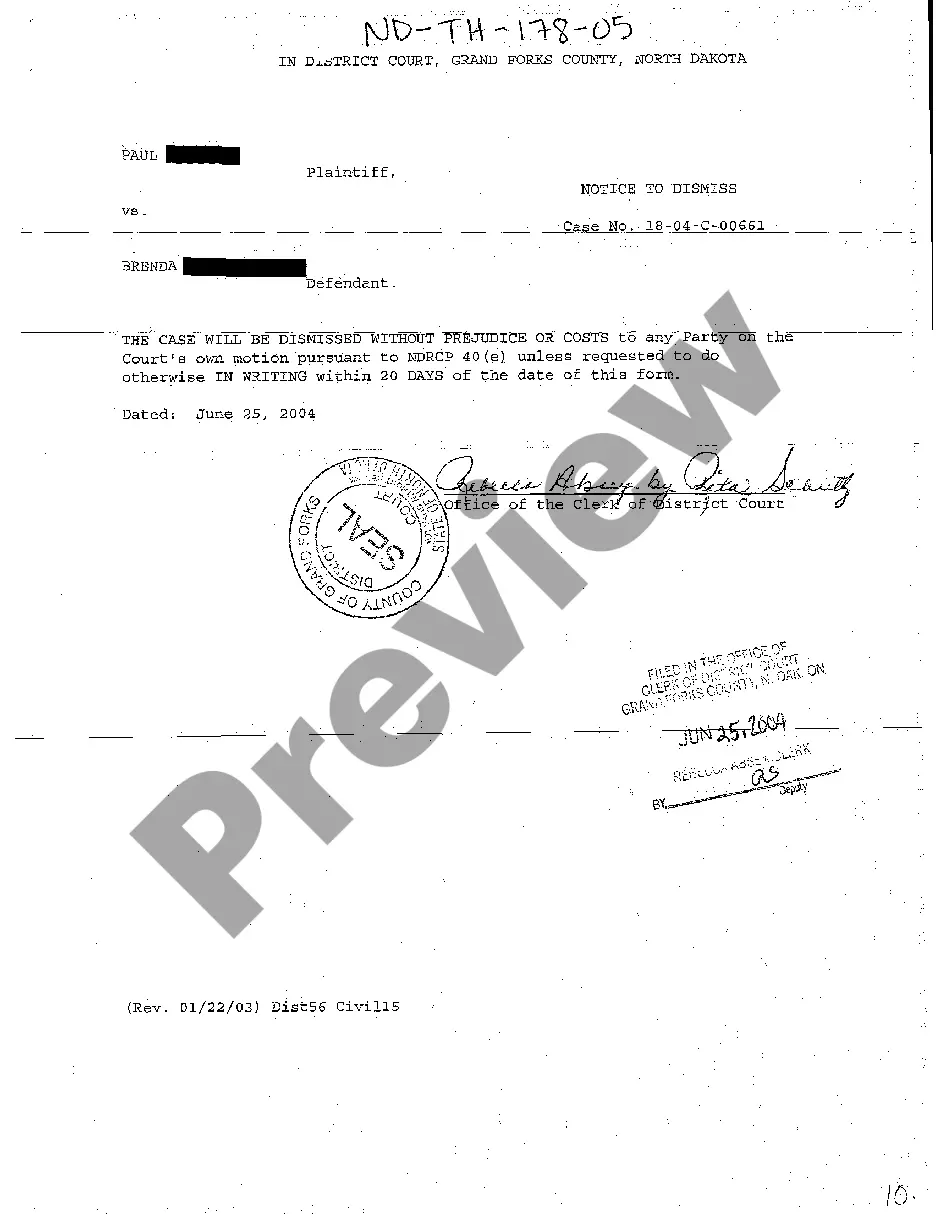
North Dakota Notice to Dismiss
Description
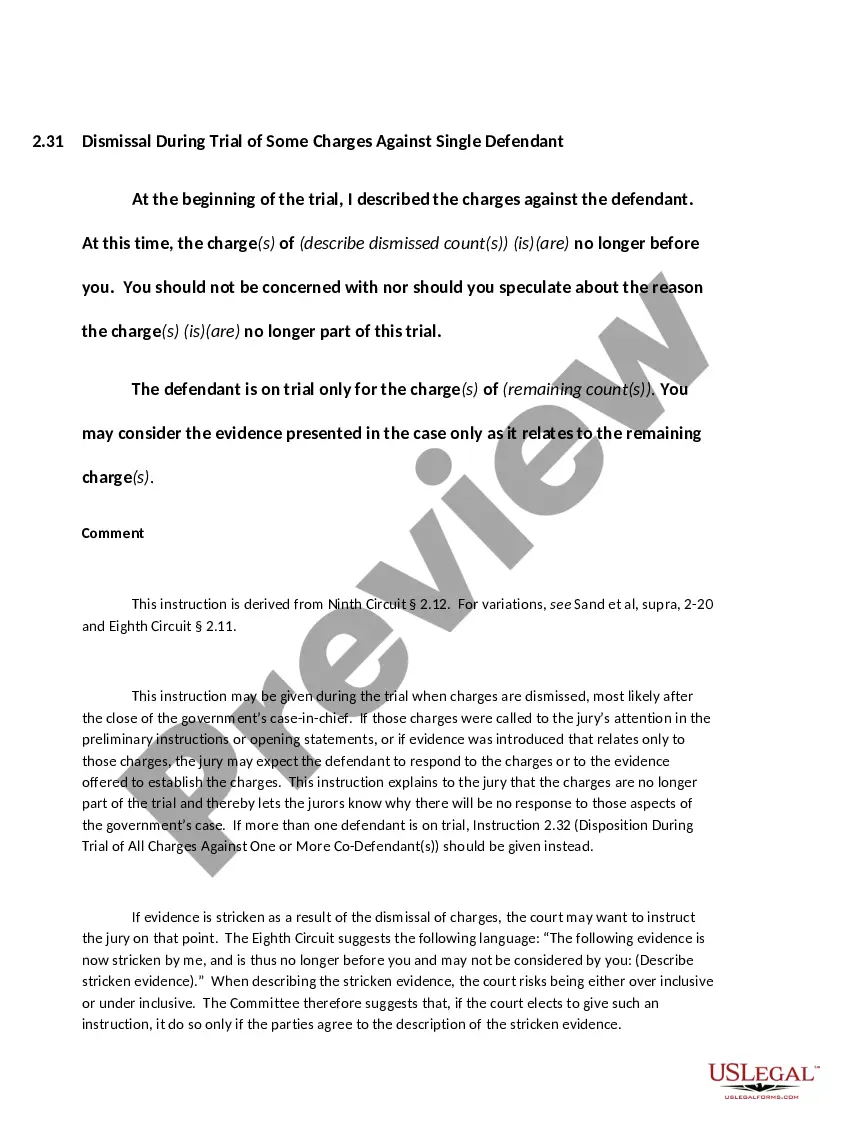
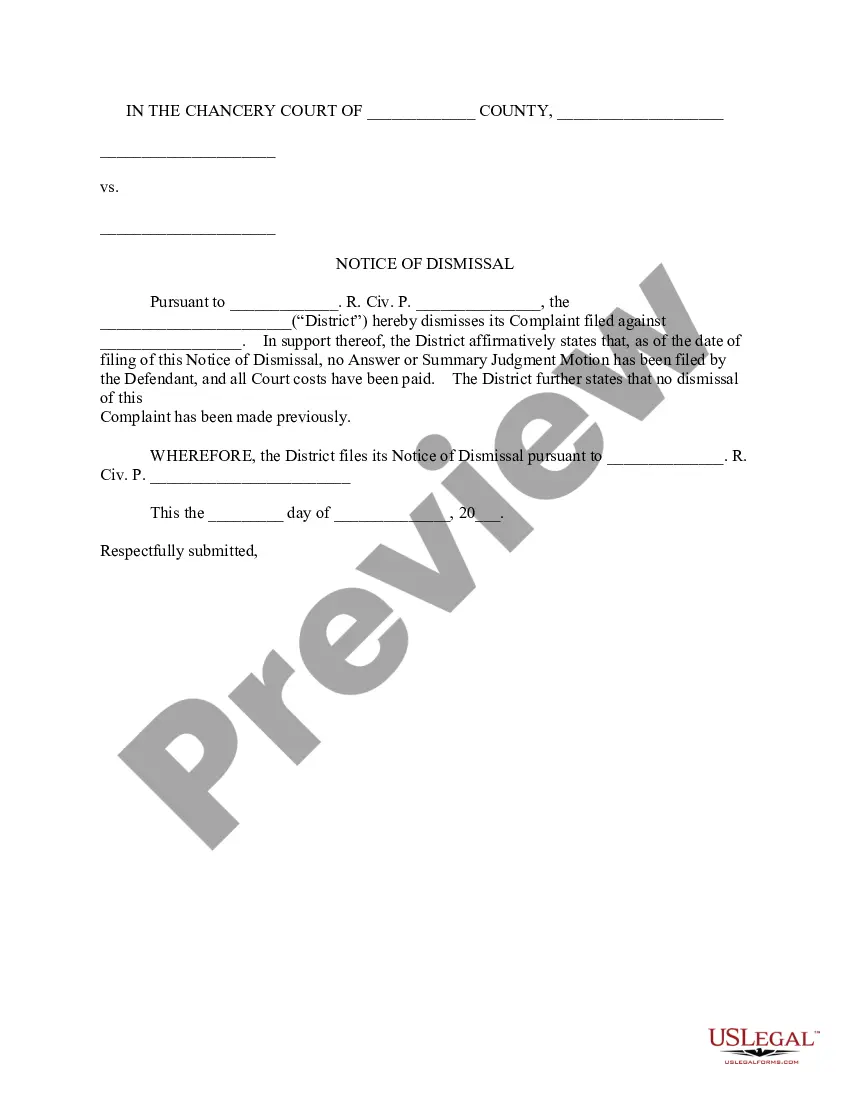
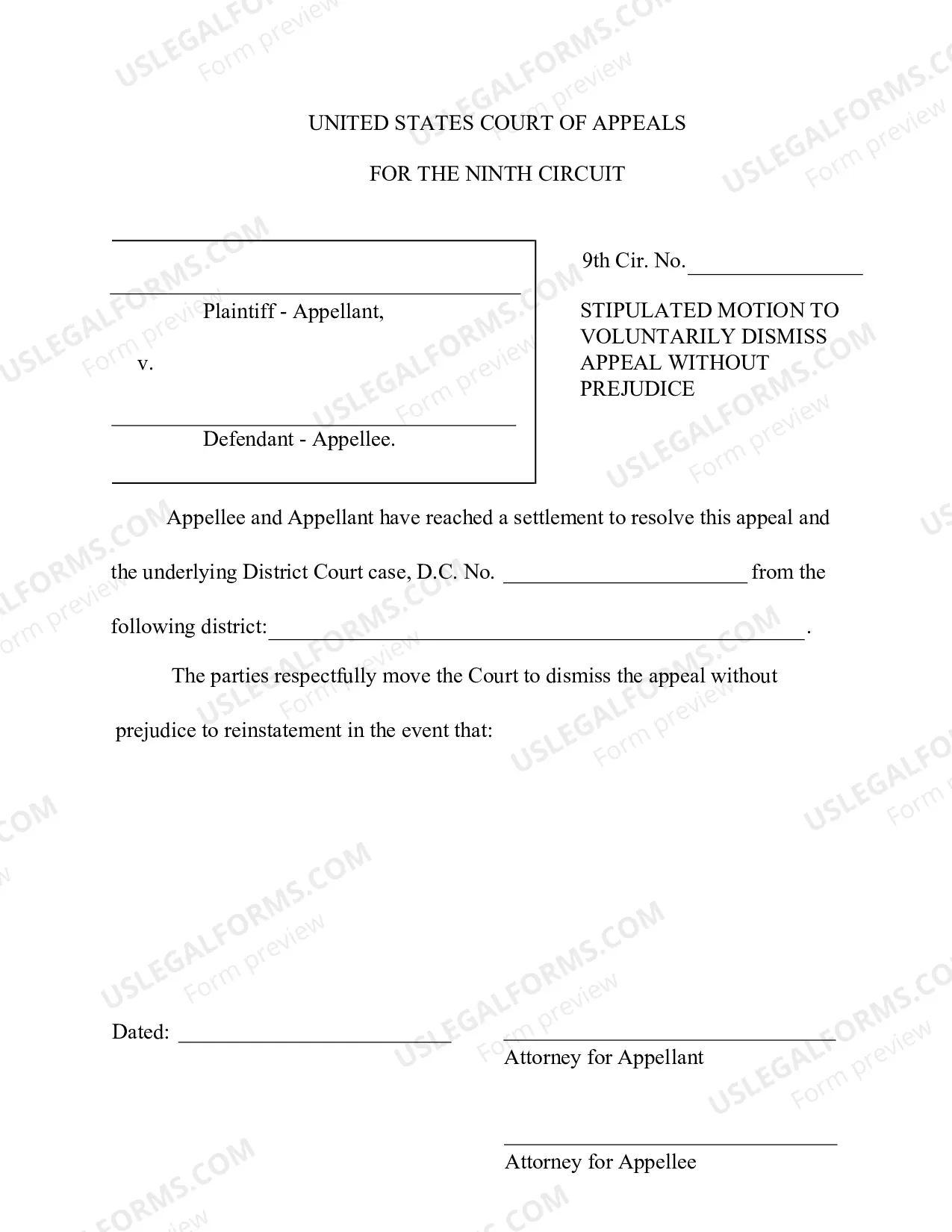


How to fill out North Dakota Notice To Dismiss?
Avoid costly attorneys and find the North Dakota Notice to Dismiss you need at a affordable price on the US Legal Forms website. Use our simple categories function to search for and download legal and tax files. Go through their descriptions and preview them prior to downloading. In addition, US Legal Forms enables users with step-by-step tips on how to download and fill out every single form.
US Legal Forms subscribers simply need to log in and obtain the particular form they need to their My Forms tab. Those, who have not got a subscription yet should stick to the tips below:
- Make sure the North Dakota Notice to Dismiss is eligible for use where you live.
- If available, look through the description and make use of the Preview option just before downloading the sample.
- If you are confident the document meets your needs, click on Buy Now.
- In case the template is wrong, use the search engine to find the right one.
- Next, create your account and select a subscription plan.
- Pay by card or PayPal.
- Choose to obtain the form in PDF or DOCX.
- Click Download and find your template in the My Forms tab. Feel free to save the form to your gadget or print it out.
After downloading, it is possible to fill out the North Dakota Notice to Dismiss by hand or an editing software program. Print it out and reuse the form multiple times. Do more for less with US Legal Forms!
Form popularity
FAQ
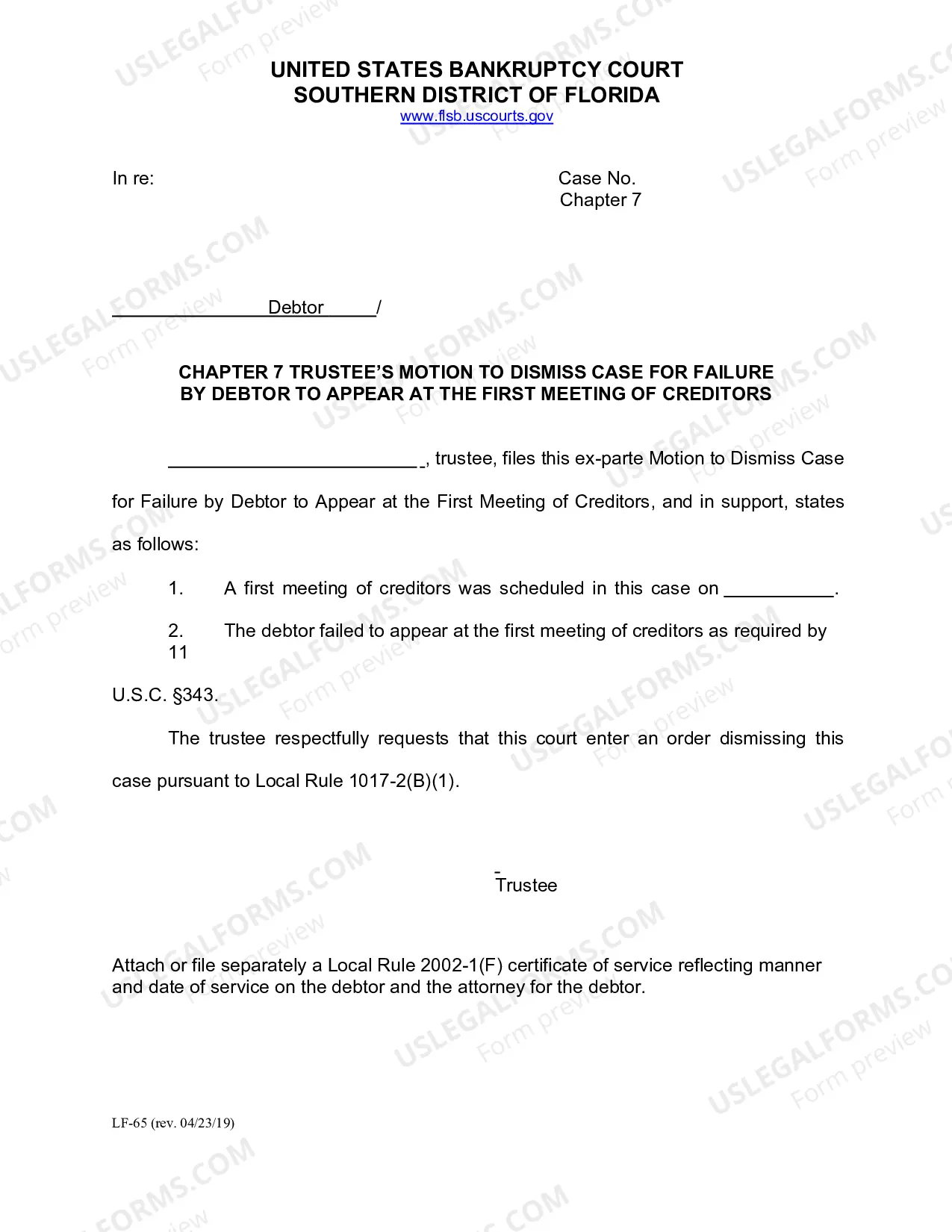
A plaintiff can file a motion to voluntarily dismiss the case before the defendant has filed their answer. After the defendant has filed their answer to the complaint, the plaintiff and the defendant can come to an agreement and file a motion with the court to dismiss the case.
Fill out your court forms. Fill out a Request for Dismissal (Form CIV-110 ). File your forms at the courthouse where you filed your case. Serve the other side with a copy of the dismissal papers. File the Notice of Entry of Dismissal and Proof of Service (Form CIV-120)
A request for involuntary dismissal can be made by a defendant through a motion for dismissal, on grounds that the other party is not prosecuting the case, is not complying with a court order, or to comply with the Federal Rules of Civil Procedure.
To survive a motion to dismiss, a lawsuit must contain sufficient factual matter to state a claim to relief that is plausible on its face. Ashcroft v. Iqbal, 556 U.S. 662, 678 (2009).