North Carolina Telecommuting Application Form
Description


Get your form ready online
Our built-in tools help you complete, sign, share, and store your documents in one place.
Make edits, fill in missing information, and update formatting in US Legal Forms—just like you would in MS Word.
Download a copy, print it, send it by email, or mail it via USPS—whatever works best for your next step.
Sign and collect signatures with our SignNow integration. Send to multiple recipients, set reminders, and more. Go Premium to unlock E-Sign.
If this form requires notarization, complete it online through a secure video call—no need to meet a notary in person or wait for an appointment.
We protect your documents and personal data by following strict security and privacy standards.

Make edits, fill in missing information, and update formatting in US Legal Forms—just like you would in MS Word.

Download a copy, print it, send it by email, or mail it via USPS—whatever works best for your next step.

Sign and collect signatures with our SignNow integration. Send to multiple recipients, set reminders, and more. Go Premium to unlock E-Sign.

If this form requires notarization, complete it online through a secure video call—no need to meet a notary in person or wait for an appointment.

We protect your documents and personal data by following strict security and privacy standards.
Looking for another form?



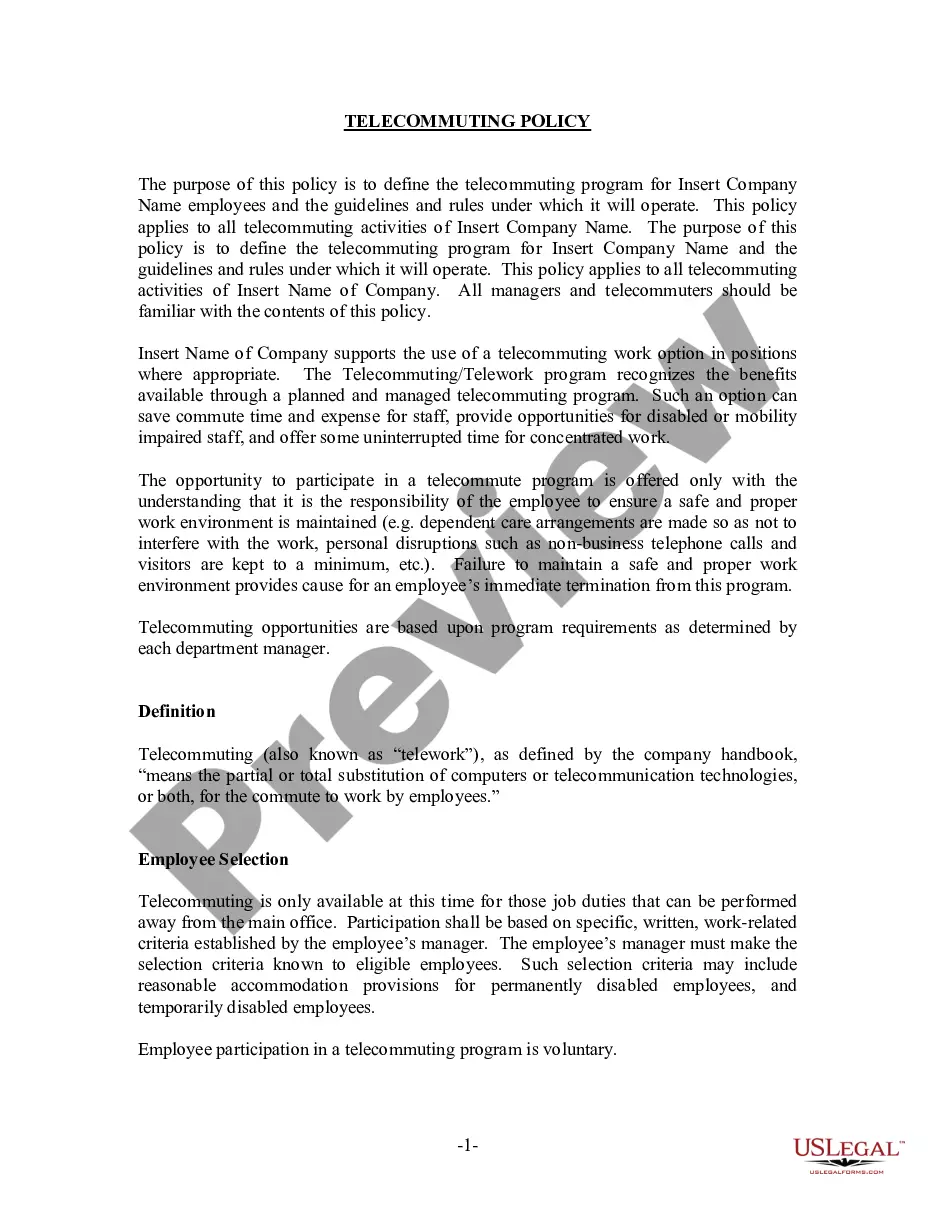
How to fill out Telecommuting Application Form?
Have you found yourself in a scenario where you frequently require documentation for business or personal reasons.
There are numerous legal form templates accessible online, yet locating reliable variants is not simple.
US Legal Forms provides a wide array of form templates, including the North Carolina Telecommuting Application Form, designed to meet federal and state standards.
Once you find the correct form, click Purchase now.
Select the pricing plan you desire, complete the necessary information to set up your account, and secure the transaction using your PayPal or Visa or Mastercard.
- If you are already acquainted with the US Legal Forms website and possess an account, simply Log In.
- Then, you can download the North Carolina Telecommuting Application Form template.
- In case you do not have an account and wish to use US Legal Forms, follow these steps.
- Find the form you need and ensure it corresponds to the correct area/county.
- Utilize the Review button to examine the form.
- Read the description to confirm that you have selected the appropriate form.
- If the form is not what you require, use the Search field to locate a form that meets your specifications.
Form popularity
FAQ
In general, if you're working remotely you'll only have to file and pay income taxes in the state where you live. However, in some cases, you may be required to file tax returns in two different states. This depends on your particular situation, the company you work for, and the tax laws of the states involved.
5 Key Characteristics of Successful TelecommutersFocus.Collaborative attitude.Adaptabilty.While you may have established a routine that works well for your day-to-day work, it's vital that those working from home are flexible.Trust.Self-starter.
If you're having trouble getting started with your telecommuting policy, here's a list of things to include:Define which positions are eligible to work from home.Be specific about the policy.Create an effective power structure.Outline which tools your employees should use.Be open.
Working from home or remotely requires more than a laptop. In order to set employees up for success, organizations need to provide them with the proper tools and resources. This equipment includes desks and furniture, collaboration and communication software, authentication and VPNs, monitors and productivity tools.
It should include:Days and hours the employee is expected to be working in the department.Hours the employee is expected to be working and reachable at the telecommuting site.Methods of contact (such as dedicated phone line, voice mail, email, videoconference, etc.)Times and frequency of contact (in both directions)More items...
How to set up a home office: 15 WFH tips and tricks to increase productivityIdentify and create your ideal workspace.Get the right work from home equipment.Choose the right lighting.Temperature control.Pay attention to your health.Stock up on office supplies.Keep plants.Let the music play.More items...
Consider these six tips for creating effective telecommuting programs:Contact your legal experts.Invite managers to share their input.Choose the right tech tools.Keep things cohesive.Don't micromanage.Be fair to on-site employees.
For example, teleworking employees must be able to take telephone calls and participate in online video meetings with minimal distraction and while maintaining appropriate confidentiality.
Anywhere remote jobs can be done from anywhere in the world. Remote jobs by state lets you find jobs that you can do from specific states in the U.S.