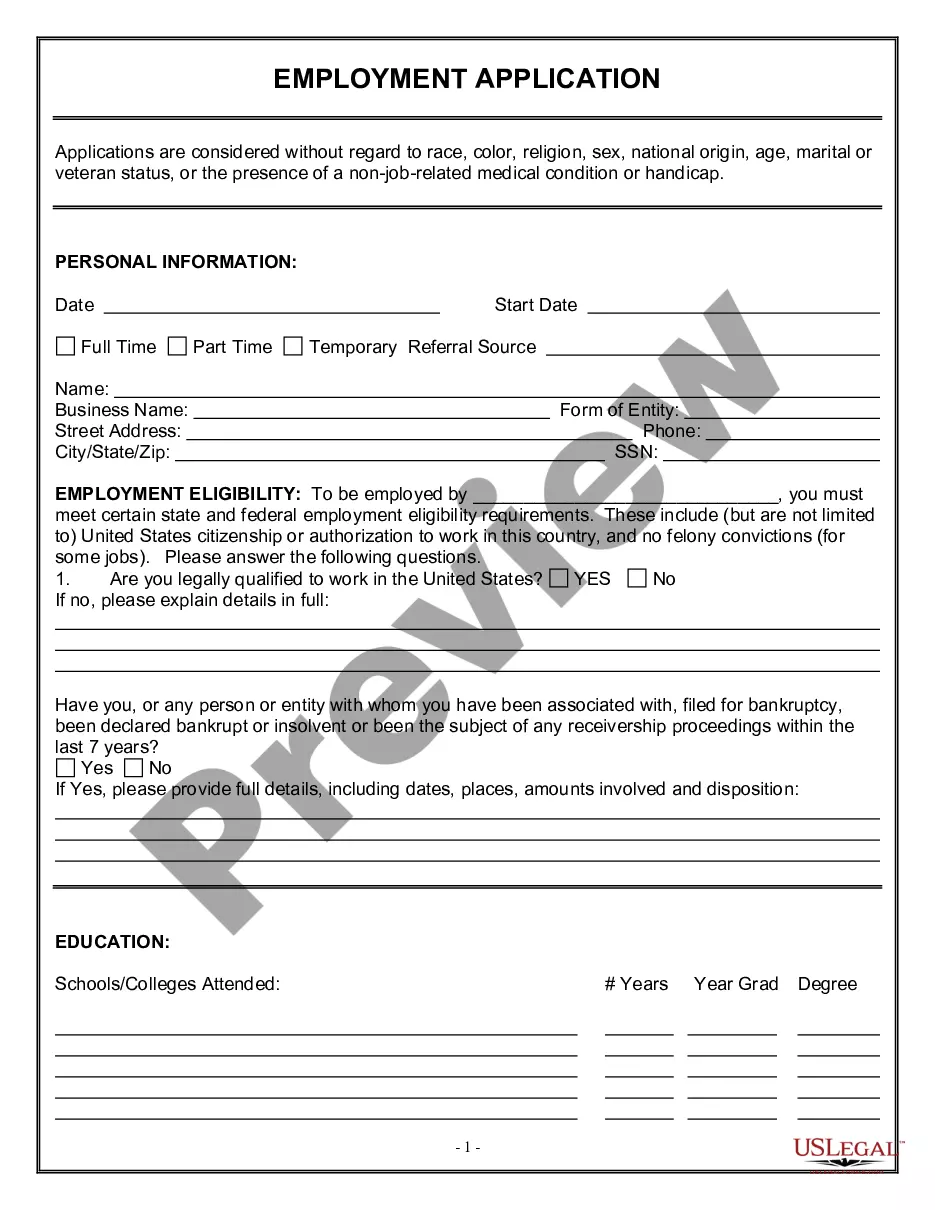
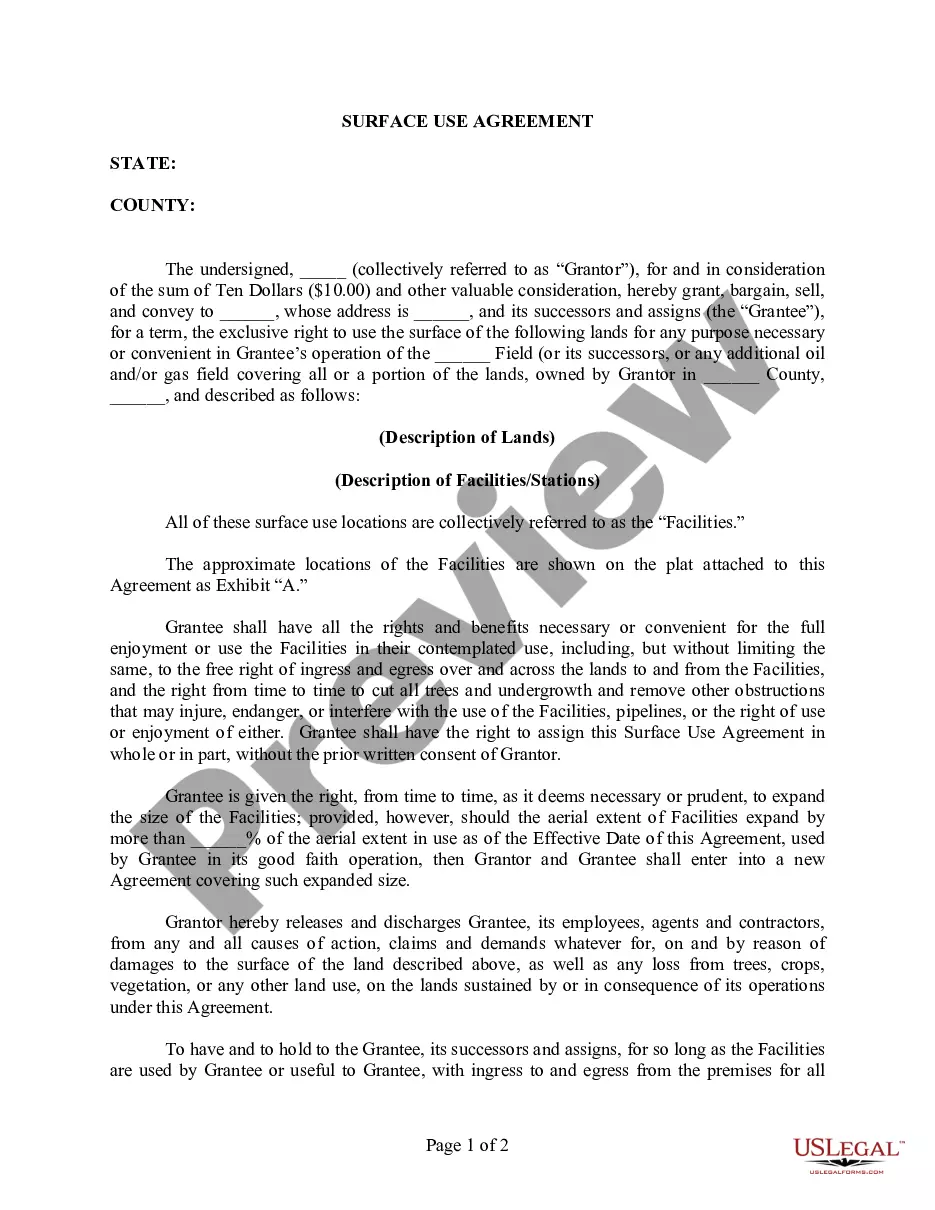
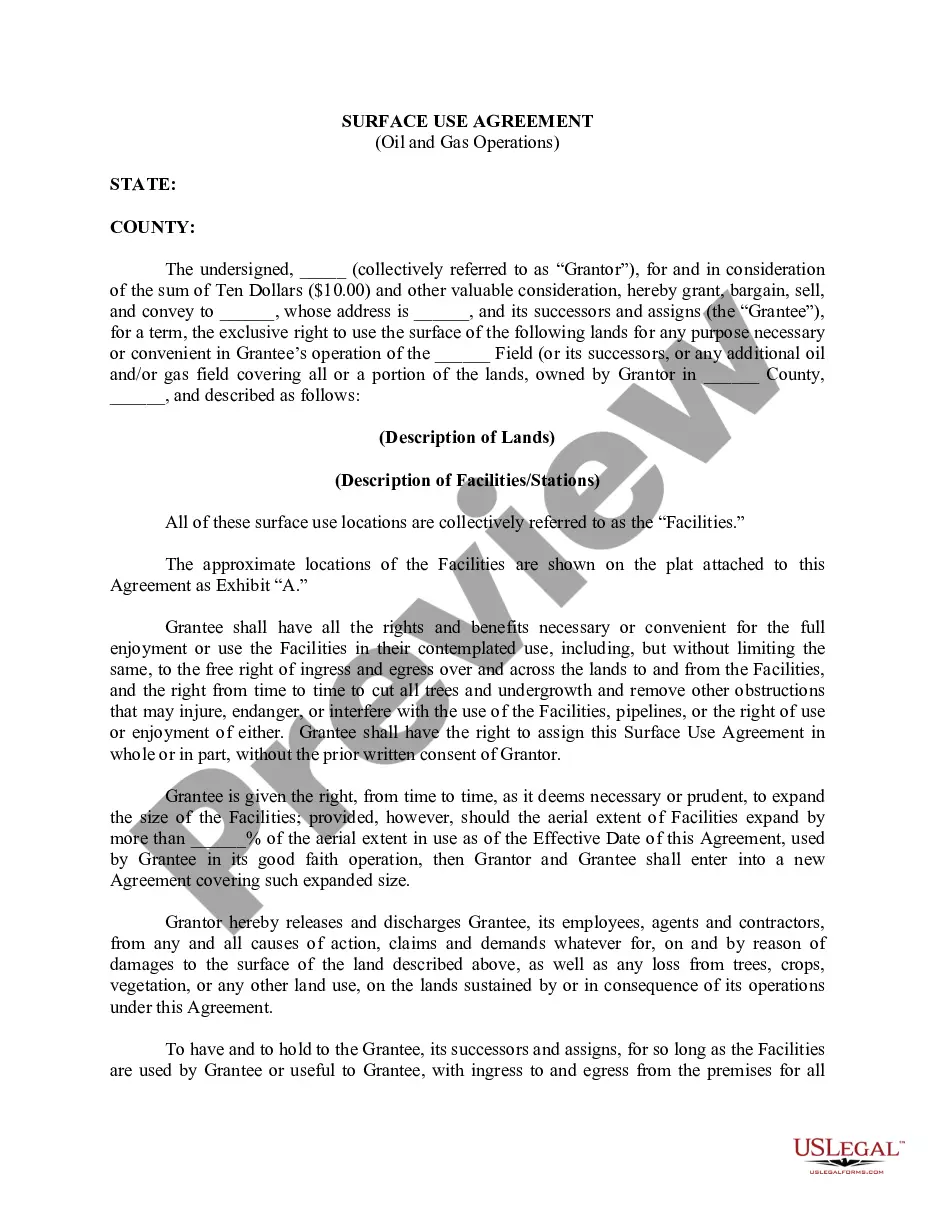
North Carolina Surface Use Agreement (Where Lands are Currently in Use)
Description
Get your form ready online
Our built-in tools help you complete, sign, share, and store your documents in one place.
Make edits, fill in missing information, and update formatting in US Legal Forms—just like you would in MS Word.
Download a copy, print it, send it by email, or mail it via USPS—whatever works best for your next step.
Sign and collect signatures with our SignNow integration. Send to multiple recipients, set reminders, and more. Go Premium to unlock E-Sign.
If this form requires notarization, complete it online through a secure video call—no need to meet a notary in person or wait for an appointment.
We protect your documents and personal data by following strict security and privacy standards.

Make edits, fill in missing information, and update formatting in US Legal Forms—just like you would in MS Word.

Download a copy, print it, send it by email, or mail it via USPS—whatever works best for your next step.

Sign and collect signatures with our SignNow integration. Send to multiple recipients, set reminders, and more. Go Premium to unlock E-Sign.

If this form requires notarization, complete it online through a secure video call—no need to meet a notary in person or wait for an appointment.

We protect your documents and personal data by following strict security and privacy standards.
Looking for another form?


How to fill out Surface Use Agreement (Where Lands Are Currently In Use)?
Choosing the right authorized papers template can be quite a have a problem. Obviously, there are a lot of templates available online, but how would you find the authorized kind you require? Take advantage of the US Legal Forms website. The support delivers a huge number of templates, including the North Carolina Surface Use Agreement (Where Lands are Currently in Use), that can be used for enterprise and private requires. Each of the varieties are inspected by experts and satisfy federal and state needs.
When you are presently signed up, log in in your bank account and then click the Download option to get the North Carolina Surface Use Agreement (Where Lands are Currently in Use). Make use of your bank account to appear with the authorized varieties you might have purchased in the past. Proceed to the My Forms tab of your own bank account and have one more duplicate from the papers you require.
When you are a whole new end user of US Legal Forms, listed here are straightforward directions that you should adhere to:
- Very first, ensure you have chosen the correct kind to your town/area. It is possible to look over the shape utilizing the Preview option and look at the shape outline to ensure it is the right one for you.
- When the kind will not satisfy your needs, take advantage of the Seach industry to obtain the appropriate kind.
- When you are positive that the shape is proper, go through the Buy now option to get the kind.
- Select the costs prepare you need and enter in the necessary information and facts. Create your bank account and purchase your order making use of your PayPal bank account or bank card.
- Pick the file format and obtain the authorized papers template in your device.
- Complete, modify and produce and signal the received North Carolina Surface Use Agreement (Where Lands are Currently in Use).
US Legal Forms is the biggest library of authorized varieties in which you will find a variety of papers templates. Take advantage of the service to obtain professionally-produced papers that adhere to state needs.
Form popularity
FAQ
Short answer: North Carolina doesn't allow local governments to limit how much private landlords can charge for rent. Some economists believe rent control policies are misguided, and the state's preemptive ban, passed in 1987, has largely chilled discussions on the topic over the past 30 years.
A North Carolina rent-to-own agreement is a real estate contract used to establish a tenancy arrangement between a landlord and a tenant with an added stipulation that the tenant may purchase the property after a certain period of time has elapsed.
Is North Carolina Landlord-Friendly? Yes, North Carolina is landlord-friendly, especially given that evictions can be immediate in certain circumstances, and no notice is required to enter the property.
North Carolina General Statutes 47G-1 through 47G-7 govern the rent-to-own, or ?option contract? law. There are minimum contract requirements that must be present before the rent-to-own lease agreement is considered valid.
toown or lease option agreement is a contract that states a lessee will agree to rent a home for a set period of time. Then, after living there as a renter and paying rent to the owner of the home, the occupant has an option to purchase the home when or before the lease expires.