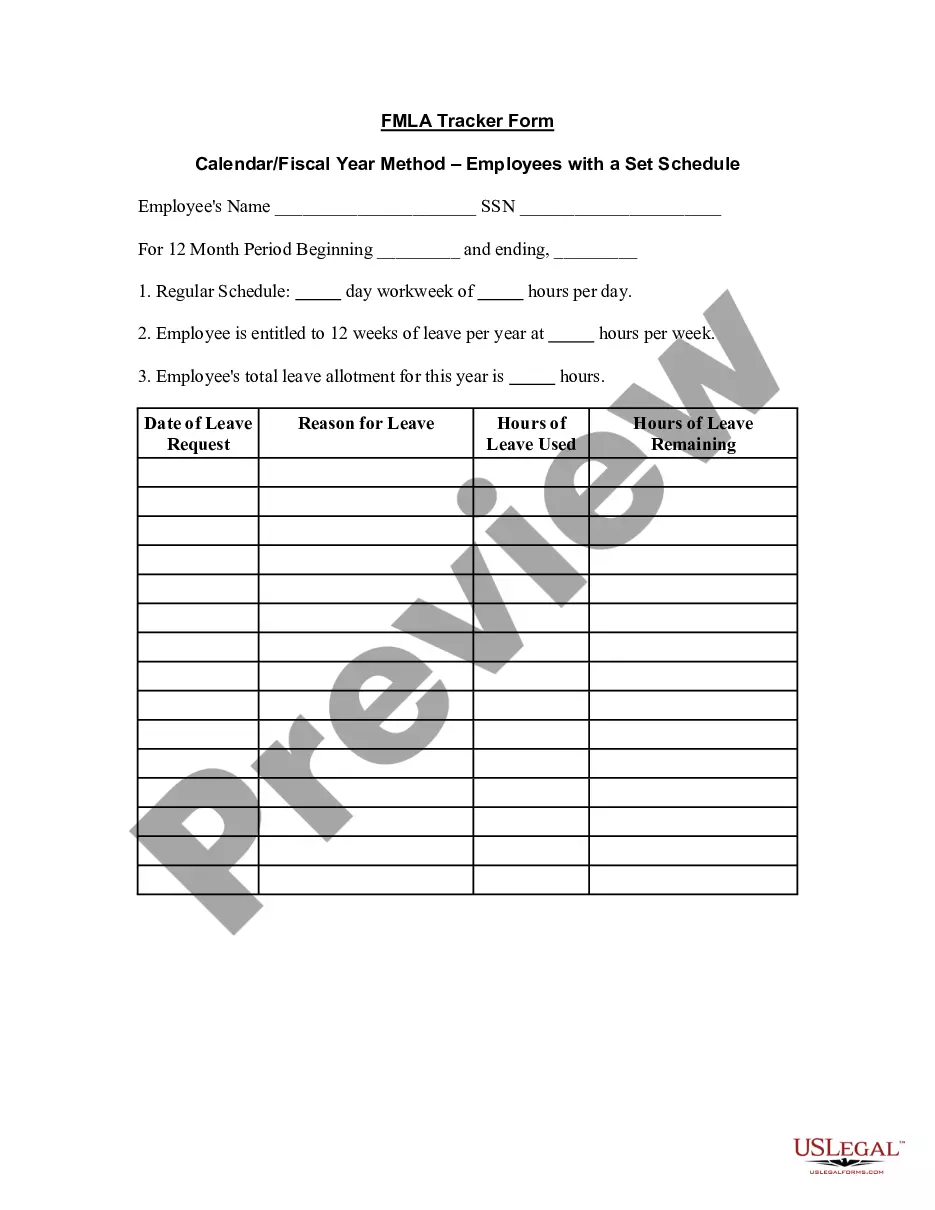
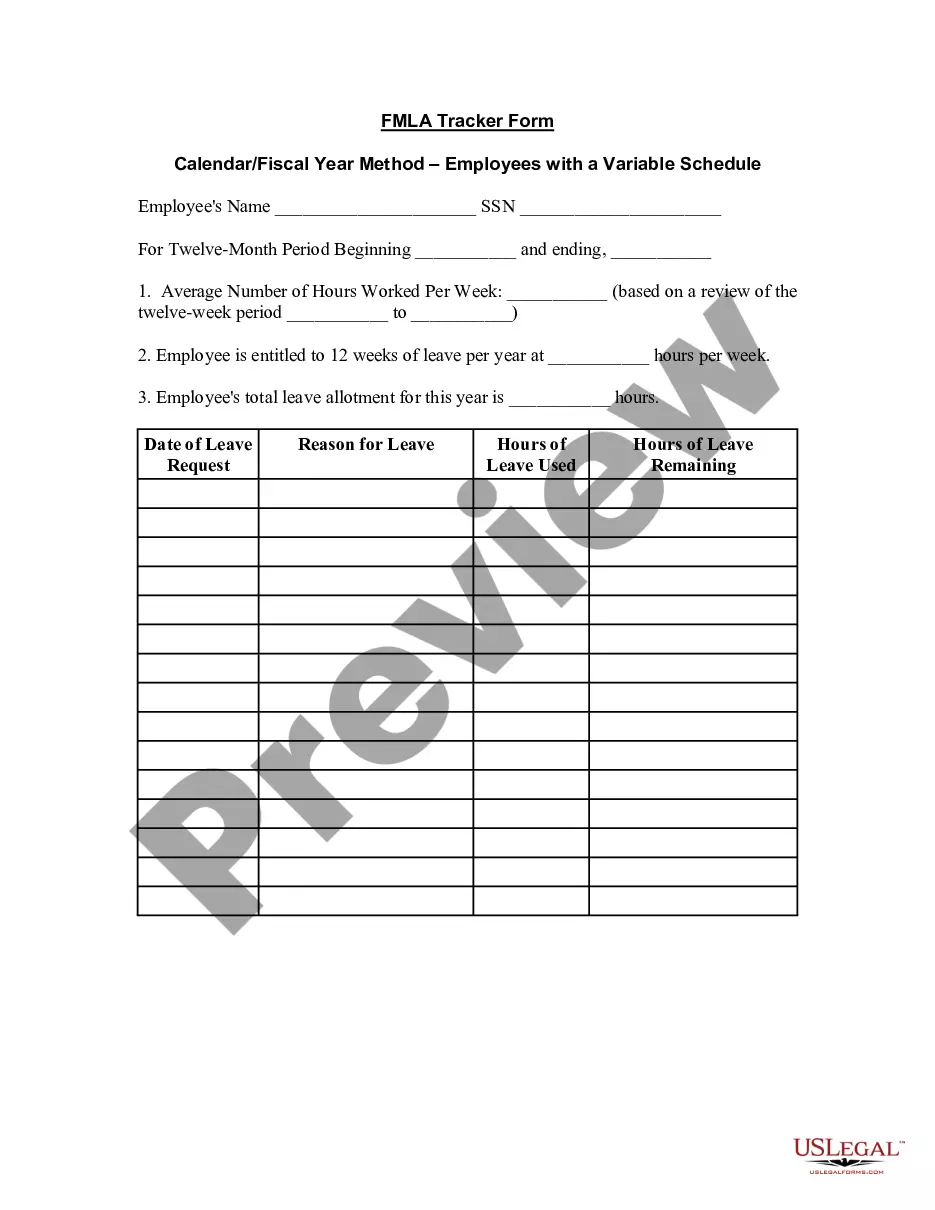
North Carolina FMLA Tracker Form - Year Measured from Date of Request - Employees with Set Schedule
Description
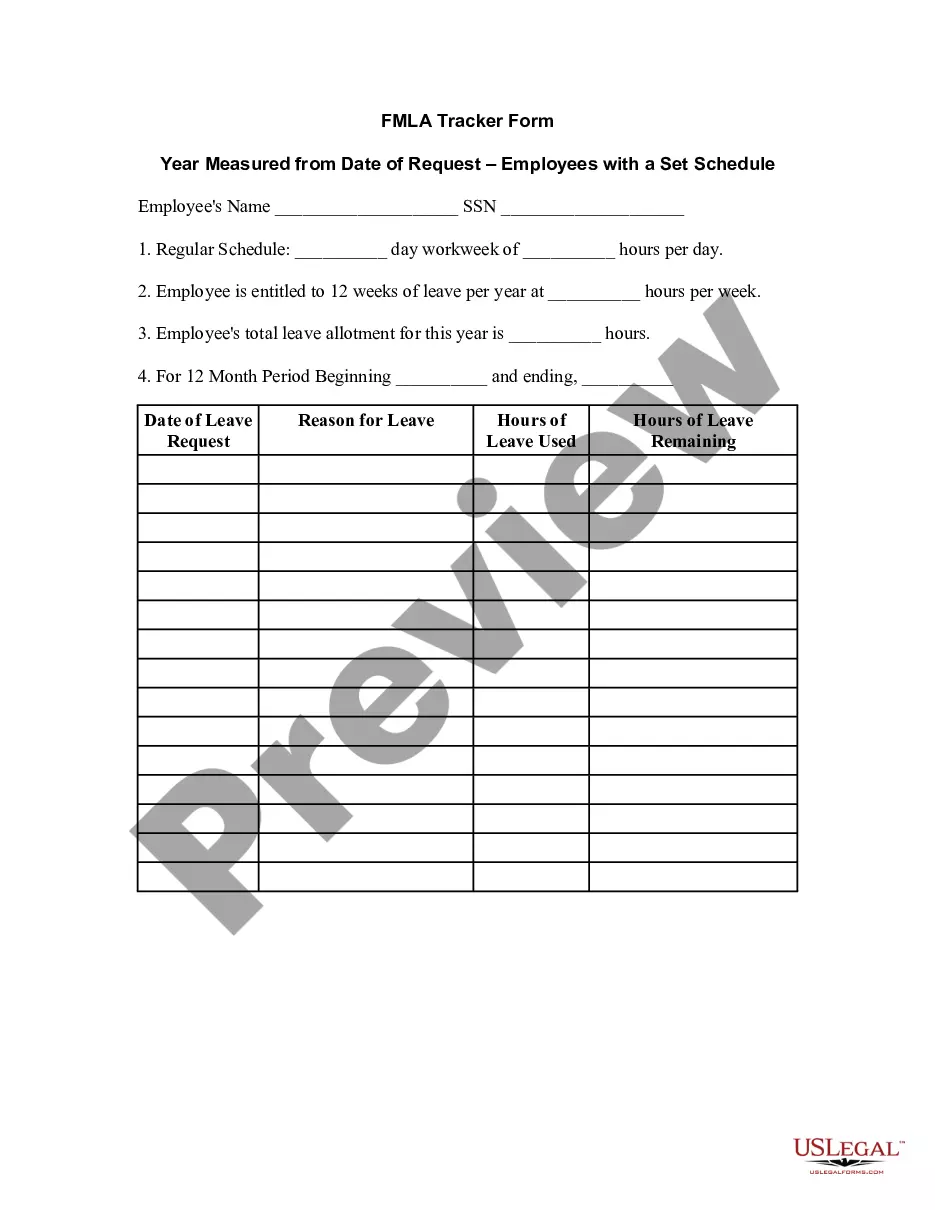
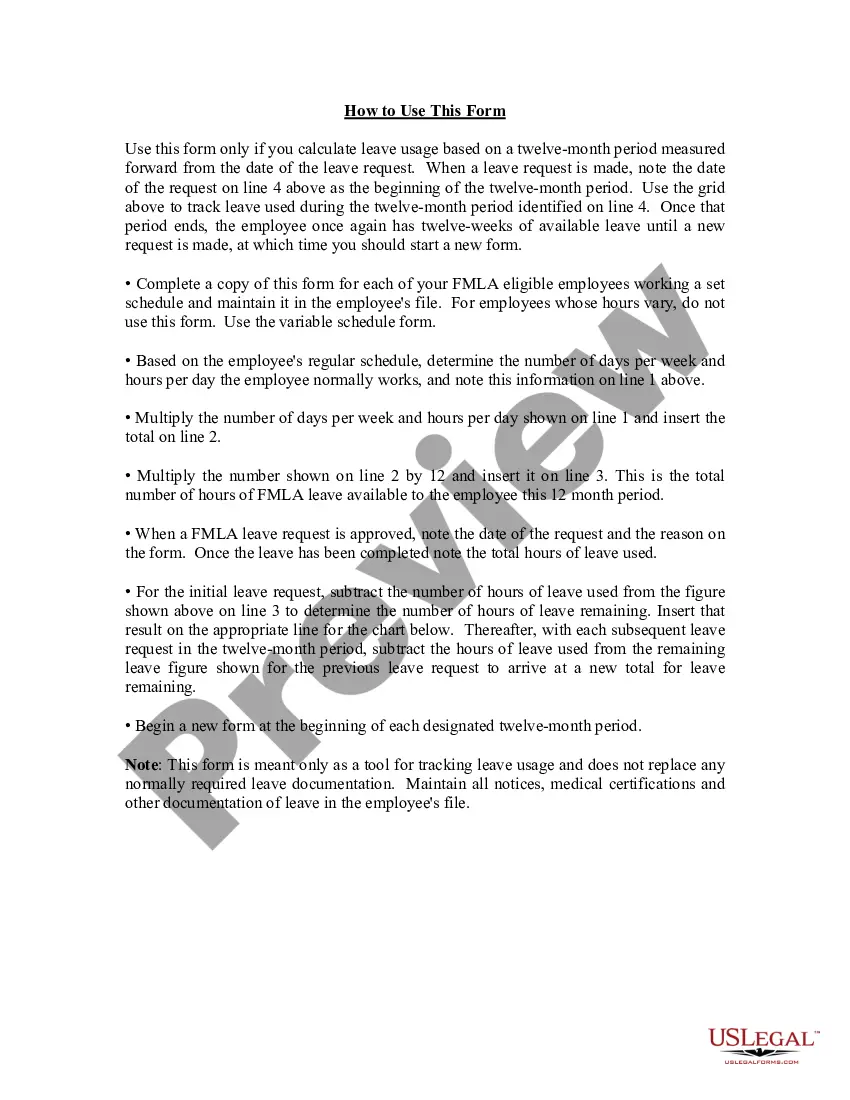
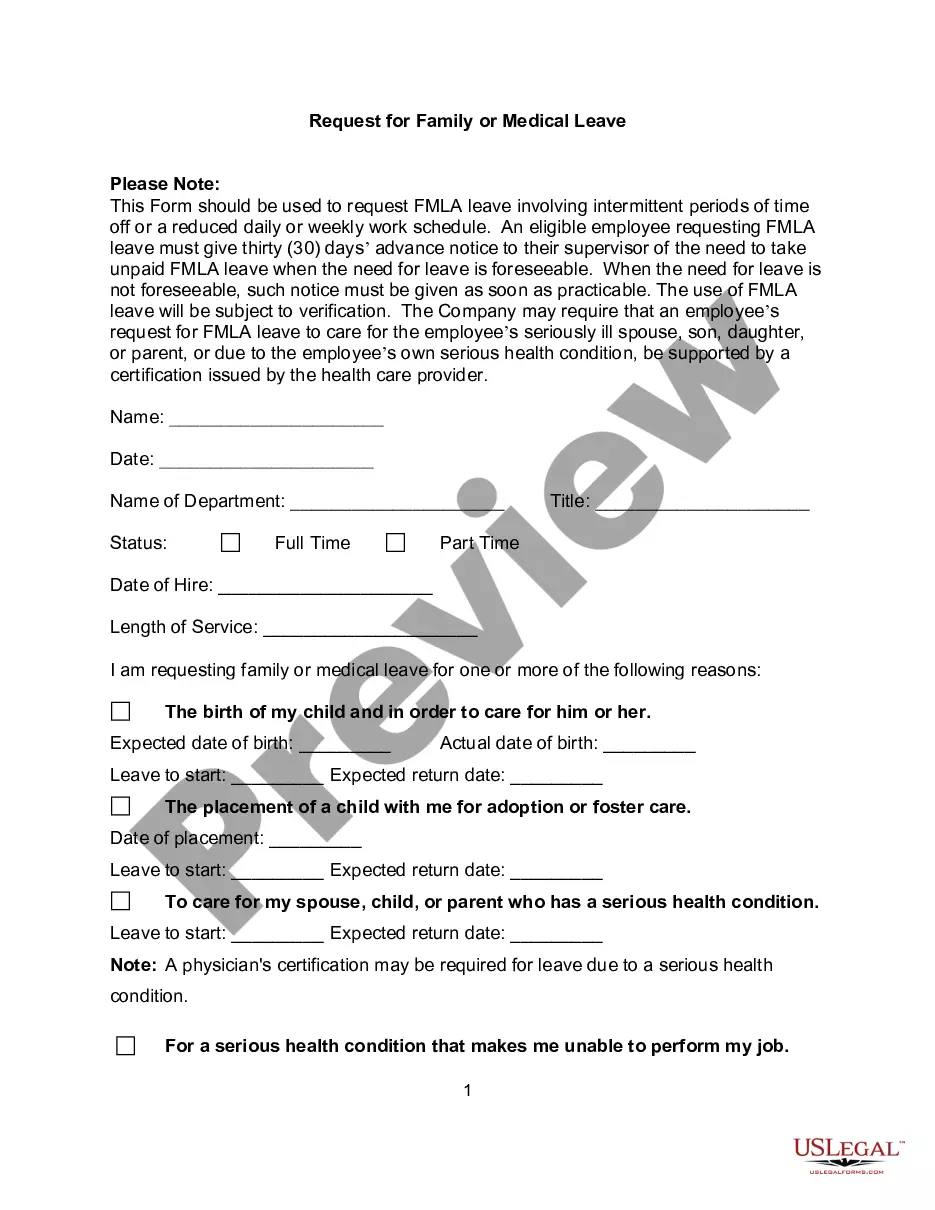
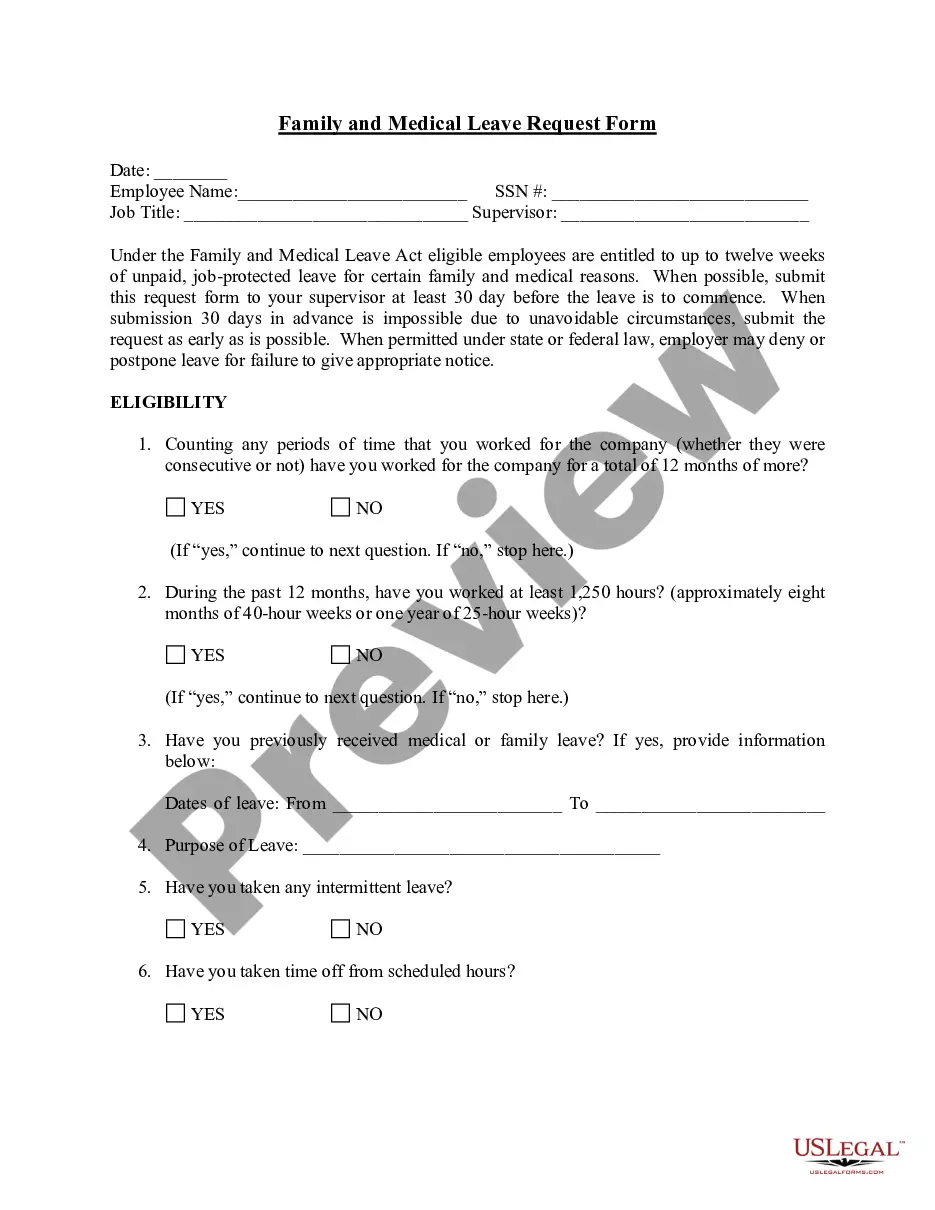
Get your form ready online
Our built-in tools help you complete, sign, share, and store your documents in one place.
Make edits, fill in missing information, and update formatting in US Legal Forms—just like you would in MS Word.
Download a copy, print it, send it by email, or mail it via USPS—whatever works best for your next step.
Sign and collect signatures with our SignNow integration. Send to multiple recipients, set reminders, and more. Go Premium to unlock E-Sign.
If this form requires notarization, complete it online through a secure video call—no need to meet a notary in person or wait for an appointment.
We protect your documents and personal data by following strict security and privacy standards.
Make edits, fill in missing information, and update formatting in US Legal Forms—just like you would in MS Word.
Download a copy, print it, send it by email, or mail it via USPS—whatever works best for your next step.
Sign and collect signatures with our SignNow integration. Send to multiple recipients, set reminders, and more. Go Premium to unlock E-Sign.
If this form requires notarization, complete it online through a secure video call—no need to meet a notary in person or wait for an appointment.
We protect your documents and personal data by following strict security and privacy standards.
Looking for another form?




How to fill out FMLA Tracker Form - Year Measured From Date Of Request - Employees With Set Schedule?
Selecting the appropriate legal document template can be challenging. Of course, there are numerous templates available online, but how will you find the legal template you require.
Utilize the US Legal Forms website. The platform offers a wide array of templates, such as the North Carolina FMLA Tracker Form - Year Calculated from Date of Request - Employees with Fixed Schedule, which you can utilize for both business and personal purposes.
All templates are reviewed by professionals and comply with federal and state regulations.
US Legal Forms is the largest collection of legal templates where you can access various document templates. Take advantage of the service to download correctly formatted documents that comply with state standards.
- If you are already registered, Log In to your account and click the Acquire button to obtain the North Carolina FMLA Tracker Form - Year Calculated from Date of Request - Employees with Fixed Schedule.
- Use your account to access the legal templates you have purchased previously.
- Go to the My documents section of your account and download an additional copy of the document you need.
- If you are a new user of US Legal Forms, here are straightforward guidelines you should follow.
- First, ensure you have selected the correct template for your city/county.
- You can preview the form using the Preview button and review the form details to confirm this is the right one for you.
- If the form does not meet your needs, use the Search field to find the appropriate document.
- Once you are confident that the form is suitable, click the Buy now button to purchase the document.
- Select the pricing plan you prefer and enter the required information.
- Create your account and complete the transaction using your PayPal account or credit card.
- Choose the file format and download the legal document template to your device.
- Fill out, modify, print, and sign the completed North Carolina FMLA Tracker Form - Year Calculated from Date of Request - Employees with Fixed Schedule.
Form popularity
FAQ
An employee's 12-week FMLA leave can be calculated using the calendar year, any fixed 12-month year, the first day of FMLA leave or a rolling period.
The FMLA, or Family and Medical Leave Act, is a federal law that allows certain employees working for covered employers to take up to 12 weeks of unpaid leave during each 12-month period. The 12-week allowance resets every 12 months, so in a sense, FMLA continues each year.
One of the easiest methods by which an employer can track FMLA leave is to place all employees on a calendar year track. This means that each employee can take 12 weeks of FMLA leave anytime between January and December, and the calculations reset on January 1 of each year.
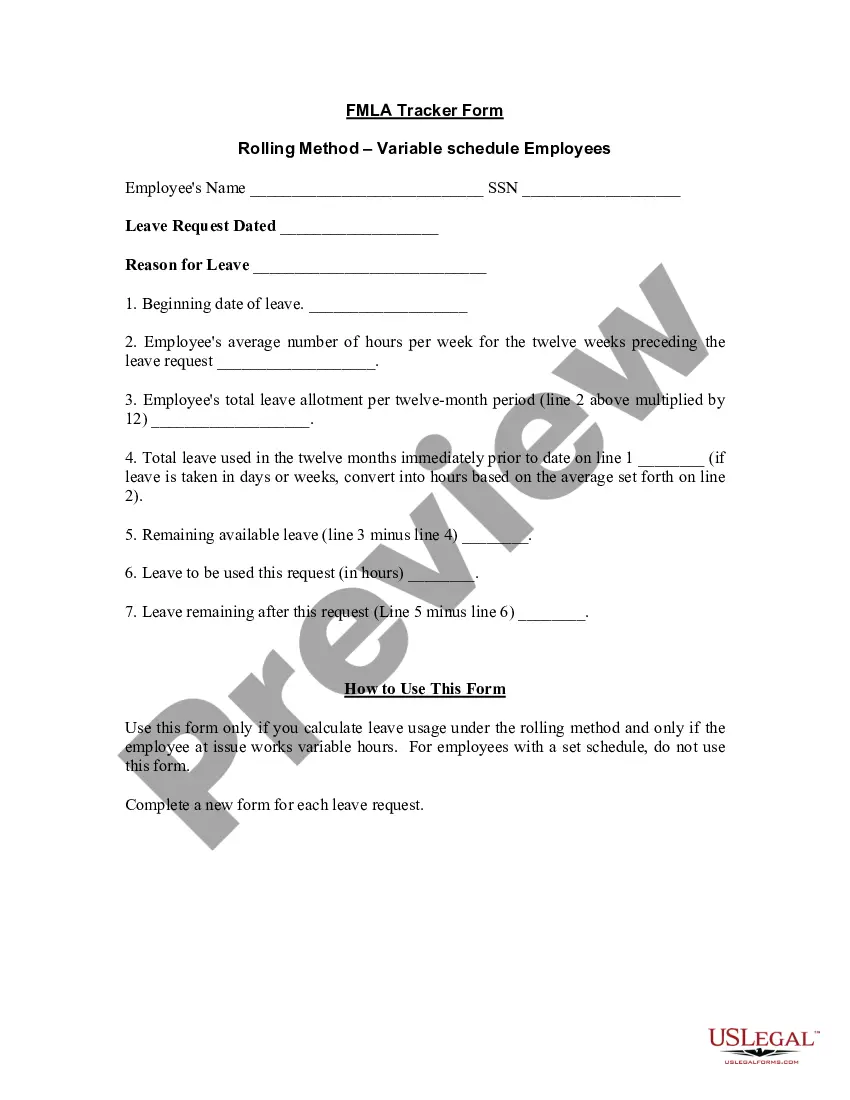
Under the ''rolling'' 12-month period, each time an employee takes FMLA leave, the remaining leave entitlement would be the balance of the 12 weeks which has not been used during the immediately preceding 12 months. 2022
Under the ''rolling'' 12-month period, each time an employee takes FMLA leave, the remaining leave entitlement would be the balance of the 12 weeks which has not been used during the immediately preceding 12 months. Example 1: Michael requests three weeks of FMLA leave to begin on July 31st.
Under the rolling method, known also in HR circles as the look-back method, the employer looks back over the last 12 months, adds up all the FMLA time the employee has used during the previous 12 months and subtracts that total from the employee's 12-week leave allotment.
For the rolling backwards method, each time an employee requests more FMLA leave, the employer uses that date and measures 12 months back from it. An employee would be eligible for remaining FMLA leave he or she has not used in the preceding 12-month period. For example, Mrs.
Under the ''rolling'' 12-month period, each time an employee takes FMLA leave, the remaining leave entitlement would be the balance of the 12 weeks which has not been used during the immediately preceding 12 months. Example 1: Michael requests three weeks of FMLA leave to begin on July 31st.
For example, an employer considers Thanksgiving a holiday and is closed on that day, and none of its employees work. One of its employees is taking 12 weeks of unpaid FMLA leave the last 12 weeks of the calendar year. The employer would count Thanksgiving Day as FMLA leave for that employee.
