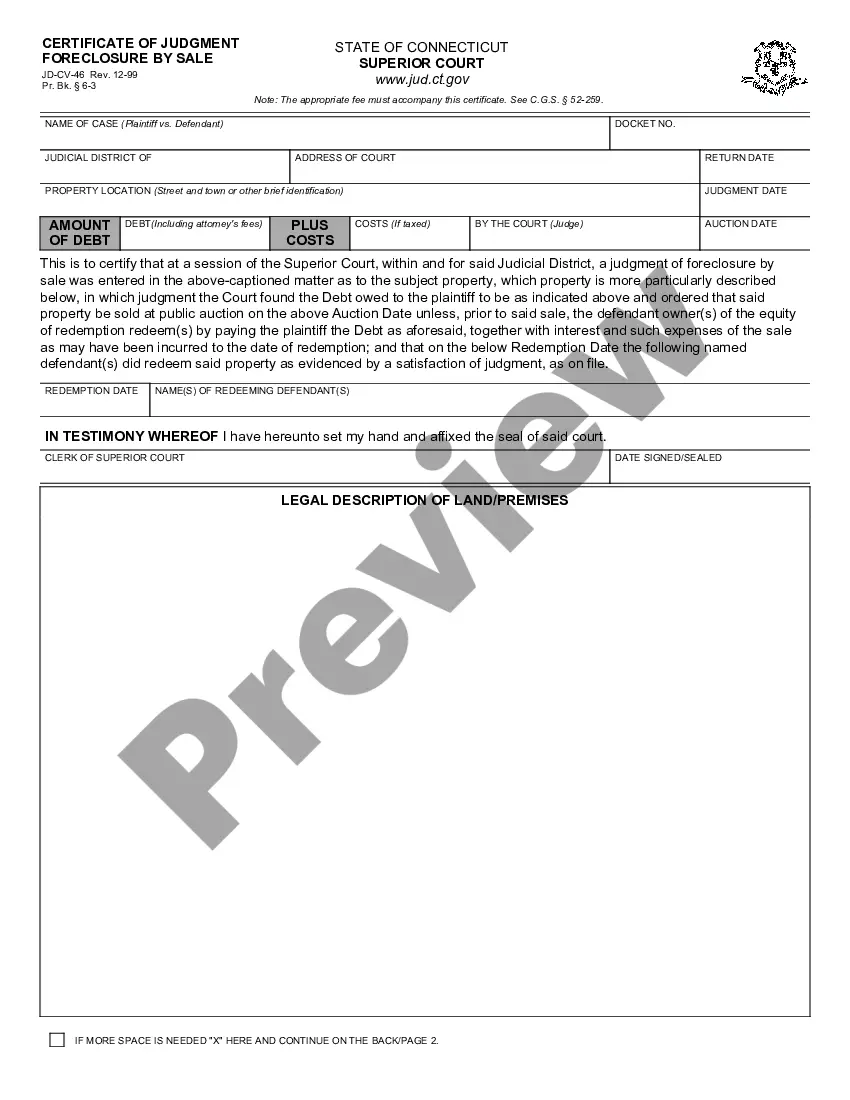
Mississippi Responses to Request for Production of Documents
Overview of this form
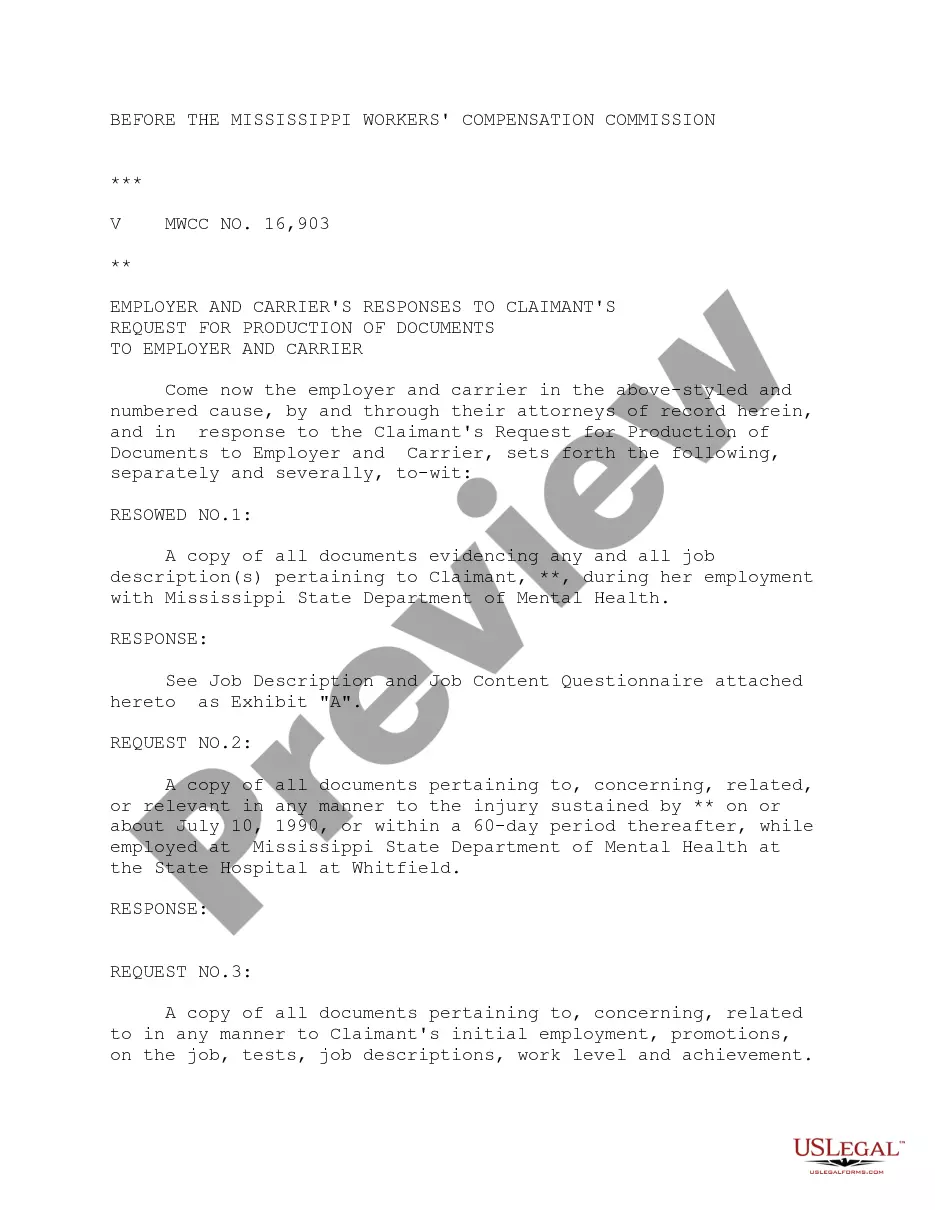
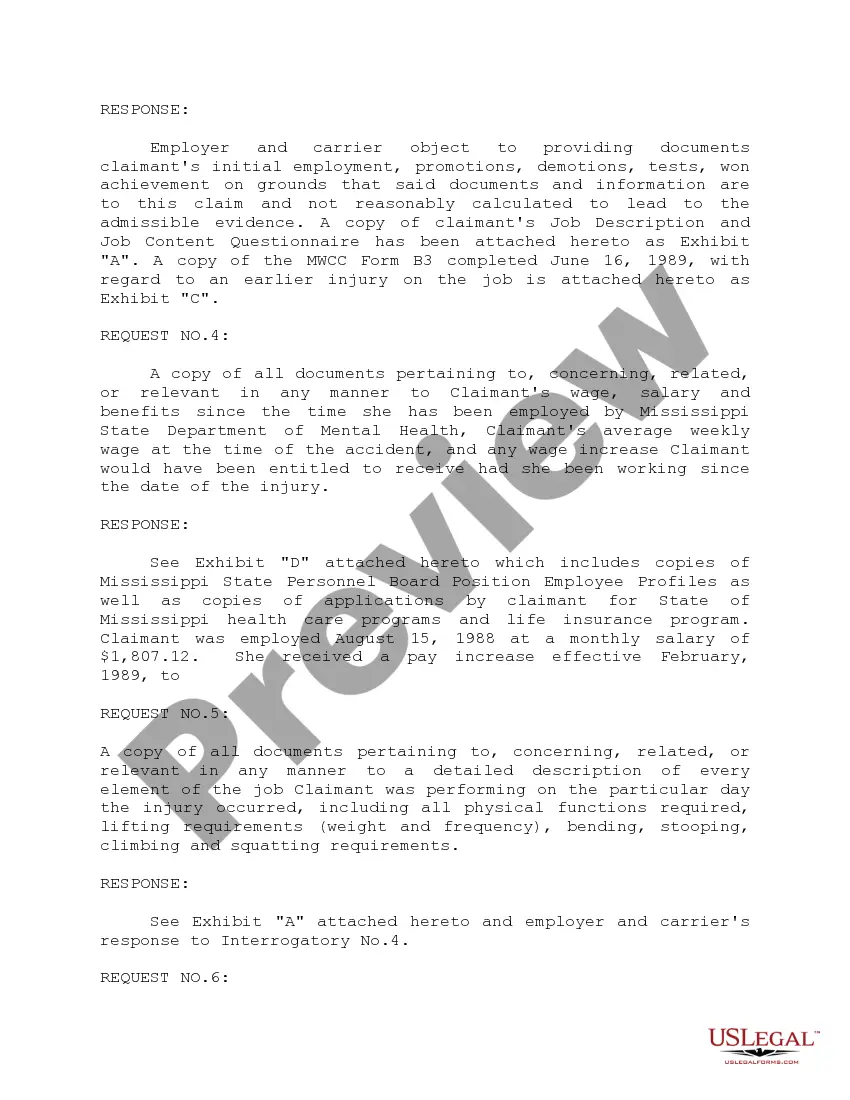
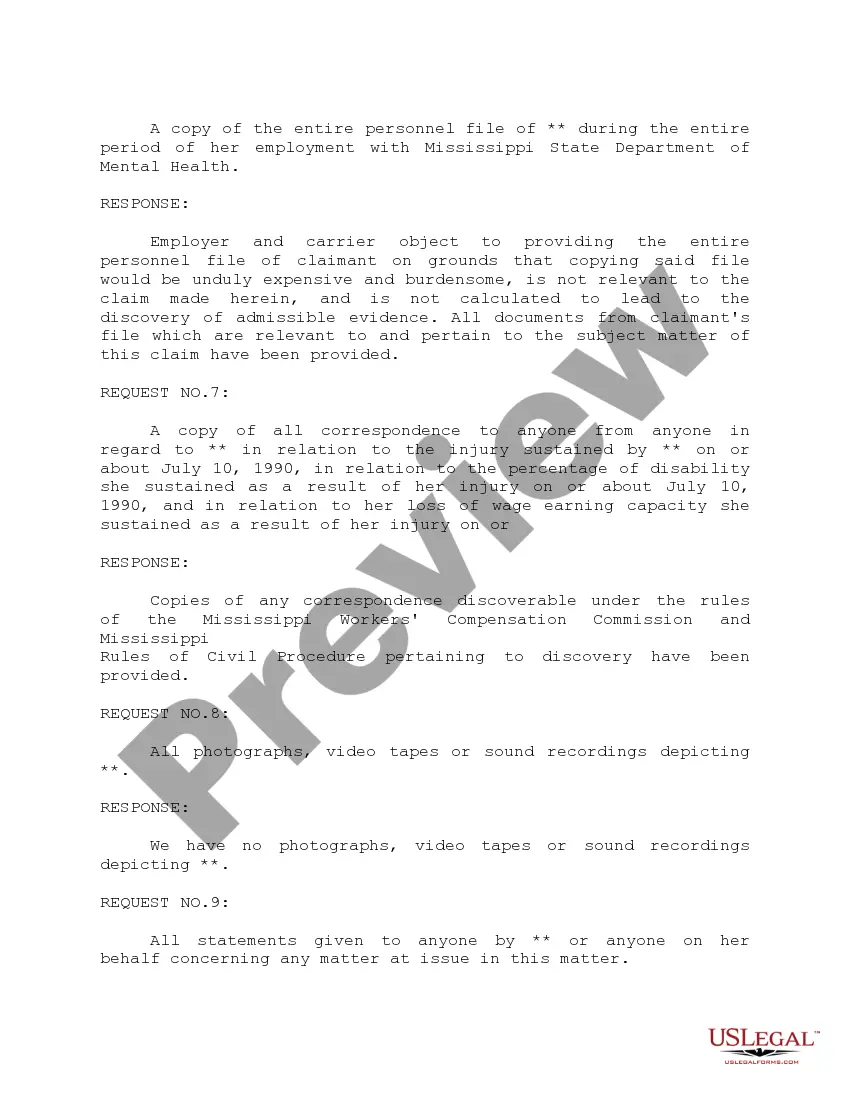
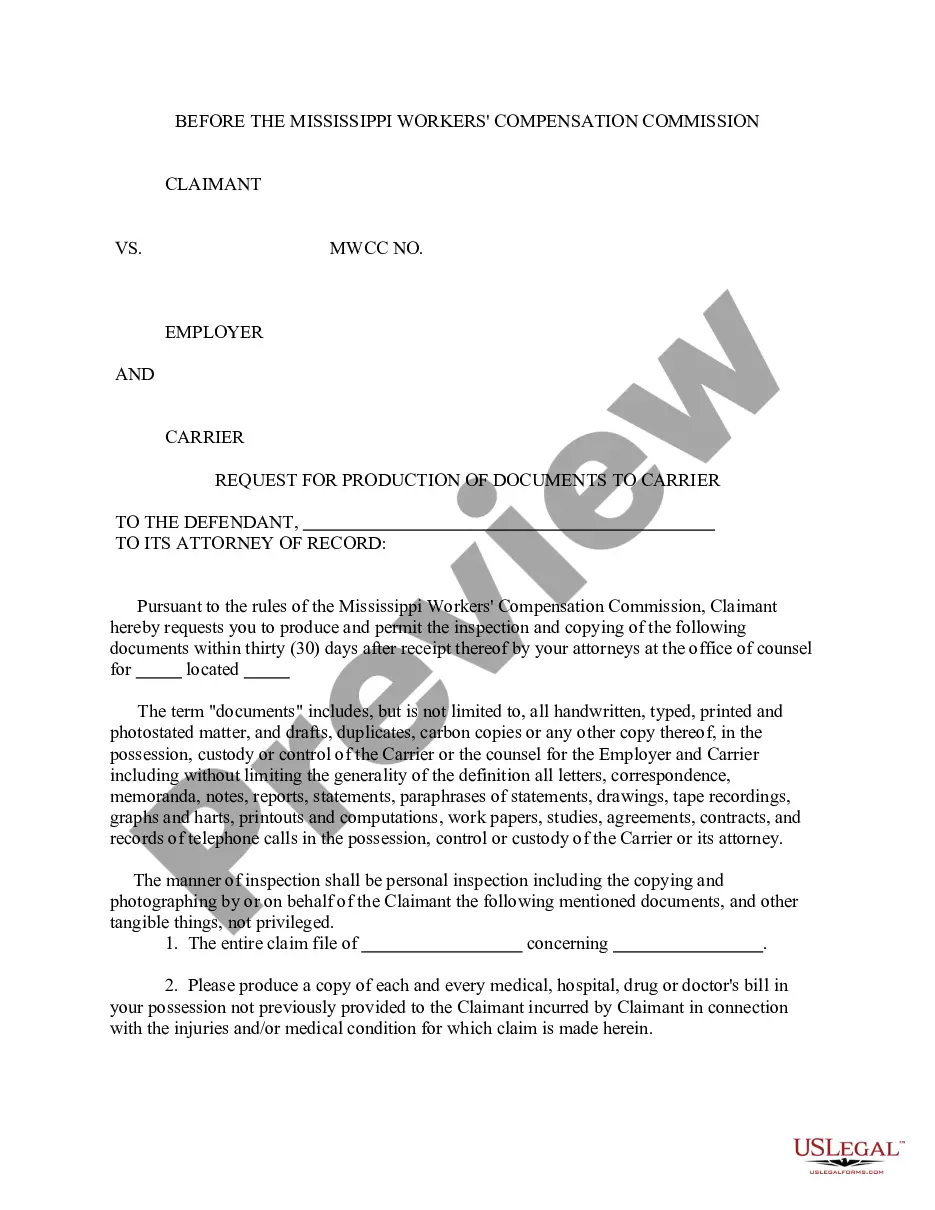
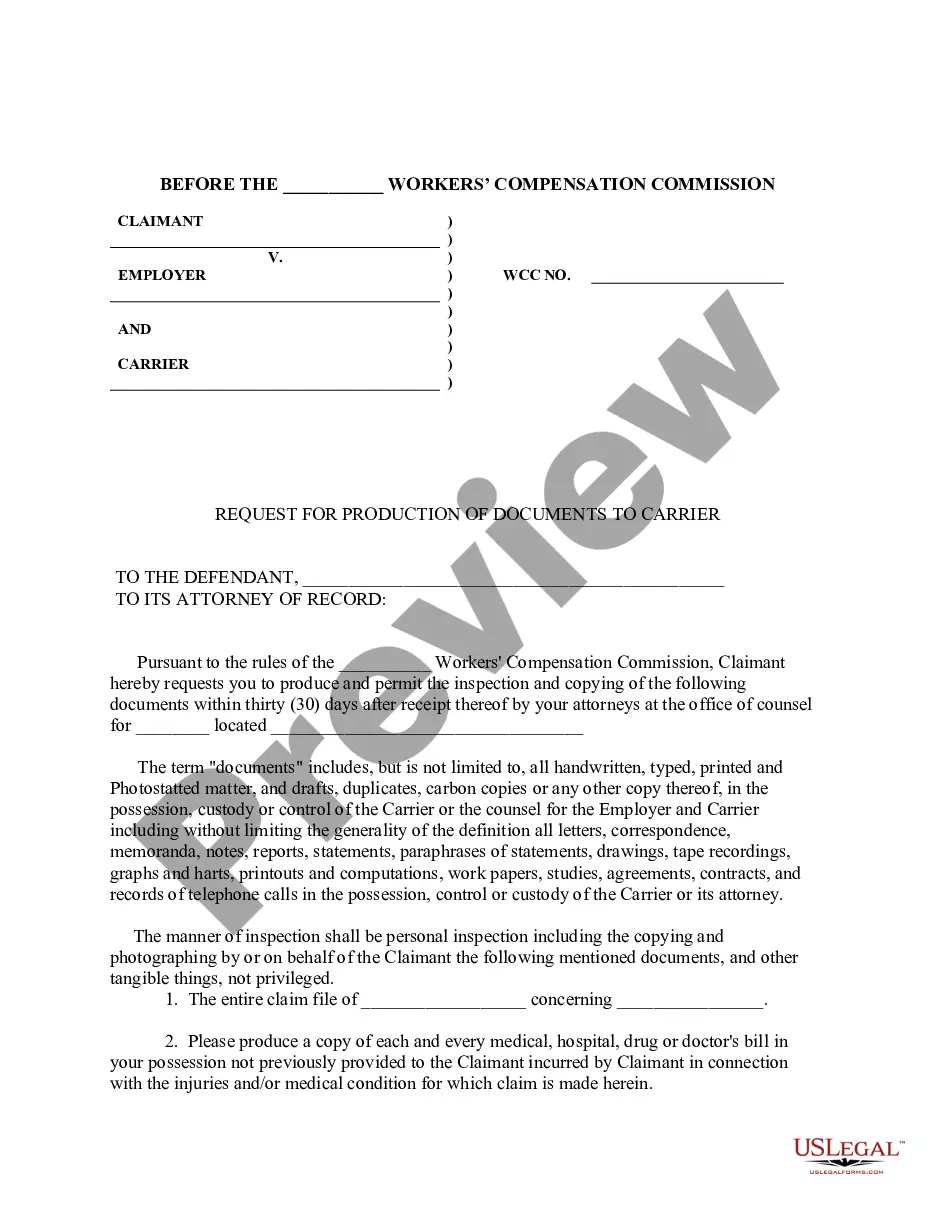
The Responses to Request for Production of Documents is a legal form used by employers and carriers in response to a claimant's request for specific documents in a legal proceeding. This form helps ensure compliance with discovery rules and facilitates the exchange of pertinent information. It is specifically designed for workers' compensation claims, setting it apart from similar forms used in other legal contexts.
What’s included in this form
- Respondent details: Information about the employer and carrier involved in the claim.
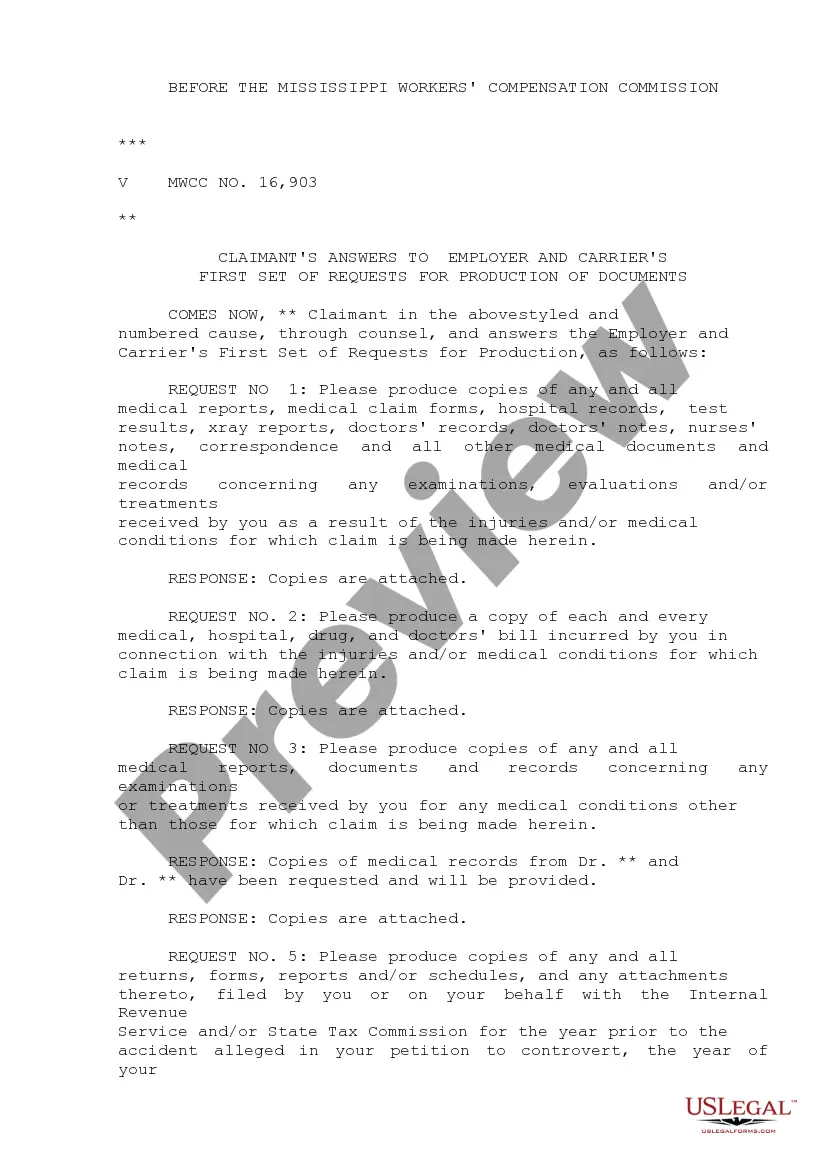
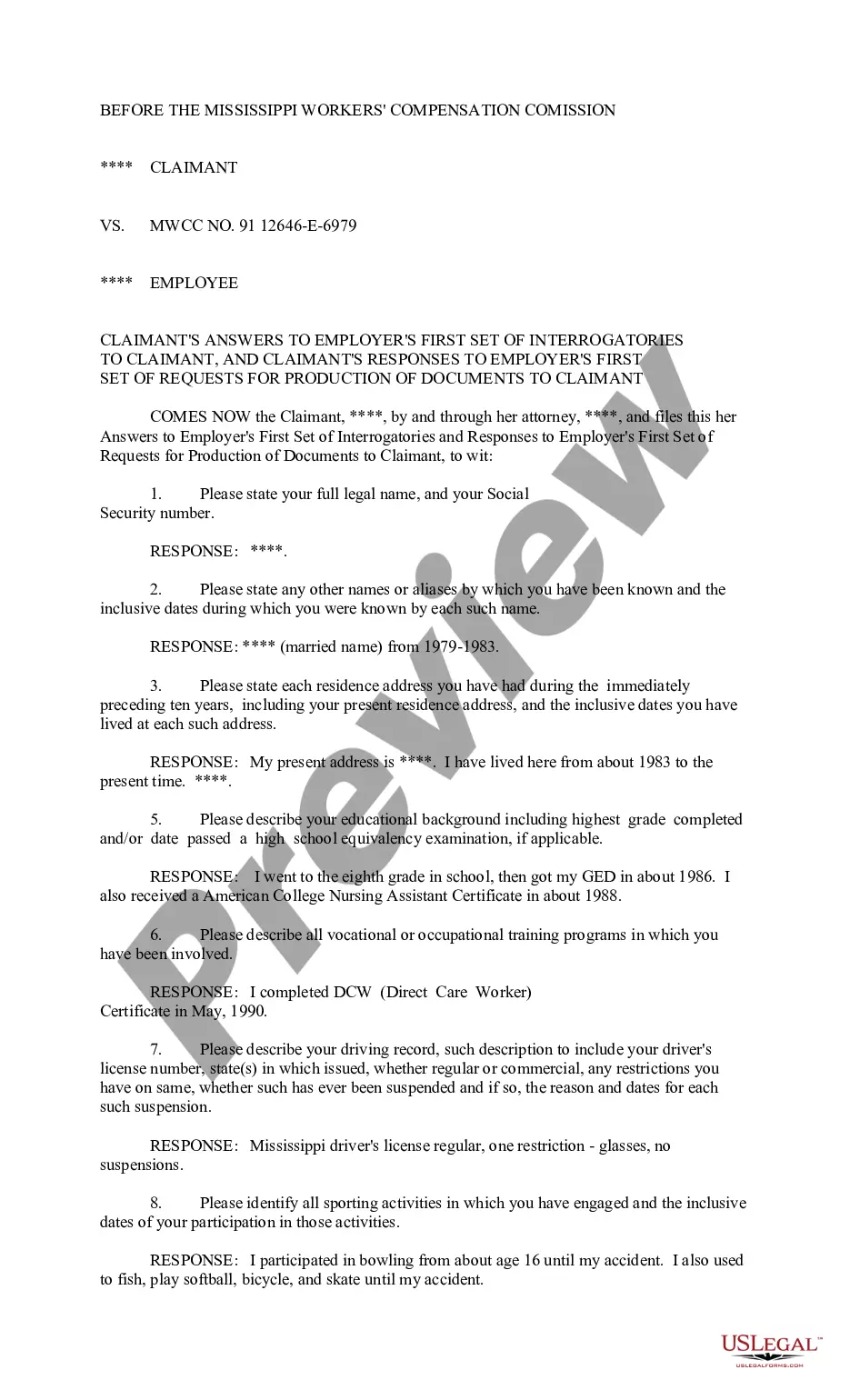
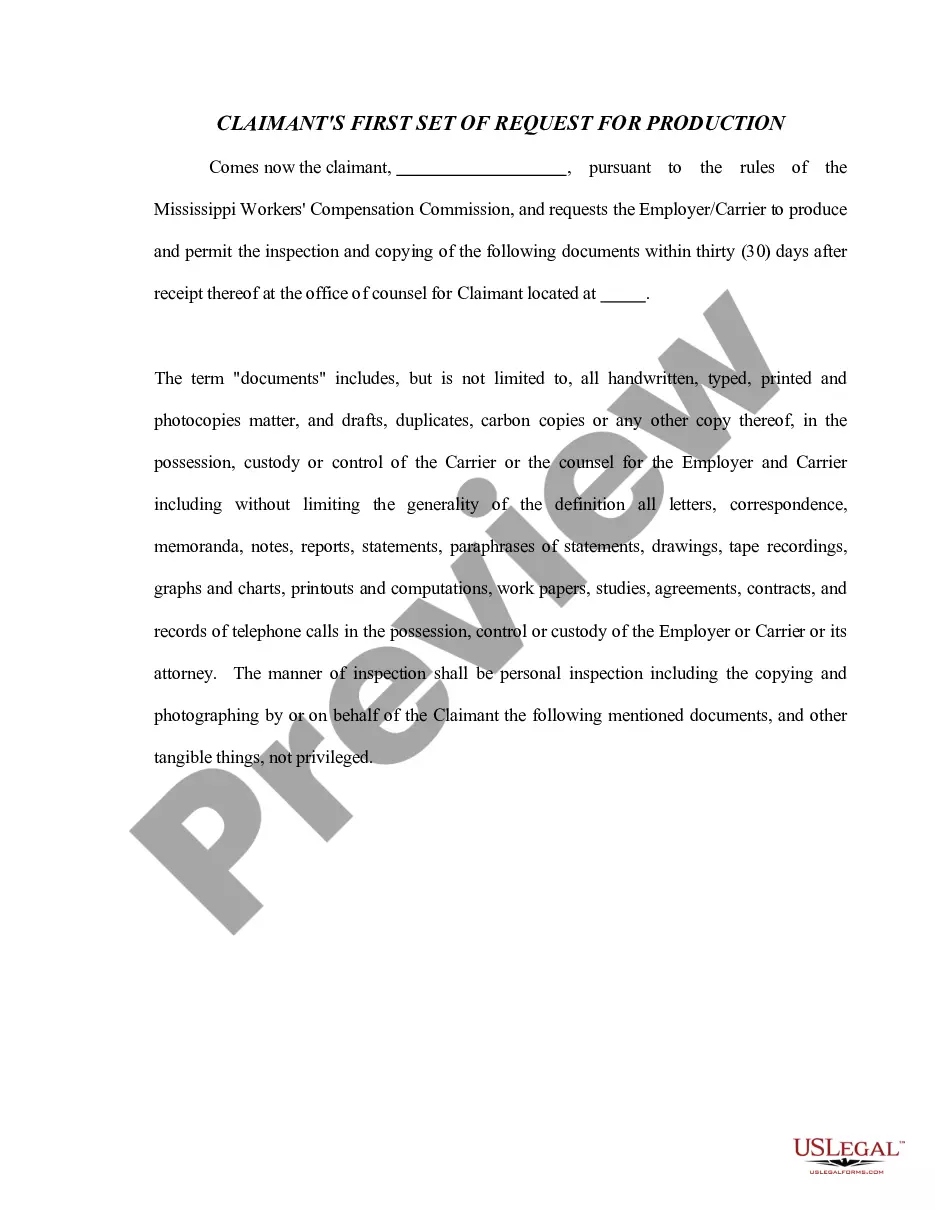
- Document requests: Specific requests made by the claimant for various types of documents.
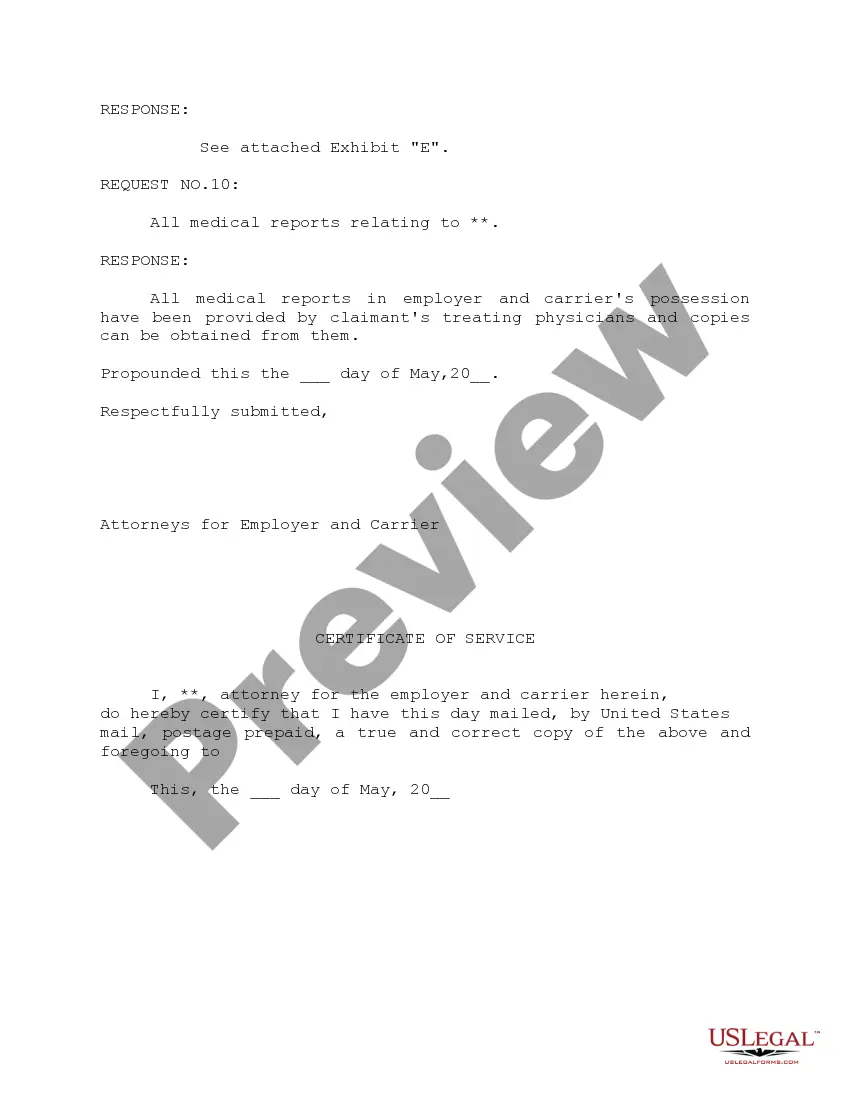
- Responses: Detailed answers provided by the employer and carrier to each request, including objections when applicable.
- Exhibits: Copies of relevant documents attached to support the responses given.
- Certification of service: Confirmation that copies of the responses have been sent to all relevant parties.
Situations where this form applies
This form should be used when an employer or insurance carrier receives a request from a claimant for the production of documents relevant to a workers' compensation claim. It is particularly important in legal proceedings to ensure that all necessary information is disclosed, and to address specific requests regarding documents like job descriptions, injury reports, and personnel files.
Who can use this document
This form is intended for:
- Employers involved in workers' compensation claims.
- Insurance carriers responding to claims made by injured employees.
- Legal representatives acting on behalf of either employers or carriers in response to a claimant's document requests.
How to complete this form
- Identify the parties involved, providing their names and contact details.
- Review each request listed by the claimant and determine the relevant documents to provide.
- Draft clear and concise responses for each request, indicating whether documents are being provided or if an objection is being raised.
- Attach any necessary exhibits that support your responses, ensuring they are labeled correctly.
- Complete the certification of service to confirm that copies have been sent to all parties involved.
Notarization requirements for this form
This form does not typically require notarization unless specified by local law. Always check local regulations to ensure compliance and consider consulting with a legal professional if uncertain.
Get your form ready online
Our built-in tools help you complete, sign, share, and store your documents in one place.
Make edits, fill in missing information, and update formatting in US Legal Forms—just like you would in MS Word.
Download a copy, print it, send it by email, or mail it via USPS—whatever works best for your next step.
Sign and collect signatures with our SignNow integration. Send to multiple recipients, set reminders, and more. Go Premium to unlock E-Sign.
If this form requires notarization, complete it online through a secure video call—no need to meet a notary in person or wait for an appointment.
We protect your documents and personal data by following strict security and privacy standards.

Make edits, fill in missing information, and update formatting in US Legal Forms—just like you would in MS Word.

Download a copy, print it, send it by email, or mail it via USPS—whatever works best for your next step.

Sign and collect signatures with our SignNow integration. Send to multiple recipients, set reminders, and more. Go Premium to unlock E-Sign.

If this form requires notarization, complete it online through a secure video call—no need to meet a notary in person or wait for an appointment.

We protect your documents and personal data by following strict security and privacy standards.
Avoid these common issues
- Failing to respond to all requests, which could lead to legal penalties.
- Not attaching supporting documents or exhibits as referenced in responses.
- Providing vague or incomplete responses to the claimant's requests.
- Missing the deadline for submitting the responses, which can affect the proceedings.
Benefits of using this form online
- Instant access to the form whenever needed, saving time and effort.
- Easy to fill out and edit, allowing for customization based on specific case requirements.
- Reliable templates drafted by licensed attorneys, ensuring legal compliance.
- Convenience of downloading in multiple formats for flexibility in use.
Looking for another form?

Form popularity
FAQ
LLC registrants are required to complete and submit a Certificate of Formation with the Secretary of State. There is a $50 filing fee that is about $50 that must be paid upon submission of the documents. Fees can change, check with the Secretary of State for the most recent fees.
The $300 LLC fee is the same for both the online filing and mail-in filing.Note: The LLC filing fee (the fee to create a Texas LLC) is the same thing as the Certificate of Formation fee. The Certificate of Formation is the document, that once approved by the Secretary of State's office, creates your Texas LLC.
STEP 1: Name your Mississippi LLC. STEP 2: Choose a Registered Agent in Mississippi. STEP 3: File the Mississippi LLC Certificate of Formation. STEP 4: Create a Mississippi LLC Operating Agreement. STEP 5: Get an EIN.
A Certificate of Existence will serve as proof that your business is in good standing with the Secretary of State and that you've submitted all required renewal documents and payed the requisite filing fees.
Mississippi is a southern state that played a key role in the United States Civil War. It's home to a wide variety of historical monuments and museums. The state is also known for its magnolias, catfish, bluegrass music, and southern charm.
To form the business entity of your choice, please visit the Business Formation and Services home page of the Secretary of State's website at www.sos.ms.gov. You may review a PowerPoint demonstration of our online filing system as a guide for the filing process.
Whether you file by mail or online, you need to create an online account with the Mississippi Secretary of State in order to fill out your Certificate of Formation. You can then print and send by mail, or submit online.