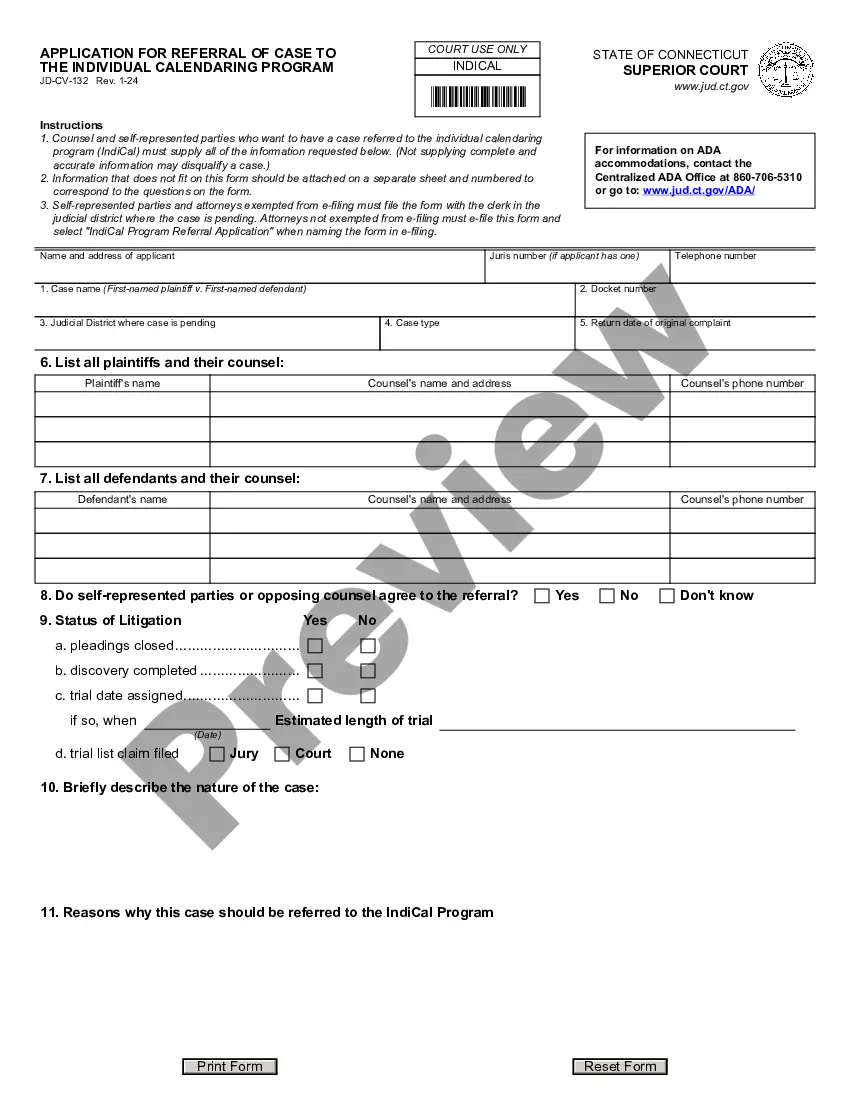
Petition for Approval of Settlement Under Section 71-3-29 of Mississippi Code, Annotated - Affidavit - Order - Release
Overview of this form
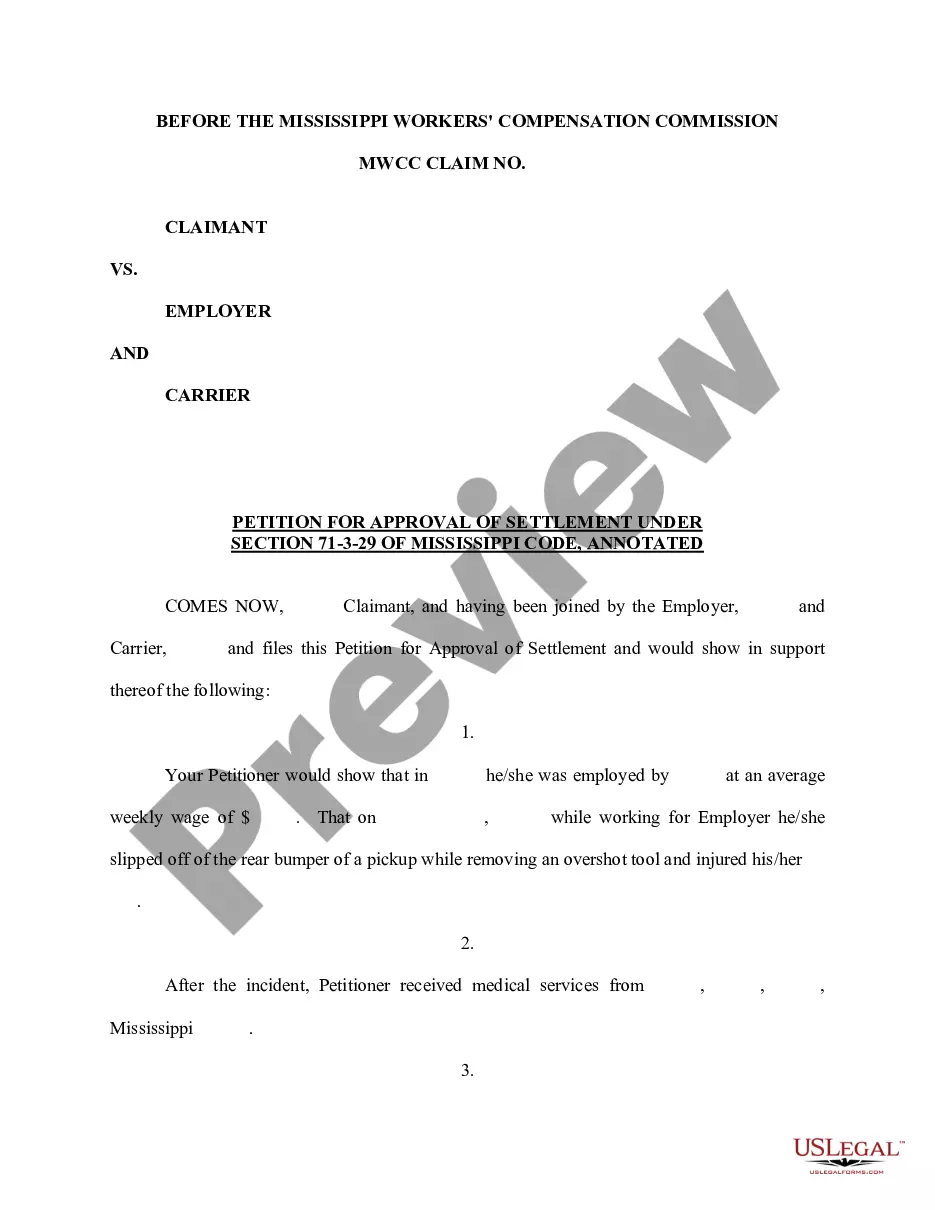
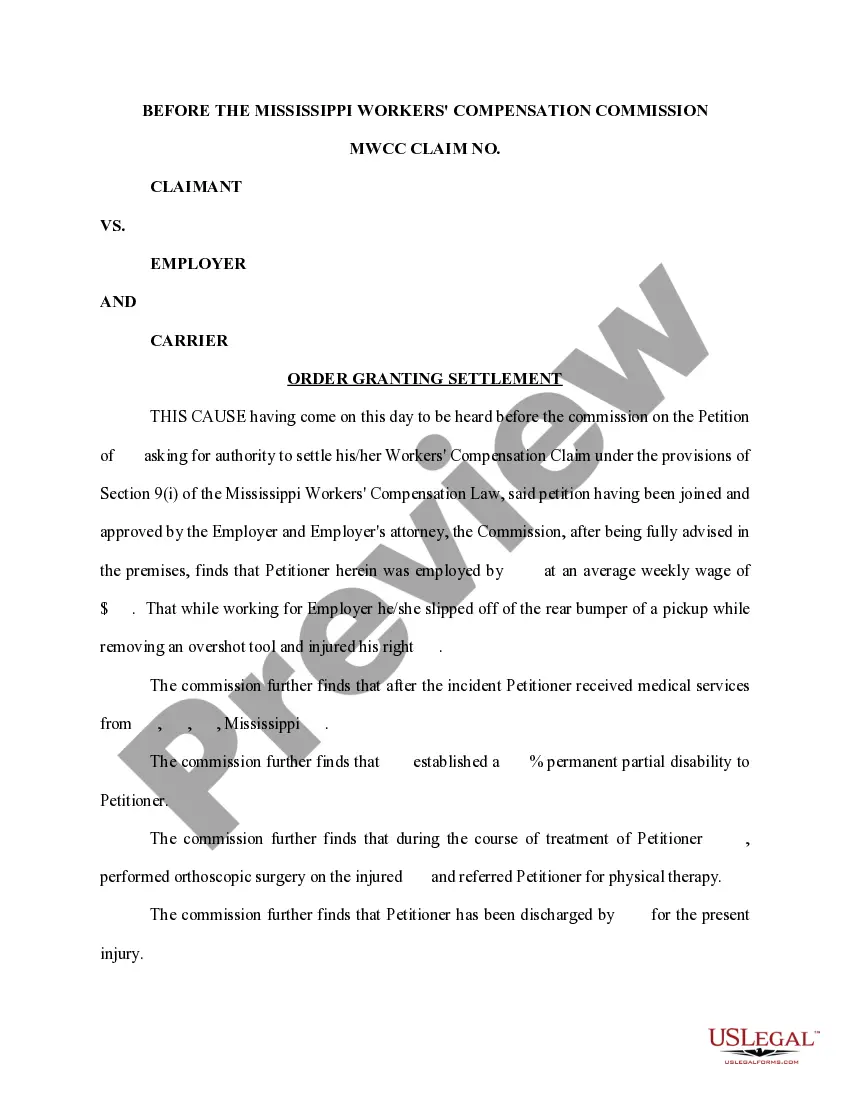
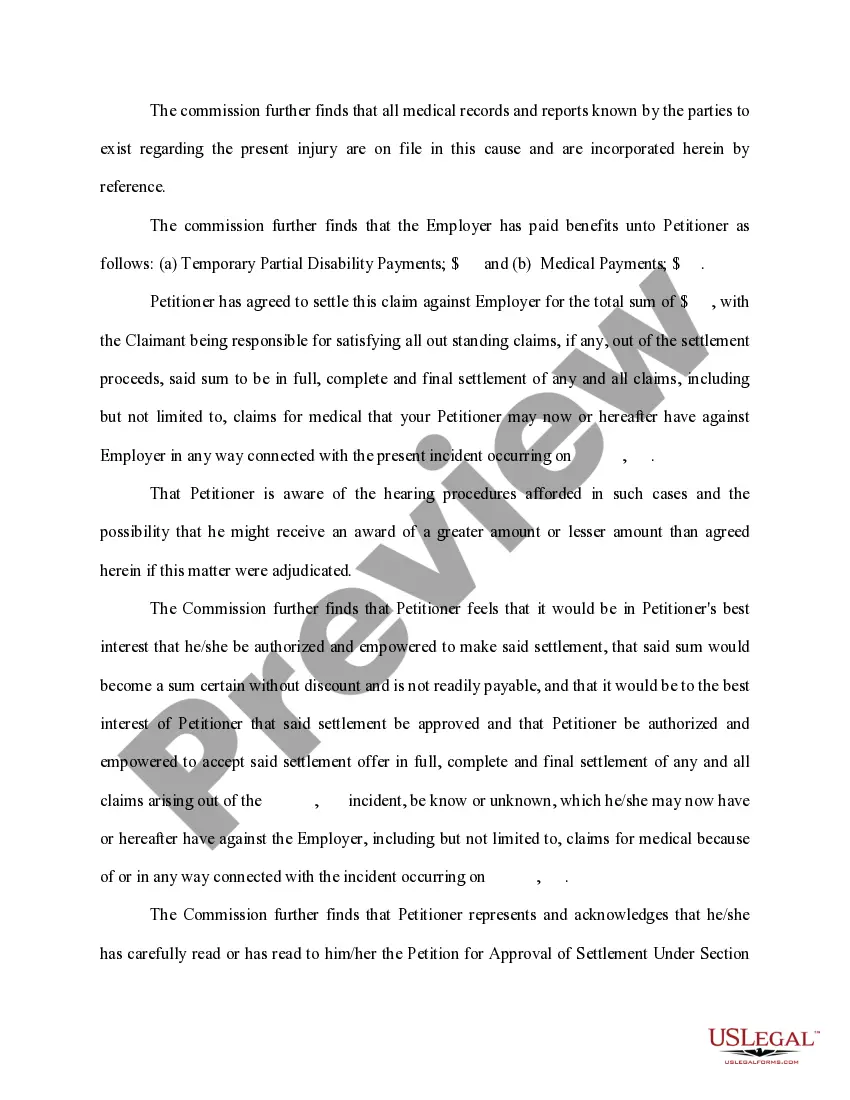
The Petition for Approval of Settlement Under Section 71-3-29 of Mississippi Code, Annotated is a legal document used to request court approval for a settlement in a workers' compensation case. This form allows a petitioner to formalize their agreement on a settlement offer for injuries sustained during employment, ensuring that all parties understand their rights and obligations. It differs from other legal documents by emphasizing the need for court approval of the settlement terms under specific Mississippi law.
What’s included in this form
- Petitioner's details, including name and contact information.
- Information about the employer and the insurance carrier involved.
- Detailed description of the incident leading to the claim.
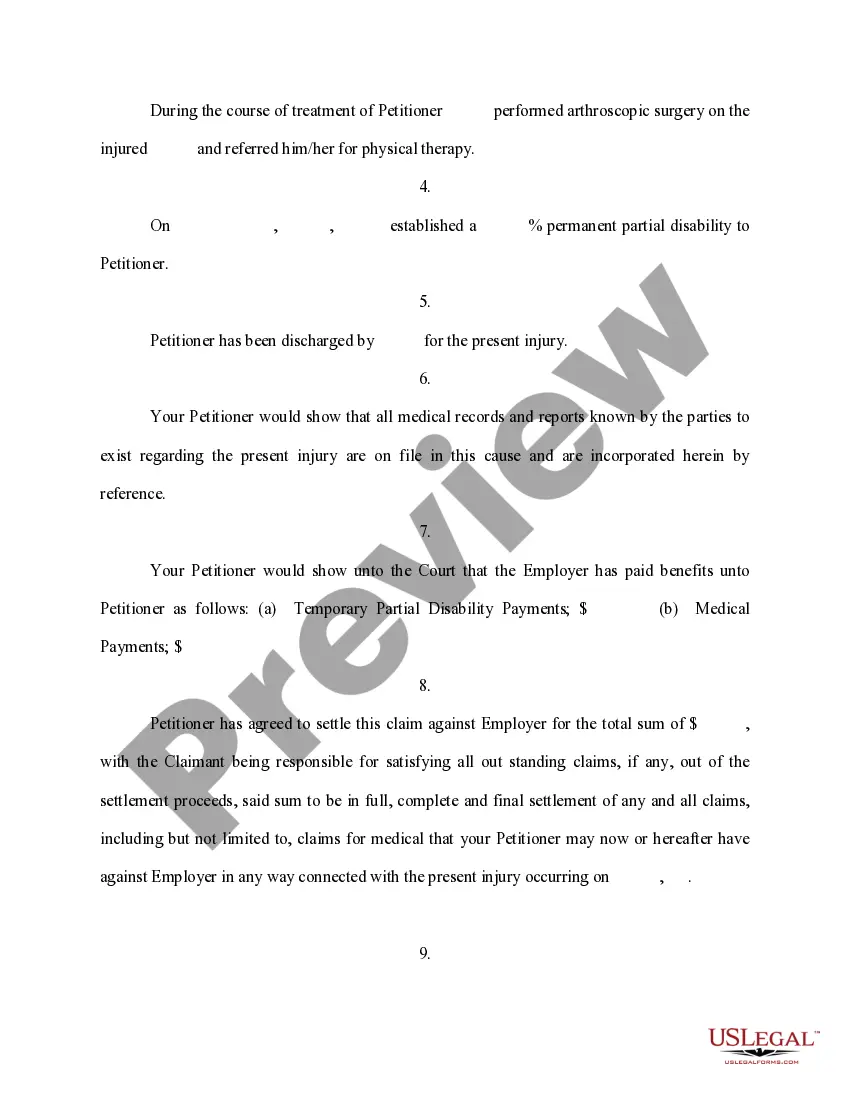
- Medical records and reports related to the injury.
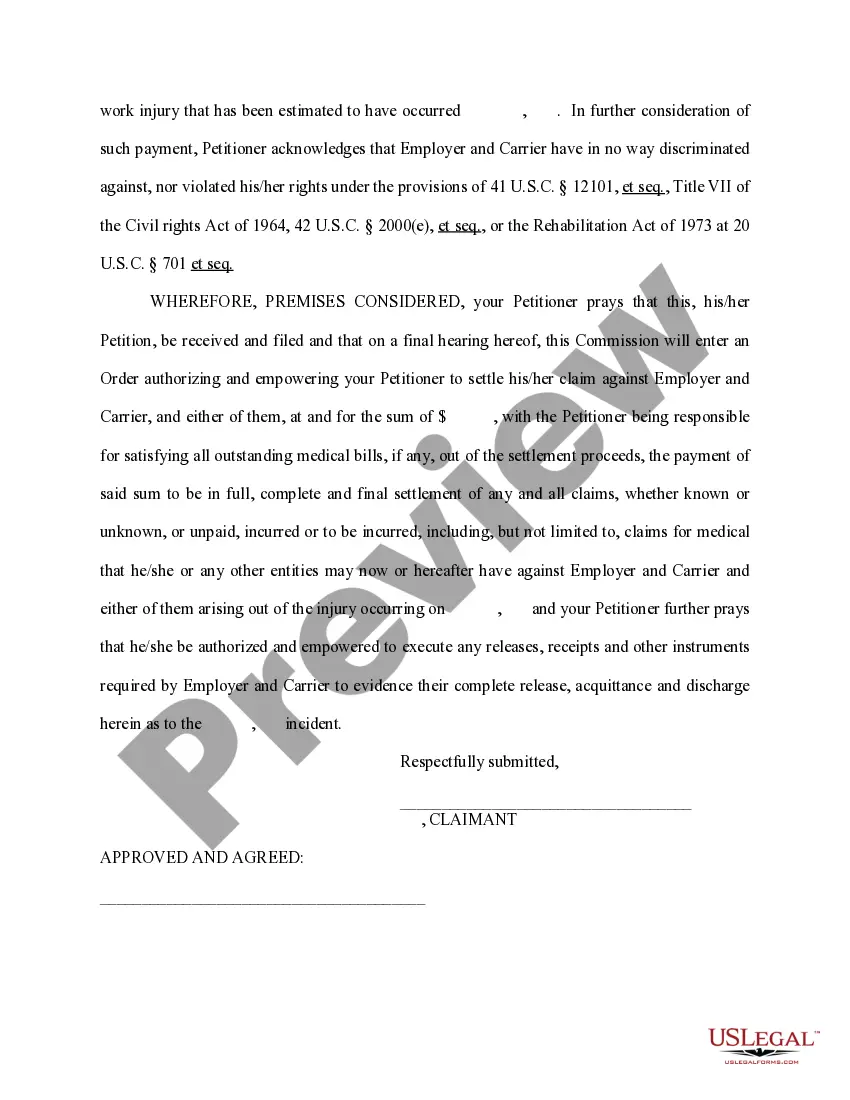
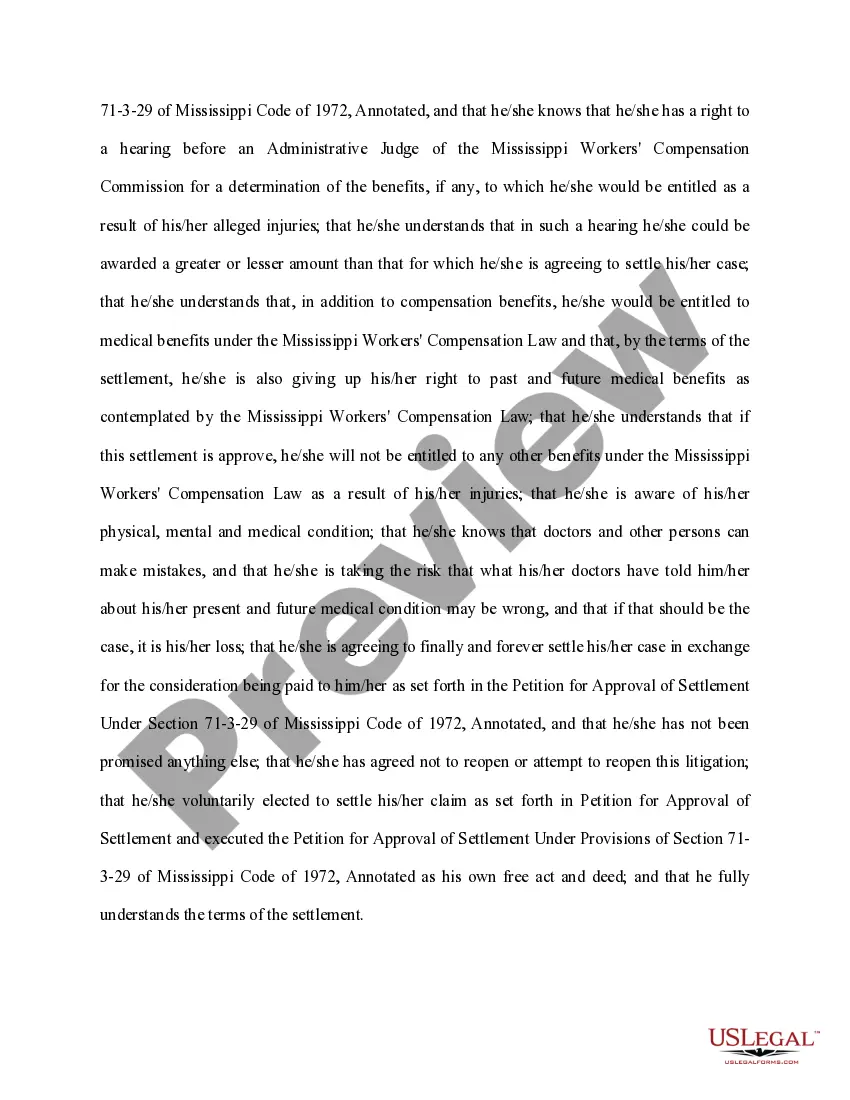
- Statement of agreed settlement amount and acknowledgment of its implications.
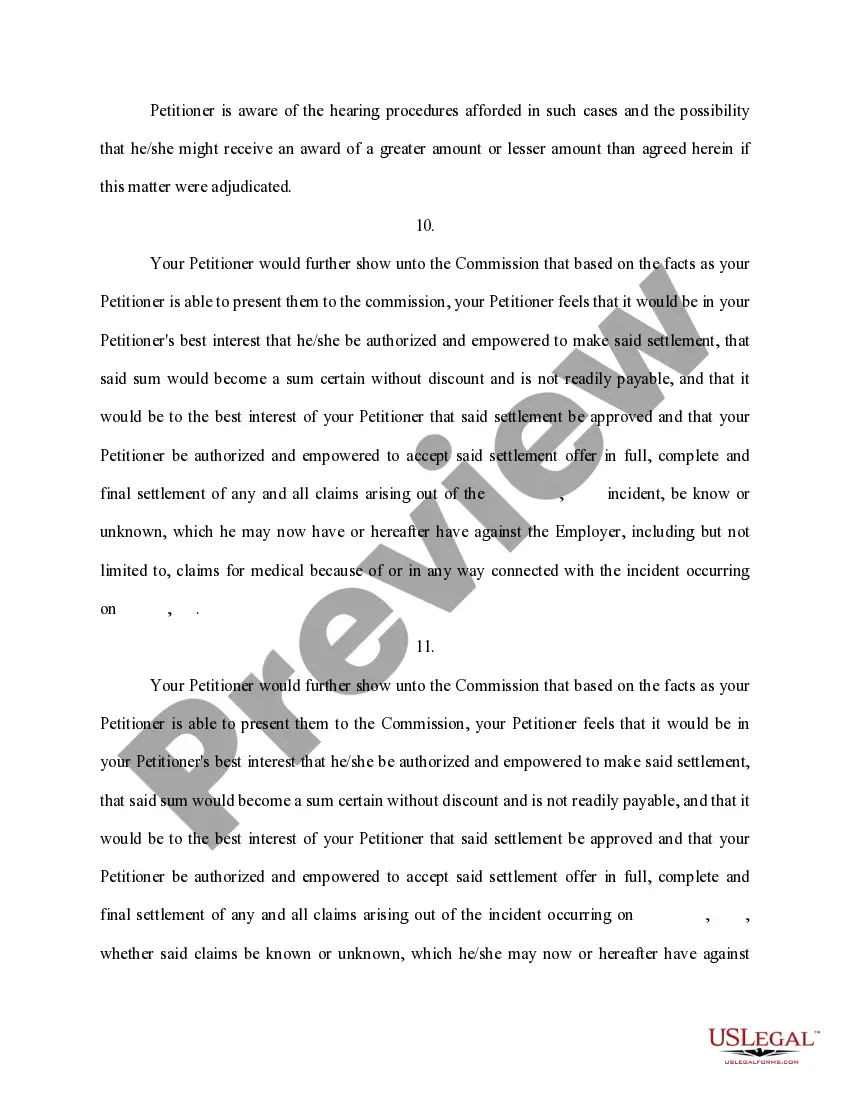
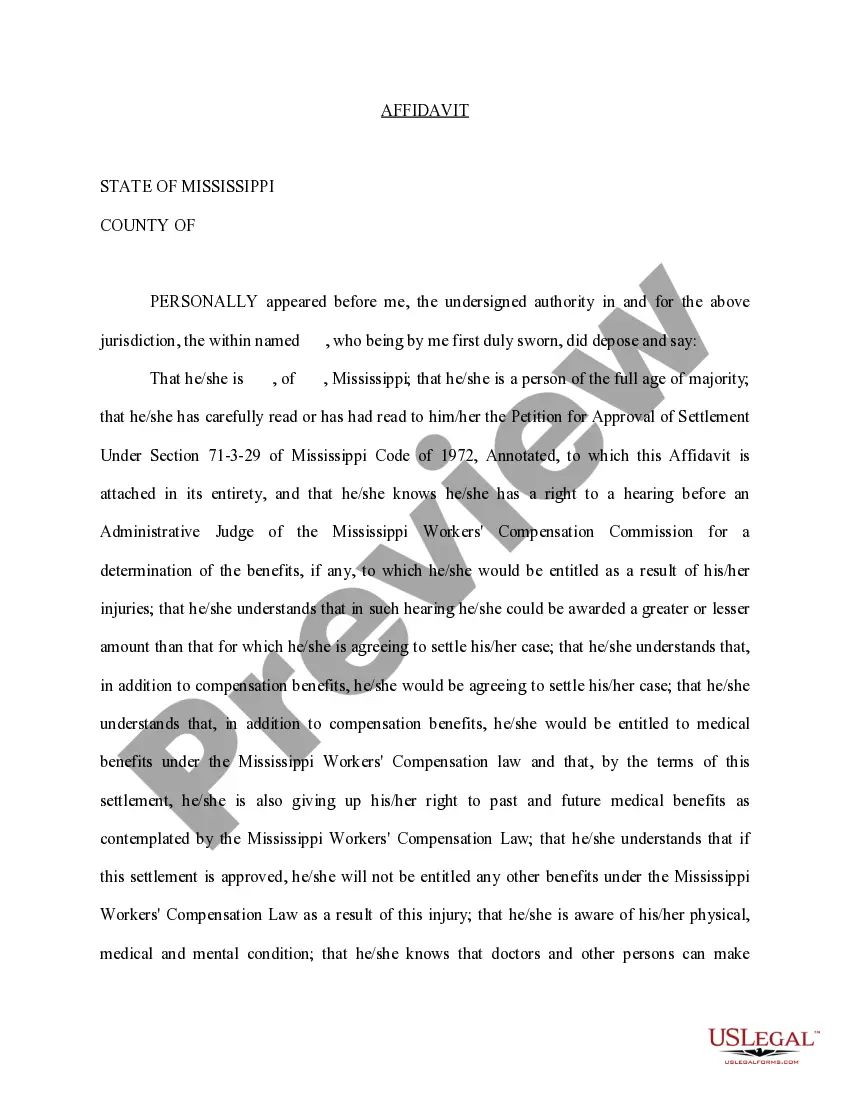
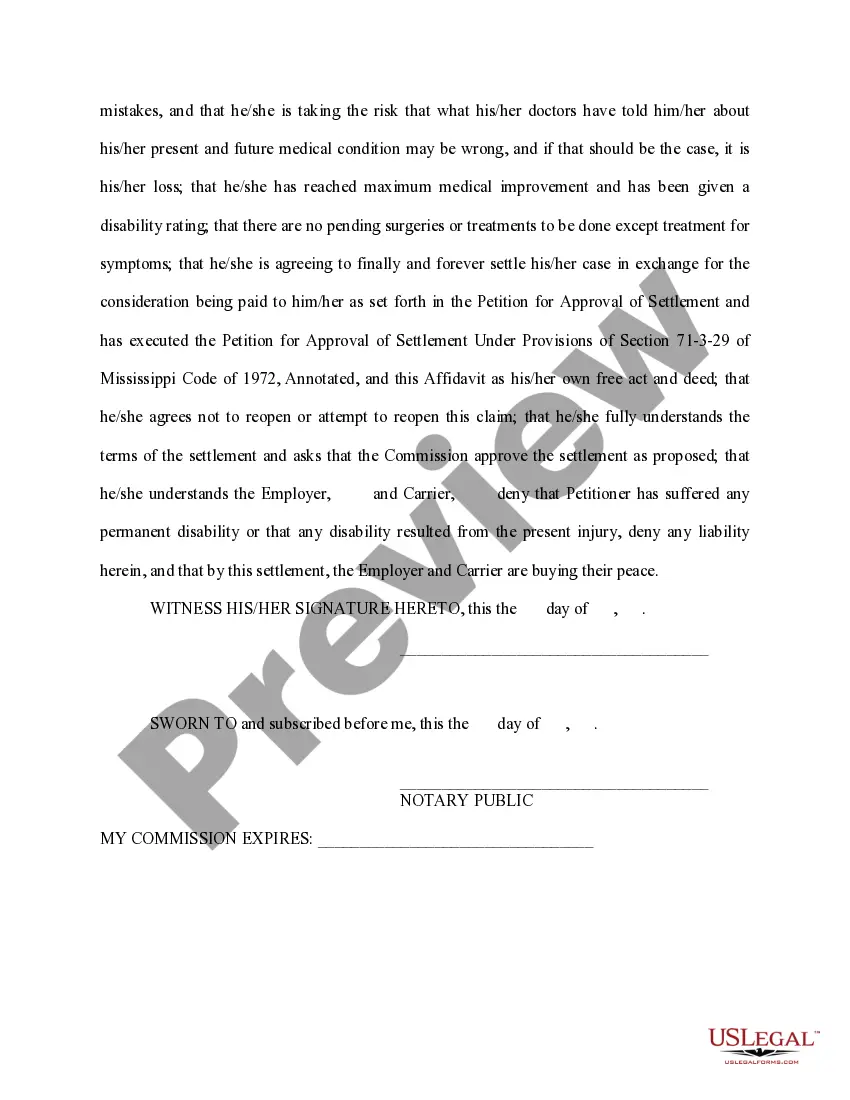
- Affidavit asserting the claimant's understanding of their rights and health condition.
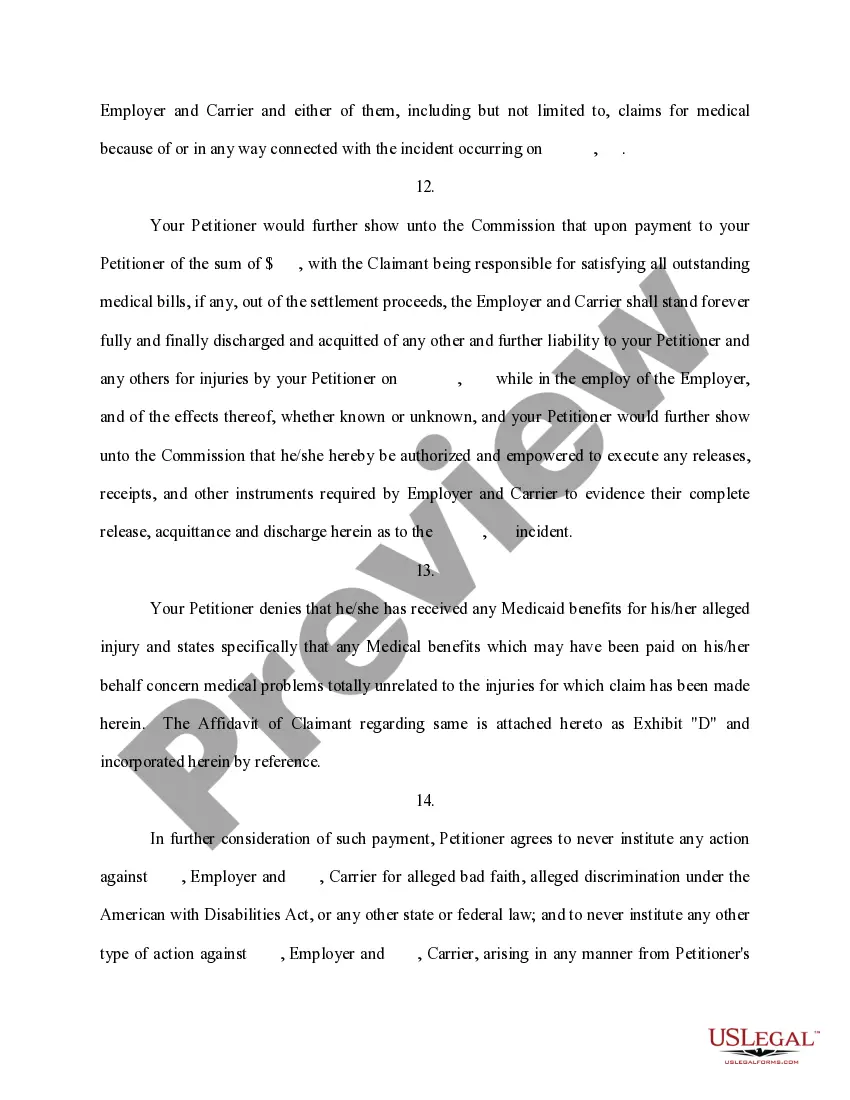
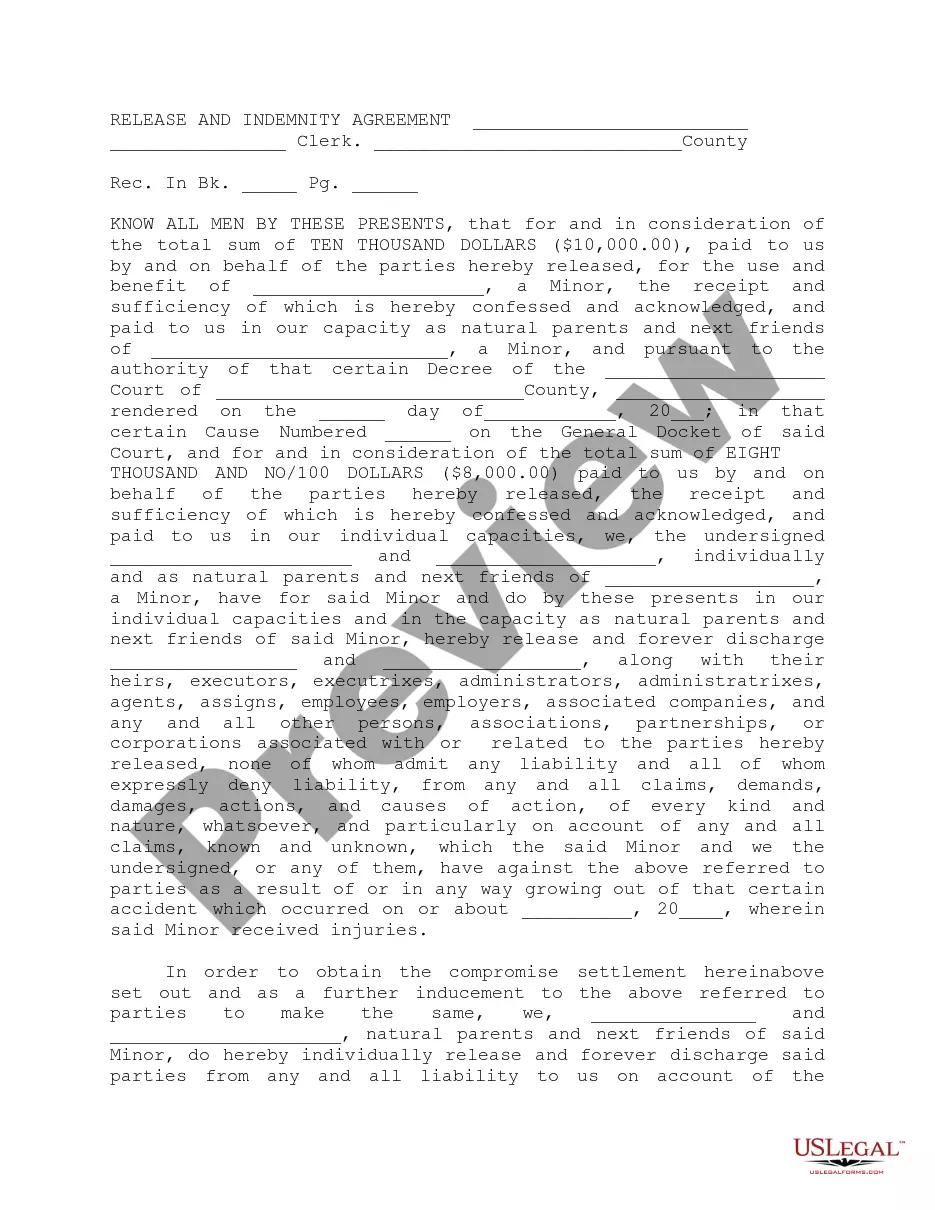
- Release clauses to protect the employer and carrier from any future claims related to the incident.

When to use this form
This form is essential when a worker has reached a settlement with their employer or insurance carrier regarding a workers' compensation claim. It is used when the parties wish to formalize the settlement agreement and seek the approval of the Mississippi Workers Compensation Commission before finalizing the terms, especially in cases involving disputes over the amount of benefits or medical claims related to a workplace injury.
Who should use this form
- Employees who have sustained work-related injuries and have negotiated a settlement.
- Employers and insurance carriers involved in workers' compensation claims who need to formalize agreements.
- Legal representatives who assist clients in navigating settlement approvals in Mississippi.
Completing this form step by step
- Complete the petitioner's information, including name and contact details.
- Provide details about the employer and insurance carrier, including addresses.
- Fill in the date of the incident and a comprehensive description of the injury and medical treatment received.
- Specify the agreed settlement amount and outline any responsibilities for medical bills.
- Sign and date the affidavit affirming your understanding of the terms and conditions of the settlement.
- Submit the completed form to the appropriate offices of the Mississippi Workers Compensation Commission for approval.
Notarization requirements for this form
Yes, this form must be notarized to be legally valid. US Legal Forms provides integrated online notarization with 24/7 availability, secure video calls, and legal equivalence, eliminating the need for in-person travel to a notary.
Get your form ready online
Our built-in tools help you complete, sign, share, and store your documents in one place.
Make edits, fill in missing information, and update formatting in US Legal Forms—just like you would in MS Word.
Download a copy, print it, send it by email, or mail it via USPS—whatever works best for your next step.
Sign and collect signatures with our SignNow integration. Send to multiple recipients, set reminders, and more. Go Premium to unlock E-Sign.
If this form requires notarization, complete it online through a secure video call—no need to meet a notary in person or wait for an appointment.
We protect your documents and personal data by following strict security and privacy standards.

Make edits, fill in missing information, and update formatting in US Legal Forms—just like you would in MS Word.

Download a copy, print it, send it by email, or mail it via USPS—whatever works best for your next step.

Sign and collect signatures with our SignNow integration. Send to multiple recipients, set reminders, and more. Go Premium to unlock E-Sign.

If this form requires notarization, complete it online through a secure video call—no need to meet a notary in person or wait for an appointment.

We protect your documents and personal data by following strict security and privacy standards.
Common mistakes
- Failing to include all necessary medical records and supporting documentation.
- Not clearly stating the details of the incident and the reasons for the settlement.
- Omitting signatures or notarization where required.
- Using outdated or incorrect versions of the form not reflecting current Mississippi laws.
Why use this form online
- Convenient access to the form anytime, allowing for completion at your own pace.
- Editable fields make it easy to personalize the form with accurate information.
- Reliable format ensures compliance with Mississippi legal standards.
Key takeaways
- The form facilitates court approval for a workers' compensation settlement.
- Accuracy and completeness are crucial for avoiding mistakes and ensuring the approval process goes smoothly.
- Notarization is required for the form to be legally binding.
Looking for another form?

Form popularity
FAQ
Download the Visual Studio Code installer for Windows. Once it is downloaded, run the installer (VSCodeUserSetup-{version}.exe). This will only take a minute. By default, VS Code is installed under C:\sers\\{username}\\AppData\\Local\\Programs\\Microsoft VS Code .
It's the most basic text editor and doesn't offer any kind of help whatsoever. The main advantage of using it is that it forces you to memorize language syntax and do your own indentation. Once you get comfortable writing code, upgrading to a better text editor such as NotePad++ is the next logical step.
You just need to add debug point in front of the line number by mouse click. It will add the redpoint there. Then you can go to Debug menu->Start debugging it will launch the browser and your JS code will run in debug mode. Hope this answers your query.
Download and install VS Code. Create a new file. See an overview of the user interface. Install support for your favorite programming language. Change your keyboard shortcuts and easily migrate from other editors using keybinding extensions. Customize your editor with themes.
Download and install VS Code. Create a new file. See an overview of the user interface. Install support for your favorite programming language. Change your keyboard shortcuts and easily migrate from other editors using keybinding extensions. Customize your editor with themes.
Download and install VS Code. Create a new file. See an overview of the user interface. Install support for your favorite programming language. Change your keyboard shortcuts and easily migrate from other editors using keymap extensions. Customize your editor with themes.
Visual Studio Code is a streamlined code editor with support for development operations like debugging, task running, and version control. It aims to provide just the tools a developer needs for a quick code-build-debug cycle and leaves more complex workflows to fuller featured IDEs, such as Visual Studio IDE.
To run code: use shortcut Ctrl+Alt+N. or press F1 and then select/type Run Code , or right click the Text Editor and then click Run Code in editor context menu.
Download the Visual Studio Code installer for Windows. Once it is downloaded, run the installer (VSCodeUserSetup-{version}.exe). This will only take a minute. By default, VS Code is installed under C:\sers\\{username}\\AppData\\Local\\Programs\\Microsoft VS Code .