Mississippi Jury Instruction - Failure to Warn
Understanding this form
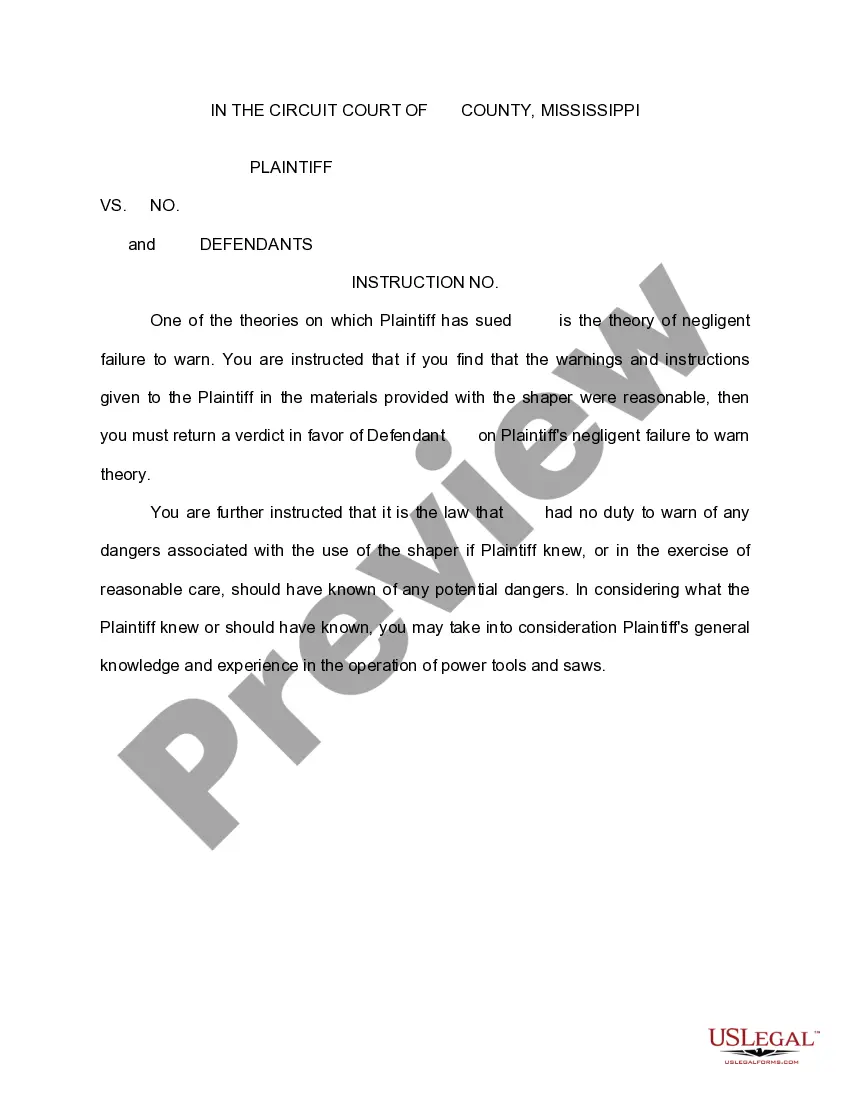
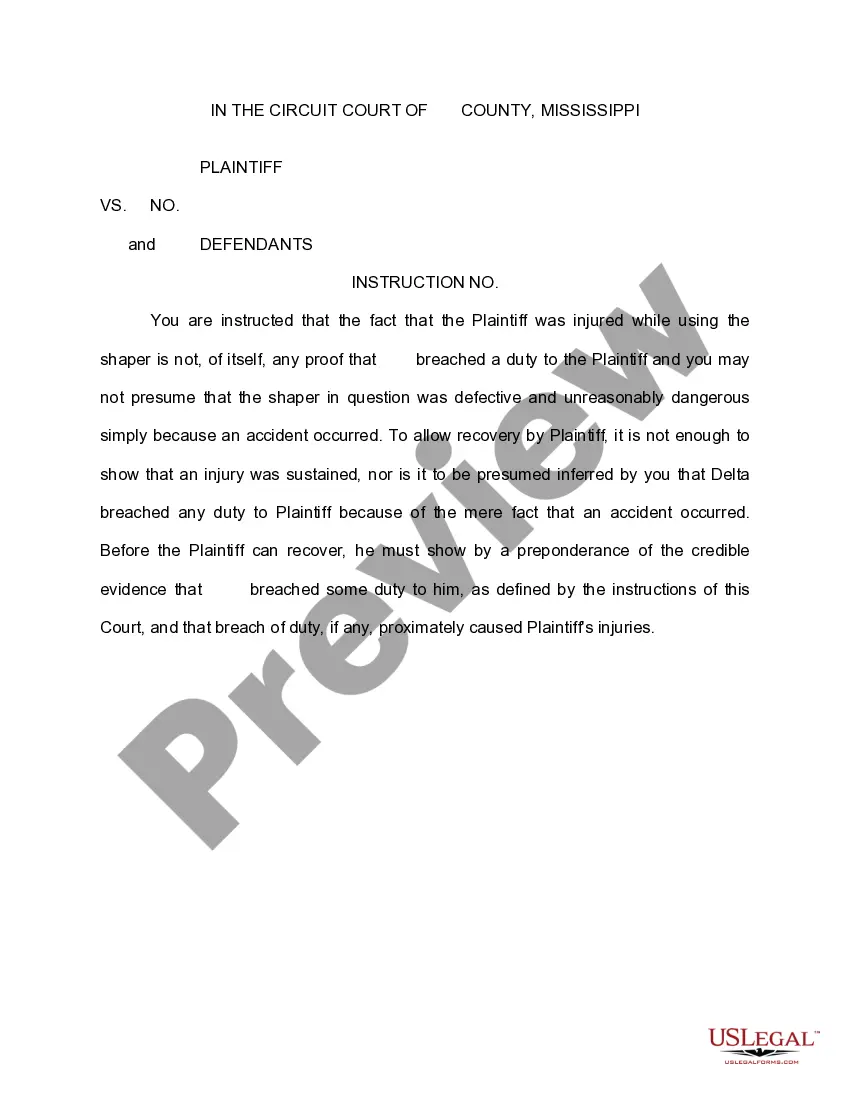
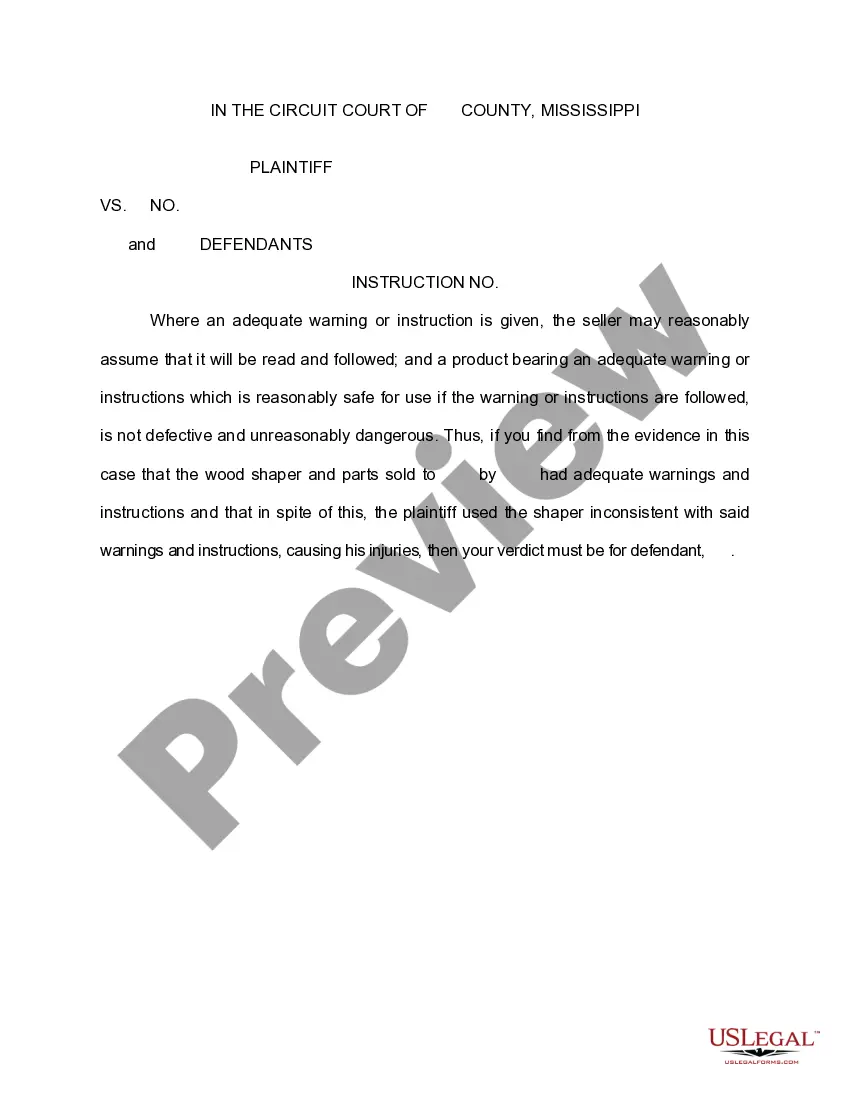
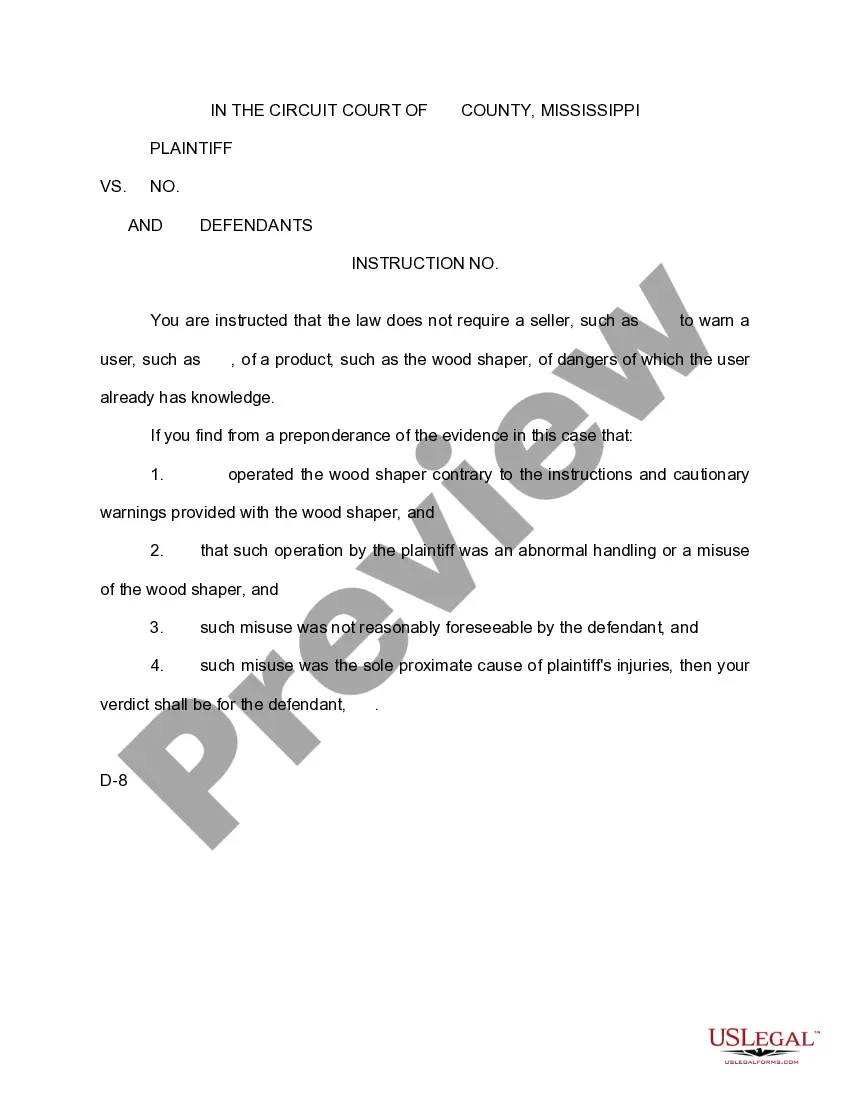
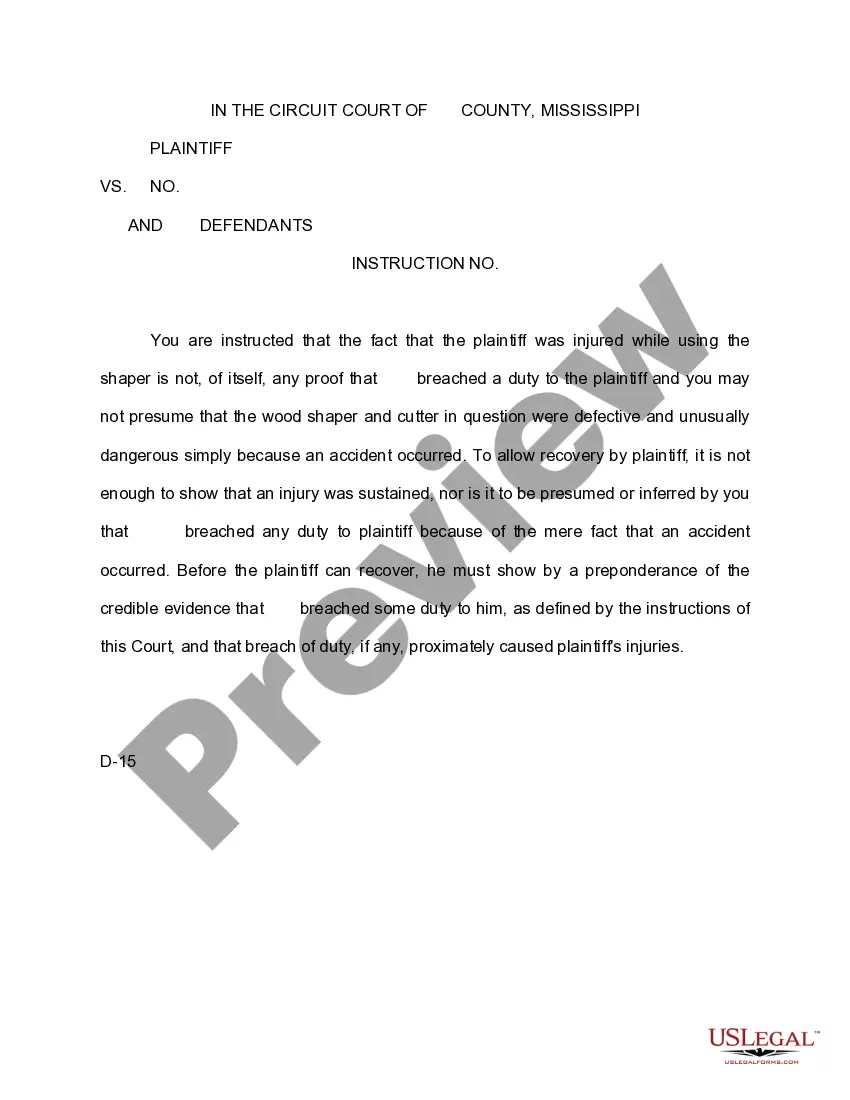
The Jury Instruction - Failure to Warn is a legal document used in Mississippi courts. It serves as a guideline for jurors in cases where the plaintiff claims that the defendant failed to provide adequate warnings regarding potential dangers. This instruction clarifies the legal responsibilities of the defendant and helps jurors assess whether the defendant acted negligently in warning the plaintiff about risks associated with the use of their product or service. It's important to note that this form is specific to jury instructions and is not meant to replace other legal documents related to negligence claims.
Form components explained
- Identification of the parties involved in the case.
- A statement on the theory of negligent failure to warn.
- Instructions regarding the evaluation of warnings provided to the plaintiff.
- Clarification on the defendant's duty to warn based on the plaintiff's knowledge.
- Consideration of the plaintiff's experience with power tools and related knowledge.
When to use this form
This form is used during a trial when the jury is asked to evaluate whether a defendant was negligent in failing to warn a plaintiff about the dangers of a product. It is typically relevant in cases involving accidents or injuries related to the use of machinery or tools where appropriate warnings were not provided. This form is essential for ensuring that jurors understand their role in determining liability based on the evidence presented.
Who can use this document
- Judges presiding over civil cases involving negligence claims.
- Attorneys representing plaintiffs or defendants in such cases.
- Jurors tasked with evaluating the specifics of a negligence claim regarding failure to warn.
Instructions for completing this form
- Identify the parties involved by filling in the names of the plaintiff and defendants at the top of the form.
- Include the case number as assigned by the court to ensure accurate documentation.
- Clearly state the theory of negligent failure to warn as it pertains to the case at hand.
- Provide specific guidance on evaluating the warnings given to the plaintiff during the trial.
- Detail the legal standards for a defendant's duty to warn based on what the plaintiff knew or should have known.
Notarization requirements for this form
In most cases, this form does not require notarization. However, some jurisdictions or signing circumstances might. US Legal Forms offers online notarization powered by Notarize, accessible 24/7 for a quick, remote process.
Get your form ready online
Our built-in tools help you complete, sign, share, and store your documents in one place.
Make edits, fill in missing information, and update formatting in US Legal Forms—just like you would in MS Word.
Download a copy, print it, send it by email, or mail it via USPS—whatever works best for your next step.
Sign and collect signatures with our SignNow integration. Send to multiple recipients, set reminders, and more. Go Premium to unlock E-Sign.
If this form requires notarization, complete it online through a secure video call—no need to meet a notary in person or wait for an appointment.
We protect your documents and personal data by following strict security and privacy standards.

Make edits, fill in missing information, and update formatting in US Legal Forms—just like you would in MS Word.

Download a copy, print it, send it by email, or mail it via USPS—whatever works best for your next step.

Sign and collect signatures with our SignNow integration. Send to multiple recipients, set reminders, and more. Go Premium to unlock E-Sign.

If this form requires notarization, complete it online through a secure video call—no need to meet a notary in person or wait for an appointment.

We protect your documents and personal data by following strict security and privacy standards.
Common mistakes to avoid
- Failing to provide clear identification of the parties involved in the case.
- Using outdated language that may not comply with current legal standards.
- Neglecting to consider the plaintiff's prior knowledge or experience with the product.
Benefits of completing this form online
- Convenient access to a downloadable template that can be used immediately in legal proceedings.
- Editable format allows for customization to fit specific case details.
- Reliability from a source that uses legal language reviewed by licensed attorneys.
Legal use & context
- This form is legally binding in Mississippi if properly completed and provided to the jury.
- It reflects established principles of negligence law and serves to guide jurors in their decision-making process.
- Compliance with this jury instruction is crucial for the legal outcome of negligence cases related to product warnings.