Joint Answer of Mississippi State Tax Commission and another party
What this document covers
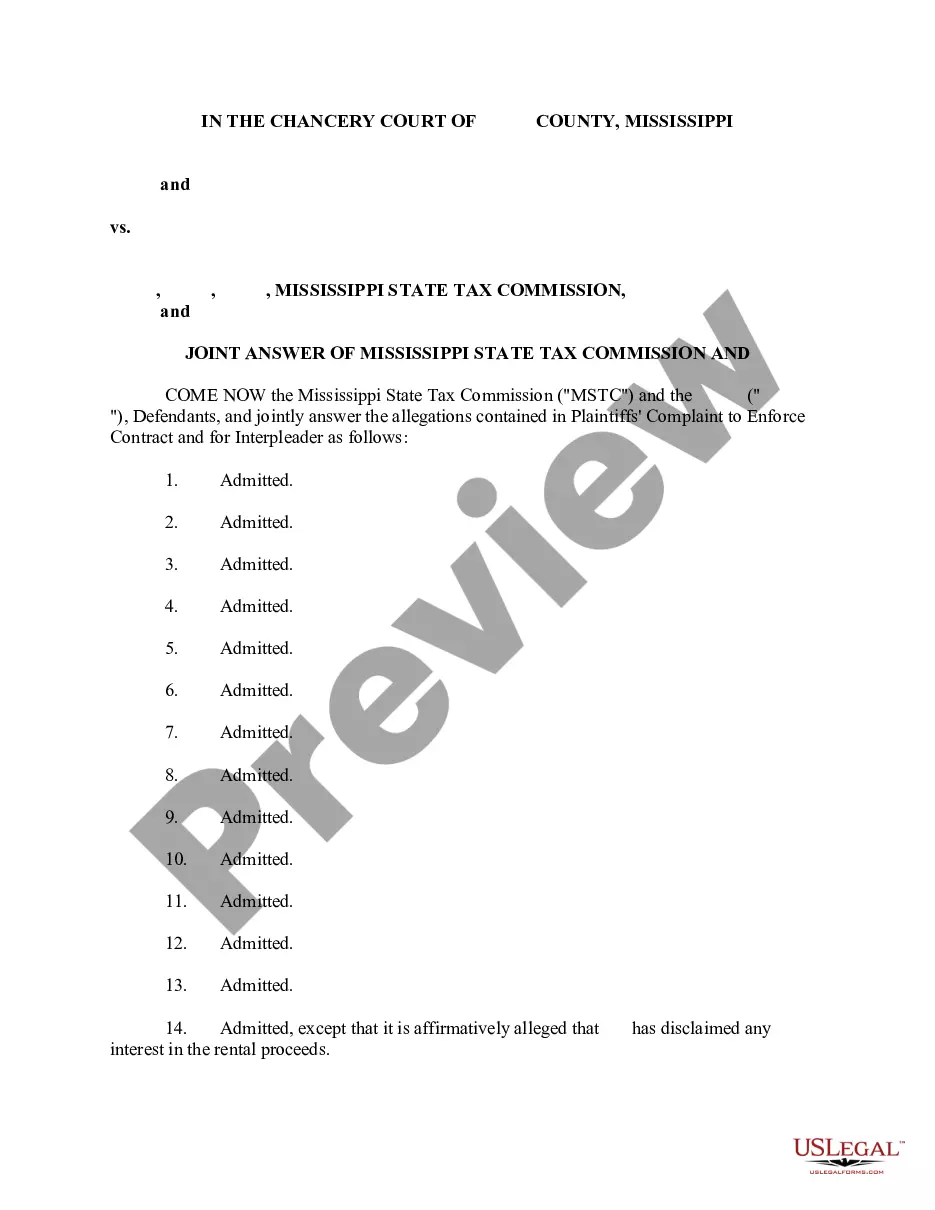
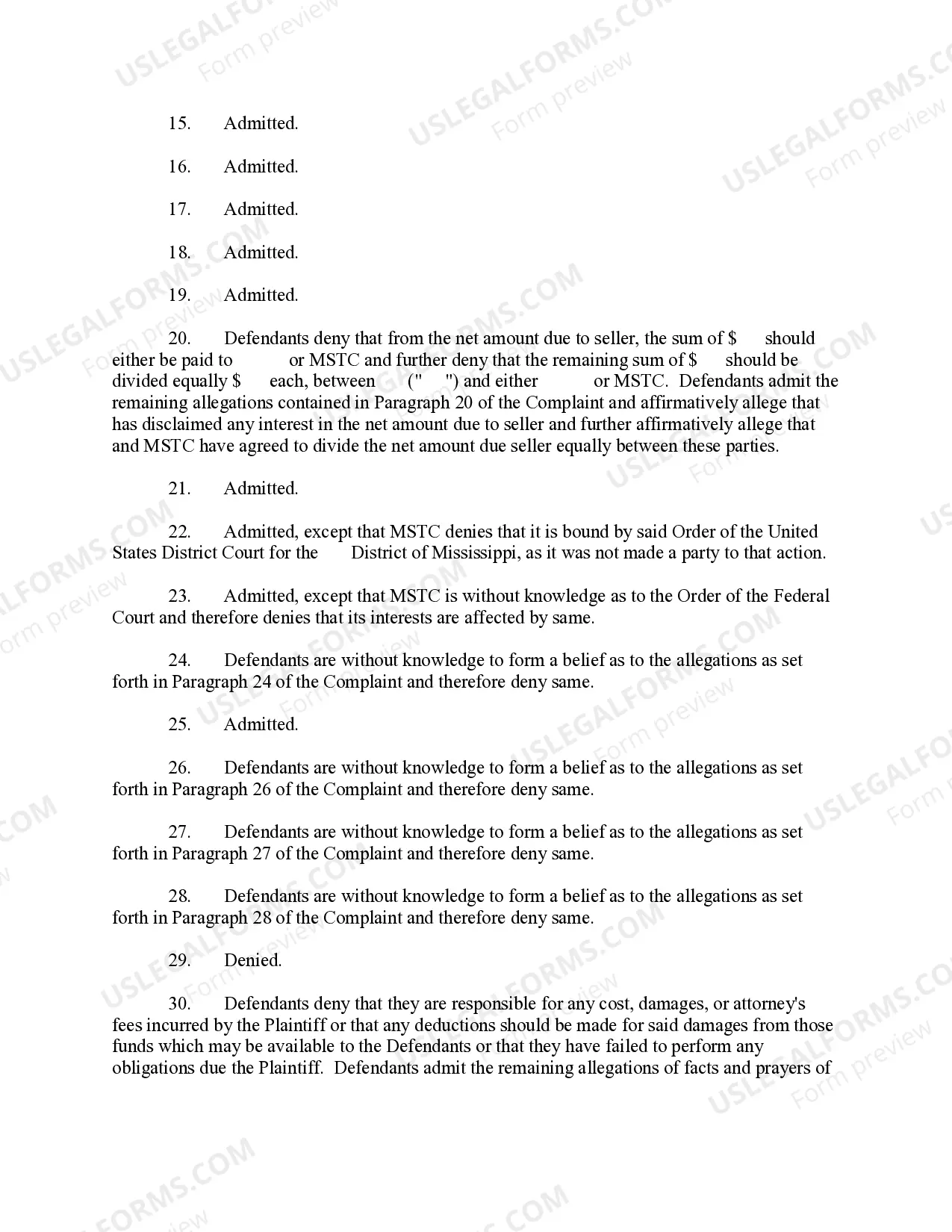
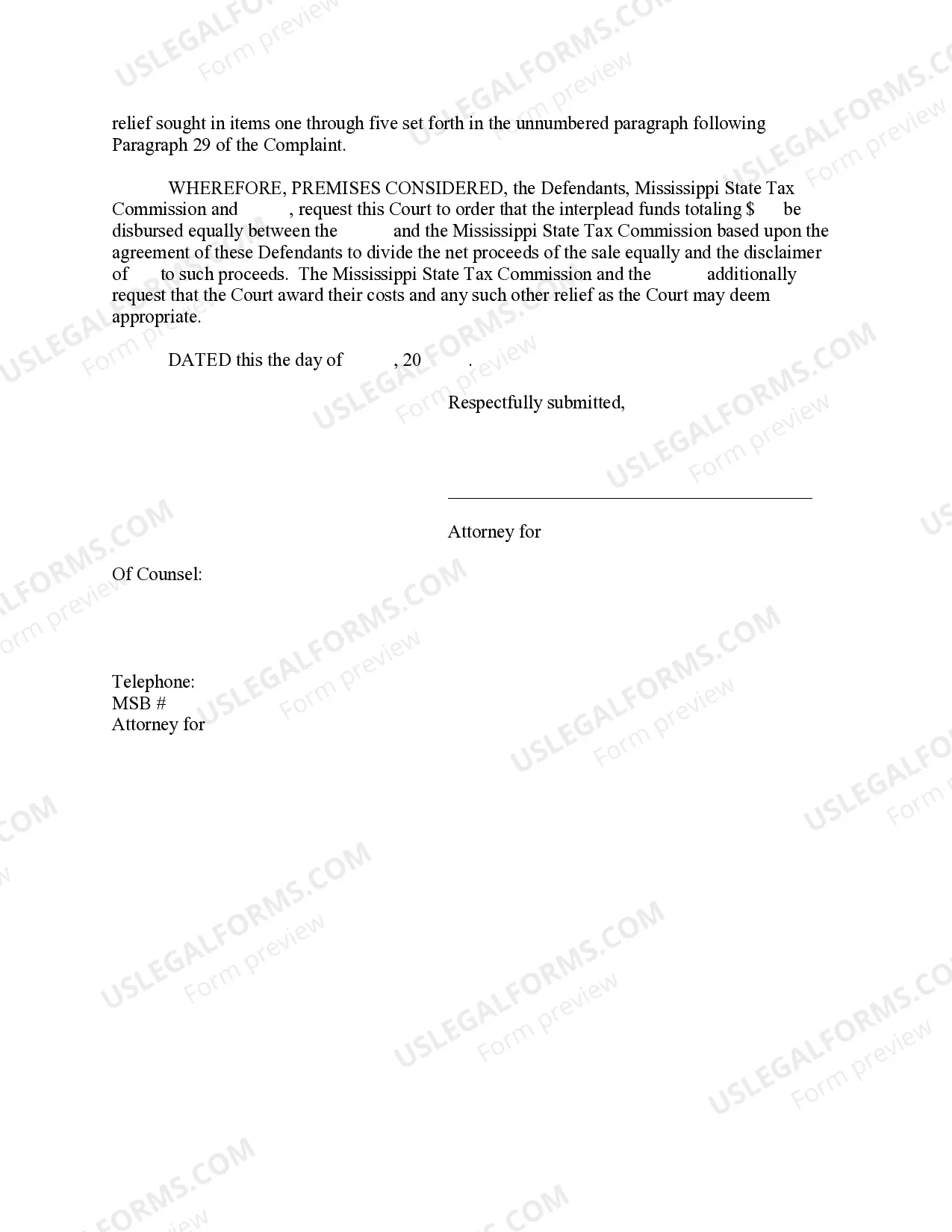
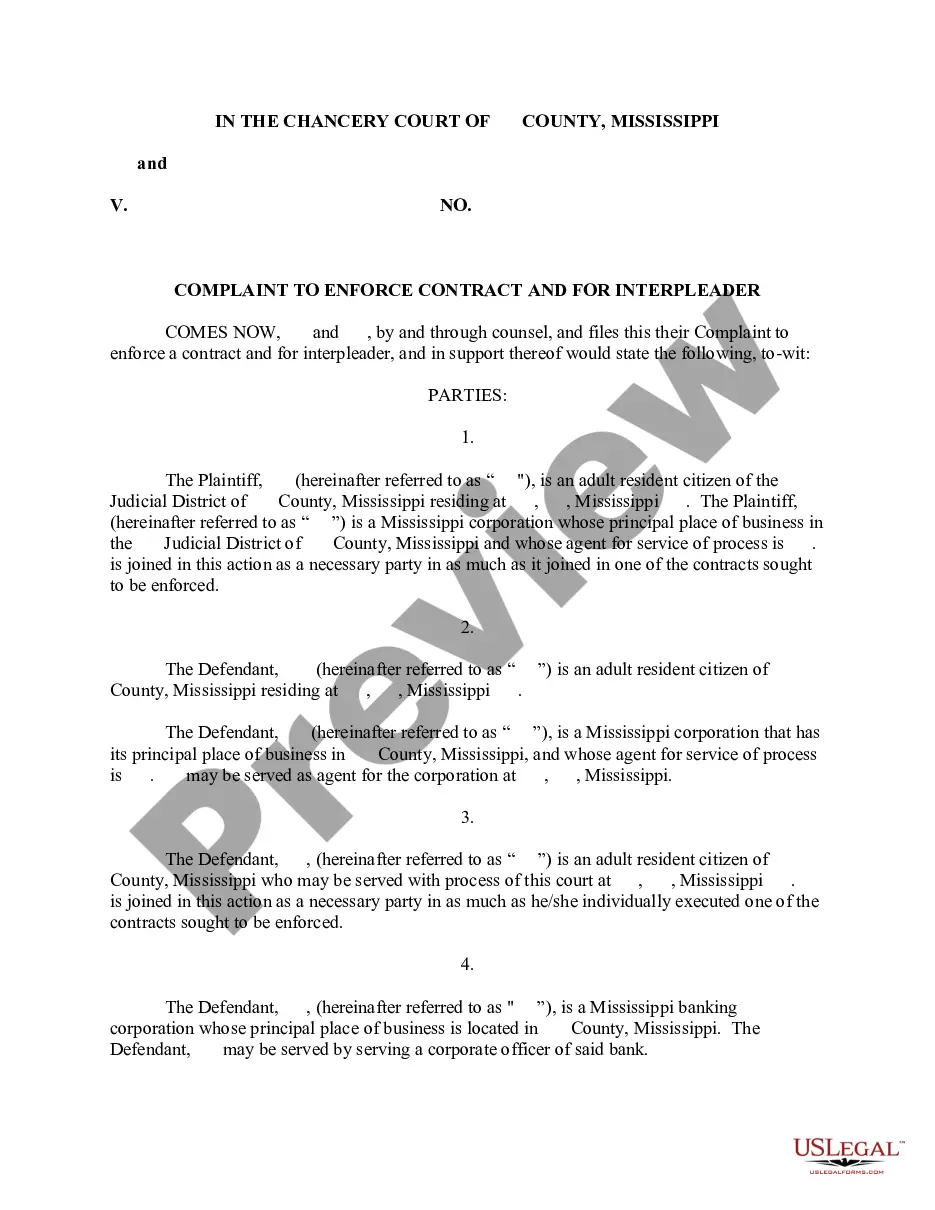
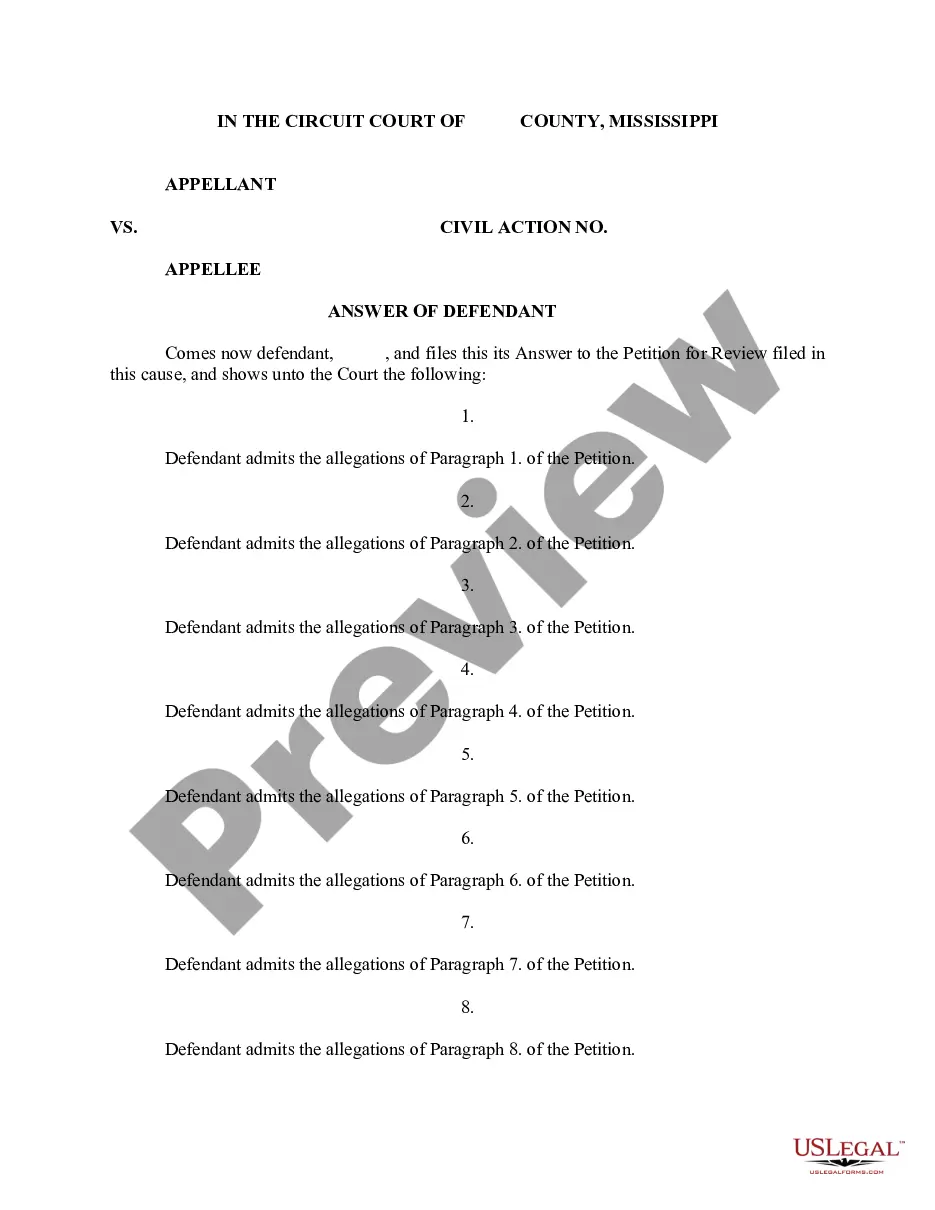
The Joint Answer of Mississippi State Tax Commission and another party is a legal document used in response to a Complaint in lawsuits aimed at enforcing a contract. This Joint Answer includes affirmative defenses and is specifically tailored for situations where multiple defendants, including the Mississippi State Tax Commission, are involved. It serves to clarify the defendants' positions regarding the allegations made by the plaintiff and to address any disputes about the division of funds or responsibilities.
Key components of this form
- Identification of all parties involved in the lawsuit.
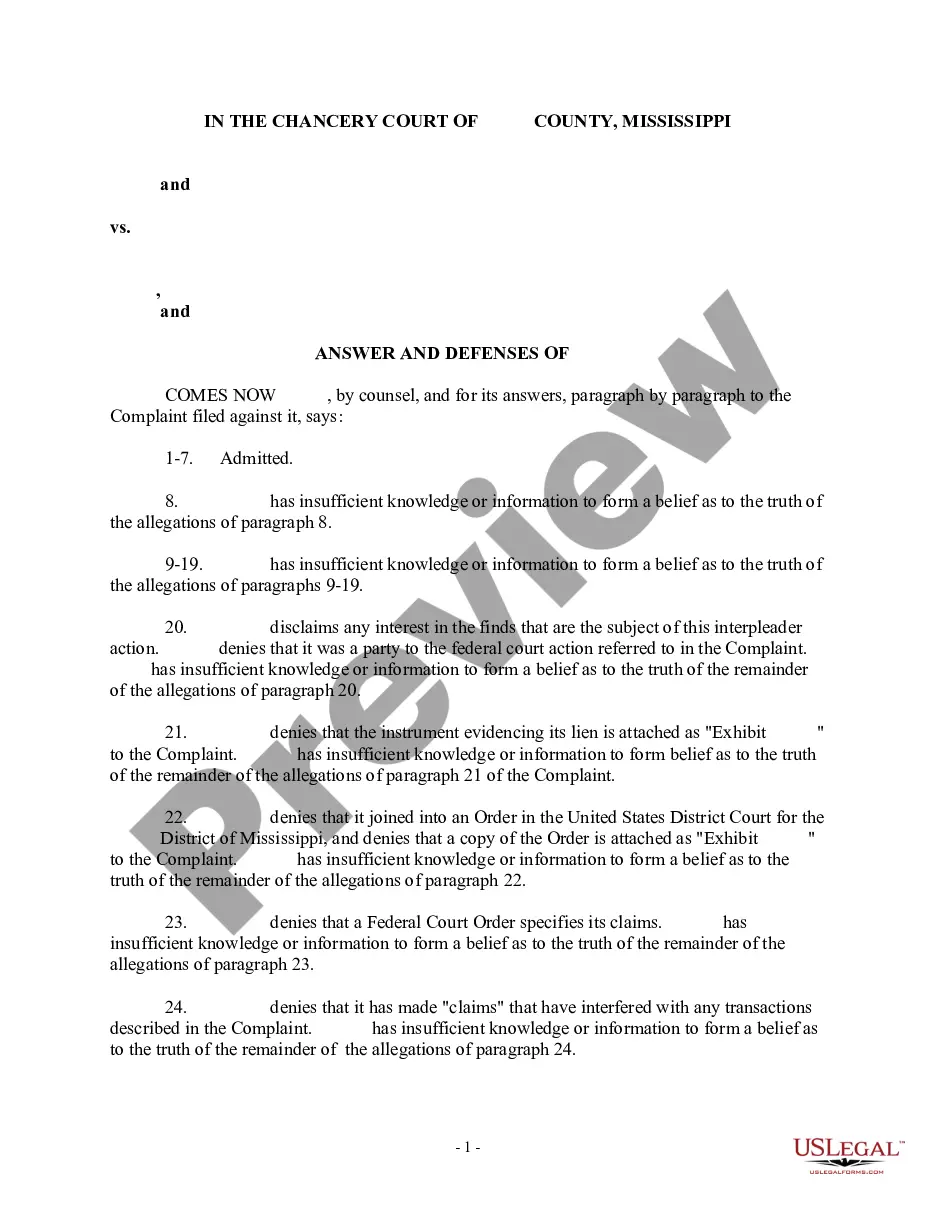
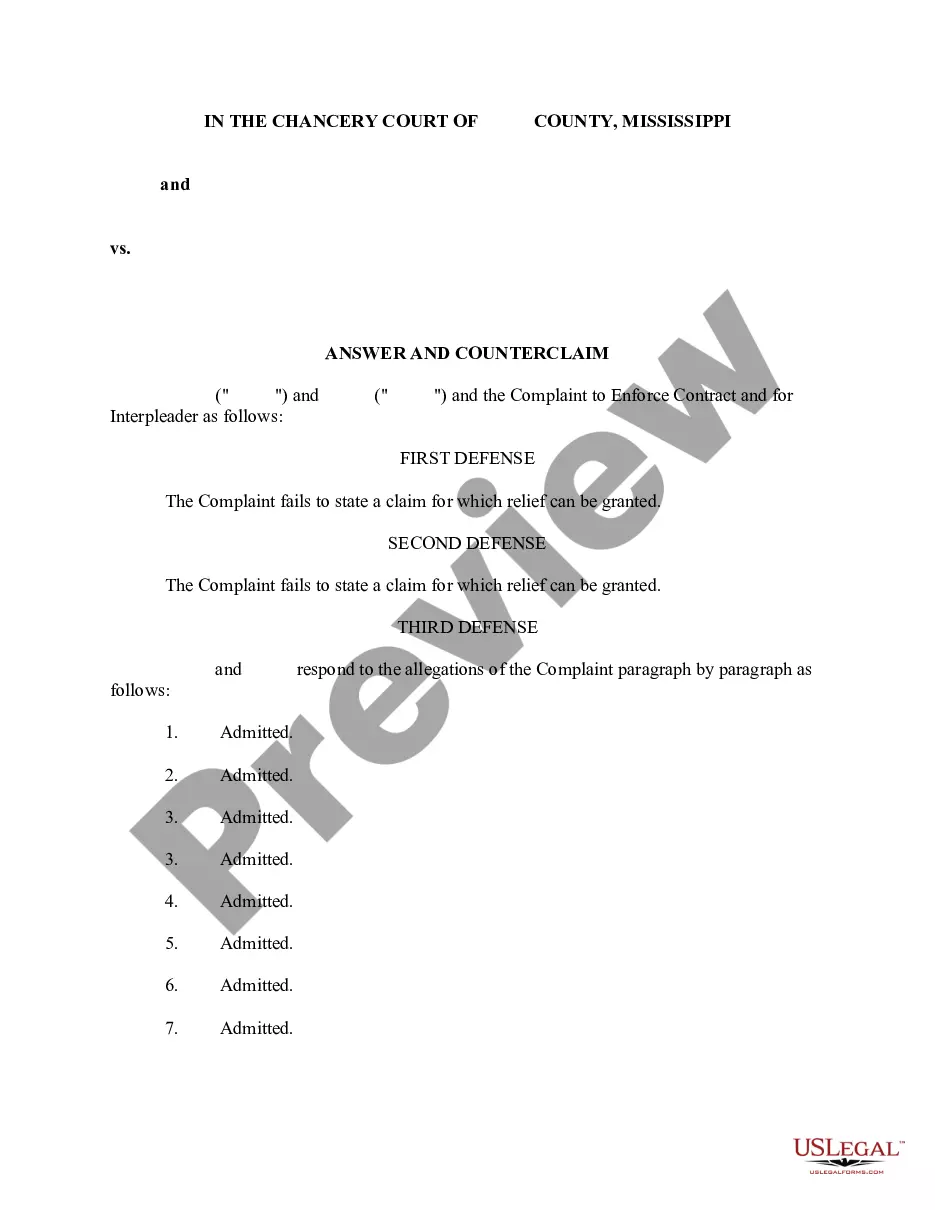
- Admitted allegations where the defendants agree with the plaintiff's claims.
- Denials regarding specific claims made by the plaintiff.
- Affirmative defenses presented by the defendants, explaining their position.
- Request for court directives on the division of funds and cost awards.
When to use this form
This form should be used when responding to a complaint that seeks to enforce a contract, particularly in cases involving disputes that include the Mississippi State Tax Commission and other parties. It is applicable when multiple defendants need to present their answers to the allegations collectively, ensuring clarity in their positions as well as any agreed-upon arrangements regarding contested funds.
Who should use this form
- Defendants, including individuals or entities involved in a lawsuit with the Mississippi State Tax Commission.
- Attorneys representing parties in cases related to contract enforcement and interpleader actions.
- Parties seeking a clear and formal response to allegations made in a legal complaint.
How to prepare this document
- Identify and list all parties involved in the dispute at the beginning of the document.
- Enter any admissions regarding the allegations made in the plaintiff's complaint.
- Clearly state any denials related to specific claims, providing explanations where necessary.
- Detail any affirmative defenses that support the defendants' case.
- Include a request for the court regarding the disbursement of funds and the awarding of costs to ensure a complete response.
Notarization guidance
In most cases, this form does not require notarization. However, some jurisdictions or signing circumstances might. US Legal Forms offers online notarization powered by Notarize, accessible 24/7 for a quick, remote process.
Get your form ready online
Our built-in tools help you complete, sign, share, and store your documents in one place.
Make edits, fill in missing information, and update formatting in US Legal Forms—just like you would in MS Word.
Download a copy, print it, send it by email, or mail it via USPS—whatever works best for your next step.
Sign and collect signatures with our SignNow integration. Send to multiple recipients, set reminders, and more. Go Premium to unlock E-Sign.
If this form requires notarization, complete it online through a secure video call—no need to meet a notary in person or wait for an appointment.
We protect your documents and personal data by following strict security and privacy standards.

Make edits, fill in missing information, and update formatting in US Legal Forms—just like you would in MS Word.

Download a copy, print it, send it by email, or mail it via USPS—whatever works best for your next step.

Sign and collect signatures with our SignNow integration. Send to multiple recipients, set reminders, and more. Go Premium to unlock E-Sign.

If this form requires notarization, complete it online through a secure video call—no need to meet a notary in person or wait for an appointment.

We protect your documents and personal data by following strict security and privacy standards.
Typical mistakes to avoid
- Failing to accurately identify all parties involved in the case.
- Leaving out necessary admissions or denials, which can weaken a defense.
- Not specifying key affirmative defenses that could impact the outcome of the case.
- Neglecting to include a request for the appropriate relief sought from the court.
Why use this form online
- Convenience of downloading the form in preferred formats (Word and Rich Text).
- Editability to customize the form to fit specific legal needs.
- Access to legally vetted templates drafted by licensed attorneys to ensure compliance with relevant laws.
- Time-saving and efficient compared to creating the document from scratch.
Legal use & context
- The Joint Answer is a formal legal response that can affect the outcome of a contract enforcement case.
- Filing this form properly helps establish the defendants' position and defenses in the lawsuit.
Quick recap
- This form is vital for defendants involved in contract disputes in Mississippi.
- It provides a structured way to present responses to allegations made in complaints.
- Ensures that both the Mississippi State Tax Commission and the other party can clarify their positions jointly.
Looking for another form?
Form popularity
FAQ
Introduction. In addition to federal income taxes, U.S. citizens are liable for various state taxes as well. While some states do not levy a state income tax, all states assess some form of tax, such as sales or use taxes. And some of these taxes will require you to submit a separate state tax form each year.
Yes. You can file them separately. Although state returns can be e-filed with your federal return (or after your federal return has already been accepted), it's no longer possible to e-file state returns before the federal. They are taking this measure to add an extra layer of security to all e-filed state returns.
Sales of property, labor or services sold to, billed directly to, and payment is made directly by the United States Government, the state of Mississippi and its departments, institutions, counties and municipalities or departments or school districts of its counties and municipalities are exempt from sales tax.
Since the Mississippi Department of Revenue doesn't provide resale certificates, a vendor who regularly works with resellers might put together a form that serves the same purposes. Essentially, you'll have a form to collect the buyer's name, address, and permit number.
Persons who are 65 years of age and older or who are disabled, upon application and proof of eligibility, are exempt from all ad valorem taxes up to $7,500.00 of assessed value.
How do you register for a sales tax permit in Mississippi? Business owners can register online at Mississippi's TAP website. Mississippi encourages online sellers to register and file sales tax online.
How you can file your return electronically. Use a tax preparer that is approved in the Mississippi e-file Program. (Make sure your tax preparer is approved by the IRS for e-file and signs your Form MS 8453, Mississippi State Declaration for Electronic Filing.)
Mississippi Residents As a resident you are required to file a state income tax return if you had any income withheld for tax purposes, earned more than $8,300 (single; add $1,500 per dependent) or earned more than $16,600 (married; add $1,500 per dependent).
The state of Mississippi issues just one exemption form, to be utilized when purchasing exempt items such as items intended for resale. The state is one of the few states to only offer one exemption form.