Mississippi Default Judgment Confirming Tax Title
What is this form?
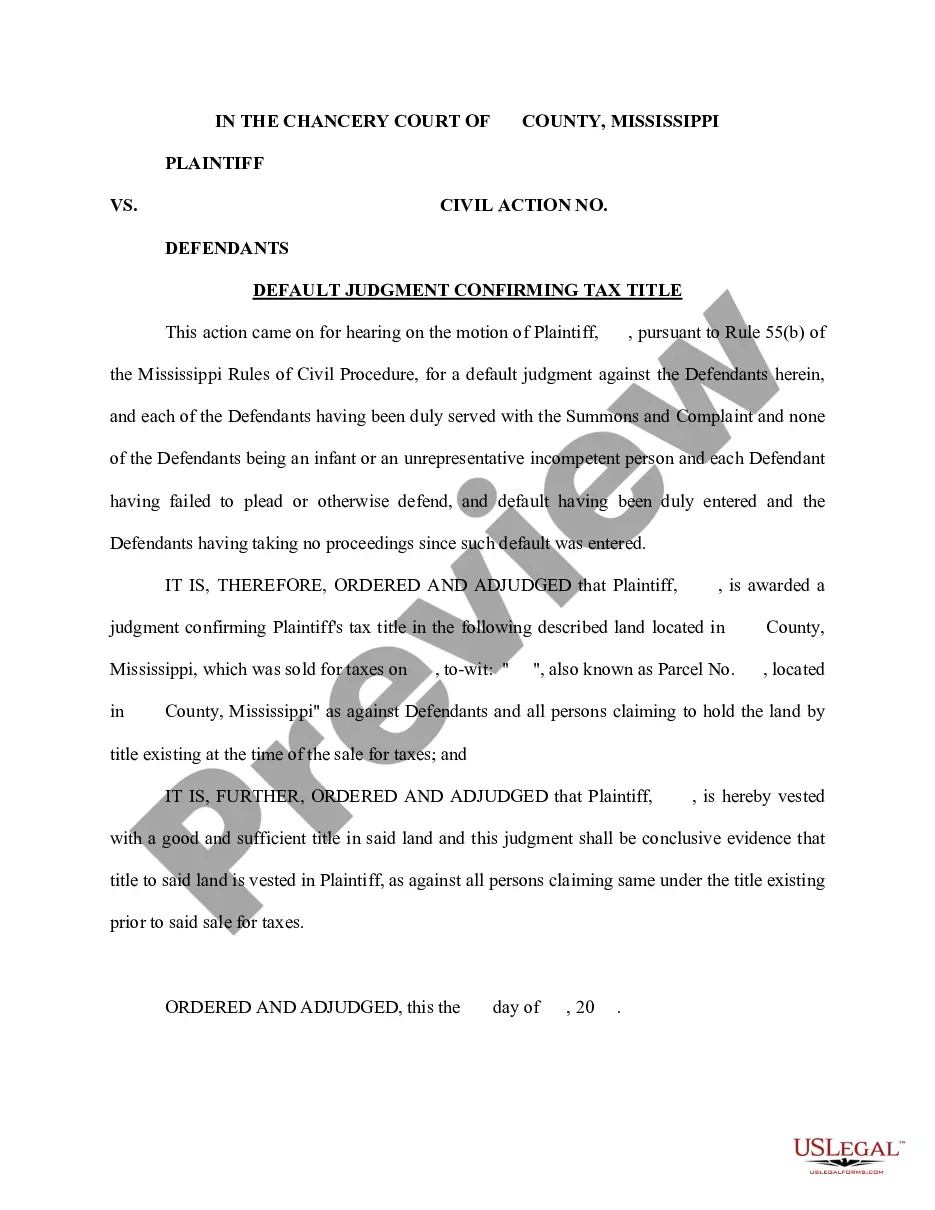
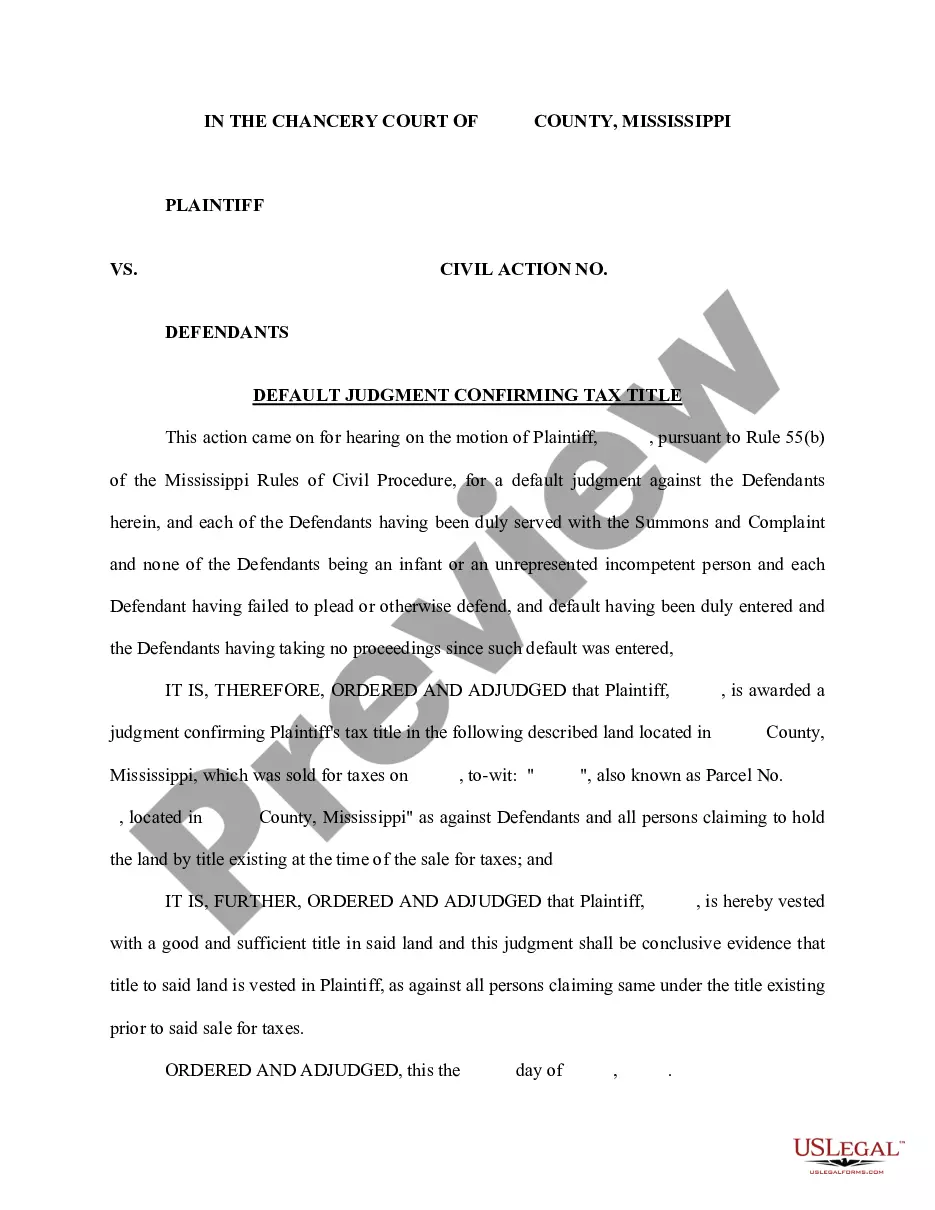
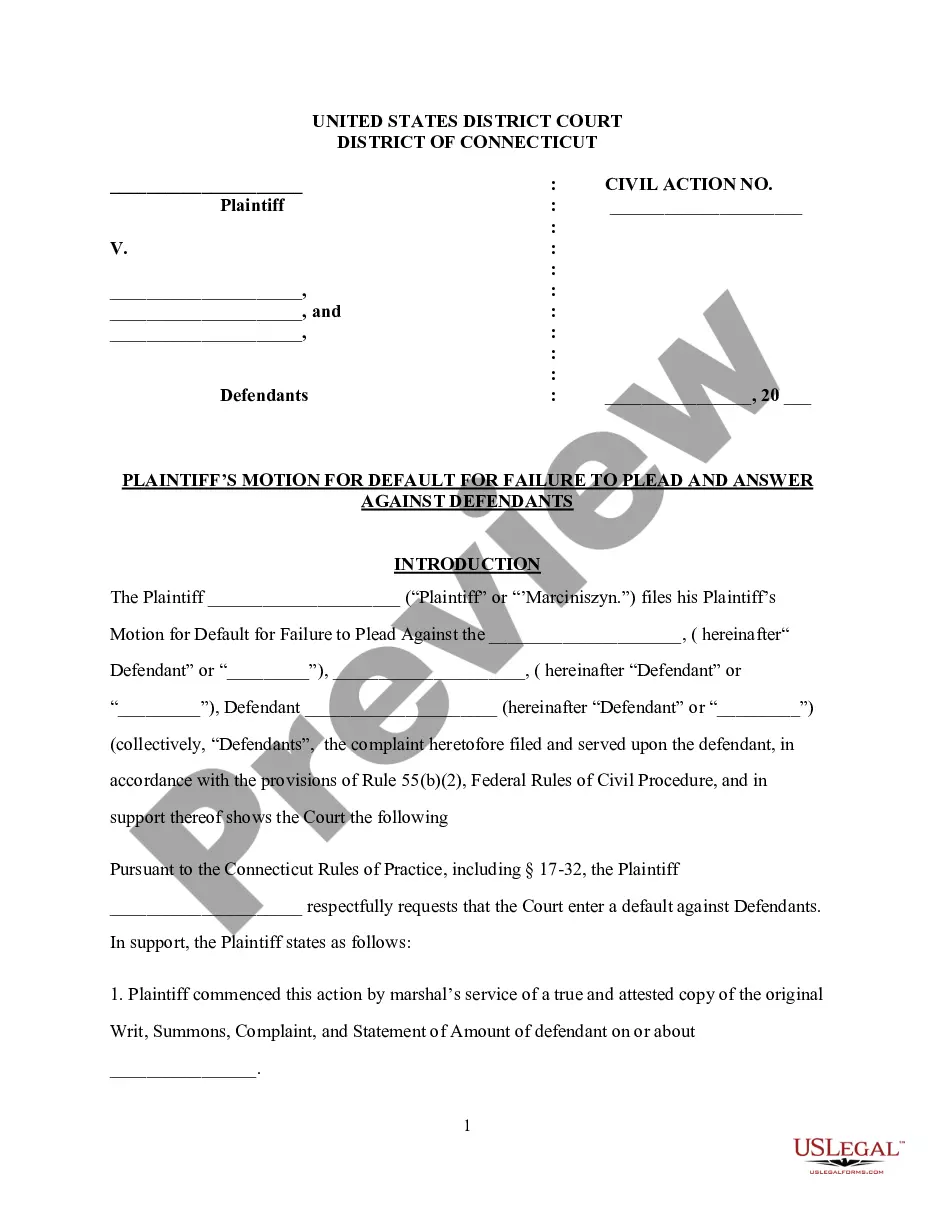
The Default Judgment Confirming Tax Title is a legal document used to secure ownership of a property that has been sold for unpaid taxes. This form is specifically utilized when the defendant does not respond to the legal action, allowing the plaintiff to receive a judgment confirming their tax title. Unlike other forms of judgments, this one explicitly affirms the plaintiff's claim to the property based on tax sale procedures.
Key parts of this document
- Information about the plaintiff and defendants involved in the case.
- Civil action number for tracking the legal proceeding.
- Details of the property in question, including its legal description and parcel number.
- The date of the tax sale that initiated the judgment.
- Judgment language confirming the plaintiff's rightful ownership of the property.
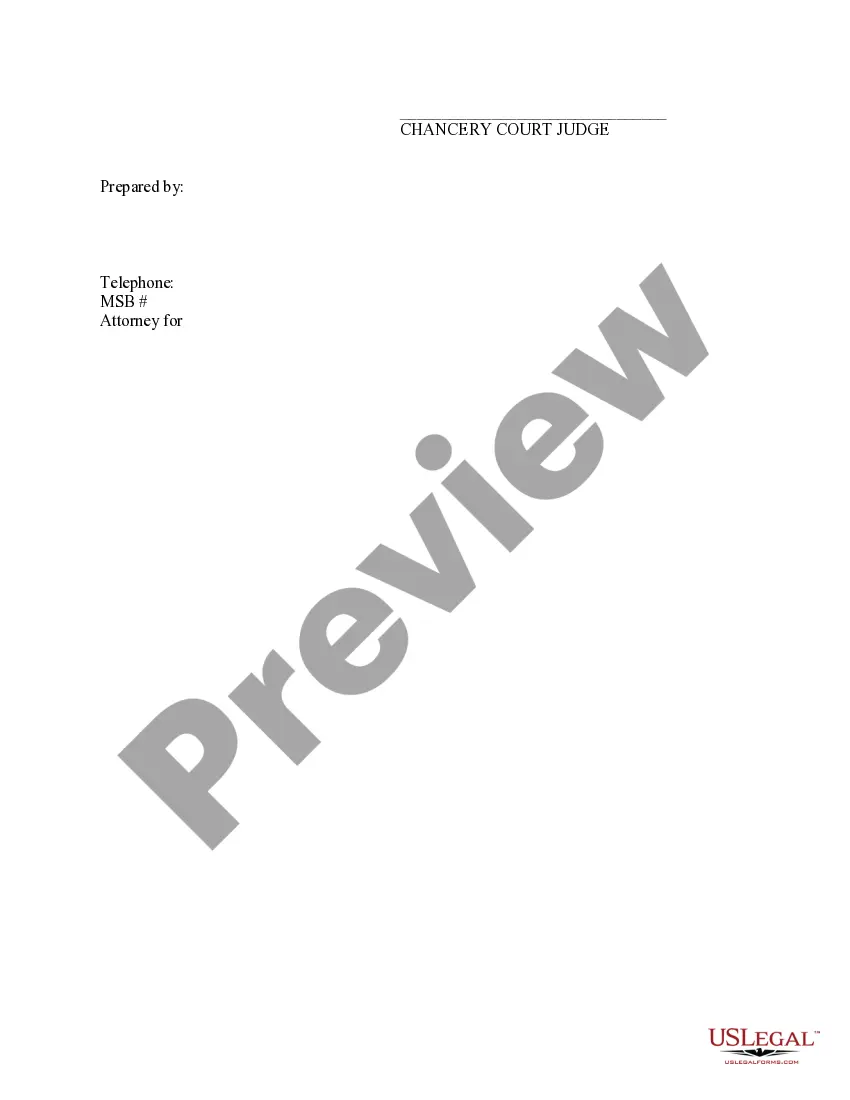
- Signature line for the judge and the attorney representing the plaintiff.
Situations where this form applies
This form should be used when a plaintiff seeks legal confirmation of ownership of a parcel of land purchased at a tax sale. It is applicable when the defendants have been served with the summons and have failed to respond or contest the claim, allowing the court to proceed with a default judgment.
Who this form is for
- Property owners seeking to confirm their title after a tax sale.
- Attorneys representing clients in tax title disputes.
- Individuals or entities that have acquired real estate through tax lien procedures.
Instructions for completing this form
- Identify all parties involved, including the plaintiff and defendants.
- Fill in the civil action number corresponding to the case.
- Provide a complete description of the property, including its location and parcel number.
- Enter the date of the tax sale that led to the judgment.
- Ensure the judgment language confirms the plaintiff's ownership of the property.
- Obtain the necessary signatures from the judge and attorney.
Does this document require notarization?
This form must be notarized to be legally valid. US Legal Forms provides secure online notarization powered by Notarize, allowing you to complete the process through a verified video call.
Get your form ready online
Our built-in tools help you complete, sign, share, and store your documents in one place.
Make edits, fill in missing information, and update formatting in US Legal Forms—just like you would in MS Word.
Download a copy, print it, send it by email, or mail it via USPS—whatever works best for your next step.
Sign and collect signatures with our SignNow integration. Send to multiple recipients, set reminders, and more. Go Premium to unlock E-Sign.
If this form requires notarization, complete it online through a secure video call—no need to meet a notary in person or wait for an appointment.
We protect your documents and personal data by following strict security and privacy standards.

Make edits, fill in missing information, and update formatting in US Legal Forms—just like you would in MS Word.

Download a copy, print it, send it by email, or mail it via USPS—whatever works best for your next step.

Sign and collect signatures with our SignNow integration. Send to multiple recipients, set reminders, and more. Go Premium to unlock E-Sign.

If this form requires notarization, complete it online through a secure video call—no need to meet a notary in person or wait for an appointment.

We protect your documents and personal data by following strict security and privacy standards.
Mistakes to watch out for
- Failing to properly serve all defendants before filing for a default judgment.
- Omitting important property details, which could delay legal approval.
- Not following the specific filing procedures of the local court.
Advantages of online completion
- Convenience of filling out and downloading from anywhere at any time.
- Editability to tailor the form to specific case details and requirements.
- Access to legally vetted templates, ensuring compliance with legal standards.
Looking for another form?
Form popularity
FAQ
The IRS allows you to check the status of your payment by using its online Get My Payment tool. For eligible stimulus payment recipients, it will show how much you're getting, how you're getting it (mail or direct deposit) and when it was sent to you.
Using the IRS Where's My Refund tool. Calling the IRS at 1-800-829-1040 (Wait times to speak to a representative may be long.) Viewing your IRS account information. Looking for emails or status updates from your e-filing website or software.
If you did use a tracking service from the post office when you mailed the federal tax return, there is no way to verify that the return was received by the IRS. There is no IRS phone to call to verify that the return was received.
An acknowledgement can either be an acceptance or rejection of the return. The taxpayer then receives an email stating the status of the return - accepted or rejected.When the state sends the ACK, we e-mail the taxpayer whether the return has been accepted or rejected.