Mississippi Authority to cancel judgment for Individuals
What this document covers
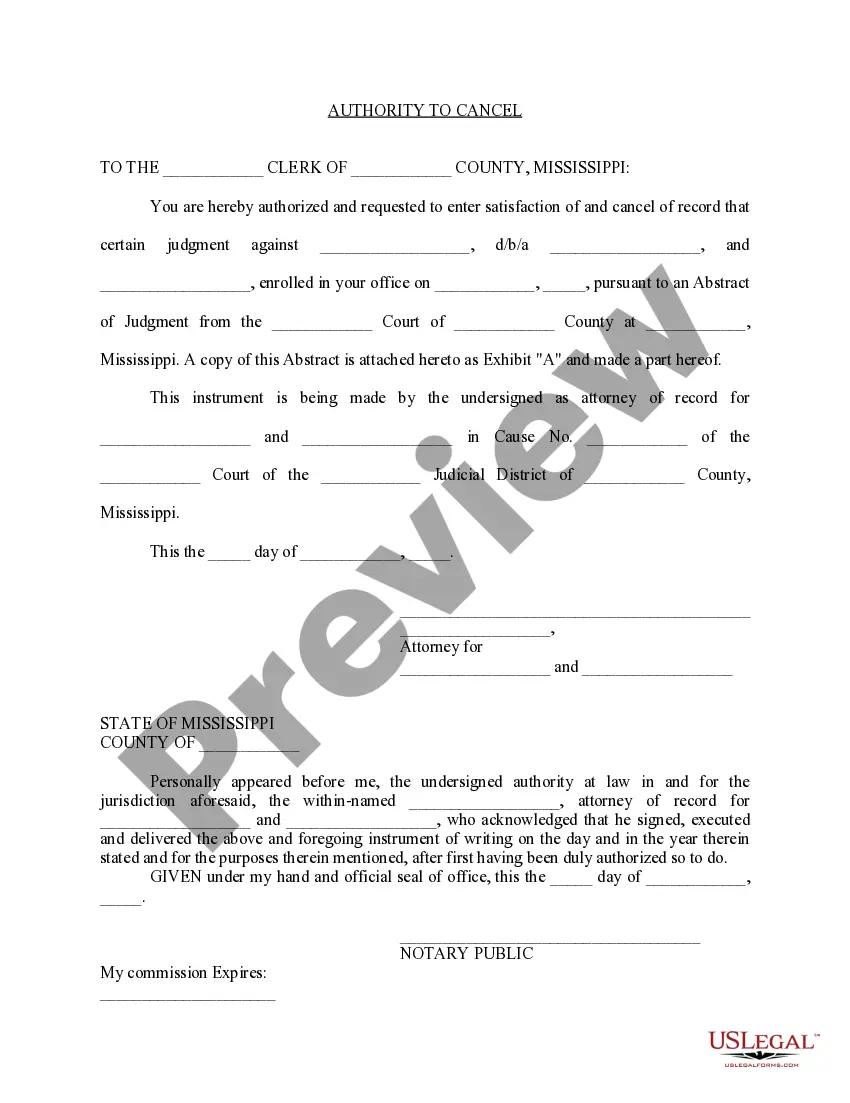
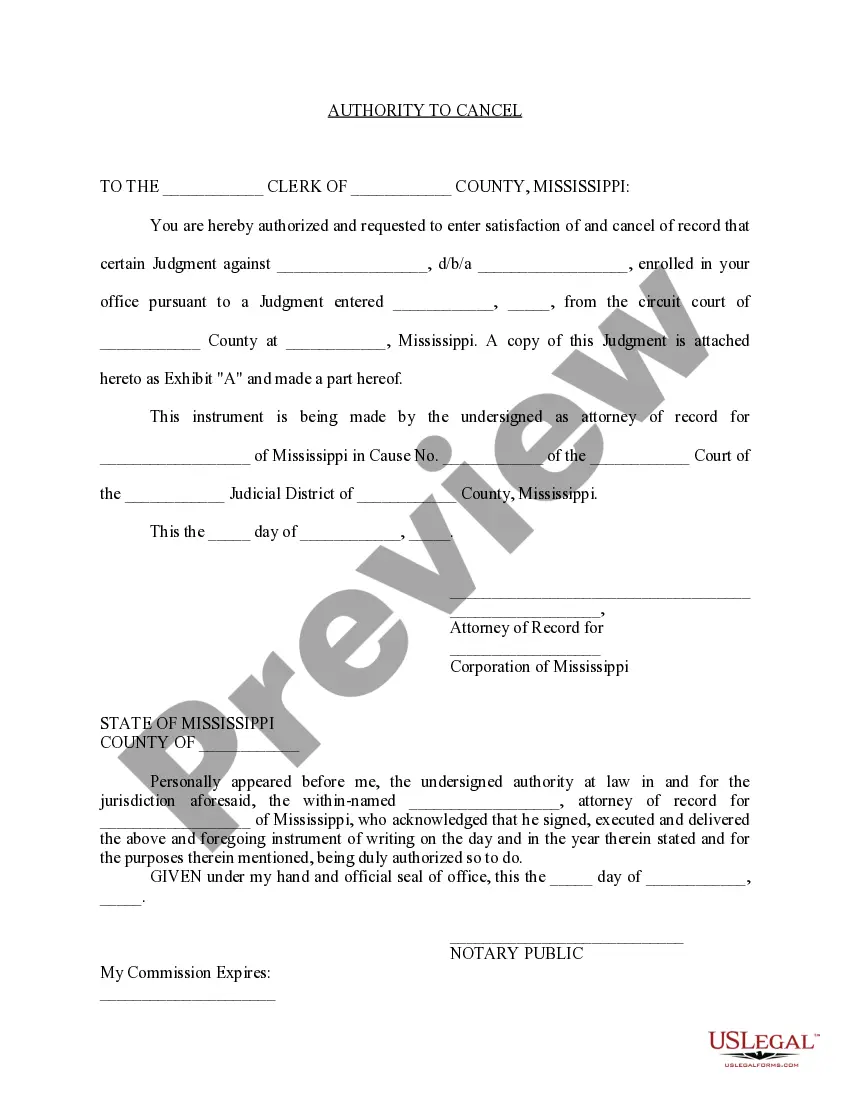
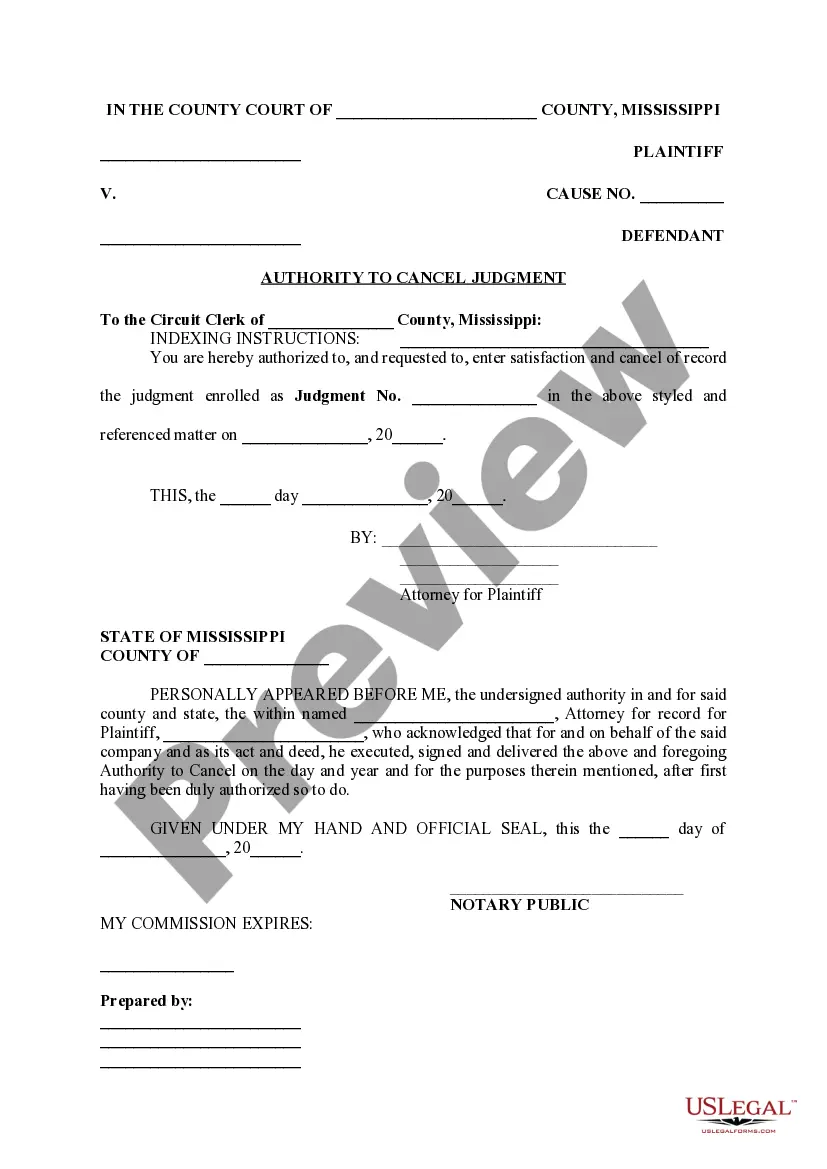
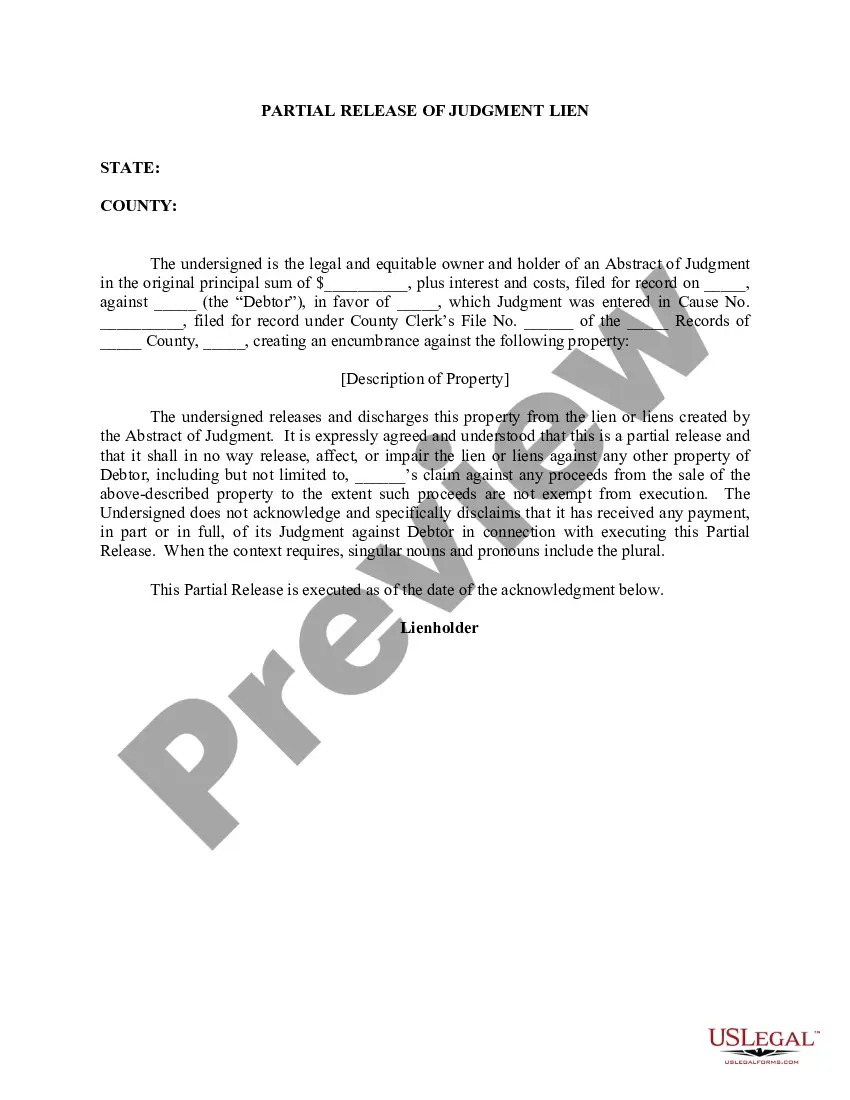
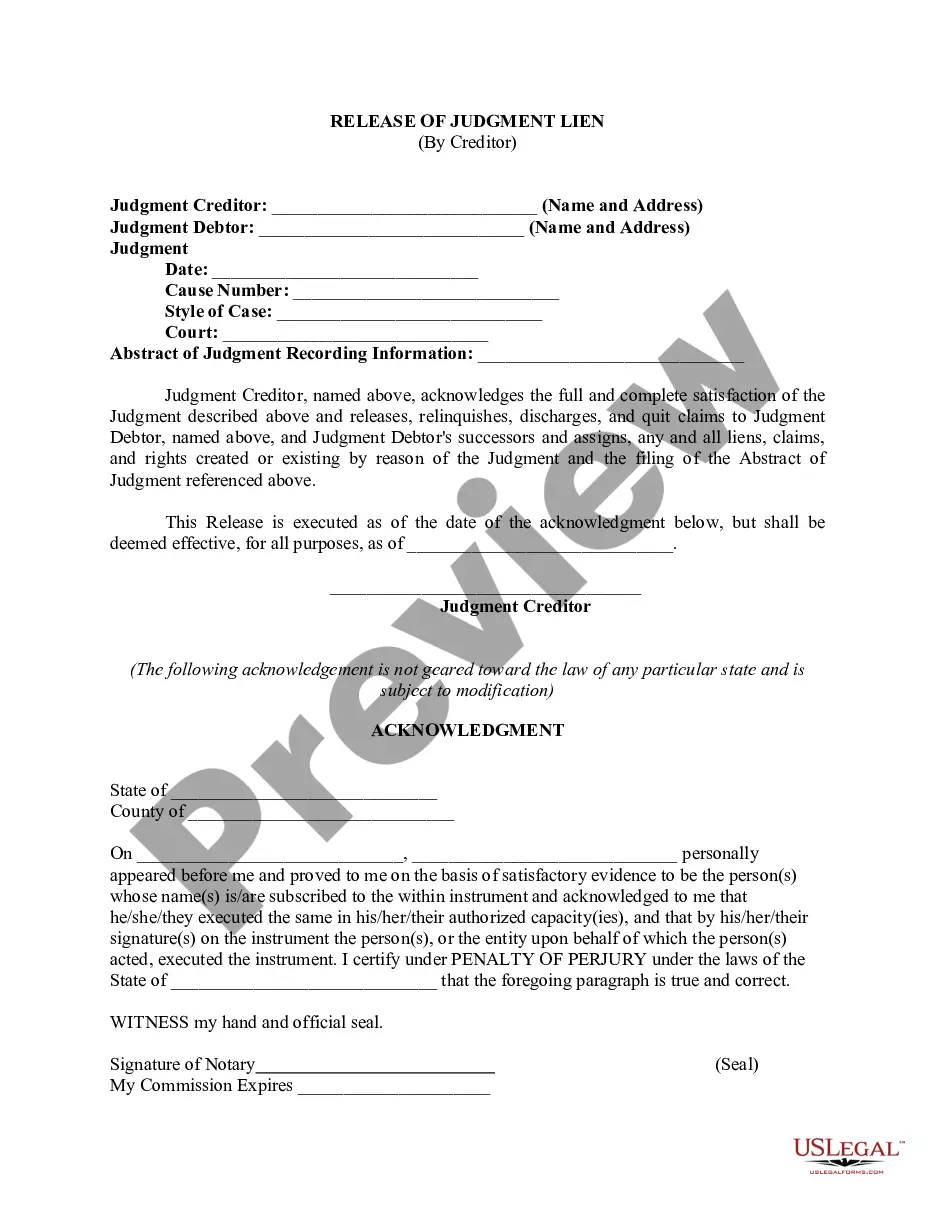
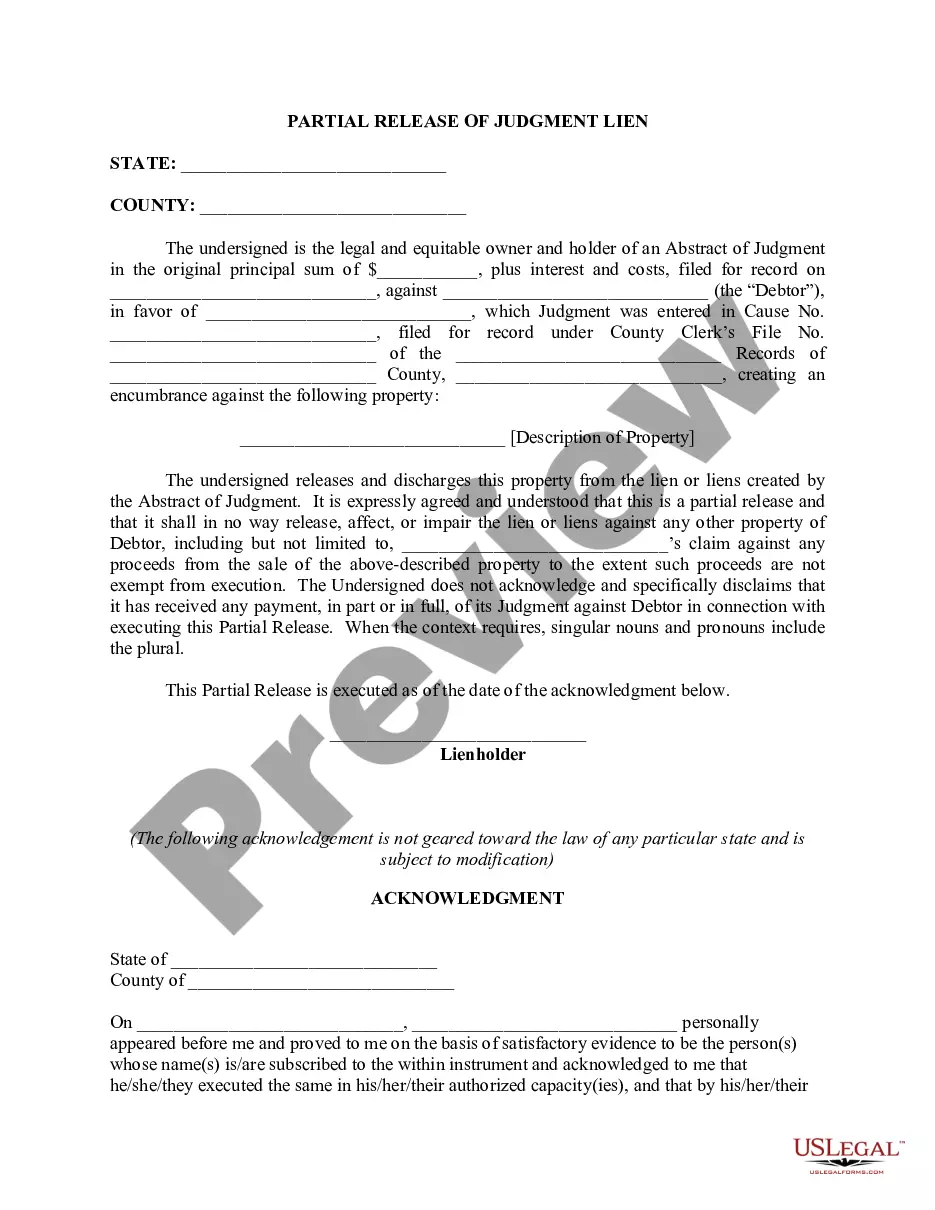
The Authority to Cancel Judgment for Individuals is a legal document that authorizes the court to officially cancel the record of a judgment against an individual in Mississippi. Unlike similar forms, this document is specifically designed to affirm the satisfaction of any actions brought forth against the individual, allowing for the removal of judgment records from public view. It is essential for those looking to clear their legal history related to judgments in Mississippi.
Form components explained
- Request for cancellation of judgment record.
- Identification of the judgment being canceled.
- Details of the court where the judgment was recorded.
- Signature and declaration by the attorney of record.
- Notary acknowledgment for legal validity.
When to use this form
This form should be used when an individual has successfully satisfied the conditions of a court judgment and wants to remove the judgment from their public records. It is necessary to file this form to restore legal standing and improve personal creditworthiness. Typical scenarios include cases where the judgment has been paid, dismissed, or otherwise resolved.
Who this form is for
- Individuals with judgments against them in Mississippi.
- Attorneys acting on behalf of clients wishing to cancel judgments.
- Anyone seeking to improve their public legal record.
Steps to complete this form
- Identify the clerk of the court and the relevant county in Mississippi.
- Provide details about the individual against whom the judgment was made.
- Fill in the date the judgment was recorded and relevant court information.
- Sign the form as an attorney of record, if applicable.
- Ensure the form is notarized by a licensed notary public.
Does this document require notarization?
Notarization is required for this form to take effect. Our online notarization service, powered by Notarize, lets you verify and sign documents remotely through an encrypted video session, available 24/7.
Get your form ready online
Our built-in tools help you complete, sign, share, and store your documents in one place.
Make edits, fill in missing information, and update formatting in US Legal Forms—just like you would in MS Word.
Download a copy, print it, send it by email, or mail it via USPS—whatever works best for your next step.
Sign and collect signatures with our SignNow integration. Send to multiple recipients, set reminders, and more. Go Premium to unlock E-Sign.
If this form requires notarization, complete it online through a secure video call—no need to meet a notary in person or wait for an appointment.
We protect your documents and personal data by following strict security and privacy standards.

Make edits, fill in missing information, and update formatting in US Legal Forms—just like you would in MS Word.

Download a copy, print it, send it by email, or mail it via USPS—whatever works best for your next step.

Sign and collect signatures with our SignNow integration. Send to multiple recipients, set reminders, and more. Go Premium to unlock E-Sign.

If this form requires notarization, complete it online through a secure video call—no need to meet a notary in person or wait for an appointment.

We protect your documents and personal data by following strict security and privacy standards.
Common mistakes
- Failing to include complete information about the judgment.
- Not having the document notarized before submission.
- Submitting the form without checking local court requirements.
Benefits of using this form online
- Convenience of immediate access and download.
- Editability to personalize the document easily.
- Reliability of professionally drafted templates created by licensed attorneys.
Looking for another form?


Form popularity
FAQ
There are basically 3 stages to a civil appeal in Mississippi. First, you file your notice of appeal and other preliminary documents. Critically, you MUST file your notice of appeal within 30 days of the trial court's final judgment. In some cases, you should file a post-trial motion within 10 days of the judgment.
In order to vacate a judgment in California, You must file a motion with the court asking the judge to vacate or set aside the judgment. Among other things, you must tell the judge why you did not respond to the lawsuit (this can be done by written declaration).
In order to vacate a judgment in California, You must file a motion with the court asking the judge to vacate or set aside the judgment. Among other things, you must tell the judge why you did not respond to the lawsuit (this can be done by written declaration).
The Satisfaction of Judgment form should be signed by the judgment creditor when the judgment is paid, and then filed with the court clerk. Don't forget to do this; otherwise, you may have to track down the other party later.
The defendant should ask for a letter confirming that the entire amount of the judgment has been paid. He or she may do so by sending a demand letter to the plaintiff. The release and satisfaction form is filed with the court clerk and entered into the case record.
In order to vacate a judgment in California, You must file a motion with the court asking the judge to vacate or set aside the judgment. Among other things, you must tell the judge why you did not respond to the lawsuit (this can be done by written declaration).
You will need one original, notarized copy for the judgment debtor. If you recorded an abstract of judgment to place a lien against the debtor's real property, you will need an original, notarized copy of your Acknowledgment of Satisfaction of Judgment (EJ-100) for each county where you placed a lien.
A Satisfaction of Judgment is a document signed by one party acknowledge receipt of the payment. The Satisfaction of Judgment is then filed with the court. This is beneficial to the paying party for multiple reasons. One, the court is put on notice that the debt has been satisfied.
Satisfied Judgments A satisfied judgment is the opposite of an unsatisfied judgment. It means that your debt is either paid or settled. While you may not have completely paid off your debt in full, you can satisfy a judgment by making a new payment plan and paying what you and the lender agreed on.