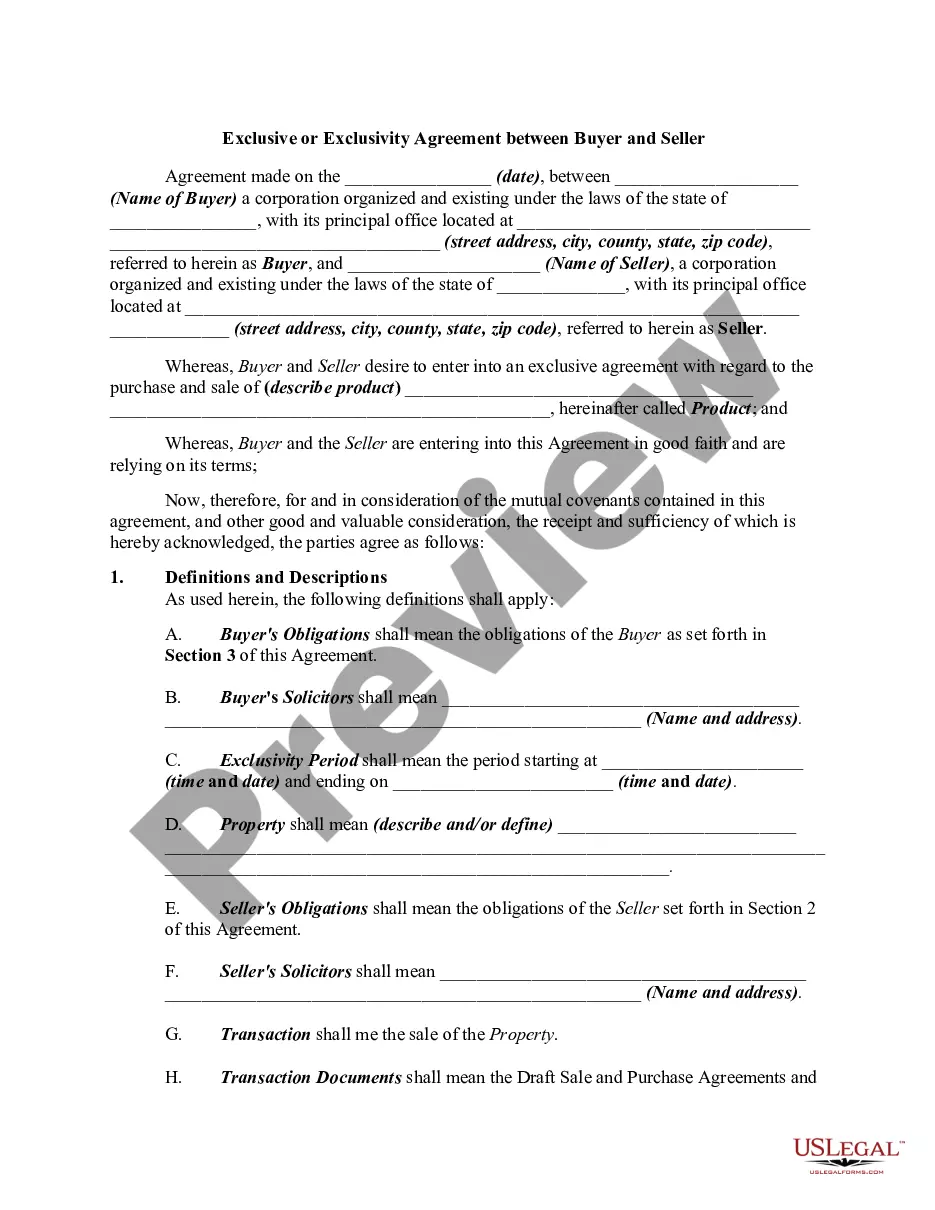
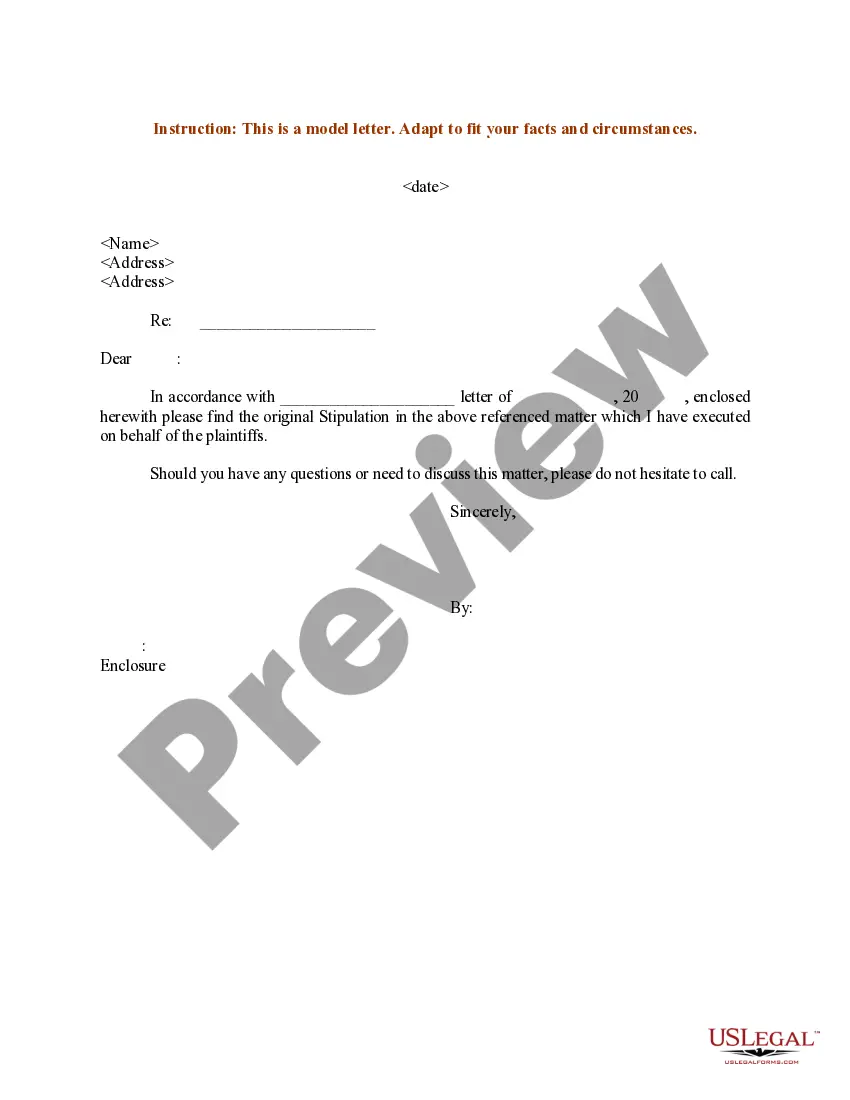
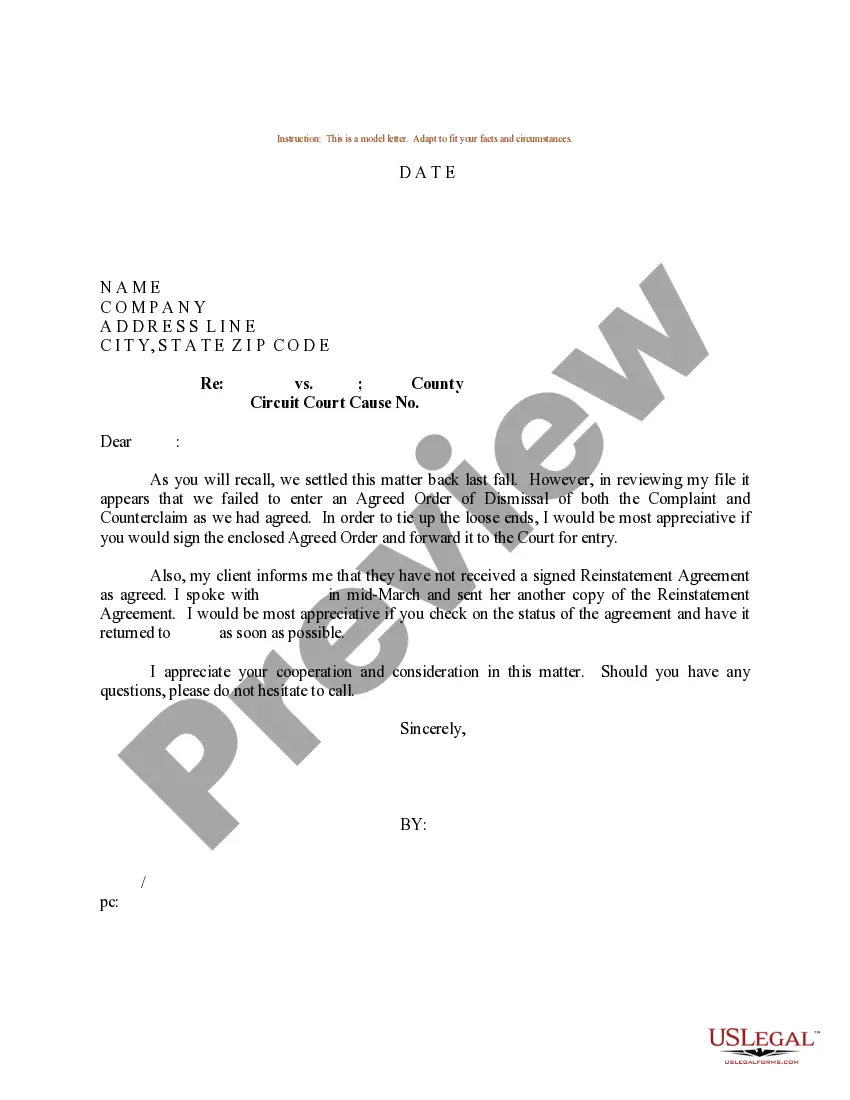
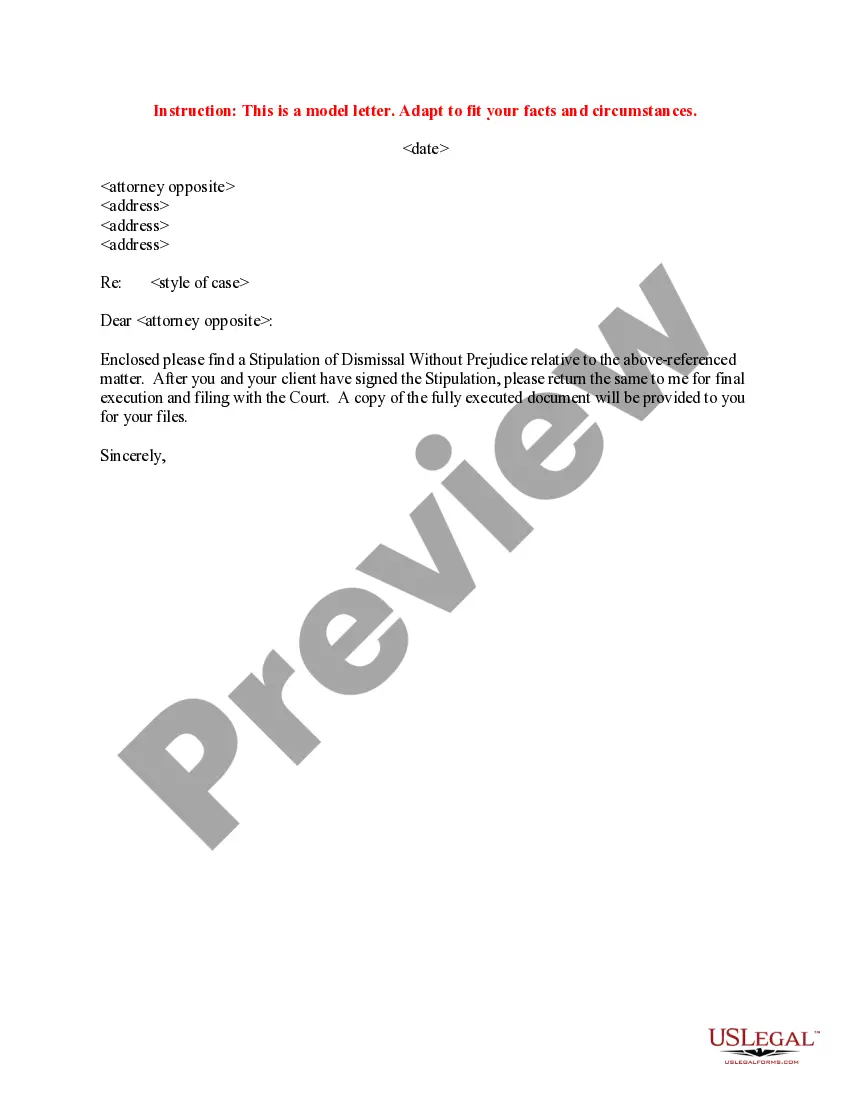
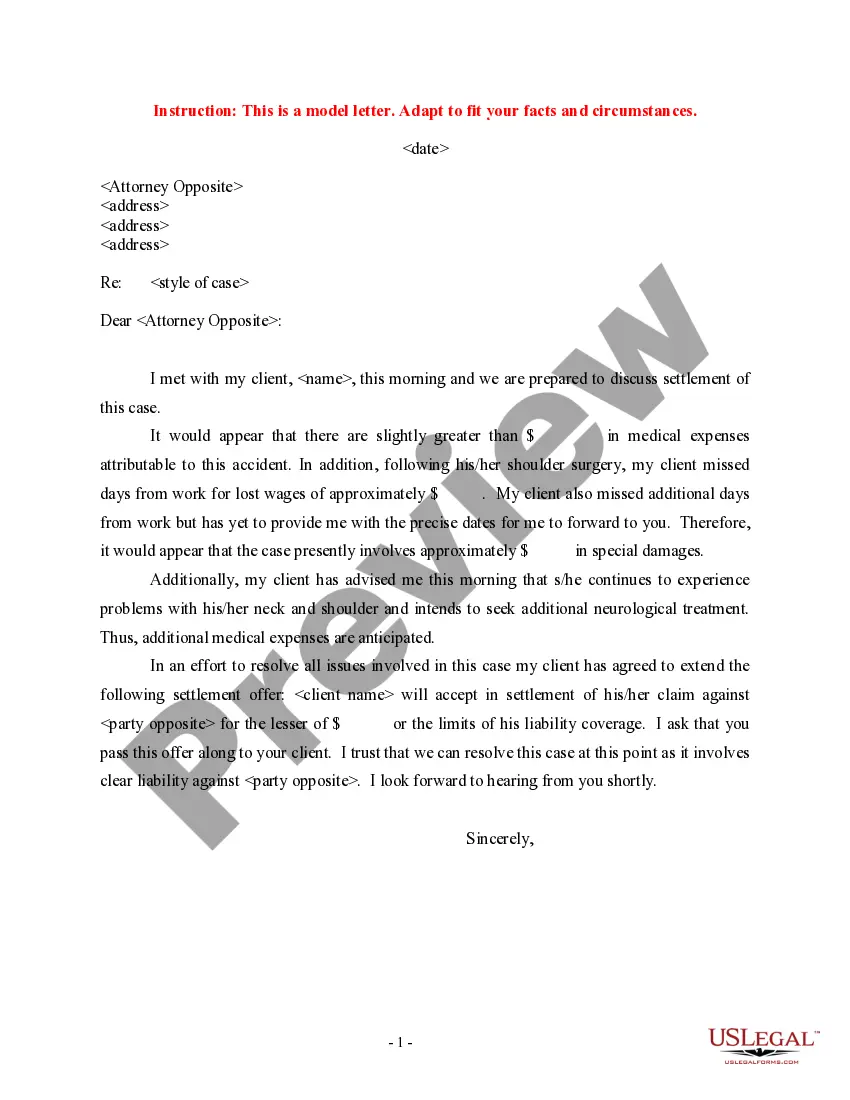
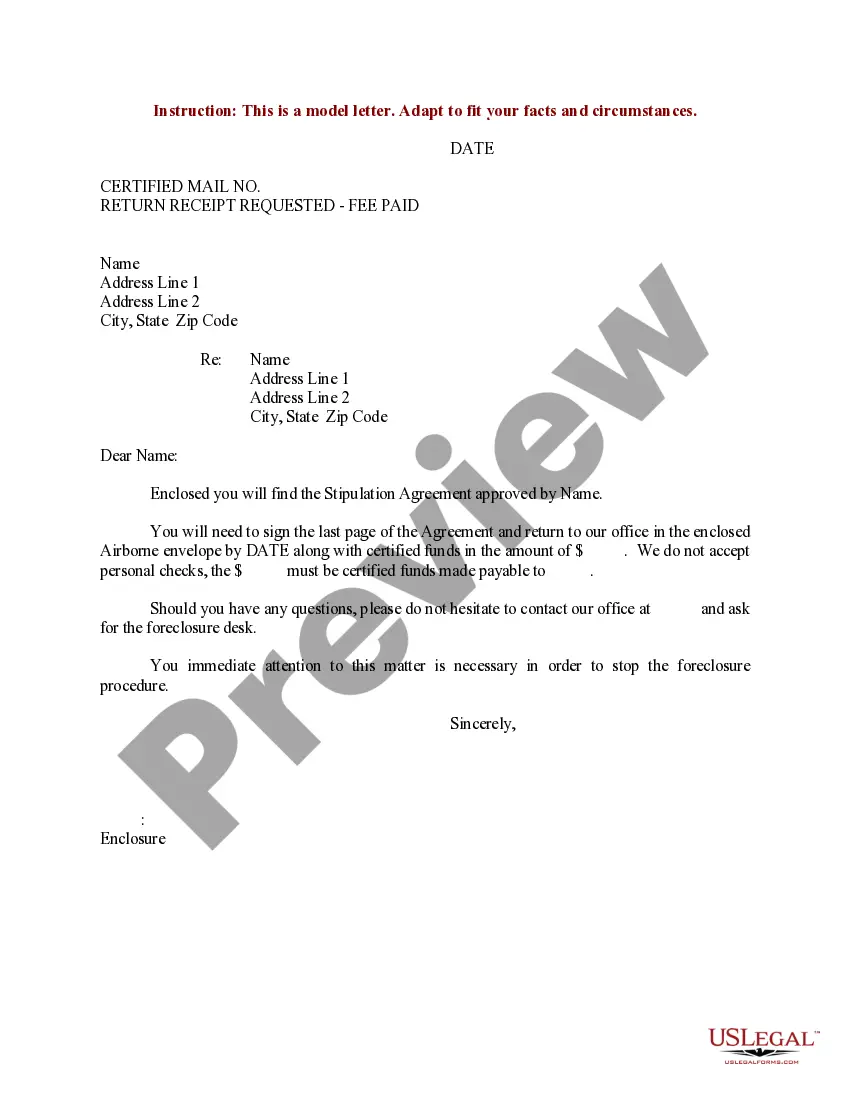
Missouri Sample Letter to Opposing Counsel with Enclosed Stipulation
Description

Get your form ready online
Our built-in tools help you complete, sign, share, and store your documents in one place.
Make edits, fill in missing information, and update formatting in US Legal Forms—just like you would in MS Word.
Download a copy, print it, send it by email, or mail it via USPS—whatever works best for your next step.
Sign and collect signatures with our SignNow integration. Send to multiple recipients, set reminders, and more. Go Premium to unlock E-Sign.
If this form requires notarization, complete it online through a secure video call—no need to meet a notary in person or wait for an appointment.
We protect your documents and personal data by following strict security and privacy standards.
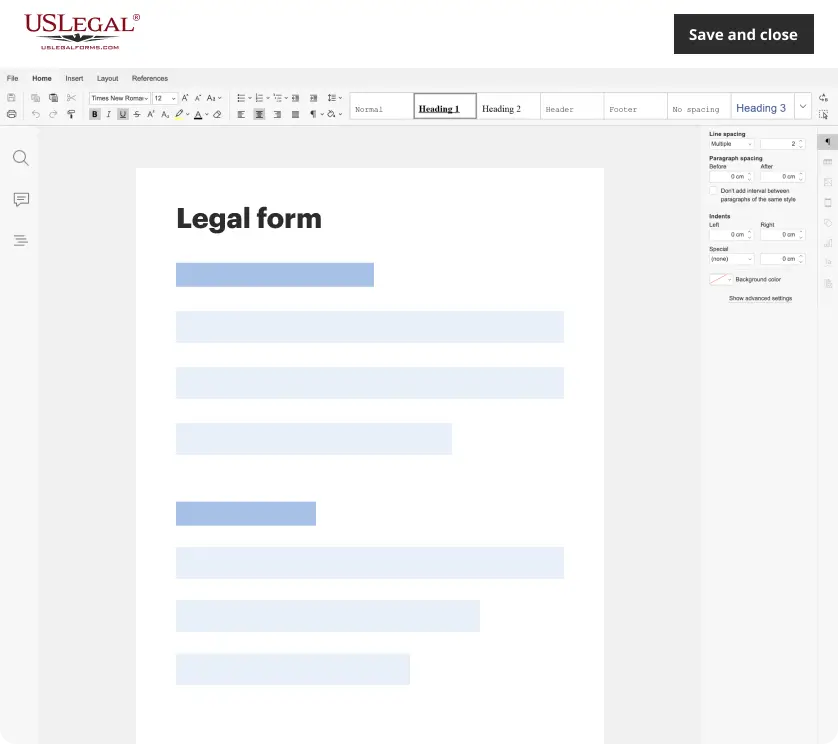
Make edits, fill in missing information, and update formatting in US Legal Forms—just like you would in MS Word.
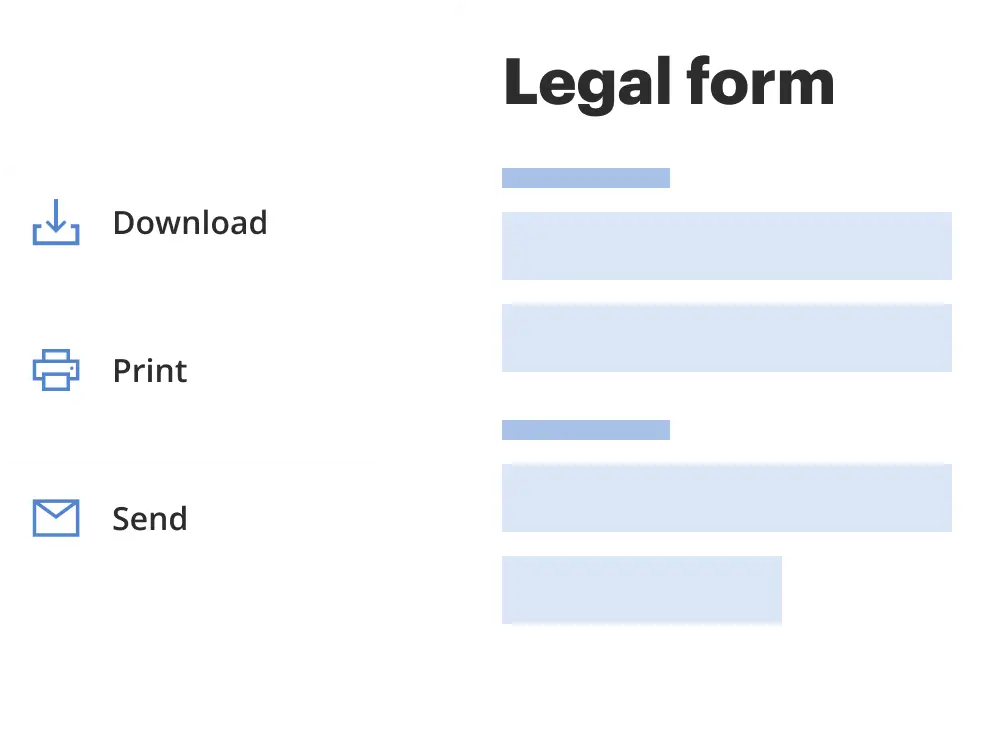
Download a copy, print it, send it by email, or mail it via USPS—whatever works best for your next step.
Sign and collect signatures with our SignNow integration. Send to multiple recipients, set reminders, and more. Go Premium to unlock E-Sign.
If this form requires notarization, complete it online through a secure video call—no need to meet a notary in person or wait for an appointment.
We protect your documents and personal data by following strict security and privacy standards.
Looking for another form?
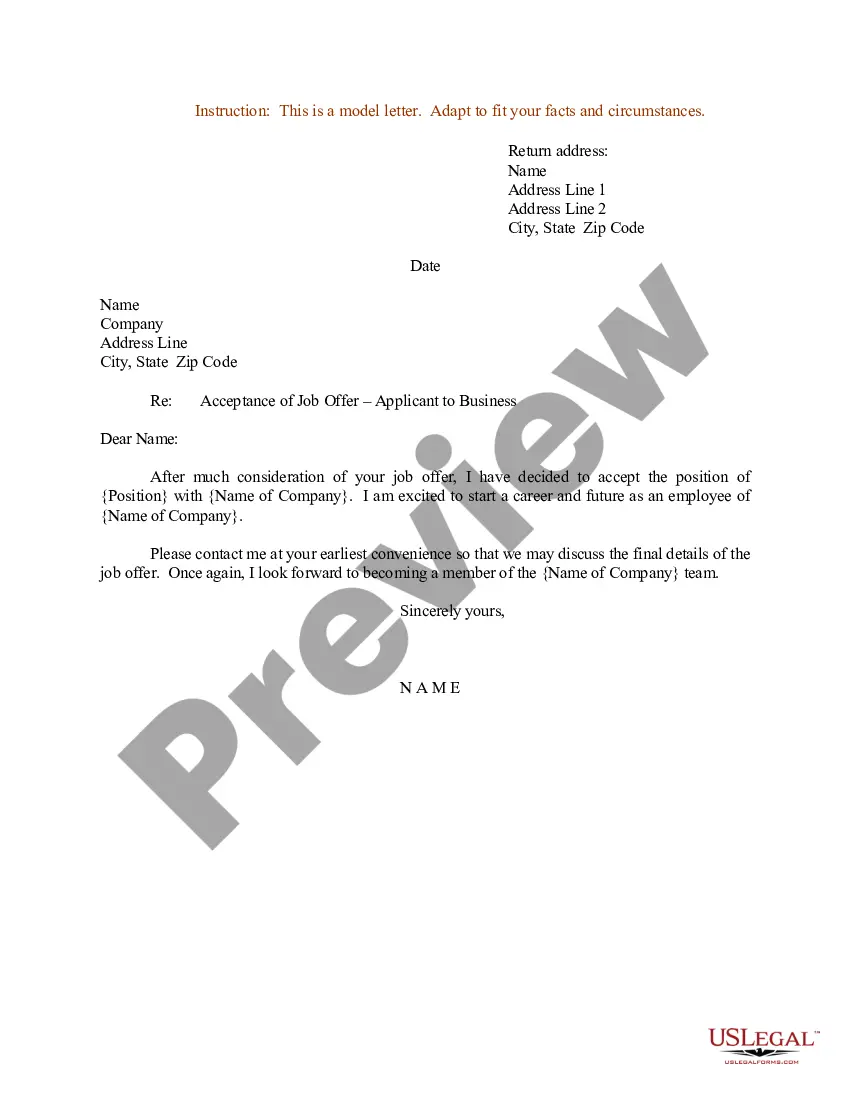



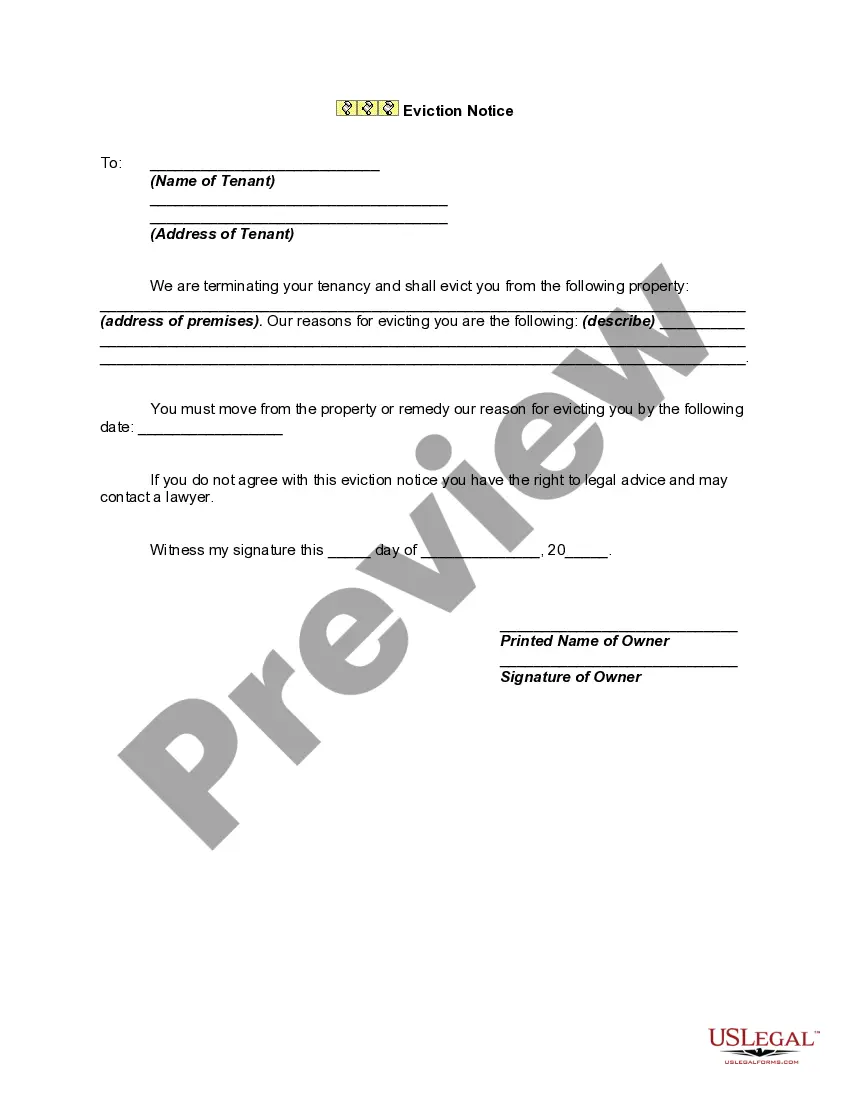
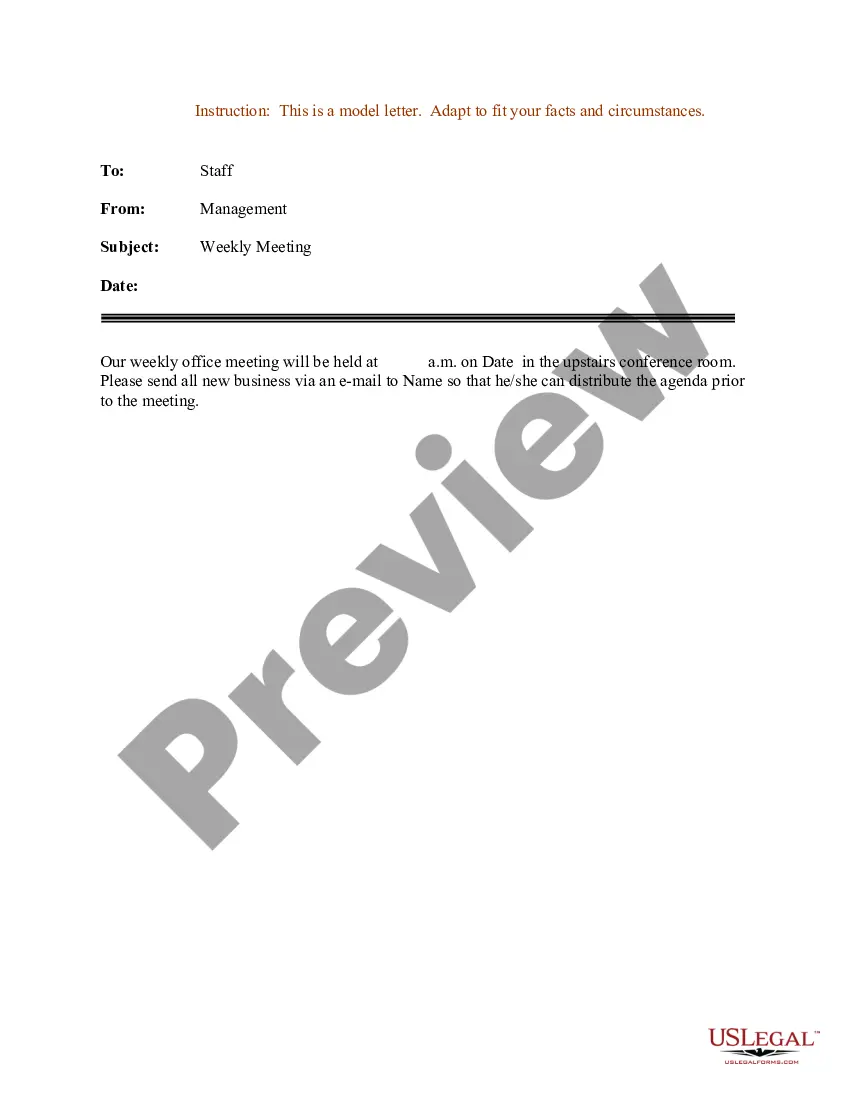
How to fill out Sample Letter To Opposing Counsel With Enclosed Stipulation?
Are you presently in a location where you will require documents for either business or personal purposes almost every time.
There are numerous legal document templates available online, but locating ones you can trust is not easy.
US Legal Forms offers thousands of document templates, including the Missouri Sample Letter to Opposing Counsel with Enclosed Stipulation, which can be crafted to comply with state and federal regulations.
Select the payment plan you prefer, complete the necessary information to create your account, and finalize your order with your PayPal or Visa or Mastercard.
Choose a convenient file format and download your copy.
- If you are already familiar with the US Legal Forms website and possess an account, simply Log In.
- After that, you can download the Missouri Sample Letter to Opposing Counsel with Enclosed Stipulation template.
- If you do not have an account and wish to start using US Legal Forms, follow these steps.
- Find the document you need and ensure it is for your correct area/county.
- Utilize the Preview button to examine the form.
- Read the description to confirm that you have selected the right document.
- If the document is not what you are looking for, use the Search field to locate the document that meets your needs and requirements.
- Once you obtain the correct document, click Purchase now.
Form popularity
FAQ
When you are emailing the opposing counsel, always be mindful of your tone, words, and spelling. Double-check and then check again before entering an email address in the ?To:? line and hitting ?send.? Make copies of all correspondence and never copy or blind carbon copy your client in emails with the opposing counsel.
Dear [Opposing Counsel Name], I am writing to follow up on our recent communication regarding [case name]. I have not yet received a response from you regarding [list the specific issue or question]. Please let me know your thoughts as soon as possible so that we can continue to move forward with the case.
As a rule, lawyers should avoid carbon copying or blind carbon copying clients on email, especially those to opposing counsel. And if doing so is necessary, the lawyer should first explain to the client why the lawyer is using CC or BCC, and that the client should not respond to all.
8 Tips for Dealing with Difficult Opposing Counsel Point out Common Ground. ... Don't be Afraid to Ask Why. ... Separate the Person from the Problem. ... Focus on your Interests. ... Don't Fall for your Assumptions. ... Take a Calculated Approach. ... Control the Conversation by Reframing. ... Pick up the Phone.
Some are, some are not. The general rule is that all communications between parties is open and unprotected . However an exception applies to communications as part of an effort to settle the case. It is wise to head all such communications with the words ??Without Prejudice".