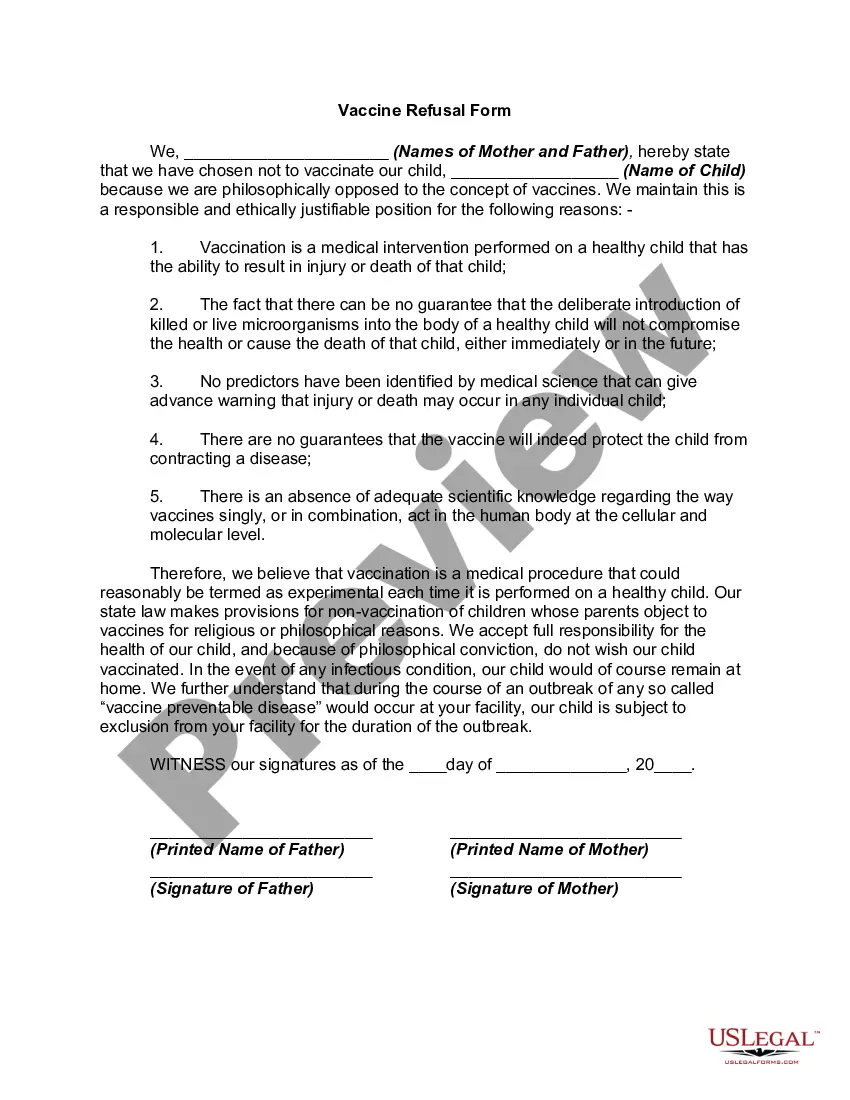
Vaccination laws are very state specific. This form is a generic example that may be referred to when preparing such a form for your particular state. It is for illustrative purposes only. Local laws should be consulted to determine any specific requirements for such a form in a particular jurisdiction.
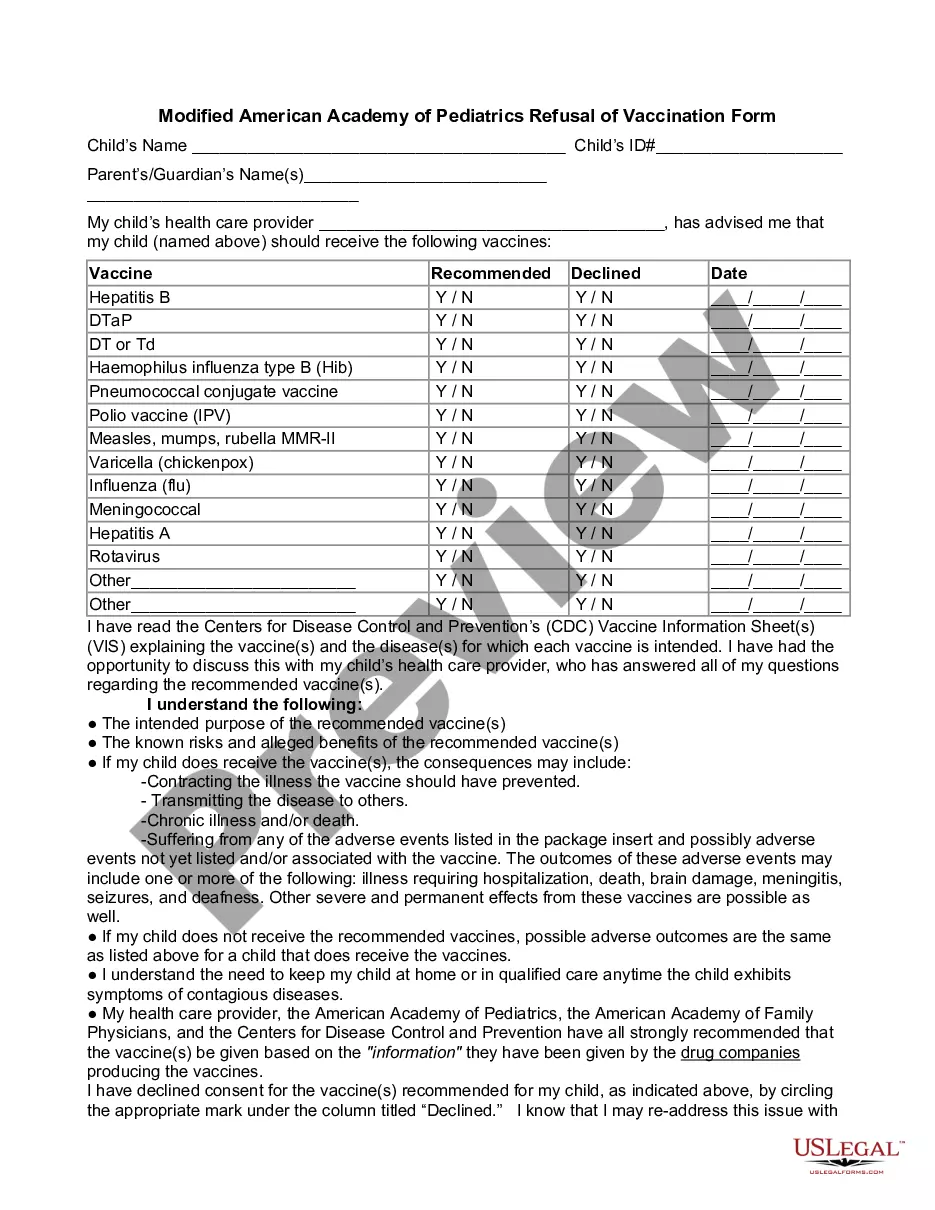
Minnesota Vaccine Refusal Form
State:
Multi-State
Category:
Control #:
US-02738BG
Format:
Word;
Rich Text
100 downloads
Description
Get your form ready online
Our built-in tools help you complete, sign, share, and store your documents in one place.
Built-in online Word editor
Make edits, fill in missing information, and update formatting in US Legal Forms—just like you would in MS Word.
Export easily
Download a copy, print it, send it by email, or mail it via USPS—whatever works best for your next step.
E-sign your document
Sign and collect signatures with our SignNow integration. Send to multiple recipients, set reminders, and more. Go Premium to unlock E-Sign.
Notarize online 24/7
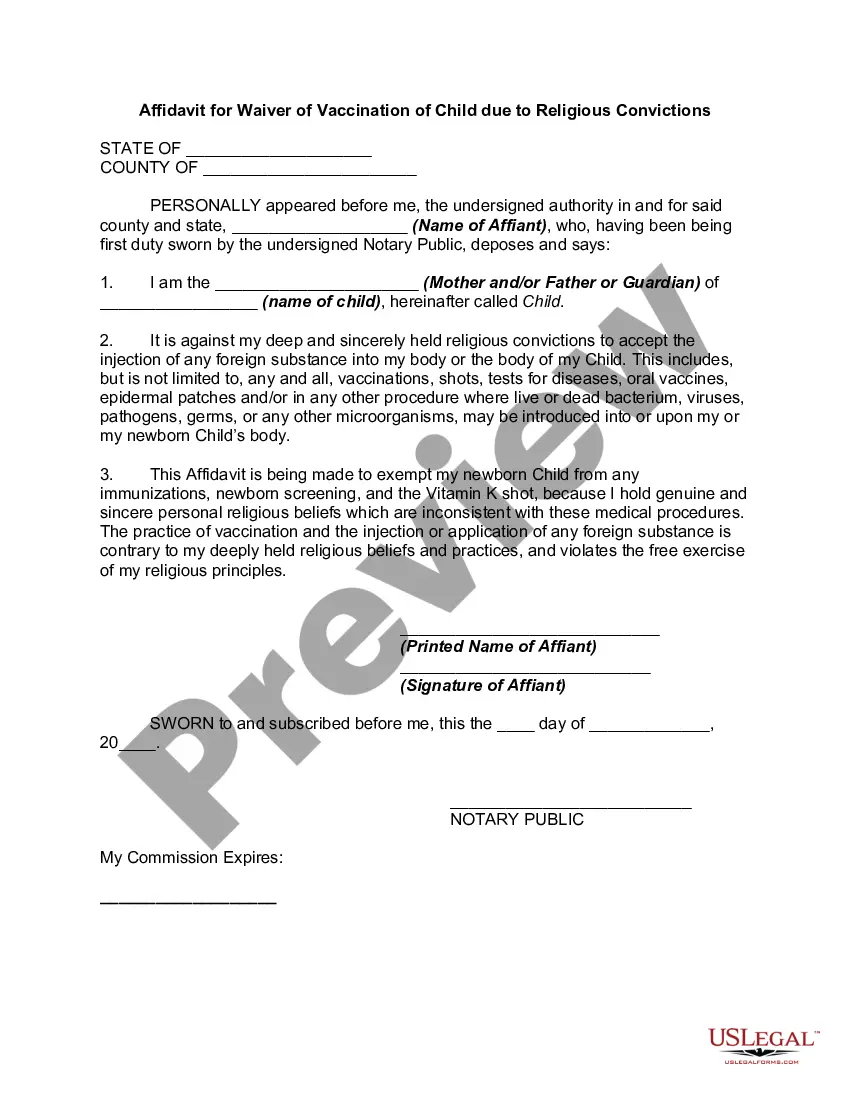
If this form requires notarization, complete it online through a secure video call—no need to meet a notary in person or wait for an appointment.
Store your document securely
We protect your documents and personal data by following strict security and privacy standards.

Make edits, fill in missing information, and update formatting in US Legal Forms—just like you would in MS Word.

Download a copy, print it, send it by email, or mail it via USPS—whatever works best for your next step.

Sign and collect signatures with our SignNow integration. Send to multiple recipients, set reminders, and more. Go Premium to unlock E-Sign.

If this form requires notarization, complete it online through a secure video call—no need to meet a notary in person or wait for an appointment.

We protect your documents and personal data by following strict security and privacy standards.
Looking for another form?



How to fill out Vaccine Refusal Form?
If you need to thorough, download, or create valid document templates, utilize US Legal Forms, the largest collection of legal forms, available online.
Employ the site`s straightforward and user-friendly search to find the documents you require. Various templates for business and personal purposes are sorted by categories and jurisdictions, or keywords. Use US Legal Forms to obtain the Minnesota Vaccine Refusal Form with just a few clicks.
If you are already a US Legal Forms user, Log In to your account and click the Obtain button to receive the Minnesota Vaccine Refusal Form. You can also view forms you have previously obtained in the My documents tab of your account.
Each legal document template you obtain is your property indefinitely. You have access to every form you acquired in your account. Click the My documents section and select a form to print or download again.
Complete and download, and print the Minnesota Vaccine Refusal Form with US Legal Forms. There are millions of professional and state-specific forms available for your business or personal needs.
- Step 1. Ensure you have selected the form for the correct city/state.
- Step 2. Use the Review function to examine the form`s content. Remember to read the summary.
- Step 3. If you are not satisfied with the document, use the Search area at the top of the screen to find alternative versions of the legal form template.
- Step 4. Once you have located the form you need, click the Acquire now button. Choose the payment plan you prefer and enter your details to register for the account.
- Step 5. Complete the transaction. You can use your credit card or PayPal account to finalize the purchase.
- Step 6. Choose the format of the legal form and download it to your device.
- Step 7. Fill out, modify, print, or sign the Minnesota Vaccine Refusal Form.
Form popularity
FAQ
Yes, Minnesota offers vaccine exemptions under specific circumstances. You can opt for a medical exemption, a religious exemption, or a conscientious exemption. To qualify, it is critical to complete the Minnesota Vaccine Refusal Form. This form helps articulate your reasons and ensures compliance with state laws while protecting your rights.
A religious reason to refuse vaccination often stems from beliefs that conflict with the act of vaccination. Some individuals may believe that vaccination interferes with divine will, or they follow religious teachings against medical interventions. To formalize this exemption, you will need to submit the Minnesota Vaccine Refusal Form, clearly stating your beliefs. This documentation helps to protect your right to choose.
Several reasons may justify a refusal to vaccinate. These can include medical contraindications, personal beliefs, or religious convictions. Completing the Minnesota Vaccine Refusal Form is necessary to document your reason formally. Understanding these different excuses can help you navigate the legal requirements while addressing any health concerns.
Yes, you can claim a religious exemption for vaccines in Minnesota. To do so, you need to submit the Minnesota Vaccine Refusal Form, detailing your religious beliefs. This process ensures that your rights are protected while expressing your concerns. It is advisable to consult religious leaders or community members should you need guidance.
In Minnesota, you can request a religious exemption for vaccines under specific conditions. You will need to fill out the Minnesota Vaccine Refusal Form and provide a statement regarding your religious beliefs. This exemption can help you avoid vaccination requirements for school attendance. Be prepared to explain how your beliefs conflict with vaccination.
Yes, you can refuse to vaccinate your child in Minnesota. However, you must complete the Minnesota Vaccine Refusal Form, which serves as official documentation of your choice. Keep in mind that while you have the right to refuse, certain regulations may apply to your child's schooling. It is always a good idea to be informed about the implications your decision may have.
If you choose to refuse vaccinations for your child, you may need to fill out a Minnesota Vaccine Refusal Form. This form allows you to formally document your decision. It's important to understand that refusing vaccinations can affect your child's school enrollment and may limit their participation in certain activities. Consider discussing your decision with a healthcare provider for additional insights.
The Bible does not explicitly mention vaccines, but some individuals may cite scriptures that promote the sanctity of the body or caution against harmful substances. If you wish to express your beliefs regarding vaccines based on scripture, it's effective to articulate these thoughts in your Minnesota Vaccine Refusal Form. Platforms like US Legal Forms can assist you with resources to convey your stance appropriately.
To secure a religious exemption for vaccinations, you typically need to write a formal request citing your religious beliefs. This request should reference the Minnesota Vaccine Refusal Form, which specifies your intention to refuse vaccination based on your faith. Consider consulting your religious leader for support; platforms like US Legal Forms also offer easy access to the necessary documentation.
Good cause reasons for vaccine exemption may include medical conditions, allergies to vaccine components, or strong philosophical beliefs against vaccinations. If you find yourself in this situation, filling out the Minnesota Vaccine Refusal Form becomes necessary to formalize your intention. It's important to understand your rights and responsibilities, and US Legal Forms can provide helpful templates to assist you.