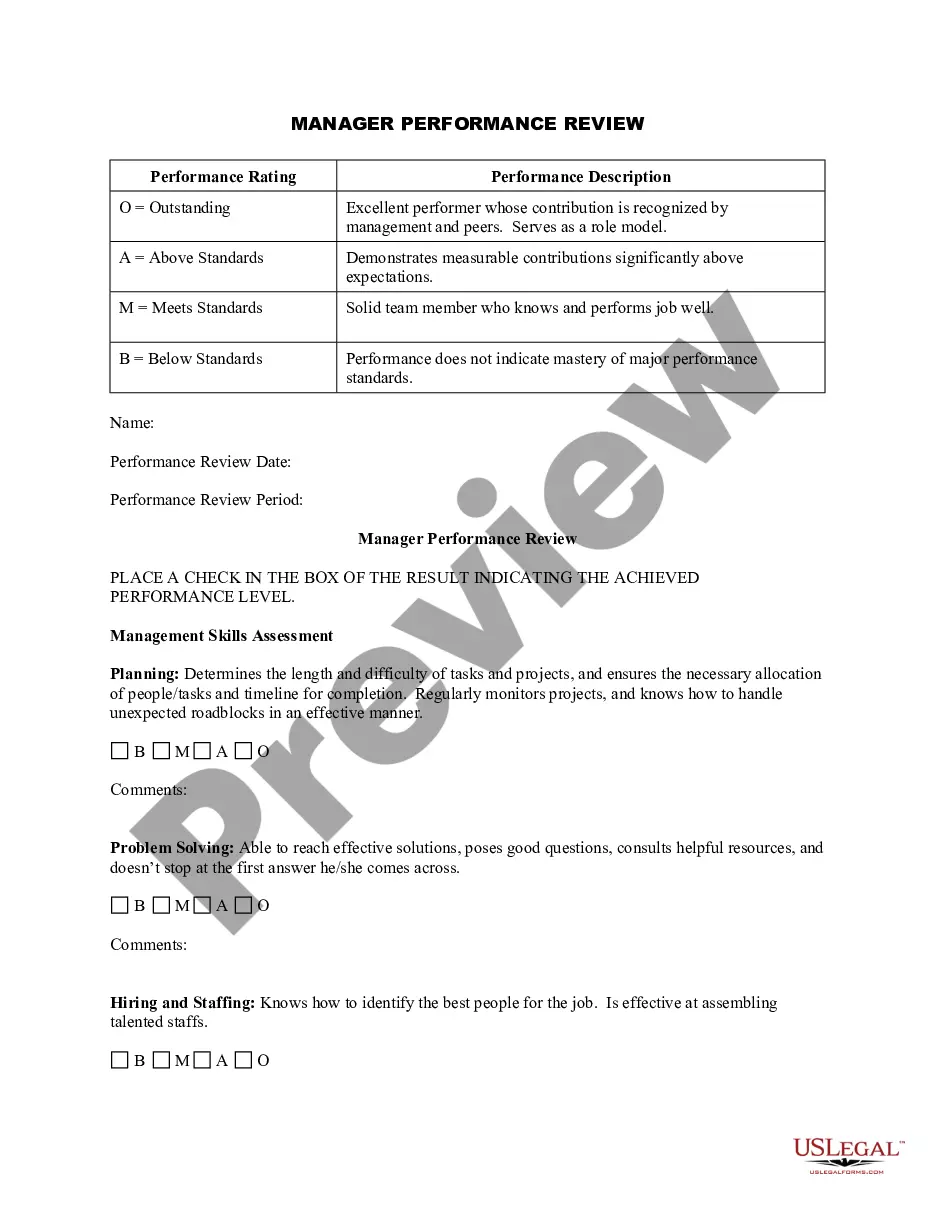
Michigan Employee News Form
Description
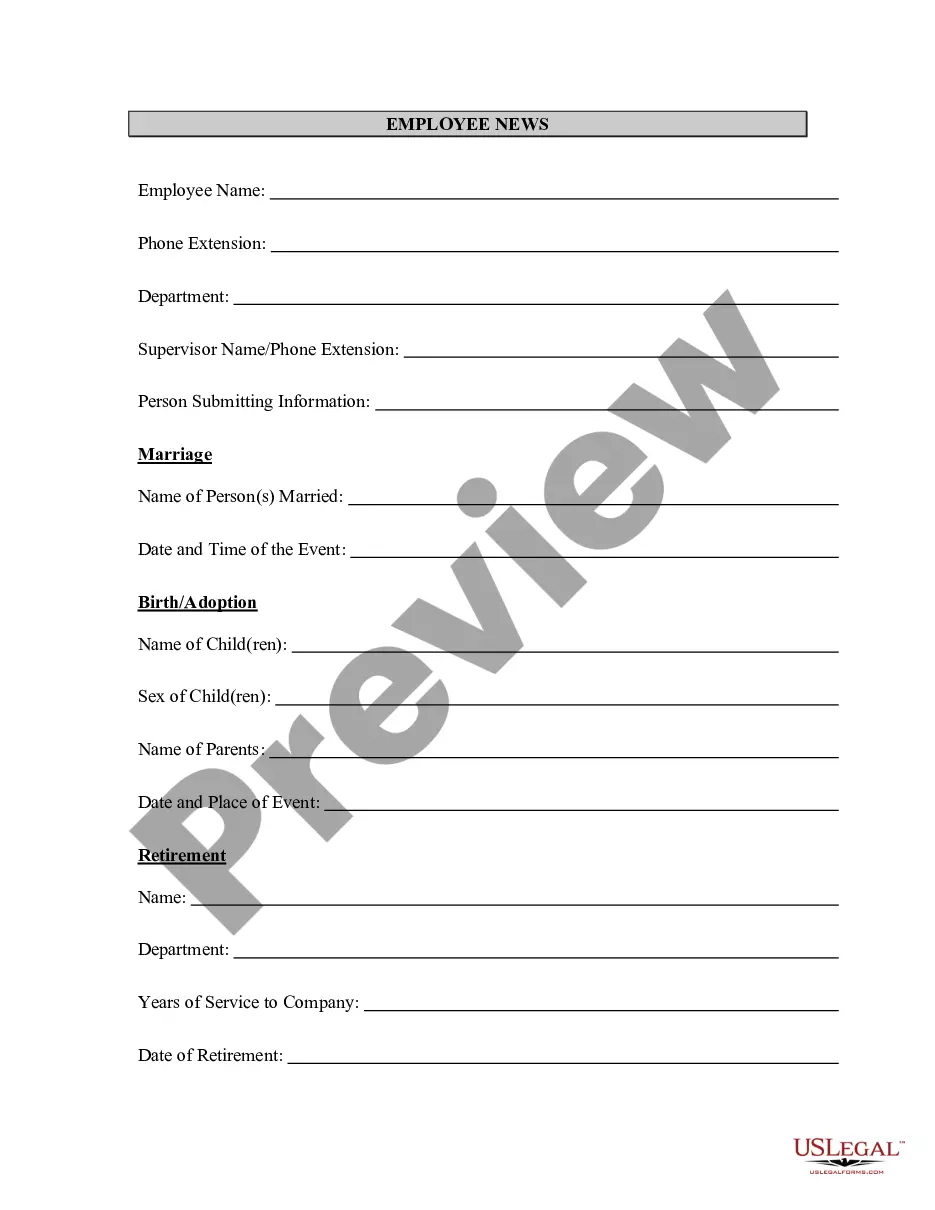
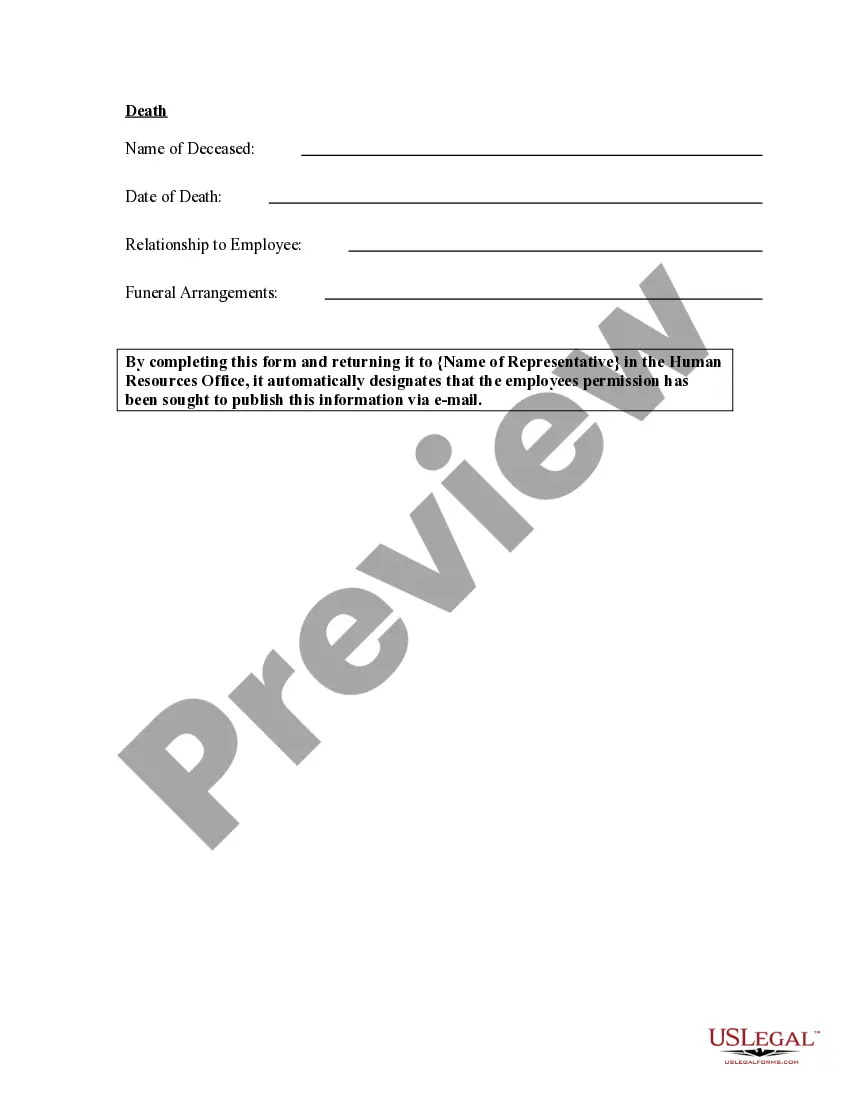

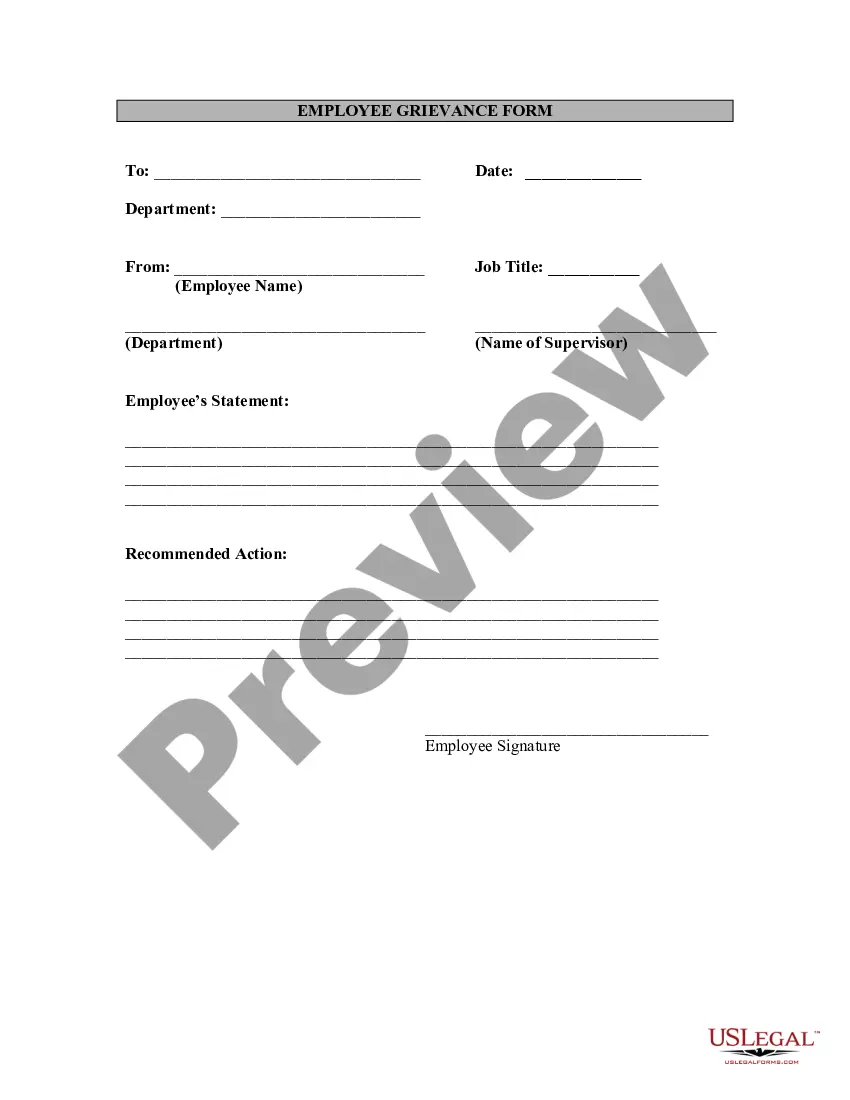


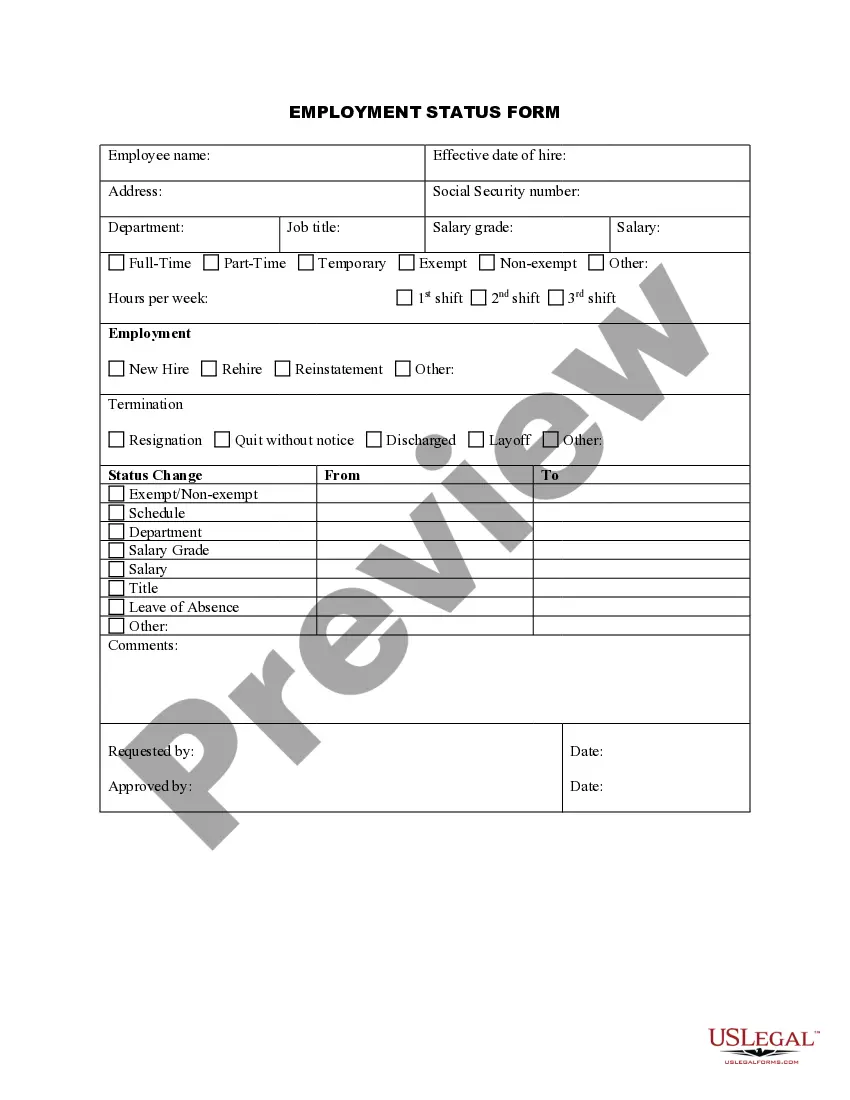



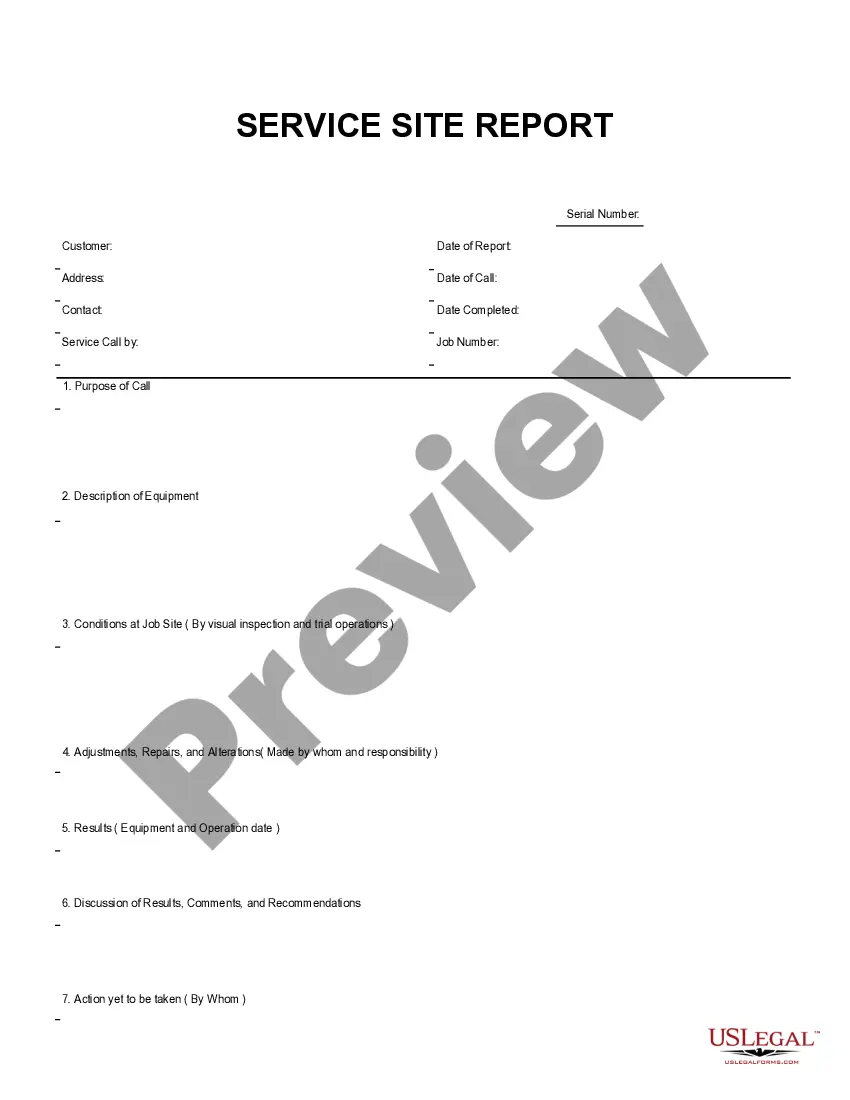
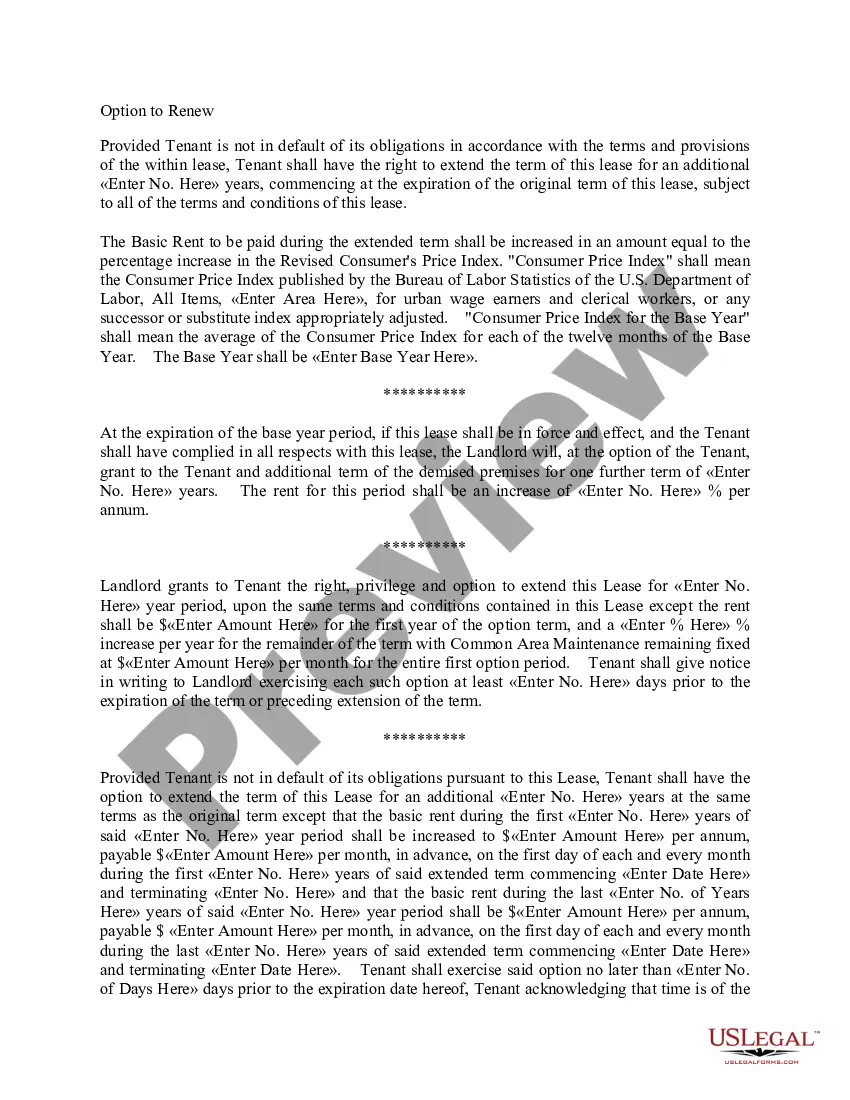
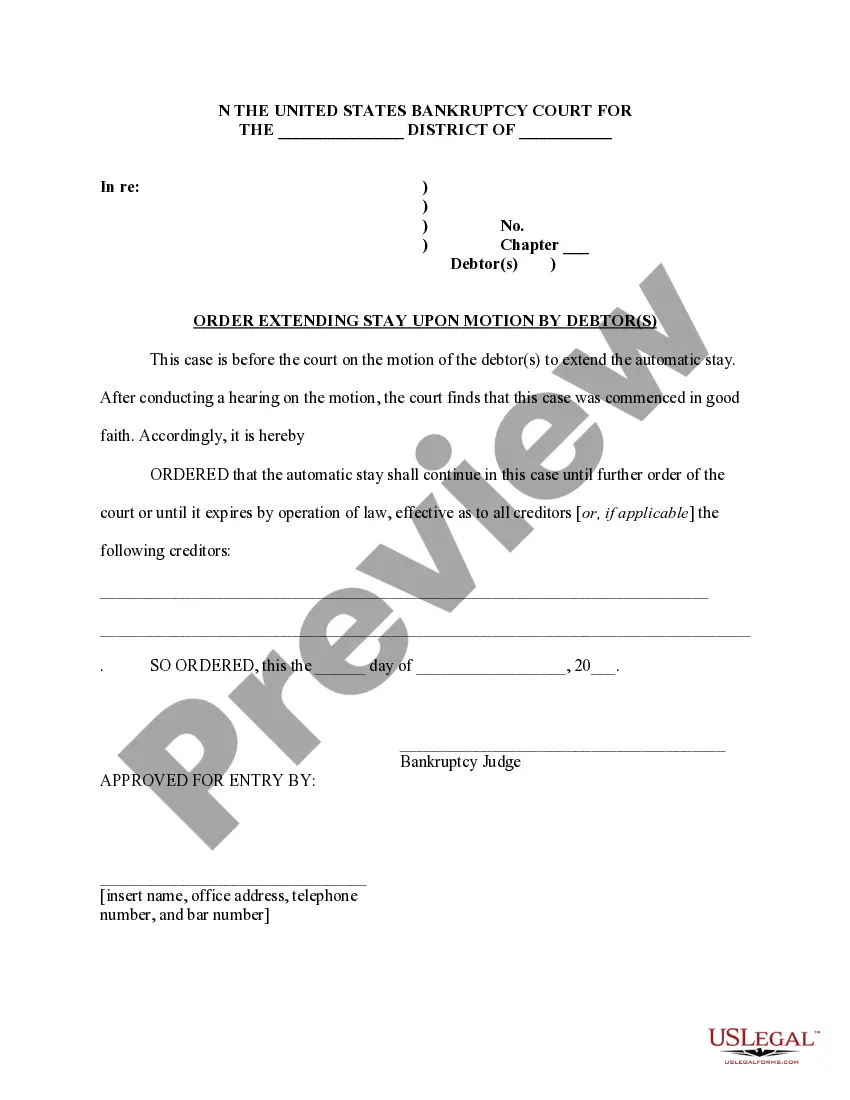


How to fill out Employee News Form?
You can spend hours online looking for the valid document template that satisfies the state and federal regulations required.
US Legal Forms offers a vast array of official forms that can be reviewed by professionals.
You can download or print the Michigan Employee News Form from my service.
If available, use the Preview option to review the document template as well.
- If you already have a US Legal Forms account, you can Log In and then click the Obtain button.
- After that, you can fill out, modify, print, or sign the Michigan Employee News Form.
- Every official document template you purchase is yours permanently.
- To retrieve another copy of a purchased form, navigate to the My documents section and click the relevant option.
- If you are visiting the US Legal Forms website for the first time, follow the simple instructions below.
- First, verify that you have selected the correct document template for the state/town of your choice.
- Review the form description to ensure you have picked the appropriate form.
Form popularity
FAQ
Reporting your work search activities will be required for most claimants receiving unemployment benefits. If you have an approved waiver, the requirement is waived and you are not required to search for work.
The Register for Work and Work Search requirements are waived if you are receiving unemployment benefits as a result of COVID-19. For more information including a copy of UIA 1901, Unemployment Benefits in Michigan and forms, visit our website at .
Section 28(6) of the Michigan Employment Security (MES) Act requires that you look for work each week you are claiming unemployment benefits. You must contact a minimum of two employers within each week, and report the details and actions taken for each work search.
New claimants or claimants who have been denied regular state unemployment benefits (as of January 27, 2020) may apply online using the PUA application available in the Michigan Web Account Manager (MiWAM) at michigan.gov/uia. PUA applicants should have proof of their Social Security number and proof of income.
A Registration and Seeking Work Waiver (RSW) may now be requested on-line through your Michigan Web Account Manager (MiWAM) by clicking on the Seeking Work Waiver link. The Registration and Seeking Work Waiver is in accordance with Section 28(1)(a) of the MES Act.
Section 28(6) of the Michigan Employment Security (MES) Act requires that you look for work each week you are claiming unemployment benefits. You must contact a minimum of two employers within each week, and report the details and actions taken for each work search.
Returning to the pre-pandemic system, Michigan residents who claim unemployment benefits will need to report at least one 'work search activity' for every week that they are claiming the support.
If you are not working because of any of the COVID-related reasons listed on the certification, you are not required to seek work or submit job contacts at this time.
No. The requirement that an unemployed individual register and seek work to remain eligible for benefits, MCL 421.28(1)(a), is suspended in Executive Order 2020-24(7). The reasoning behind this is that suitable work is unavailable for workers due to COVID-19.