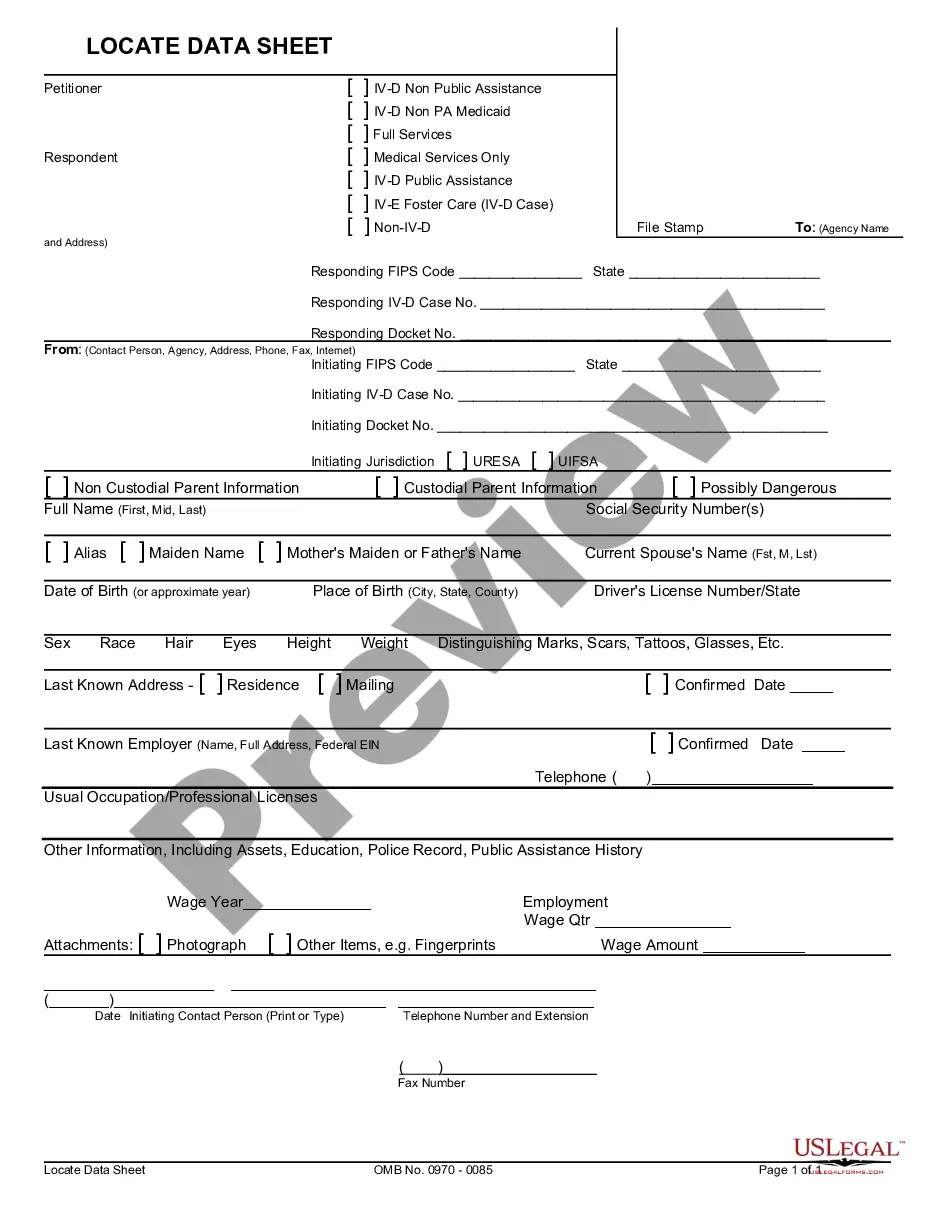
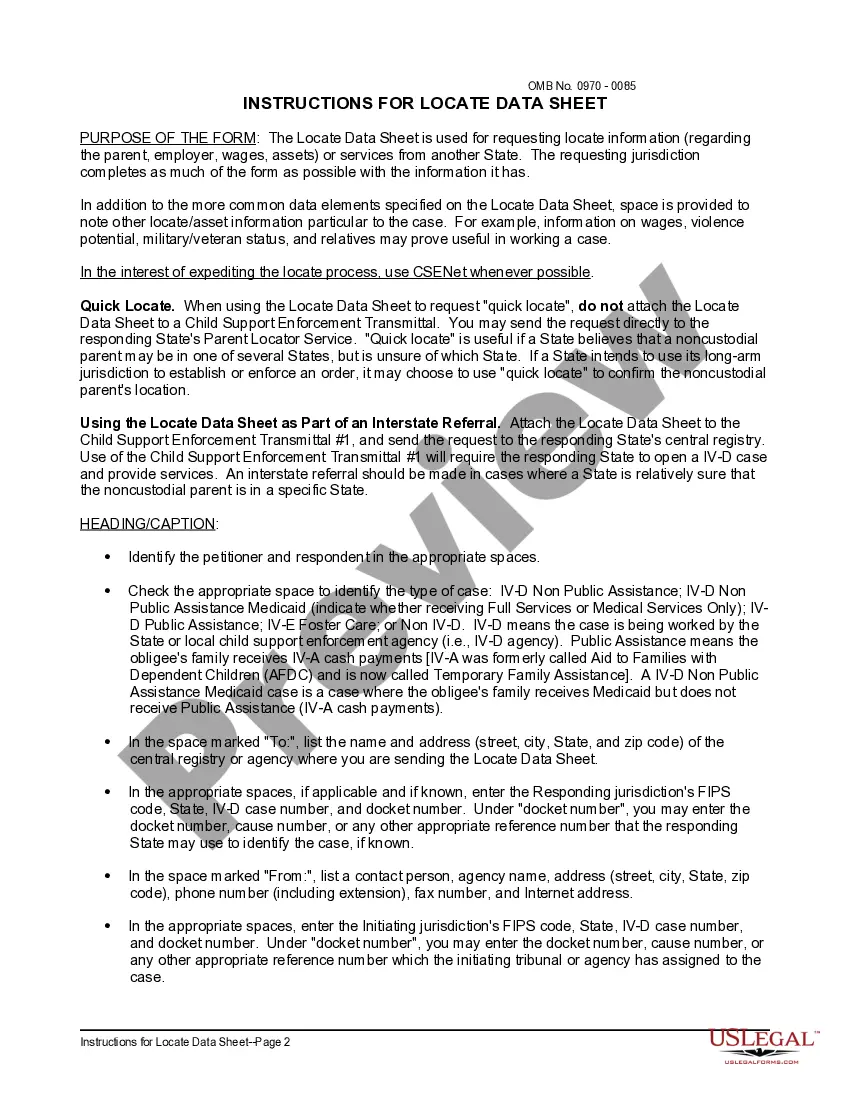
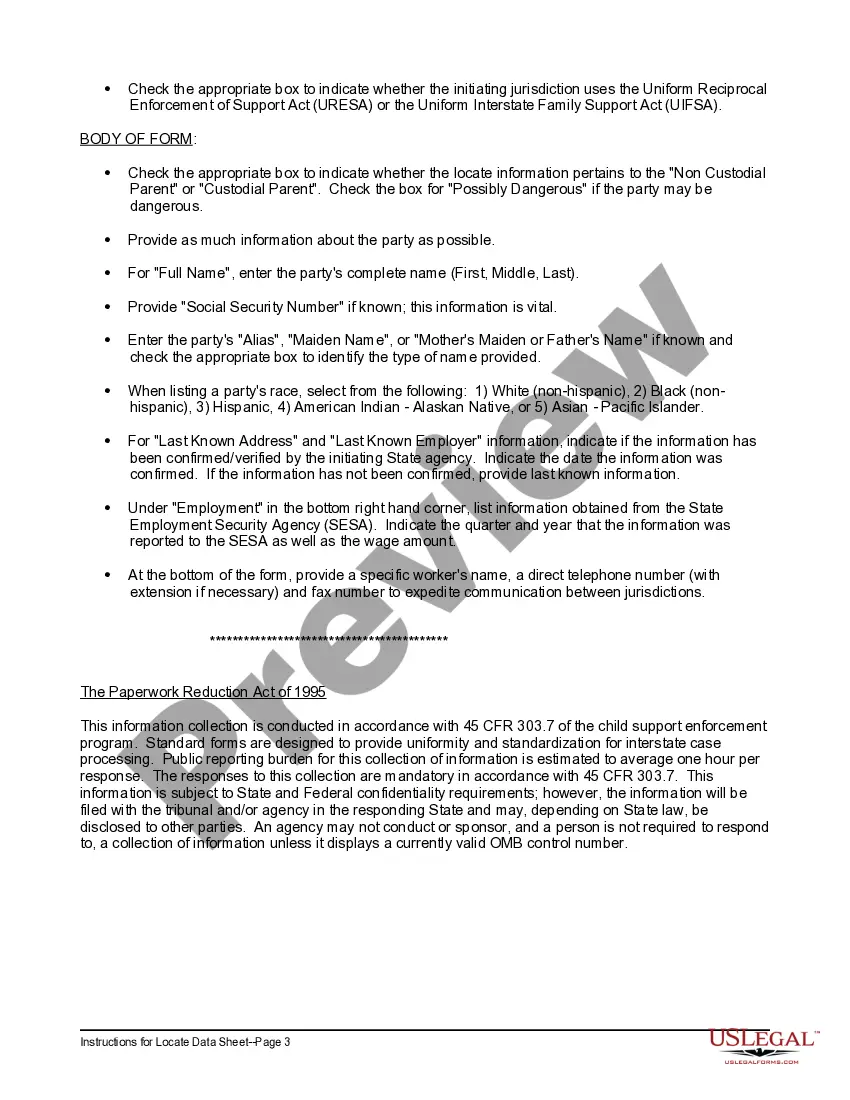
Maine Locate Data Sheet and Instructions
Description
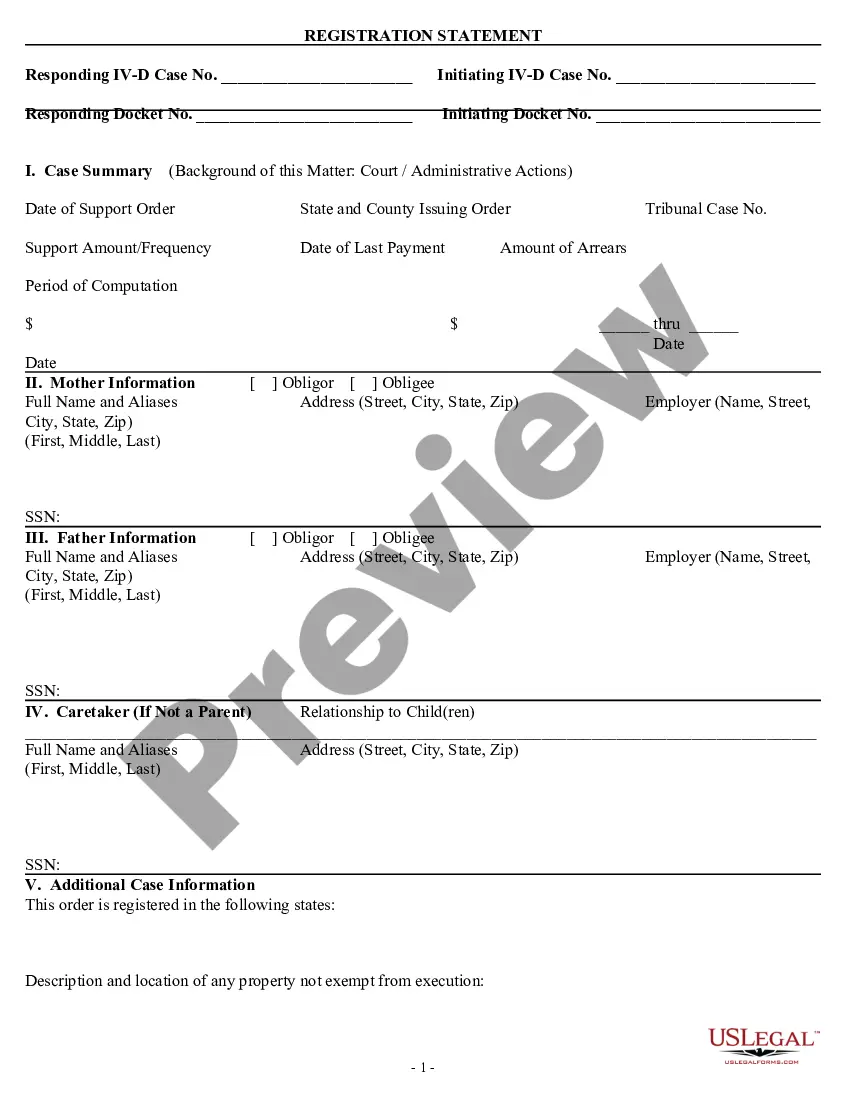
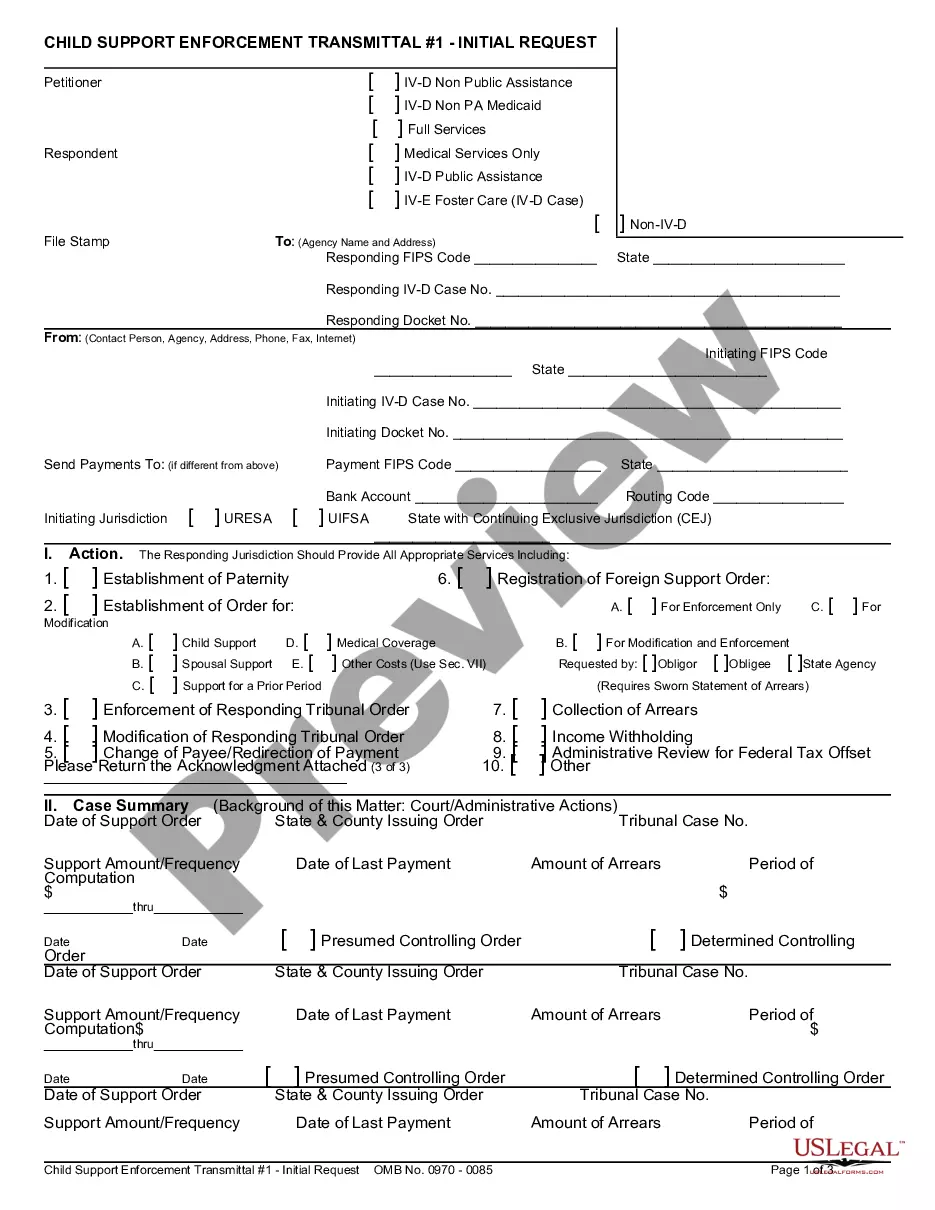
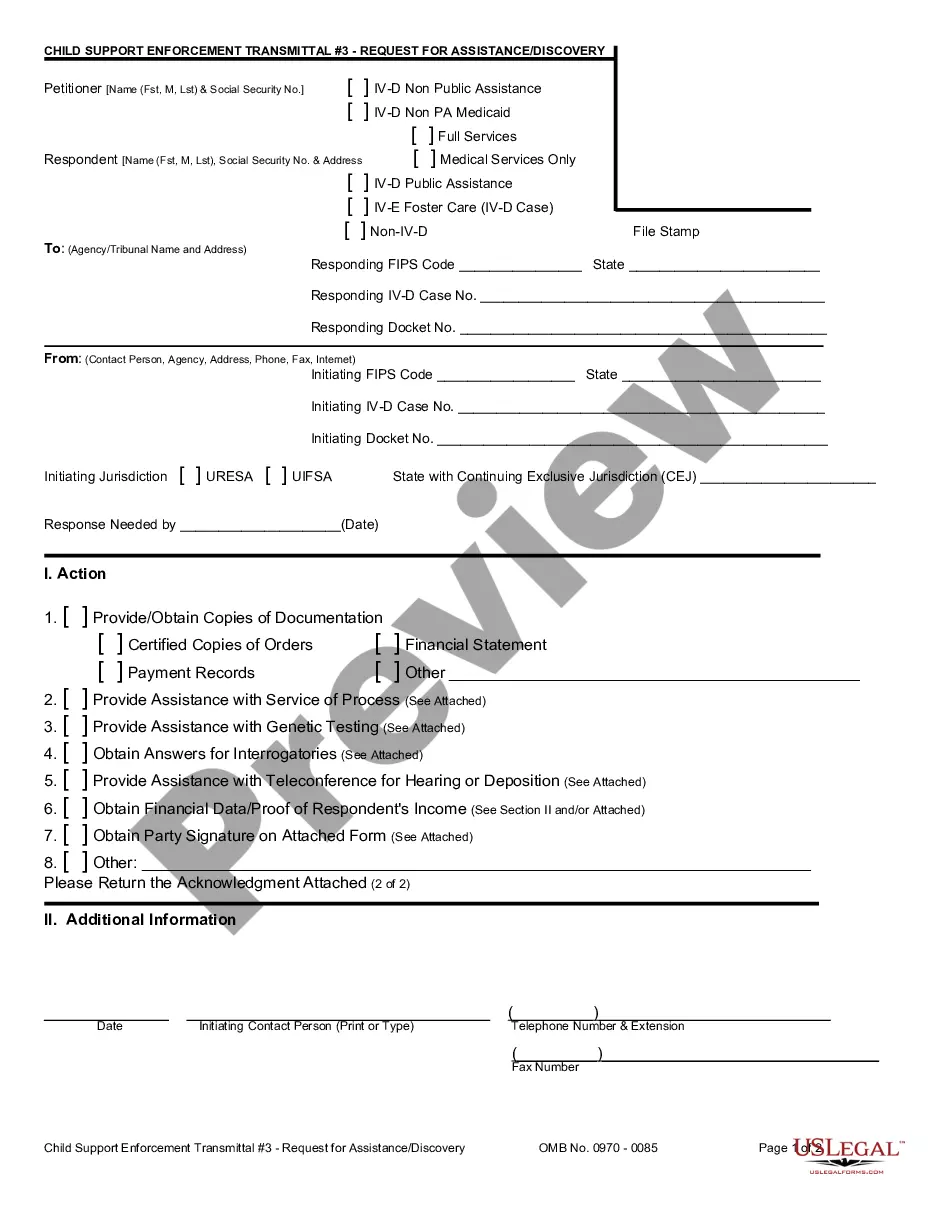
How to fill out Locate Data Sheet And Instructions?
If you need to acquire, download, or create legal document templates, utilize US Legal Forms, the largest compilation of legal forms available online.
Take advantage of the website's straightforward and user-friendly search to find the documents you need.
Numerous templates for commercial and personal purposes are categorized by types and states, or keywords. Use US Legal Forms to obtain the Maine Locate Data Sheet and Instructions in just a few clicks.
Every legal document template you purchase is yours forever. You will have access to every form you downloaded in your account. Click on the My documents section and select a form to print or download again.
Be proactive and download, and print the Maine Locate Data Sheet and Instructions with US Legal Forms. There are millions of professional and state-specific forms you can use for your business or personal needs.
- If you are already a US Legal Forms user, Log In to your account and click the Download button to access the Maine Locate Data Sheet and Instructions.
- You can also reach forms you have previously downloaded in the My documents tab of your account.
- If you are using US Legal Forms for the first time, follow the steps outlined below.
- Step 1. Ensure you have selected the form for the correct region/state.
- Step 2. Utilize the Preview option to review the form's content. Don't forget to read the summary.
- Step 3. If you are not satisfied with the document, use the Search box at the top of the screen to find other versions of the legal form template.
- Step 4. Once you find the form you need, select the Purchase now button. Choose the pricing plan you prefer and enter your details to register for an account.
- Step 5. Complete the transaction. You can use your credit card or PayPal account to finalize the purchase.
- Step 6. Choose the format of your legal document and download it to your device.
- Step 7. Complete, modify, and print or sign the Maine Locate Data Sheet and Instructions.
Form popularity
FAQ
You may also mail documents to 114 Corn Shop Ln. Farmington, ME 04938, fax them to (207) 778-8429, e-mail them to Farmington.DHHS@Maine.gov, or hand deliver them to a local office.
Eligibility and Benefits Questions DISTRICT OFFICECONTACT (TTY: Maine Relay 711)Farmington District Office 114 Corn Shop Lane Farmington, Maine 04938 Show MapGeneral Information: (207) 778-8400 Toll Free: 1-800-442-6382 Fax: (207) 778-8410 or (207) 778-8429 farmington.dhhs@maine.gov15 more rows
Contact Us Eligibility and Benefits Questions. Phone: 1 (855) 797-4357. For help logging into your My Maine Connection Account: MMCHelp.DHHS@maine.gov. Electronic Benefit Transfer Card. For EBT self-service, please visit
You can also email the Enrollment email box. If you need further help after contacting the Gainwell Provider Enrollment Team, email MaineCare's Provider Enrollment Manager, Kenneth Jamison.
Jeanne M. Lambrew, Ph. D. Jeanne Lambrew was sworn in as Commissioner of the Maine Department of Health and Human Services on February 5, 2019.