Maryland Resume for Acrobats
Description
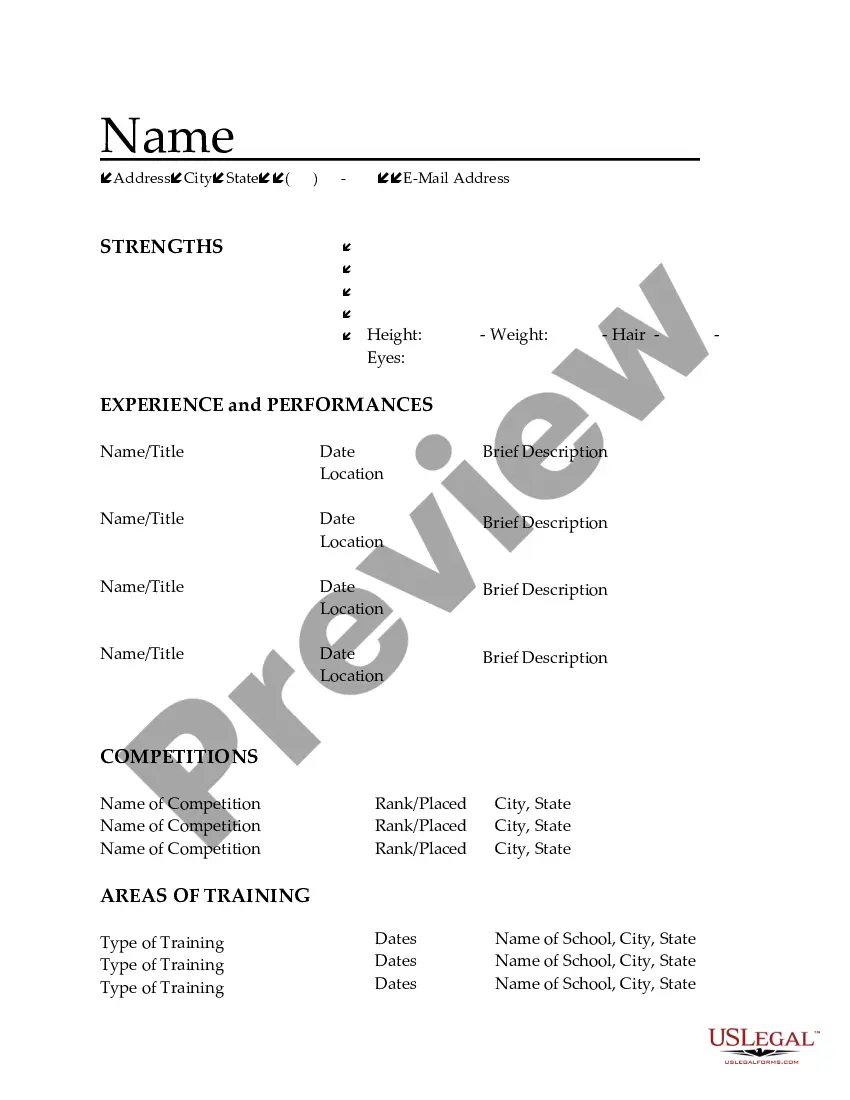
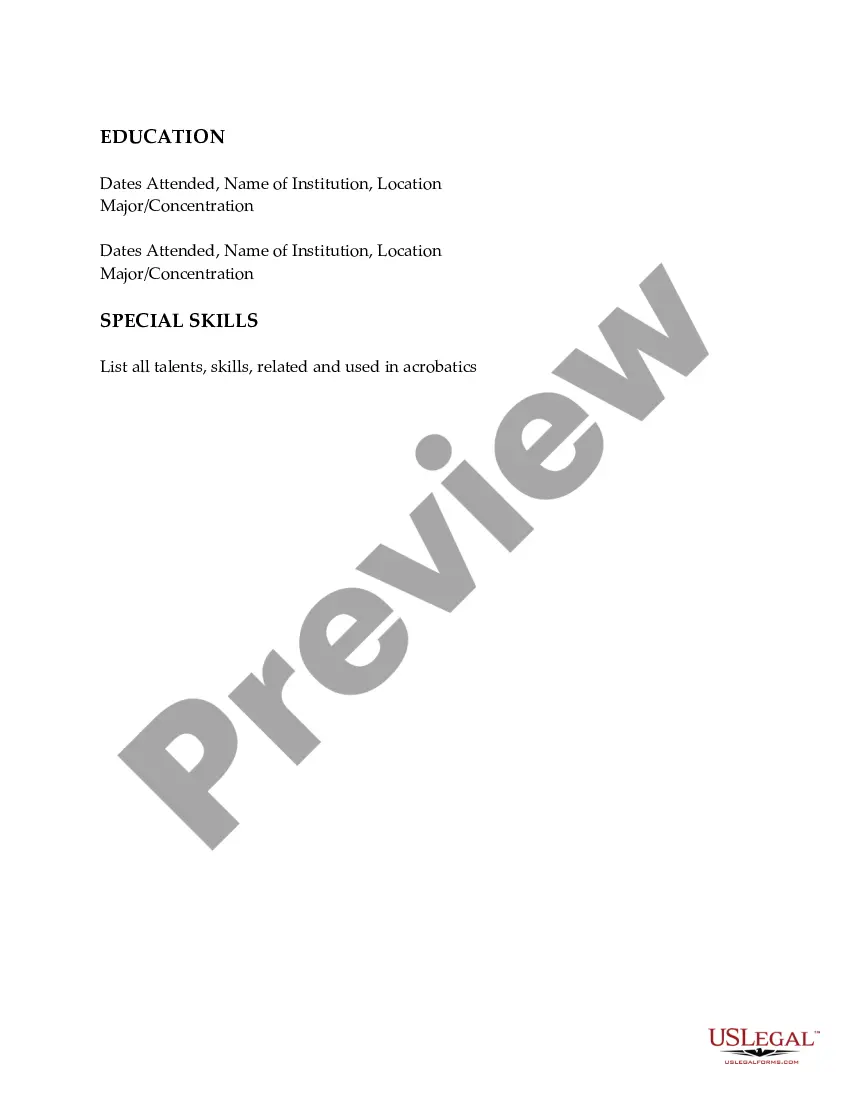
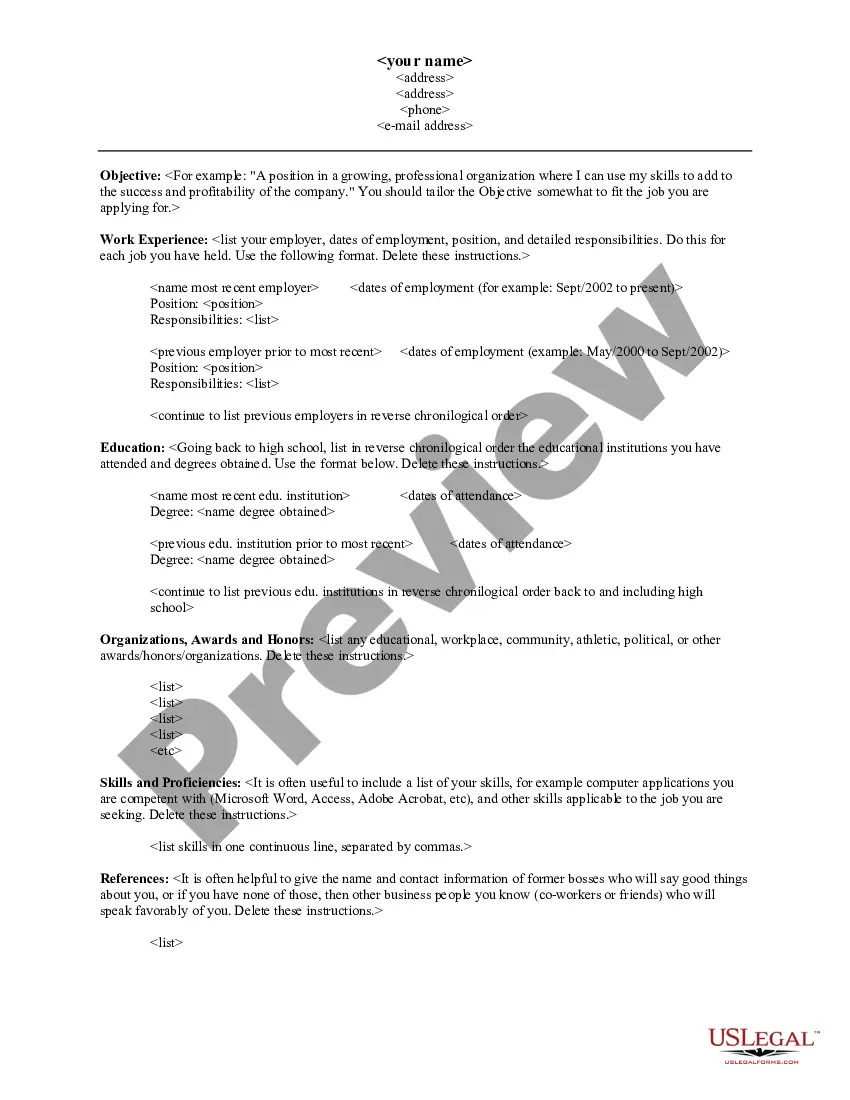
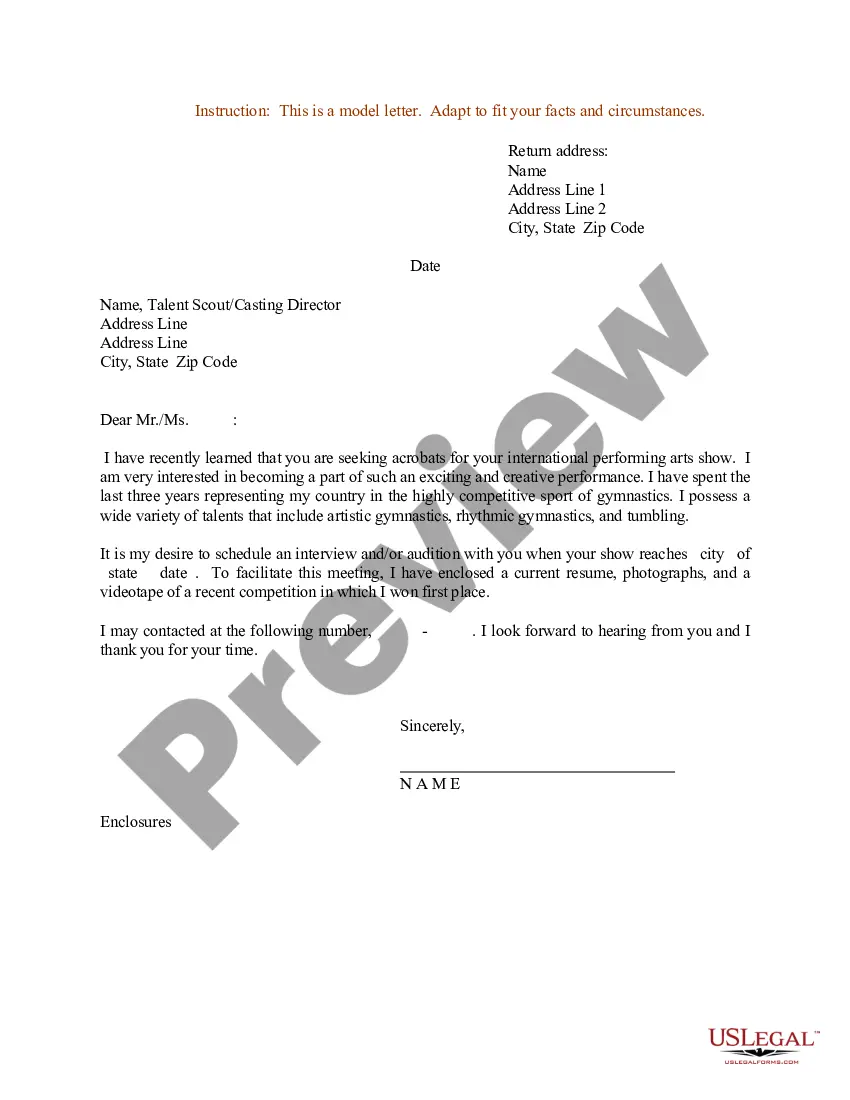
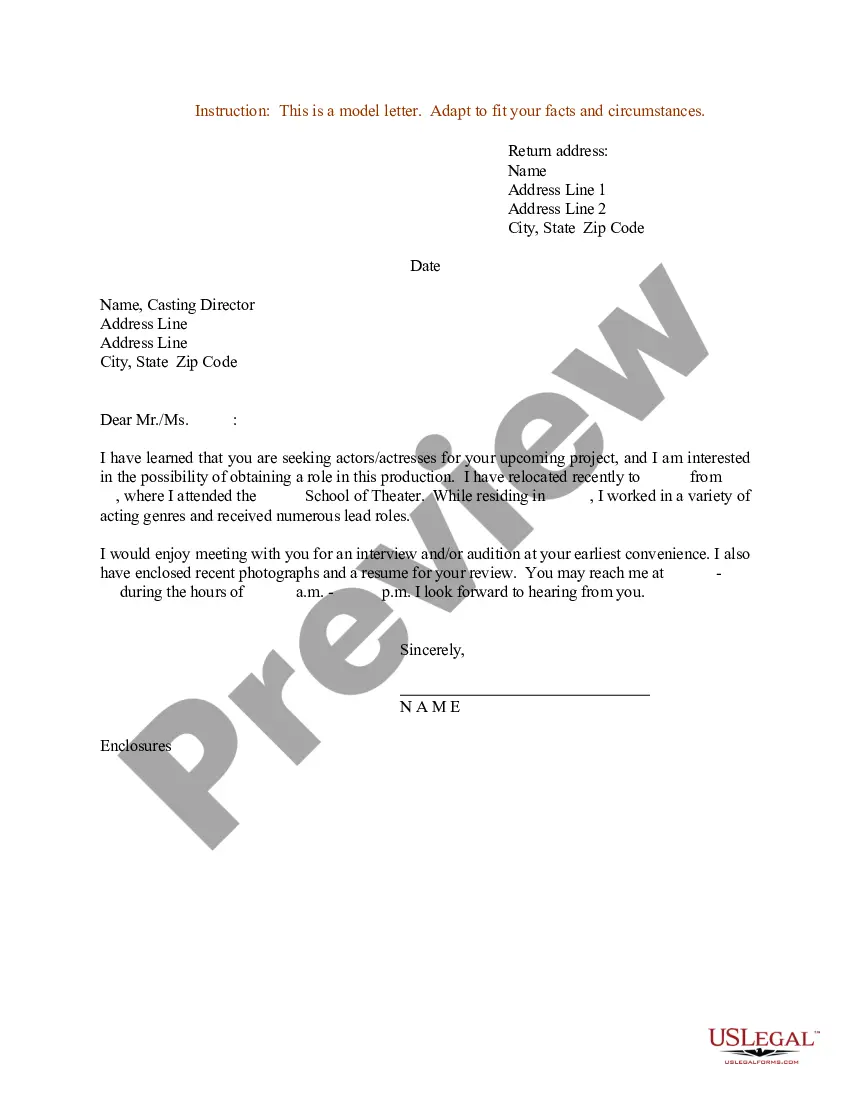
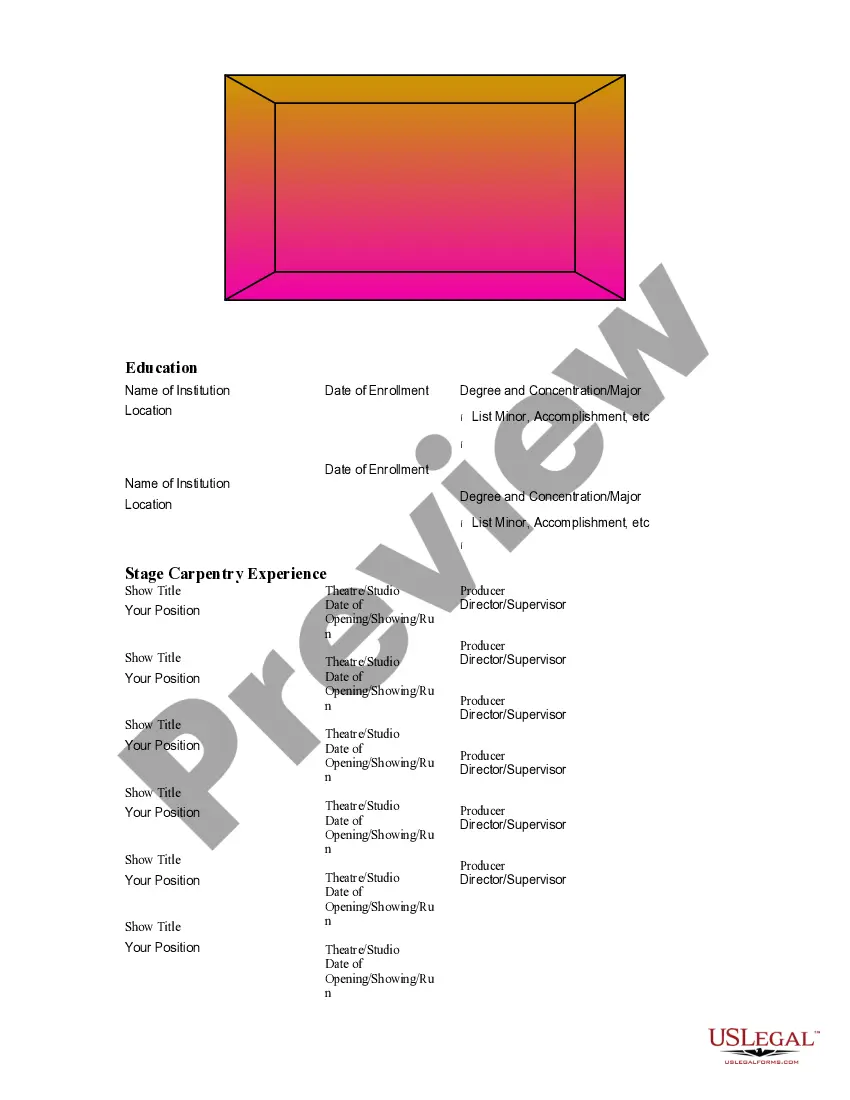
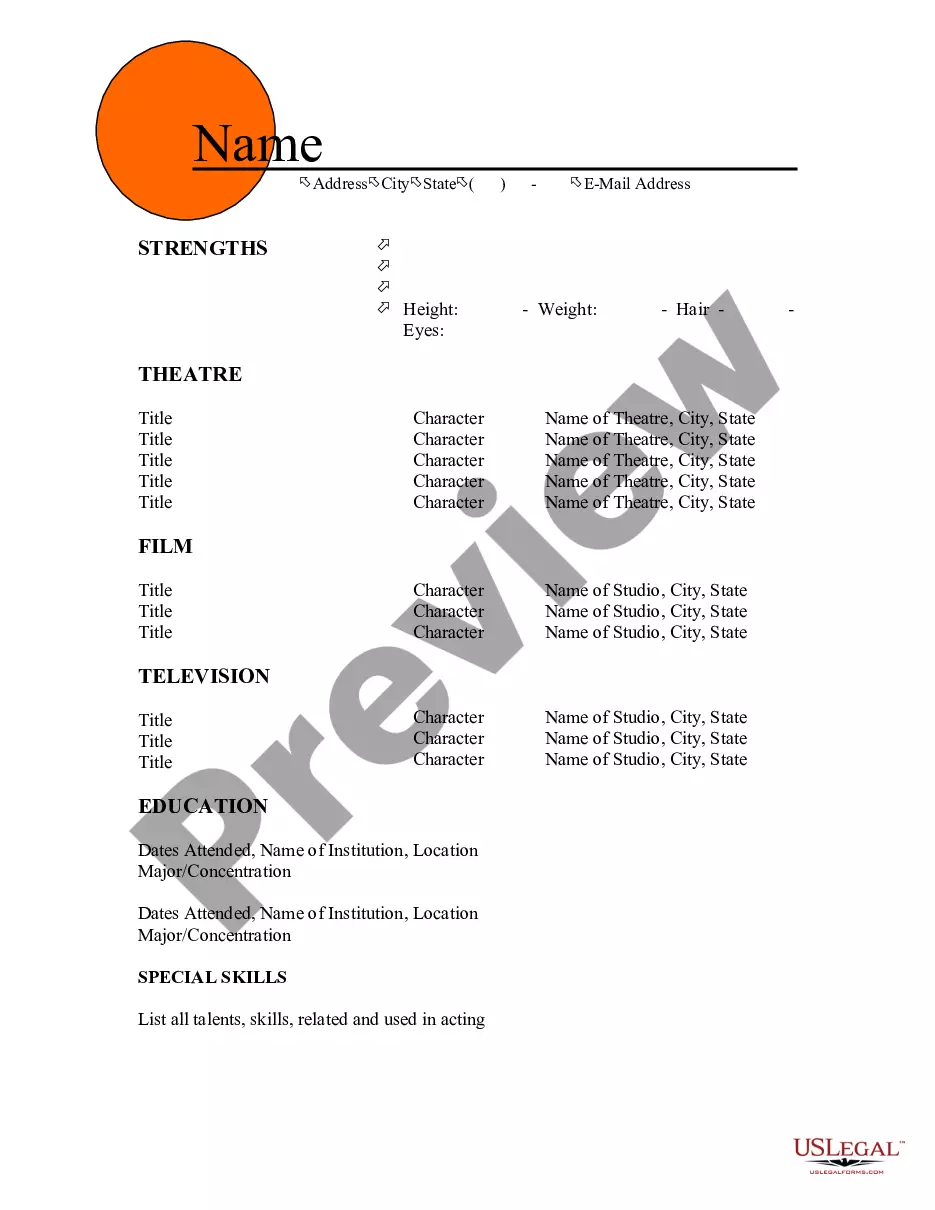





How to fill out Resume For Acrobats?
If you need to comprehensively download or print legal document templates, utilize US Legal Forms, the largest collection of legal forms available online. Take advantage of the site's straightforward and user-friendly search feature to find the documents you require. Various templates for business and personal purposes are organized by categories and states or keywords. Use US Legal Forms to locate the Maryland Resume for Acrobats in just a few clicks.
If you are already a US Legal Forms user, Log In to your account and click the Obtain button to retrieve the Maryland Resume for Acrobats. You can also access forms you previously downloaded in the My documents section of your account.
If you are using US Legal Forms for the first time, follow the steps below: Step 1. Ensure you have selected the form for your correct region/country. Step 2. Use the Review option to examine the form’s content. Do not forget to read through the description. Step 3. If you are not satisfied with the form, utilize the Lookup area at the top of the screen to find other versions of the legal form template. Step 4. Once you have found the form you need, select the Acquire now button. Choose the pricing plan you prefer and enter your details to register for the account. Step 5. Process the payment. You can use your credit card or PayPal account to complete the transaction. Step 6. Choose the format of the legal form and download it to your device. Step 7. Fill out, modify, and print or sign the Maryland Resume for Acrobats.
- Every legal document template you purchase is yours forever.
- You can access every form you downloaded within your account.
- Click on the My documents section and select a form to print or download again.
- Complete and download, and print the Maryland Resume for Acrobats with US Legal Forms.
- There are numerous professional and state-specific forms available for your business or personal needs.
Form popularity
FAQ
When writing a sports certificate in a resume, specify the certificate's name, the institution that issued it, and the date you earned it. You should also describe what the certification entails and how it applies to the job you seek. This is particularly beneficial when crafting your Maryland Resume for Acrobats, as it highlights your specialized skills and dedication to your profession.
To include a certification on your resume, create a dedicated section titled 'Certifications' or 'Licenses.' List the certification name, issuing organization, and the date obtained. If the certification relates to acrobatics or sports, incorporate it into your Maryland Resume for Acrobats to enhance your qualifications and appeal to potential employers.
Yes, you can definitely add a sports certificate to your resume. This can enhance your credibility, especially if the certification is relevant to the role you are applying for. Including certifications in your Maryland Resume for Acrobats can demonstrate your commitment to your craft and your desire for continuous improvement in your field.
To effectively put sports experience on your resume, focus on relevant skills and achievements. Highlight your roles, responsibilities, and any accolades received during your time in the sport. For example, when crafting your Maryland Resume for Acrobats, emphasize teamwork, discipline, and performance metrics to showcase your athletic background.
Yes, Maryland unemployment benefits require you to actively search for work. You must document your job search activities and report them weekly. This includes applying for jobs related to your skills, such as those highlighted in your Maryland Resume for Acrobats. Keeping a thorough record of your applications can enhance your chances of successful unemployment claims.
Writing a Maryland Resume for Acrobats without experience can be challenging, but it's definitely achievable. Focus on your skills, education, and any volunteer work or internships you have completed. Use a clear, concise format, and emphasize transferable skills that relate to the job you are applying for, which can help you stand out to employers.
In Maryland, the minimum age for summer jobs typically starts at 14, although some positions may require you to be 16 or older. It is important to check specific job listings for age requirements. If you are preparing your Maryland Resume for Acrobats, consider including any relevant volunteer work or internships that demonstrate your skills and enthusiasm, regardless of your age.
Including college activities on your Maryland Resume for Acrobats can enhance your profile, especially if you lack extensive work experience. You should create a dedicated section for extracurricular activities, such as clubs or sports, to showcase your involvement. List these activities in reverse chronological order, highlighting any leadership roles or significant contributions to attract potential employers.
If you are having trouble uploading your resume to usajobs, it may be due to file format or size restrictions. Make sure your Maryland Resume for Acrobats is in a compatible format, such as PDF or Word. Additionally, check the file size to ensure it meets the platform's requirements. If the issue persists, consider using a different browser or clearing your cache.