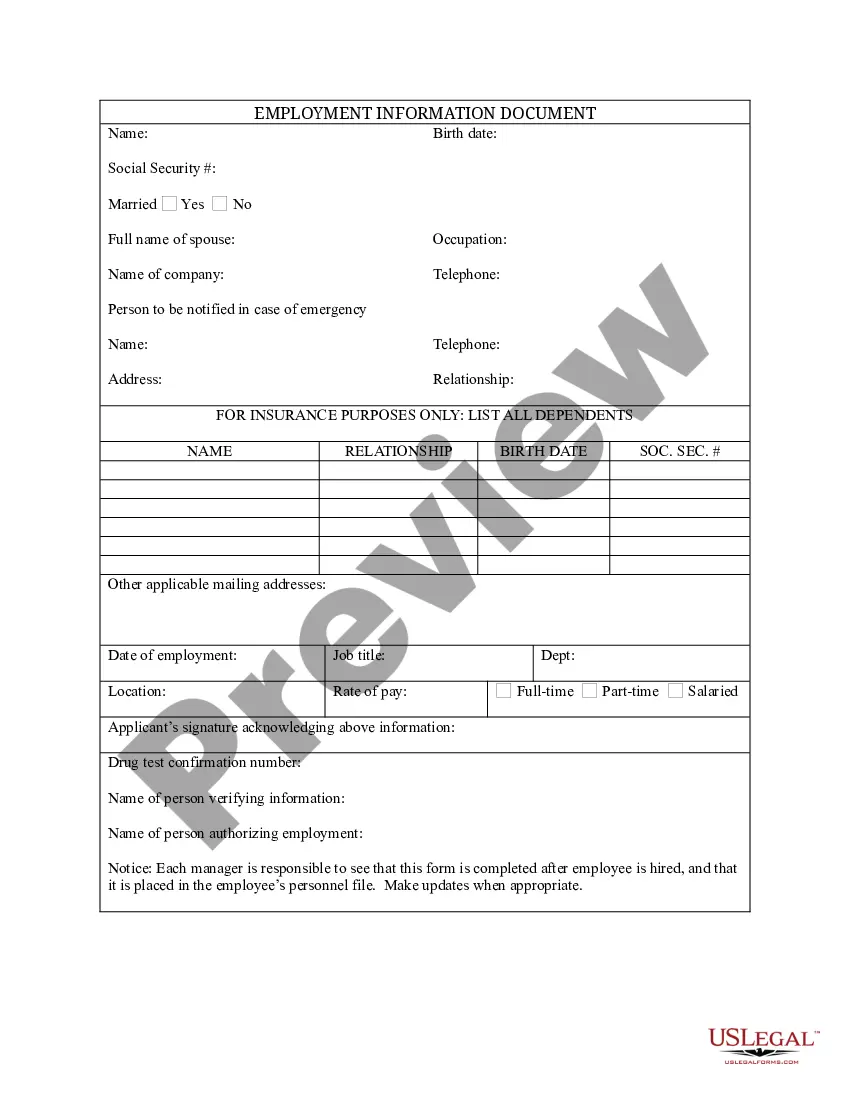
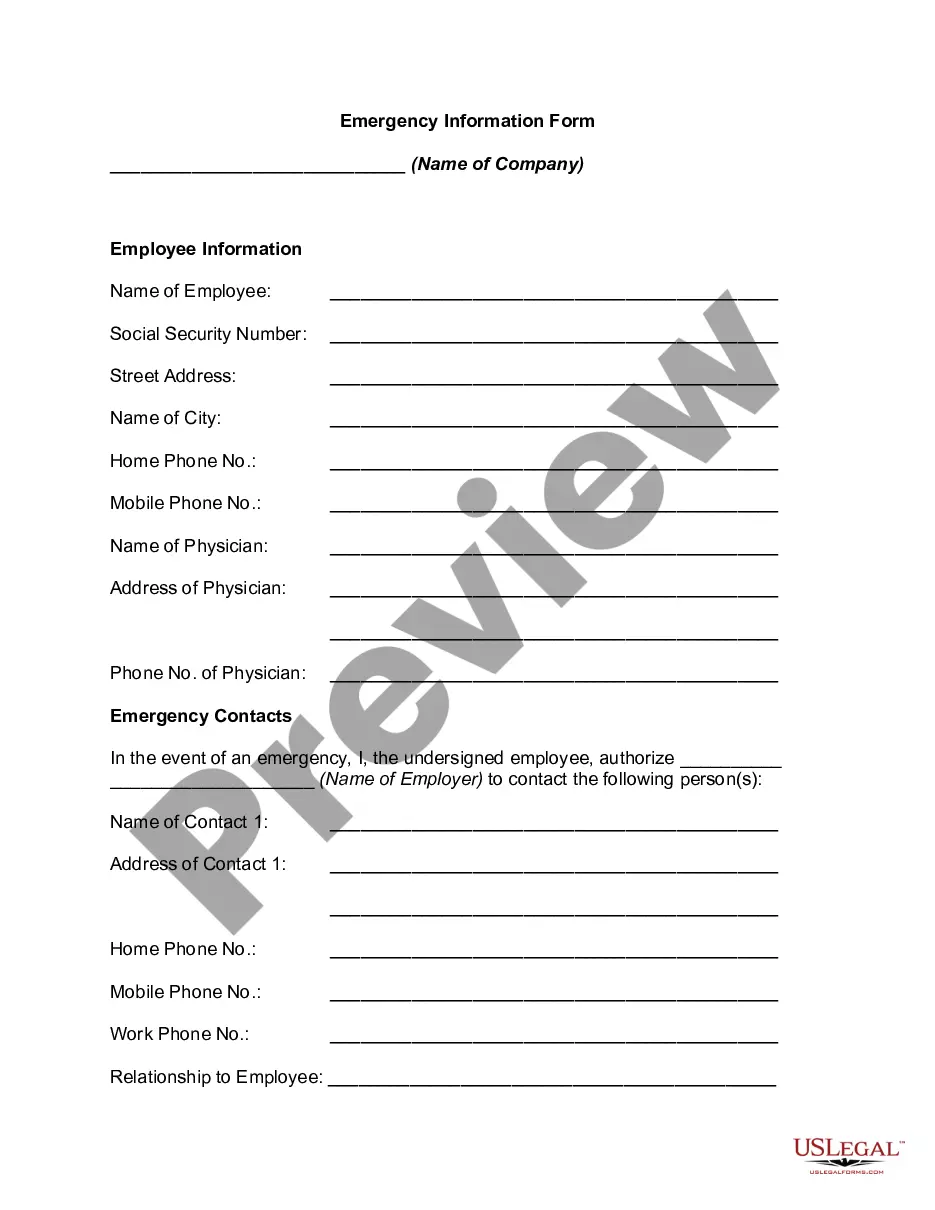
Massachusetts Employment Information Document with Insurance Information
Description



How to fill out Employment Information Document With Insurance Information?
Are you in a position where you need documentation for either business or personal activities almost every day.
There are numerous legal document templates accessible online, but finding ones you can rely on is not easy.
US Legal Forms offers thousands of form templates, such as the Massachusetts Employment Information Document with Insurance Information, that are designed to comply with state and federal regulations.
Once you find the appropriate form, click Purchase now.
Choose the pricing plan you want, provide the necessary information to create your account, and complete the purchase using your PayPal or credit card.
- If you are already familiar with the US Legal Forms website and have an account, simply Log In.
- After that, you can download the Massachusetts Employment Information Document with Insurance Information template.
- If you do not have an account and wish to start using US Legal Forms, follow these steps.
- Obtain the form you need and ensure it is for your specific city/region.
- Utilize the Preview button to review the document.
- Check the summary to confirm that you have selected the correct form.
- If the form isn’t what you’re looking for, use the Search field to locate the form that suits your requirements.
Form popularity
FAQ
ID. me's online identity verification service is available 24-hours per day, 7 days a week. Most claimants are able to complete their ID.me identity verification using a self-guided process that takes a few minutes.
Request for Income Verification The EDD may request that you provide documents to prove your income for your Pandemic Unemployment Assistance (PUA) claim.
Submit Your Documents Recommended: Log in to your UI Online account and go to the Upload Income Documents for PUA section on the homepage to provide the required documents. If you prefer to mail your documents, write your 10-digit EDD Customer Account Number (EDDCAN) clearly at the top of each page.
It may take 30 days after you provide your verification for EDD to restore access to your account. If you need help with the ID.me process, you can find a step-by-step guide here. EDD says uploading your documents online is the quickest way to verify your identity but ID.me also offers a video call option.
What you needNames of all employers, plus addresses and phone numbers.Reasons for leaving those jobs.Work start and end dates.Recall date (if you were laid off but have a set date to return to work)
Once you do manage to verify your identification with ID.me, EDD said it may take up to 30 days for your benefits to finally clear.
You must make at least 3 work searches per week. Get answers to questions about returning to work. See step-by-step instructions to request weekly benefits online, including responding to work search questions.
Use the Document Upload feature in UI Online to verify your identity. If we need you to verify your identity, you will get a message asking you to: Visit your UI Online homepage and select Upload Identity Documents. You will only see this option if there has been an issue verifying your identity.
We must verify your identity to protect you from potentially fraudulent activity. While we determine your eligibility, continue to certify for benefits if you continue to be unemployed or are working reduced hours.
To apply for unemployment, you need to provide personal information including your Social Security number, birth date, home address, email address (optional), and phone number.