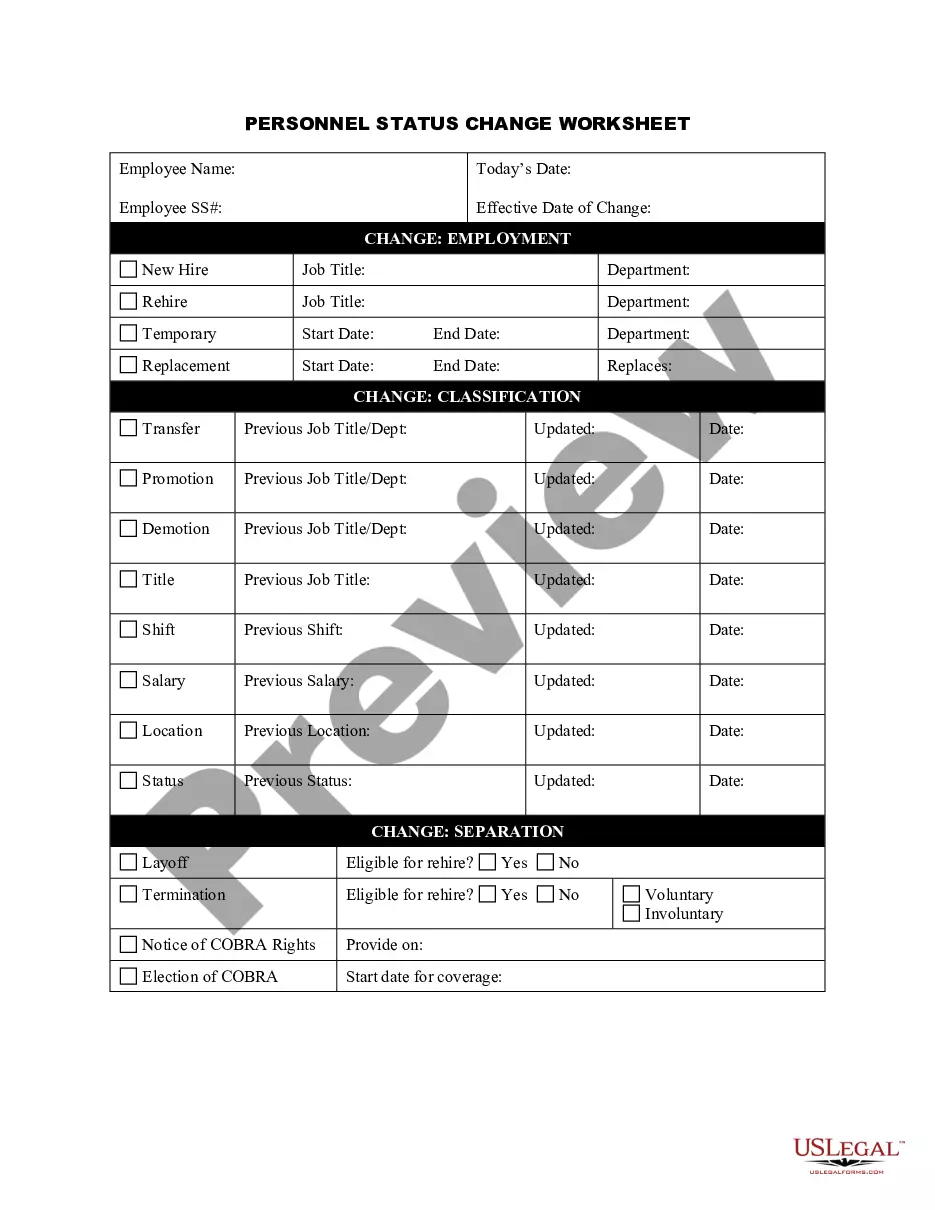
Massachusetts Personnel Change Form
Description
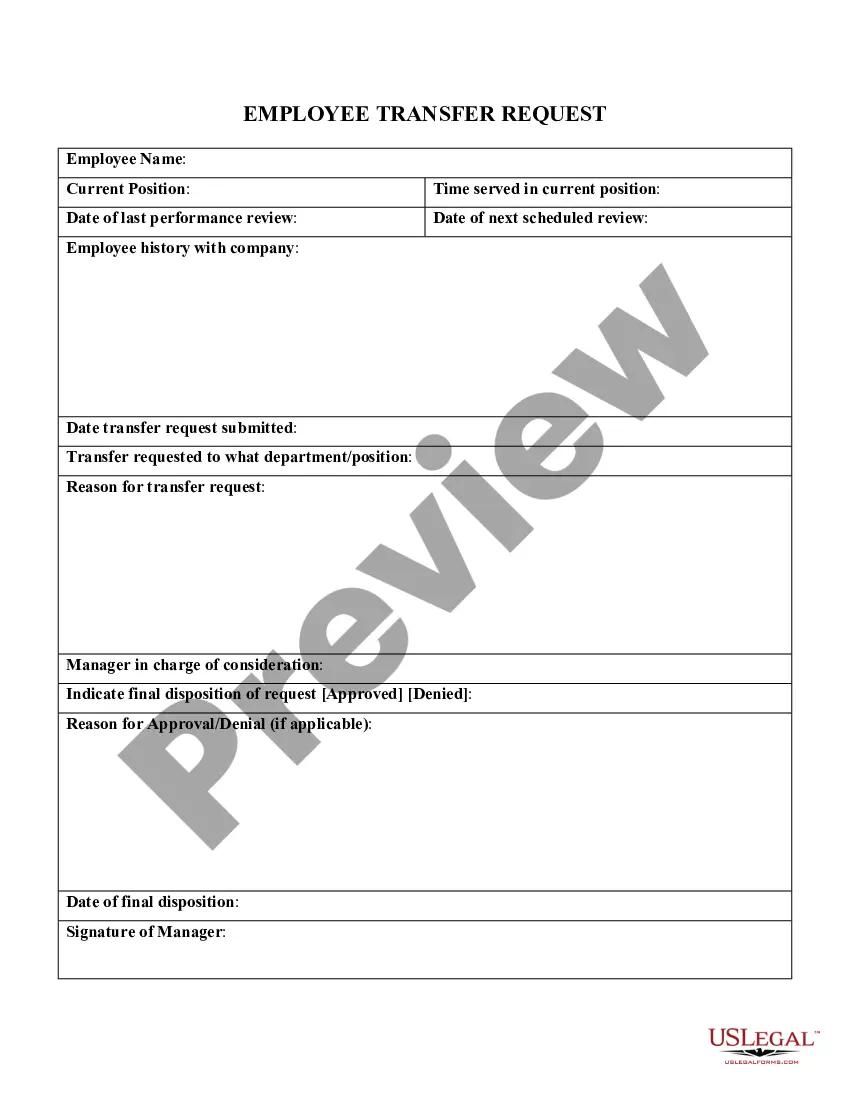
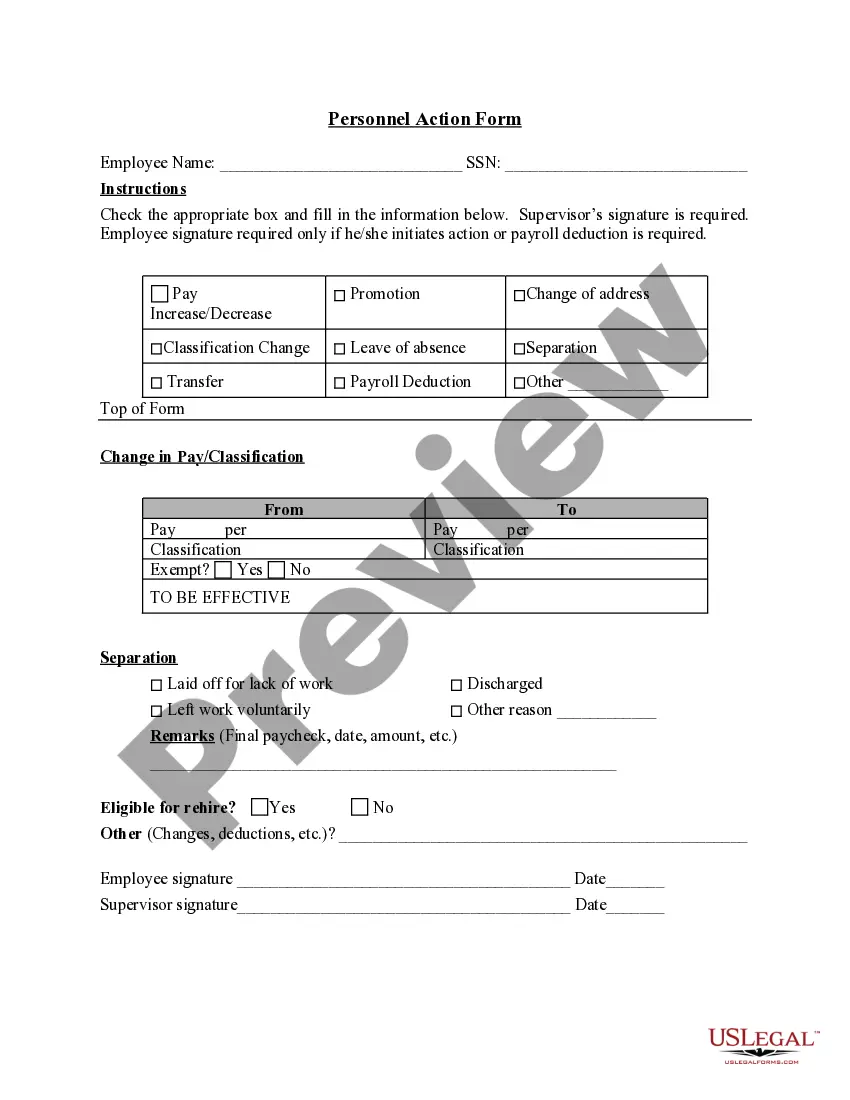
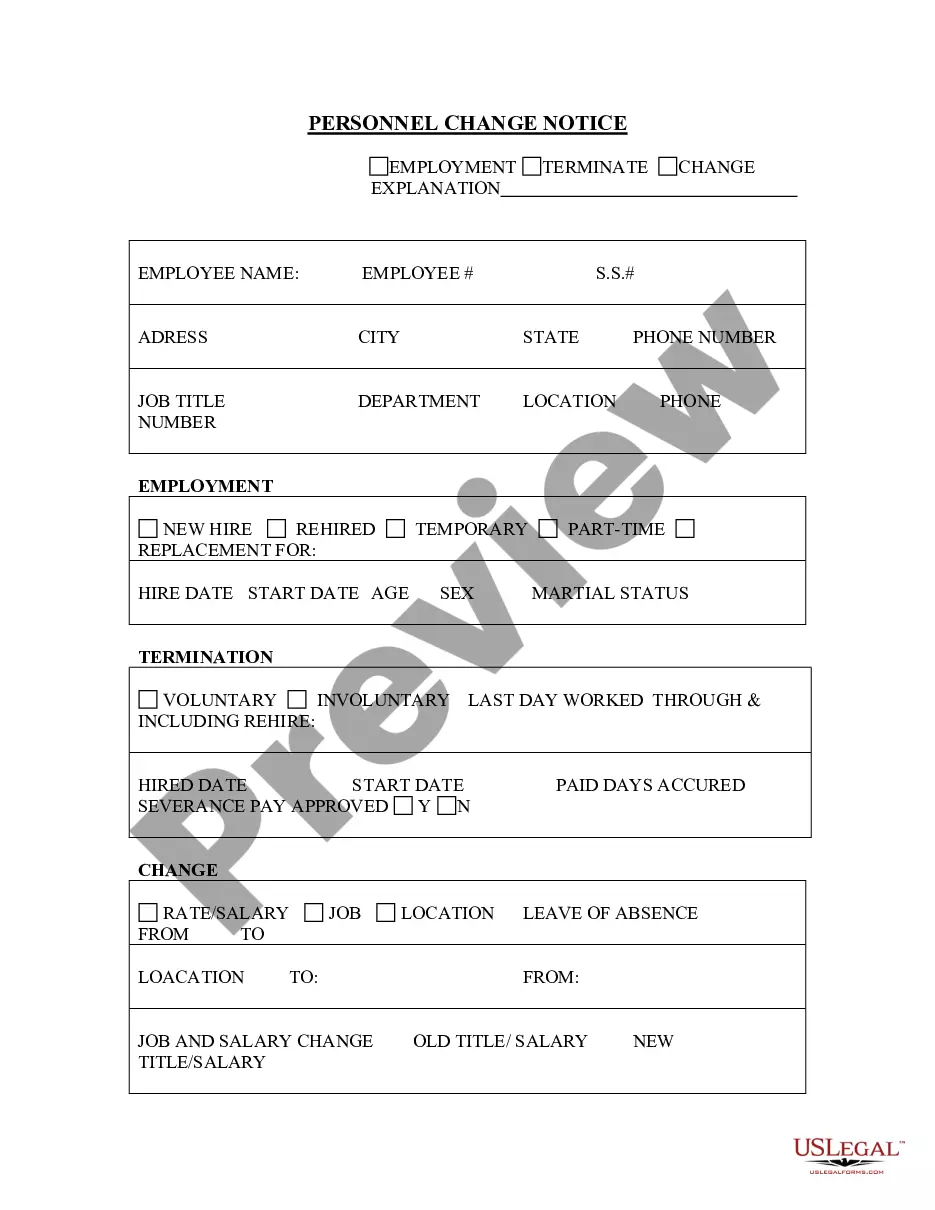
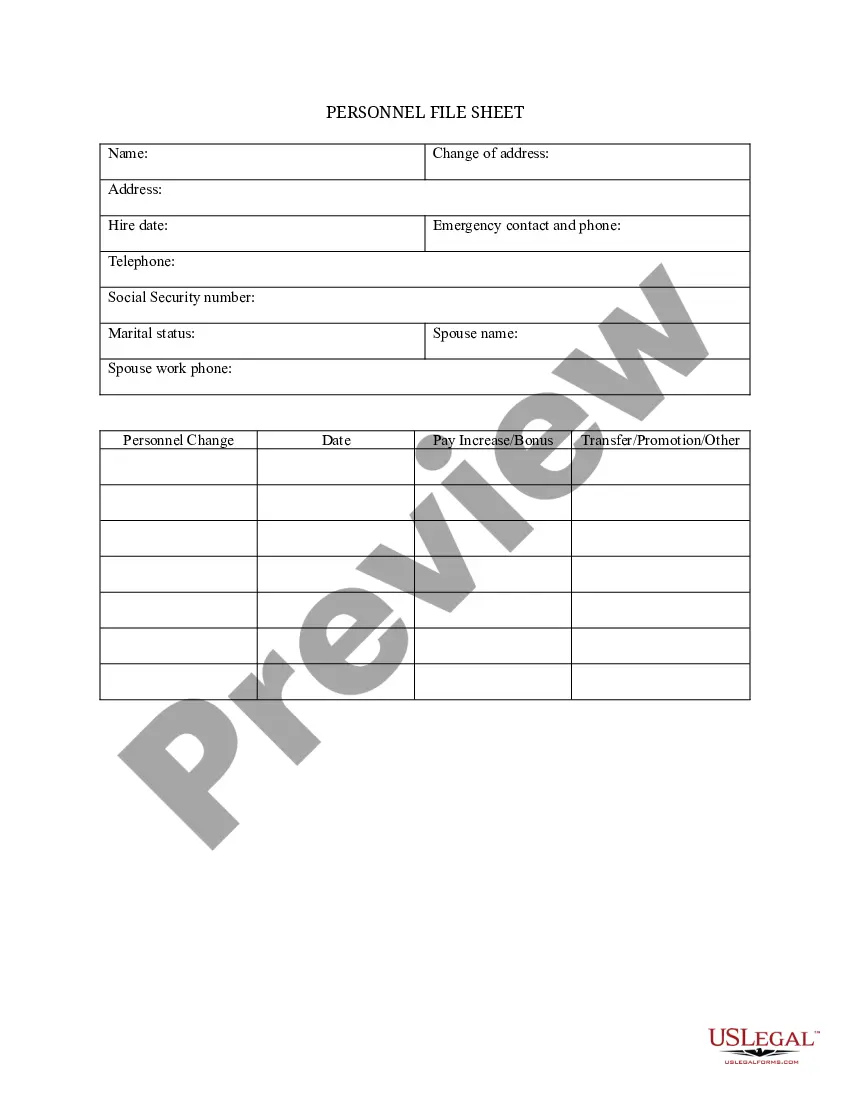
Get your form ready online
Our built-in tools help you complete, sign, share, and store your documents in one place.
Make edits, fill in missing information, and update formatting in US Legal Forms—just like you would in MS Word.
Download a copy, print it, send it by email, or mail it via USPS—whatever works best for your next step.
Sign and collect signatures with our SignNow integration. Send to multiple recipients, set reminders, and more. Go Premium to unlock E-Sign.
If this form requires notarization, complete it online through a secure video call—no need to meet a notary in person or wait for an appointment.
We protect your documents and personal data by following strict security and privacy standards.

Make edits, fill in missing information, and update formatting in US Legal Forms—just like you would in MS Word.

Download a copy, print it, send it by email, or mail it via USPS—whatever works best for your next step.

Sign and collect signatures with our SignNow integration. Send to multiple recipients, set reminders, and more. Go Premium to unlock E-Sign.

If this form requires notarization, complete it online through a secure video call—no need to meet a notary in person or wait for an appointment.

We protect your documents and personal data by following strict security and privacy standards.
Looking for another form?

How to fill out Personnel Change Form?
You might spend hours online looking for the legal document template that meets the state and federal requirements you need.
US Legal Forms offers thousands of legal forms that have been reviewed by professionals.
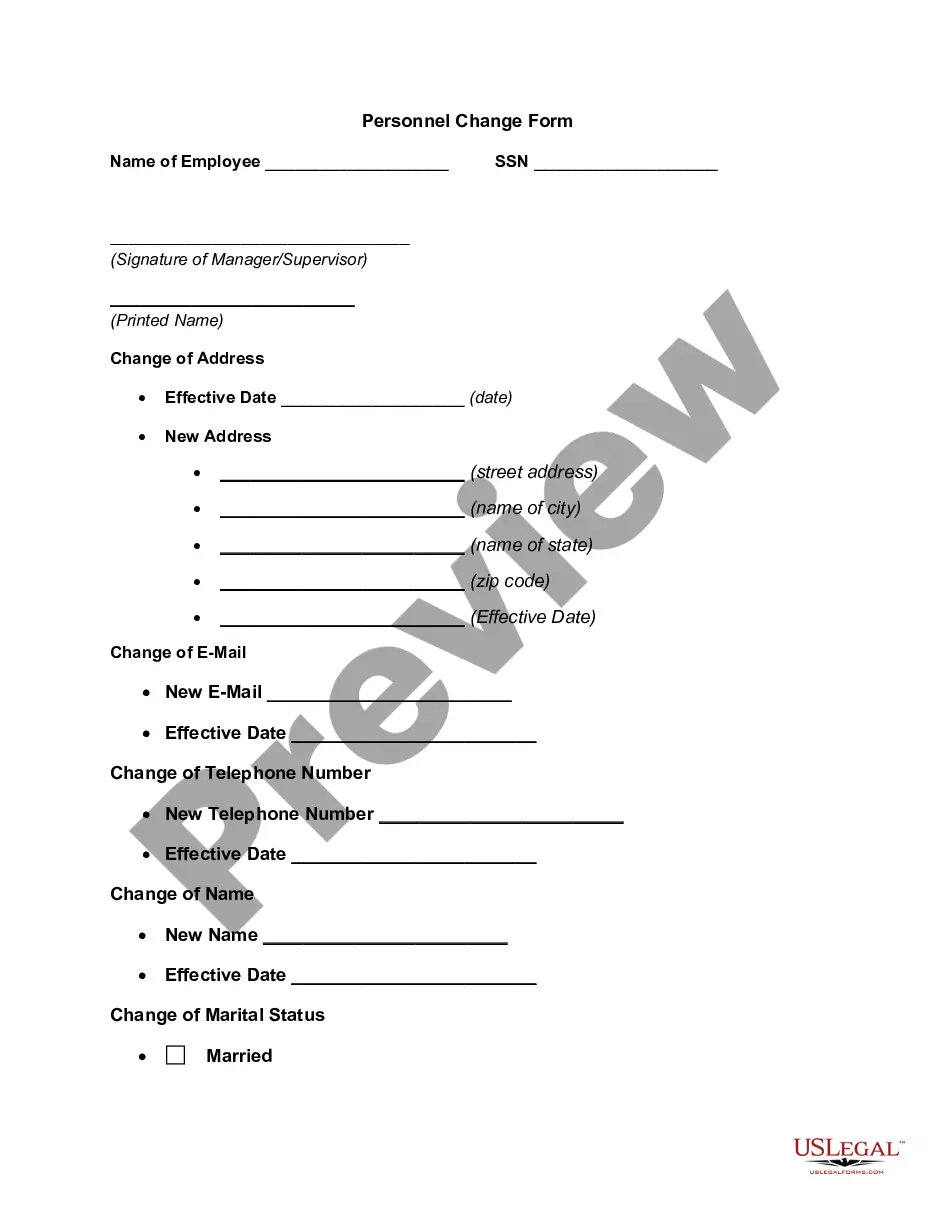
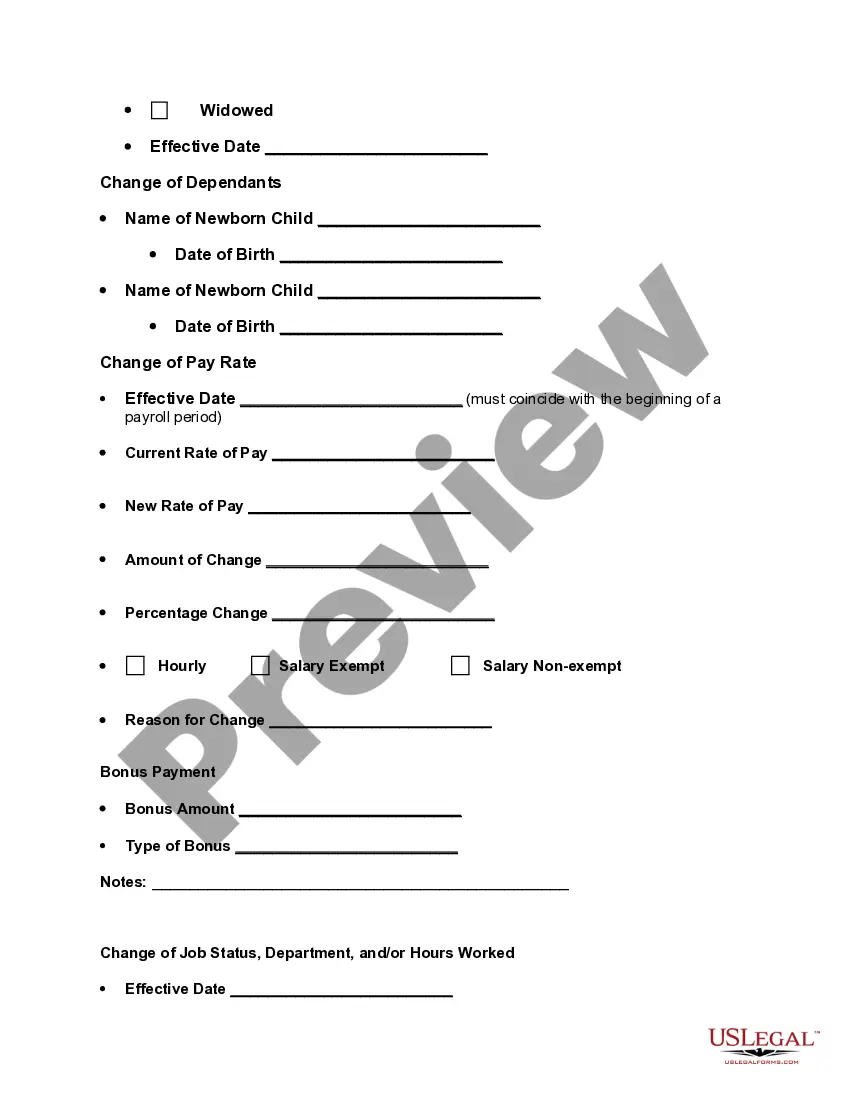
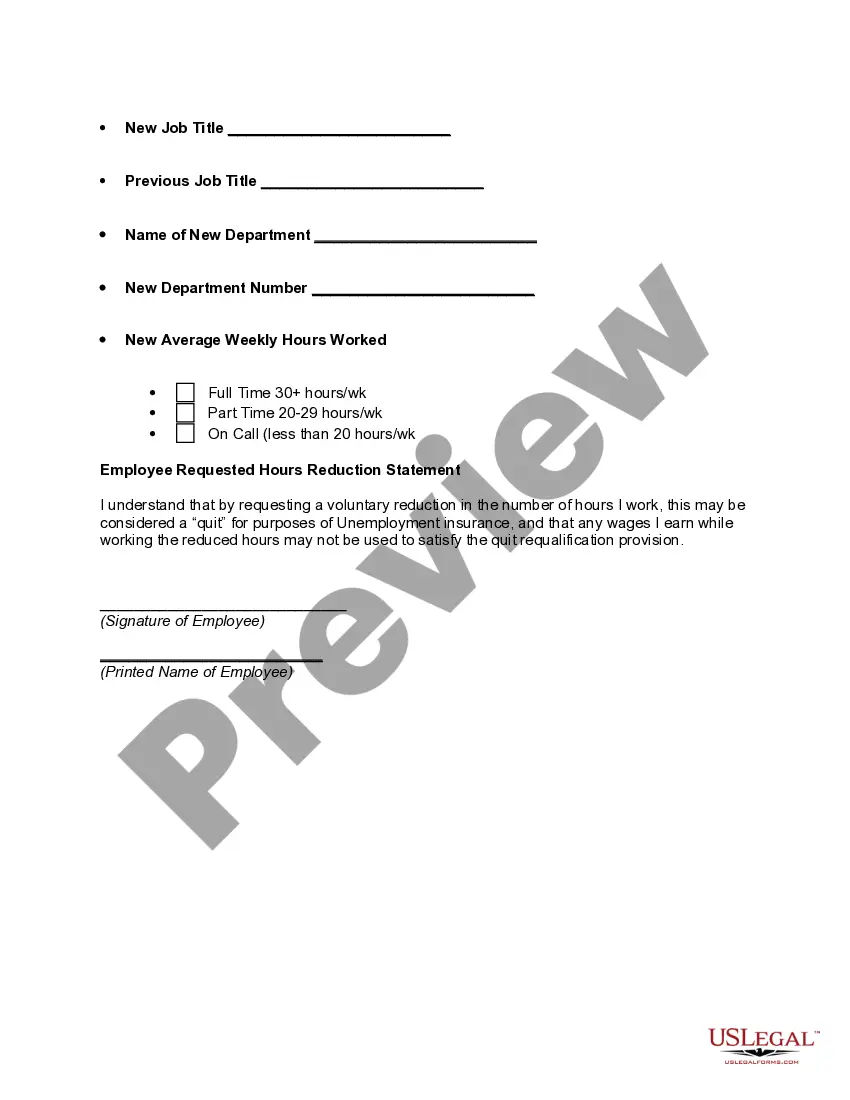
You can download or print the Massachusetts Personnel Change Form from the service.
If available, use the Preview button to browse through the document template as well.
- If you already have a US Legal Forms account, you may Log In and click the Obtain button.
- Next, you can complete, edit, print, or sign the Massachusetts Personnel Change Form.
- Every legal document template you acquire is yours permanently.
- To get another copy of a purchased form, go to the My documents tab and click the corresponding button.
- If you are using the US Legal Forms website for the first time, follow the simple instructions below.
- Firstly, ensure you have selected the right document template for the state/town of your choice.
- Review the form description to verify that you have chosen the correct form.
Form popularity
FAQ
New hiring onboarding checklistConfirm the arrival of the new employee with HR. Send and complete new hire paperwork. Send an informative welcome email. Give a copy of the employee handbook. Inform them of company policies.
How to reportOnline. If you have 25 or more employees, you must file your new hire reports online through MassTaxConnect.By mail. If you have fewer than 25 employees, you can use the New Hire Reporting Form (Form NHR) to submit your new hire reports by mail.By fax.
State employees are eligible for a pension at any age with 20 years of creditable service. Members can calculate their own retirement benefit estimate using the above Retirement Percentage Chart. Information on how benefits are calculated can be found in the MSERS Retirement Benefit Guide.
To qualify for a retirement benefit you must be vested in your retirement system. Vesting means you have met the minimum service requirements to qualify for a benefit. For most members, that means you have a minimum of 10 years of full-time creditable service.
Forms to be filled outForm I-9 Employment eligibility verification form, US Dept.Form M-4: Massachusetts employee's withholding exemption certificate, Mass.Form NHR: New hire and independent contractor reporting form, Mass.Form W2 Federal tax withholding, IRS.More items...?19-Apr-2022
If there is a conspiracy between the employer and employee not to report, that penalty may not exceed $500 per newly hired employee. States may also impose non-monetary civil penalties under state law for noncompliance.
You know an employee handbook is a necessity, but did you know that handbooks look different depending on the company's location? The state of Massachusetts requires some specific components, as well a few items that, while not required, you would be wise to include.
Required Employment Forms and Paperwork in MassachusettsSigned Job Offer Letter. W2 Tax Form. I-9 Form and Supporting Documents. Direct Deposit Authorization Form (Template)
Forms and notices for newly-hired employeesForm I-9 Employment eligibility verification form, US Dept.Form M-4: Massachusetts employee's withholding exemption certificate, Mass.Form NHR: New hire and independent contractor reporting form, Mass.Form W2 Federal tax withholding, IRS.More items...?
You are eligible for retirement from the Massachusetts State Employee Retirement System (MSERS) at any age with twenty or more years of state service or at age 55 or 60 (depending on hire date) with 10 or more years of state service.