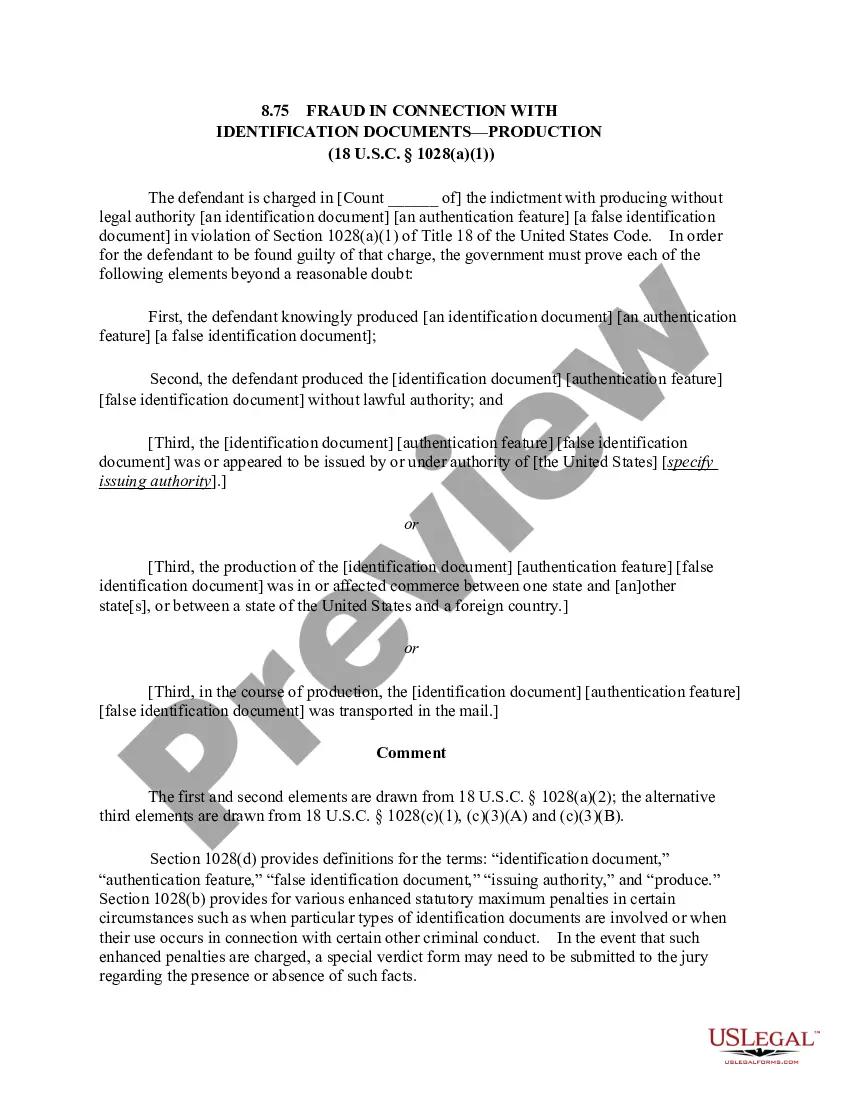
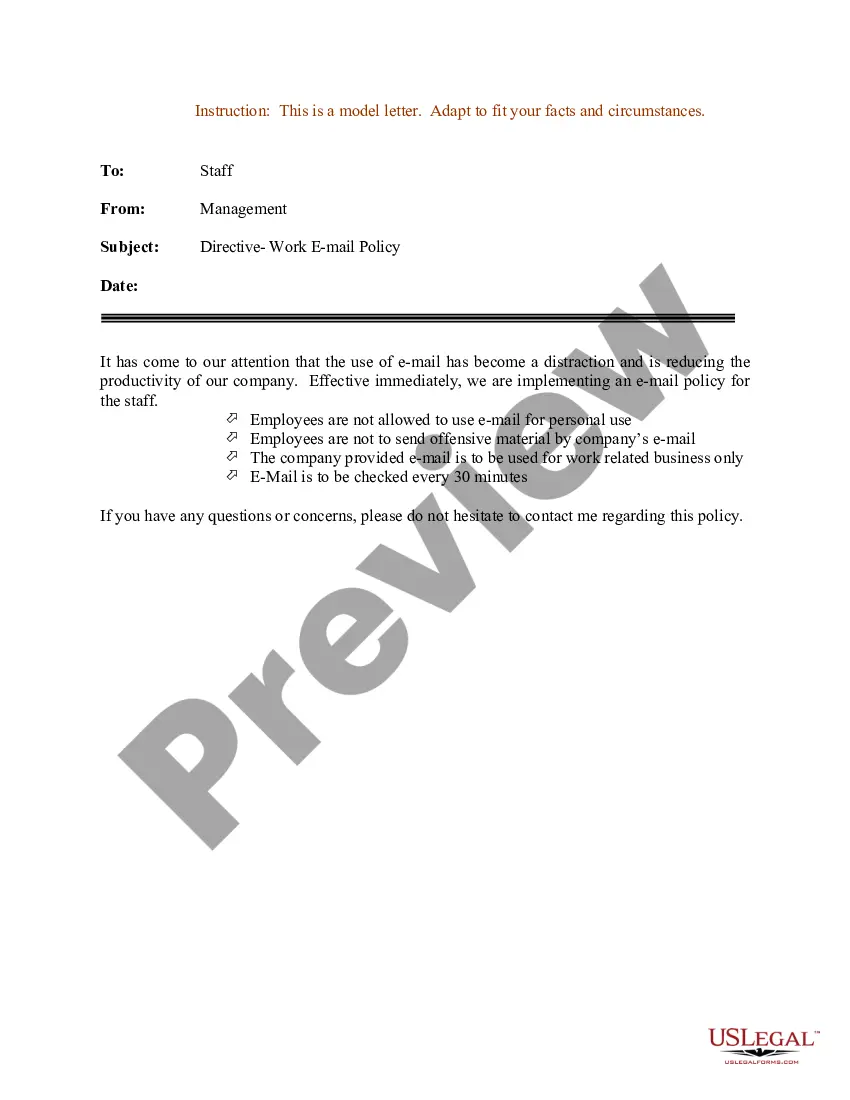
Massachusetts Sample Letter for Directive - EMail Usage
Description
Get your form ready online
Our built-in tools help you complete, sign, share, and store your documents in one place.
Make edits, fill in missing information, and update formatting in US Legal Forms—just like you would in MS Word.
Download a copy, print it, send it by email, or mail it via USPS—whatever works best for your next step.
Sign and collect signatures with our SignNow integration. Send to multiple recipients, set reminders, and more. Go Premium to unlock E-Sign.
If this form requires notarization, complete it online through a secure video call—no need to meet a notary in person or wait for an appointment.
We protect your documents and personal data by following strict security and privacy standards.

Make edits, fill in missing information, and update formatting in US Legal Forms—just like you would in MS Word.

Download a copy, print it, send it by email, or mail it via USPS—whatever works best for your next step.

Sign and collect signatures with our SignNow integration. Send to multiple recipients, set reminders, and more. Go Premium to unlock E-Sign.

If this form requires notarization, complete it online through a secure video call—no need to meet a notary in person or wait for an appointment.

We protect your documents and personal data by following strict security and privacy standards.
Looking for another form?

How to fill out Sample Letter For Directive - EMail Usage?
You can spend hours online looking for the legal document template that meets the federal and state requirements you need.
US Legal Forms provides thousands of legal documents that have been reviewed by experts.
You can conveniently download or print the Massachusetts Sample Letter for Directive - Email Usage from our service.
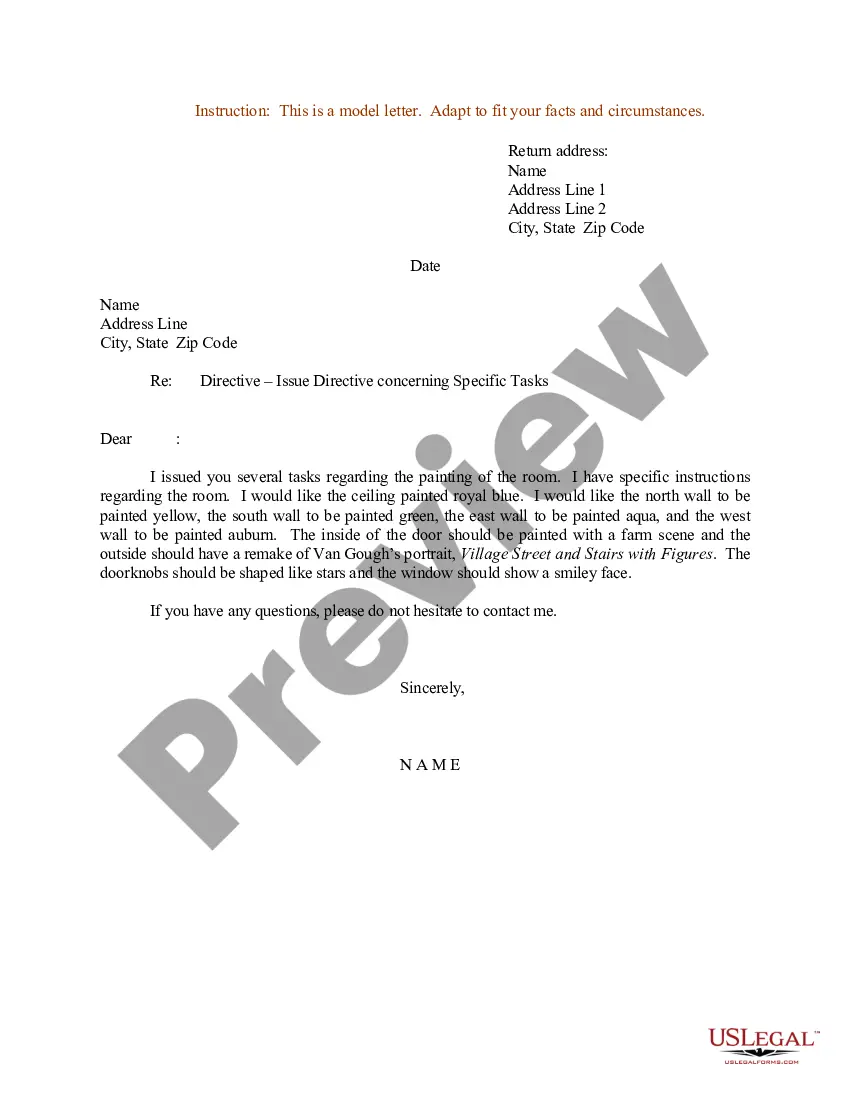
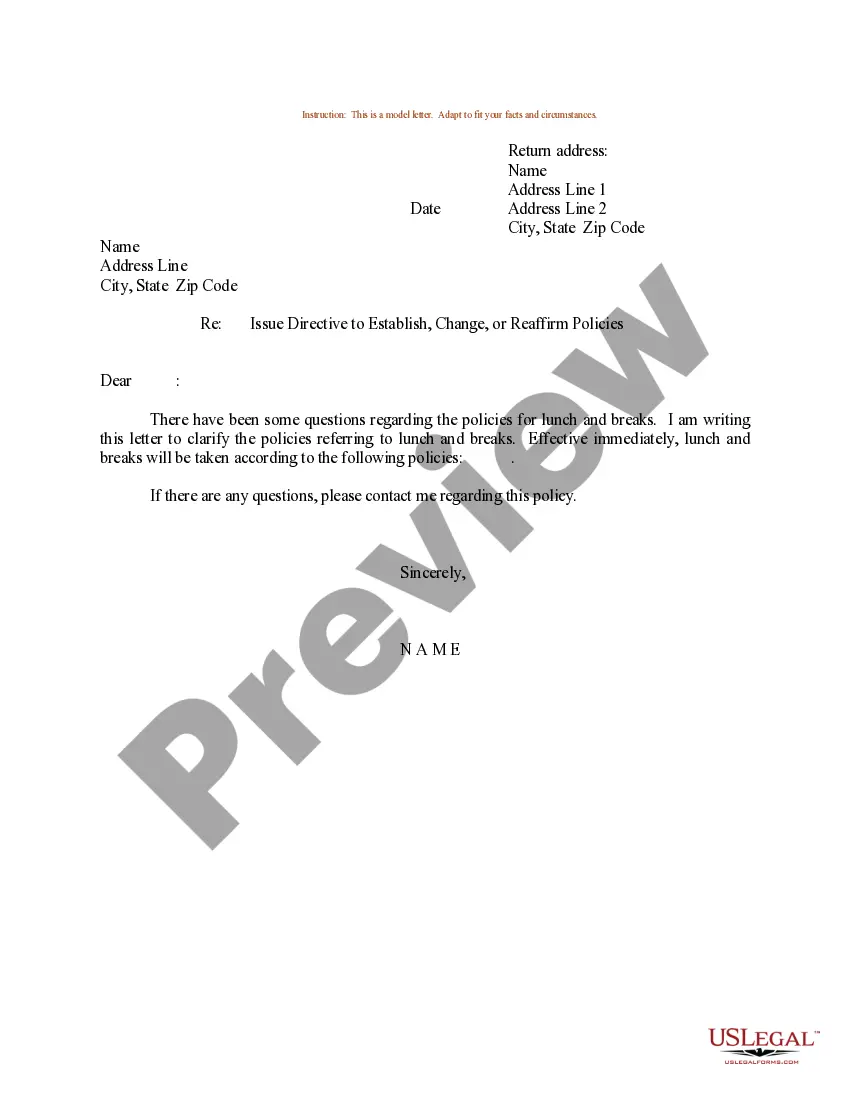
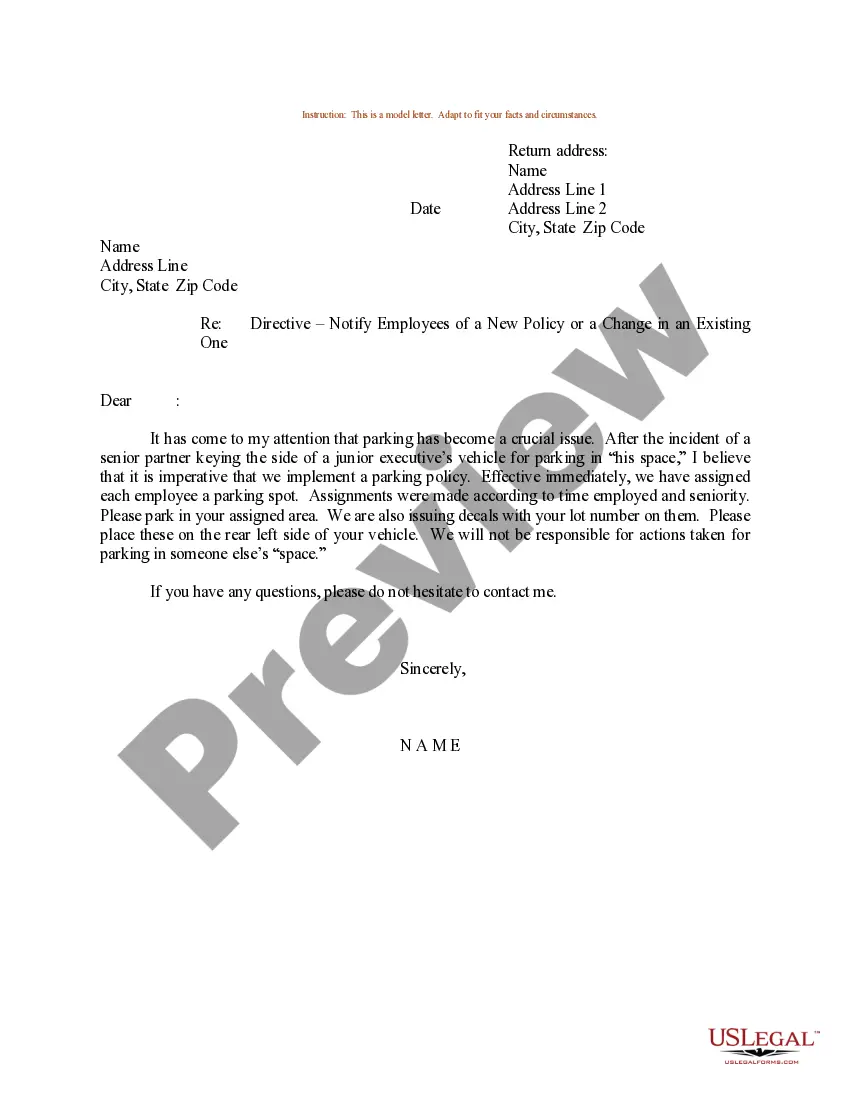
If available, use the Preview button to review the document template as well.
- If you possess a US Legal Forms account, you can Log In and click the Download button.
- After that, you can complete, edit, print, or sign the Massachusetts Sample Letter for Directive - Email Usage.
- Every legal document template you purchase is yours permanently.
- To obtain another copy of any acquired form, go to the My documents tab and click the corresponding button.
- If you are using the US Legal Forms site for the first time, follow the simple instructions below.
- First, ensure you have chosen the correct document template for the area/city of your choice.
- Review the form details to confirm that you have selected the appropriate form.
Form popularity
FAQ
State your purpose Instead, begin by stating your purpose. For example, I am writing to enquire about 2026 or I am writing in reference to 2026. Make your purpose clear early on in the email, and then move into the main text of your email.
Breaking down the structure of a formal emailThe subject line: It should be short and specific.The salutation: Always mention the recipient's name and a suitable greeting.The body: Like any other email, formal emails have a body of text.The signature: Your signature needs to be as formal as the email itself.25-Nov-2020
Breaking down the structure of a formal emailThe subject line: It should be short and specific.The salutation: Always mention the recipient's name and a suitable greeting.The body: Like any other email, formal emails have a body of text.The signature: Your signature needs to be as formal as the email itself.
At a minimum, a formal email should contain all of the following elements:Subject line. Be specific, but concise.Salutation. Address the recipient by name, if possible.Body text. This section explains the main message of the email.Signature. Your email closing should be formal, not informal.
"I would like to inform you" is quite formal-sounding but might be appropriate, depending on the client. You could also say something like "We wish to notify you..." or "We wish to let you know...".
10 Tips for Writing Professional EmailsStart with a meaningful subject line.Address them appropriately.Keep the email concise and to the point.Make it easy to read.Do not use slang.Be kind and thankful.Be charismatic.Bring up points in your previous conversation.More items...
Appropriate salutations1 Dear Name This email greeting is an appropriate salutation for formal email correspondence.2 Hi or Hello. As far as email greetings go, an informal Hi followed by a comma is perfectly acceptable in most work-related messages.3 Hi everyone, Hi team, or Hi department name team.01-Apr-2022
An email is a digital message sent electronically from one computer to one or more other computers. Emails are flexible and can be used for giving instructions, serving as documentation, providing confirmation, communicating rules and procedures, making recommendations, providing a status update, making an inquiry.
I am writing in reply to your request for information regarding2026 I am writing to inform you about2026...Additional information:I wish to tell you that2026I am pleased to inform you that2026You might also find it useful to know that2026I wish to provide you with2026It might be interesting for you to know that202614-Aug-2018
At a minimum, a formal email should contain all of the following elements:Subject line. Be specific, but concise.Salutation. Address the recipient by name, if possible.Body text. This section explains the main message of the email.Signature. Your email closing should be formal, not informal.04-Aug-2020