Louisiana Aging Accounts Payable
Description
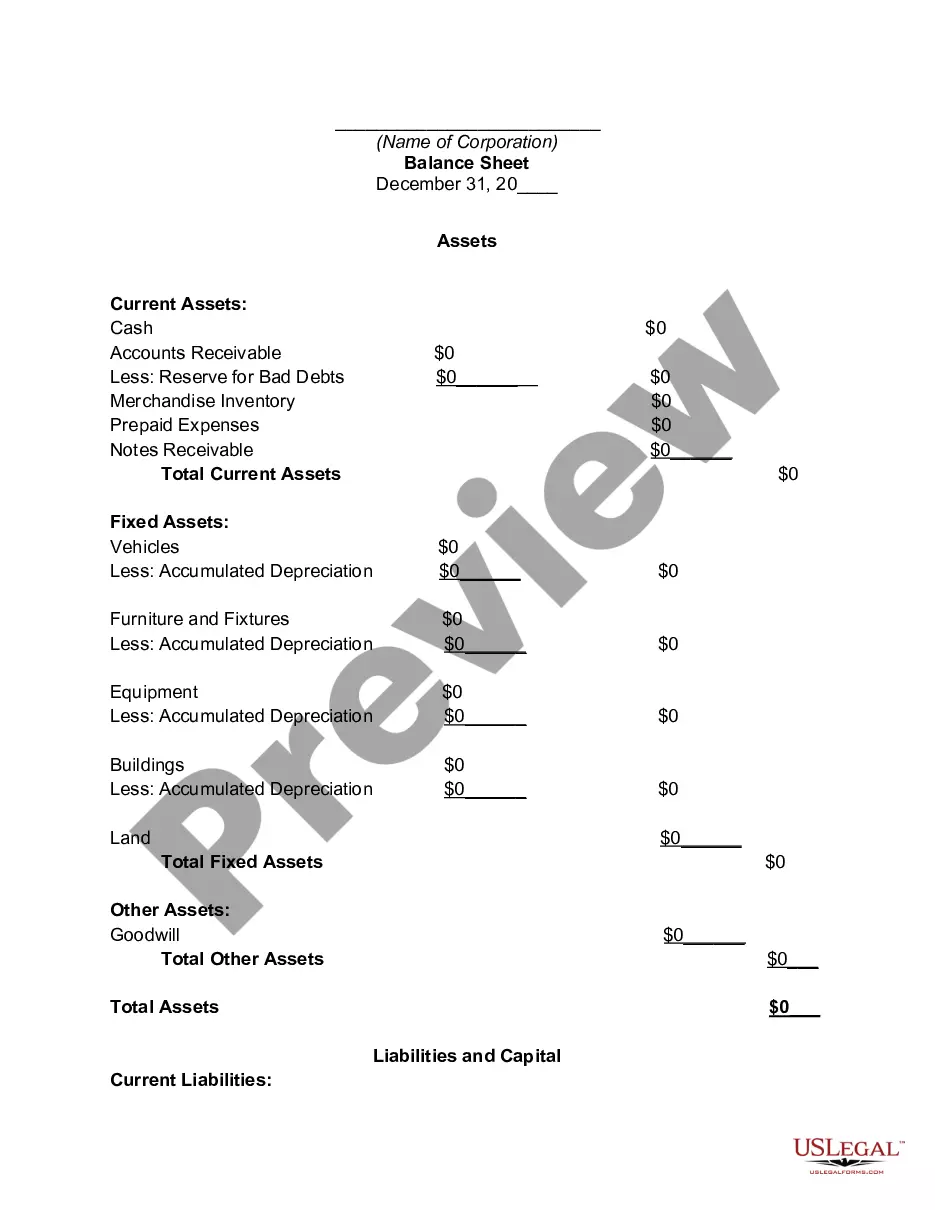
Get your form ready online
Our built-in tools help you complete, sign, share, and store your documents in one place.
Make edits, fill in missing information, and update formatting in US Legal Forms—just like you would in MS Word.
Download a copy, print it, send it by email, or mail it via USPS—whatever works best for your next step.
Sign and collect signatures with our SignNow integration. Send to multiple recipients, set reminders, and more. Go Premium to unlock E-Sign.
If this form requires notarization, complete it online through a secure video call—no need to meet a notary in person or wait for an appointment.
We protect your documents and personal data by following strict security and privacy standards.

Make edits, fill in missing information, and update formatting in US Legal Forms—just like you would in MS Word.

Download a copy, print it, send it by email, or mail it via USPS—whatever works best for your next step.

Sign and collect signatures with our SignNow integration. Send to multiple recipients, set reminders, and more. Go Premium to unlock E-Sign.

If this form requires notarization, complete it online through a secure video call—no need to meet a notary in person or wait for an appointment.

We protect your documents and personal data by following strict security and privacy standards.
Looking for another form?
How to fill out Aging Accounts Payable?
Are you currently in a circumstance where you require documents for personal or business use almost every day.
There is a multitude of legal document templates available online, but finding reliable ones can be challenging.
US Legal Forms offers thousands of form templates, including the Louisiana Aging Accounts Payable, designed to satisfy state and federal requirements.
Utilize US Legal Forms, one of the most extensive collections of legal forms, to save time and avoid mistakes.
The service provides well-crafted legal document templates that can be used for various purposes. Create an account on US Legal Forms and start simplifying your life.
- If you are already familiar with the US Legal Forms website and possess an account, simply Log In.
- Then, you can download the Louisiana Aging Accounts Payable template.
- If you do not have an account and wish to start using US Legal Forms, follow these instructions.
- Locate the form you need and ensure it corresponds to the correct city/state.
- Utilize the Preview button to review the form.
- Verify the details to ensure you have selected the appropriate form.
- If the form is not what you're seeking, use the Search section to find the form that meets your needs and requirements.
- Once you find the correct form, click Get now.
- Select the pricing plan you prefer, fill in the necessary information to create your account, and pay for the order using your PayPal or credit card.
- Choose a convenient file format and download your copy.
- View all the document templates you have purchased in the My documents menu.
- You can obtain an additional copy of the Louisiana Aging Accounts Payable at any time, if needed.
- Simply click on the desired form to download or print the document template.
Form popularity
FAQ
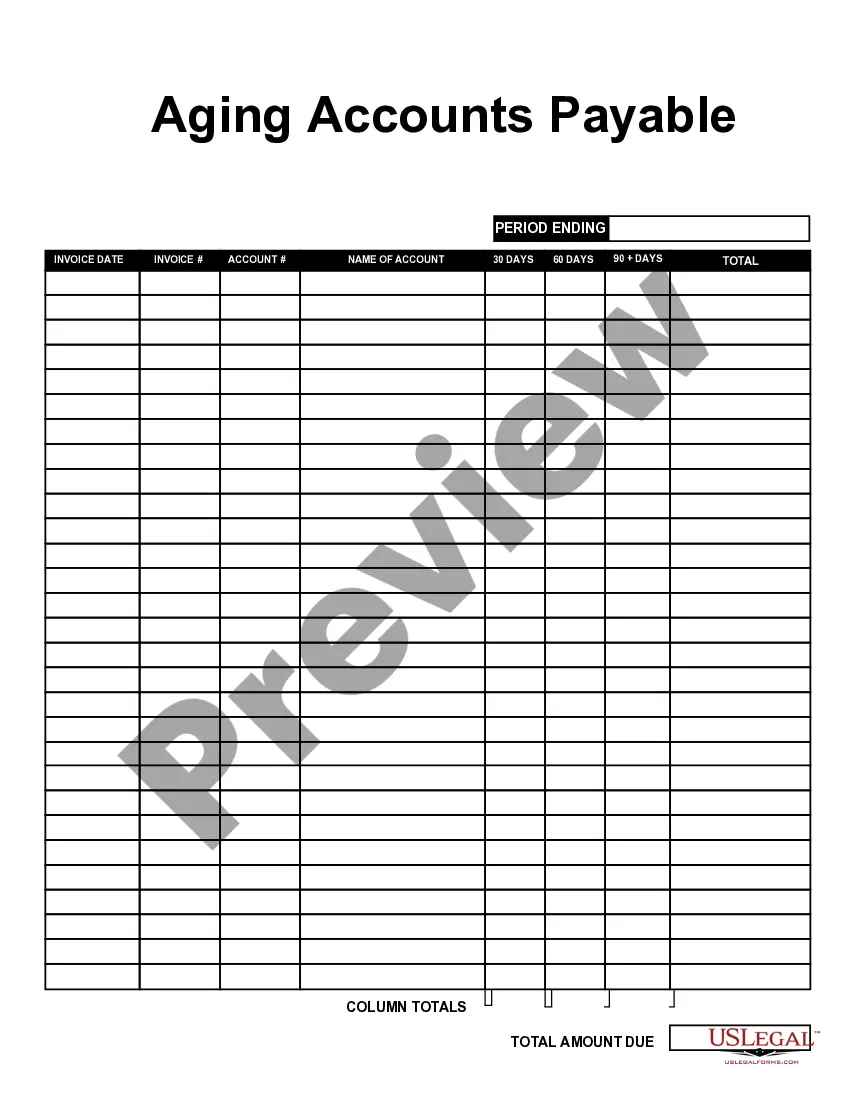
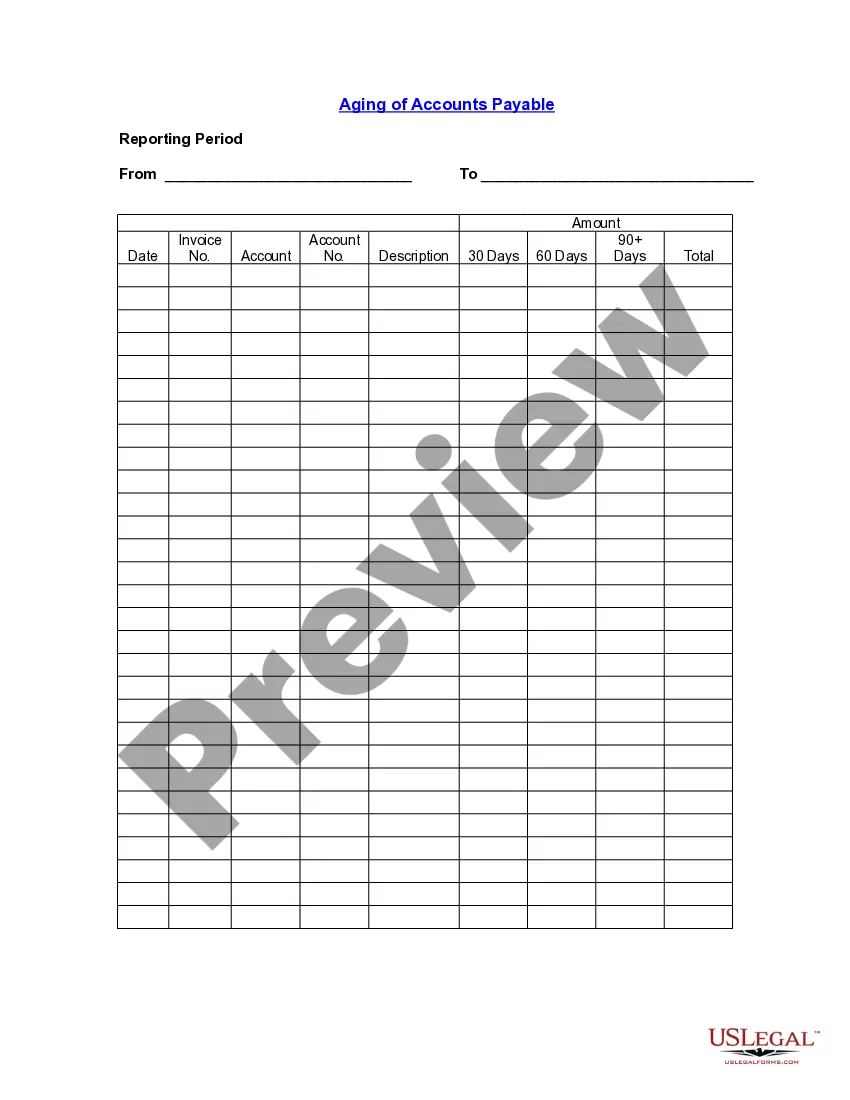
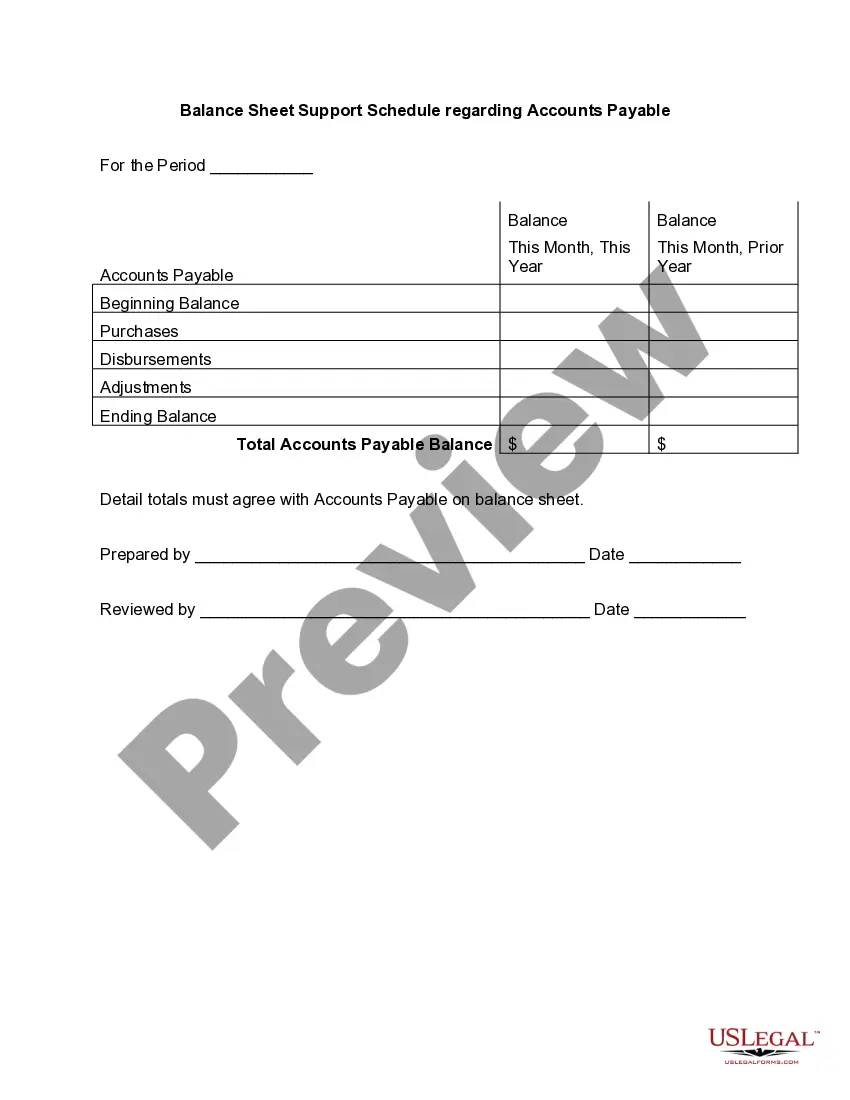
An accounts payable aging report (or AP aging report) is a vital accounting document that outlines the due dates of the bills and invoices a business needs to pay. The opposite of an AP aging report is an accounts receivable aging report, which offers a timeline of when a business can expect to receive payments.
The accounts payable turnover in days shows the average number of days that a payable remains unpaid. To calculate the accounts payable turnover in days, simply divide 365 days by the payable turnover ratio. Therefore, over the fiscal year, the company takes approximately 60.53 days to pay its suppliers.
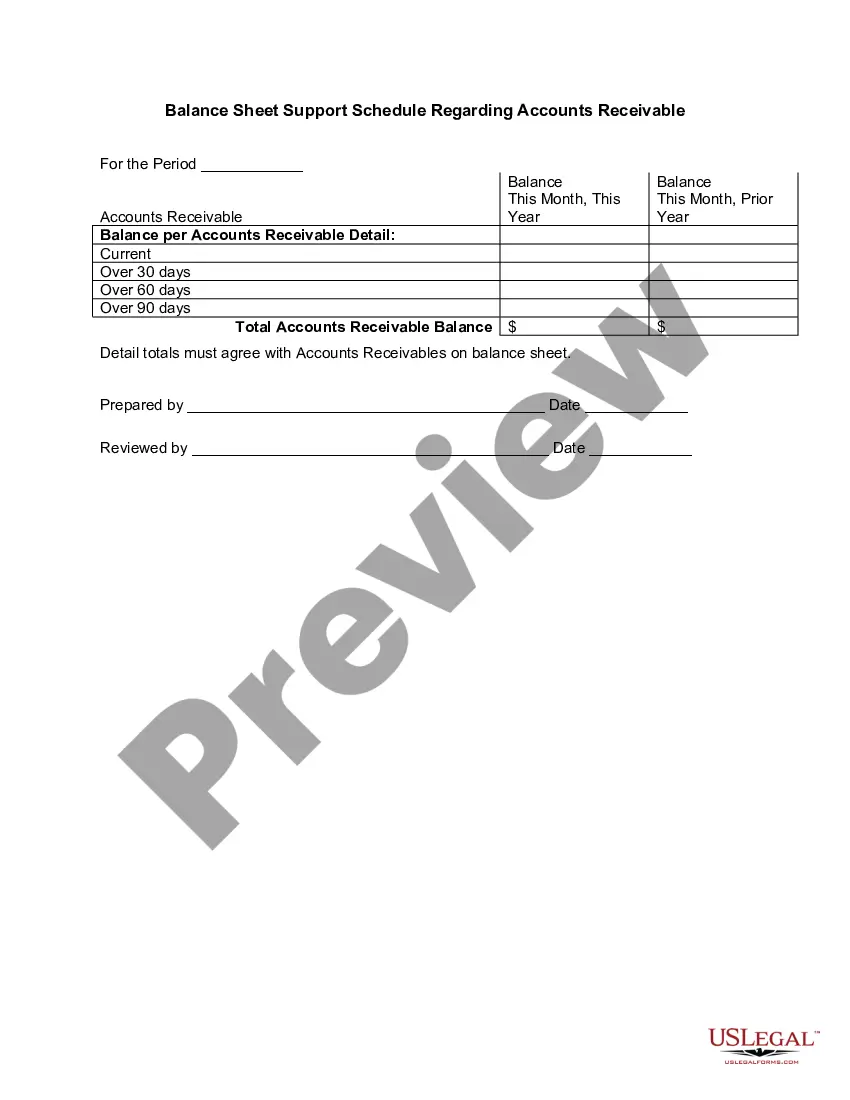
Aging of Accounts Receivables = (Average Accounts Receivables 360 Days)/Credit SalesAging of Accounts Receivables = ($ 4, 50,000.00360 days)/$ 9, 00,000.00.Aging of Accounts Receivables = 90 Days.
Definition of Aging Method The debit balance in Accounts Receivable minus the credit balance in Allowance for Doubtful Accounts will result in the estimated amount of the receivables that will be converted to cash.
The accounts payable turnover in days shows the average number of days that a payable remains unpaid. To calculate the accounts payable turnover in days, simply divide 365 days by the payable turnover ratio. Therefore, over the fiscal year, the company takes approximately 60.53 days to pay its suppliers.
The report is typically set up with 30-day time buckets. This approach results in a report where each successive column lists supplier invoices that are 0 to 30 days old, 31 to 60 days old, 61 to 90 days old, and older than 90 days.
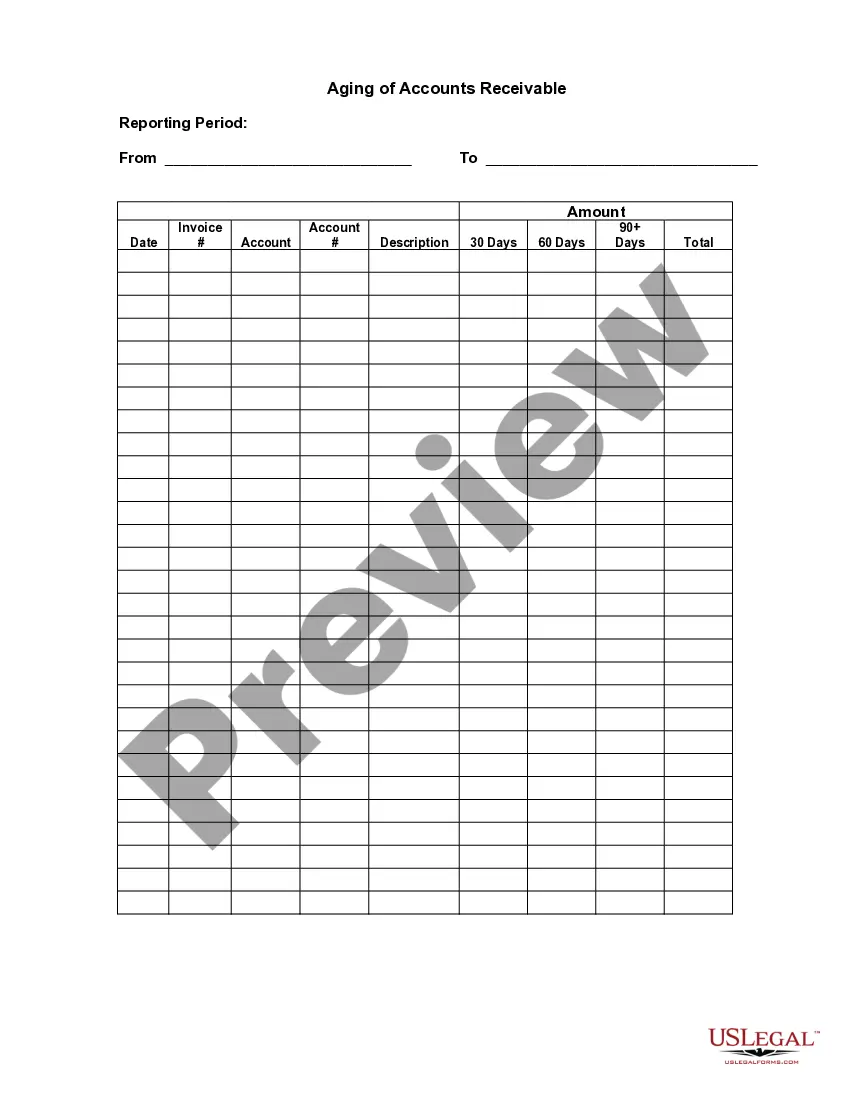
Structure of an Accounts Receivable Aging ReportThe left-most column contains all invoices that are 30 days old or less. The next column contains invoices that are 31-60 days old. The next column contains invoices that are 61-90 days old. The final column contains all older invoices.
The aging method sorts each customer's unpaid invoices by invoice date into perhaps four columns:Column 1 lists the invoice amounts that are not yet due.Column 2 lists the invoice amounts that are 1-30 days past due.Column 3 lists the invoice amounts that are 31-60 days past due.More items...
How to create an accounts receivable aging reportStep 1: Review open invoices.Step 2: Categorize open invoices according to the aging schedule.Step 3: List the names of customers whose accounts are past due.Step 4: Organize customers based on the number of days outstanding and the total amount due.