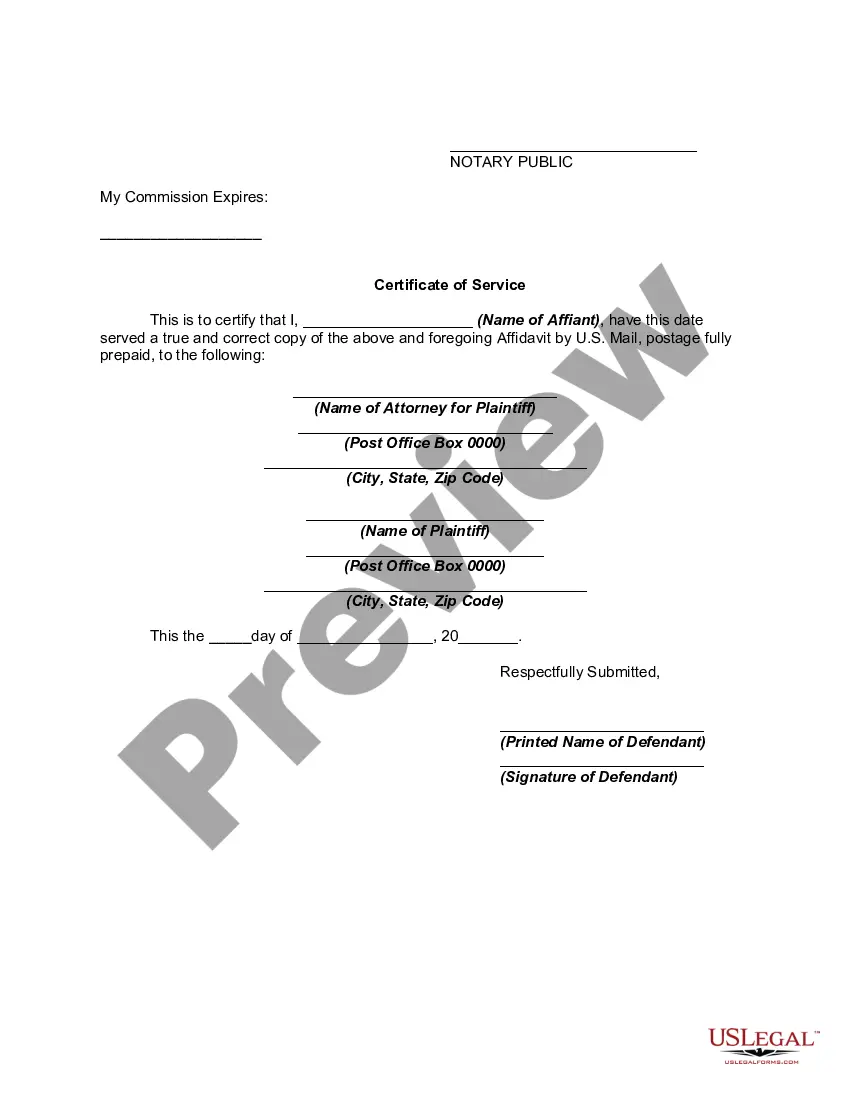
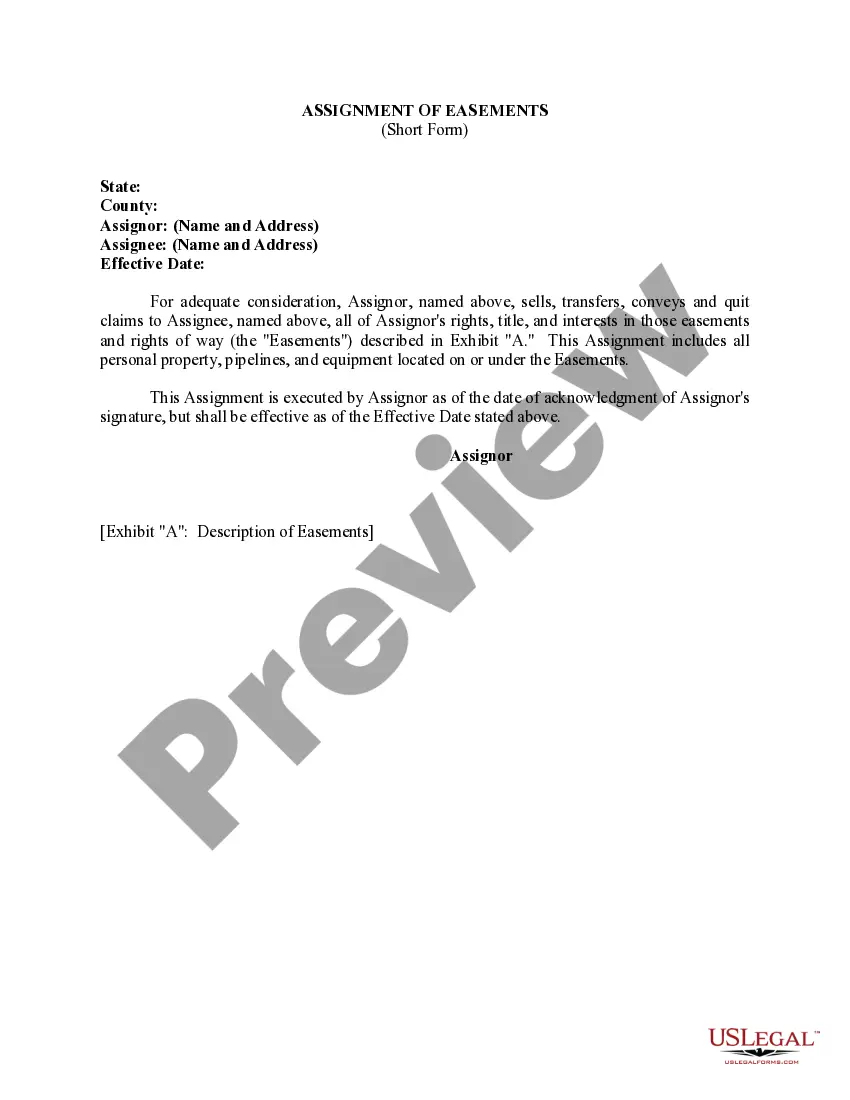
This is a generic Affidavit to accompany a Motion to amend or strike alimony provisions of a divorce decree because of the obligor spouse's changed financial condition. This form is a generic example that may be referred to when preparing such a form for your particular state. It is for illustrative purposes only. Local laws should be consulted to determine any specific requirements for such a form in a particular jurisdiction.
Kentucky Affidavit of Defendant Spouse in Support of Motion to Amend or Strike Alimony Provisions of Divorce Decree Because Of Obligor Spouse's Changed Financial Condition
Category:
State:
Multi-State
Control #:
US-00004BG-I
Format:
Word;
PDF;
Rich Text
Instant download
Description
Free preview







How to fill out Affidavit Of Defendant Spouse In Support Of Motion To Amend Or Strike Alimony Provisions Of Divorce Decree Because Of Obligor Spouse's Changed Financial Condition?
US Legal Forms - one of the largest collections of legal documents in the United States - offers a diverse range of legal form templates that you can download or print. By using the website, you can locate numerous forms for both business and personal purposes, organized by categories, states, or keywords.
You can find the latest versions of forms like the Kentucky Affidavit of Defendant Spouse in Support of Motion to Amend or Strike Alimony Provisions of Divorce Decree Due to Obligor Spouse's Changed Financial Situation in just seconds.
If you already have a subscription, Log In and download the Kentucky Affidavit of Defendant Spouse in Support of Motion to Amend or Strike Alimony Provisions of Divorce Decree Due to Obligor Spouse's Changed Financial Situation from the US Legal Forms local library. The Download button will be available on every form you view. You can access all previously downloaded forms in the My documents tab of your account.
Choose the format and download the form to your device.
Make modifications. Fill out, edit, print, and sign the downloaded Kentucky Affidavit of Defendant Spouse in Support of Motion to Amend or Strike Alimony Provisions of Divorce Decree Due to Obligor Spouse's Changed Financial Situation. Each form you add to your account does not have an expiration date and is yours forever. So, if you wish to download or print another copy, simply go to the My documents section and click on the form you need. Access the Kentucky Affidavit of Defendant Spouse in Support of Motion to Amend or Strike Alimony Provisions of Divorce Decree Due to Obligor Spouse's Changed Financial Situation with US Legal Forms, the most extensive library of legal document templates. Utilize thousands of professional and state-specific templates that meet your business or personal needs and requirements.
- If you are using US Legal Forms for the first time, here are simple steps to get started.
- Ensure you have selected the correct form for your city/state. Click the Preview button to review the form's details.
- Read the form description to confirm you have selected the appropriate form.
- If the form does not meet your needs, use the Search box at the top of the screen to find one that does.
- If you are satisfied with the form, confirm your selection by clicking the Get Now button. Then, choose the pricing plan you prefer and provide your details to register for an account.
- Complete the transaction. Use your credit card or PayPal account to finalize the transaction.
Form popularity
FAQ
Kentucky does not recognize fault-based grounds for divorce, so even if adultery ended your marriage, it is not a consideration in the awarding of alimony. Therefore, blaming someone for a divorce does not affect the divorce process.
These include: The financial resources of the party seeking maintenance, including any money that person received from the divorce. The time necessary for the person to acquire the skills or education necessary to support himself. The Standard of Living established during the marriage.
Permanent alimony/maintenance is quite rare and is only awarded if the spouses were married for at least ten years, the receiving spouse earns no money or has an income that is significantly less than the payor spouse's income, or the receiving spouse has a medical condition that prevents him or her from working.
A spouse may be granted maintenance if he/she lacks sufficient property, including marital property apportioned to him/her, to provide for his/her reasonable needs. See KRS 403.200(1)(a).
Kentucky law doesn't provide a formula for calculating the amount or duration of alimony. Instead, judges have leeway to decide what would be fair. However, the law does require judges to consider all of the relevant circumstances, including: the requesting spouse's age, physical condition, and emotional condition.