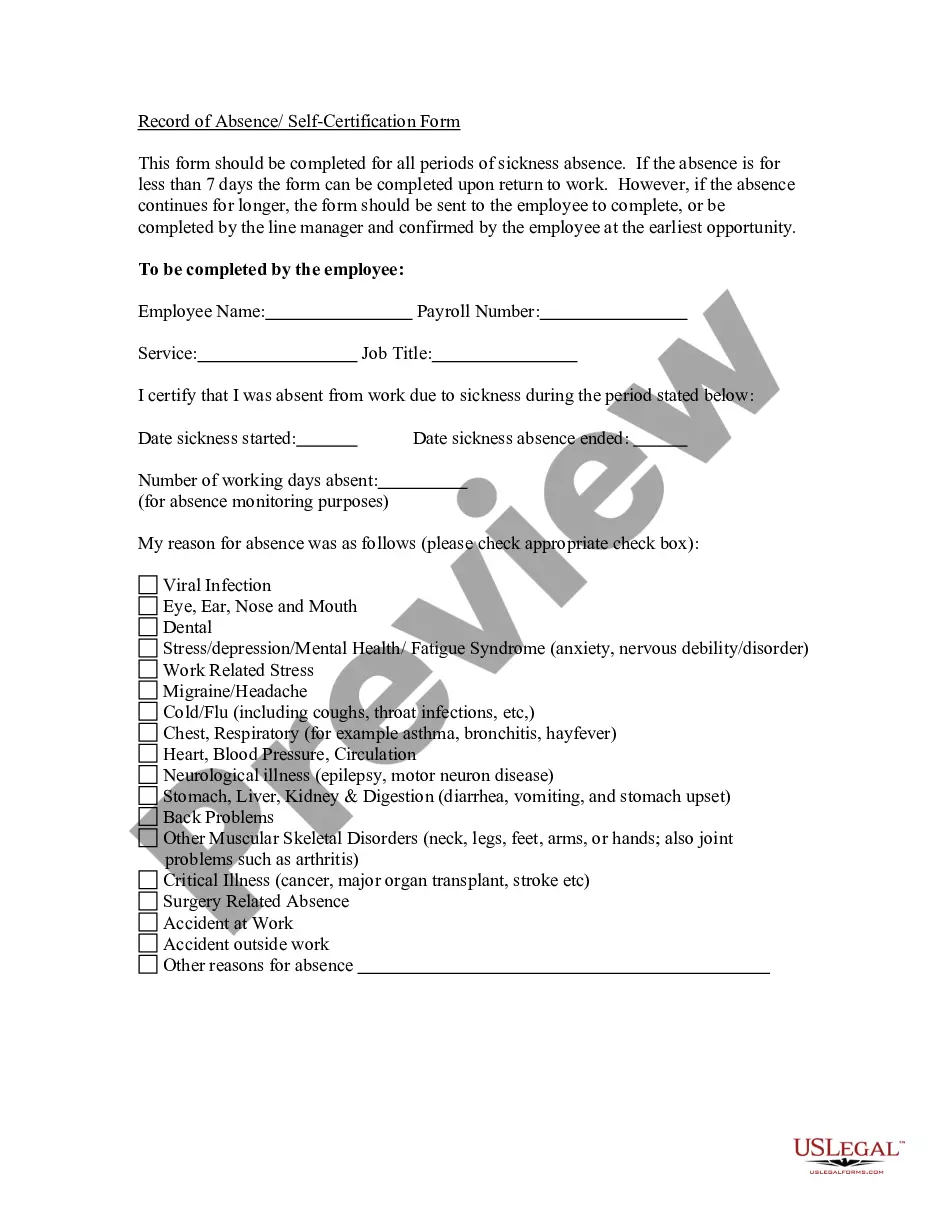
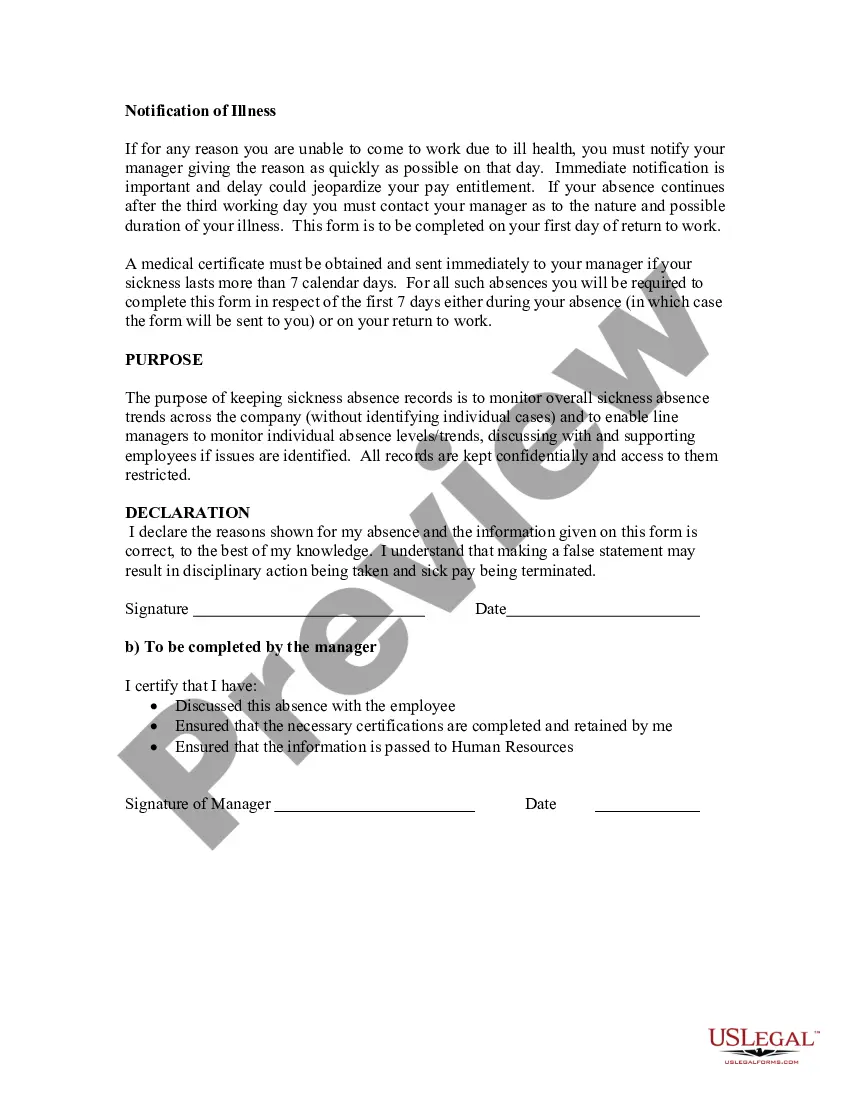
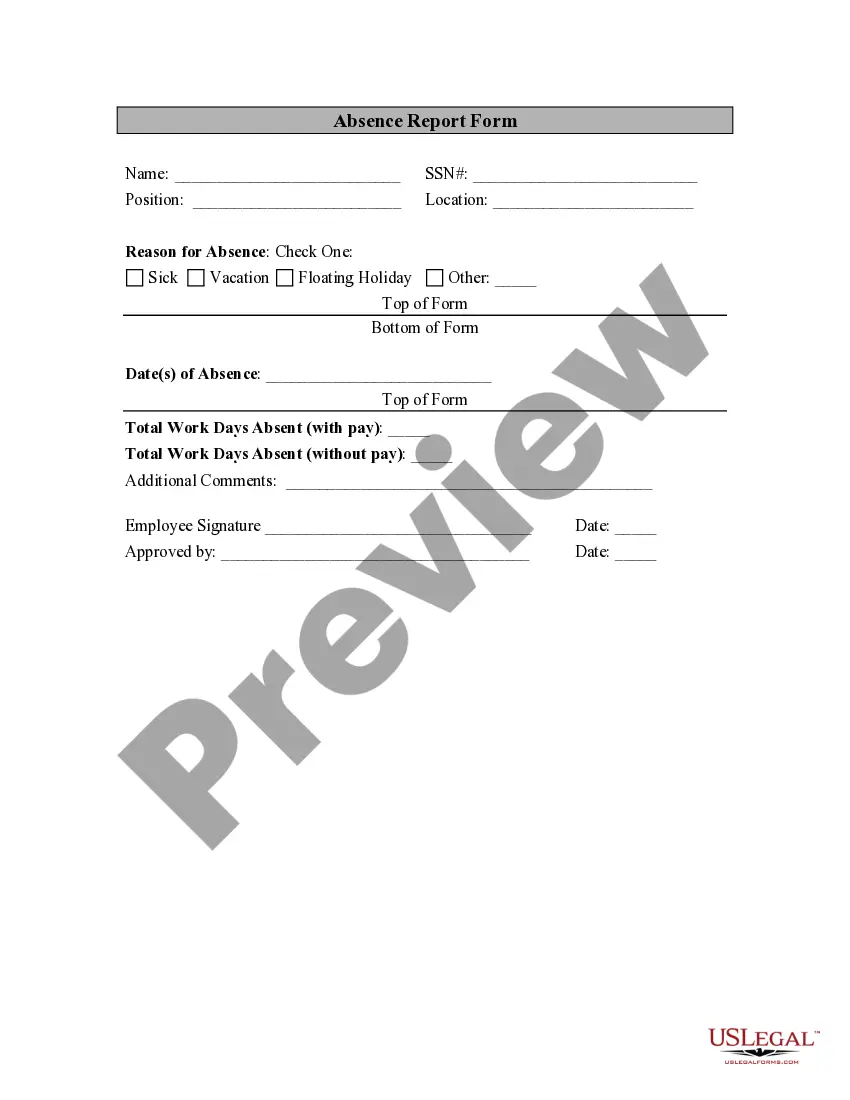
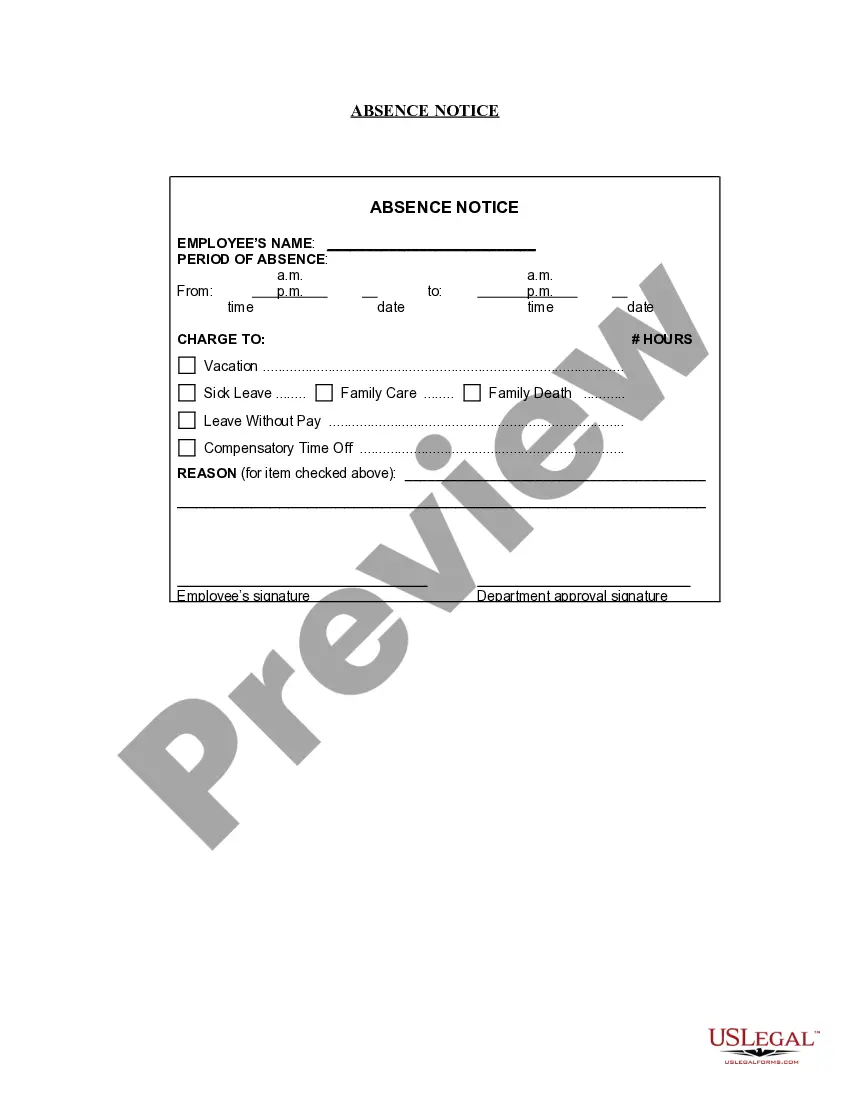
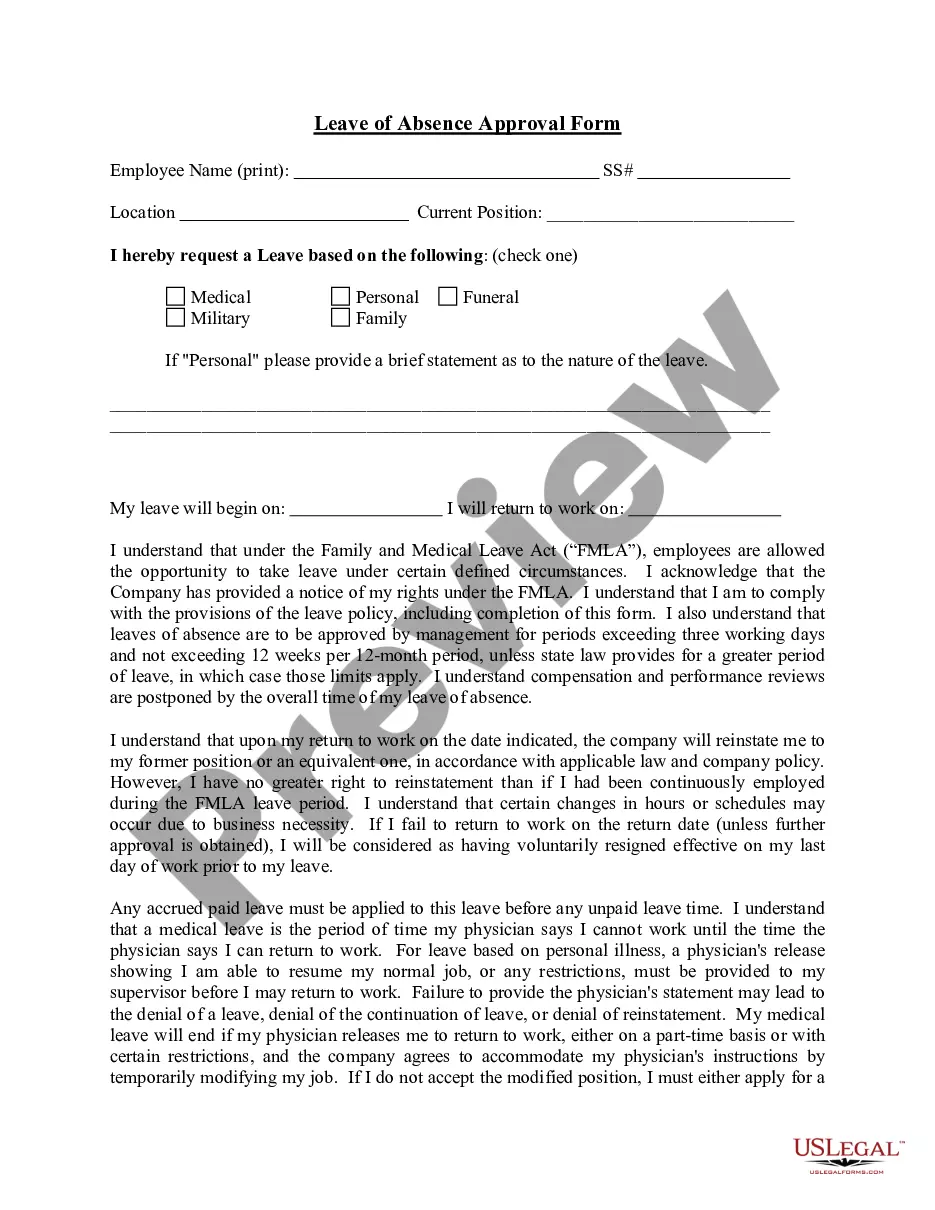
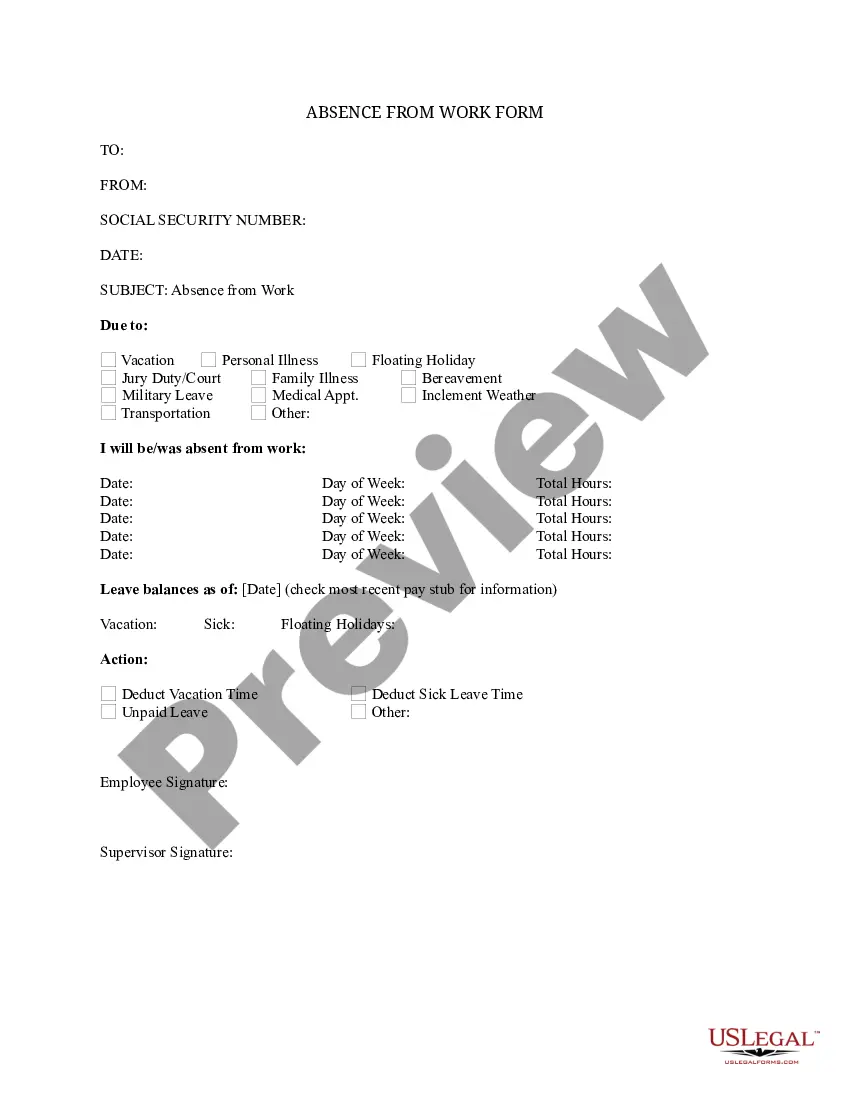
Kansas Record of Absence - Self-Certification Form
Description

Get your form ready online
Our built-in tools help you complete, sign, share, and store your documents in one place.
Make edits, fill in missing information, and update formatting in US Legal Forms—just like you would in MS Word.
Download a copy, print it, send it by email, or mail it via USPS—whatever works best for your next step.
Sign and collect signatures with our SignNow integration. Send to multiple recipients, set reminders, and more. Go Premium to unlock E-Sign.
If this form requires notarization, complete it online through a secure video call—no need to meet a notary in person or wait for an appointment.
We protect your documents and personal data by following strict security and privacy standards.

Make edits, fill in missing information, and update formatting in US Legal Forms—just like you would in MS Word.

Download a copy, print it, send it by email, or mail it via USPS—whatever works best for your next step.

Sign and collect signatures with our SignNow integration. Send to multiple recipients, set reminders, and more. Go Premium to unlock E-Sign.

If this form requires notarization, complete it online through a secure video call—no need to meet a notary in person or wait for an appointment.

We protect your documents and personal data by following strict security and privacy standards.
Looking for another form?









How to fill out Record Of Absence - Self-Certification Form?
US Legal Forms - one of the largest collections of legal documents in the United States - offers a vast selection of legal document templates that you can obtain or print. By using the website, you will access numerous forms for business and personal purposes, classified by categories, states, or keywords.
You can find the most recent versions of forms like the Kansas Record of Absence - Self-Certification Form in moments.
If you already have an account, Log In and obtain the Kansas Record of Absence - Self-Certification Form from the US Legal Forms library. The Download button will show up on each form you review. You can access all previously saved forms in the My documents tab within your profile.
Process the transaction. Use your credit card or PayPal account to finalize the transaction.
Select the format and download the form to your device. Edit. Complete, modify, and print and sign the downloaded Kansas Record of Absence - Self-Certification Form.
- If you are using US Legal Forms for the first time, here are simple guidelines to help you get started.
- Ensure you have selected the right form for your city/area.
- Click the Preview button to review the form’s content.
- Check the form description to confirm you have chosen the correct form.
- If the form does not fulfill your needs, utilize the Search field at the top of the screen to find one that does.
- Once satisfied with the form, validate your choice by clicking the Get now button.
- Then, choose your preferred payment plan and provide your details to register for an account.
Form popularity
FAQ
Please send your completed forms to KDOL.UICC@ks.gov. You may also send by mail or fax. All required forms should be completed and returned to the Kansas Unemployment Contact Center as indicated on the form. Many of the forms can be completed online and submitted by using the "Submit" button at the bottom of the form.
If you are still having issues after trying these troubleshooting options, please call the KDOL Unemployment Contact Center at 1-800-292-6333. The busiest times to call are between 8am-9am and 1pm-2pm. Monday has the highest call volume. However, Friday is the best day to call the contact center.
Yes, you should file a claim each week as long as you remain unemployed. If your case is cleared for payment and you have met all eligibility requirements, you'll get back payments for any weeks you claimed and were eligible to receive, in one lump sum.
Customer service representatives are available to offer assistance from 8 a.m. to p.m. Monday through Friday at the following numbers:Kansas City: 913-596-3500.Topeka: 785-575-1460.Wichita: 316-383-9947.Toll-Free: 800-292-6333.
Collecting Unemployment After Quitting You may also be eligible for benefits if you quit for certain compelling personal reasons, including to relocate with a military spouse, to escape domestic violence, due to your own illness or injury (on the advice of your doctor), or due to a personal emergency.
Unemployment FAQs We will need a copy of both your Social Security card and your driver's license or other state-issued photo ID. Legible copies of the documents should be mailed or faxed to our office by the due date shown on the Identity Verification form you were sent.
You can check the status of your claim, including the payment issue date, in your online Get Kansas Benefits account. If your online account indicates that payment has been issued, but you have not received the funds, please contact your financial institution.
Contact the Kansas Department of LaborKansas City (913) 596-3500.Topeka (785) 575-1460.Wichita (316) 383-9947.Toll-Free (800) 292-6333.
Please send your completed forms to KDOL.UICC@ks.gov. You may also send by mail or fax. All required forms should be completed and returned to the Kansas Unemployment Contact Center as indicated on the form.