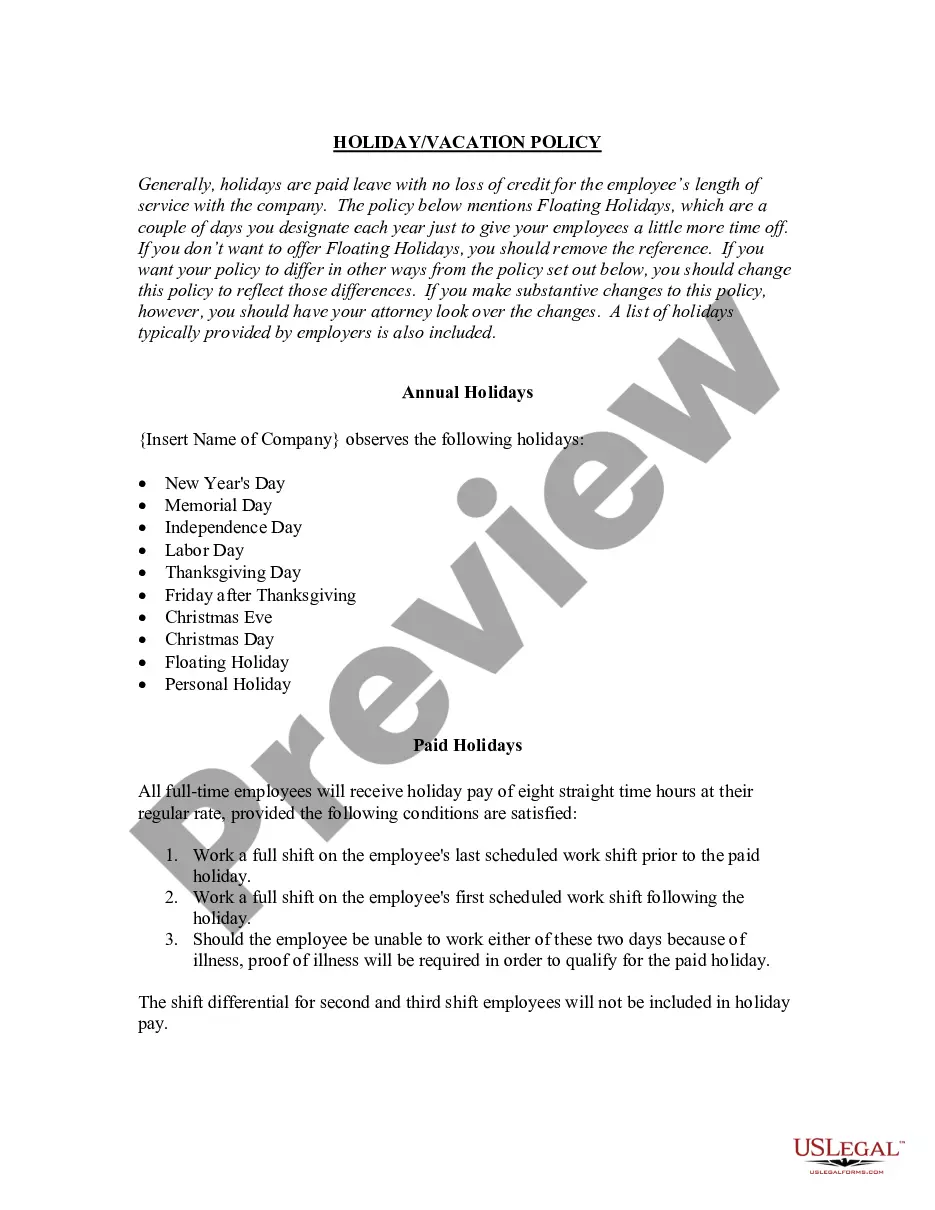
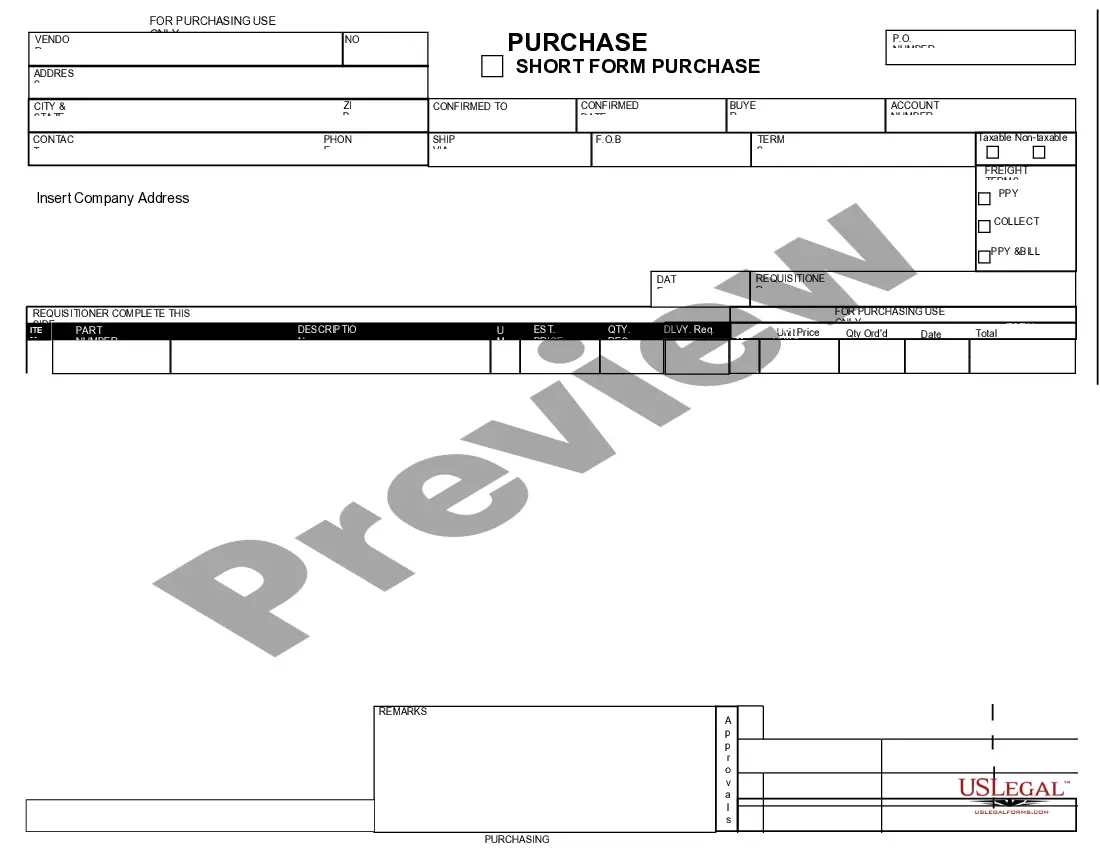
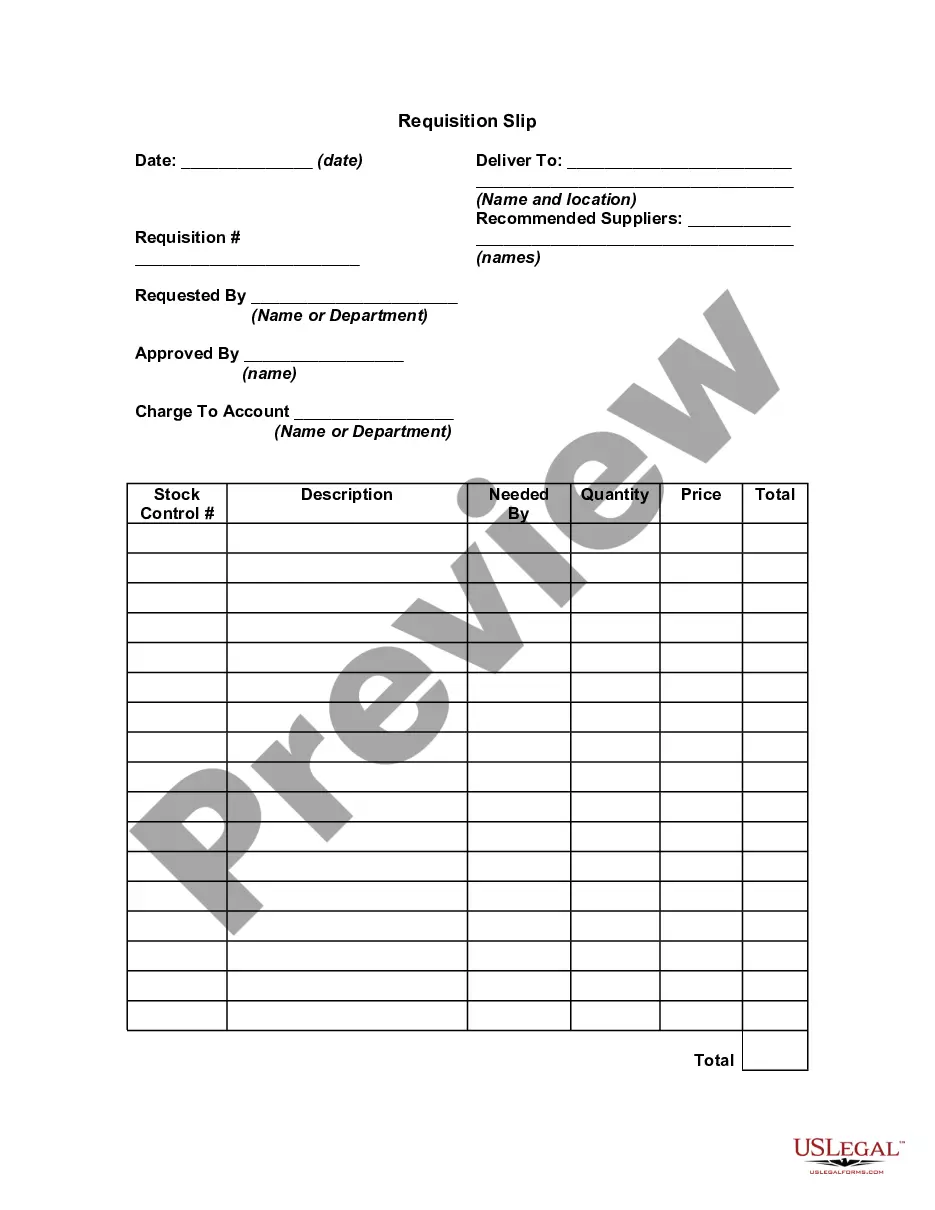
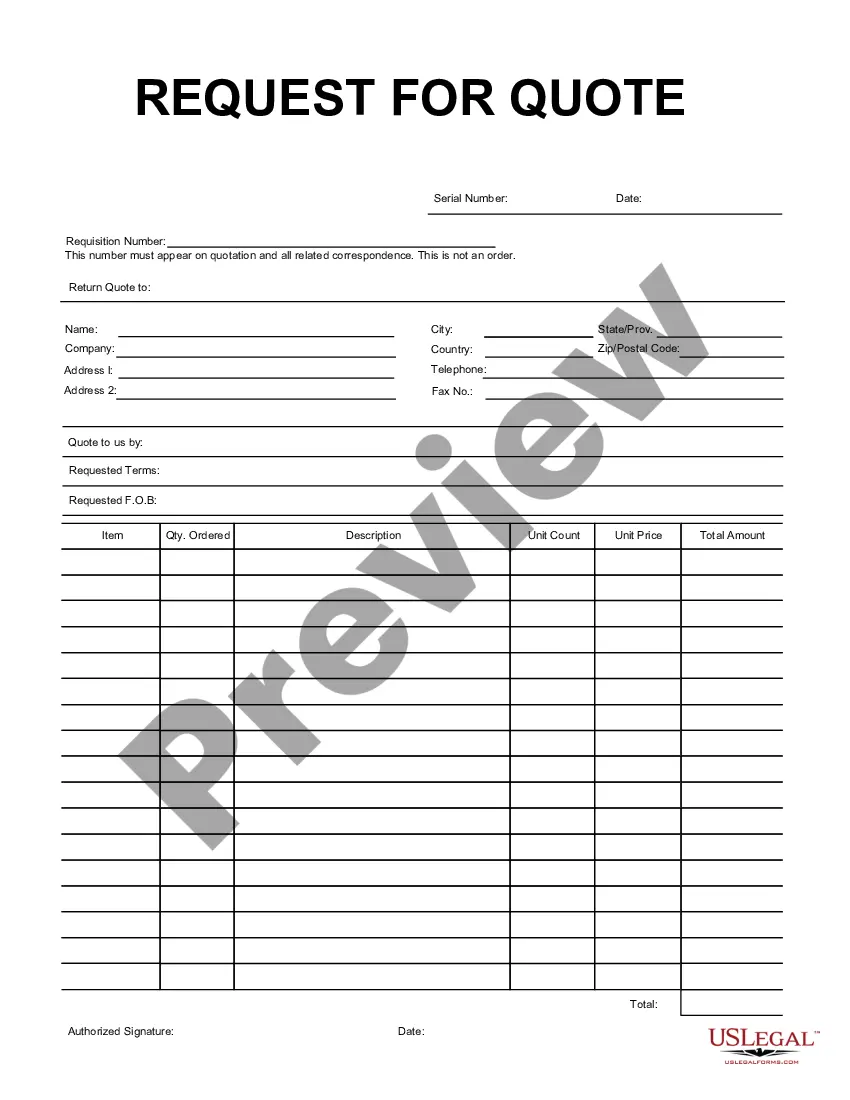
Kansas Purchase Requisition
Description



Get your form ready online
Our built-in tools help you complete, sign, share, and store your documents in one place.
Make edits, fill in missing information, and update formatting in US Legal Forms—just like you would in MS Word.
Download a copy, print it, send it by email, or mail it via USPS—whatever works best for your next step.
Sign and collect signatures with our SignNow integration. Send to multiple recipients, set reminders, and more. Go Premium to unlock E-Sign.
If this form requires notarization, complete it online through a secure video call—no need to meet a notary in person or wait for an appointment.
We protect your documents and personal data by following strict security and privacy standards.

Make edits, fill in missing information, and update formatting in US Legal Forms—just like you would in MS Word.

Download a copy, print it, send it by email, or mail it via USPS—whatever works best for your next step.

Sign and collect signatures with our SignNow integration. Send to multiple recipients, set reminders, and more. Go Premium to unlock E-Sign.

If this form requires notarization, complete it online through a secure video call—no need to meet a notary in person or wait for an appointment.

We protect your documents and personal data by following strict security and privacy standards.
Looking for another form?





How to fill out Purchase Requisition?
You can dedicate hours online trying to discover the accurate document template that satisfies the federal and state requirements you need.
US Legal Forms provides a vast array of legal documents that are verified by professionals.
You can obtain or print the Kansas Purchase Requisition from the service.
If available, use the Preview button to view the document template as well.
- If you possess a US Legal Forms account, you can Log In and click on the Download button.
- After that, you can complete, modify, print, or sign the Kansas Purchase Requisition.
- Each legal document template you receive is yours permanently.
- To obtain another copy of a purchased form, navigate to the My documents section and click the corresponding button.
- If you are using the US Legal Forms site for the first time, follow the simple instructions below.
- First, ensure you have chosen the correct document template for your region/city of choice.
- Review the form details to confirm you have selected the suitable form.
Form popularity
FAQ
The 7 steps of a requisition form typically include defining the need, selecting the items, obtaining budget approval, completing the requisition form, attaching supporting documents, submitting the form for processing, and finally, receiving the goods or services. It's essential to follow these steps diligently to ensure a smooth purchase process. Using the USLegalForms platform can simplify this process by providing clear templates and guidance for each step, especially when dealing with a Kansas Purchase Requisition.
Filling out a requisition form for a Kansas Purchase Requisition involves entering precise details, such as the item name, quantity requested, delivery date, and the budget code. You should also attach any necessary documentation that supports your request, such as quotes or prior approvals. After completing the form, double-check all entries for clarity and correctness before submission.
The process flow from Purchase Requisition (PR) to Purchase Order (PO) is streamlined for efficiency. After approval of the Kansas Purchase Requisition, the next step is to generate a Purchase Order based on the requisition details. This transition ensures that all authorized purchases are documented correctly and reflects the approved quantities and prices. Utilizing our platform, uslegalforms, can simplify this flow, ensuring compliance and transparency throughout the procurement process.
The process of requisitions involves several key steps to ensure proper management and approval. First, you create a Kansas Purchase Requisition, detailing the items or services needed. Then, the requisition is submitted for approval from relevant department heads. This structured approach facilitates effective tracking and accountability, ultimately promoting a more organized procurement process.
To get a Kansas resale number, you must apply through the Kansas Department of Revenue. This process usually requires you to present business information similar to what is needed for your seller's permit. Once you secure your resale number, it will be crucial for utilizing Kansas Purchase Requisition effectively in your business. Keeping your documents organized will help make your application as smooth as possible.
Finding your Kansas employer account number involves accessing your tax records with the Kansas Department of Revenue. You may also retrieve this number on your previously filed employer tax returns. If you're unsure of where to start, the Kansas Purchase Requisition might guide you to this information quickly. Alternatively, reaching out directly to the Department could offer immediate support.
You can obtain a Kansas sales tax registration number by applying through the Kansas Department of Revenue’s online portal. This process is fairly straightforward and requires basic business information. Once you have this number, it integrates smoothly with your Kansas Purchase Requisition for sales transactions. Ensuring everything is accurate will keep your business operating efficiently.
Obtaining a copy of an electronic title in Kansas involves accessing the state's online title system. You will typically need to provide your vehicle identification number (VIN) and other identifying information. Utilizing the Kansas Purchase Requisition aids in obtaining all required documentation. If you have trouble, reaching out to local DMV offices can help clarify any questions regarding the process.
To get a Kansas EIN number, you must apply through the IRS. The application can be completed online for immediate results or by mail if you prefer. Having your Kansas Purchase Requisition and business details handy simplifies this process. Remember, having your EIN is essential for business operations and tax purposes.
To acquire a resale license in Kansas, start by applying through the Kansas Department of Revenue. You’ll need to provide necessary business information, such as your tax ID number and business name. Completing the application accurately is crucial, as this will facilitate your ability to use Kansas Purchase Requisition in your transactions. Don't forget that using a trusted platform can smoothen your application process.