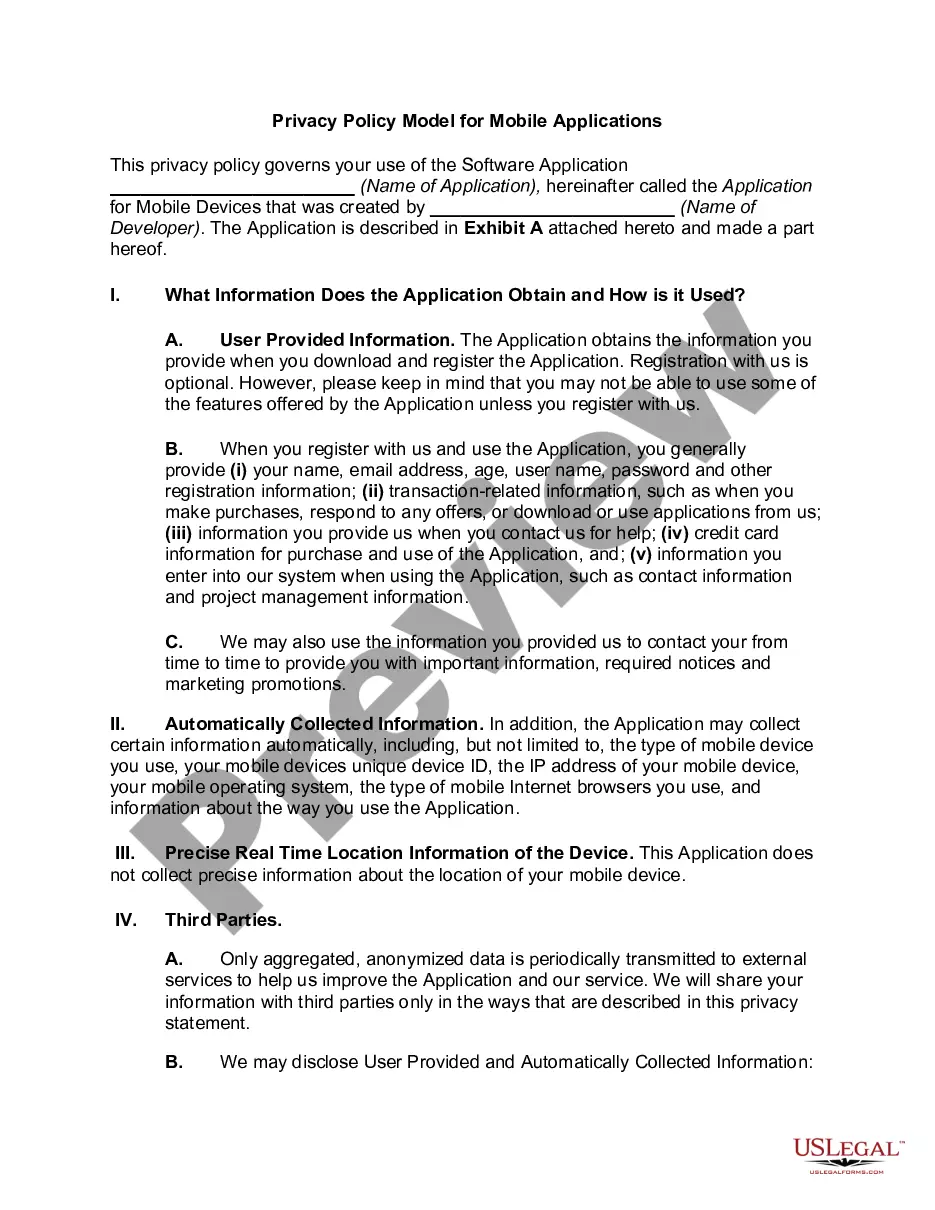
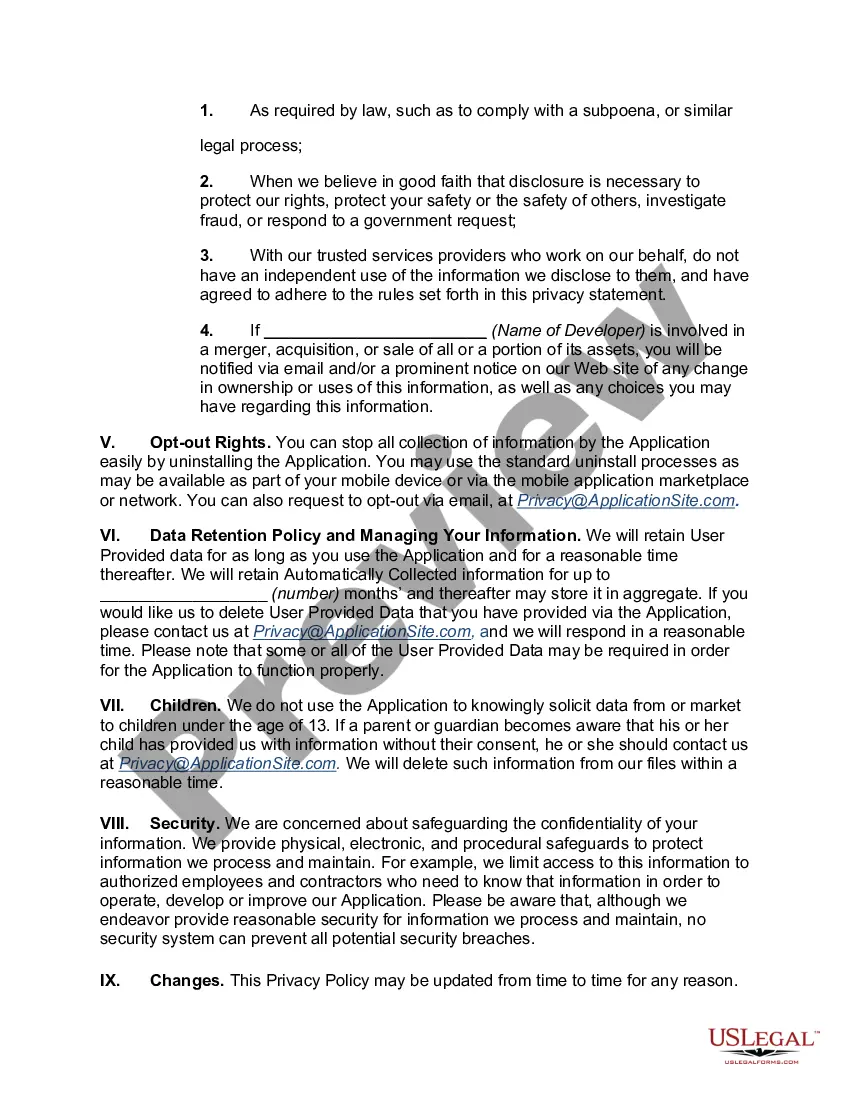
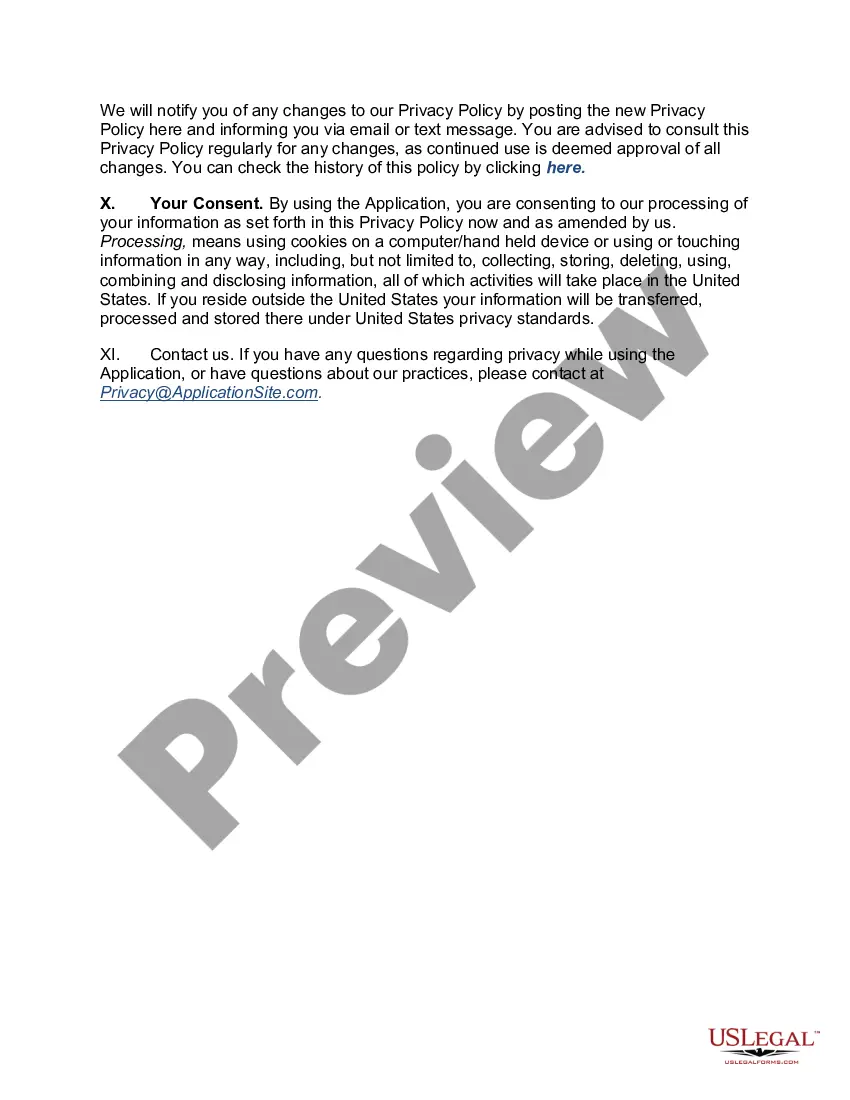
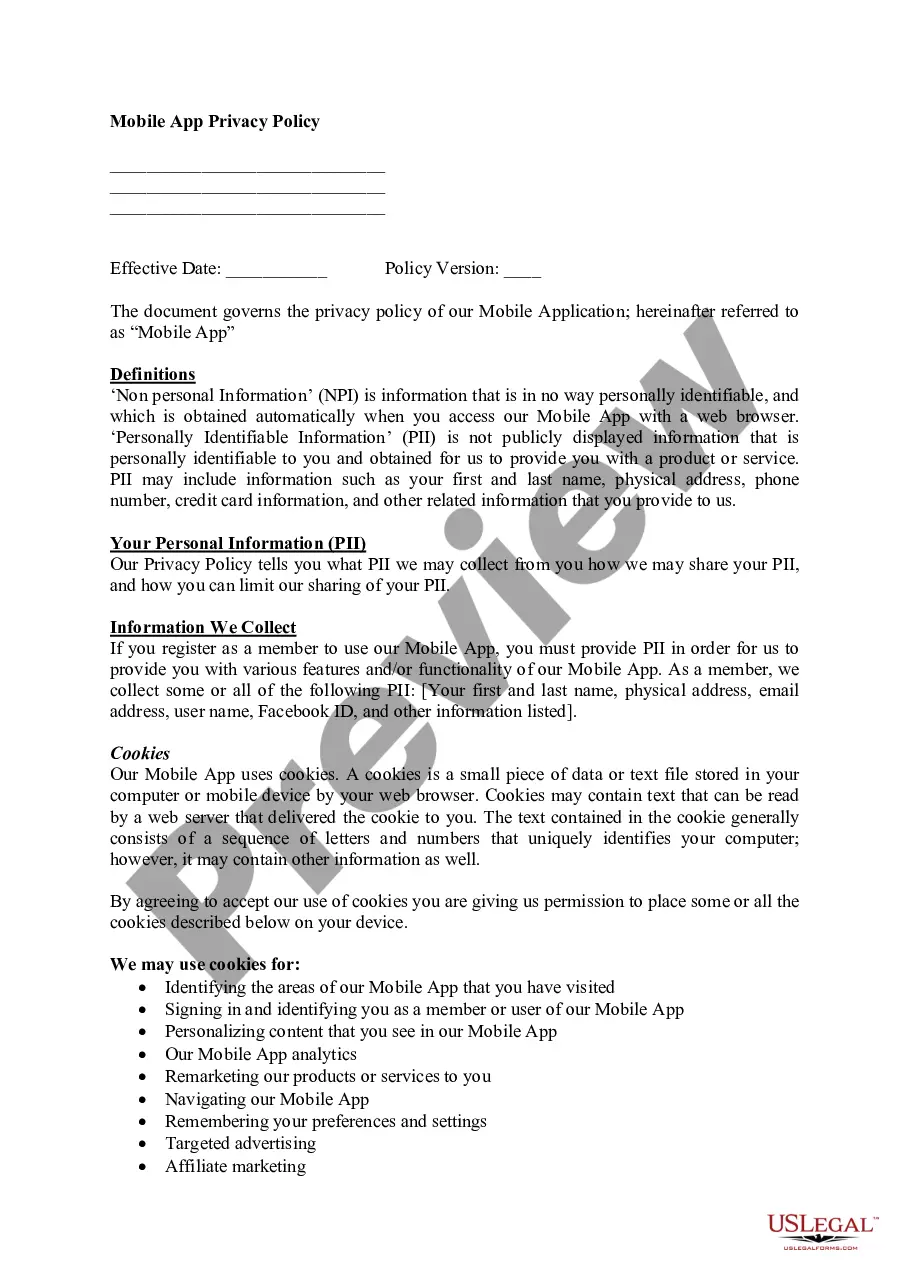
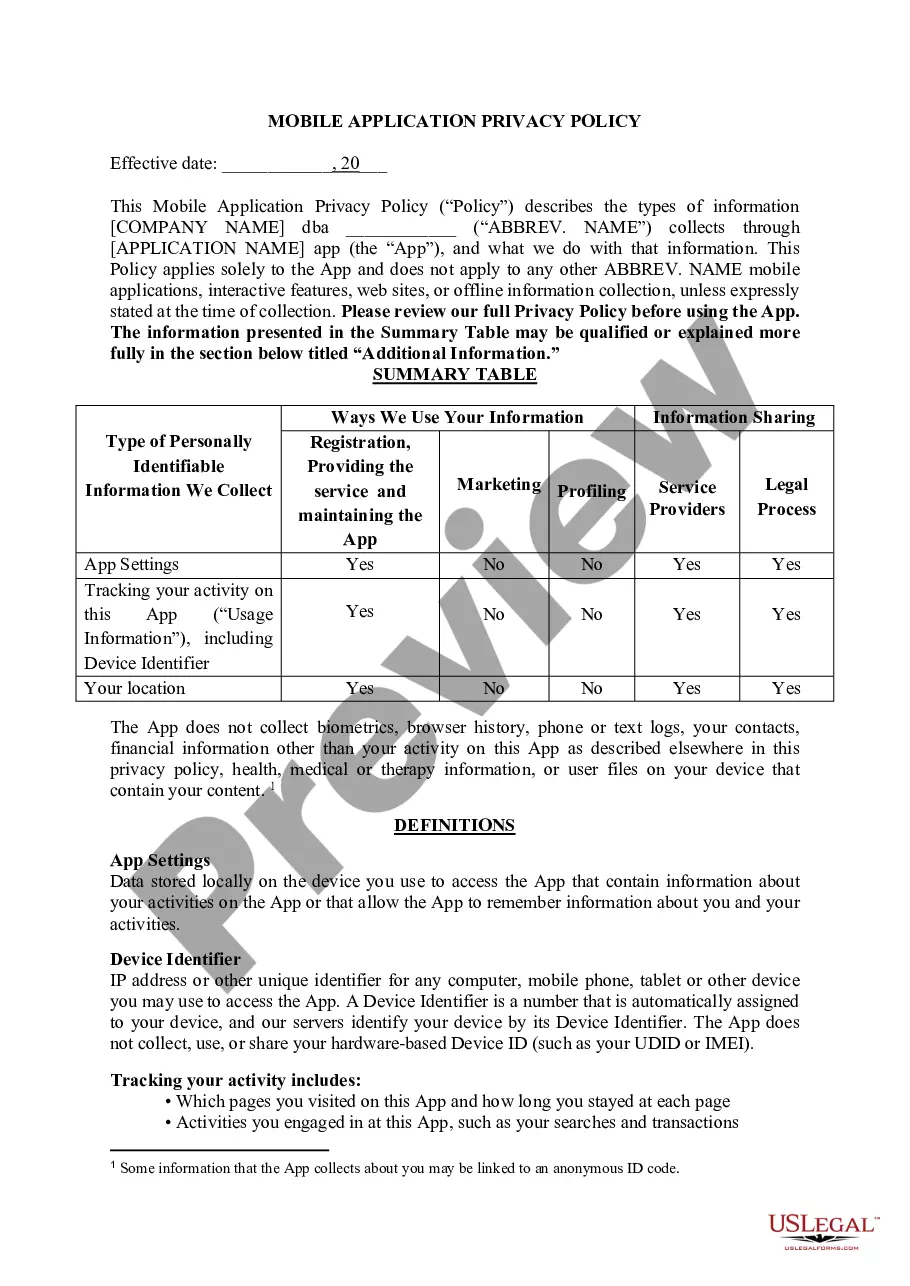
Kansas Privacy Policy Model for Mobile Applications
Description
Get your form ready online
Our built-in tools help you complete, sign, share, and store your documents in one place.
Make edits, fill in missing information, and update formatting in US Legal Forms—just like you would in MS Word.
Download a copy, print it, send it by email, or mail it via USPS—whatever works best for your next step.
Sign and collect signatures with our SignNow integration. Send to multiple recipients, set reminders, and more. Go Premium to unlock E-Sign.
If this form requires notarization, complete it online through a secure video call—no need to meet a notary in person or wait for an appointment.
We protect your documents and personal data by following strict security and privacy standards.
Make edits, fill in missing information, and update formatting in US Legal Forms—just like you would in MS Word.
Download a copy, print it, send it by email, or mail it via USPS—whatever works best for your next step.
Sign and collect signatures with our SignNow integration. Send to multiple recipients, set reminders, and more. Go Premium to unlock E-Sign.
If this form requires notarization, complete it online through a secure video call—no need to meet a notary in person or wait for an appointment.
We protect your documents and personal data by following strict security and privacy standards.
Looking for another form?

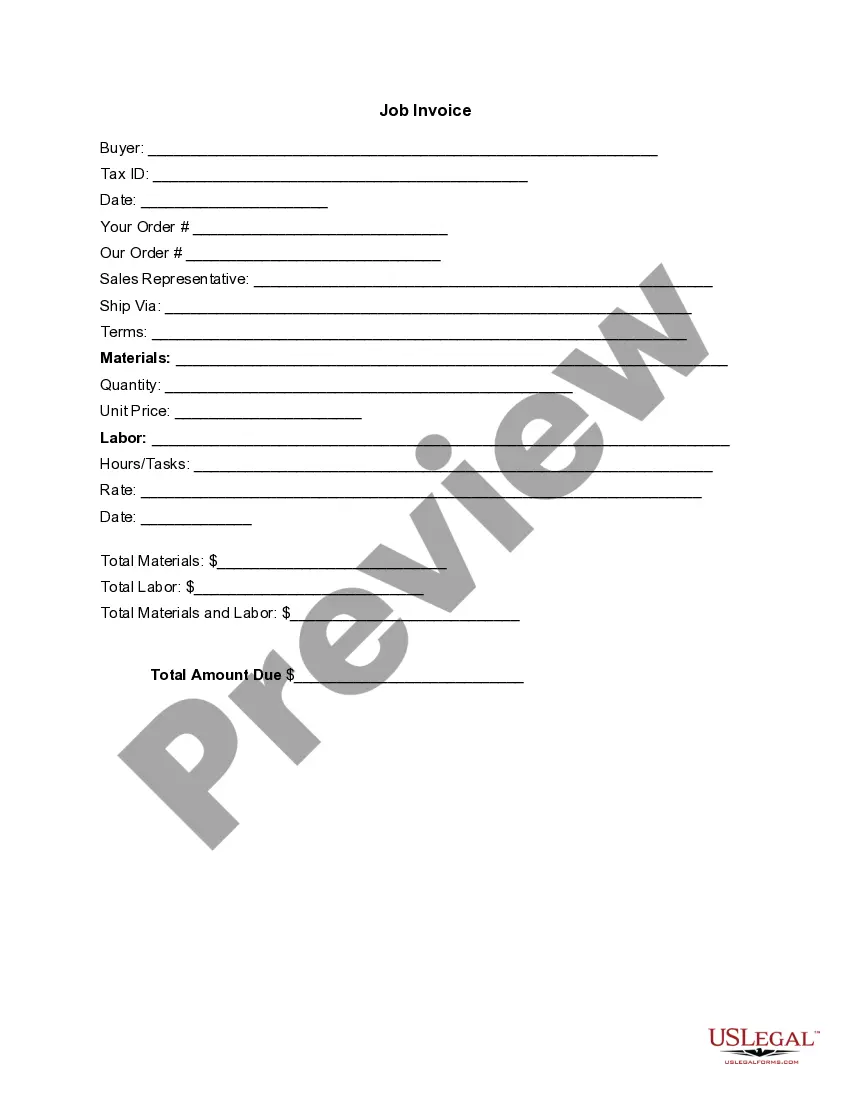
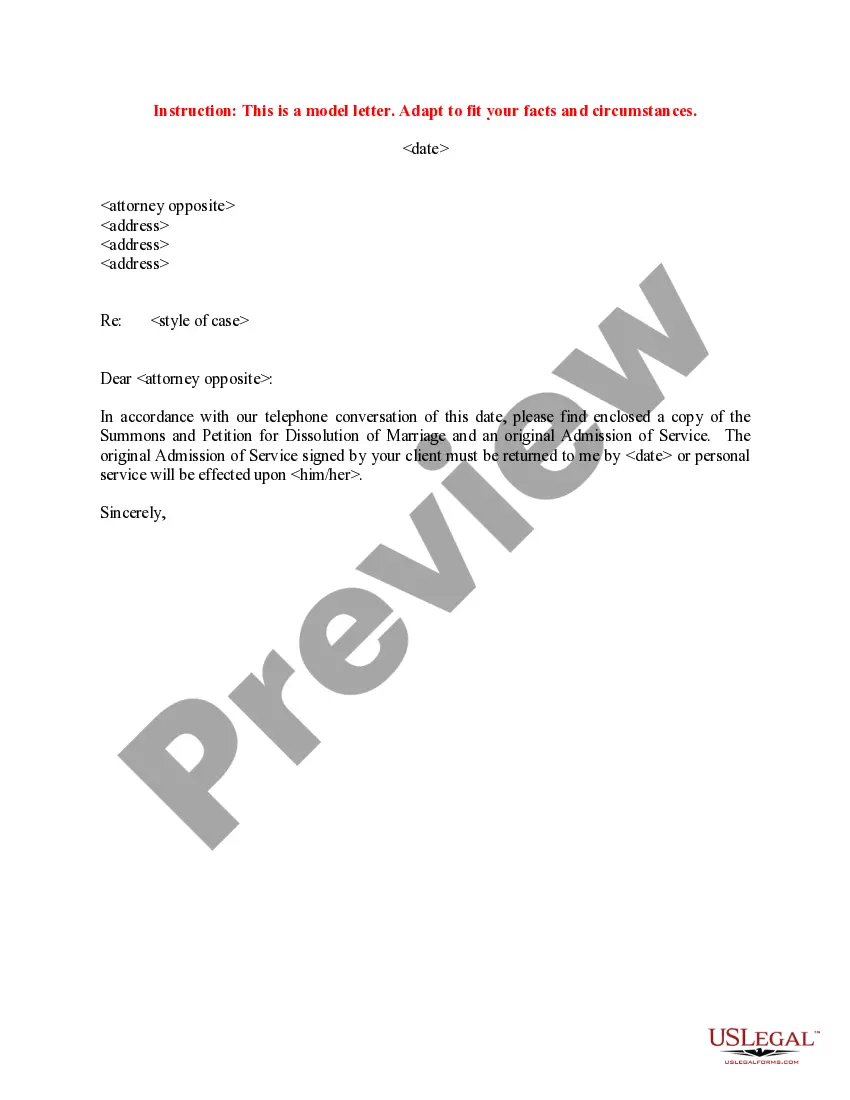


How to fill out Privacy Policy Model For Mobile Applications?
Finding the appropriate authentic document template can be quite a challenge.
Certainly, there are numerous templates accessible on the web, but how do you locate the authentic form you require.
Utilize the US Legal Forms website. The service offers a vast array of templates, such as the Kansas Privacy Policy Template for Mobile Applications, which you can utilize for both business and personal purposes.
You can browse the form using the Review button and check the form details to confirm it is the correct one for you.
- All of the forms are reviewed by experts and comply with federal and state regulations.
- If you are already registered, Log In to your account and click the Get button to download the Kansas Privacy Policy Template for Mobile Applications.
- Use your account to search through the legal forms you have purchased previously.
- Navigate to the My documents tab in your account and download an additional copy of the document you need.
- If you are a new user of US Legal Forms, here are some simple instructions to follow.
- First, ensure you have selected the correct form for your area/state.
Form popularity
FAQ
Yes, you need a privacy policy on your website. If you collect personal information from users, many laws require you to include a privacy policy on your site that explains your data-handling practices.
An app developer needs to have a privacy policy if the app collects any form of personal information, from names to addresses to financial information. A clear privacy policy will explain to app users what happens to the personal information they give to the company.
Your privacy statement should be clear, direct, and easy to understand. Keep technical jargon and legal terminology to a minimum. If you decide to modify how you use personal information, you must inform your users. A company's privacy policy is only as strong as the staff that implements it.
To summarize, you technically and legally do not need a lawyer to write a Privacy Policy. There are a number of resources available to help you create your own.
The privacy policy for a mobile application must contain:A link to the privacy policy from the website and mobile app's homepage, which must contain the word privacyInformation about modifications and how they will be made.Third-party information regarding exactly who collects data.
For mobile apps the best places to post a URL to your Privacy Policy are in app store listings, on sign-up and sign-in pages, in menus within the app, on checkout pages, and on the website that promotes your app.
Adding A Privacy Policy to Your Android AppGo to the Google Play Console.Select your app.Select Store Listing.Add your Privacy Policy link for Android apps and click Save.
Write your Privacy Policy in plain, easy-to-understand language. Update your policy regularly to reflect changes in the law, in your business, or within your protocols. Notify users of these updates, and include the effective date with your policy. Be transparent and remain true to your commitment to user privacy.
For each activity you should be able to describe:the personal information you collect and hold, and how you collect and hold it.the reasons, or purposes for which you collect, hold, use and disclose that personal information, and.whether you disclose personal information to overseas entities.