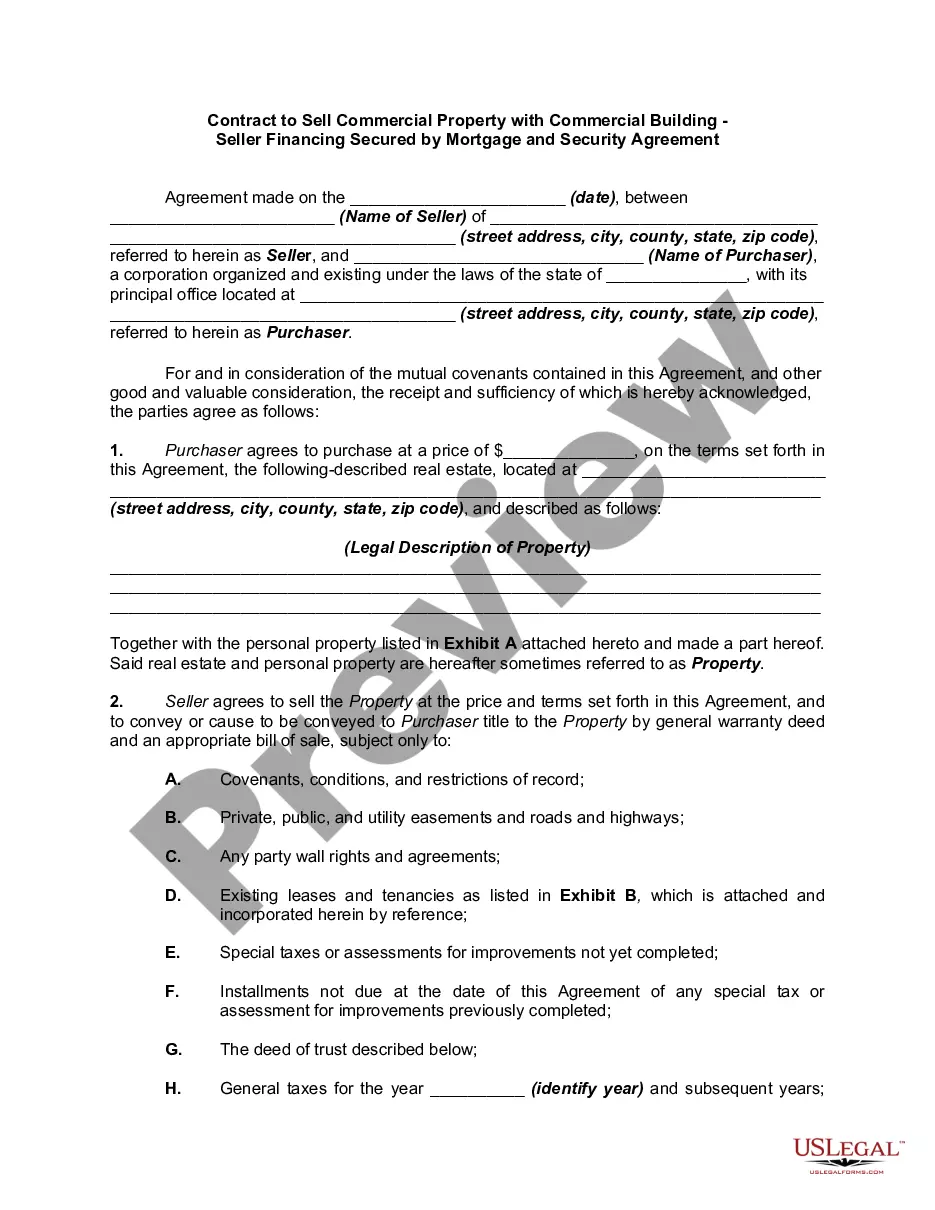
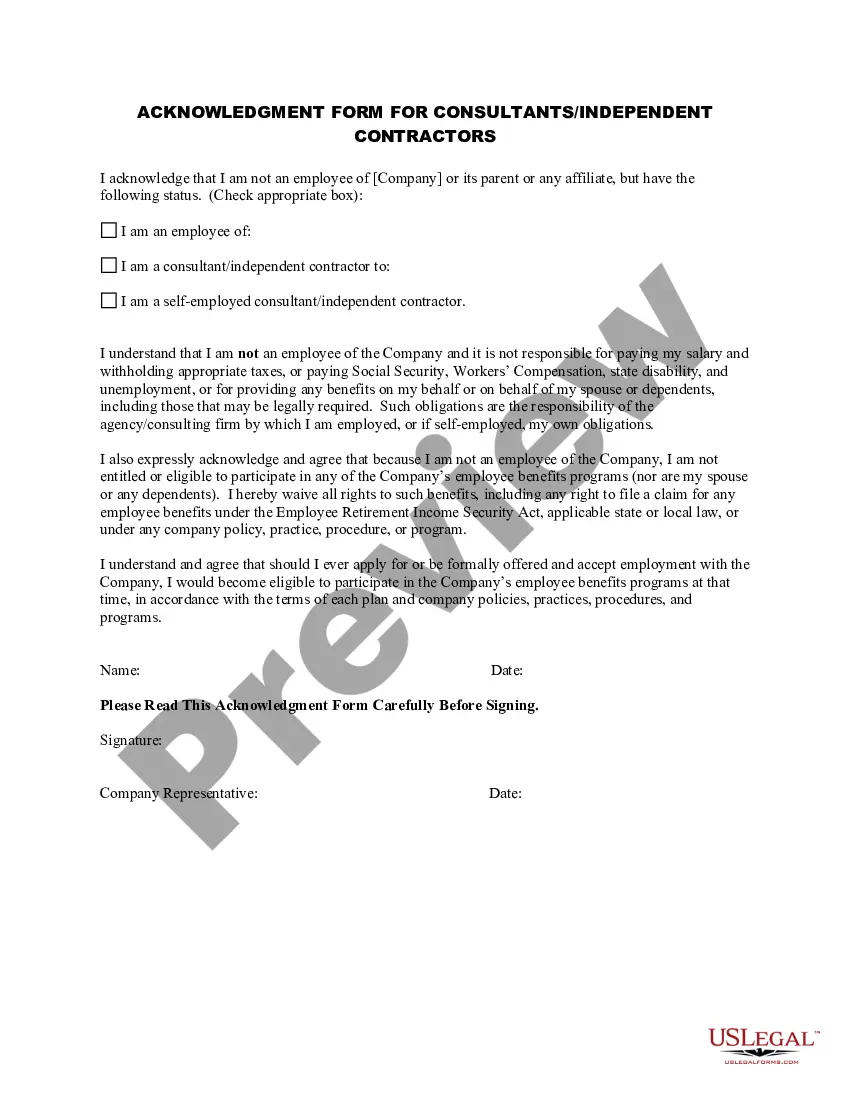
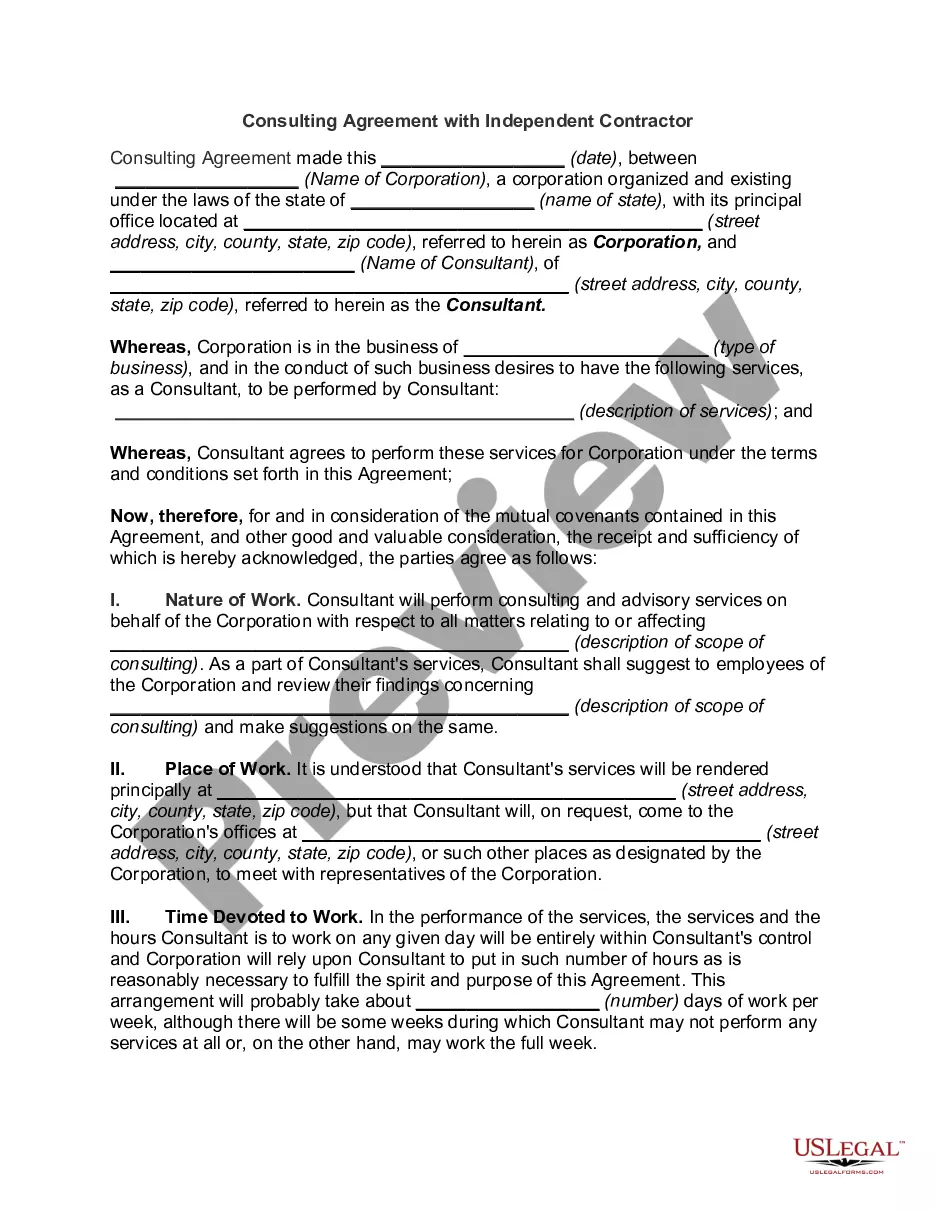
Indiana Acknowledgment Form for Consultants or Self-Employed Independent Contractors
Description
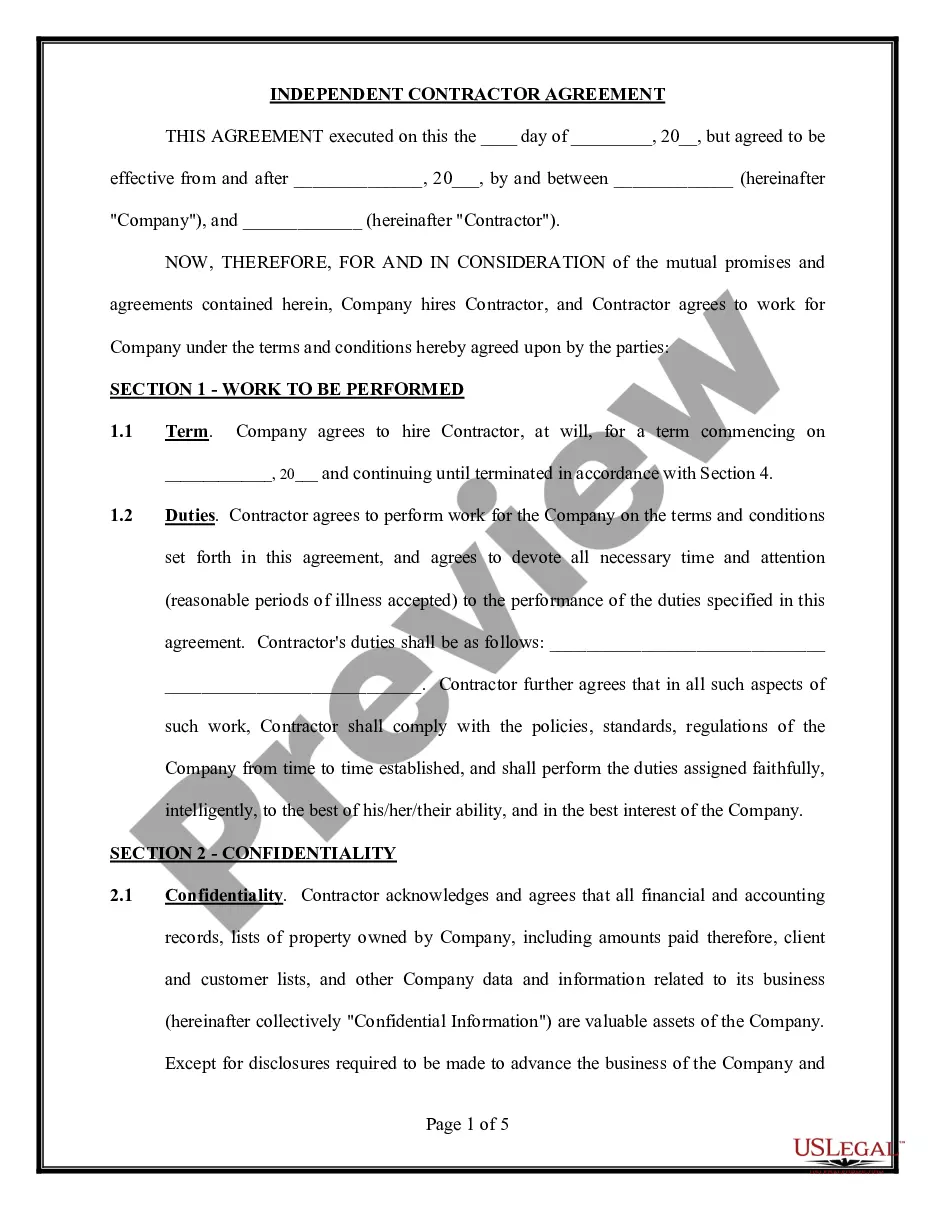
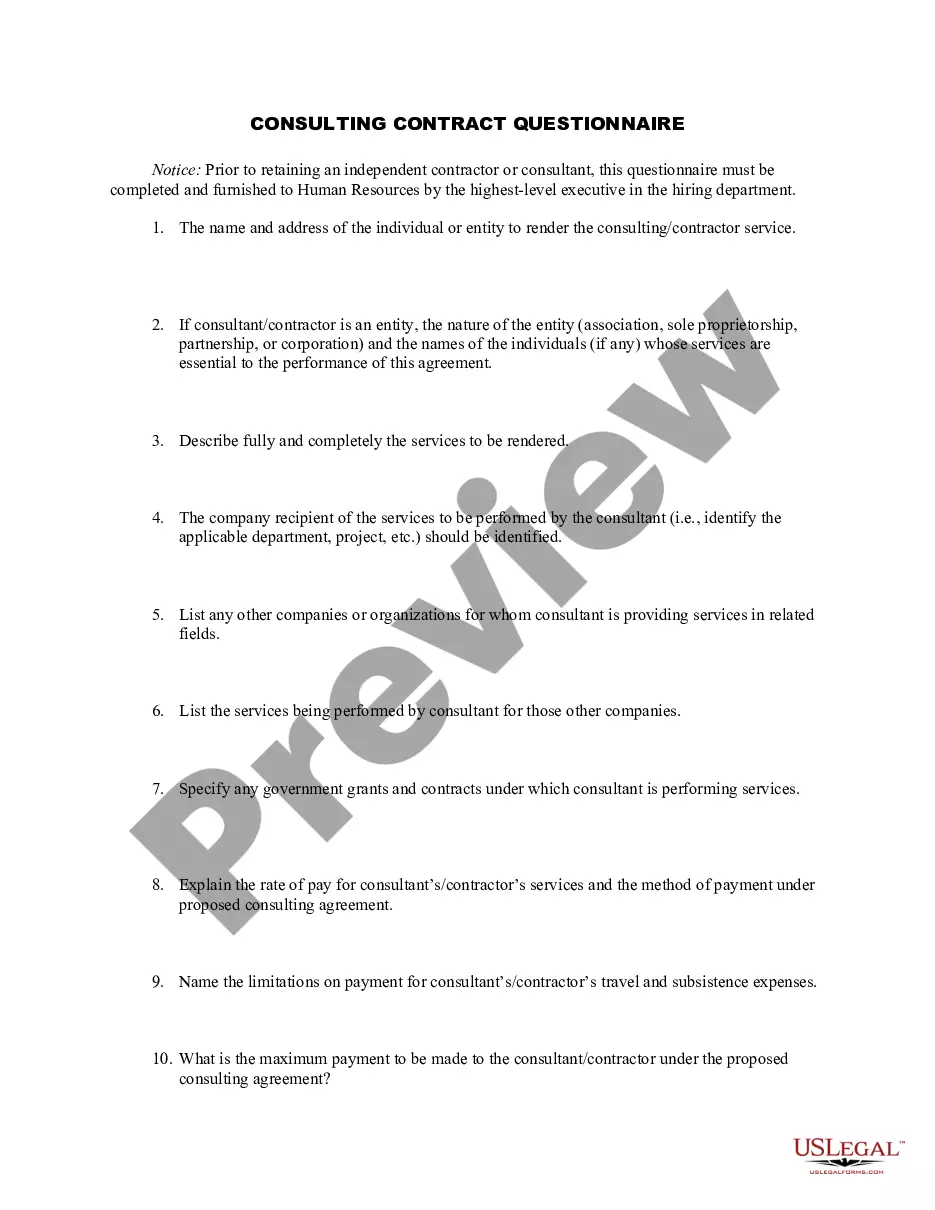
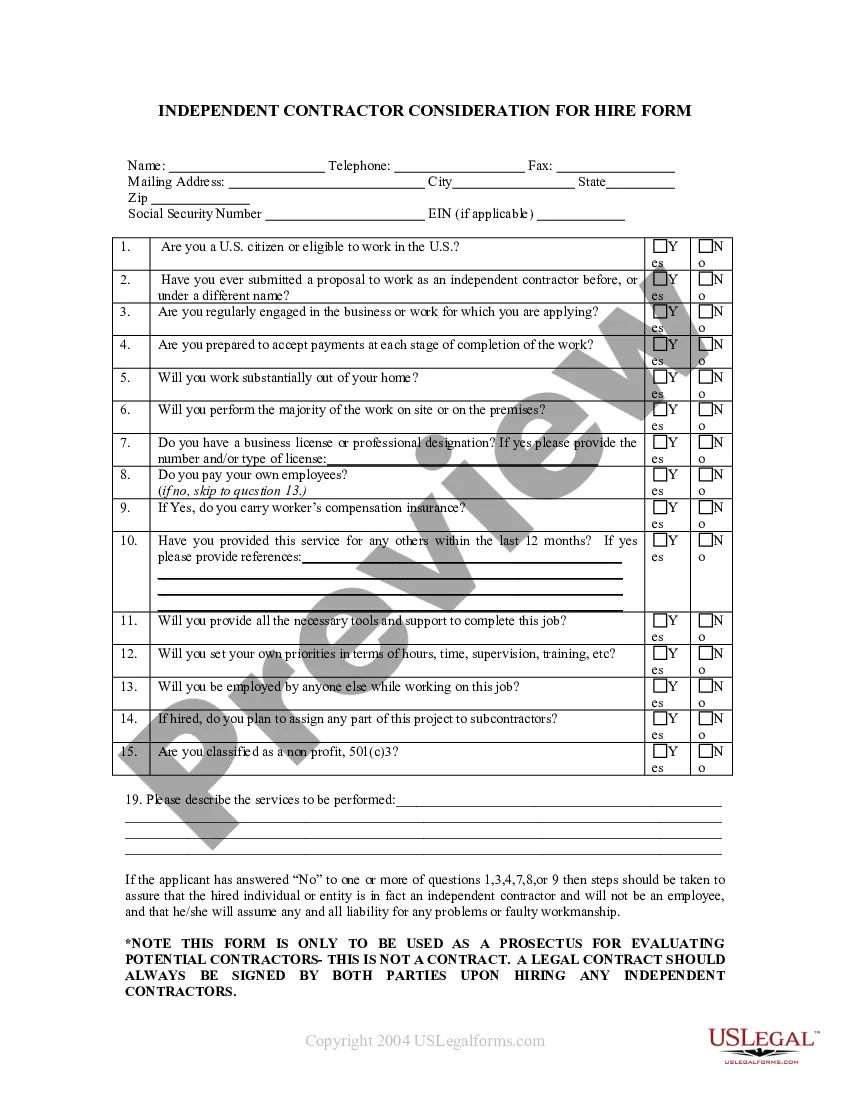
Get your form ready online
Our built-in tools help you complete, sign, share, and store your documents in one place.
Make edits, fill in missing information, and update formatting in US Legal Forms—just like you would in MS Word.
Download a copy, print it, send it by email, or mail it via USPS—whatever works best for your next step.
Sign and collect signatures with our SignNow integration. Send to multiple recipients, set reminders, and more. Go Premium to unlock E-Sign.
If this form requires notarization, complete it online through a secure video call—no need to meet a notary in person or wait for an appointment.
We protect your documents and personal data by following strict security and privacy standards.

Make edits, fill in missing information, and update formatting in US Legal Forms—just like you would in MS Word.

Download a copy, print it, send it by email, or mail it via USPS—whatever works best for your next step.

Sign and collect signatures with our SignNow integration. Send to multiple recipients, set reminders, and more. Go Premium to unlock E-Sign.

If this form requires notarization, complete it online through a secure video call—no need to meet a notary in person or wait for an appointment.

We protect your documents and personal data by following strict security and privacy standards.
Looking for another form?




How to fill out Acknowledgment Form For Consultants Or Self-Employed Independent Contractors?
You can spend hours online searching for the official document template that meets the state and federal requirements you need.
US Legal Forms offers a multitude of legal forms that are reviewed by professionals.
You can conveniently download or print the Indiana Acknowledgment Form for Consultants or Self-Employed Independent Contractors from our service.
First, ensure that you have selected the correct document template for the county/area of your choice. Check the form description to confirm you selected the right form. If applicable, use the Review button to examine the document template simultaneously.
- If you already have a US Legal Forms account, you may Log In and then click the Obtain button.
- After that, you can complete, modify, print, or sign the Indiana Acknowledgment Form for Consultants or Self-Employed Independent Contractors.
- Each legal document template you buy is yours forever.
- To retrieve another copy of any purchased form, navigate to the My documents tab and click the corresponding button.
- If you use the US Legal Forms site for the first time, follow the simple instructions below.
Form popularity
FAQ
1) To accept, recognize, confirm, or admit the existence or truth of something. 2) To validate an identity or claim. 3) To authenticate an instrument or writing by declaration or statement under oath by the person who executes the instrument or writing, in the presence of a notary, officer, or other impartial party.
Acknowledgements enable you to thank all those who have helped in carrying out the research. Careful thought needs to be given concerning those whose help should be acknowledged and in what order. The general advice is to express your appreciation in a concise manner and to avoid strong emotive language.
An acknowledgment requires the following steps: The signer must physically appear before you. You as the notary must positively identify the signer according to your state's rules. The signer may either sign the document before appearing before you, or in your presence.
Acknowledgements. Definition of acknowledgement: notarial act in which a notary certifies having positively identified a document signer who admitted having signed the document (CCC 1188 and 1193)
What Is An Acknowledgment?The signer must appear in person before you.You must positively identify the signer according to your state's rules.The signer may either sign the document before appearing before you, or in your presence.The signer must declare (acknowledge) signing the document for its intended purpose.
Here are the only acceptable identification documents a California notary can use: California driver's license or nondriver's ID issued by the CA DMV, U.S. Passport book or card, a Foreign passport stamped by the U.S. Citizenship and Immigration Service, Driver's license or nondriver's ID issued by another U.S. state,
Acceptable Forms of Identification for Notary ServicesState-issued driver's license.State-issued identification card.U.S. passport issued by the U.S. Department of State.U.S. military ID.State, county and local government IDs.More items...
The Associations' Recording Manual, last updated on August 21, 2020, states that all documents are required to be acknowledged or notarized with only a few exceptions. Therefore, despite the recent amendment to §32-2-3(a), recorders' offices in Indiana may not reject documents due to lack of a certificate of proof.
Step 1 Download the Indiana Notary Acknowledgment Form in Adobe PDF, Microsoft Word, or ODT. Step 2 The first two empty fields must be completed by providing the name of the county and the name of the signer. Step 3 Next, enter the date and provide a notary seal, signature, title, and commission expiration date.