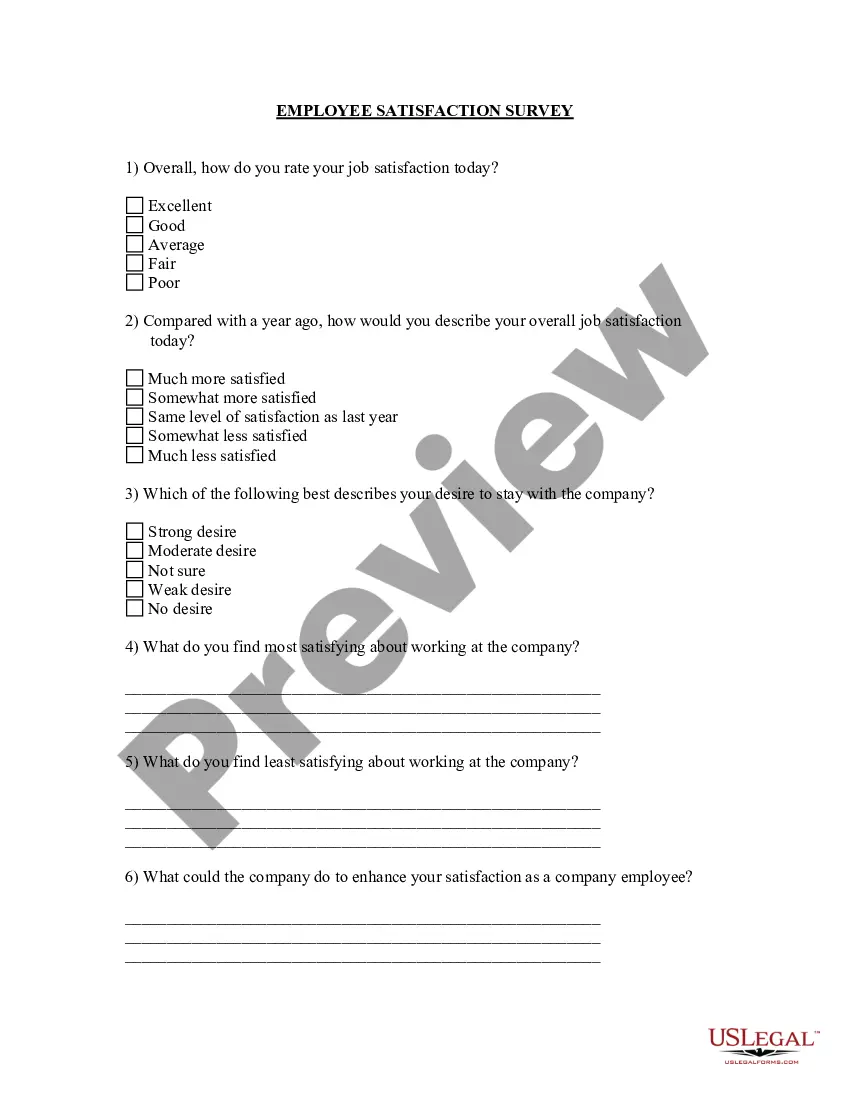
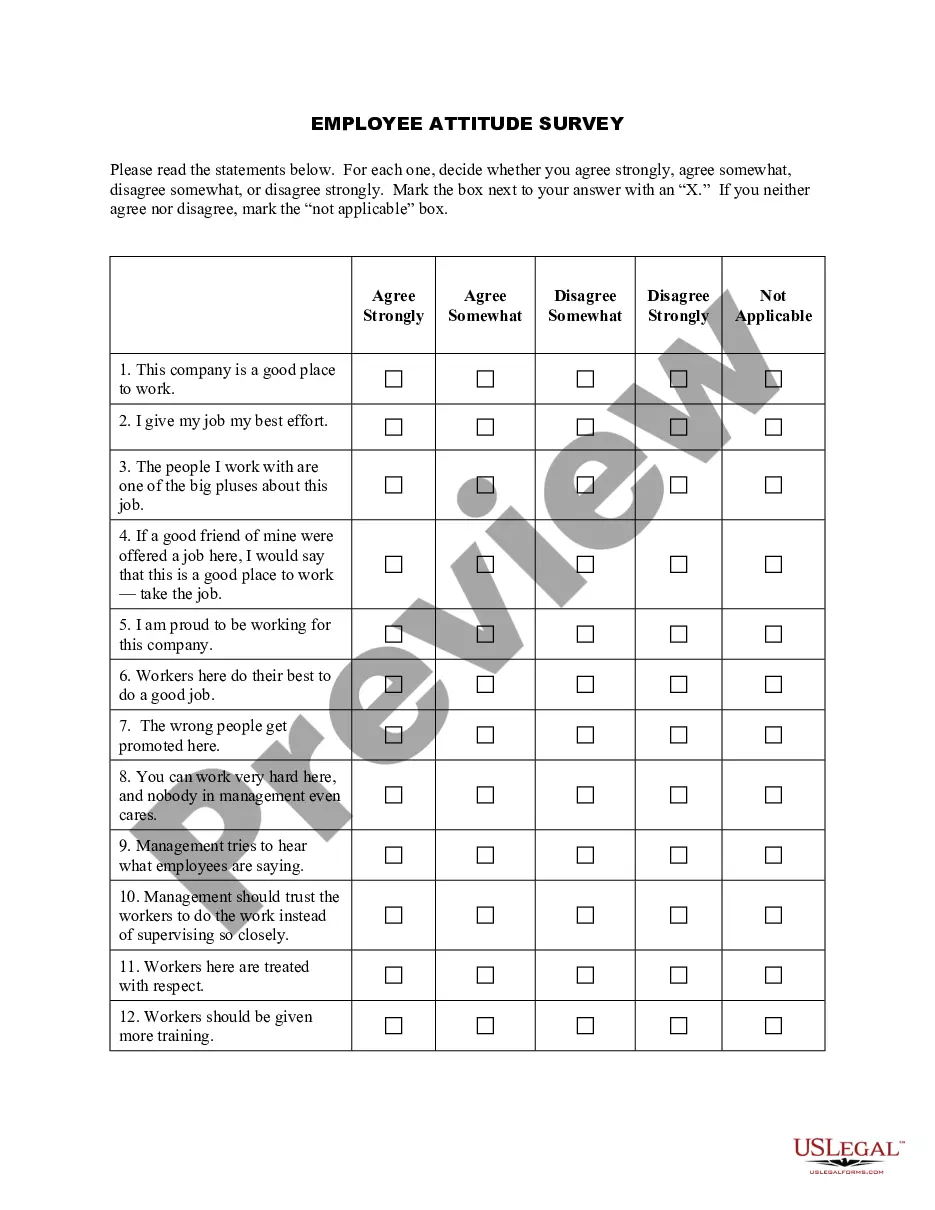
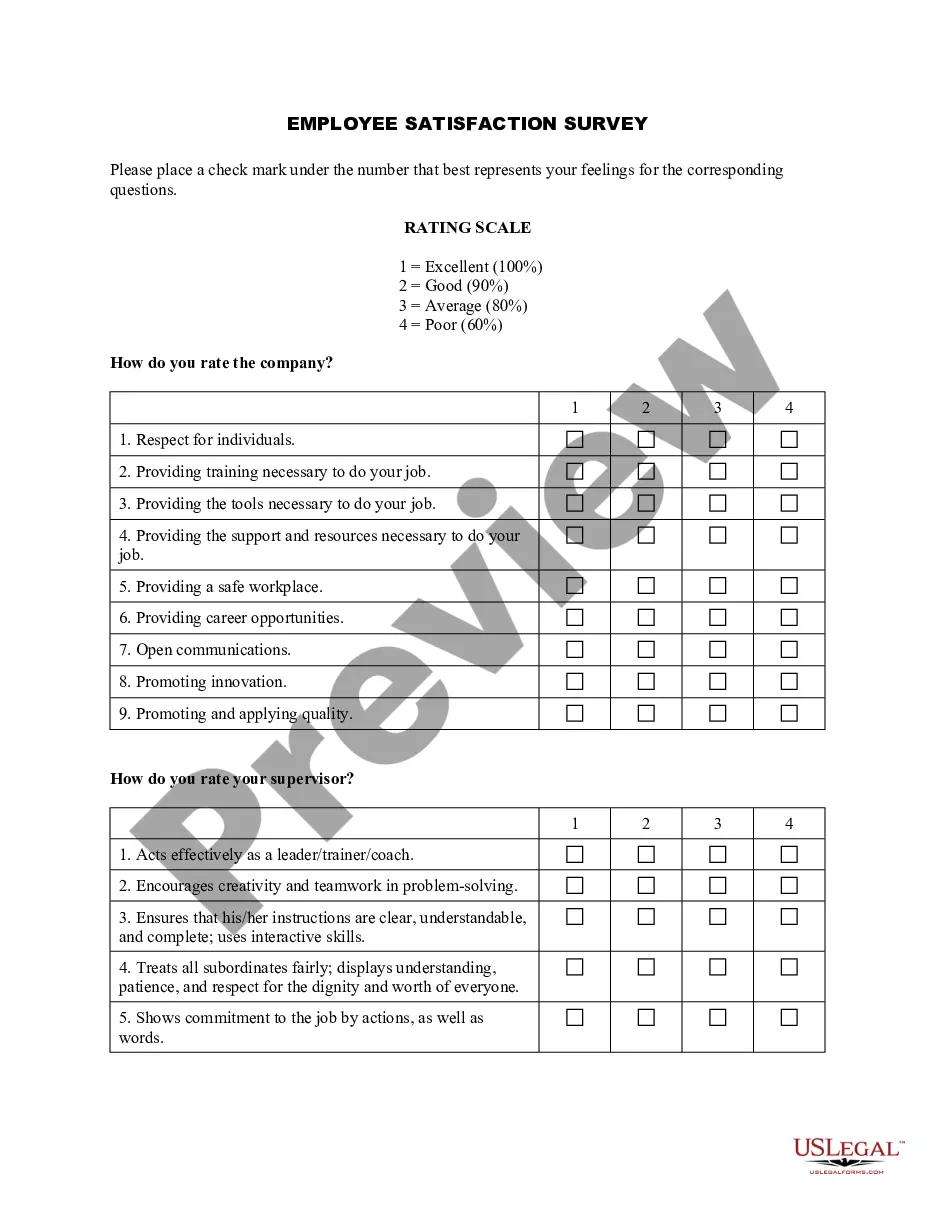
Indiana Employee Satisfaction Survey
Description
Get your form ready online
Our built-in tools help you complete, sign, share, and store your documents in one place.
Make edits, fill in missing information, and update formatting in US Legal Forms—just like you would in MS Word.
Download a copy, print it, send it by email, or mail it via USPS—whatever works best for your next step.
Sign and collect signatures with our SignNow integration. Send to multiple recipients, set reminders, and more. Go Premium to unlock E-Sign.
If this form requires notarization, complete it online through a secure video call—no need to meet a notary in person or wait for an appointment.
We protect your documents and personal data by following strict security and privacy standards.

Make edits, fill in missing information, and update formatting in US Legal Forms—just like you would in MS Word.

Download a copy, print it, send it by email, or mail it via USPS—whatever works best for your next step.

Sign and collect signatures with our SignNow integration. Send to multiple recipients, set reminders, and more. Go Premium to unlock E-Sign.

If this form requires notarization, complete it online through a secure video call—no need to meet a notary in person or wait for an appointment.

We protect your documents and personal data by following strict security and privacy standards.
Looking for another form?

How to fill out Employee Satisfaction Survey?
US Legal Forms - one of the most extensive repositories of legal documents in the United States - provides a diverse selection of legal form templates that you can download or print.
By using the website, you can access thousands of forms for business and personal purposes, organized by categories, states, or keywords. You can find the latest iterations of forms like the Indiana Employee Satisfaction Survey in moments.
If you are already registered, Log In and acquire the Indiana Employee Satisfaction Survey from your US Legal Forms collection. The Download button will be visible on every form you view. You have access to all previously acquired forms from the My documents section of your account.
Finalize the transaction. Use your credit card or PayPal account to complete the transaction.
Select the file format and download the form onto your device. Edit. Fill out, modify, print, and sign the downloaded Indiana Employee Satisfaction Survey. Every template you added to your account has no expiration date and is yours indefinitely. So, if you wish to download or print another copy, simply navigate to the My documents section and click on the form you want. Access the Indiana Employee Satisfaction Survey with US Legal Forms, the most extensive collection of legal document templates. Utilize thousands of professional and state-specific templates that meet your business or personal needs and requirements.
- Ensure you have selected the correct form for your state/region.
- Click the Preview button to examine the form’s details.
- Read the form description to confirm you have chosen the correct document.
- If the form does not suit your needs, use the Search box at the top of the screen to find the appropriate one.
- If you are satisfied with the form, confirm your choice by clicking the Purchase now button.
- Then, choose your preferred payment plan and provide your details to register for an account.
Form popularity
FAQ
In this article, we'll share 20 expert-recommended, employee engagement survey questions to include in your employee survey, including questions about:Employee engagement outcomes.Career growth and development.Communication and resources.Change management.Individual needs.Manager effectiveness.Team dynamics.More items...?
Use the following tips on how to communicate employee engagement survey results effectively in both company-wide and manager-to-team settings.Thank employees for participating.Provide an initial overview of results.Analyze results with leadership.Announce detailed results.Discuss team-level results within teams.
The best way to answer this question is by being as honest as possible about the problem while providing concrete examples of how it affects your work. For example, if you're not able to meet productivity goals because you're constantly working through technical issues, this is a great time to mention that.
5-answer Likert scale employee satisfaction survey questionsWhen I do something successfully, it feels like a personal accomplishment. I have all the resources I need to do my job successfully. My goals are clearly defined. My supervisors does a great job informing us about things that affect our work.
Communication Tips for Sharing Employee Engagement Survey ResultsBe open. Being open and honest is critical to communicating employee survey results.Be clear.Respect employees' responses.Don't debate who's right and who's wrong.Ask for questions.Don't play who said what.Be objective.
The following are some tips to make sure your survey on employee morale is successful.Guarantee employees' confidentiality. Your team members need the reassurance that their views will be confidential.Use clear language.Avoid tinkering with the words.Use technology to your advantage.
It should:Announce the upcoming survey, with timeline.Explain why you are conducting the survey.Explain how and when the results will be shared.Emphasize that all responses are anonymous and that the data are being collected by an outside company.Highlight the benefits to each employee.
What to Do With Employee Engagement Survey ResultsReview Results.Reflect.Align & Set Intentions.Provide Transparent Communication.Conduct Listening Sessions.Target Areas for Improvement & Establish Specific Plans.Execute.Evaluate Progress.
What To Do With Employee Survey Results: A 7 Step Process For HRThank Your Employees.Interpret & Analyze the Survey Results.Encourage Leadership & Management to Discuss & Communicate Results.Encourage Managers to Conduct Team/Department Meetings.Make Decisions & Create Action Plans Based on Results.Communicate Actions.More items...?
Without Further Ado: Five TipsEnsure Anonymity. All survey results should be completely anonymous to allow employees to be as honest as possible without fear of retaliation.Strive for Convenience.Showcase Importance.Share Results.Make Changes.BONUS: Offer Thanks.