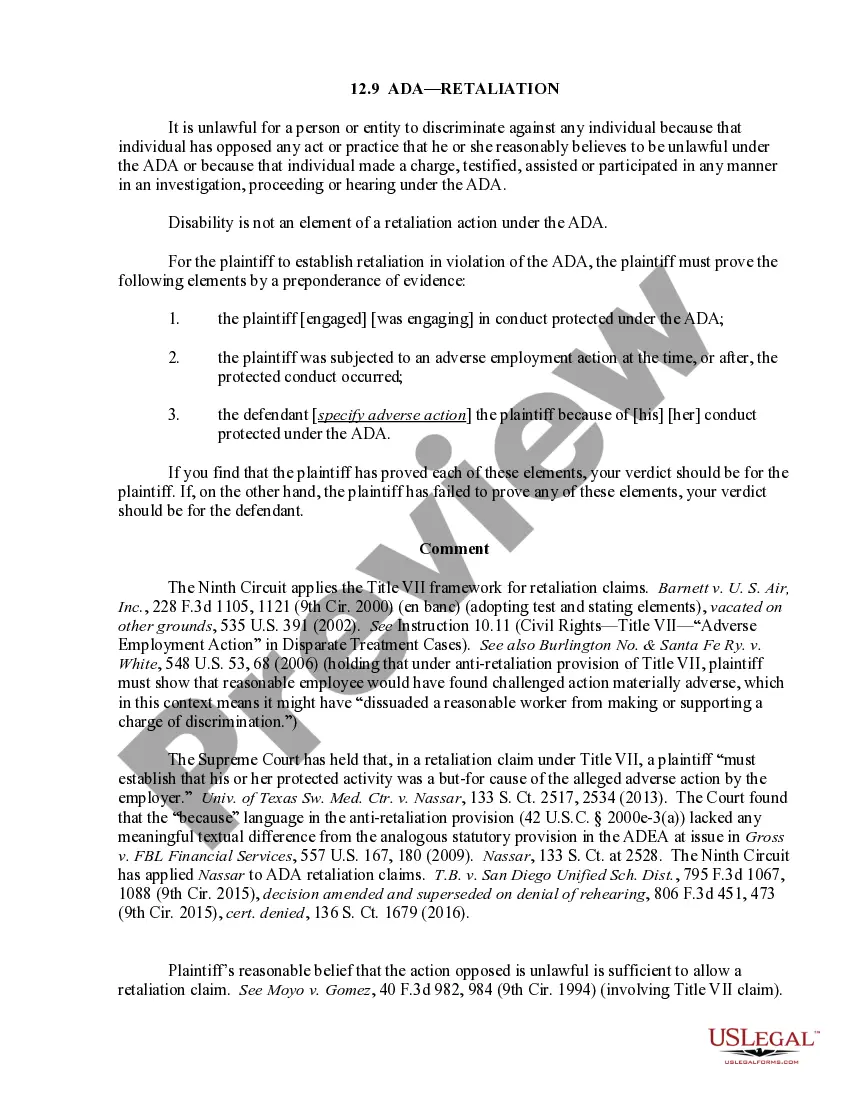
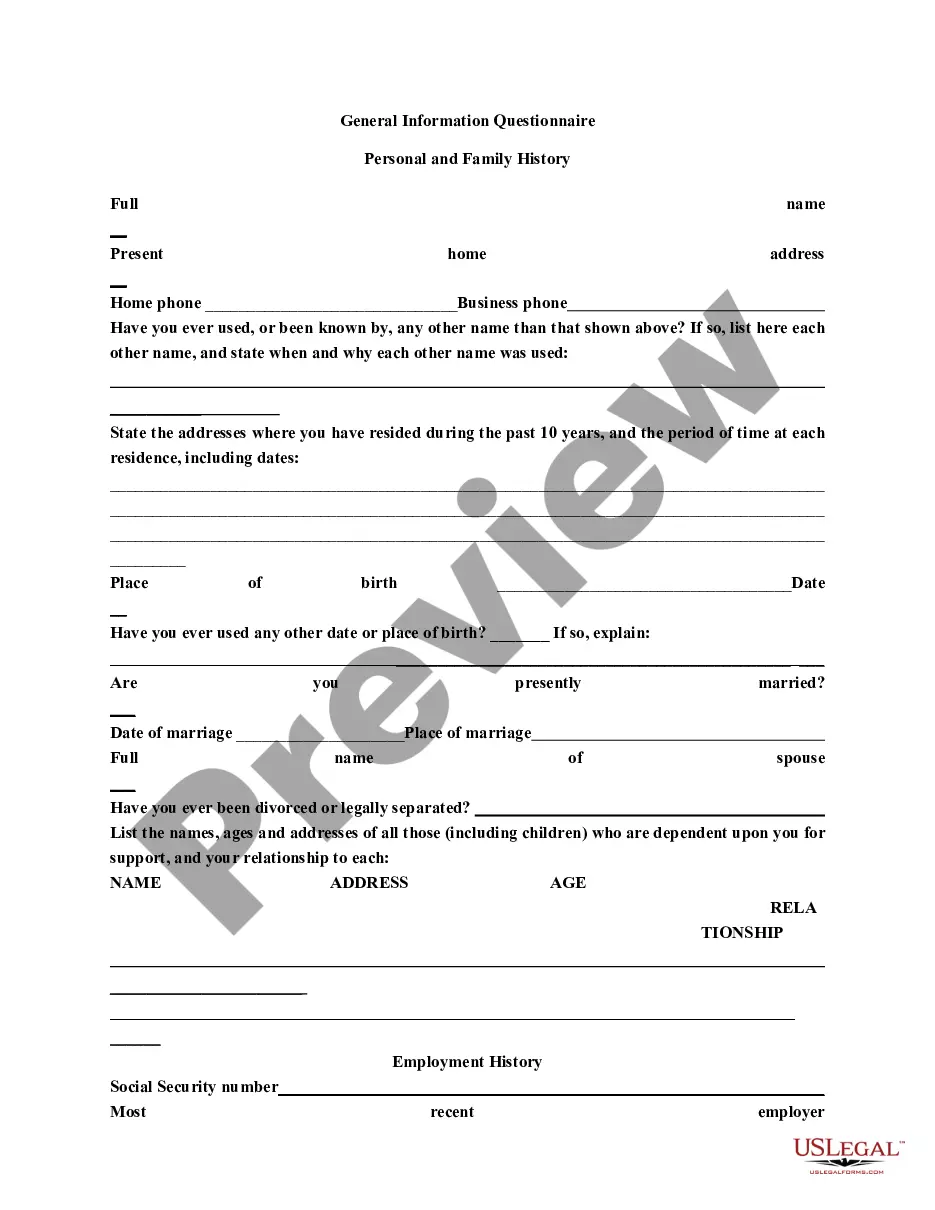
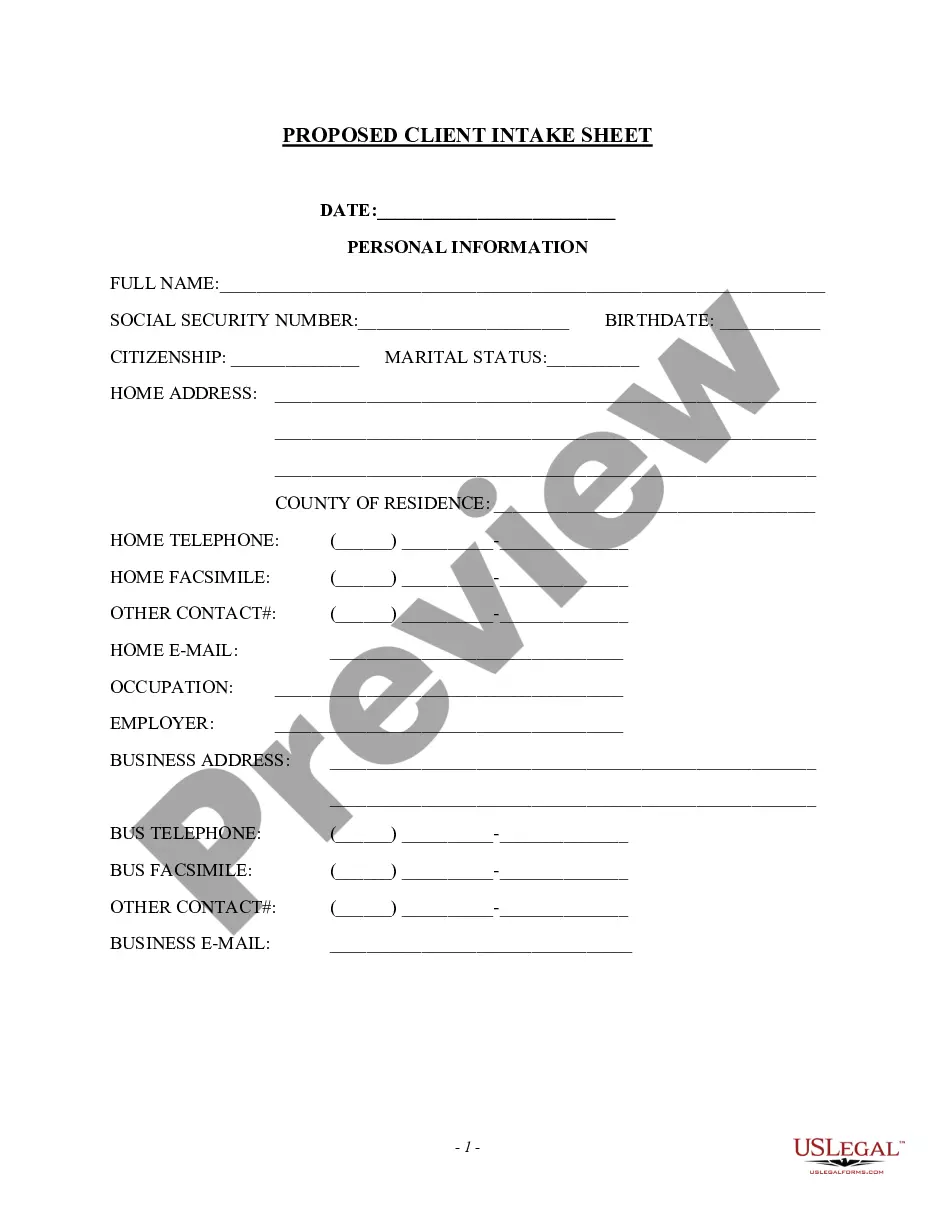
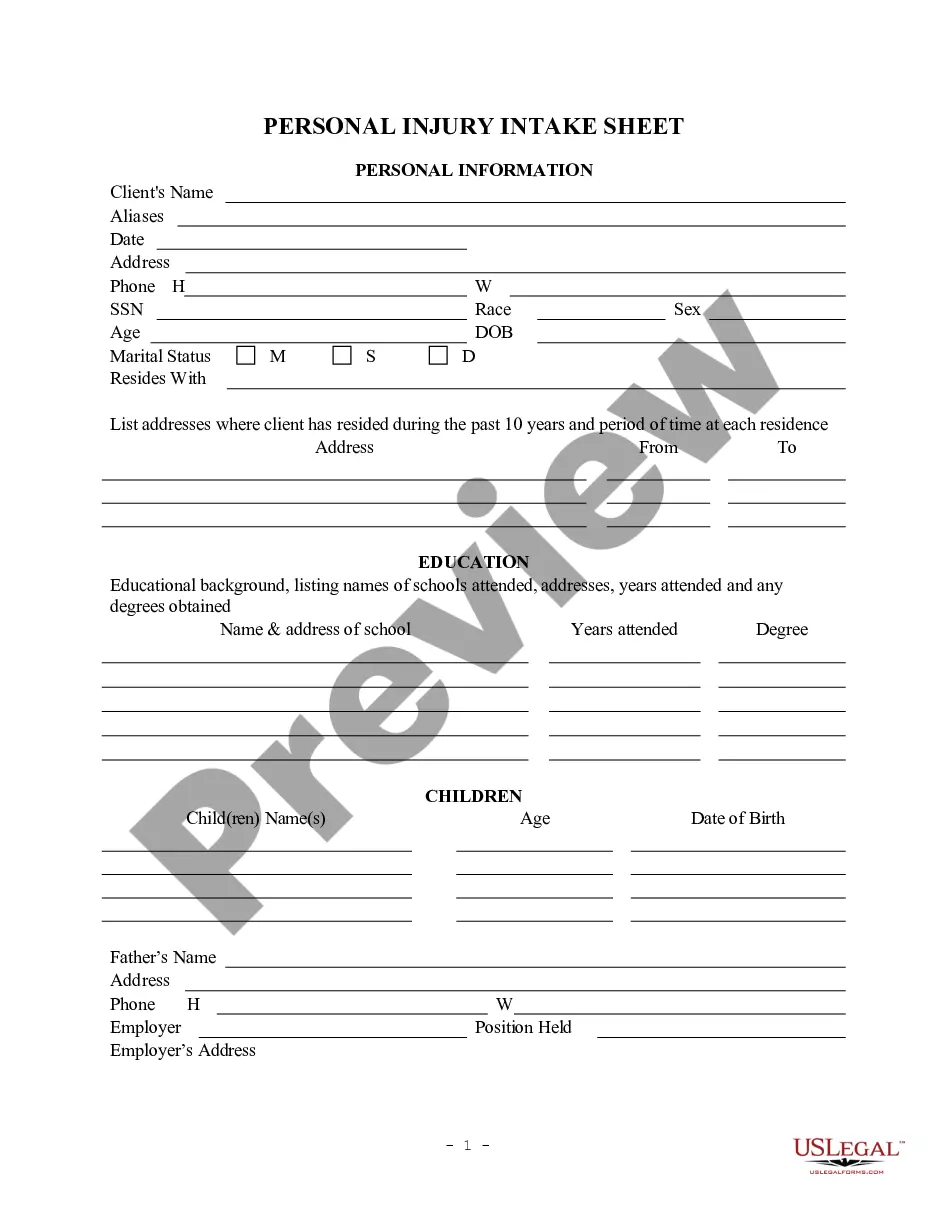
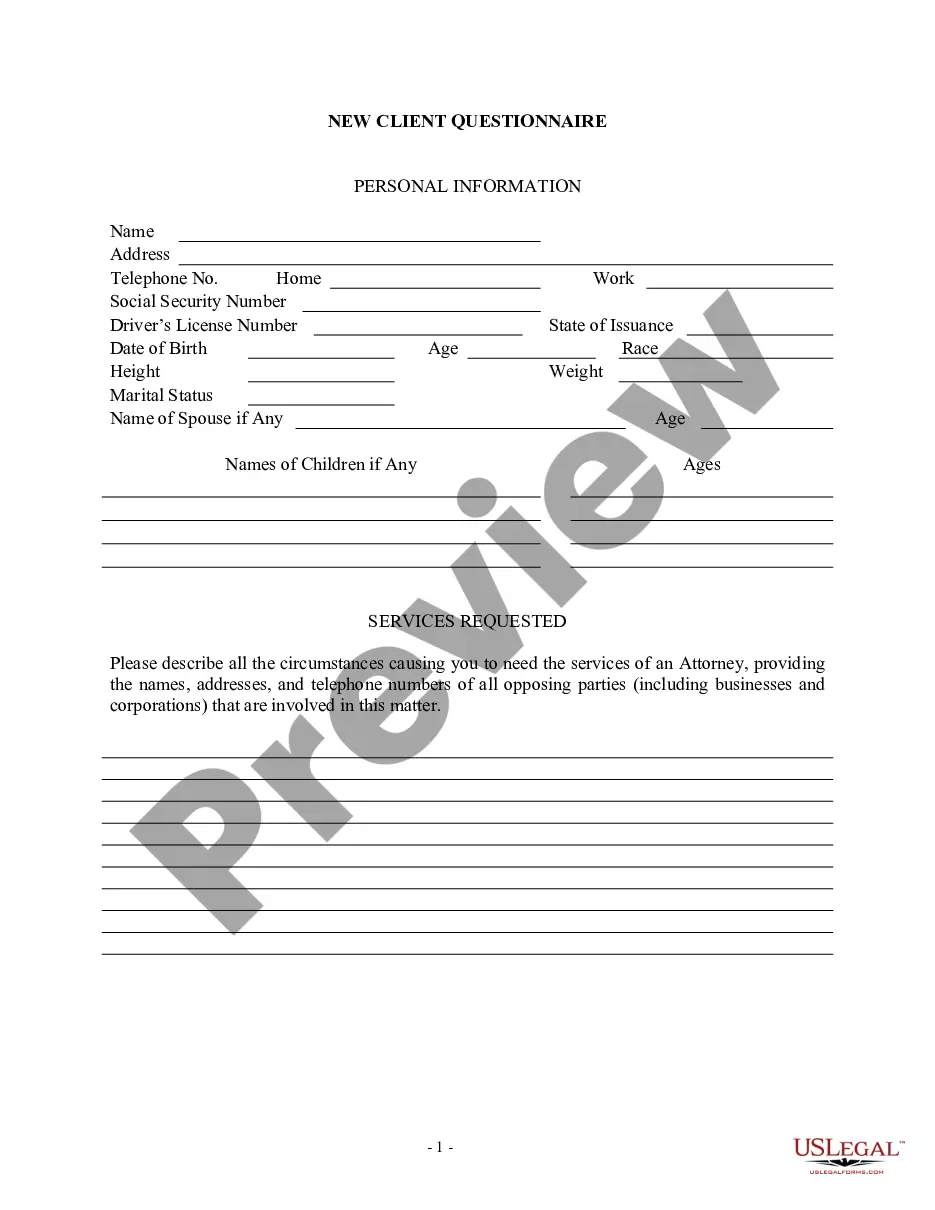
This information should be filled in at and/or immediately after the initial client interview. There can be numerous variations of this form to fit an individual attorney's needs.
Indiana Client Intake Sheet
Instant download
Description
Get your form ready online
Our built-in tools help you complete, sign, share, and store your documents in one place.
Built-in online Word editor
Make edits, fill in missing information, and update formatting in US Legal Forms—just like you would in MS Word.
Export easily
Download a copy, print it, send it by email, or mail it via USPS—whatever works best for your next step.
E-sign your document
Sign and collect signatures with our SignNow integration. Send to multiple recipients, set reminders, and more. Go Premium to unlock E-Sign.
Notarize online 24/7
If this form requires notarization, complete it online through a secure video call—no need to meet a notary in person or wait for an appointment.
Store your document securely
We protect your documents and personal data by following strict security and privacy standards.

Make edits, fill in missing information, and update formatting in US Legal Forms—just like you would in MS Word.

Download a copy, print it, send it by email, or mail it via USPS—whatever works best for your next step.

Sign and collect signatures with our SignNow integration. Send to multiple recipients, set reminders, and more. Go Premium to unlock E-Sign.

If this form requires notarization, complete it online through a secure video call—no need to meet a notary in person or wait for an appointment.

We protect your documents and personal data by following strict security and privacy standards.
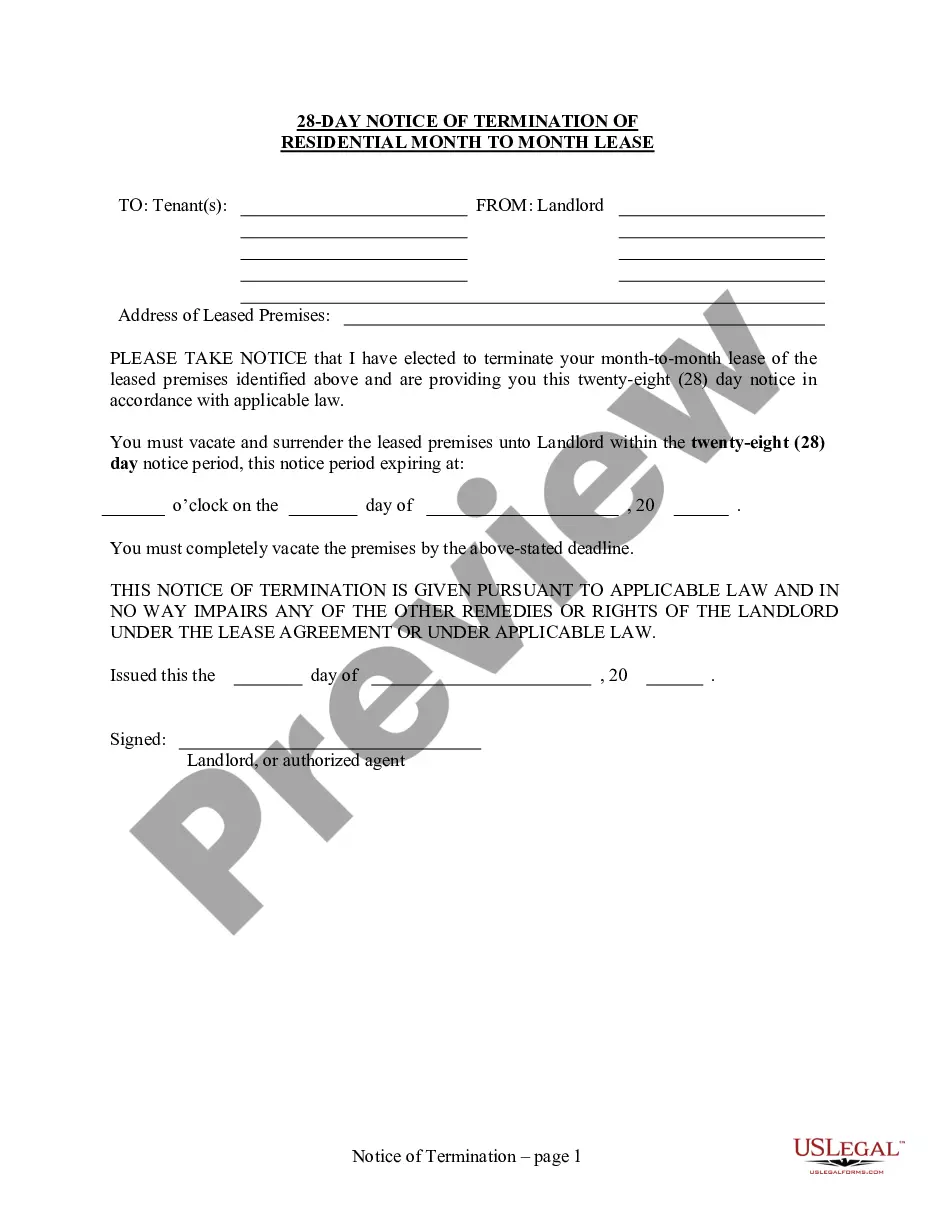
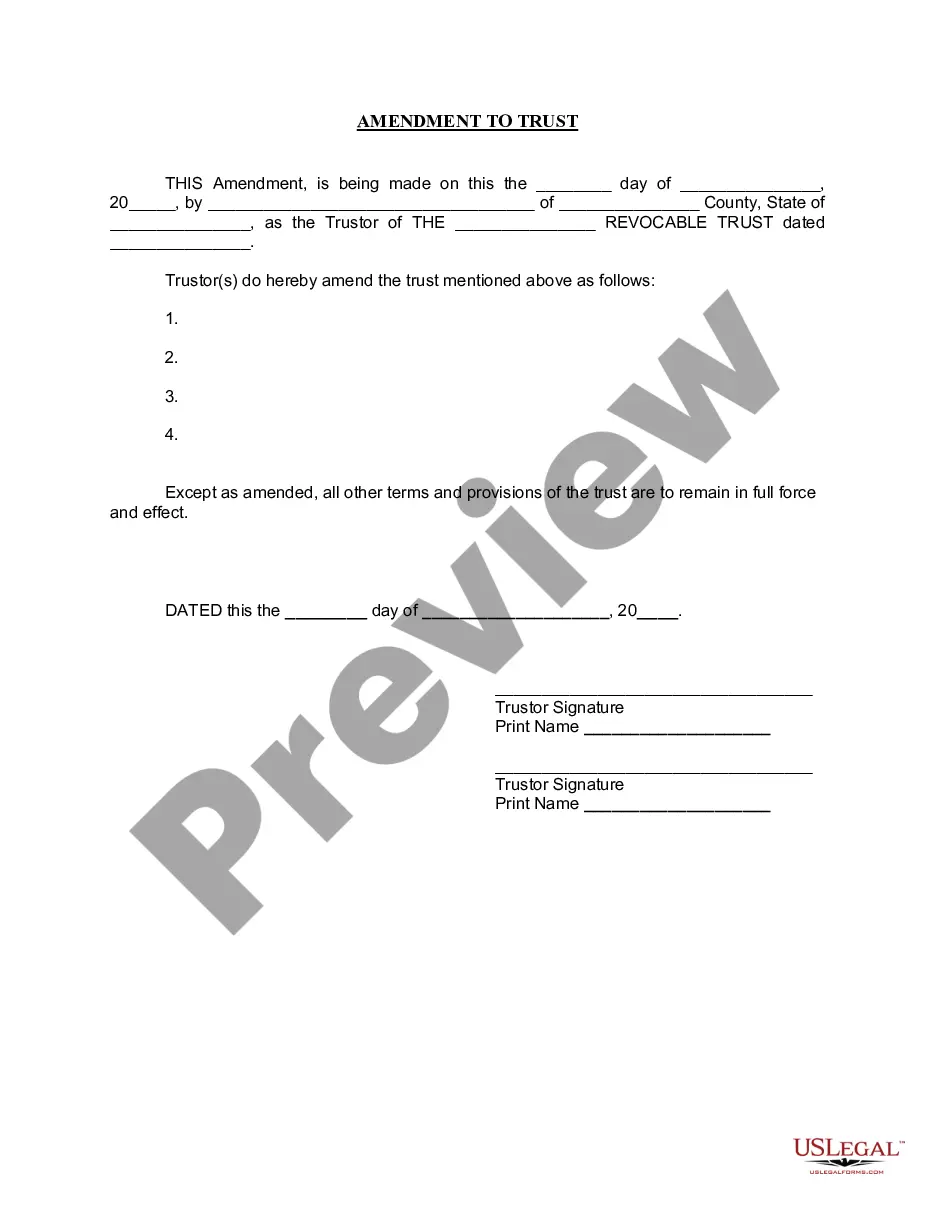
Looking for another form?








How to fill out Client Intake Sheet?
Have you ever found yourself in a scenario where you require documentation for either business or personal reasons almost constantly.
There are numerous legal document templates available online, but finding ones you can rely on is not easy.
US Legal Forms provides a vast array of form templates, such as the Indiana Client Intake Sheet, that are designed to comply with federal and state regulations.
Utilize US Legal Forms, the largest collection of legal forms, to save time and avoid mistakes. The service offers professionally crafted legal document templates that can be used for various purposes.
Create your account on US Legal Forms and start making your life easier.
- If you are already acquainted with the US Legal Forms site and have an account, simply Log In.
- After that, you can download the Indiana Client Intake Sheet template.
- If you do not have an account and want to start using US Legal Forms, follow these instructions.
- Obtain the form you need and ensure it is for the correct city/state.
- Use the Review button to evaluate the form.
- Examine the details to confirm that you have selected the correct form.
- If the form is not what you are looking for, utilize the Lookup field to find the form that meets your needs and criteria.
- Once you find the correct form, click Get now.
- Select the payment plan you desire, enter the necessary information to create your account, and pay for the order using your PayPal or credit card.
- Choose a convenient file format and download your copy.
- Access all the document templates you have purchased in the My documents section. You can obtain an additional copy of the Indiana Client Intake Sheet at any time, if needed. Click the desired form to download or print the document template.
Form popularity
FAQ
Elements of a Client Intake Form Business information. Dependents. Emergency contact(s) Financial institution details. Health details. Income details. Insurance information. Marriage status.
If you'd like to create a new intake form from scratch, rather than edit an existing template, you can do so from your My Notes & Forms page. To do so: Navigate to Settings > Notes and Forms > My Notes & Forms. Click + Create new template > Create new template.
Create a client intake form using Google Forms. In Google Forms, click the plus sign. Click the ?Untitled form? header box. Enter a name and description for the form. Click the Untitled Question box. Type ?What is your name?? Click the dropdown menu to choose the type of answer field.
To create a new intake form in MyCase, first navigate to the Settings page by clicking on your name in the top right corner. Then, select the option for New Intake Form (pictured below). A new screen will appear to enter the Basic Form Information including the: form name and form introduction.
Create a client intake form using Google Forms. In Google Forms, click the plus sign. Click the ?Untitled form? header box. Enter a name and description for the form. Click the Untitled Question box. Type ?What is your name?? Click the dropdown menu to choose the type of answer field.
How to Create a Client Intake Form Fundamental Contact and Company Information. ... A Description of What the Client Makes or Does. ... The Challenges the Client Currently Faces. ... The Client's Goals. ... Budget Information. ... Competitors. ... Room for Any Information or Questions That Might Not Have Been Covered.
A law firm client intake form is a structured document used by legal teams to gather all the information they need from the client to provide effective legal services. This will include everything from basic personal information to important details about the legal matter they want help with.
An Intake Sheet uses the data collected to populate the Summary section (or profile data) of your project sheets automatically. The Intake Sheet standardizes and restricts access to profile data for each project. Locking items like Budget or Project Due Date prevents team members from changing important data points.