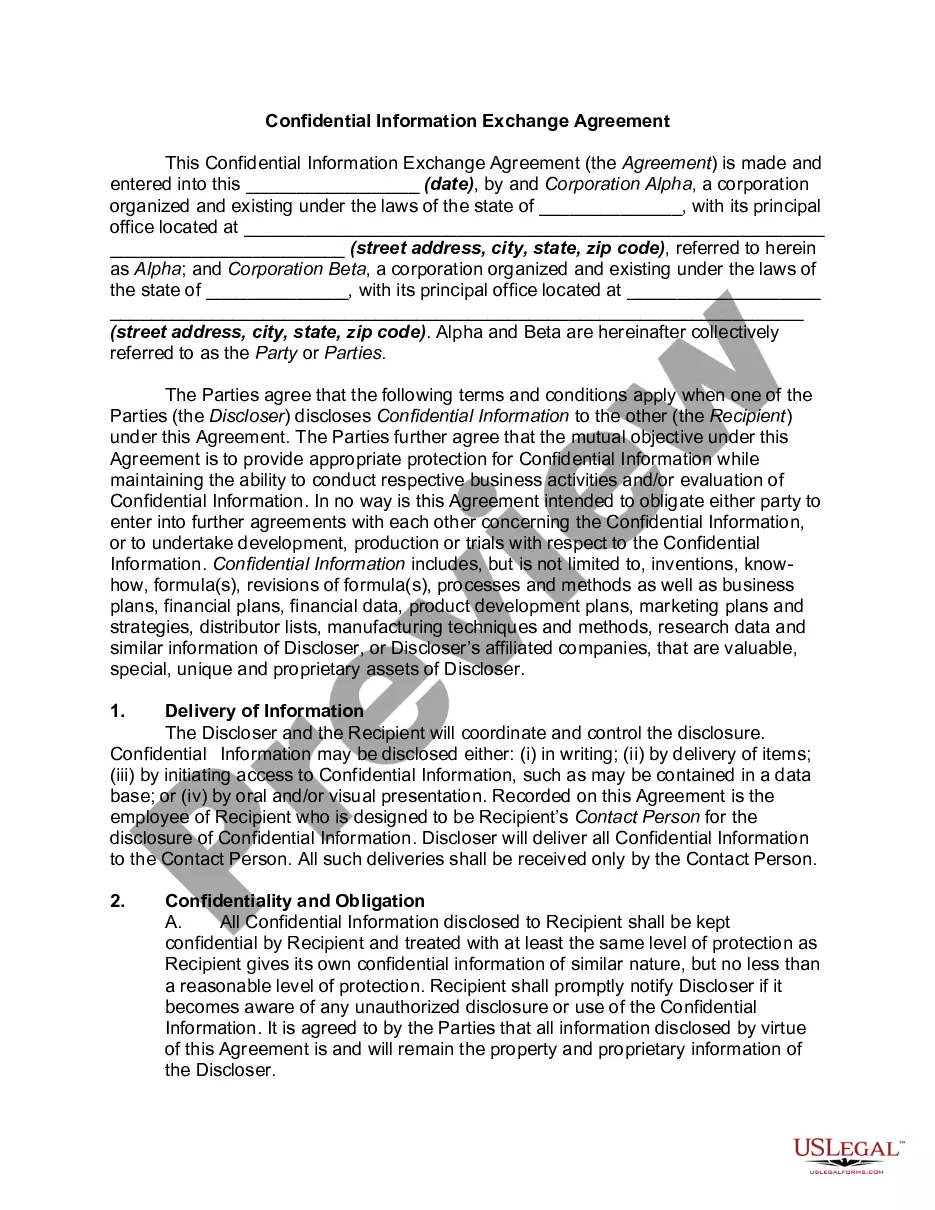
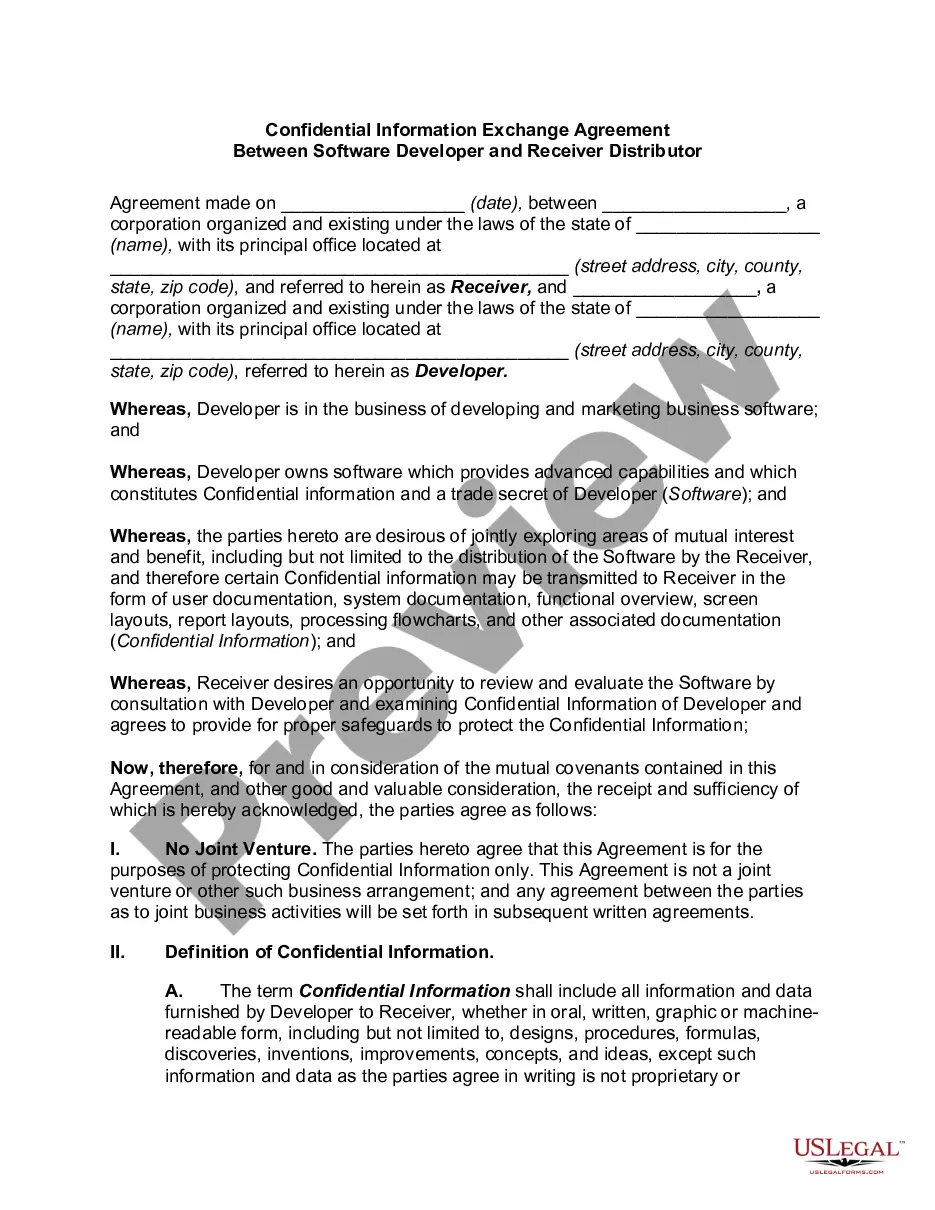
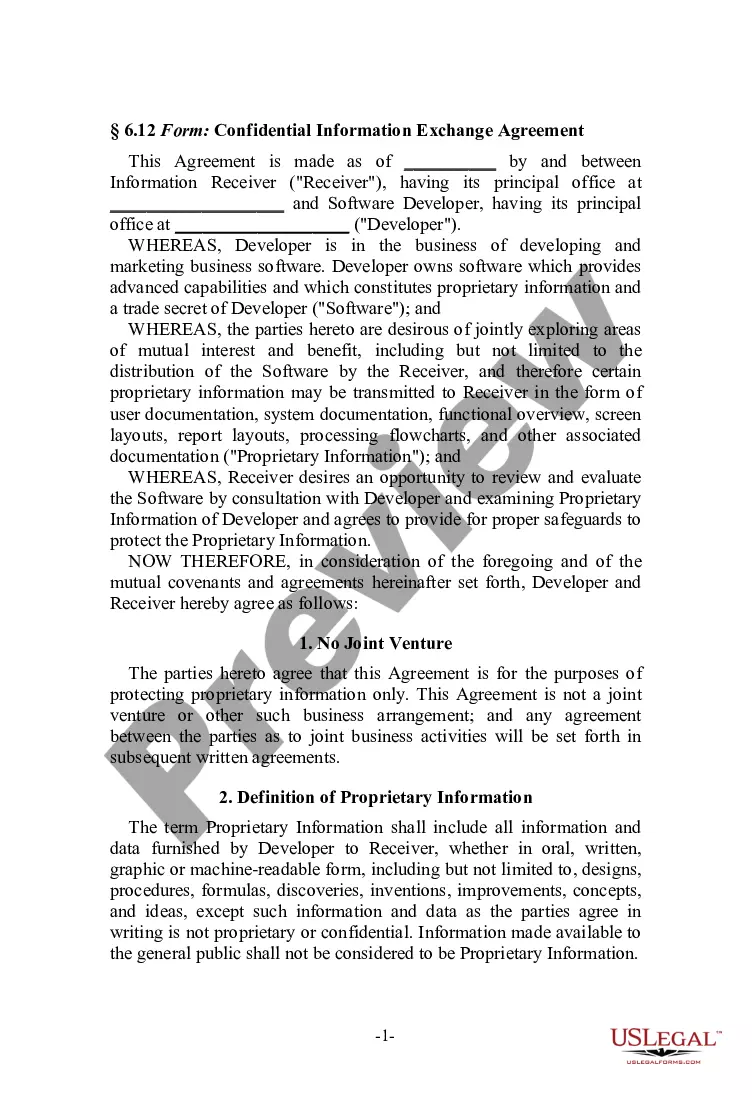
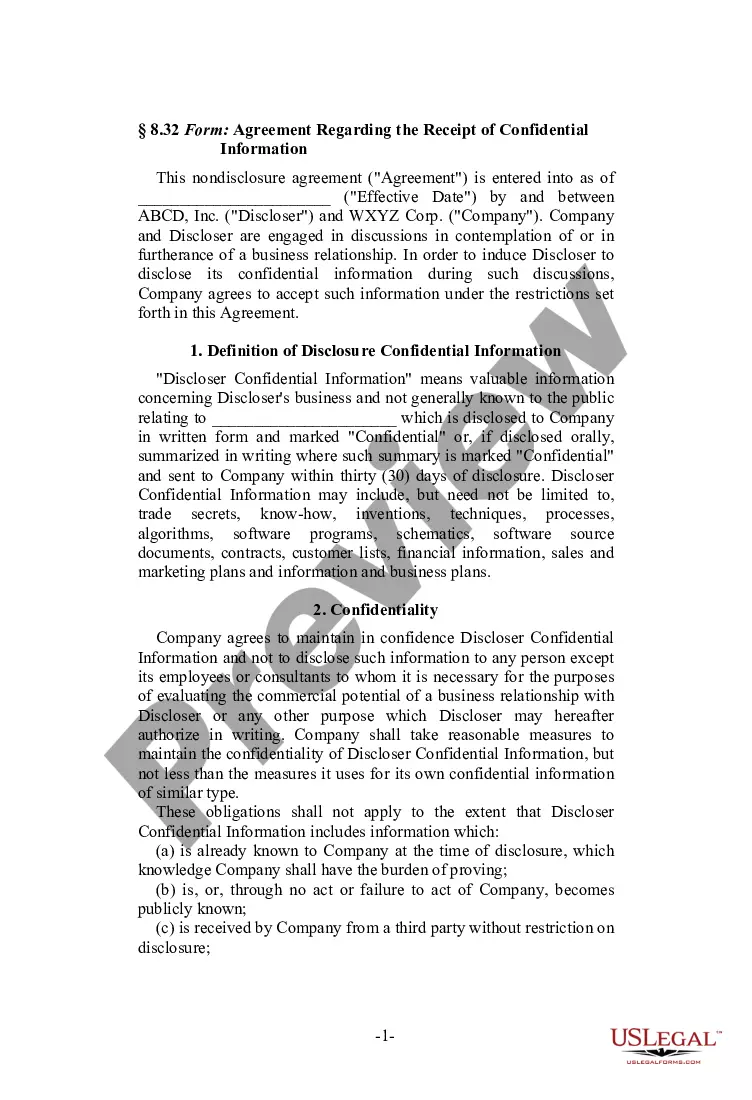
This form is a Confidential Information Exchange Agreement. The information receiver is interested in the possibility of investing in a corporation's business venture. The agreement provides that the information receiver will hold all documentation in confidence and will not disclose the information to any third parties.
Illinois Confidential Information Exchange - Software
Instant download
Description
Free preview
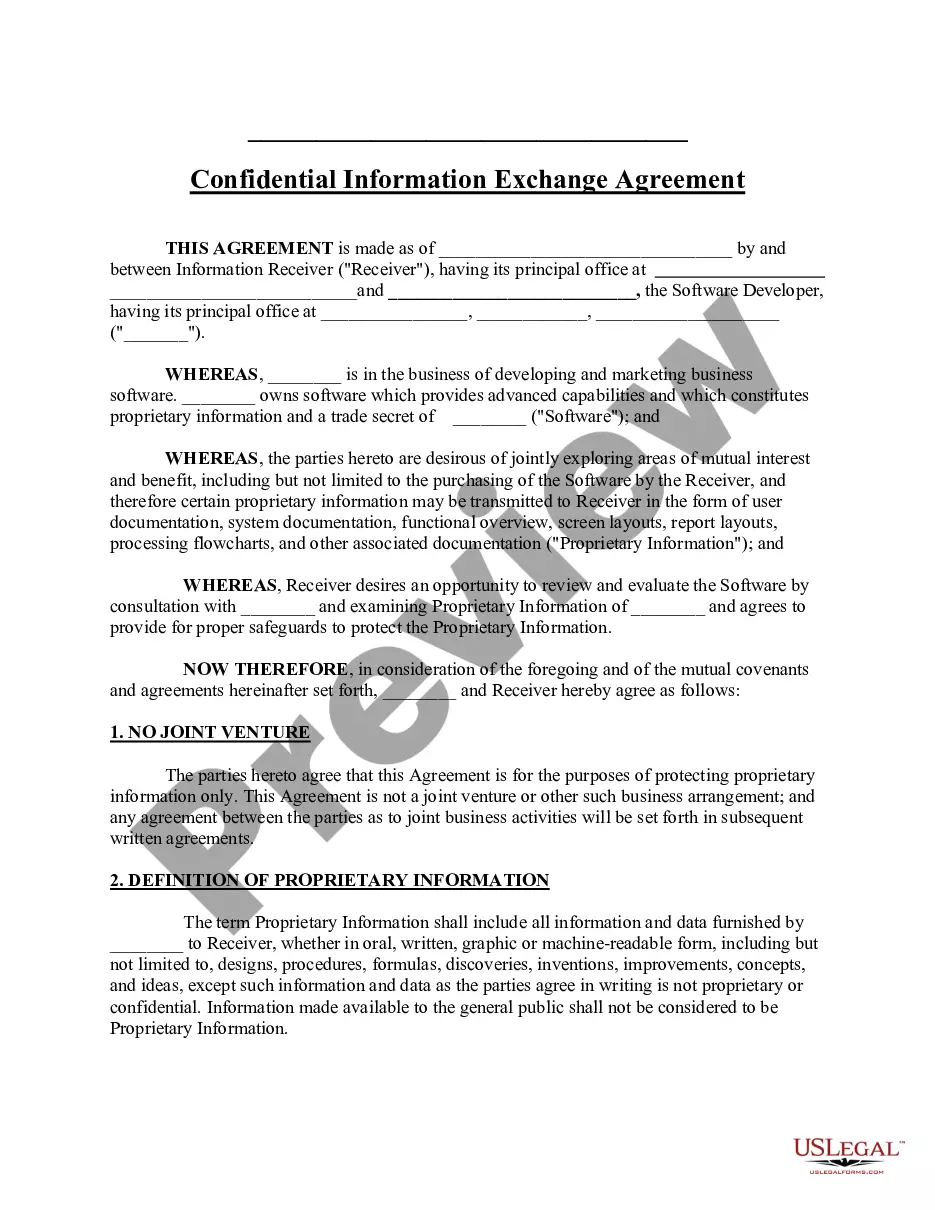
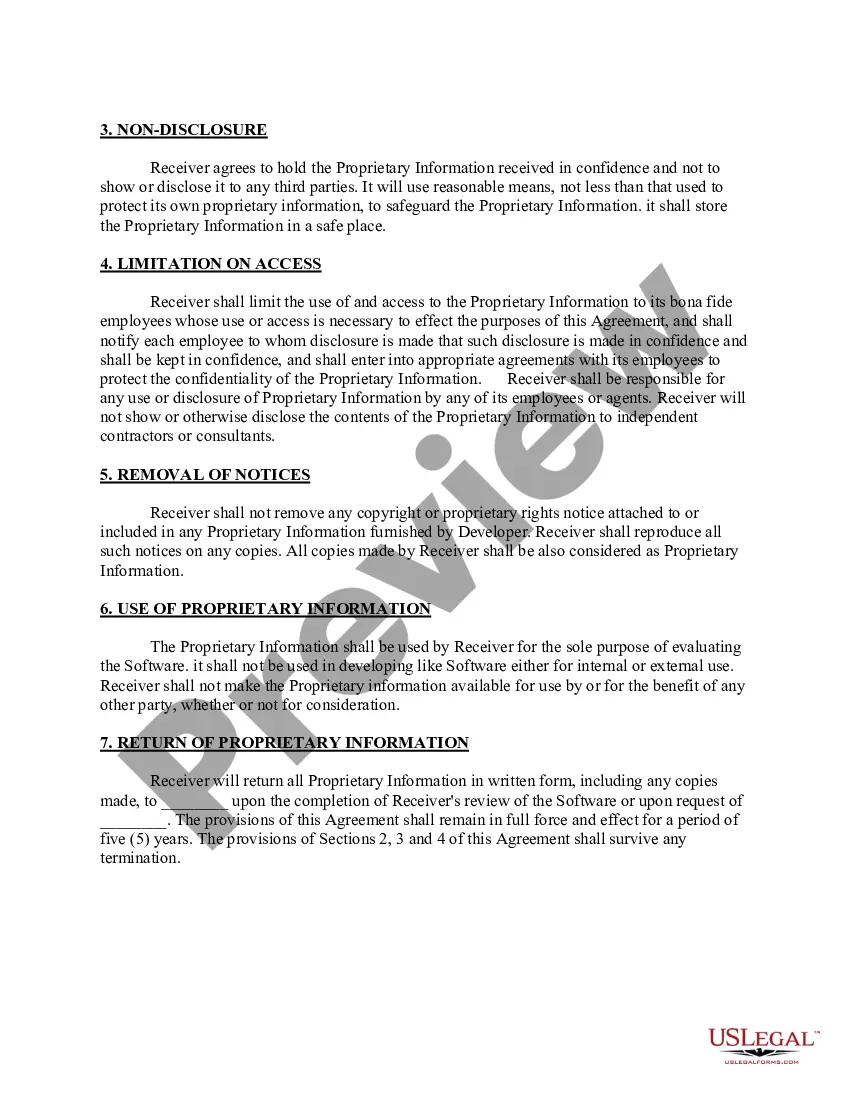
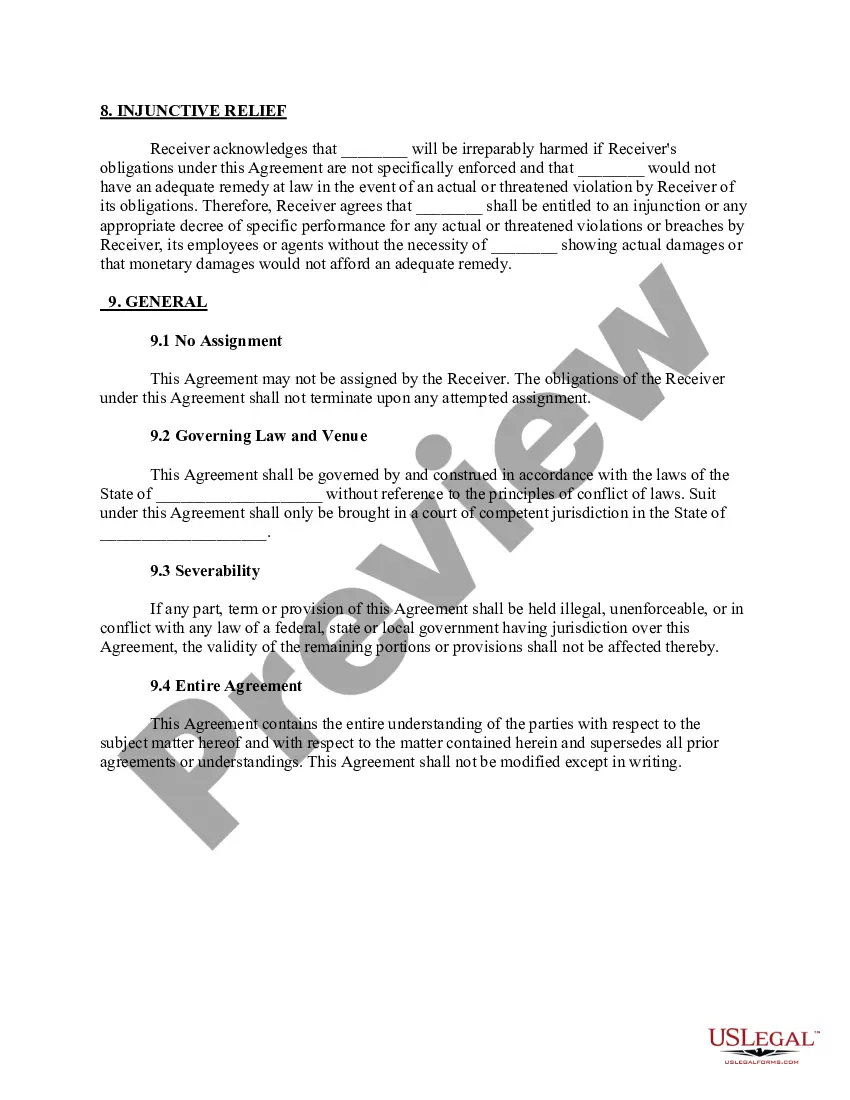
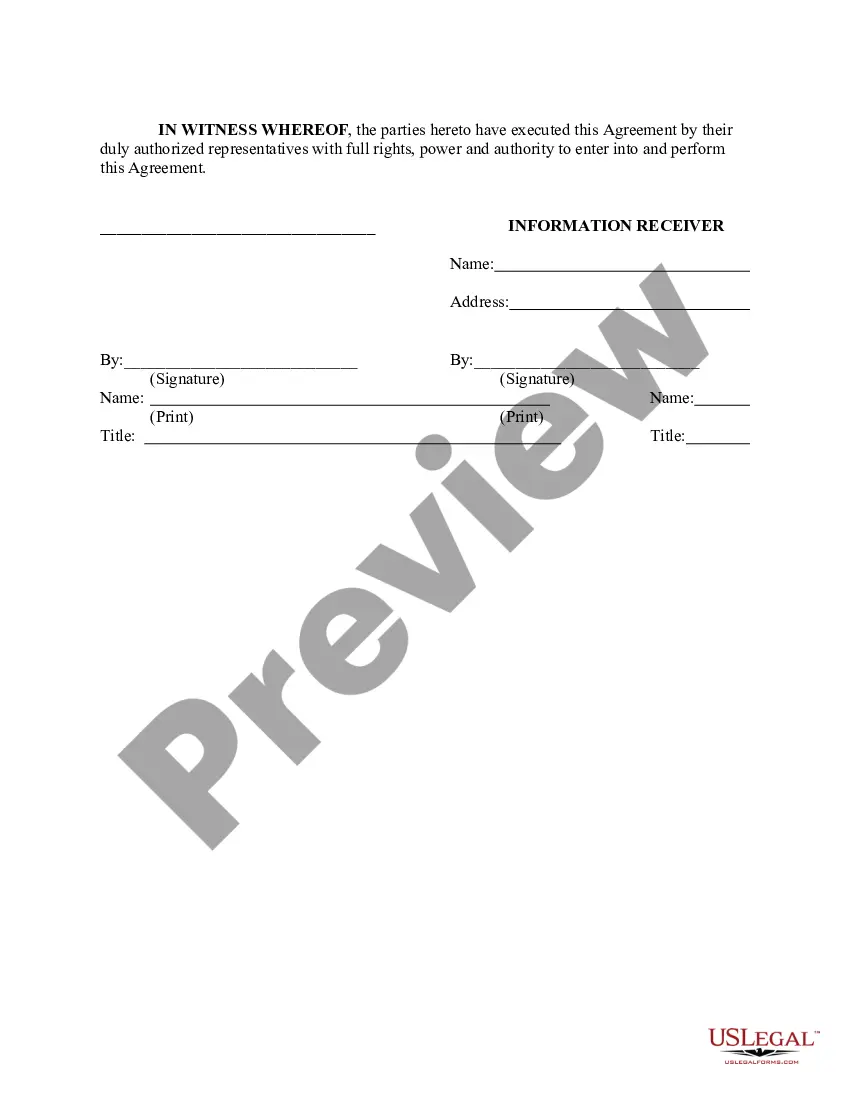






How to fill out Confidential Information Exchange - Software?
If you require to complete, acquire, or print legal document templates, utilize US Legal Forms, the largest collection of legal forms available online.
Make use of the site's simple and convenient search functionality to locate the documents you require.
A variety of templates for business and personal purposes are organized by categories and states, or keywords. Utilize US Legal Forms to find the Illinois Confidential Information Exchange - Software in just a few clicks.
Step 5. Process the transaction. You can use your credit card or PayPal account to complete the transaction.
Step 6. Select the format of the legal form and download it to your device. Step 7. Complete, modify, and print or sign the Illinois Confidential Information Exchange - Software. Every legal document template you obtain is yours indefinitely. You will have access to every form you downloaded in your account. Click on the My documents section and select a form to print or download again. Complete and download, and print the Illinois Confidential Information Exchange - Software with US Legal Forms. There are numerous professional and state-specific forms you can use for your business or personal needs.
- If you are already a US Legal Forms user, sign in to your account and click the Download option to access the Illinois Confidential Information Exchange - Software.
- You can also access forms you previously downloaded within the My documents tab of your account.
- If you are using US Legal Forms for the first time, follow the instructions below.
- Step 1. Ensure you have selected the form for the correct area/region.
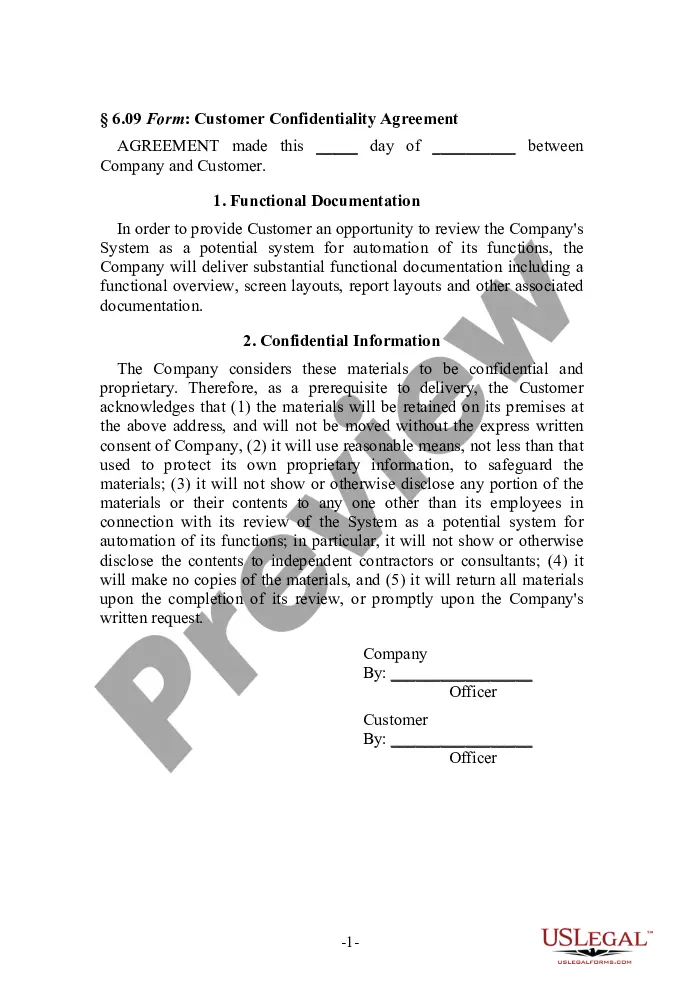
- Step 2. Use the Preview option to review the form's content. Remember to read the information carefully.
- Step 3. If you are not satisfied with the form, use the Search field at the top of the screen to find other versions of the legal form template.
- Step 4. Once you have found the form you need, click the Get now button. Choose the payment plan you prefer and provide your details to register for the account.
Form popularity
FAQ
The ordinance location number in Illinois refers to a specific identifier assigned to businesses for regulatory purposes. This number is crucial for ensuring compliance with local ordinances and regulations. You can usually find your ordinance location number through your local municipality or business registration documents. This information may also be necessary for using the Illinois Confidential Information Exchange - Software.
A SIDES employer is a business that participates in the State Information Data Exchange System (SIDES) for unemployment insurance claims. This system allows employers to respond quickly to unemployment claims electronically, streamlining the process. By becoming a SIDES employer, you can efficiently manage your unemployment claims through the Illinois Confidential Information Exchange - Software.
To register as an employer in Illinois, visit the Illinois Department of Employment Security (IDES) website and navigate to the employer registration section. Fill out the required forms and provide your business details, including your EIN. Once your registration is processed, you will be able to access the Illinois Confidential Information Exchange - Software for better management.
Registering for SIDES in Illinois involves visiting the SIDES website and filling out the registration form. Ensure you provide accurate business information, including your EIN and relevant contact information. After you submit the form, you will receive a confirmation email detailing your registration. This step is crucial to leverage the Illinois Confidential Information Exchange - Software's benefits.
To register as a SIDES employer in Illinois, you must complete the SIDES registration process on their website. Make sure you have your EIN and other required documentation ready. After submitting your application, you will receive confirmation of your registration. This allows you to utilize the Illinois Confidential Information Exchange - Software effectively.
To register with SIDES, you need to visit the official SIDES website and follow the registration prompts. First, gather all necessary information about your business, including your Employer Identification Number (EIN) and contact details. Once you complete the online form, you will receive a confirmation email. This process is essential for accessing the Illinois Confidential Information Exchange - Software.
To fill out your Illinois withholding allowance, you will need to understand the criteria for claiming allowances based on your situation. Generally, you can claim one allowance for yourself, and additional allowances for dependents or specific tax credits. Carefully read the instructions to ensure you are claiming the correct number. The Illinois Confidential Information Exchange - Software can assist you in determining the appropriate allowances and completing the form accurately.
Filling out your withholding form involves entering your personal details, selecting your filing status, and determining how many allowances to claim. Make sure to consult the IRS guidelines to understand how allowances affect your tax liability. Additionally, verify that all information is accurate before submitting it to your employer. The Illinois Confidential Information Exchange - Software can provide you with resources and support to navigate this process with confidence.
To fill out an Illinois withholding form, start by entering your personal information, including your name, address, and Social Security number. Next, indicate your filing status and the number of allowances you wish to claim. Finally, review the form for accuracy and submit it to your employer. For more guidance and assistance, the Illinois Confidential Information Exchange - Software can streamline this process, ensuring you complete the form correctly and efficiently.