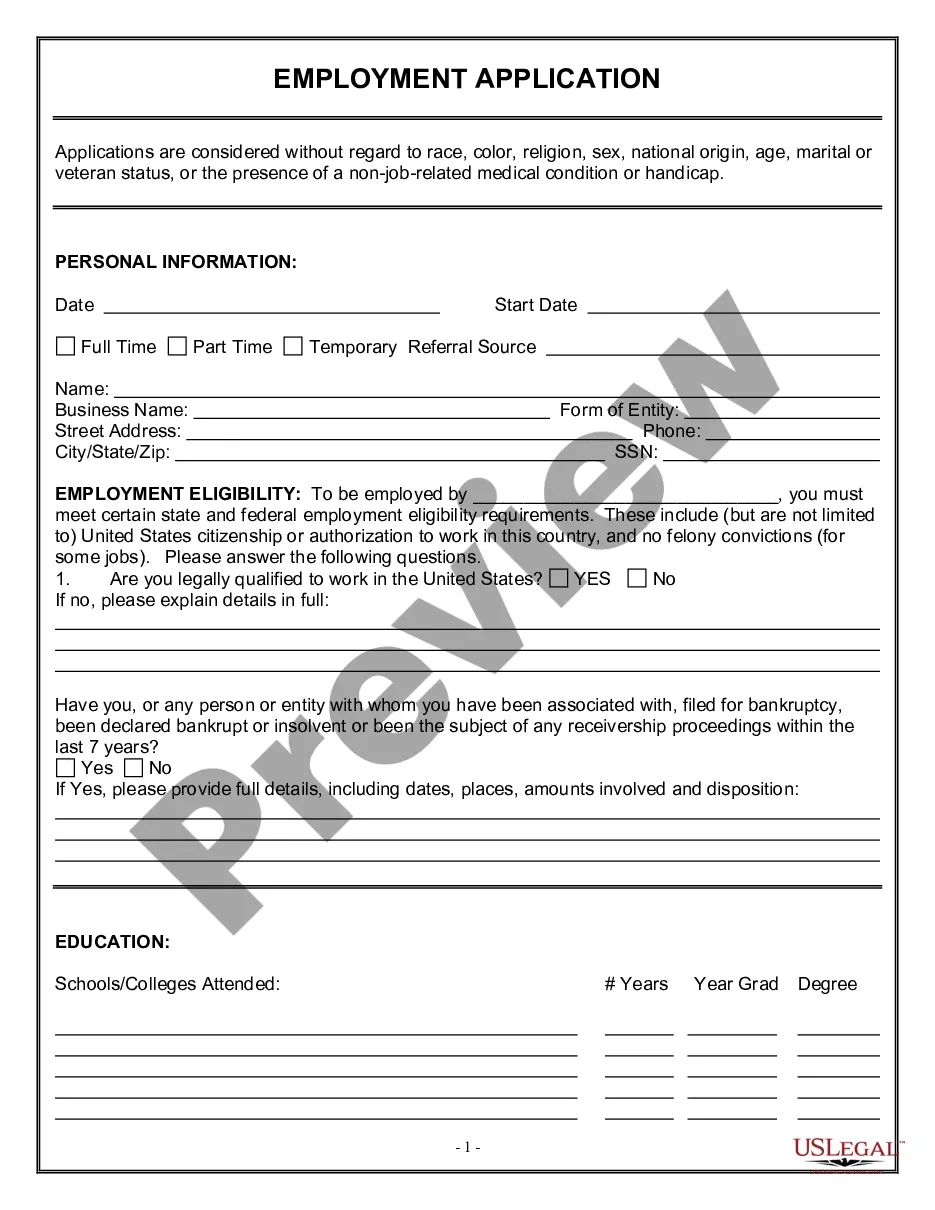
New employees can be a reliable source of information for a company. Most companies ignore the wealth of information that new employees are likely to bring from their previous experiences. As a result, a lot of valuable information gets swept away in the process of incorporating the new employee into the company.
New employee surveys can be done for many purposes. One of them is the new employee orientation survey. This survey is generally done after a few days of orientation to determine any potential issues relating to productivity, turnover, attitudes and other aspects. It would also help the management to understand the productivity of the orientation or training program that the new employee went through in the initial days. The employee's experiences in the early days of employment are also important determinants, since they represent the company's image through the eyes of a new person.
Another kind of new employee survey can be undertaken to know whether the employee has completely understood all the aspects of the new job or not. This can include the job analysis and description, the basics of the job, the most enjoyable and least enjoyable parts of the job, and so on. New employee survey can include information relating to corporate culture, training, supervisor relations, work environment, pay and benefits, communications, feedback, leadership, corporate vision, and overall satisfaction.
Iowa New Employee Survey
Instant download
Description
Free preview
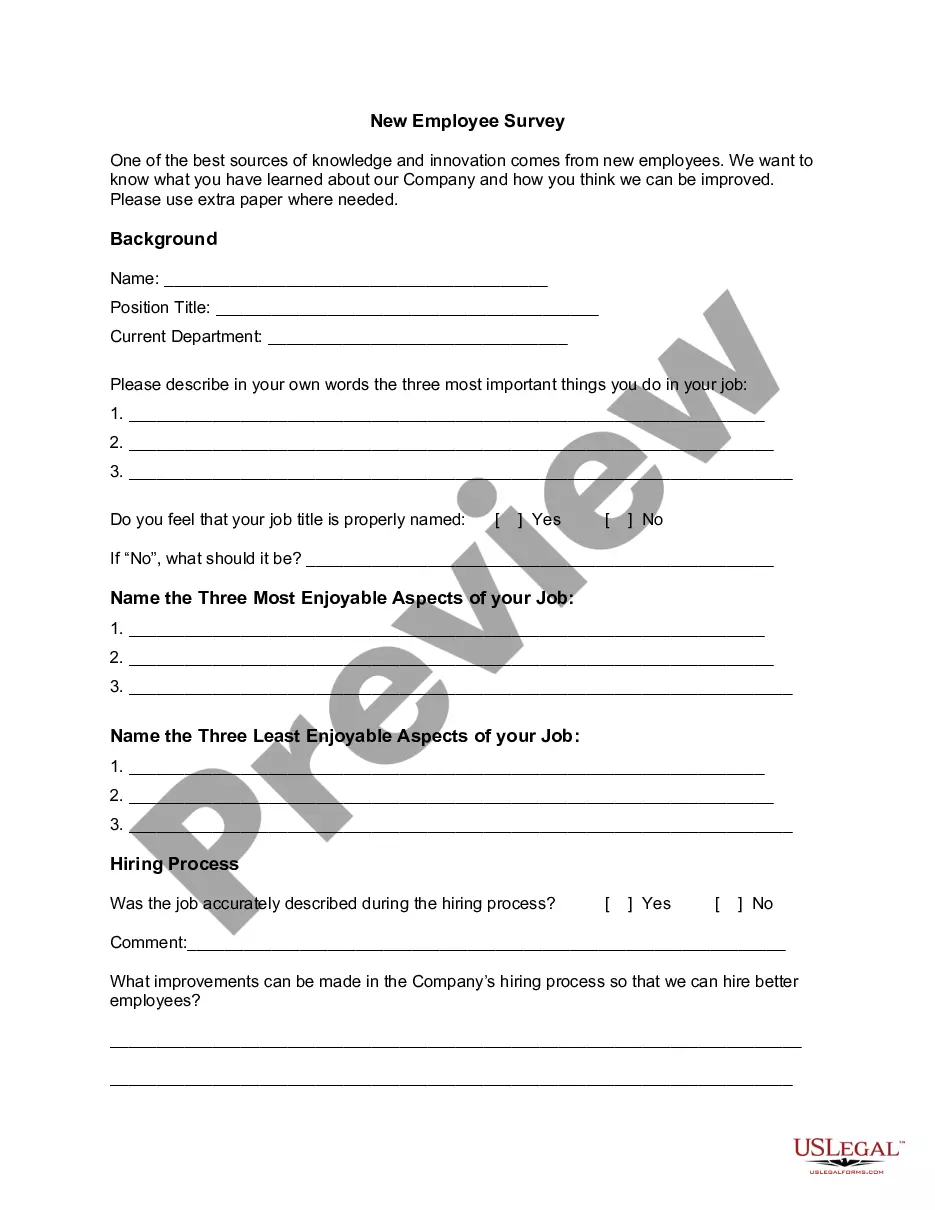
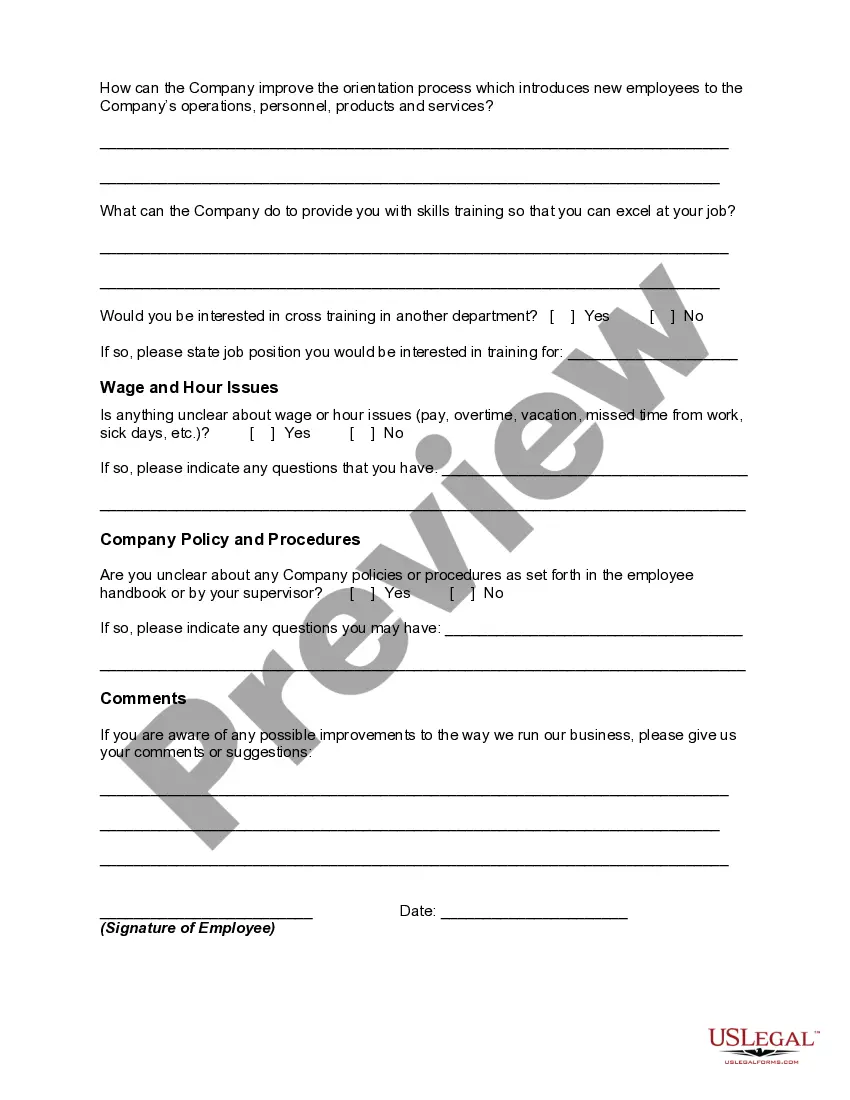
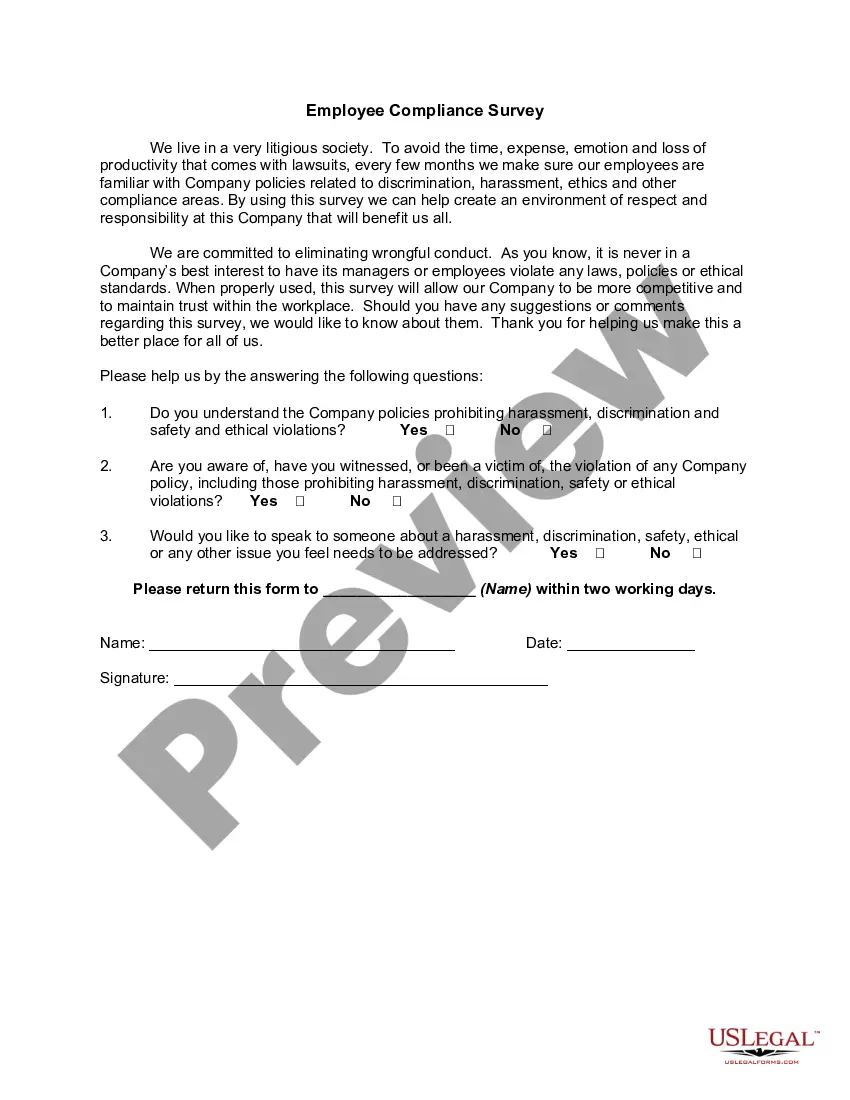
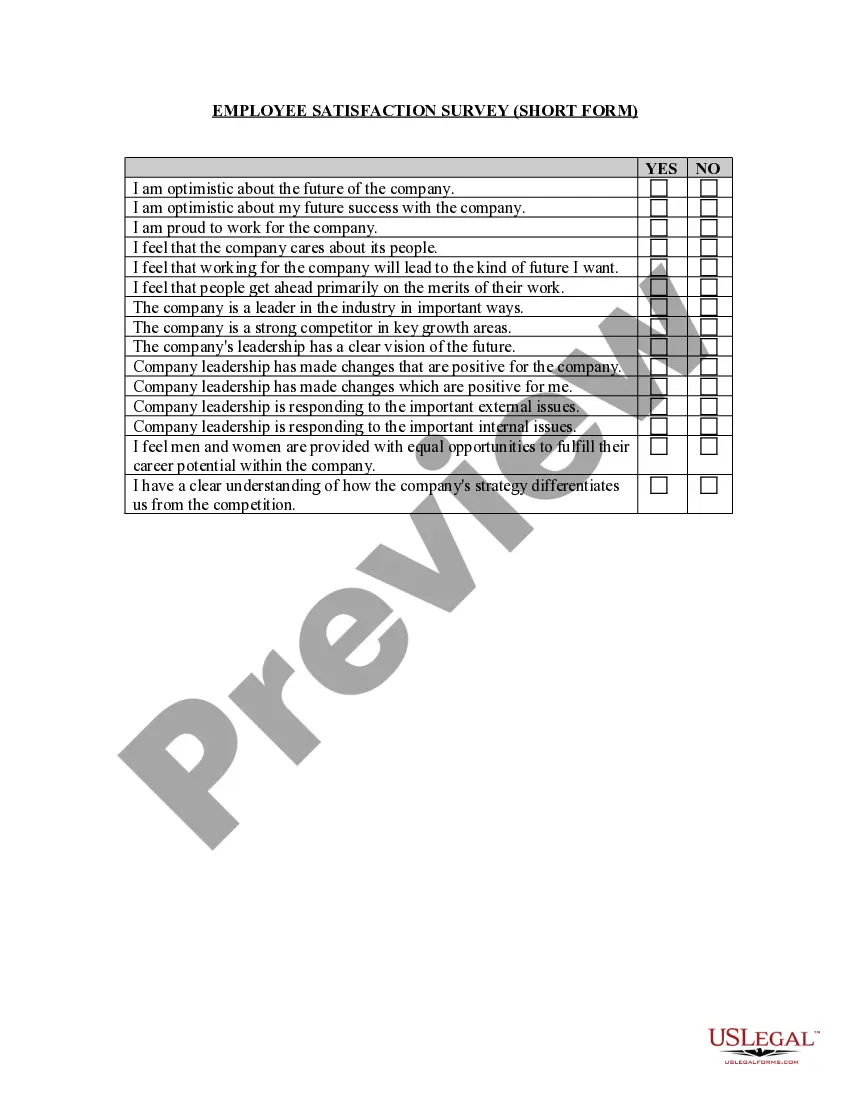
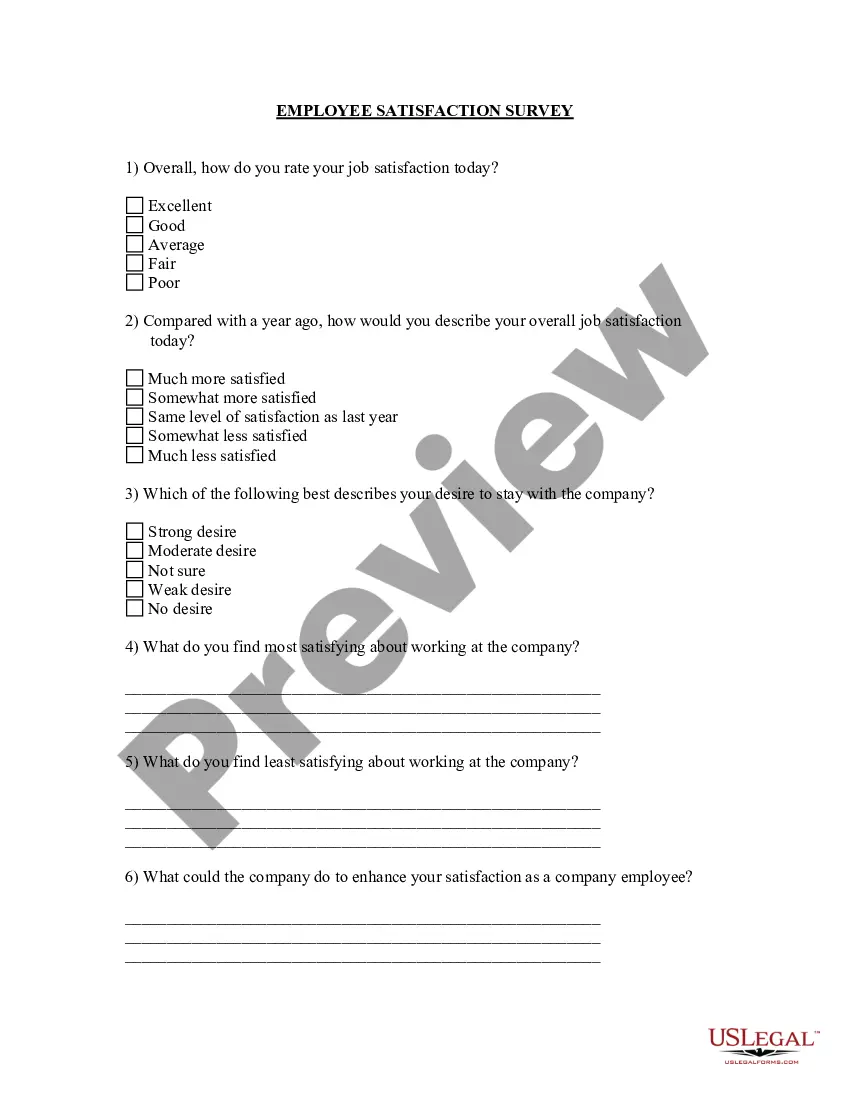
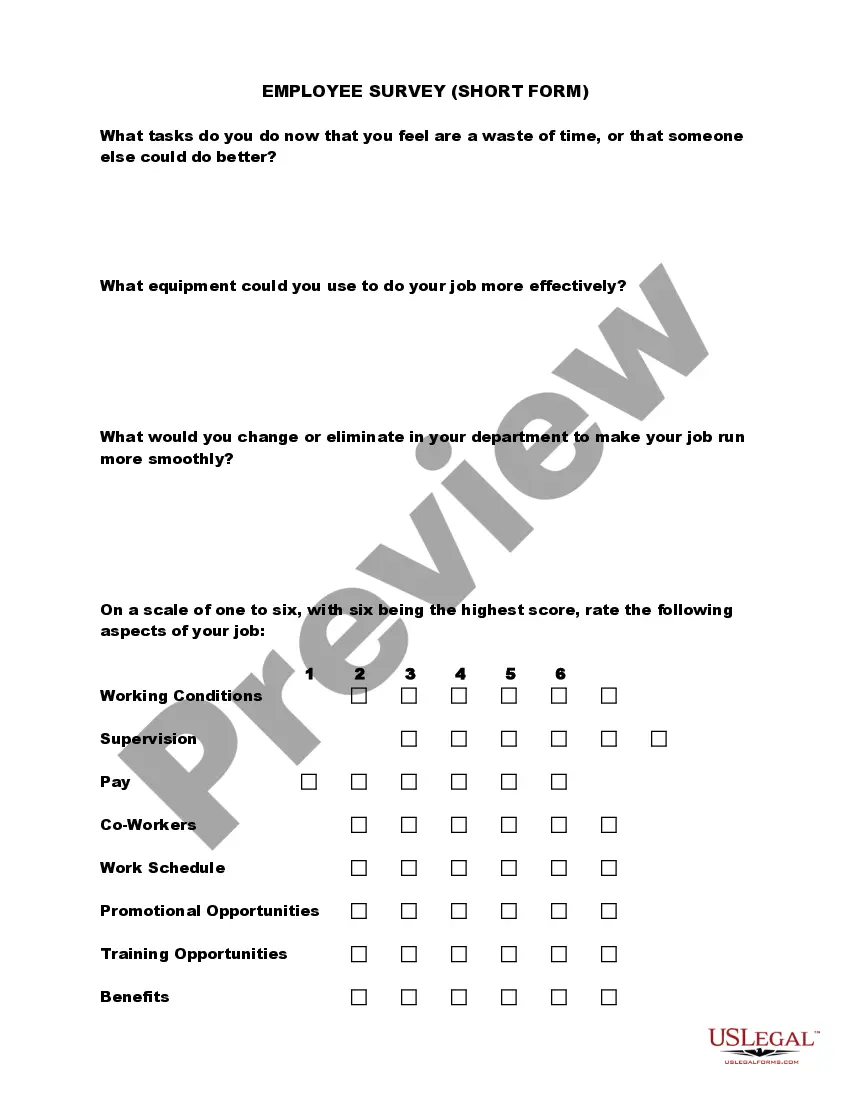
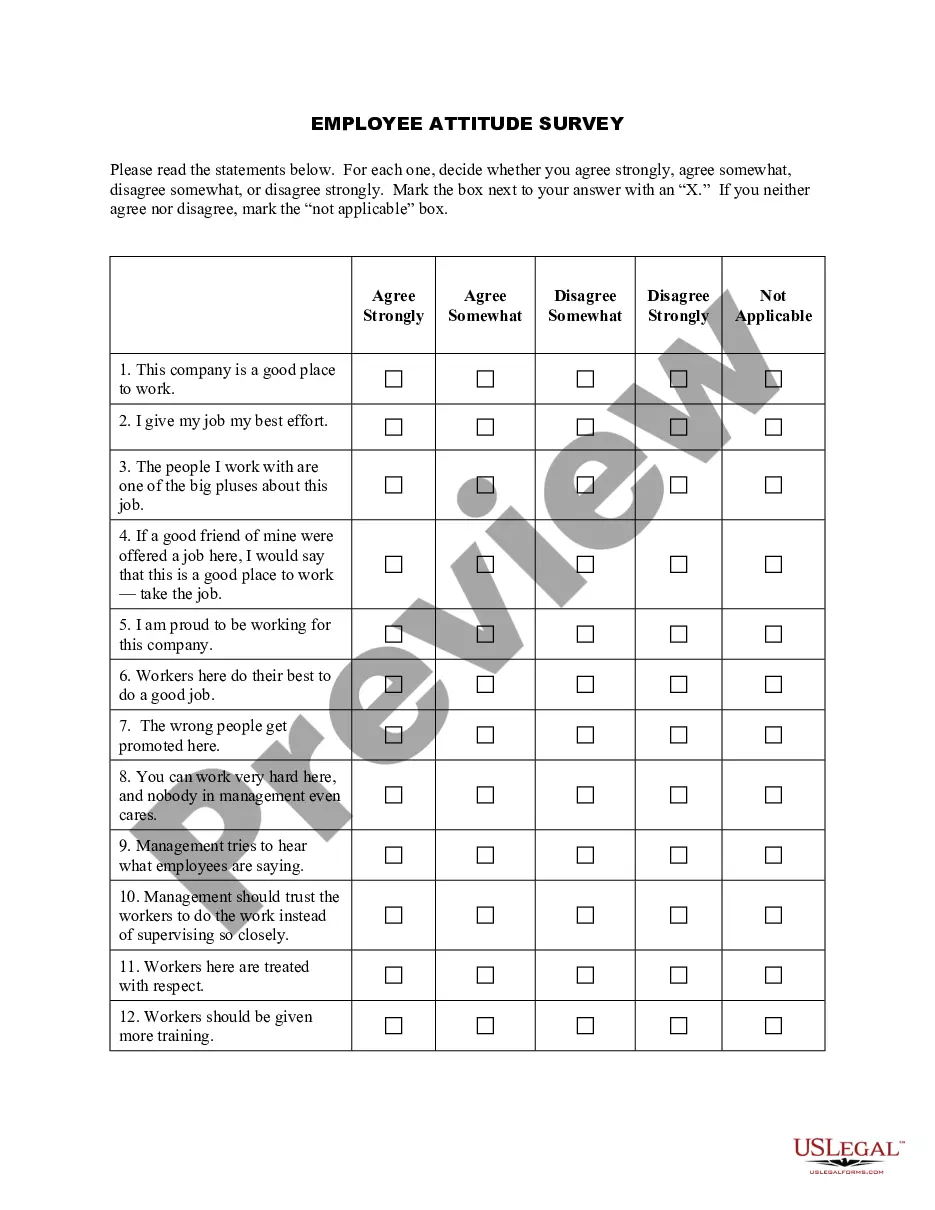
Get your form ready online
Our built-in tools help you complete, sign, share, and store your documents in one place.
Built-in online Word editor
Make edits, fill in missing information, and update formatting in US Legal Forms—just like you would in MS Word.
Export easily
Download a copy, print it, send it by email, or mail it via USPS—whatever works best for your next step.
E-sign your document
Sign and collect signatures with our SignNow integration. Send to multiple recipients, set reminders, and more. Go Premium to unlock E-Sign.
Notarize online 24/7
If this form requires notarization, complete it online through a secure video call—no need to meet a notary in person or wait for an appointment.
Store your document securely
We protect your documents and personal data by following strict security and privacy standards.

Make edits, fill in missing information, and update formatting in US Legal Forms—just like you would in MS Word.

Download a copy, print it, send it by email, or mail it via USPS—whatever works best for your next step.

Sign and collect signatures with our SignNow integration. Send to multiple recipients, set reminders, and more. Go Premium to unlock E-Sign.

If this form requires notarization, complete it online through a secure video call—no need to meet a notary in person or wait for an appointment.

We protect your documents and personal data by following strict security and privacy standards.
Looking for another form?
How to fill out New Employee Survey?
US Legal Forms - one of the best collections of legal documents in the United States - offers a vast assortment of legal document templates that you can download or print.
By utilizing the website, you can access thousands of documents for business and personal purposes, organized by categories, states, or keywords. You can find the latest forms like the Iowa New Employee Survey in no time.
If you already have a monthly membership, Log In and download the Iowa New Employee Survey from the US Legal Forms repository. The Acquire button will appear on every document you view. You can access all previously downloaded documents from the My documents section of your account.
Complete the transaction. Use your credit card or PayPal account to finish the transaction.
Choose the format and download the document to your device.
- Ensure you have selected the correct document for your city/county.
- Click the Review button to examine the document's details.
- Refer to the description to confirm that you have chosen the right document.
- If the document does not meet your requirements, use the Search area at the top of the screen to find one that does.
- If you are satisfied with the document, confirm your choice by clicking the Purchase now button.
- Next, choose the payment plan you prefer and provide your details to register for an account.