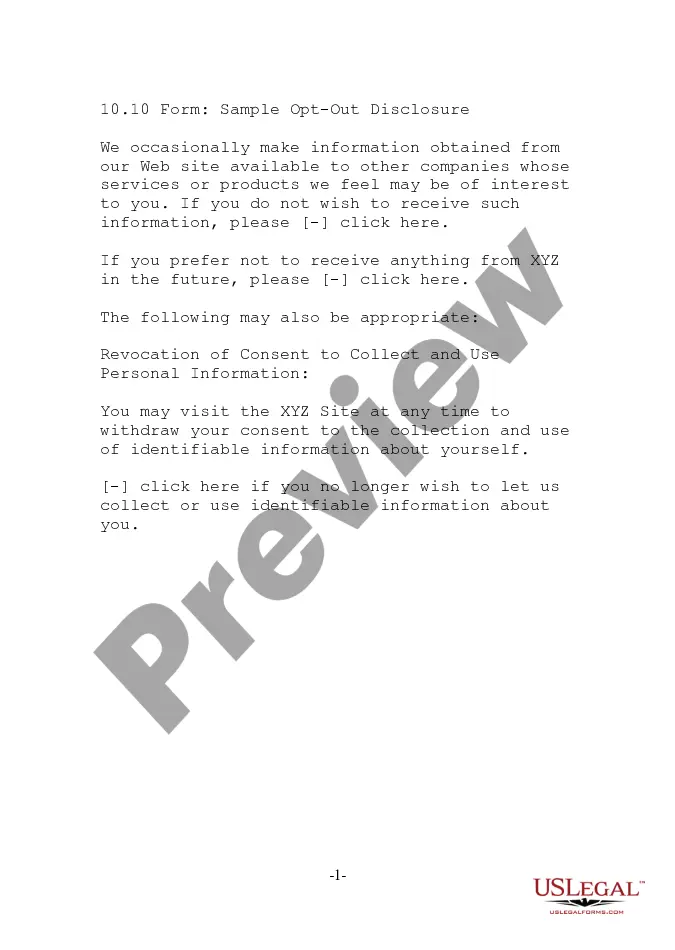
Hawaii Sample Opt Out Disclosure
Description
Get your form ready online
Our built-in tools help you complete, sign, share, and store your documents in one place.
Make edits, fill in missing information, and update formatting in US Legal Forms—just like you would in MS Word.
Download a copy, print it, send it by email, or mail it via USPS—whatever works best for your next step.
Sign and collect signatures with our SignNow integration. Send to multiple recipients, set reminders, and more. Go Premium to unlock E-Sign.
If this form requires notarization, complete it online through a secure video call—no need to meet a notary in person or wait for an appointment.
We protect your documents and personal data by following strict security and privacy standards.

Make edits, fill in missing information, and update formatting in US Legal Forms—just like you would in MS Word.

Download a copy, print it, send it by email, or mail it via USPS—whatever works best for your next step.

Sign and collect signatures with our SignNow integration. Send to multiple recipients, set reminders, and more. Go Premium to unlock E-Sign.

If this form requires notarization, complete it online through a secure video call—no need to meet a notary in person or wait for an appointment.

We protect your documents and personal data by following strict security and privacy standards.
Looking for another form?


How to fill out Sample Opt Out Disclosure?
Choosing the right lawful record design could be a have a problem. Of course, there are plenty of web templates available on the net, but how would you discover the lawful type you need? Utilize the US Legal Forms web site. The assistance provides thousands of web templates, like the Hawaii Sample Opt Out Disclosure, that you can use for company and private demands. All of the types are checked out by professionals and satisfy federal and state specifications.
Should you be already listed, log in in your profile and click the Download option to have the Hawaii Sample Opt Out Disclosure. Make use of your profile to look from the lawful types you possess acquired in the past. Go to the My Forms tab of your respective profile and obtain an additional version from the record you need.
Should you be a fresh user of US Legal Forms, allow me to share straightforward guidelines that you can adhere to:
- Initial, make certain you have selected the right type for your area/county. It is possible to examine the shape while using Preview option and read the shape explanation to ensure this is basically the best for you.
- In case the type is not going to satisfy your needs, use the Seach field to get the correct type.
- Once you are positive that the shape is proper, click on the Buy now option to have the type.
- Choose the prices prepare you desire and type in the essential information. Design your profile and pay money for the order utilizing your PayPal profile or bank card.
- Opt for the submit format and acquire the lawful record design in your product.
- Full, revise and printing and indication the attained Hawaii Sample Opt Out Disclosure.
US Legal Forms is the biggest collection of lawful types in which you can see numerous record web templates. Utilize the company to acquire skillfully-made paperwork that adhere to condition specifications.
Form popularity
FAQ
As a faculty or staff member, you have a legal responsibility under FERPA to protect the confidentiality of student education records in your possession. You have access to student information only for legitimate use in the completion of your responsibilities as a university employee.
In addition, some records maintained by schools are exempt from FERPA, including: (1) records in the sole possession of school officials; (2) records maintained by a law enforcement unit of the educational institution; (3) records of an educational institution's non-student employees; and (4) records on a student who ...
The Family Educational Rights and Privacy Act (FERPA) is a complex federal law addressing the privacy of students' educational records. This page provides a brief summary of some of FERPA's key concepts and provides links to outside resources that may provide additional information.
The Family Educational Rights and Privacy Act (FERPA) is a federal law enacted in 1974 that protects the privacy of student education records.
The Family Educational Rights and Privacy Act ( FERPA ) of 1974 affords eligible students certain rights with respect to their education records. These rights include: The right to inspect and review the student's education records within 45 days after the day Hawaii Community College receives a request for access.
Examples of FERPA violations include sharing student information via email, exposing social security numbers, posting grades publicly, and revealing a student athlete's academic status.