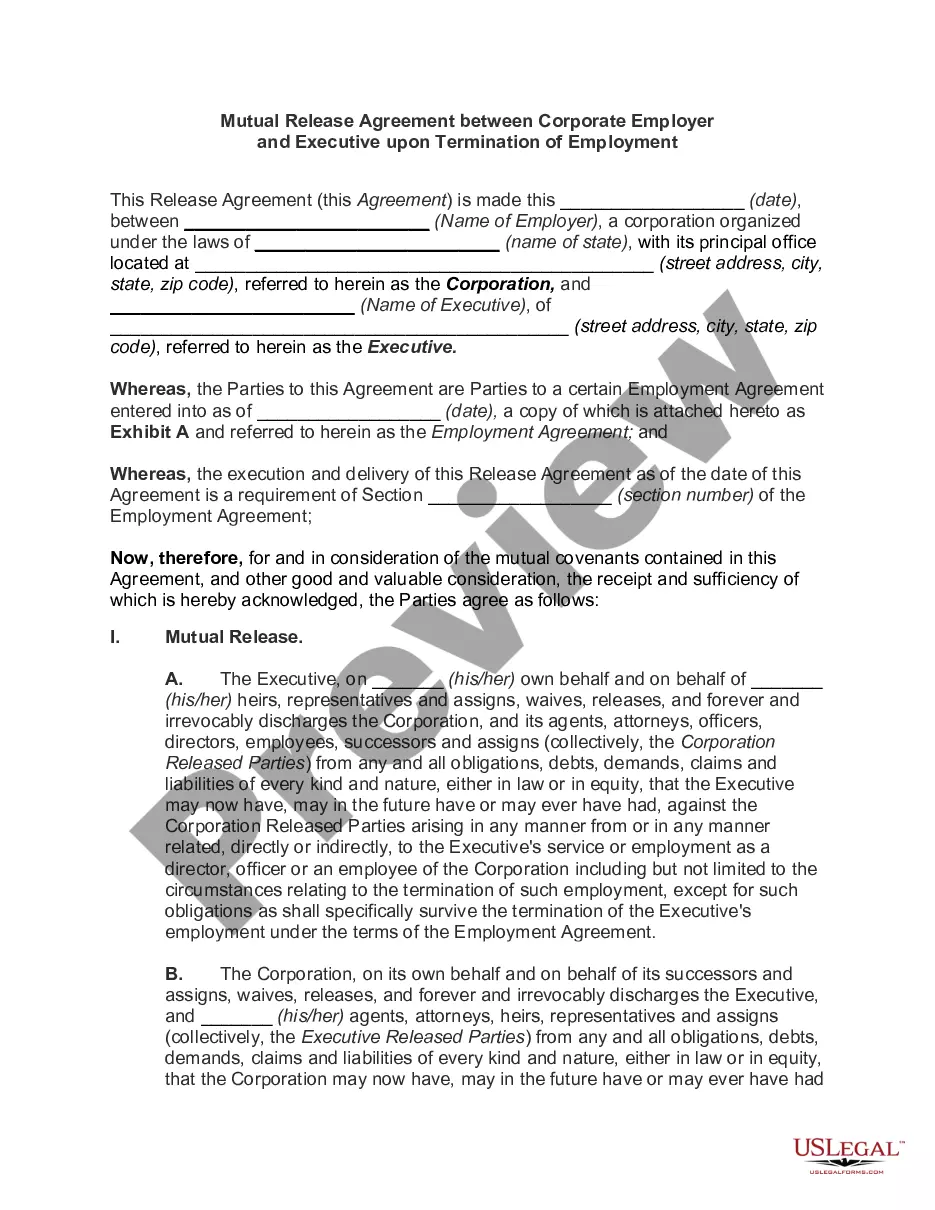
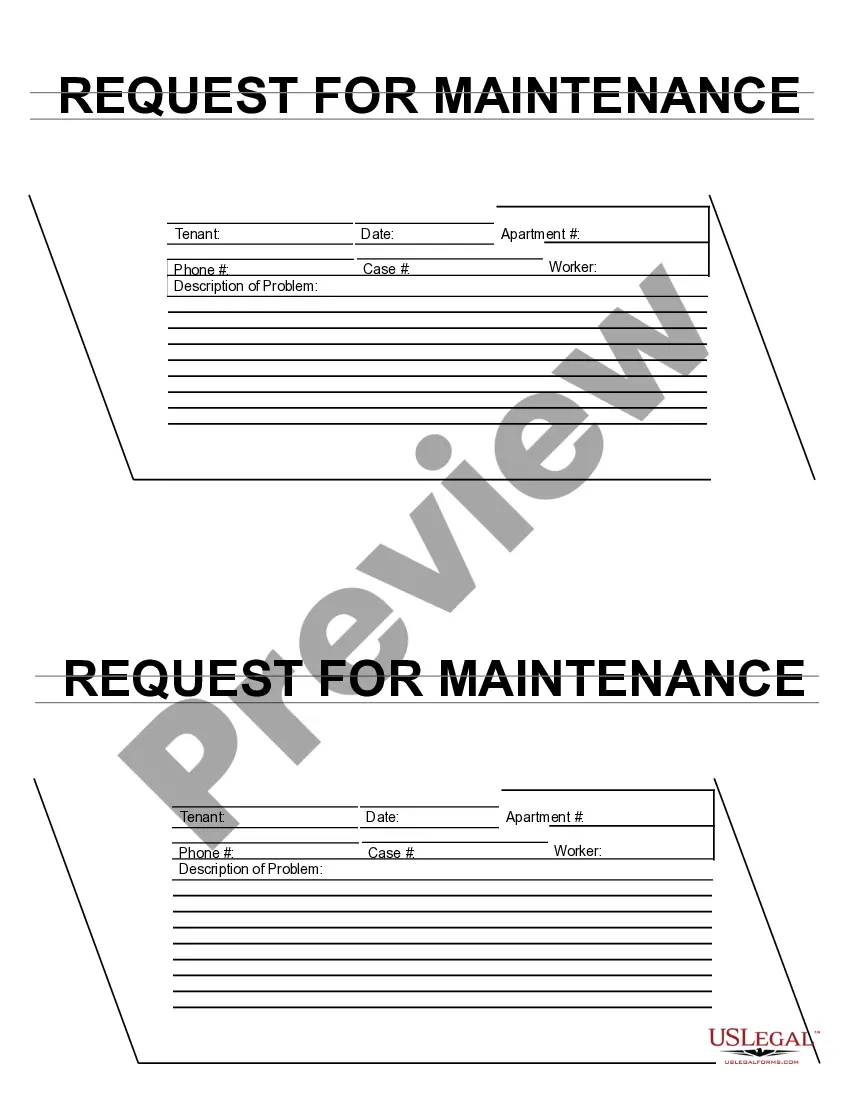
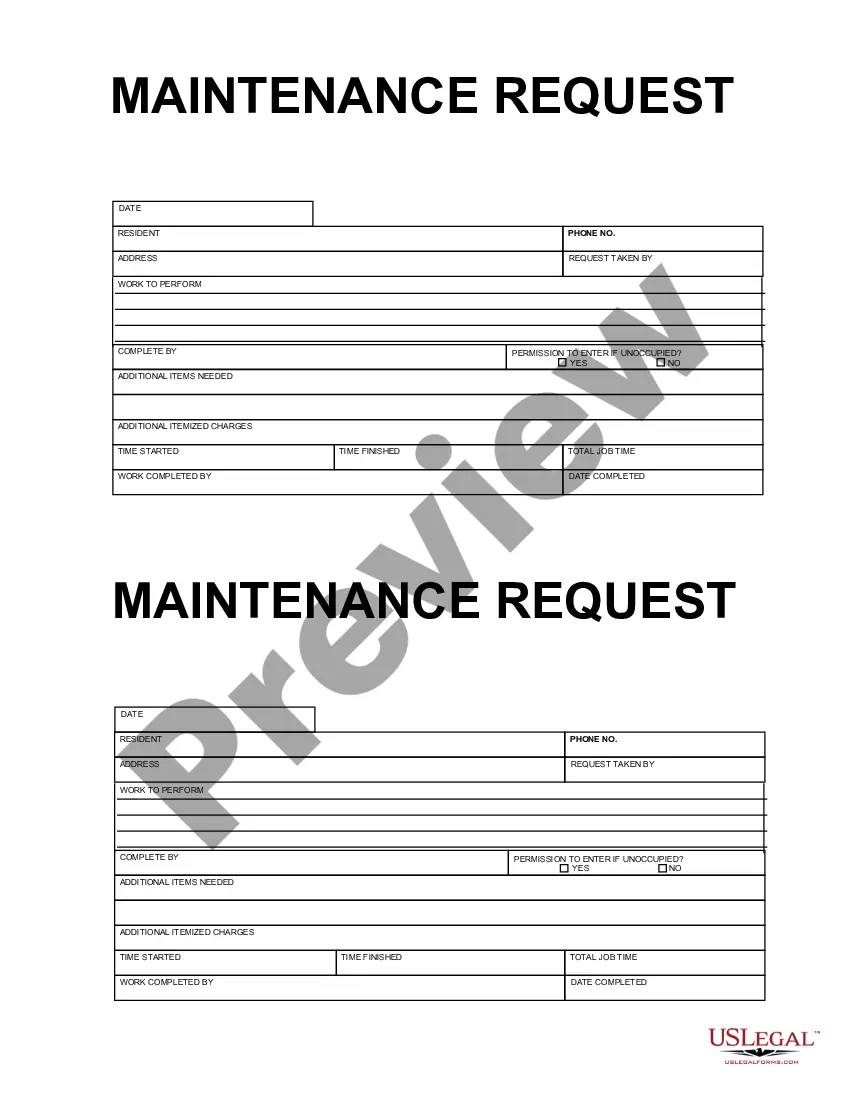
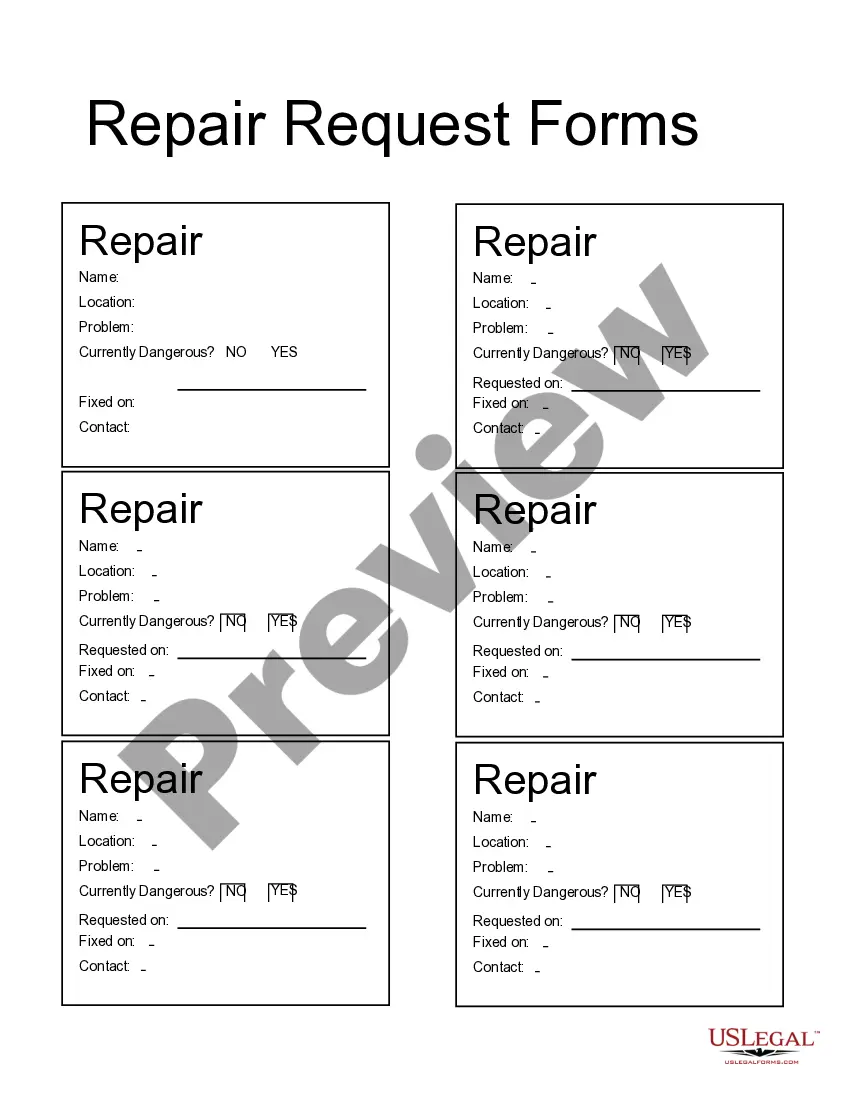
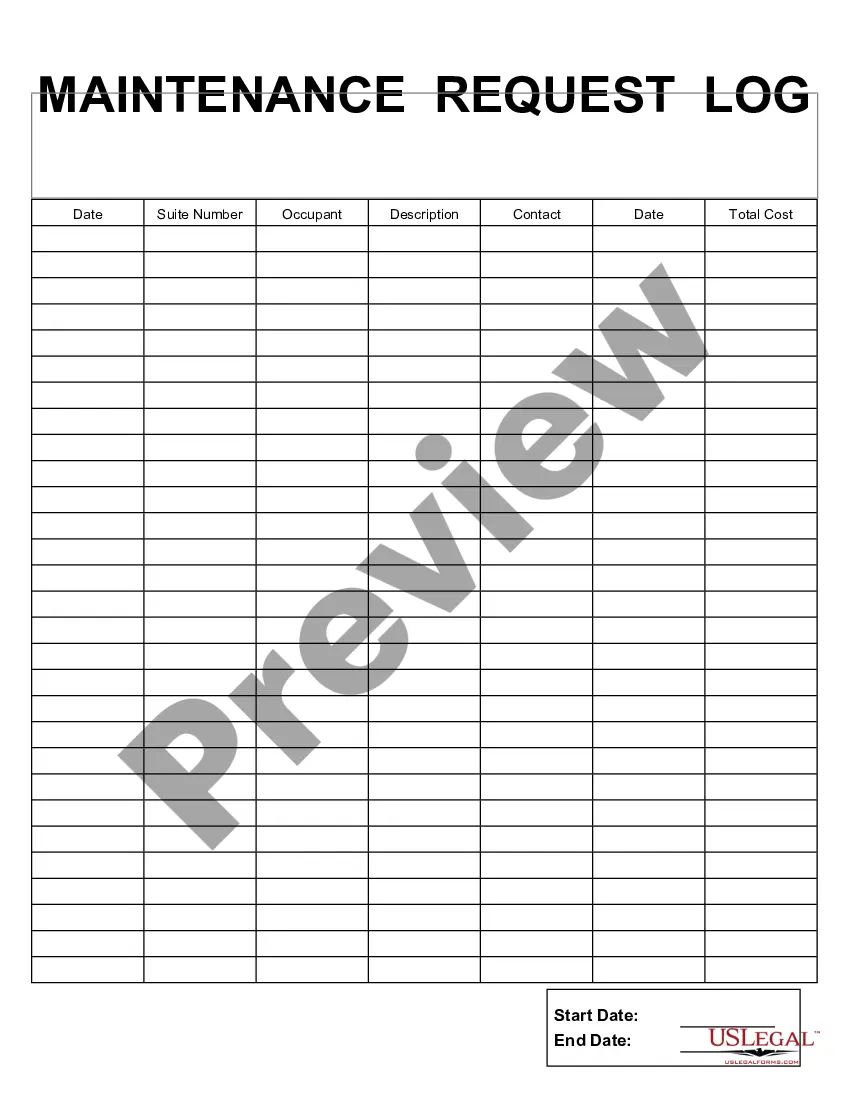
This form is a business type form that is formatted to allow you to complete the form using Adobe Acrobat or Word. The word files have been formatted to allow completion by entry into fields. Some of the forms under this category are rather simple while others are more complex. The formatting is worth the small cost.
Guam Request for Maintenance
Category:
State:
Multi-State
Control #:
US-161-AZ
Format:
Word;
PDF;
Rich Text
Instant download
Description
Get your form ready online
Our built-in tools help you complete, sign, share, and store your documents in one place.
Built-in online Word editor
Make edits, fill in missing information, and update formatting in US Legal Forms—just like you would in MS Word.
Export easily
Download a copy, print it, send it by email, or mail it via USPS—whatever works best for your next step.
E-sign your document
Sign and collect signatures with our SignNow integration. Send to multiple recipients, set reminders, and more. Go Premium to unlock E-Sign.
Notarize online 24/7
If this form requires notarization, complete it online through a secure video call—no need to meet a notary in person or wait for an appointment.
Store your document securely
We protect your documents and personal data by following strict security and privacy standards.

Make edits, fill in missing information, and update formatting in US Legal Forms—just like you would in MS Word.

Download a copy, print it, send it by email, or mail it via USPS—whatever works best for your next step.

Sign and collect signatures with our SignNow integration. Send to multiple recipients, set reminders, and more. Go Premium to unlock E-Sign.

If this form requires notarization, complete it online through a secure video call—no need to meet a notary in person or wait for an appointment.

We protect your documents and personal data by following strict security and privacy standards.
Looking for another form?
How to fill out Request For Maintenance?
US Legal Forms - one of the largest collections of legal documents in the United States - provides a selection of legal document templates that you can download or print.
By utilizing the website, you can obtain thousands of forms for business and personal purposes, organized by categories, states, or keywords. You can access the most recent versions of forms, such as the Guam Request for Maintenance, within minutes.
If you already hold a membership, Log In to download Guam Request for Maintenance from the US Legal Forms library. The Download button will appear on each form you view. You have access to all previously downloaded forms within the My documents section of your profile.
Select the format and download the form to your device.
Make edits. Complete, modify, print, and sign the downloaded Guam Request for Maintenance.
- Ensure you have selected the correct form for your area/region. Click the Preview button to review the form's content.
- Read the form description to confirm that you have selected the right form.
- If the form does not meet your requirements, utilize the Search box at the top of the screen to locate one that does.
- If you are satisfied with the form, confirm your selection by clicking the Buy now button.
- Then, choose the payment plan you prefer and provide your information to register for an account.
- Process the transaction. Use your credit card or PayPal account to complete the transaction.
Form popularity
FAQ
Where to File Forms 2848 and 8821. Practitioners must mail or fax their authorization forms to the applicable CAF unit (Ogden, Utah; Memphis, Tenn.; or Philadelphia) unless they check the box on line 4 of Form 2848 or 8821 (specific use not recorded on the CAF).
Walk in to the Department of Revenue and Taxation, Collection branch. Make sure to bring a copy of your e-filed return with the watermark "E-Filed" shown across the page. Mail in your payment. Mail your check payable to "Treasurer of Guam" to the Department of Revenue and Taxation, P.O. Box 23607, GMF, Guam 96921.
Or you can send your comments to the Internal Revenue Service, Tax Forms and Publications, 1111 Constitution Ave. NW, IR-6526, Washington, DC 20224. Don't send Form 8821 to this office. Instead, see How To File, earlier.
Electronic signatures are not allowed. Most Forms 2848 and 8821 are recorded on the IRS's Centralized Authorization File (CAF). Authorization forms uploaded through this tool will be worked on a first-in, first-out basis along with mailed or faxed forms.
Visit or call 877-777-4778. Complete this form, and mail or fax it to us within 30 days from the date of this notice. If you use the enclosed envelope, be sure our address shows through the window.
See GRT E-Filing Help.Email grt@revtax.gov.gu.Call 671-635-1835/1836.Write to Department of Revenue and Taxation, BPTB, P.O. Box 23607, GMF, Guam, 96921.
Employers file this form to report Guam wages. Do not use this form to report wages subject to U.S. income tax withholding.
You can file your 1040EZ online using MyGuamTax.com, an official service of the Guam Department of Revenue and Taxation. You will need to create a separate user account on MyGuamTax to file your 1040EZ online.
The fax and mail options for submitting Forms 2848 and 8821 are still available, however signatures on such forms must be handwritten. Using the online option will not accelerate the time necessary for the IRS to process the authorizations, which is currently estimated to be five weeks.
SBA requires you to complete the IRS Form 8821 as a part of your disaster loan application submission. The form authorizes the IRS to provide federal income tax information directly to SBA. Although the form is available online, it cannot be transmitted electronically.