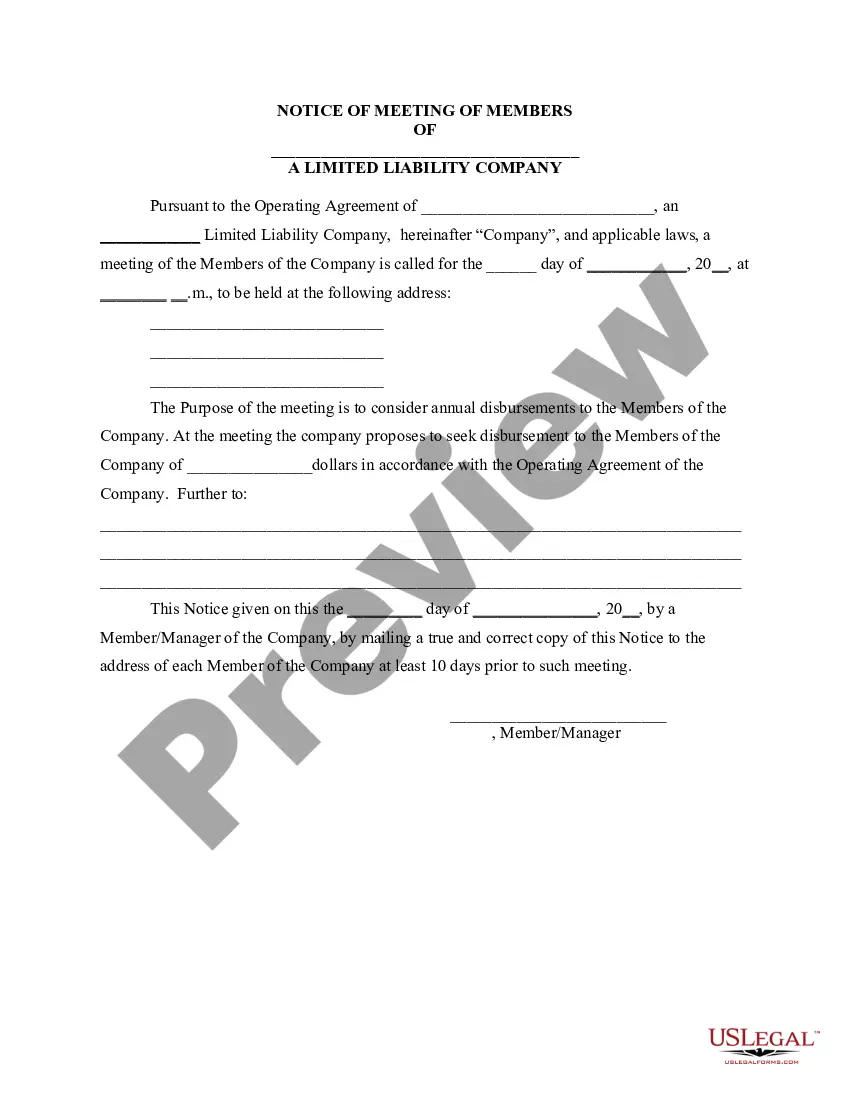
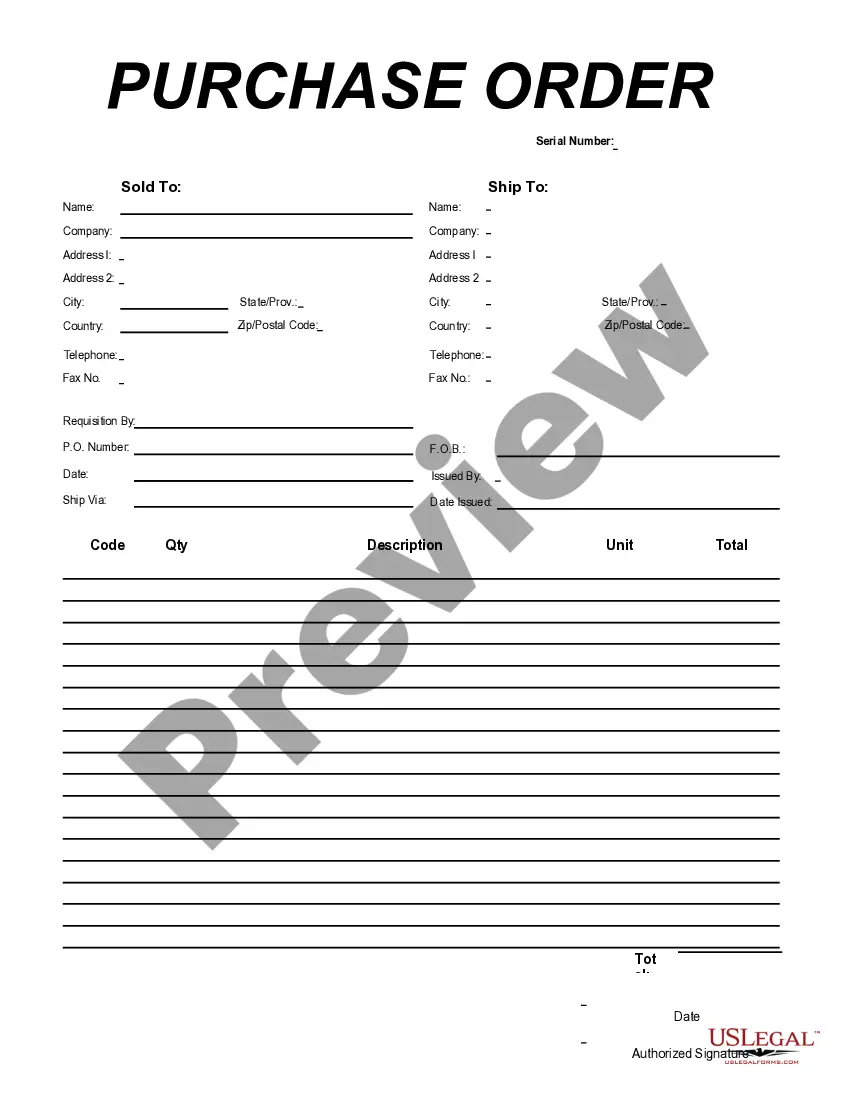
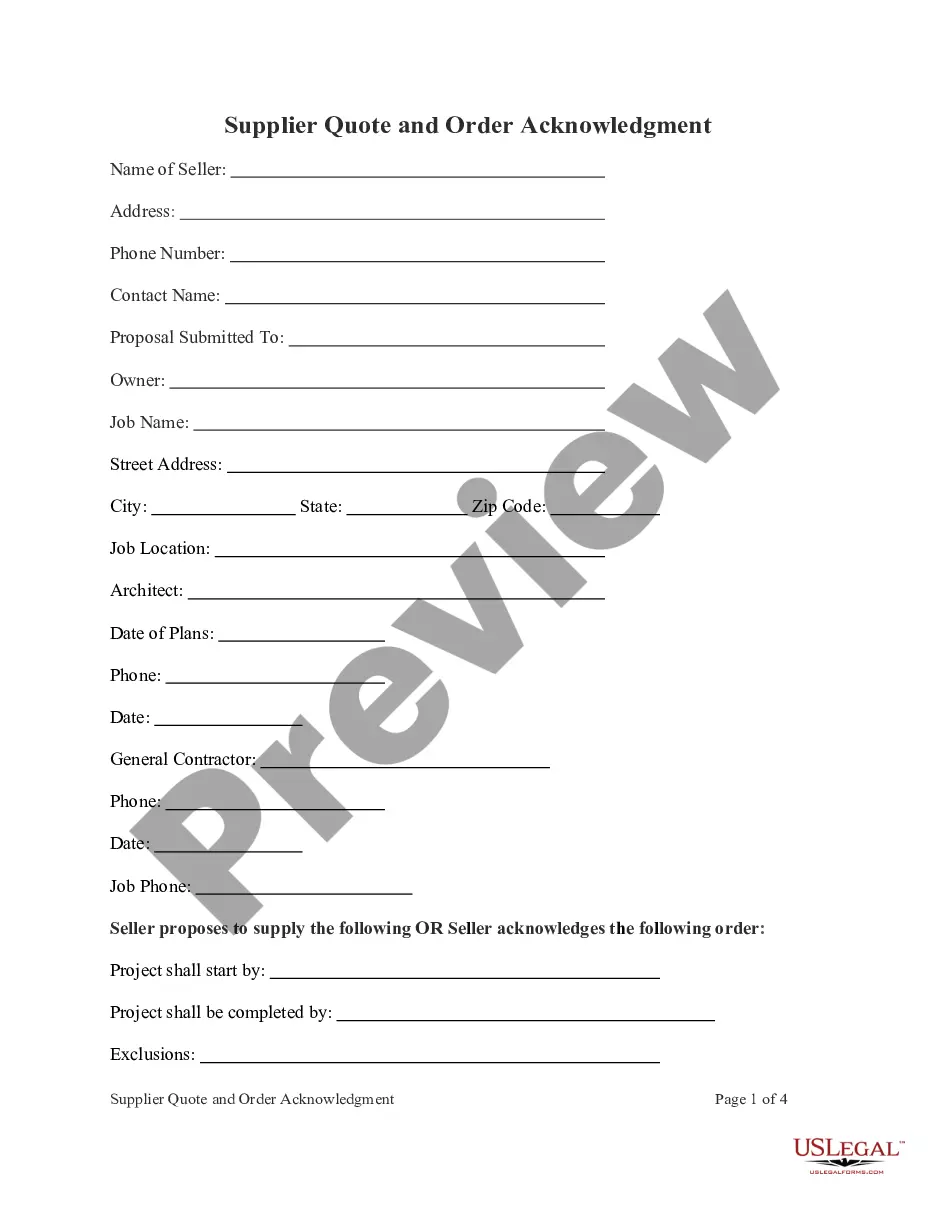
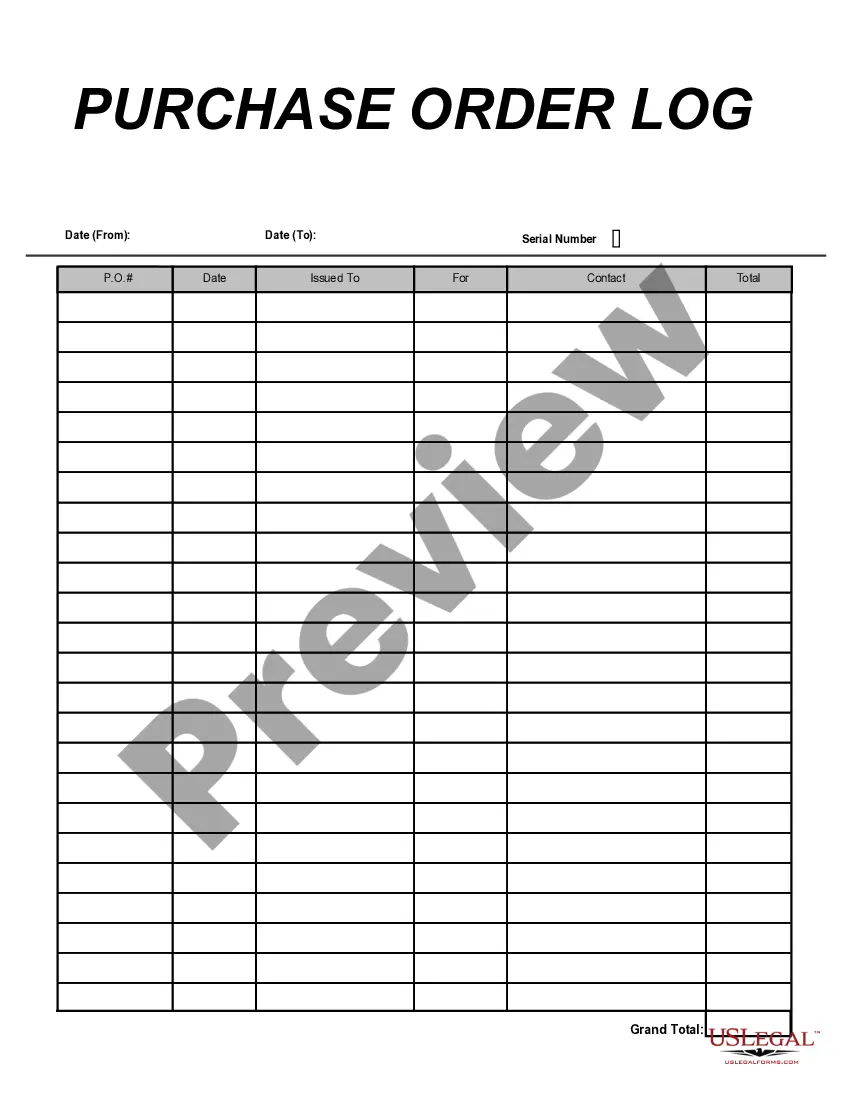
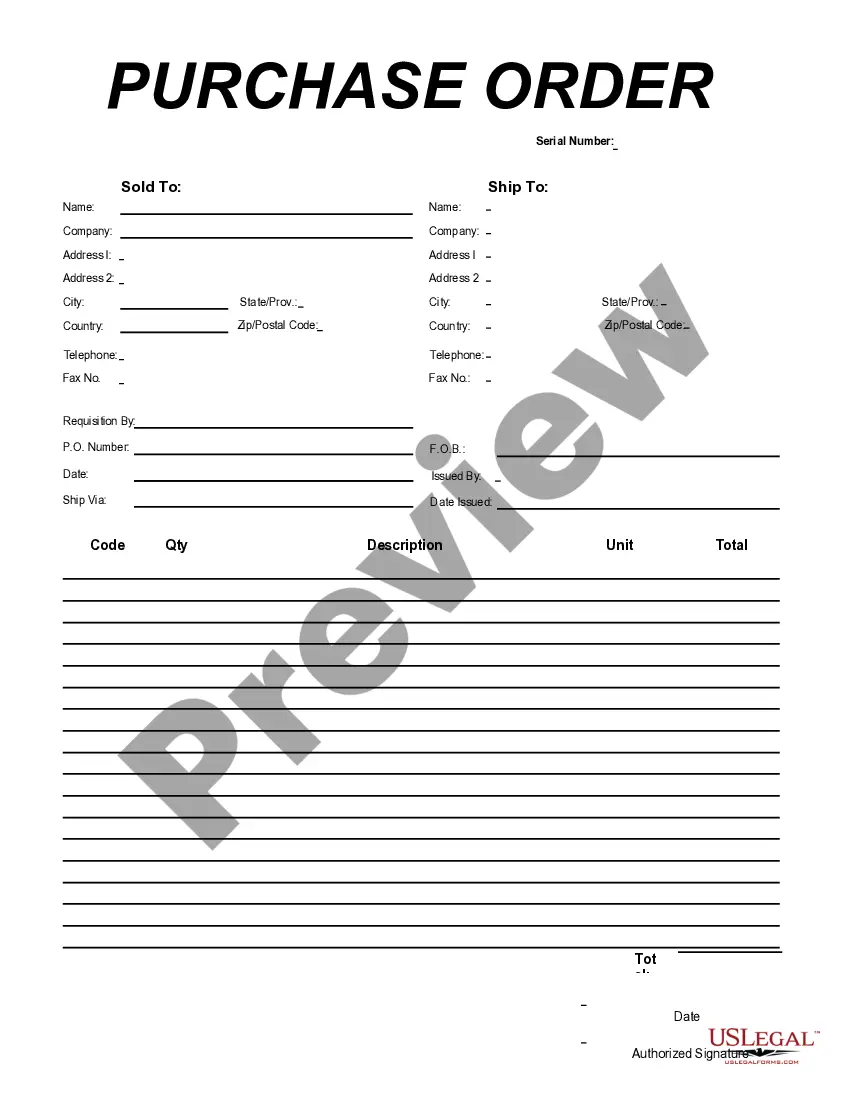
Georgia Purchase Order for Import Format
Description


Get your form ready online
Our built-in tools help you complete, sign, share, and store your documents in one place.
Make edits, fill in missing information, and update formatting in US Legal Forms—just like you would in MS Word.
Download a copy, print it, send it by email, or mail it via USPS—whatever works best for your next step.
Sign and collect signatures with our SignNow integration. Send to multiple recipients, set reminders, and more. Go Premium to unlock E-Sign.
If this form requires notarization, complete it online through a secure video call—no need to meet a notary in person or wait for an appointment.
We protect your documents and personal data by following strict security and privacy standards.

Make edits, fill in missing information, and update formatting in US Legal Forms—just like you would in MS Word.

Download a copy, print it, send it by email, or mail it via USPS—whatever works best for your next step.

Sign and collect signatures with our SignNow integration. Send to multiple recipients, set reminders, and more. Go Premium to unlock E-Sign.

If this form requires notarization, complete it online through a secure video call—no need to meet a notary in person or wait for an appointment.

We protect your documents and personal data by following strict security and privacy standards.
Looking for another form?


How to fill out Purchase Order For Import Format?
US Legal Forms - one of the most prominent collections of legal documents in the United States - provides an extensive variety of legal template documents that you can download or print.
By utilizing the website, you will access thousands of forms for business and personal purposes, organized by categories, states, or keywords. You can find the most recent versions of documents such as the Georgia Purchase Order for Import Format in a matter of minutes.
If you already hold a subscription, Log In and download the Georgia Purchase Order for Import Format from the US Legal Forms library. The Download button will appear on each form you view. You have access to all previously downloaded documents from the My documents section of your account.
Process the transaction. Use your Visa, Mastercard, or PayPal account to complete the payment.
Choose the format and download the form to your device. Edit. Complete, modify, print, and sign the downloaded Georgia Purchase Order for Import Format. Each format saved to your account has no expiration date and is yours indefinitely. Therefore, if you wish to download or print an additional copy, simply go to the My documents section and click on the form you require. Access the Georgia Purchase Order for Import Format with US Legal Forms, one of the most extensive libraries of legal document templates. Utilize a large number of professional and state-specific templates that meet your business or personal requirements.
- If you are using US Legal Forms for the first time, here are simple steps to help you get started.
- Ensure you have selected the correct form for your locality/region.
- Click on the Preview button to review the content of the form.
- Check the form overview to make sure you have chosen the right document.
- If the form does not suit your needs, utilize the Search area at the top of the screen to locate one that does.
- If you are satisfied with the form, confirm your choice by clicking the Buy now button.
- Then, select your desired pricing plan and provide your information to register for an account.
Form popularity
FAQ
Creating your own Georgia Purchase Order for Import Format is straightforward. Start by gathering essential details such as the vendor's information, the items you wish to purchase, and the terms of the agreement. Then, you can use templates or forms to format your PO correctly. Platforms like USLegalForms provide templates that simplify this process, ensuring you meet all requirements efficiently.
A Georgia Purchase Order for Import Format serves as a detailed document that outlines the specifics of a transaction between a buyer and a seller. For example, it typically includes information such as item descriptions, quantities, prices, and delivery terms. This document helps ensure both parties have clear communication about the transaction. Using a structured format simplifies the import process and maintains compliance with regulations.
There are four primary types of purchase orders: standard, planned, blanket, and contract. A standard purchase order is used for a one-time purchase, while a planned purchase order outlines future buying needs. Blanket purchase orders allow for multiple deliveries over a specified period, and contract purchase orders establish a long-term agreement with suppliers. Understanding these types helps you efficiently navigate the Georgia Purchase Order for Import Format.
Format of a Purchase Order Form TemplateHeader Provide your company details, including the company name, business address, purchase order date, and order number.Vendor information Indicate the proper recipient for the purchase order.More items...?
At a minimum, a purchase order will include the following:Header with your company's name and address.The date of the order.A tracking number.The seller's name and address.Item type.Product number, model number, or SKU.Item quantity.Item price.More items...
Issuance of a international purchase order is normally preceded by an exchange of information between exporter and importer with respect to the price, quality and quantity of products, etc. When the transaction details have been agreed, the seller may issue an informal price quote or a more detailed proforma invoice.
9 Main Purchase Order Features You Need to ConsiderVendor Database.Automated Purchase Orders.Purchase Order Document Creation.Purchase Order Status Tracking.Blanket Purchase Orders.Matching Purchase Orders with Invoices.Supplier Lead Time Management.Managing Approvals and Requisitions.More items...?
Who creates a purchase order? A purchase order is created by the buyer after the purchase request is approved. It is then sent to the vendor or supplier.
The first step in automating the process is to create a purchase order template that contains all the details needed to approve and pay for the order when the time comes. The purchase order process: A PO is raised by a buyer. The purchase order is approved by the relevant people at the buyer's end.
How does a purchase order work?Buyer decides to order items from the seller.Buyer drafts the purchase order and sends it to the seller for approval.Seller reviews the purchase order and confirms if it can fulfill the request.Purchase order is approved.Product or service fulfillment.The invoice is paid.