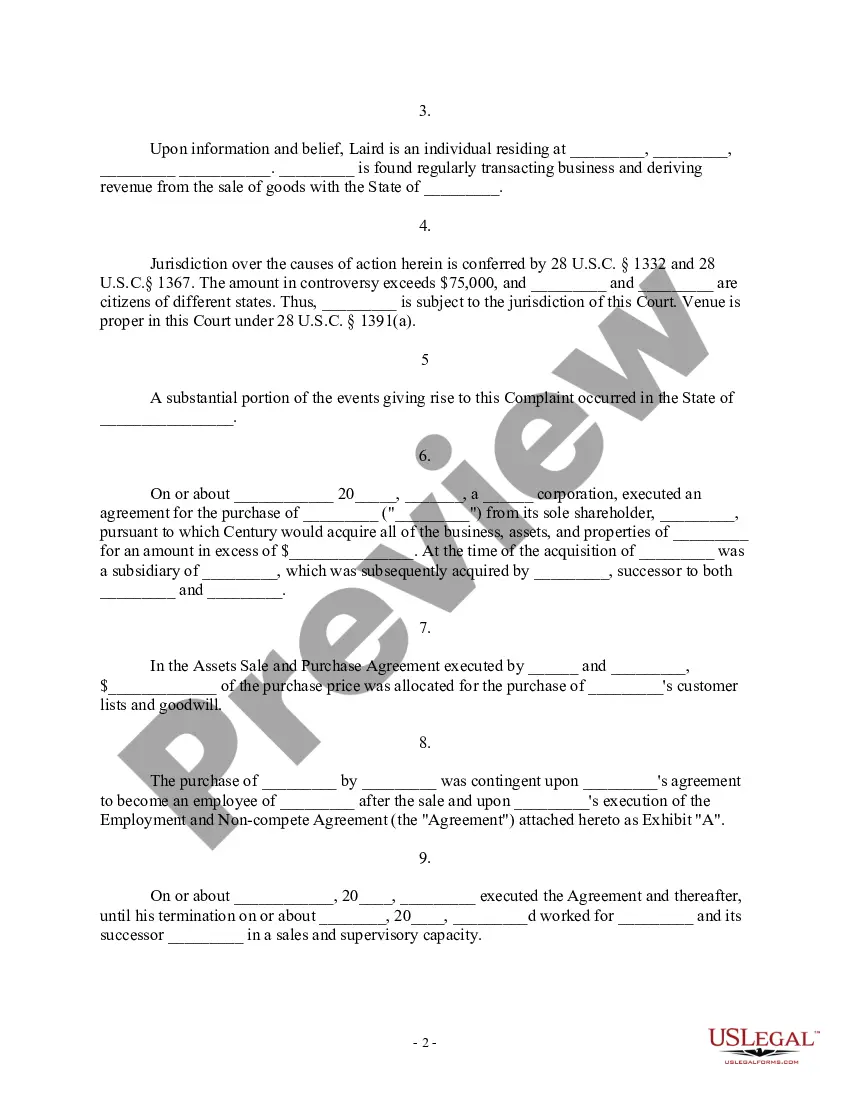
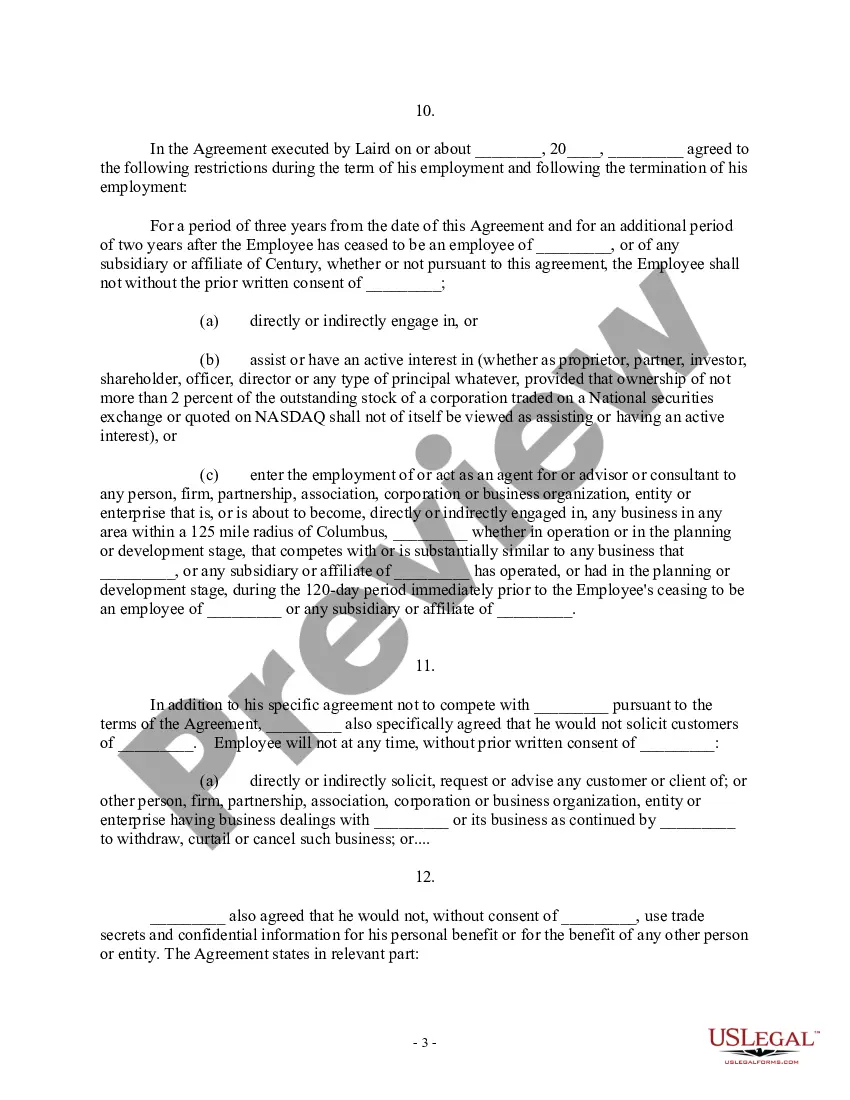
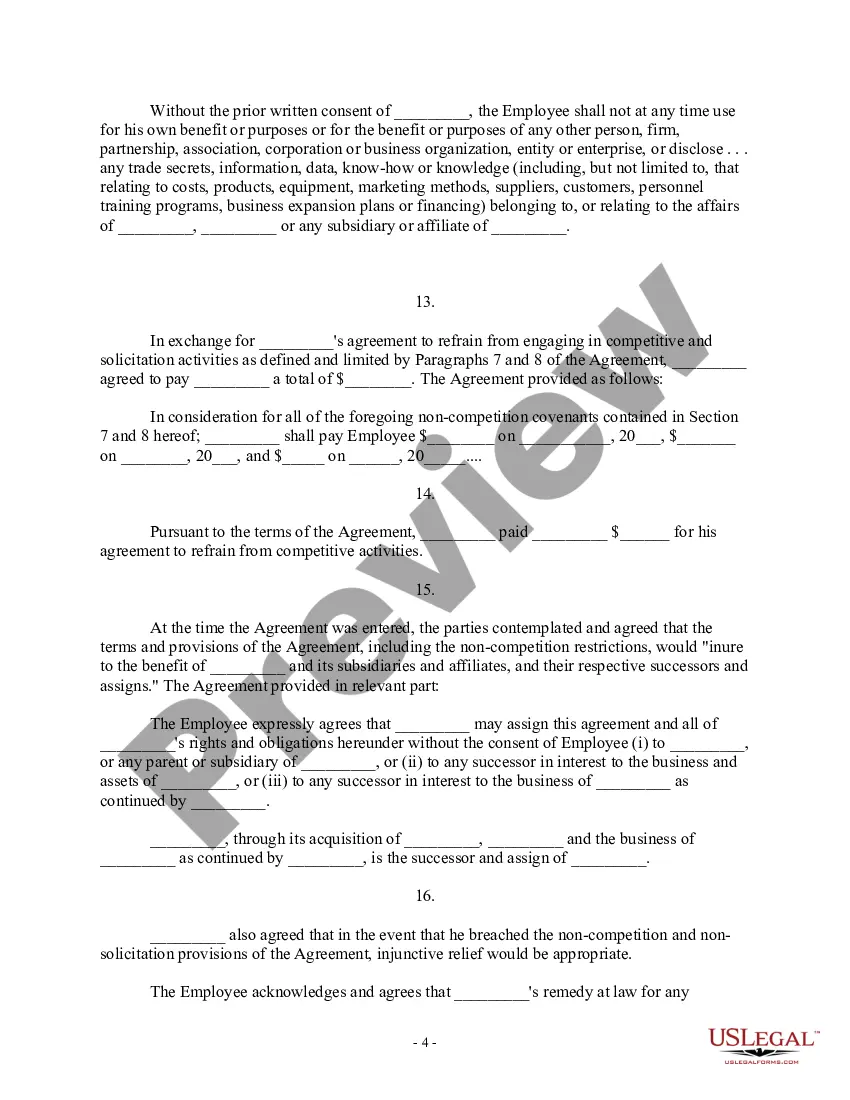
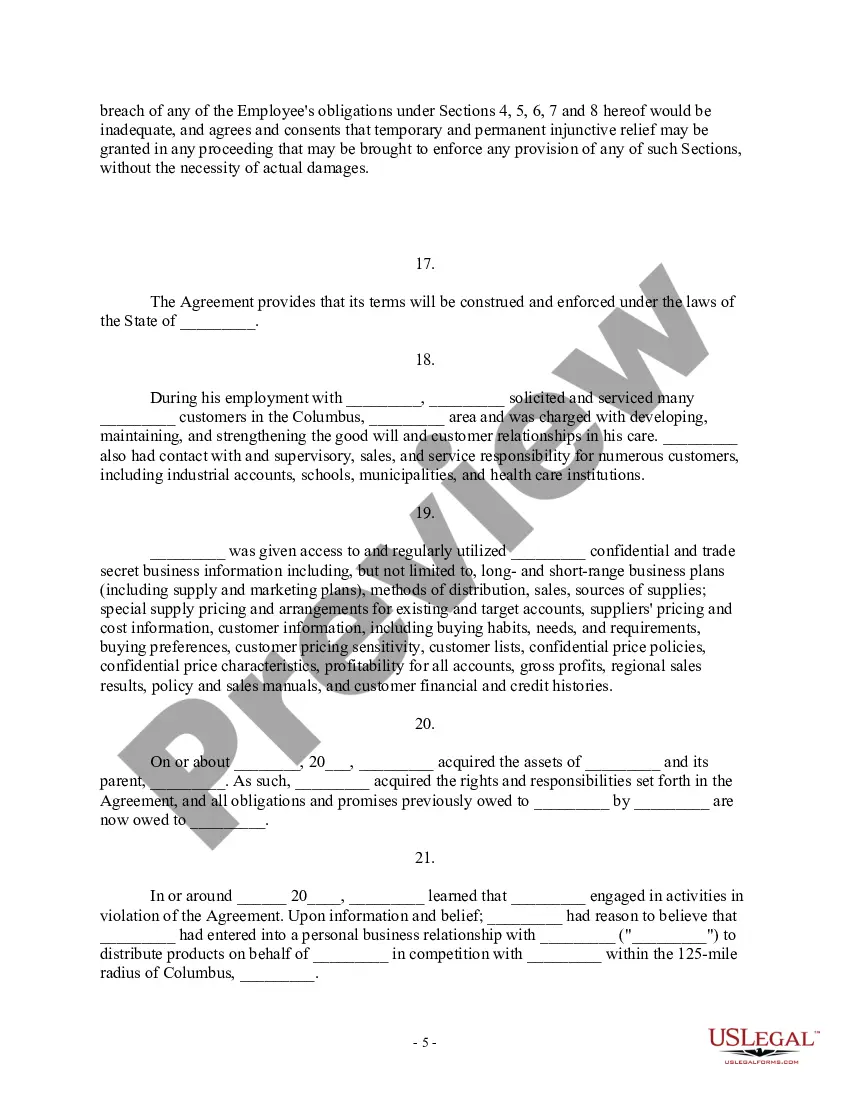
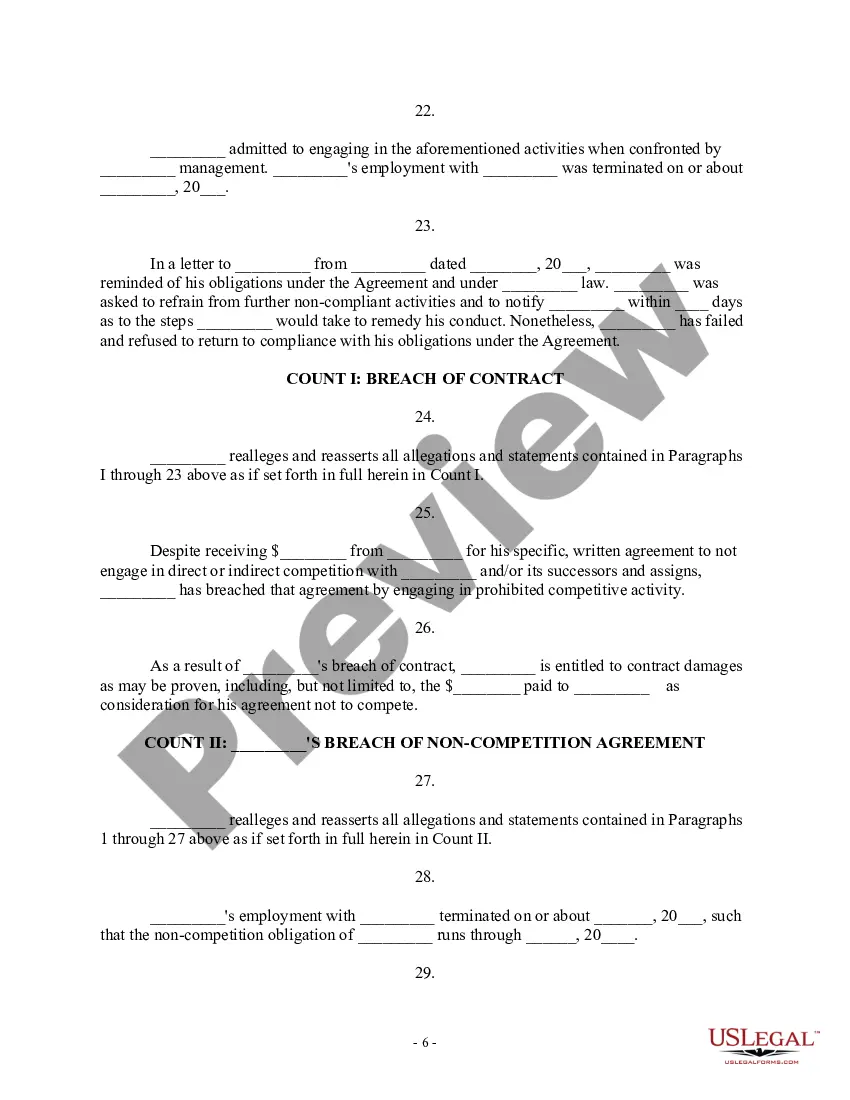
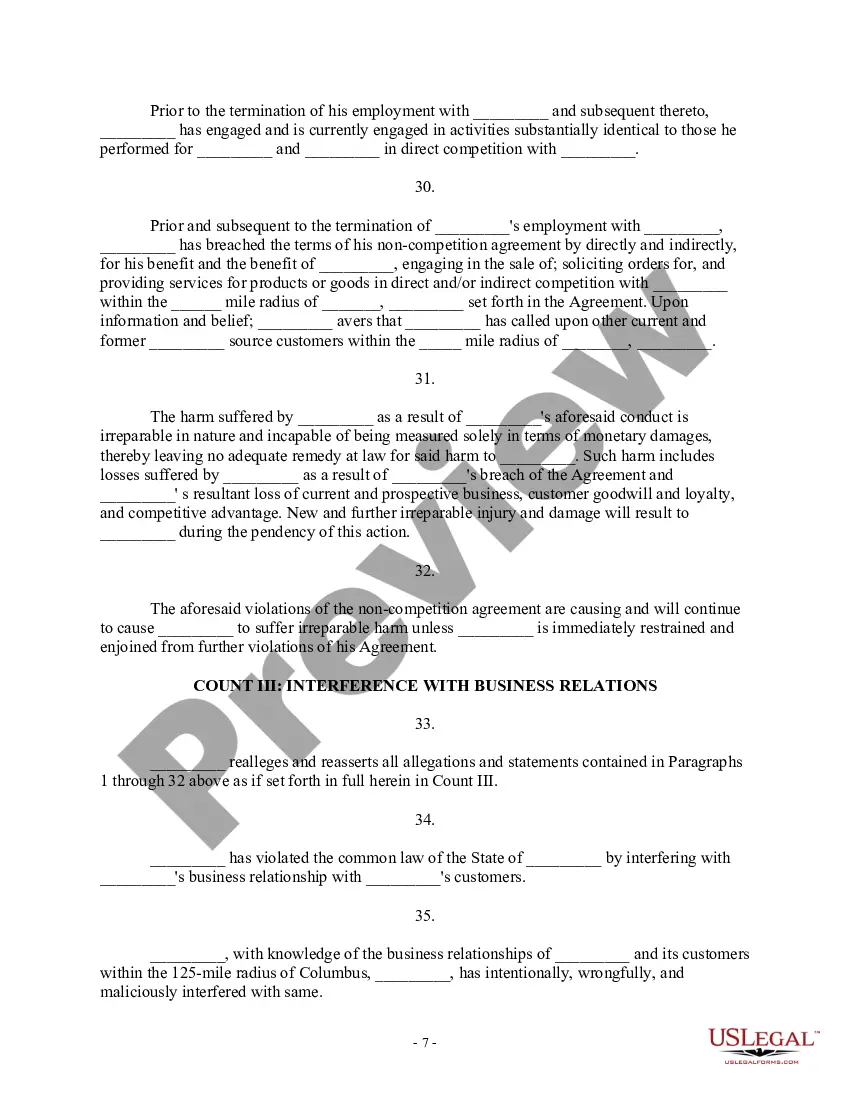
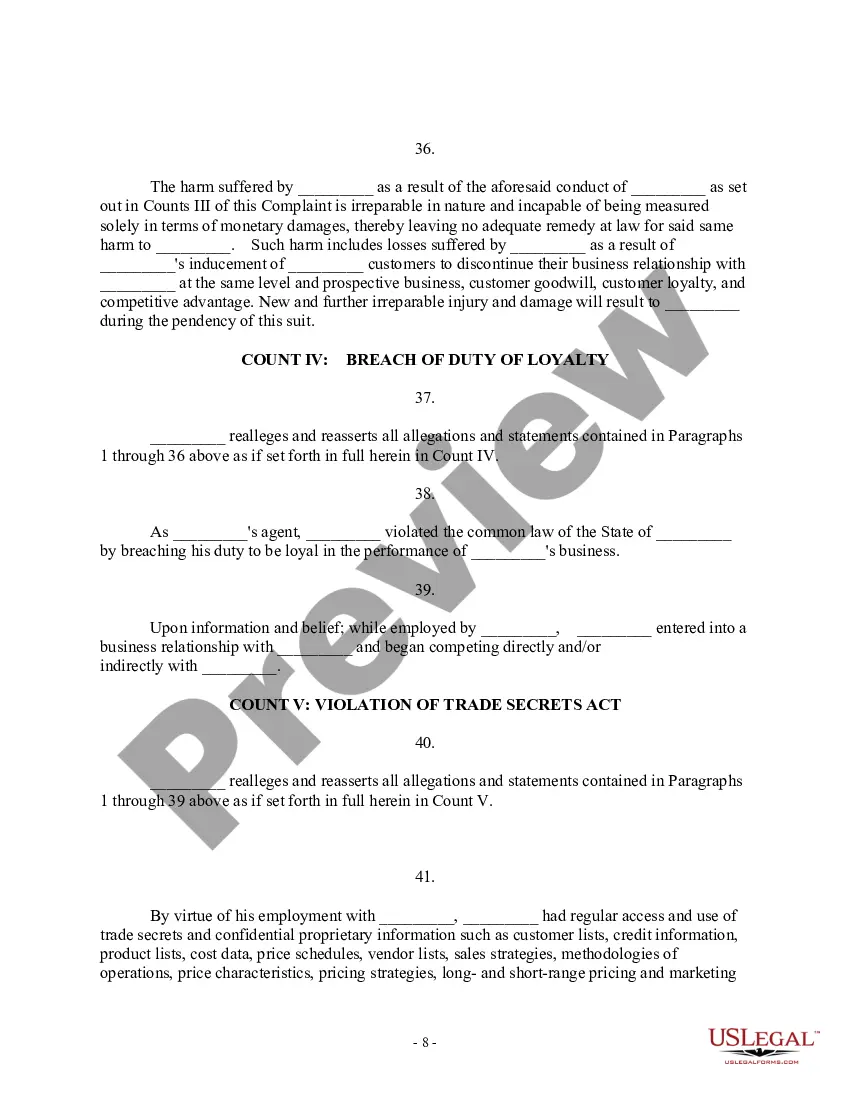
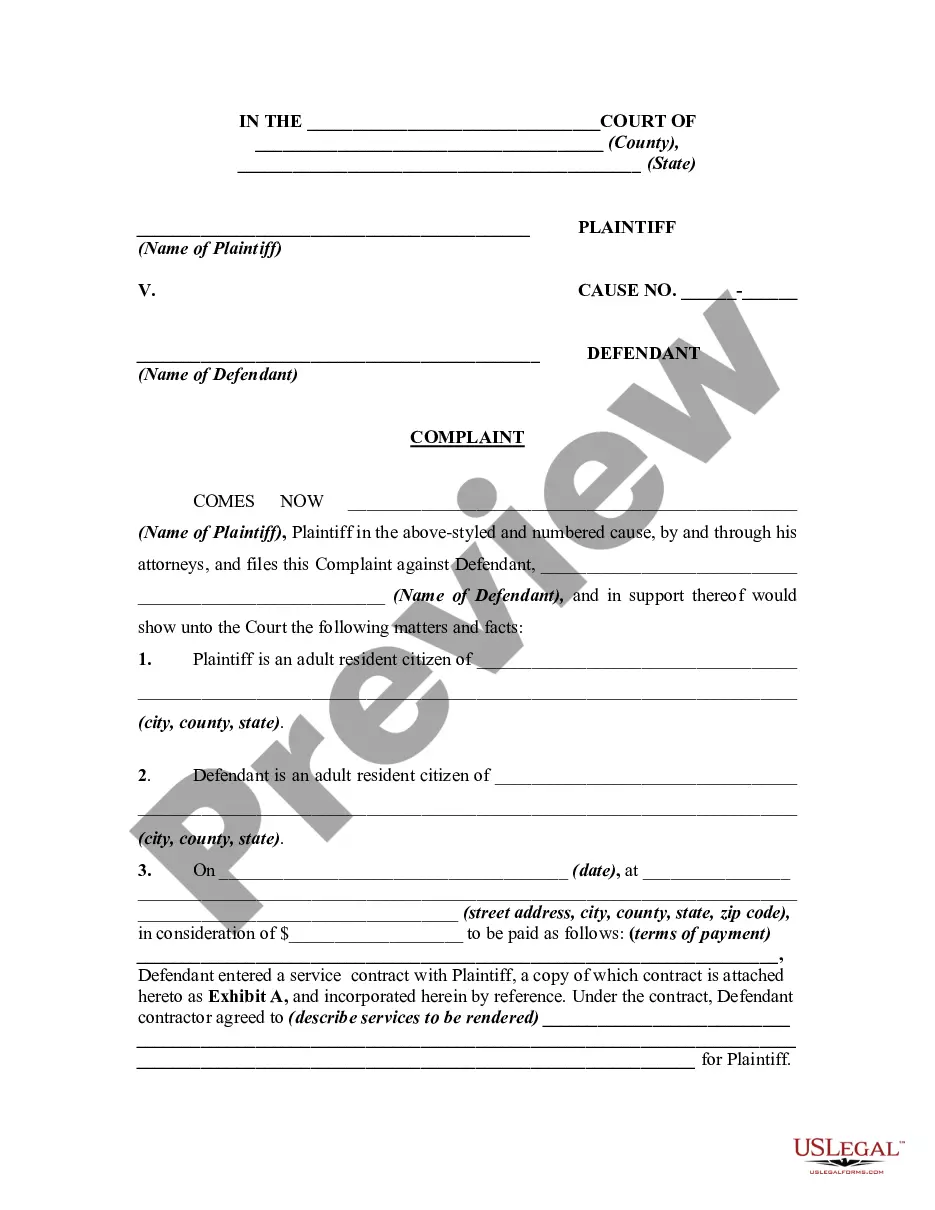
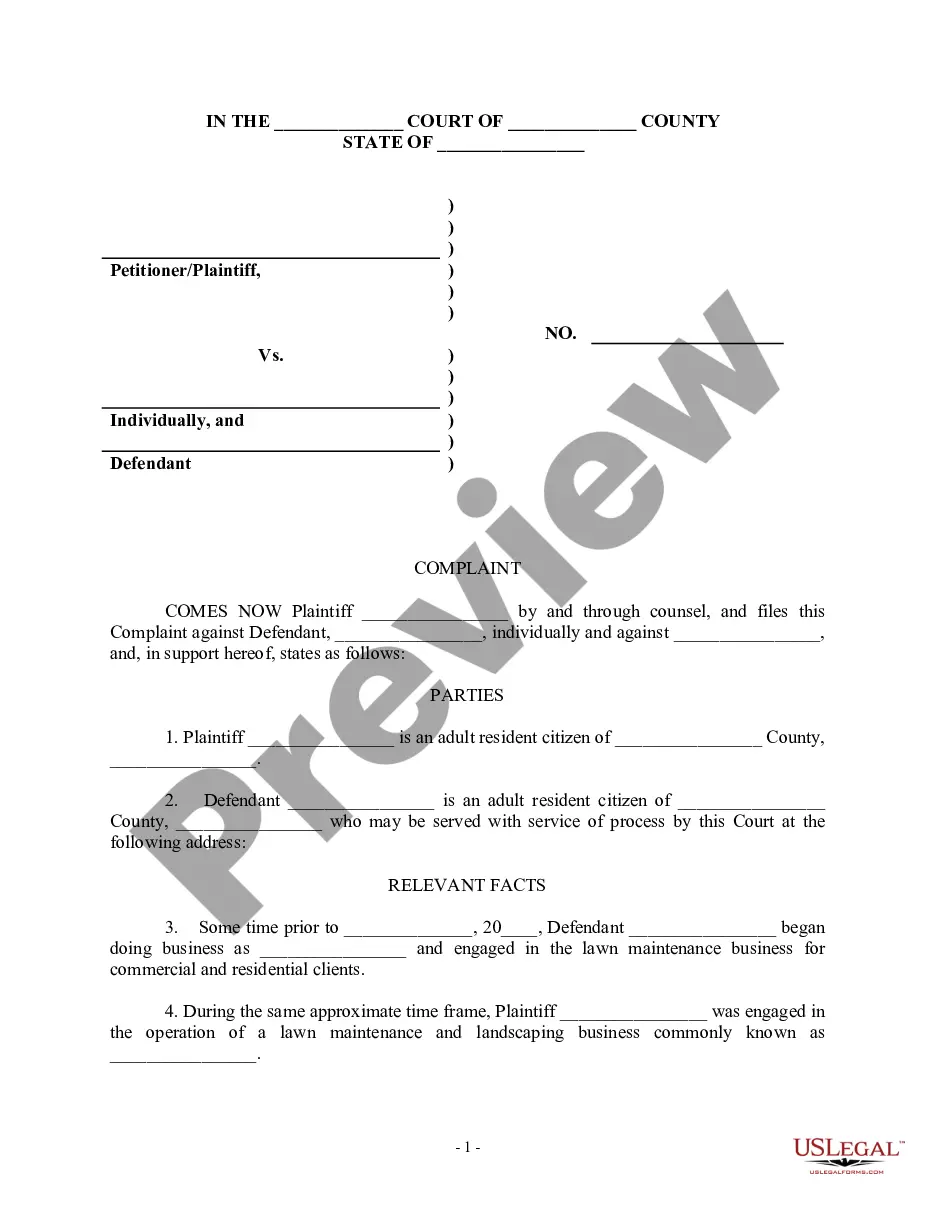
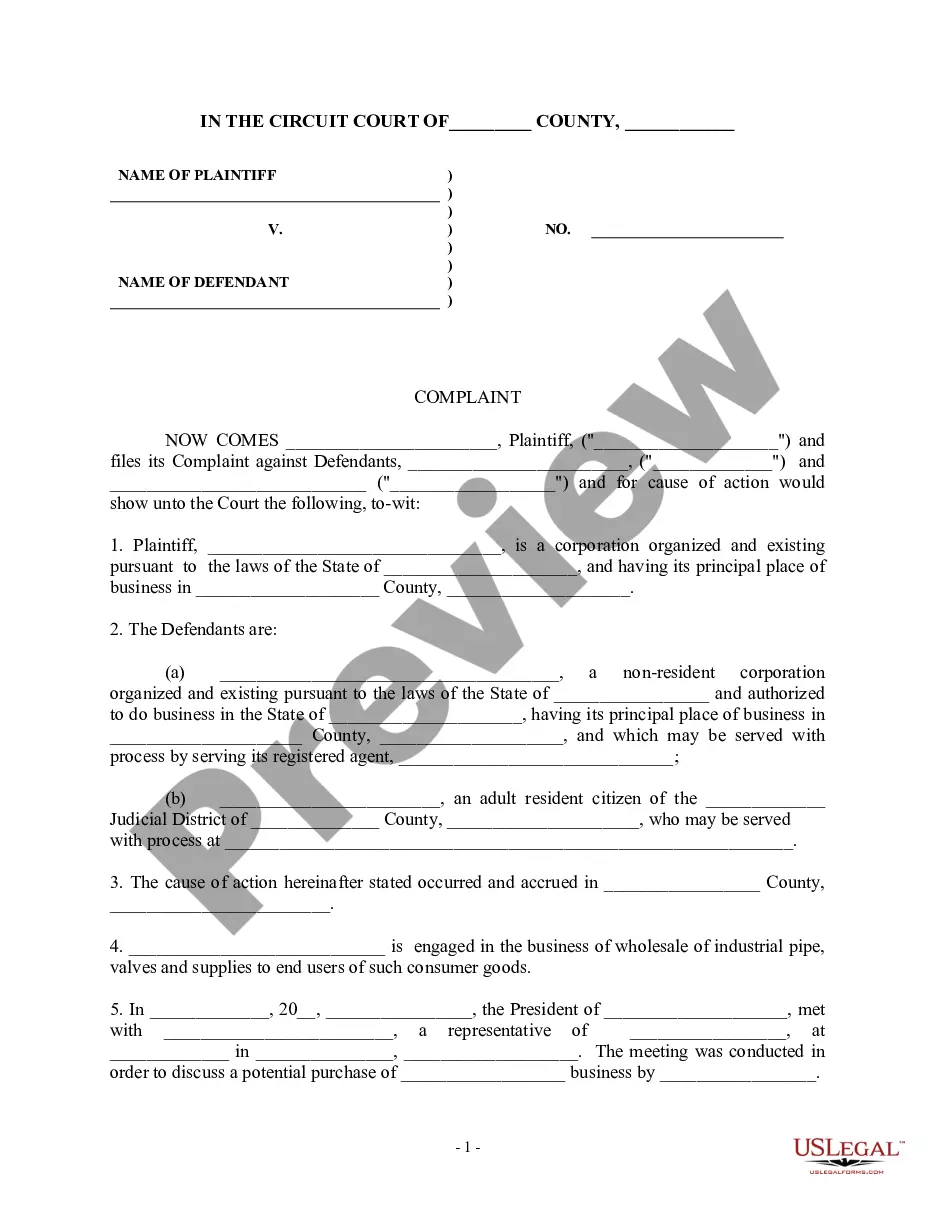
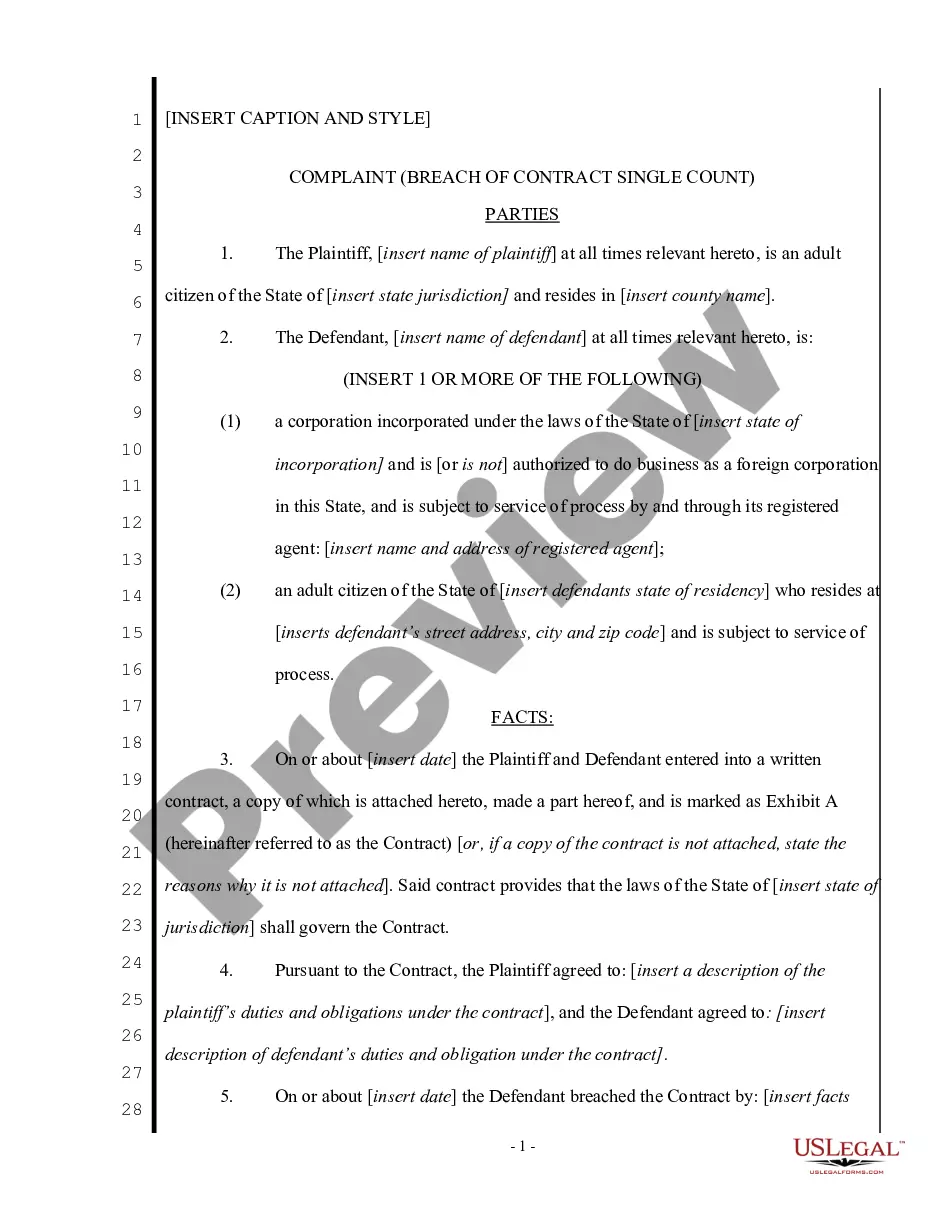
This form is a Complaint for Injunctive Relief and Damages. Plaintiff filed this action against defendant for breaching a non-competition agreement. Plaintiff also contends that the harm suffered as a result of defendant's conduct is irreparable in nature and cannot be measured solely in terms of monetary damages.
Georgia Complaint for Injunctive Relief and Damages for Breach of Noncompetition Agreement - Breach of Contract - Violation of Trade Secrets Act
Category:
State:
Multi-State
Control #:
US-000302
Format:
Word;
Rich Text
Instant download
Description
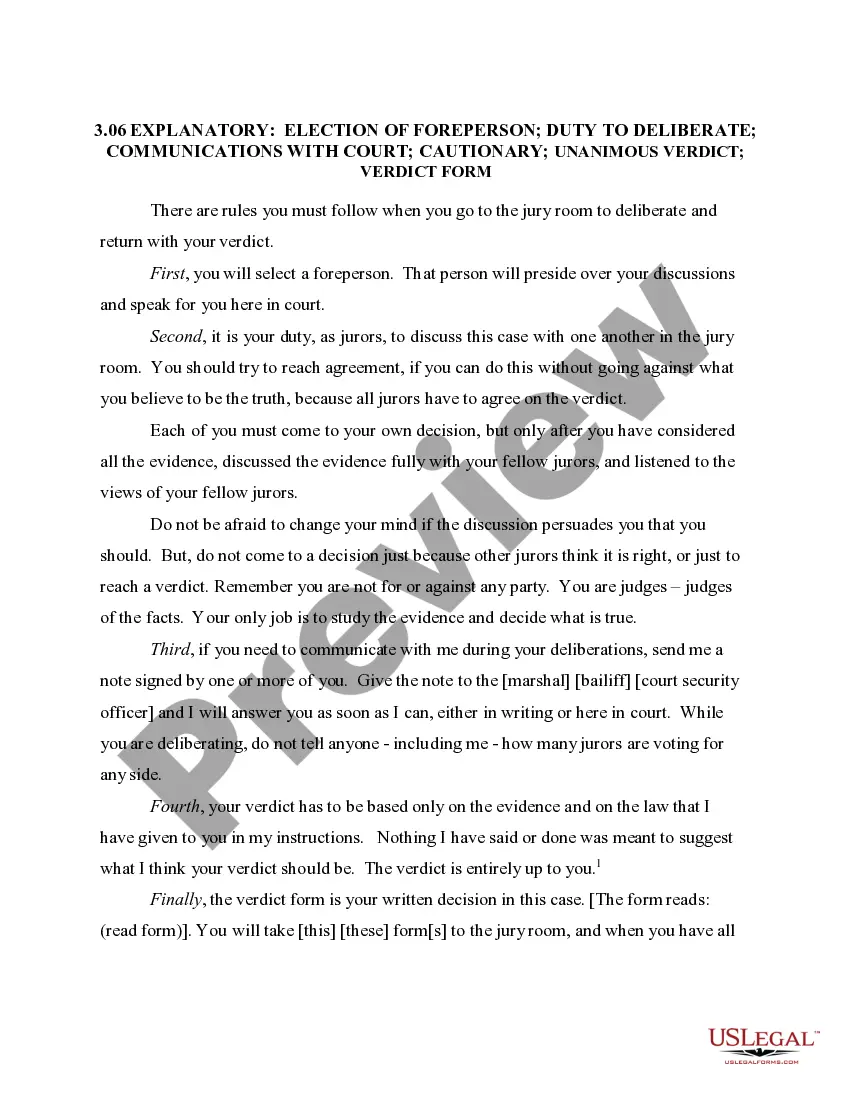
Free preview


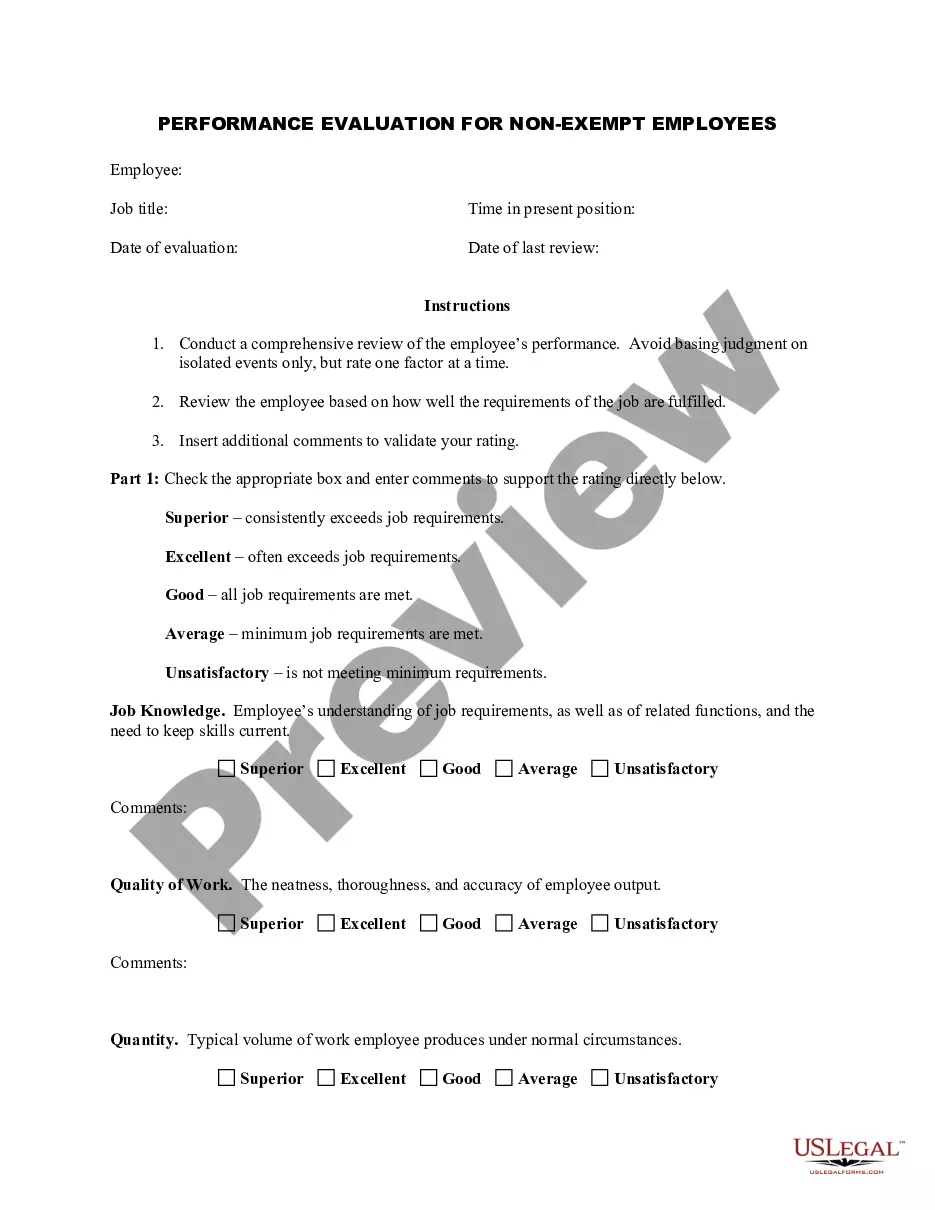

How to fill out Complaint For Injunctive Relief And Damages For Breach Of Noncompetition Agreement - Breach Of Contract - Violation Of Trade Secrets Act?
US Legal Forms - one of the most prominent collections of legal documents in the United States - offers a range of legal template files that you can access or create. By using the website, you will receive thousands of forms for business and personal purposes, organized by categories, states, or keywords.
You can find the latest versions of forms such as the Georgia Complaint for Injunctive Relief and Damages for Breach of Noncompetition Agreement - Breach of Contract - Violation of Trade Secrets Act in moments.
If you already have an account, Log In and download the Georgia Complaint for Injunctive Relief and Damages for Breach of Noncompetition Agreement - Breach of Contract - Violation of Trade Secrets Act from your US Legal Forms local library. The Download button will appear on each form you view. You can access all previously downloaded forms from the My documents section of your account.
Process the payment. Use your credit card or PayPal account to complete the transaction. Select the format and download the form to your device.
Make modifications. Fill out, edit, print, and sign the downloaded Georgia Complaint for Injunctive Relief and Damages for Breach of Noncompetition Agreement - Breach of Contract - Violation of Trade Secrets Act. Every template you add to your account does not have an expiration date and is yours permanently. Therefore, if you wish to download or create another copy, simply visit the My documents section and click on the form you need. Access the Georgia Complaint for Injunctive Relief and Damages for Breach of Noncompetition Agreement - Breach of Contract - Violation of Trade Secrets Act with US Legal Forms, the largest collection of legal document templates. Utilize thousands of professional and state-specific templates that fulfill your business or personal needs and requirements.
- If you want to use US Legal Forms for the first time, here are some simple steps to help you get started.
- Make sure you have selected the correct form for your city/region.
- Click the Preview button to review the form's details.
- Check the form information to confirm you have chosen the right form.
- If the form does not meet your needs, use the Search field at the top of the screen to find one that does.
- If you are satisfied with the form, confirm your selection by clicking the Get now button.
- Then, choose the pricing plan you wish and provide your credentials to sign up for an account.
Form popularity
FAQ
The three requirements of deceptive acts or practices include a representation, omission, or practice that is likely to mislead a consumer; the consumer's reliance on this deception; and the resulting damages. If these elements are present, consumers may have grounds for a complaint under the Georgia Complaint for Injunctive Relief and Damages for Breach of Noncompetition Agreement - Breach of Contract - Violation of Trade Secrets Act. For assistance in filing, consider using US Legal Forms to simplify the process.
The Deceptive and Unfair Trade Practices Act in Georgia aims to prevent businesses from engaging in unethical practices that harm consumers. This act provides a legal framework for individuals to recover damages when they experience deception. If you believe you have been wronged in such a manner, it might relate to the Georgia Complaint for Injunctive Relief and Damages for Breach of Noncompetition Agreement - Breach of Contract - Violation of Trade Secrets Act. You can find helpful templates on US Legal Forms to guide your filing.
The Unfair and Deceptive Trade Practices Act in Georgia protects consumers from misleading and fraudulent business practices. It allows individuals to seek damages if they fall victim to such practices. If a business violates this act, it may lead to a Georgia Complaint for Injunctive Relief and Damages for Breach of Noncompetition Agreement - Breach of Contract - Violation of Trade Secrets Act. US Legal Forms can assist you in filing a complaint under this act.
To file a complaint against a contractor in Georgia, first gather all relevant documentation, including contracts and communication records. You can submit your complaint to the Georgia Secretary of State's office or the Better Business Bureau. If your case involves serious issues such as those outlined in the Georgia Complaint for Injunctive Relief and Damages for Breach of Noncompetition Agreement - Breach of Contract - Violation of Trade Secrets Act, consider using US Legal Forms to ensure your complaint is properly structured and submitted.
In Georgia, individuals have the right to refuse to show identification in certain situations, such as during a casual encounter with law enforcement. However, if you are stopped for a valid reason, refusing to provide ID could escalate the situation. Understanding your rights is vital, especially if you face legal actions like those under the Georgia Complaint for Injunctive Relief and Damages for Breach of Noncompetition Agreement - Breach of Contract - Violation of Trade Secrets Act. Always consult legal resources or professionals for guidance.
Consumer Affairs in Georgia handles a variety of complaints, including those related to unfair trade practices and fraud. They focus on protecting consumer rights by addressing issues like defective products or misleading advertising. If you believe your rights have been violated under the Georgia Complaint for Injunctive Relief and Damages for Breach of Noncompetition Agreement - Breach of Contract - Violation of Trade Secrets Act, consider filing a complaint with them. US Legal Forms can provide the necessary documentation to facilitate your complaint.
Under consumer protection laws in Georgia, individuals can file complaints related to unfair business practices, false advertising, and violations of consumer rights. A Georgia Complaint for Injunctive Relief and Damages for Breach of Noncompetition Agreement - Breach of Contract - Violation of Trade Secrets Act may also arise if a business fails to uphold contractual obligations. Consumers can seek remedies through appropriate legal channels to address grievances. Utilizing US Legal Forms can help you navigate this process effectively.